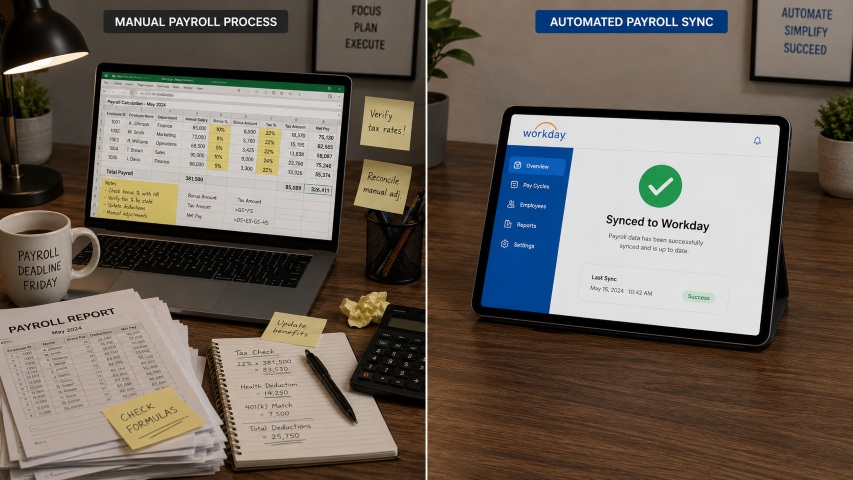
Unscheduled shifts happen every day, but most time clocks aren’t built to handle them. When employees work outside the schedule, payroll errors follow. This article shows how HR teams can allow unscheduled clock-ins while keeping payroll accurate and under control.

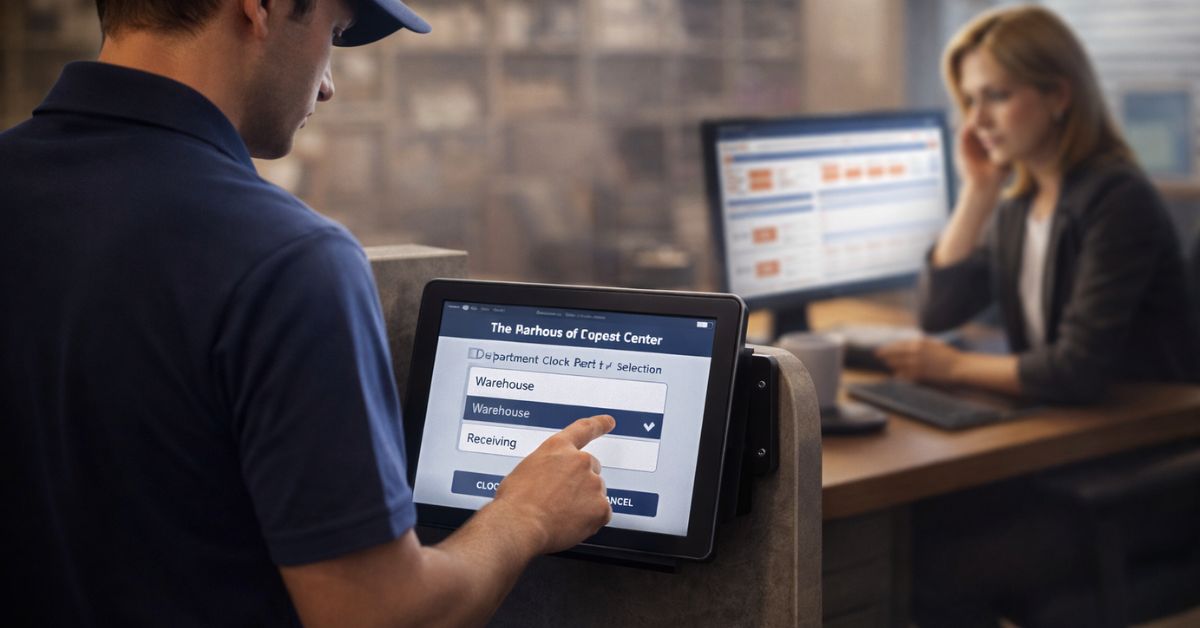
Table of Contents
- Why Unscheduled Shift Clock-Ins Are So Hard to Manage
- Why Blocking Unscheduled Clock-Ins Usually Makes Things Worse
- What HR Needs Before Allowing Unscheduled Shift Clock-Ins
- How to Allow Employees to Clock In for Unscheduled Shifts Safely
- A Real-World Scenario HR Teams Recognize
- Common Mistakes HR Teams Make With Unscheduled Shifts
- What to Look for in a Time Capture Solution
- Flexibility and Payroll Accuracy Can Coexist
Unscheduled work happens every day. Employees arrive early, stay late, or step in to cover gaps when demand spikes. Yet many time tracking systems still assume work only happens when a shift exists on the schedule.

This mismatch creates a familiar HR problem: how to allow employees to clock in for unscheduled shifts without introducing payroll errors, compliance risk, or manual cleanup later. We explored this problem in more detail in a previous article on how unscheduled shifts and department transfers quietly create payroll risk, and why most time clocks miss this context entirely.
This is where solutions like CloudApper hrPad come into play—designed specifically to let employees clock in even when no shift exists, while still capturing the context of payroll needs, such as department worked or required confirmations. Blocking the clock-in rarely solves the issue; it simply pushes the problem downstream.
Why Unscheduled Shift Clock-Ins Are So Hard to Manage
Most payroll issues tied to unscheduled shifts don’t come from employee misuse. They come from systems that were never designed to capture work outside predefined schedules.
When an employee works an unscheduled shift, payroll still needs accurate answers:
- Where did the employee work?
- Which department or cost center should be charged?
- Was the work approved or acknowledged?
If the time clock captures only a timestamp—without context—payroll inherits guesswork. That’s when corrections, reclassifications, and disputes start piling up.
Why Blocking Unscheduled Clock-Ins Usually Makes Things Worse
Many organizations respond to unscheduled shifts by restricting clock-ins altogether. On paper, this sounds like control. In practice, it creates new problems.
Employees still work. Managers still approve the work verbally. Time still needs to be paid. The difference is that details get filled in later—often manually and without context.
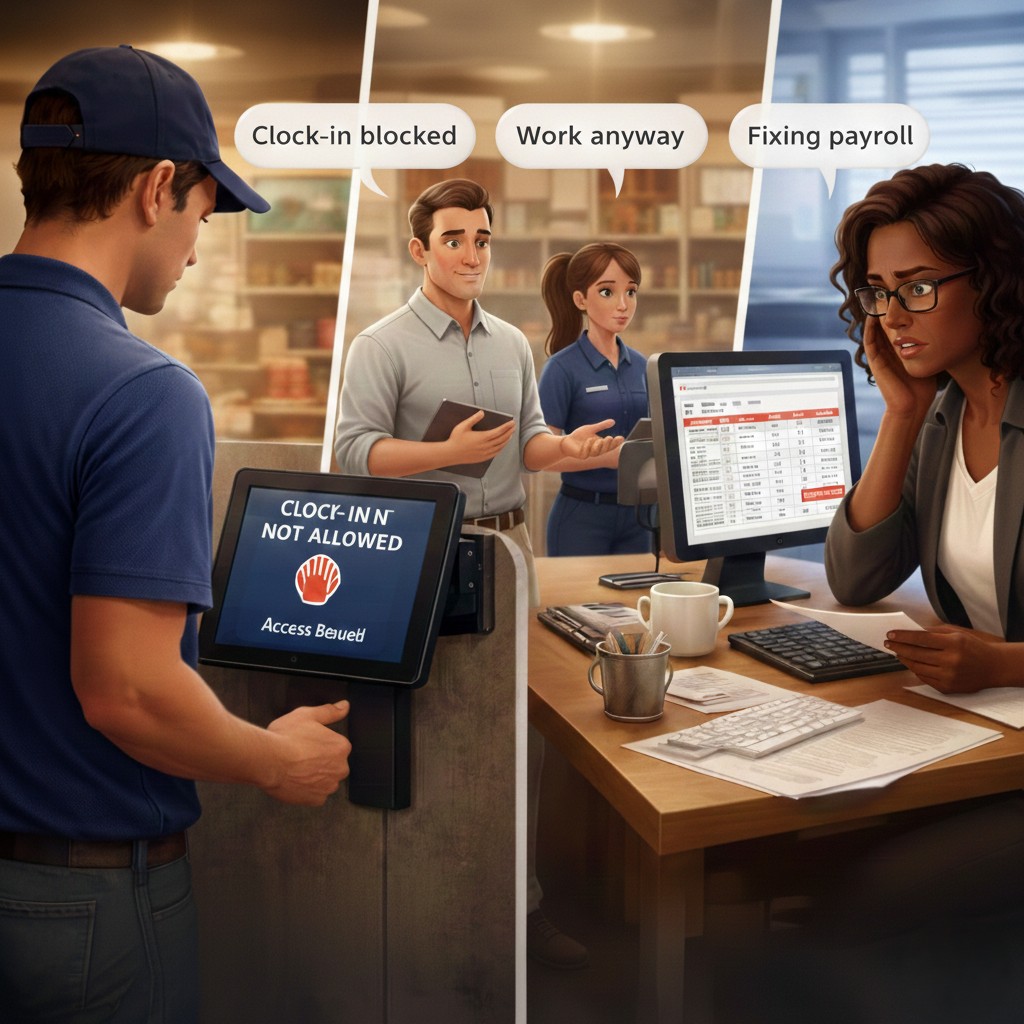
Blocking unscheduled clock-ins leads to:
- Manual time entry after the fact
- Department reassignments during payroll processing
- Increased audit and compliance risk
Instead of preventing payroll errors, this approach simply delays them.
What HR Needs Before Allowing Unscheduled Shift Clock-Ins
Allowing employees to clock in for unscheduled shifts does not mean losing control or opening the door to misuse. In practice, it requires clearer structure than scheduled work because fewer assumptions can be made. The key is replacing rigid restrictions with intentional guardrails that guide behavior and protect payroll accuracy.
Clear Eligibility Rules
HR should outline who is allowed to clock in without a scheduled shift, under what conditions, and at which locations or roles this applies. Not every employee or situation needs the same level of flexibility. Clear eligibility rules help teams avoid misuse while still allowing managers and employees to respond quickly when staffing needs change.
Department or Cost Center Selection
When unscheduled work happens, payroll needs to know where the work actually took place. Allowing employees to select the correct department or cost center at clock-in or clock-out prevents most labor allocation issues. This simple step keeps reporting accurate and reduces the need for payroll corrections later.
Required Confirmations or Attestations
Short prompts at clock-in or clock-out add accountability without slowing employees down. Confirming that a shift was unscheduled or acknowledging a basic compliance requirement creates clarity for both HR and payroll. These confirmations help capture context in real time, so fewer questions come up after payroll is processed.
How to Allow Employees to Clock In for Unscheduled Shifts Safely
The safest approach is not to block the punch, but to capture context at the moment it happens.
Modern time capture systems are designed to:
- Allow unscheduled clock-ins
- Prompt employees for department or role selection
- Ask required questions at clock-in or clock-out
- Send complete, contextual data to payroll automatically
Solutions like CloudApper hrPad follow this model by treating unscheduled work as a normal operational scenario—not an exception that needs fixing later.
A Real-World Scenario HR Teams Recognize
An employee arrives to cover a shift after a coworker calls out. There is no schedule in the system. The employee works several hours supporting a different department.
If the system blocks the clock-in, HR fixes the time later. If the system allows the punch but captures no context, payroll charges the wrong department.
If the system allows the clock-in and asks the right questions, payroll reflects what actually happened—without rework.
That difference is design, not policy.
Common Mistakes HR Teams Make With Unscheduled Shifts
Even organizations that allow unscheduled clock-ins often run into trouble due to a few avoidable mistakes:
- Allowing clock-ins without department selection
- Relying on managers to “fix it later”
- Treating unscheduled work as rare instead of routine
Over time, these gaps lead to inconsistent payroll data and growing administrative effort.
What to Look for in a Time Capture Solution
If unscheduled shifts are part of daily operations, HR teams should evaluate whether their system can:
- Allow employees to clock in without a scheduled shift
- Capture department or cost center accurately
- Require confirmations when needed
- Sync changes automatically to payroll
- Scale rules across locations without complexity
The goal is not more control—it’s better information at the source.
Flexibility and Payroll Accuracy Can Coexist
Unscheduled work isn’t a breakdown in process. It’s a reality of modern operations. Payroll errors occur when systems are built for ideal scenarios instead of real ones.
To allow employees to clock in for unscheduled shifts without payroll errors, HR teams must stop blocking flexibility and start designing for it. When context is captured at the clock-in, payroll accuracy takes care of itself.
If unscheduled shifts, manual payroll corrections, or department reassignments sound familiar, it may be time to rethink how time is captured. Book a quick call to explore a cleaner, more controlled approach.
What is CloudApper AI Platform?
CloudApper AI is an advanced platform that enables organizations to integrate AI into their existing enterprise systems effortlessly, without the need for technical expertise, costly development, or upgrading the underlying infrastructure. By transforming legacy systems into AI-capable solutions, CloudApper allows companies to harness the power of Generative AI quickly and efficiently. This approach has been successfully implemented with leading systems like UKG, Workday, Oracle, Paradox, Amazon AWS Bedrock and can be applied across various industries, helping businesses enhance productivity, automate processes, and gain deeper insights without the usual complexities. With CloudApper AI, you can start experiencing the transformative benefits of AI today. Learn More
- Useful Links:
- Agentic AI
- No-Code/Low-Code
- Custom Software
- HCM Personalization
- iPaaS
- FedRAMP

Brochure
CloudApper hrPad
Empower Frontline Employees with an AI-Powered Tablet/iPad Solution
Download Brochure
CloudApper AI Solutions for HR



- Works with








- and more.
Similar Posts

Certified Payroll Compliance: Why Davis-Bacon Failures Start at the Time…
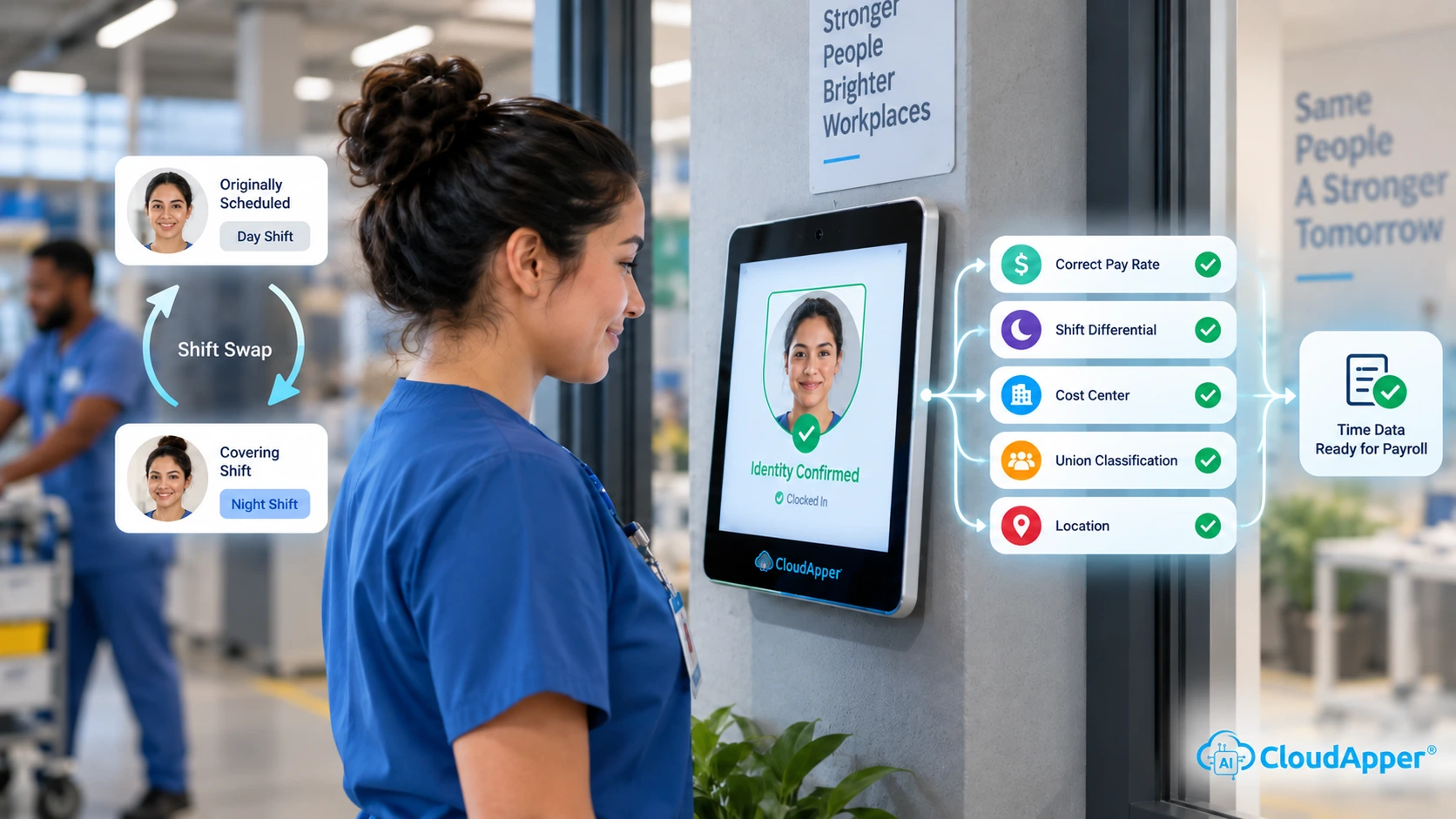
Shift Swap Pay Rate Accuracy: Confirming Who Actually Worked Before…