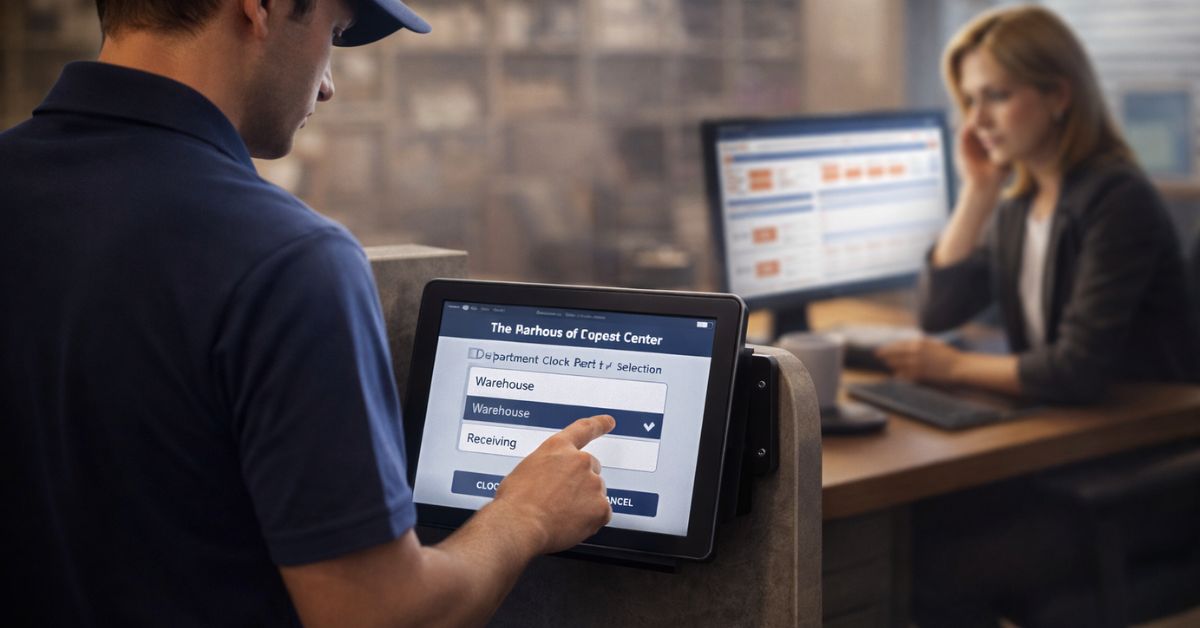
A modern employee self-service kiosk is no longer just a time clock. For deskless teams in manufacturing, retail, and logistics, it can become a Digital Hub where employees access payslips, manage PTO, confirm shifts, complete compliance steps, and get fast HR answers without needing a corporate email or personal smartphone.

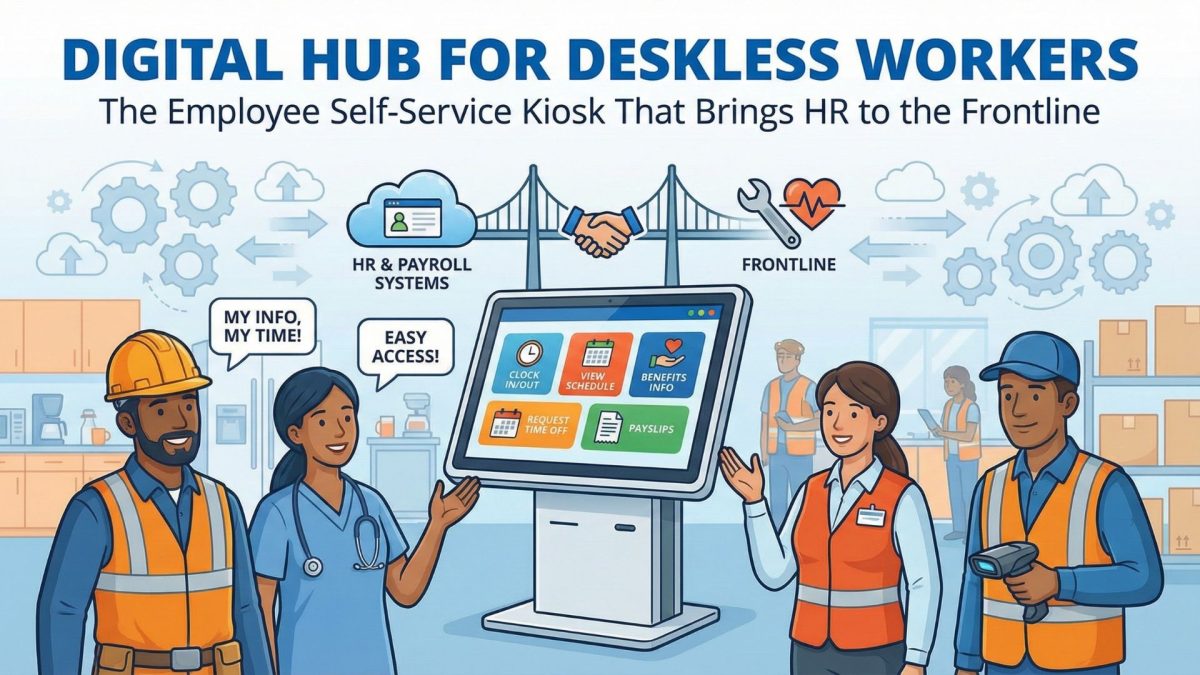
Table of Contents
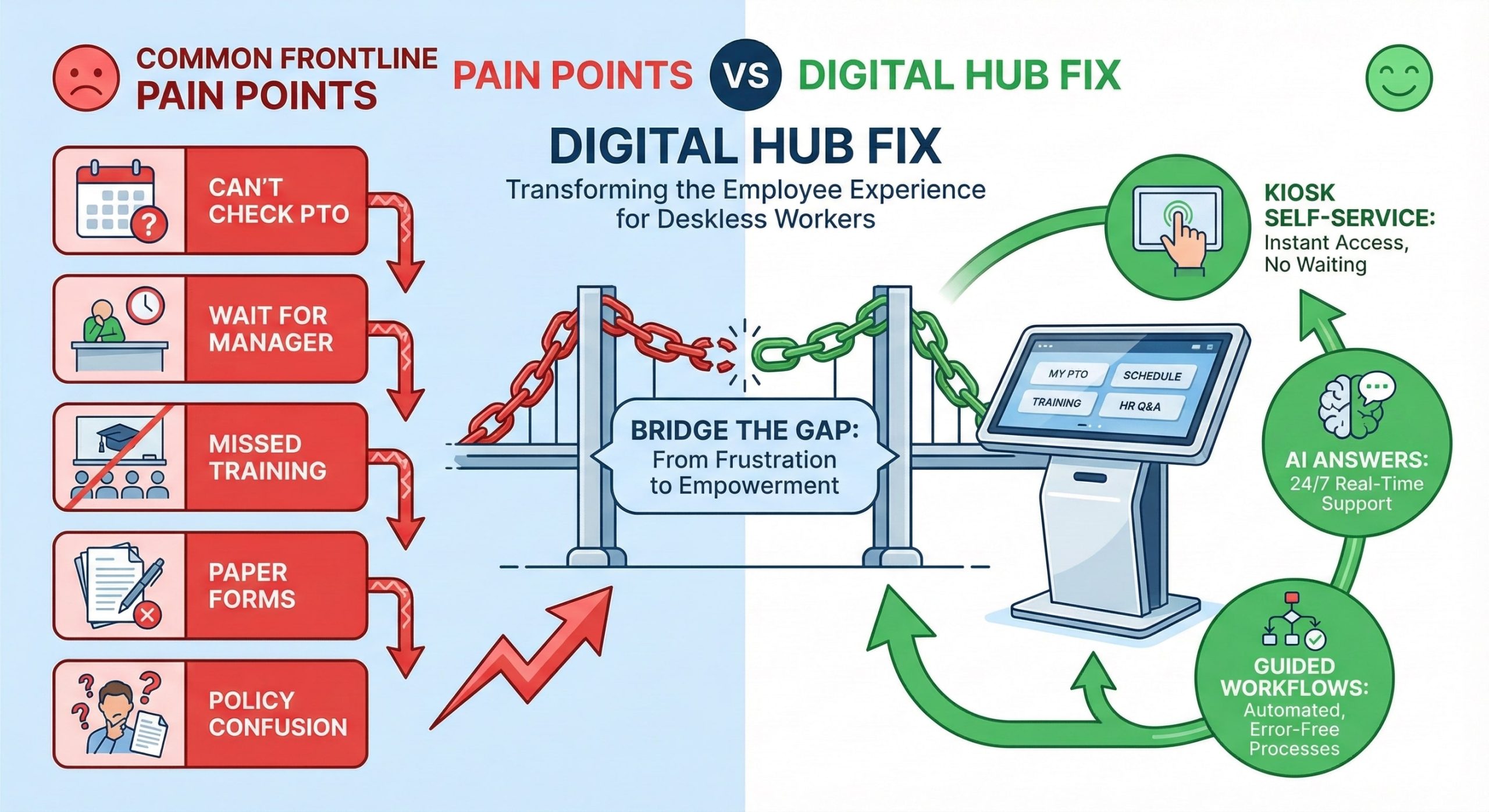
Manufacturing, retail, and logistics teams run on speed, shift coverage, and consistency. Yet most frontline employees still operate with a gap corporate teams rarely notice: limited access to everyday HR tools. When you do not have a desk, a corporate email, or the time to open a laptop, even simple tasks become frustrating. Checking a payslip turns into a manager’s request. Submitting PTO becomes a paper trail. Completing compliance training becomes “I’ll do it later,” which often means “I won’t.”
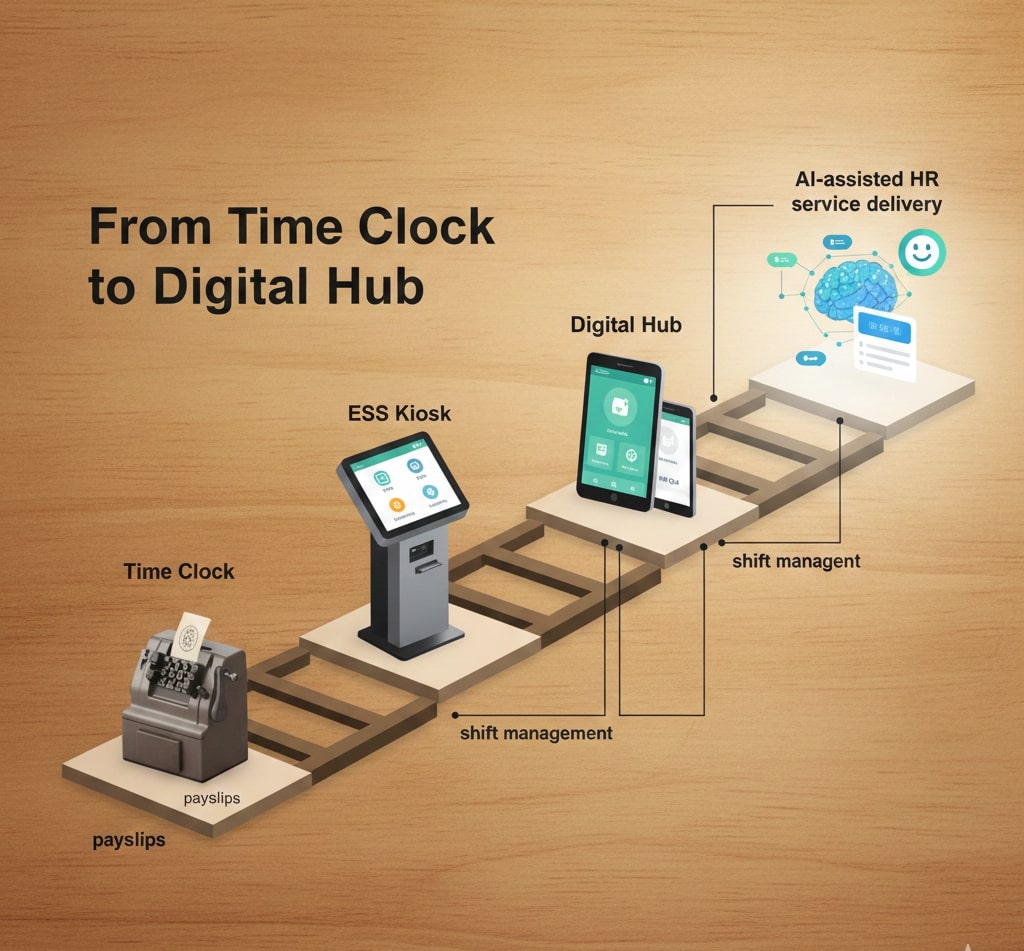
That is why organizations are investing in high-traffic kiosks that go well beyond clocking in and out. The modern employee self-service kiosk is evolving into a “Digital Hub,” a shared place where deskless workers can manage pay, benefits, scheduling, training, and basic HR support without needing a personal smartphone or corporate credentials. This shift is not just about convenience. It is about retention, fairness, and giving frontline workers the same autonomy office workers take for granted.
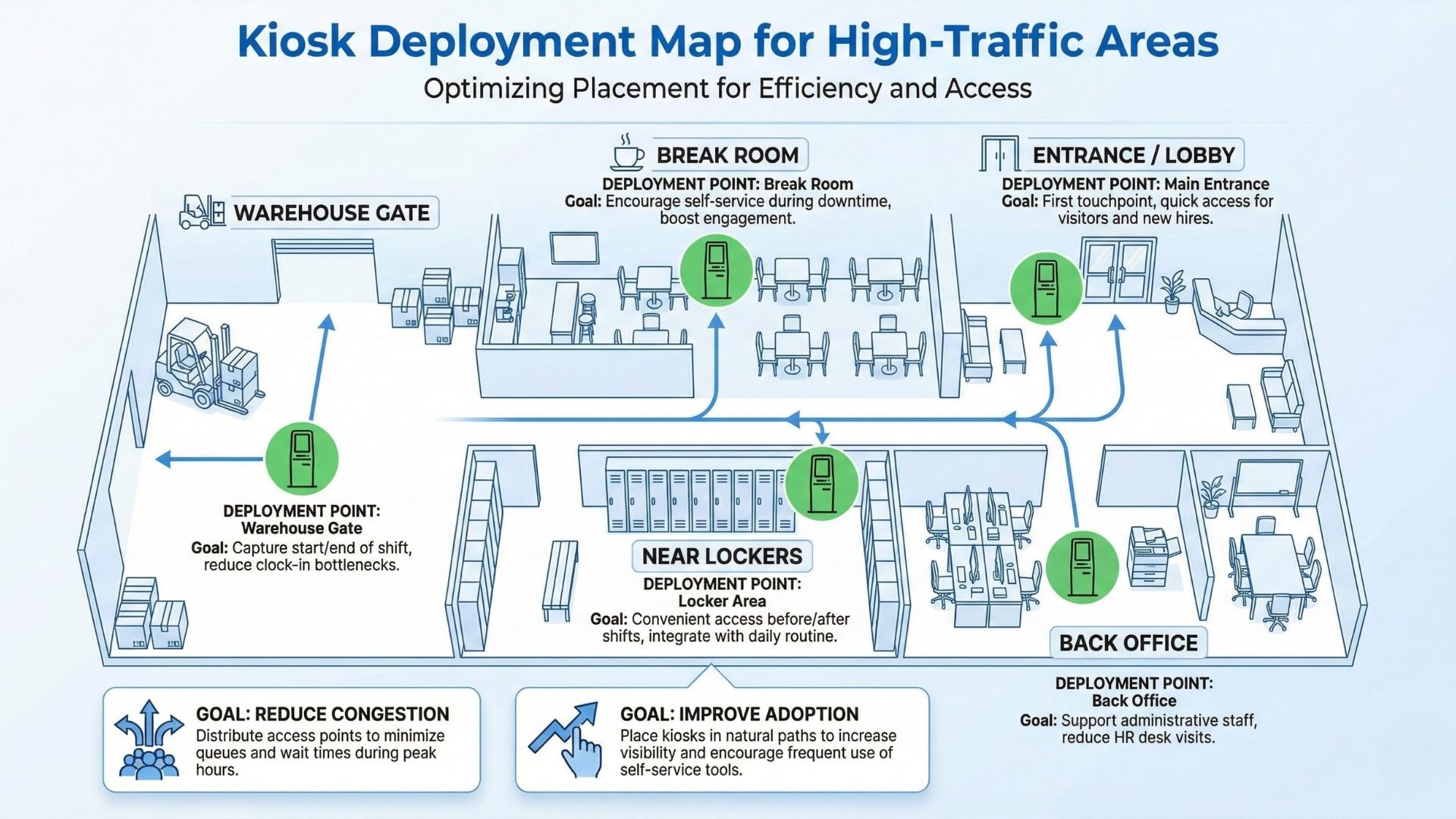
hrPad was built for this reality. It turns everyday tablets or shared devices into secure employee self-service and HR kiosk experiences, powered by AI Agents for HR service delivery. In plain terms, hrPad helps organizations deliver timekeeping, workforce tasks, and instant HR answers where work actually happens: on the floor, at the warehouse entrance, near the breakroom, or in a retail back office.
What is a “Digital Hub” kiosk for deskless employees?
A Digital Hub is a modern employee self-service kiosk designed for high-traffic frontline environments. Instead of acting as a single-purpose time clock, it becomes a shared access point for essential employee workflows, such as:
- Clock-in and clock out with identity verification options
- Payslip access and pay-related FAQs
- PTO balance checks and time-off requests
- Shift confirmation, swaps, or bids (based on policy)
- Benefits information and enrollment guidance
- Compliance training access and acknowledgements
- Company announcements and HR communications
The goal is simple: reduce friction. When employees can self-serve quickly, they do not need to wait for a manager or HR to respond. As a result, HR teams spend less time on repetitive tasks, while employees feel more supported and in control.
Why frontline kiosks are becoming a retention strategy, not just a device choice
Turnover in frontline roles is rarely caused by one big issue. It usually comes from a pattern of small frustrations: delayed answers, unclear policies, missed approvals, and the feeling that information is always “somewhere else.”
A well-designed HR kiosk can remove those friction points in ways that directly impact retention:
- Employees get immediate access to answers instead of waiting for office hours.
- They can complete tasks in minutes, without needing personal devices.
- HR policies become consistent and visible, not passed around informally.
- Managers stop acting as the “help desk” for routine questions.
- Payroll errors decrease when time capture and approvals are completed correctly.
When frontline employees can handle everyday HR tasks on their own terms, it improves trust. Trust is a retention multiplier.
ESS kiosks as a DEI tool: equal access is not optional anymore
Employee self-service kiosks are increasingly being recognized as a practical DEI enabler.
DEI is not only about representation. It is also about access. Deskless workers may face barriers that office workers rarely experience:
- Limited access to email and internal portals
- Shared devices at home
- Language differences
- Less flexibility to step away and call HR
- Less visibility into training and career development options
A Digital Hub kiosk helps level the playing field by giving non-desk employees equal access to the same resources: policies, training, scheduling tools, and HR support. It reduces reliance on personal smartphones, which is important because “bring your own device” is not always realistic or fair. In many environments, personal phones are restricted, discouraged, or simply not reliable.
With hrPad, the kiosk becomes a shared workplace resource. Employees do not need special equipment to engage with HR processes. They just need a few minutes at the kiosk.
Where hrPad fits: the HR kiosk built for modern frontline operations
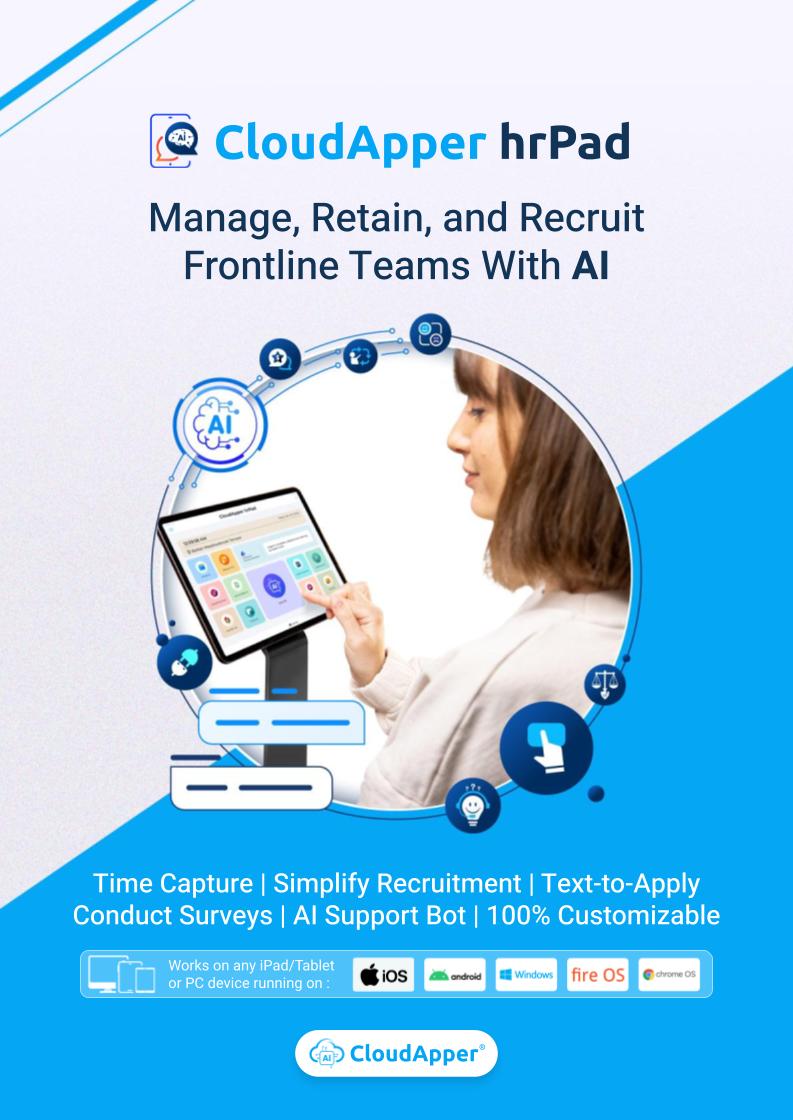
hrPad is an employee self-service kiosk experience that goes beyond timekeeping. It is designed to support HR service delivery at the point of work using AI Agents and configurable workflows.
Here’s what hrPad enables in a practical, day-to-day sense:
1) Timekeeping that fits real operations
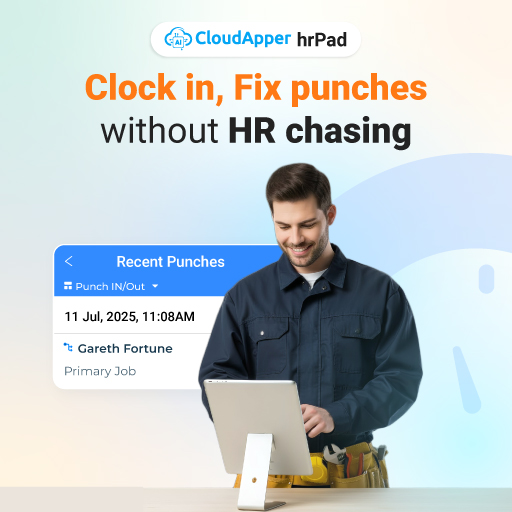
Frontline timekeeping cannot be fragile. hrPad supports time capture, which can be configured to align with your policies for breaks, shifts, and work rules. Identity verification options help reduce buddy punching and improve auditability. The result is cleaner time data before it reaches payroll.
2) Self-service HR tasks without “ticket ping-pong”
Deskless employees ask a lot of the same questions every week:
- “How many PTO hours do I have?”
- “When is payday?”
- “How do I update my address?”
- “What’s the attendance policy for my site?”
- “Who do I contact for benefits?”
hrPad’s AI-based assistance can answer common HR questions using your policy content. That means fewer interruptions for supervisors and fewer repetitive messages for HR.
3) A single access point for shift-related actions
In high-volume environments, shift management is a daily problem. Employees want quick clarity:
- “Am I scheduled tomorrow?”
- “Can I swap?”
- “How do I confirm my shift?”
With hrPad, you can support shift confirmations and requests in a controlled, policy-aligned way, so the kiosk becomes a reliable scheduling touchpoint.
4) Forms, attestations, and frontline data capture
Many industries require extra steps that never fit neatly into a traditional time clock:
- Safety acknowledgements
- Tip declarations
- Incident notes
- Equipment checklists
- Job satisfaction pulse surveys
hrPad can capture custom data through simple kiosk-based flows, which helps organizations replace paper processes and reduce after-the-fact chasing.
Why “ruggedized kiosk” no longer has to mean “locked into proprietary hardware”
Many organizations buy ruggedized, high-traffic kiosks because frontline environments are harsh on equipment. That makes sense.
But here is the shift: companies want the durability of rugged deployments without the limitations of single-purpose proprietary clocks. They want flexibility. They want faster updates. They want the ability to expand the kiosk from timekeeping into a full HR Digital Hub.
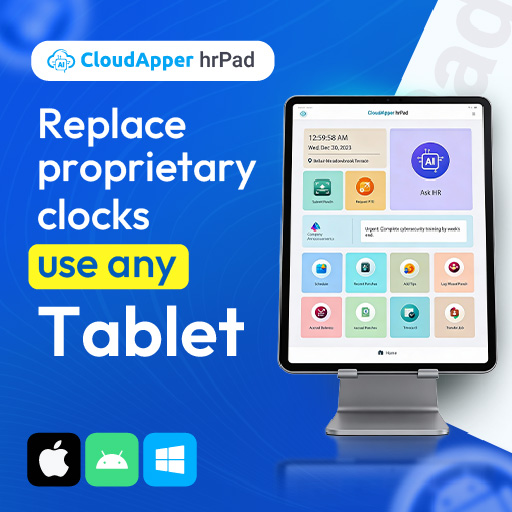
hrPad supports that modern approach by allowing organizations to deploy a kiosk experience on common devices like tablets or shared stations. You can still use rugged enclosures or protective setups for durability. The difference is that you are not treating the kiosk as “just hardware.” You are treating it as a service point for HR, time, and communication.
That is the real future of kiosks: the experience matters more than the device.
Common frontline “Digital Hub” use cases by industry
Manufacturing
- Fast, consistent clock-ins for hourly teams
- Shift confirmations and overtime requests
- Safety acknowledgements and daily check-ins
- HR Q&A without interrupting supervisors
- Self-service access to PTO and attendance rules
Retail
- High turnover makes onboarding and policy clarity critical
- Employees need quick scheduling visibility
- Store-level teams need reliable shift workflows
- HR questions spike during seasonal hiring
- Kiosks reduce dependency on personal phones during shifts
Logistics and warehousing
- Multiple shifts and high headcount increases timekeeping risk
- Operational speed requires self-service, not delays
- Kiosk-based workflows support consistent compliance steps
- HR support at the site reduces confusion and repeat tickets
What to look for when choosing a kiosk for deskless workers
A practical checklist most HR and operations leaders care about:
- Can employees use it without corporate email?
- Can it support multiple languages or simplified flows?
- Does it reduce manager dependency for routine tasks?
- Can HR control and update policy content easily?
- Can it handle more than timekeeping, like PTO and FAQs?
- Does it integrate with existing HRIS/HCM and payroll systems?
- Can it scale across locations without complex deployments?
hrPad is positioned around these realities: flexible deployment, frontline-first usability, and HR automation through AI Agents that reduce repetitive work.
FAQs
Can an employee self-service kiosk work without a personal smartphone?
Yes. A well-designed employee self-service kiosk lets deskless employees complete key HR tasks on a shared workplace device, so personal phones are not required for access to schedules, PTO, or HR information.
Is an ESS kiosk just a time clock?
Not anymore. Modern kiosks function as Digital Hubs that support timekeeping and HR self-service tasks such as payslip access, training links, policy acknowledgements, and shift workflows.
How does an HR kiosk support DEI for frontline workers?
It improves equity of access. Frontline employees without desks, emails, or personal devices can still get HR information, complete required steps, and engage with career or training resources.
What makes hrPad different from a traditional kiosk setup?
hrPad focuses on HR service delivery, not only time capture. It brings together kiosk self-service workflows and AI-based HR assistance so employees can resolve routine needs without waiting on HR or managers.
Closing thought
Frontline employees should not have to work harder to access basic HR services. A Digital Hub kiosk model makes HR available where work happens, improves consistency, and supports a more equitable employee experience.
If you want to modernize your employee self-service kiosk strategy with a flexible HR kiosk experience, explore hrPad and see how it can fit your workforce workflows. Learn More.

What is CloudApper AI Platform?
CloudApper AI is an advanced platform that enables organizations to integrate AI into their existing enterprise systems effortlessly, without the need for technical expertise, costly development, or upgrading the underlying infrastructure. By transforming legacy systems into AI-capable solutions, CloudApper allows companies to harness the power of Generative AI quickly and efficiently. This approach has been successfully implemented with leading systems like UKG, Workday, Oracle, Paradox, Amazon AWS Bedrock and can be applied across various industries, helping businesses enhance productivity, automate processes, and gain deeper insights without the usual complexities. With CloudApper AI, you can start experiencing the transformative benefits of AI today. Learn More

Brochure
CloudApper hrPad
Empower Frontline Employees with an AI-Powered Tablet/iPad Solution
Download Brochure
CloudApper AI Solutions for HR



- Works with


- and more.








Similar Posts
Driving Frontline Inclusion: Bilingual HR Policy Access with CloudApper hrPad
Solving the Deskless Divide: How Frontline-First HR Design Empowers the…