Learn how to use an iPad as a time clock for Workday HCM. Reduce hardware costs, enable offline tracking, and simplify employee timekeeping.

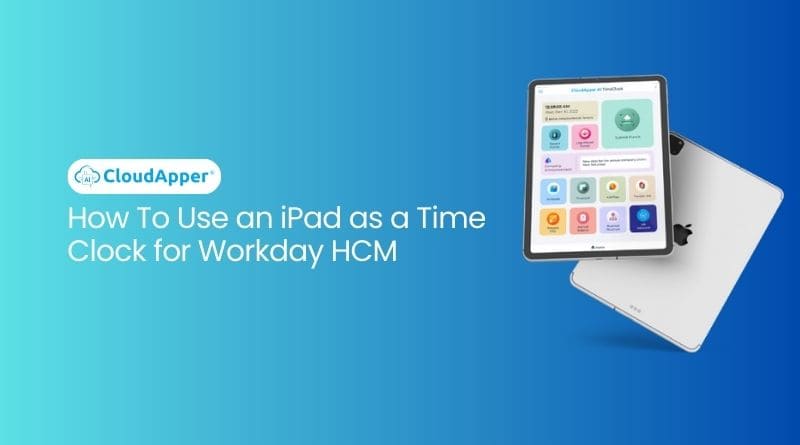
Table of Contents
- Why Companies Are Looking Beyond Traditional Workday Time Clock Hardware
- How an iPad Time Clock for Workday Works
- Key Benefits of Using an iPad as a Time Clock
- Why Offline Time Capture Matters More Than Many Teams Realize
- Security, Accuracy, and Compliance
- Improving the Employee Experience at the Same Time
- Is an iPad Time Clock Right for Your Workday Environment?
- Frequently Asked Questions
Yes, you can use an iPad as a time clock for Workday HCM when it is paired with a compatible time tracking solution. For organizations looking to simplify employee timekeeping, reduce hardware costs, and improve the employee experience, an iPad-based setup can be a practical alternative to traditional time clock hardware. Workday supports mobile, web, and kiosk-based time tracking, and also offers partner integration options for organizations that need a more tailored setup.

CloudApper AI TimeClock helps make that setup possible by turning iPads into secure, easy-to-use employee time clocks that connect with Workday HCM. Instead of deploying expensive dedicated devices across multiple locations, organizations can repurpose existing tablets or roll out off-the-shelf iPads as part of a more flexible timekeeping strategy.
Why Companies Are Looking Beyond Traditional Workday Time Clock Hardware
Many organizations still think of timekeeping as a hardware problem. They assume they need dedicated terminals, complex installation, and location-specific infrastructure just to support accurate employee punches. But for many teams, especially those with distributed, frontline, or growing workforces, that model can become costly and hard to scale.
An iPad-based time clock setup changes that equation. It allows organizations to use familiar devices, simplify deployment, and expand coverage across more entry points, departments, or sites without the same hardware burden. This is especially relevant for companies that want a cleaner user experience and more flexibility than traditional time clock systems typically provide.
It also aligns well with how modern workforce platforms are evolving. Workday positions time tracking as part of a broader workforce management experience that includes kiosk access, mobile check-in and check-out, geofencing, auditing, and partner integrations.
How an iPad Time Clock for Workday Works
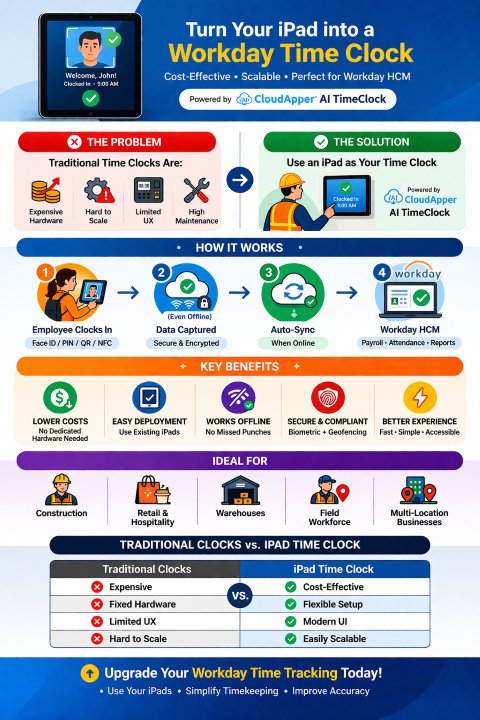
Using an iPad as a time clock for Workday is simpler than many teams expect. The iPad is placed in a fixed location or kiosk setup where employees can clock in and out, start breaks, and complete other time-related actions. Depending on the solution, employees may be able to use methods such as facial recognition, PIN, QR code, barcode, or NFC to submit punches.
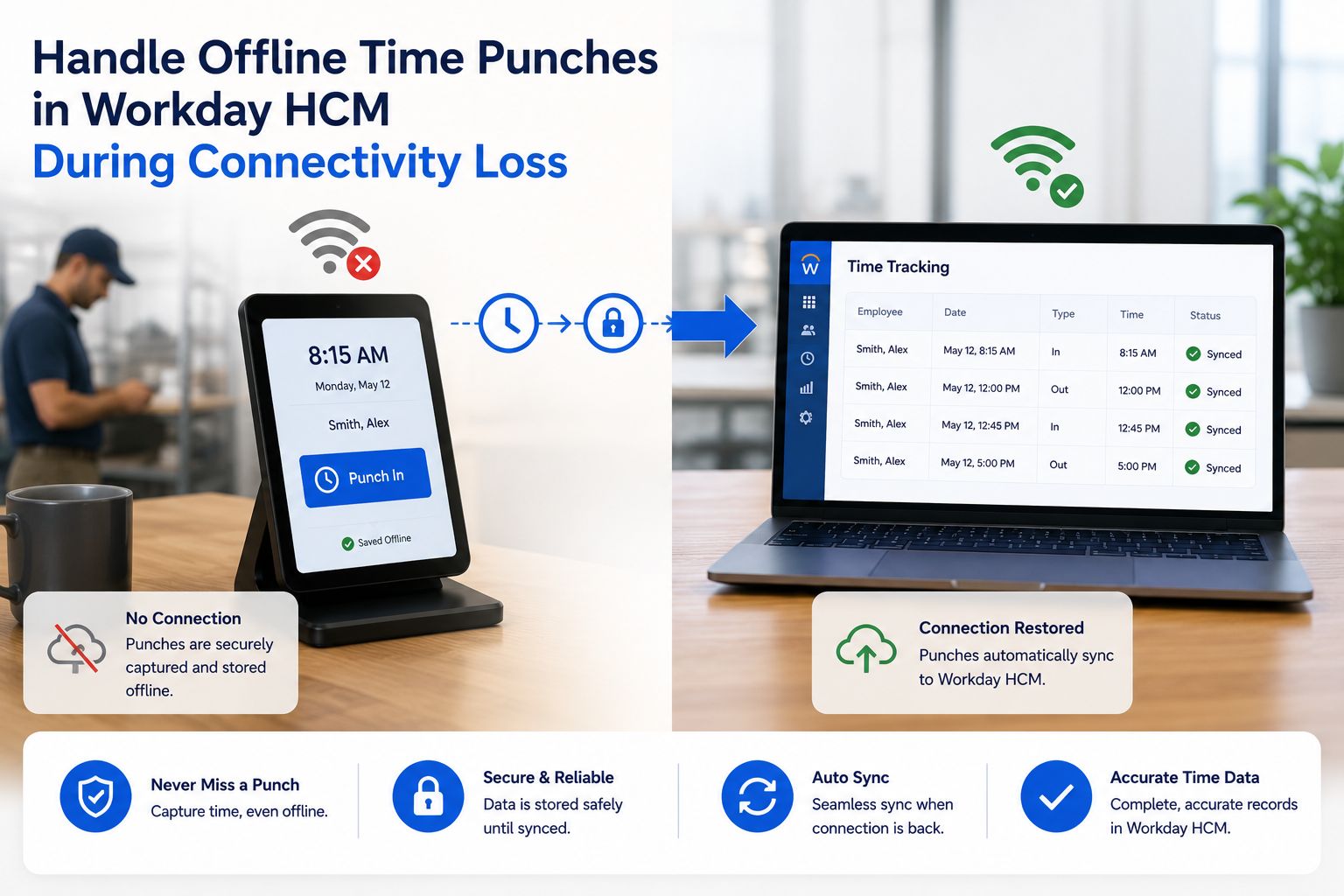
Once a punch is recorded, the data is synced to the connected system. In this case, the goal is to ensure time data flows cleanly into Workday HCM so organizations can support accurate payroll, attendance tracking, and workforce visibility. For teams working in environments with inconsistent connectivity, offline capture is especially important because punches can be collected locally and synced when connectivity returns. Workday highlights geofencing and kiosk time tracking as part of its broader time management capabilities, while tablet-based partner solutions can extend how those experiences are deployed in the field.
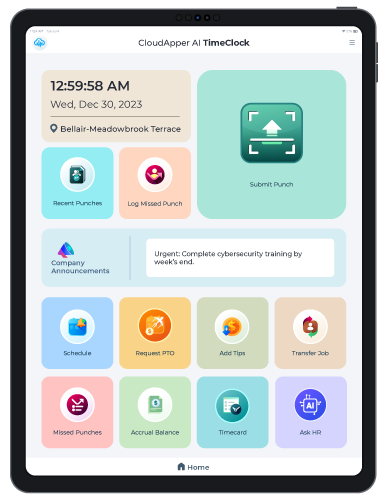
CloudApper AI Time Clock
Greenville Water’s Time Capture Success with Face Recognition TimeClock
Key Benefits of Using an iPad as a Time Clock
One of the clearest benefits is cost control. Instead of buying dedicated time clock hardware for every site, companies can repurpose existing iPads or deploy standard tablets at a lower cost. This can make rollout faster and less capital-intensive, especially for organizations with multiple locations or changing workforce needs.
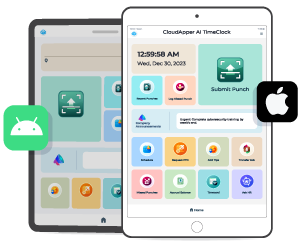
There is also a usability advantage. A well-designed iPad time clock interface is familiar, visual, and easier for employees to navigate. That matters because timekeeping is one of the most frequent touchpoints employees have with HR and workforce systems. If that interaction is slow or frustrating, it affects both compliance and employee satisfaction.
Scalability is another strength. As workforce needs change, organizations can add more tablets without rebuilding the entire environment. That flexibility is useful for seasonal hiring, new site openings, and distributed teams.
Why Offline Time Capture Matters More Than Many Teams Realize
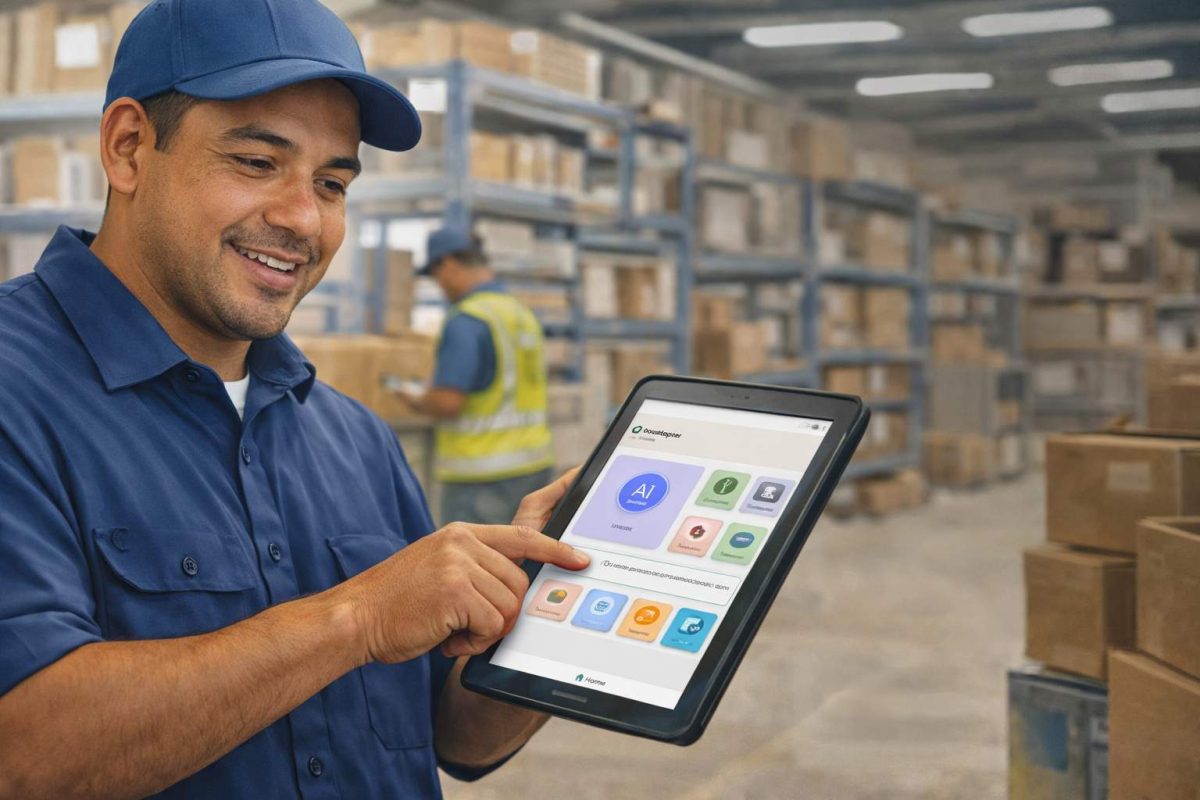
Offline time capture is not just a nice feature for remote teams. It can be essential for organizations with warehouses, job sites, large facilities, mobile crews, or areas with unstable connectivity. If employees cannot clock in because the network is unreliable, payroll errors and manual corrections quickly follow.
That is why offline support should be part of the decision criteria when evaluating an iPad time clock for Workday. A system that captures punches offline and syncs them automatically later helps preserve data accuracy and reduces administrative cleanup. It also makes the solution more practical for field operations, construction environments, and other distributed workforce models.
Security, Accuracy, and Compliance
Any timekeeping system has to do more than capture punches. It also has to support payroll accuracy, policy enforcement, and audit readiness. This is where modern iPad-based time clocks can provide more than simple clock-in and clock-out functionality.
Features such as facial recognition, location validation, and configurable workflows can help reduce buddy punching and time theft. Workday itself emphasizes configurable auditing, mobile geofencing, and unified time tracking workflows, while organizations evaluating partner solutions often look for additional controls around identity verification and operational flexibility.
This matters because time theft is not a minor issue. Research cited across the workforce technology space has long associated buddy punching with measurable payroll loss, and recent industry reporting continues to frame better time capture controls and mobile usability as important parts of workforce management ROI.
Improving the Employee Experience at the Same Time
A time clock should not feel like a barrier between employees and the systems they need. An iPad-based experience can make timekeeping more accessible by placing check-in points where employees actually work and by making the interface easier to use.
For organizations that want to go further, tablet-based time clocks can also support self-service functions beyond punching in and out. That may include schedule visibility, PTO requests, basic HR information access, and task-related workflows. This is especially useful for frontline teams that do not spend their day at a desktop computer.
Is an iPad Time Clock Right for Your Workday Environment?
For many organizations, the answer is yes, especially if they want a more flexible alternative to traditional time clock hardware. An iPad-based time clock is often a strong fit for companies that want to reduce deployment costs, support distributed teams, improve the punch experience, and add modern controls like offline capture or biometric verification.
It can be particularly useful when the workforce is spread across multiple locations, when existing timekeeping hardware is aging, or when the business wants a more scalable approach that can grow with operational needs.
CloudApper AI TimeClock is designed around that model. It helps organizations use iPads and tablets as practical, Workday-connected time clocks rather than forcing them into a rigid hardware-first setup.
Frequently Asked Questions
Can you use an iPad as a time clock for Workday?
Yes. An iPad can be used as a time clock for Workday when paired with a compatible time tracking solution that captures punches and syncs time data appropriately. Workday supports kiosk, mobile, and partner-based approaches to time tracking.
Is an iPad time clock cheaper than traditional time clock hardware?
In many cases, yes. Using existing iPads or standard tablets can reduce upfront hardware costs and make deployment more flexible than using dedicated punch terminals.
Can employees clock in on an iPad without internet access?
With the right solution, yes. Offline time capture allows punches to be recorded when connectivity is unavailable and synced once the network returns.
What features should a Workday-compatible iPad clocking system include?
Look for secure identity verification, reliable sync, offline support, easy employee use, and workflows that fit your operational needs. Geofencing, kiosk mode, and audit support are also valuable depending on your environment. Workday’s own time tracking capabilities include kiosk access, mobile check-in and check-out, geofencing, auditing, and partner integrations.
Is an iPad time clock a good fit for frontline teams?
Often, yes. It is especially useful in workplaces where employees need a shared device, do not work at desks, or need a simpler and more accessible way to manage time punches.
What is CloudApper AI Platform?
CloudApper AI is an advanced platform that enables organizations to integrate AI into their existing enterprise systems effortlessly, without the need for technical expertise, costly development, or upgrading the underlying infrastructure. By transforming legacy systems into AI-capable solutions, CloudApper allows companies to harness the power of Generative AI quickly and efficiently. This approach has been successfully implemented with leading systems like UKG, Workday, Oracle, Paradox, Amazon AWS Bedrock and can be applied across various industries, helping businesses enhance productivity, automate processes, and gain deeper insights without the usual complexities. With CloudApper AI, you can start experiencing the transformative benefits of AI today. Learn More
- Useful Links:
- Agentic AI
- No-Code/Low-Code
- Custom Software
- HCM Personalization
- iPaaS
- FedRAMP

Brochure
CloudApper hrPad
Empower Frontline Employees with an AI-Powered Tablet/iPad Solution
Download Brochure
CloudApper AI Solutions for Workday


- Works with








- and more.
Similar Posts
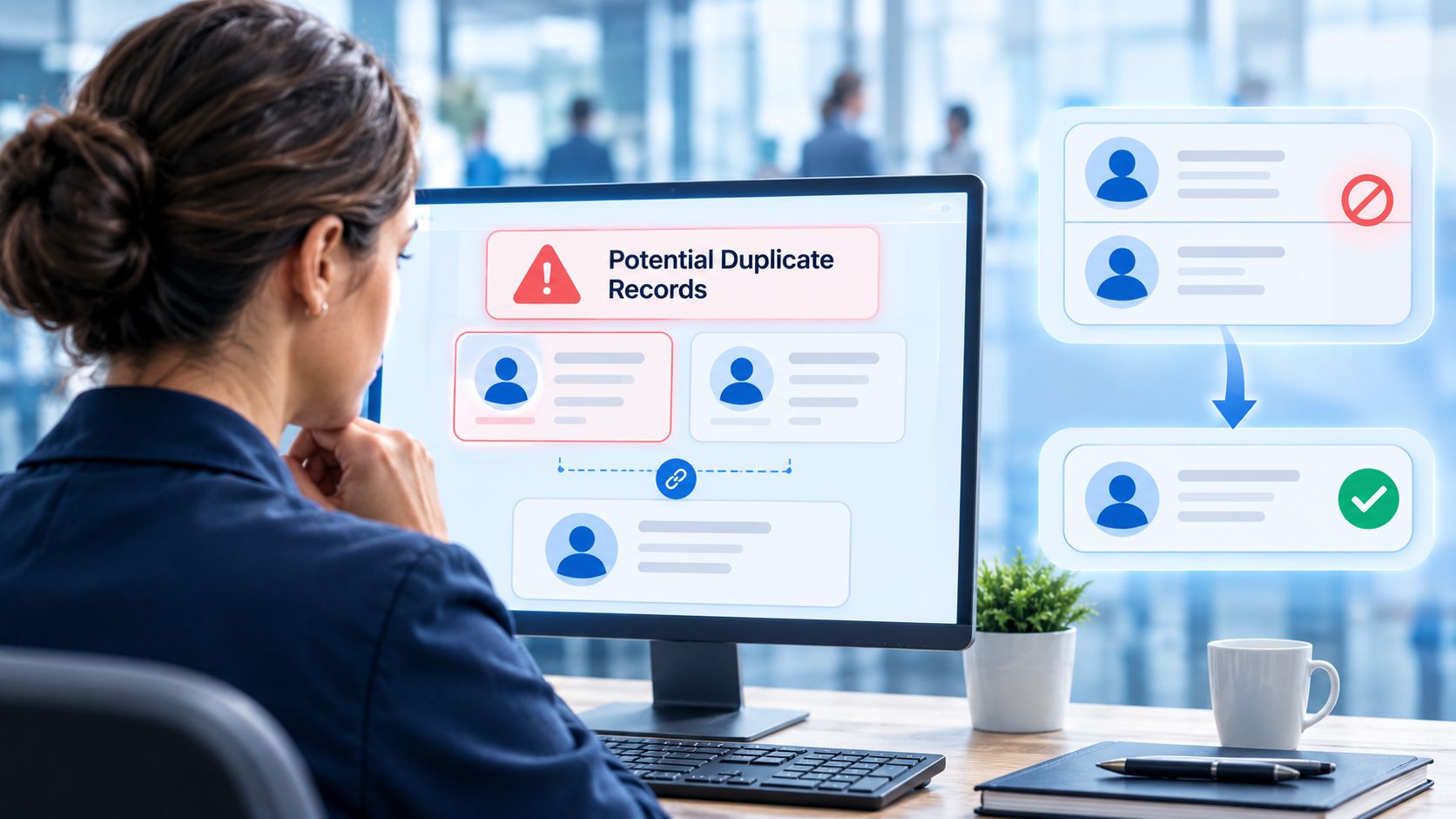
How to Prevent Duplicate Worker and Pre-Hire Records in Workday…
How to Handle Offline Time Punches in Workday During Connectivity…