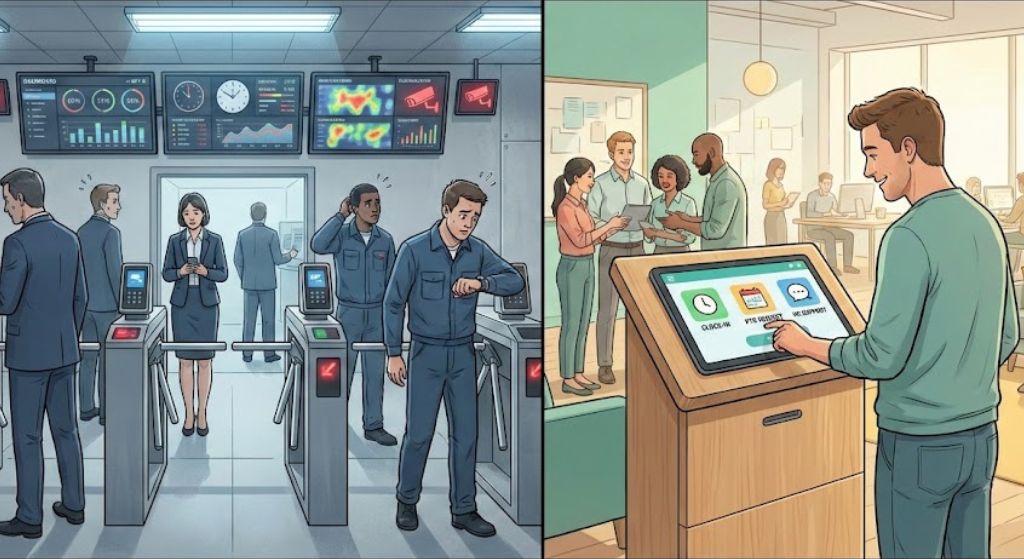
UKG Pro Employee Self Service faces adoption challenges, especially among frontline workers. AI-powered solutions, like kiosks, can enhance accessibility, streamline HR processes, and improve user experience, leading to higher engagement and operational efficiency.
Table of Contents
- What Is UKG Pro Employee Self Service?
- Why Does UKG Pro Employee Self Service Adoption Fail?
- How to Improve UKG Pro Employee Self Service Accessibility?
- What Role Does AI Play in Enhancing UKG Pro Employee Self Service?
- How Can CloudApper hrPad Solve UKG Pro Employee Self Service Challenges?
- What Are the Benefits of Integrating AI Kiosks with UKG Pro Employee Self Service?
- How to Implement UKG Pro Employee Self Service Effectively?
- What Future Trends Impact UKG Pro Employee Self Service?
Did you know that nearly 70% of frontline workers report frustration with digital HR tools, leading to underutilization and operational inefficiencies? In today’s dynamic business landscape, where employee engagement is key to retention and productivity, the challenges surrounding UKG Pro Employee Self Service adoption highlight a critical industry trend: the disconnect between powerful software and real-world usability for non-desk workers.
What Is UKG Pro Employee Self Service?
UKG Pro Employee Self Service is a robust feature within the UKG Pro platform, designed to empower employees with direct access to HR functions such as viewing schedules, requesting time off, checking paystubs, and managing personal information. It’s intended to streamline HR processes, reduce administrative burdens, and foster a self-reliant workforce. However, despite its comprehensive capabilities, adoption rates often falter, particularly among frontline teams in sectors like retail, manufacturing, healthcare, and logistics. This gap isn’t due to flaws in the software itself but rather in how it’s accessed and integrated into daily workflows. As an AI expert with years of experience in HR technology trends, I’ve seen firsthand how these self-service tools can transform organizations when barriers are removed, yet many companies overlook the human element in implementation.

Why Does UKG Pro Employee Self Service Adoption Fail?
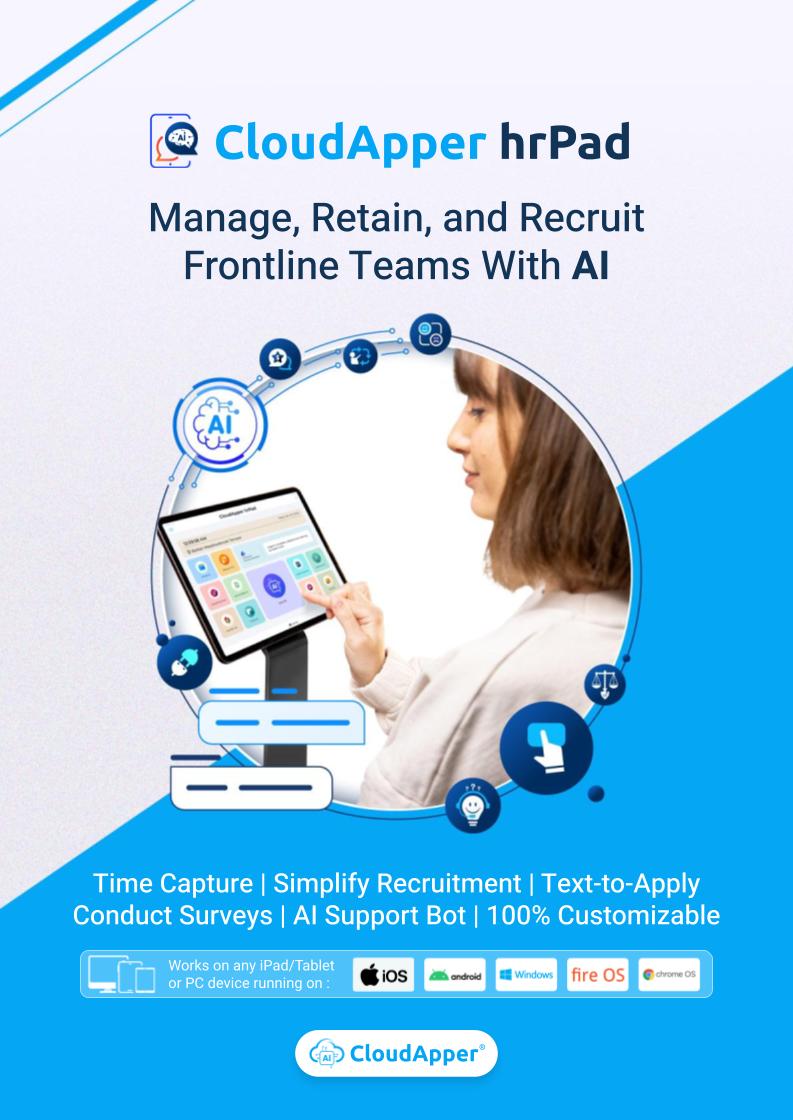
Frontline workers, who form the backbone of many industries, frequently encounter obstacles that make UKG Pro Employee Self Service feel more like a hindrance than a help. One major issue is the reliance on personal devices or shared computers, which aren’t always available or user-friendly during short breaks or high-pressure shifts. Imagine a warehouse employee trying to navigate a complex login on a small smartphone screen amid the noise and rush—it’s a recipe for frustration and abandonment. Statistics from industry reports, such as those from Gartner, indicate that up to 50% of self-service initiatives fail due to poor user experience, leading to low engagement and increased HR inquiries. In my analysis, this failure stems from a mismatch between the digital-native design of UKG Pro Employee Self Service and the practical realities of blue-collar environments, where tech literacy varies and time is scarce.
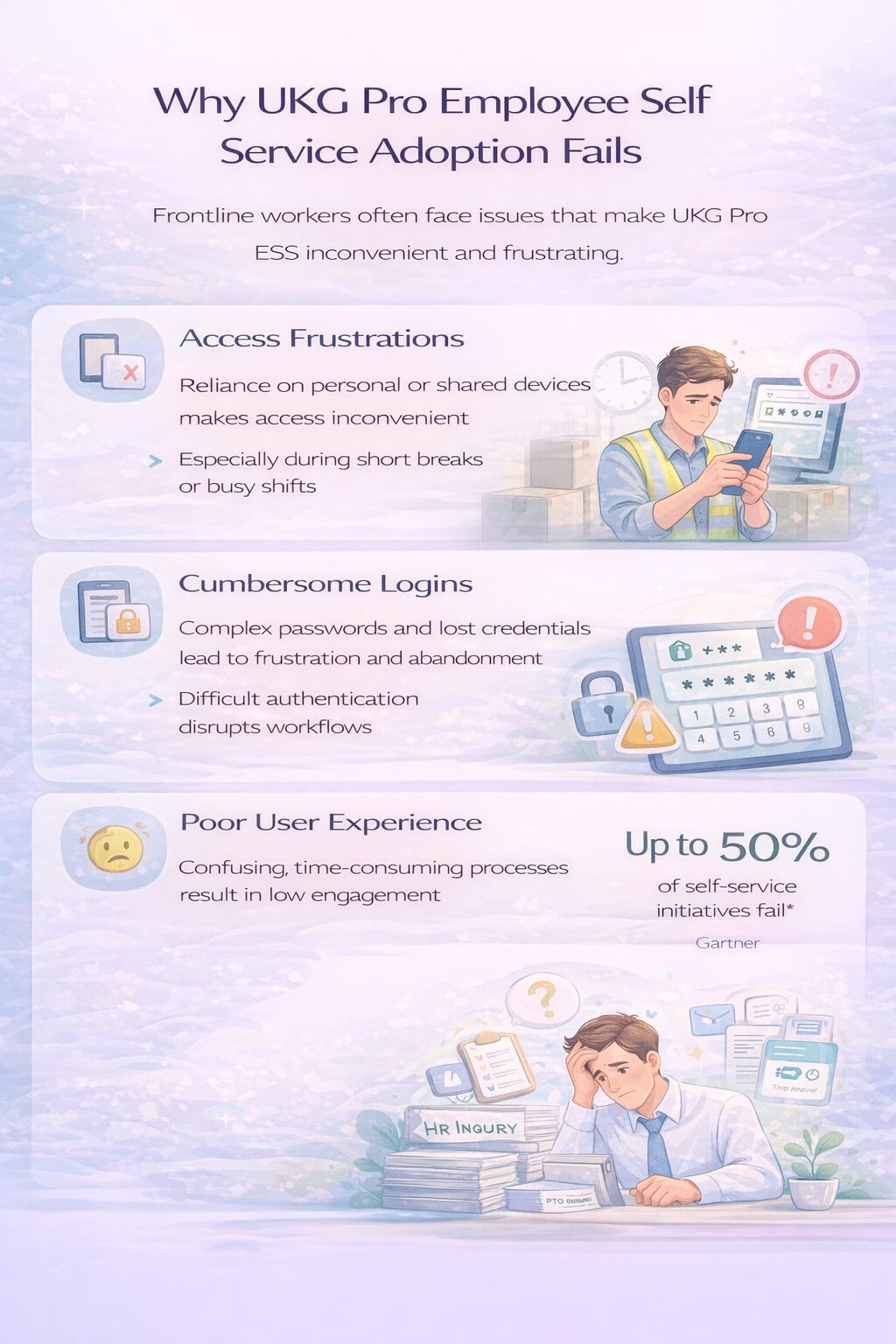
Another pain point is the cumbersome authentication processes. Passwords, multi-factor authentication, and forgotten credentials create unnecessary friction, especially for workers without dedicated devices. This not only discourages usage but also perpetuates inefficiencies, like manual time tracking errors or delayed PTO approvals, which can ripple into compliance issues and decreased morale. From my perspective, drawing on consultations with numerous HR leaders, these challenges reflect a broader trend: the evolution of workforces demands more intuitive, inclusive access to tools like UKG Pro Employee Self Service to truly drive value.
How to Improve UKG Pro Employee Self Service Accessibility?
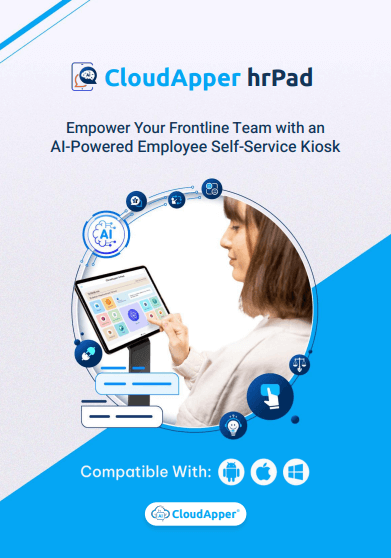
To boost adoption, organizations must prioritize accessibility by introducing physical gateways that simplify interactions. This is where innovative solutions shine, transforming breakrooms into efficient HR hubs. For instance, deploying tablet-based kiosks can eliminate the need for personal devices, offering a dedicated, easy-to-use interface that’s available on-site. Such approaches address the core barriers by providing instant access without the hassle of logins or navigation complexities. In real-world examples, companies in manufacturing have reported a 40% increase in self-service usage after implementing kiosk systems, leading to smoother operations and happier teams. As a thought leader in AI-driven HR enhancements, I advocate for these integrations because they align technology with human needs, ensuring UKG Pro Employee Self Service becomes a seamless part of the employee journey rather than an afterthought.
What Role Does AI Play in Enhancing UKG Pro Employee Self Service?
AI is revolutionizing HR tech by making systems like UKG Pro Employee Self Service more intuitive and personalized. AI-powered interfaces can guide users through processes with natural language prompts, predictive suggestions, and adaptive learning, reducing the learning curve for tech-averse employees. Consider how AI can anticipate common queries, such as ‘How do I check my schedule?’ and provide step-by-step assistance without manual searching. This not only improves adoption but also enhances data accuracy, as AI can flag inconsistencies in real-time. AI integration is no longer optional—it’s essential for bridging the digital divide in diverse workforces, turning potential failures into opportunities for empowerment and efficiency.
How Can CloudApper hrPad Solve UKG Pro Employee Self Service Challenges?
Enter solutions like CloudApper hrPad, an AI-powered tablet-based platform that acts as a physical bridge to UKG Pro Employee Self Service. Placed strategically in common areas, it offers a customizable kiosk experience on iOS, Android, or Windows devices, making HR functions accessible to all. Features such as FaceID and QR code logins eliminate password woes, allowing instant access to schedules, PTO requests, and paystubs. The seamless synchronization with UKG systems ensures real-time data flow, while multi-modal time tracking supports biometrics or punch clocks for precise compliance. In a retail environment, for example, employees can quickly update availability during breaks, reducing no-shows and improving shift management. From an authoritative standpoint, tools like hrPad exemplify how thoughtful innovation can elevate UKG Pro Employee Self Service, fostering a modern employee experience that values simplicity and inclusivity.
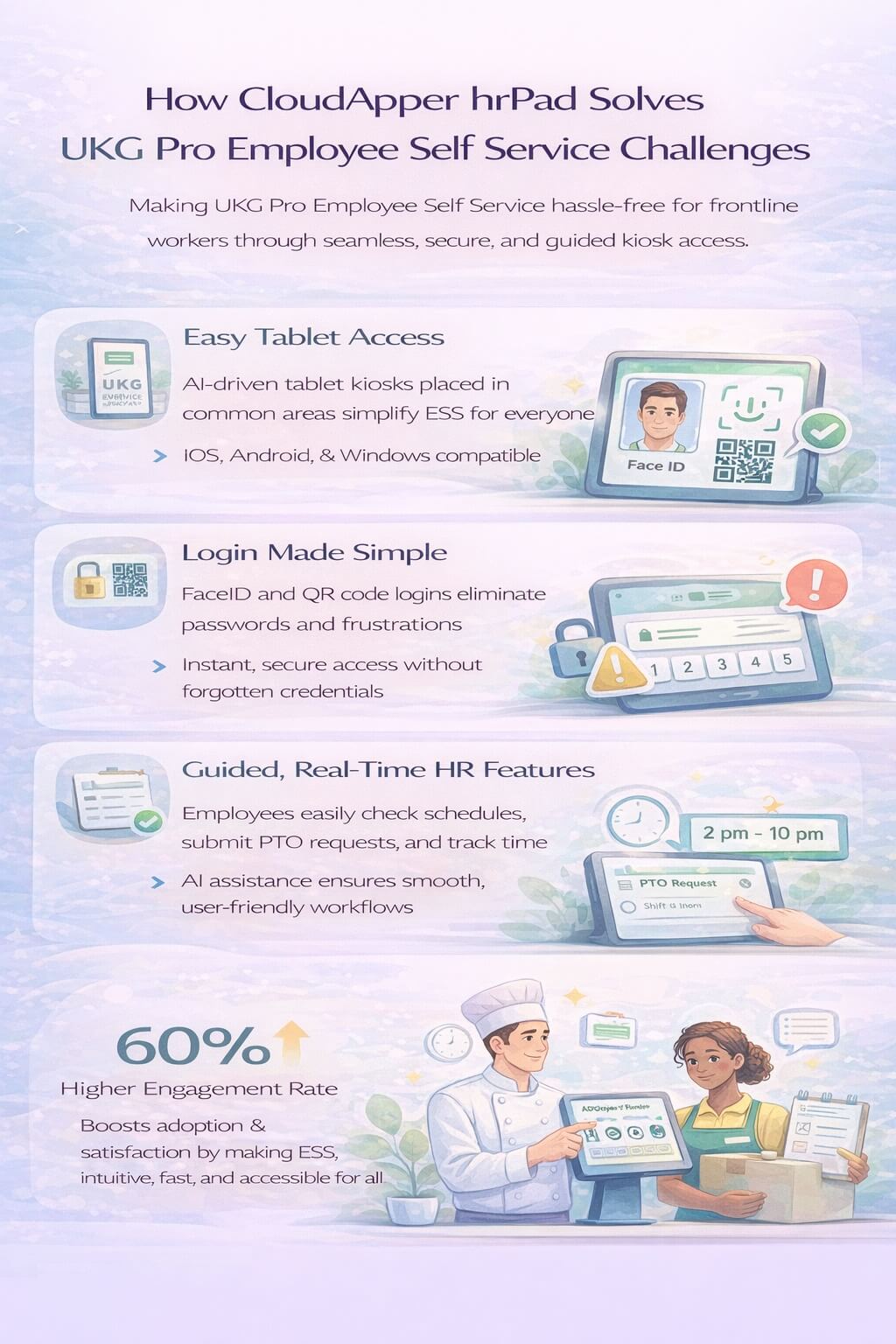
Moreover, hrPad‘s AI capabilities provide guided navigation, making it ideal for frontline workers with varying tech comfort levels. This addresses low adoption by turning complex tasks into straightforward interactions, ultimately freeing HR teams from routine tasks and allowing focus on strategic initiatives. Real-world case studies show organizations experiencing up to 60% higher engagement rates post-implementation, highlighting the product’s value in solving persistent pain points without overhauling existing systems.
What Are the Benefits of Integrating AI Kiosks with UKG Pro Employee Self Service?
Integrating AI-driven kiosks with UKG Pro Employee Self Service yields multifaceted benefits that extend beyond mere convenience. Firstly, it reduces login friction, enabling quick engagements that boost overall satisfaction and retention—critical in today’s competitive labor market. Enhanced employee engagement emerges as workers feel empowered, leading to a more positive workplace culture. Operationally, streamlined processes cut administrative time, minimize errors in time tracking, and ensure labor compliance, safeguarding against regulatory risks. A modern experience aligns with millennial and Gen Z expectations, positioning companies as forward-thinking employers. In my expert opinion, these benefits represent a shift towards holistic HR strategies, where technology like AI kiosks not only fixes adoption issues but also drives long-term organizational growth and resilience.
How to Implement UKG Pro Employee Self Service Effectively?
Effective implementation starts with assessing workforce needs and selecting tools that complement UKG Pro Employee Self Service. Begin by piloting kiosk solutions in high-traffic areas to gather feedback and refine the setup. Customization is key—tailor interfaces to include frequently used features, ensuring relevance. Training sessions, though minimal with intuitive AI, can further accelerate adoption. Monitor metrics like usage rates and HR query volumes to measure success, adjusting as needed. Drawing from successful deployments I’ve observed, this phased approach minimizes disruption while maximizing ROI, turning UKG Pro Employee Self Service into a powerhouse for efficiency.
What Future Trends Impact UKG Pro Employee Self Service?
Looking ahead, trends like hybrid work models and AI advancements will continue to shape UKG Pro Employee Self Service. The rise of voice-activated interfaces and predictive analytics could further personalize experiences, while integration with wearable tech might extend accessibility. However, the core challenge remains inclusivity for non-desk workers, underscoring the need for physical solutions. Industry forecasts predict a surge in AI adoption for HR, with experts like myself emphasizing the importance of blending digital innovation with practical accessibility to future-proof operations.
In reflecting on these insights, it’s clear that overcoming UKG Pro Employee Self Service adoption hurdles requires a blend of empathy, technology, and strategy. Solutions that prioritize ease of use, like AI-powered kiosks, not only resolve immediate pain points but also pave the way for a more engaged and efficient workforce. If you’re an HR leader grappling with these issues, consider exploring customizable platforms that integrate seamlessly with your existing systems. Take the first step today—assess your current setup, pilot an innovative tool, and watch as adoption soars, transforming challenges into triumphs for your organization.

What is CloudApper AI Platform?
CloudApper AI is an advanced platform that enables organizations to integrate AI into their existing enterprise systems effortlessly, without the need for technical expertise, costly development, or upgrading the underlying infrastructure. By transforming legacy systems into AI-capable solutions, CloudApper allows companies to harness the power of Generative AI quickly and efficiently. This approach has been successfully implemented with leading systems like UKG, Workday, Oracle, Paradox, Amazon AWS Bedrock and can be applied across various industries, helping businesses enhance productivity, automate processes, and gain deeper insights without the usual complexities. With CloudApper AI, you can start experiencing the transformative benefits of AI today. Learn More
- Useful Links:
- Agentic AI
- No-Code/Low-Code
- Custom Software
- HCM Personalization
- iPaaS
- FedRAMP

Brochure
CloudApper hrPad
Empower Frontline Employees with an AI-Powered Tablet/iPad Solution
Download Brochure
CloudApper AI Solutions for HR



- Works with








- and more.
Similar Posts
How to Notify Frontline Employees About Unpaid Leave Before They…
Beyond Burnout: Job Hugging Is the New Stagnation Risk HR…