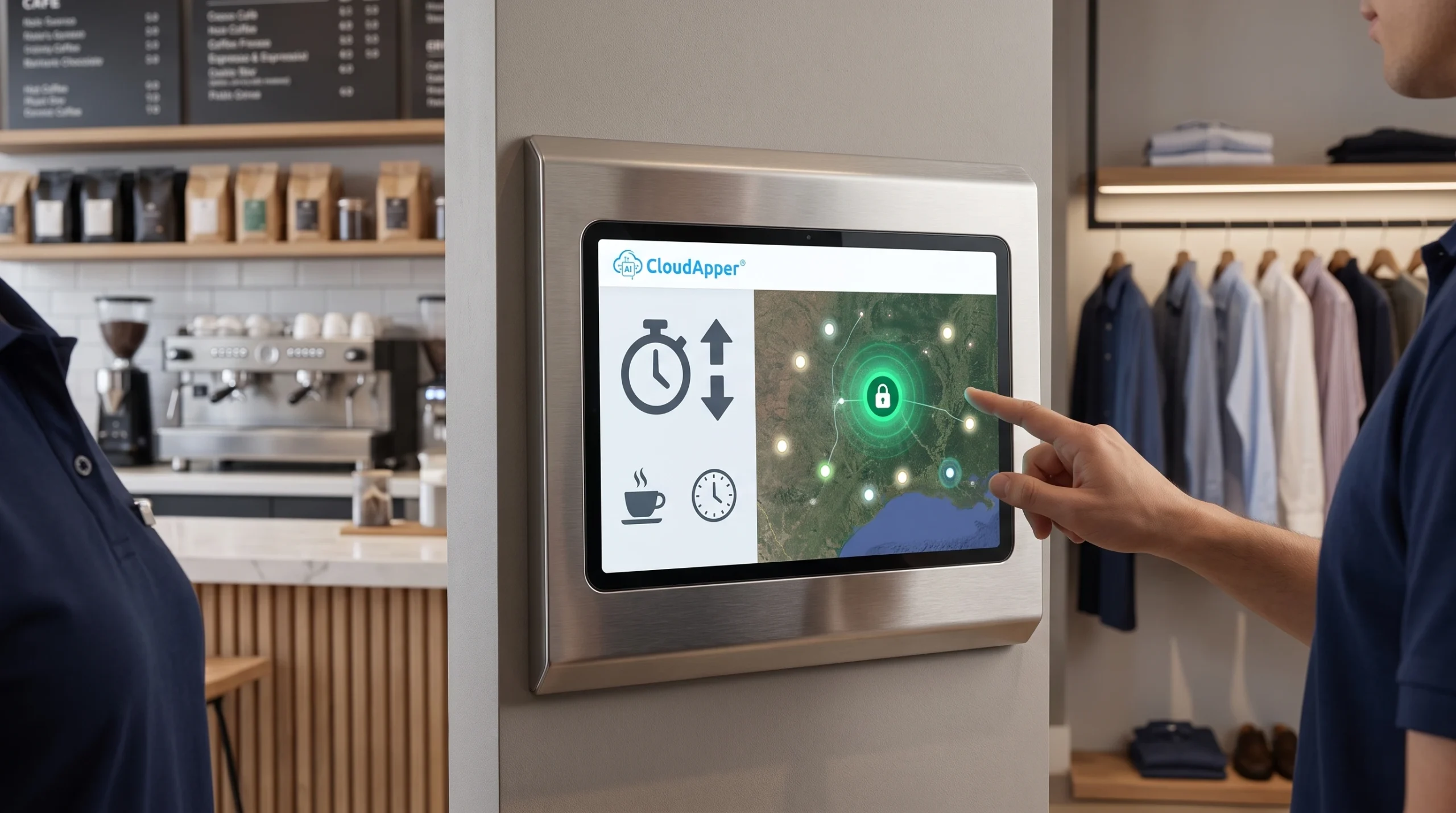
Time tracking has become one of HR’s most emotionally charged systems—caught between trust, compliance, and burnout. This article explores how zero-touch AI time automation, when governed correctly, can shift time tracking from surveillance to protection and become a real defense for the right to disconnect.

Table of Contents
- What “Zero-Touch” Time Automation Really Means (and why it’s showing up now)
- The HR Pivot: From “Policing Hours” to Auditing AI Logs
- The trust line: transparency + a real “pause” option
- Turning time tracking into a “Right to Disconnect” defense
- Where hrPad fits (and why kiosks still matter in a “zero-touch” world)
- A practical implementation model that doesn’t backfire
- The bottom line
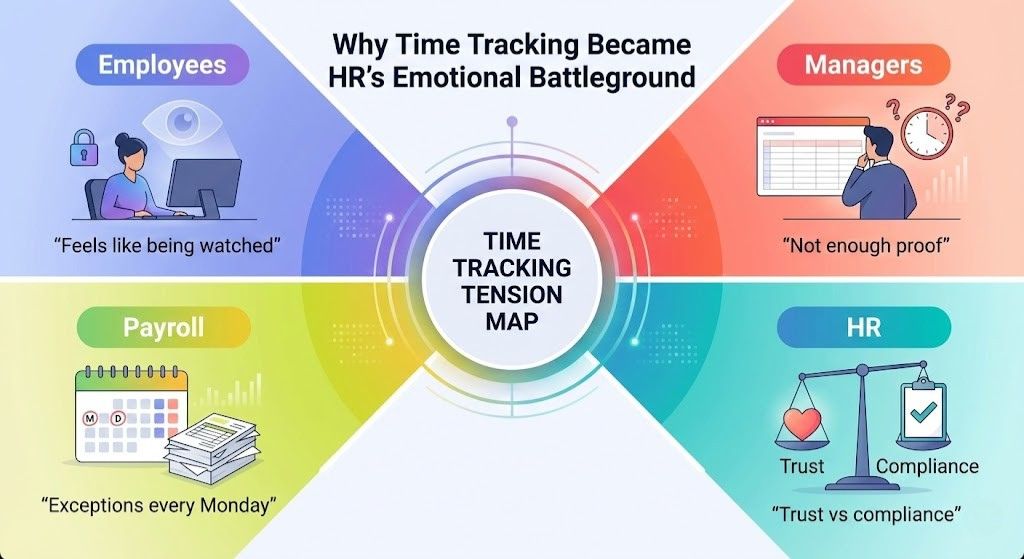
Time tracking quietly became one of HR’s most emotional battlegrounds. Employees often experience it as “being watched.” Managers often experience it as “not having enough proof.” Payroll experiences it as “another set of exceptions to fix on Monday.” And HR sits in the middle, trying to protect trust while also protecting compliance.
That’s why many HR teams are starting to rethink where time tracking happens and how employees interact with it. In frontline environments, the simplest fix is often giving employees a reliable self-service point of access on the floor, not another process to remember. Solutions like tablet-based employee self-service kiosks (such as CloudApper hrPad) are gaining attention because they reduce missed punches and repetitive HR questions without forcing people to use extra apps or requiring after-hours back-and-forth.

Now we are entering the next phase: AI-powered “zero-touch” time automation. Instead of asking people to remember when they clock in, these systems infer work time from activity signals across devices and produce logs that show working time, breaks, and potential overtime. Many tools explicitly market active vs. idle detection using signals such as keyboard and mouse activity.
Used poorly, this looks like surveillance with a new label. Used well, it can become something HR has long needed: a defensible, employee-friendly record of boundaries.
That shift in mindset matters, especially as “right to disconnect” expectations move from culture talk into policy reality. For example, Ontario requires certain employers to maintain written policies on disconnecting from work and on electronic monitoring.
What “Zero-Touch” Time Automation Really Means (and why it’s showing up now)
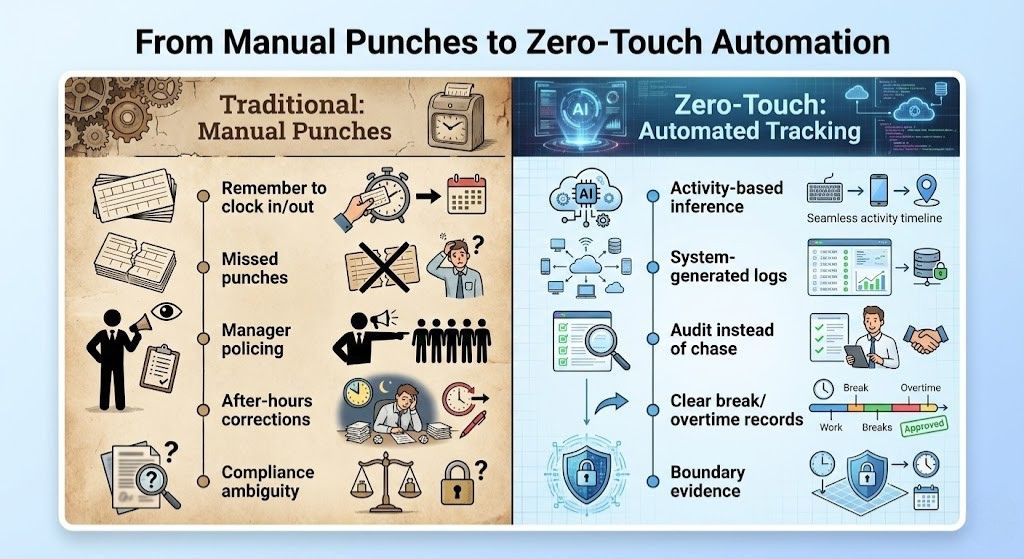
Traditional time tracking assumes one thing: the employee will remember to clock in and out, and managers will police exceptions.
Zero-touch approaches flip that assumption. The system watches for patterns that correlate with work (tool usage, device activity, workflow events) and automatically creates time entries. You still need governance and you still need human review, but the friction shifts from “Did you remember to punch?” to “Does this log reflect reality?”
The practical driver is simple: manual time capture creates constant administrative drag. In distributed teams, it also creates ambiguity. And ambiguity is where compliance risk hides—especially around breaks, rounding, and overtime.
But there’s a second, more important driver in 2026: work has become more fragmented. The workday is no longer a single block. It is micro-work, context switching, and collaboration that spills outside core hours. This is exactly why the right to disconnect has become a global discussion: workers need to be able to disengage from work communications outside working hours without consequences.
The HR Pivot: From “Policing Hours” to Auditing AI Logs
If you adopt zero-touch time automation and run it like a surveillance program, you will lose trust fast.
The HR leader’s job is to change the operating model:
Managers stop “catching” people. HR and payroll stop “chasing” missing punches. Everyone starts auditing a system-generated record using clear rules.
This is where the “shield” idea becomes real.
When time logs are created consistently and transparently, they become evidence of both work performed and work not performed. That matters for two high-stakes problems:
Unpaid off-hours work disguised as “quick help,” “mentorship,” or “just a fast reply.”
Boundary violations that create burnout, turnover, and legal exposure.
If your organization has hourly or non-exempt employees who can access work tools off the clock, you already understand the risk. If you have salaried employees who feel pressure to be “always on,” you can already see the damage to retention.
A high-integrity zero-touch system can support a healthier message:
“We are not tracking you to catch you. We are tracking the workday to protect your time.”
The trust line: transparency + a real “pause” option
Any program that uses activity signals must be paired with privacy controls and clear employee communication. Some activity-monitoring tools explicitly highlight transparency and “private time”—periods excluded from monitoring to respect personal needs.
From an HR governance perspective, the minimum trust standard looks like this:
Employees should be able to understand what is collected and why, see their own logs, correct mistakes through a defined process, and use a pause/private mode (or equivalent) without fear of retaliation.
This is not “nice to have.” It is how you keep zero-touch time automation from becoming a culture-breaking event.
And it aligns with modern policy direction. In Ontario, employers that meet the threshold must have a written policy describing electronic monitoring practices. That’s a signal of where expectations are going: disclose, document, and govern.
Turning time tracking into a “Right to Disconnect” defense
Here’s the reframing I encourage HR teams to adopt:
Time tracking is not a manager’s weapon. It is an employee’s protection.
When you position AI logs as a shield, you unlock three outcomes that executives actually care about:
You can document “shadow work” and stop it.
You can enforce boundaries consistently.
You can spot burnout signals earlier.
Burnout rarely shows up first in a survey. It shows up in behavior: longer workdays, fewer breaks, rising off-hours activity. Predictive insights should never be used to punish people, but they can be used to trigger support.
Where hrPad fits (and why kiosks still matter in a “zero-touch” world)
Zero-touch time automation is often discussed through a knowledge-worker lens: keyboards, mice, app usage, multiple devices.
But a huge portion of the workforce does not live at a laptop. Frontline teams need something different: simple, fast, shared access that supports compliance and self-service at the point of work.
That’s exactly where CloudApper hrPad fits naturally.
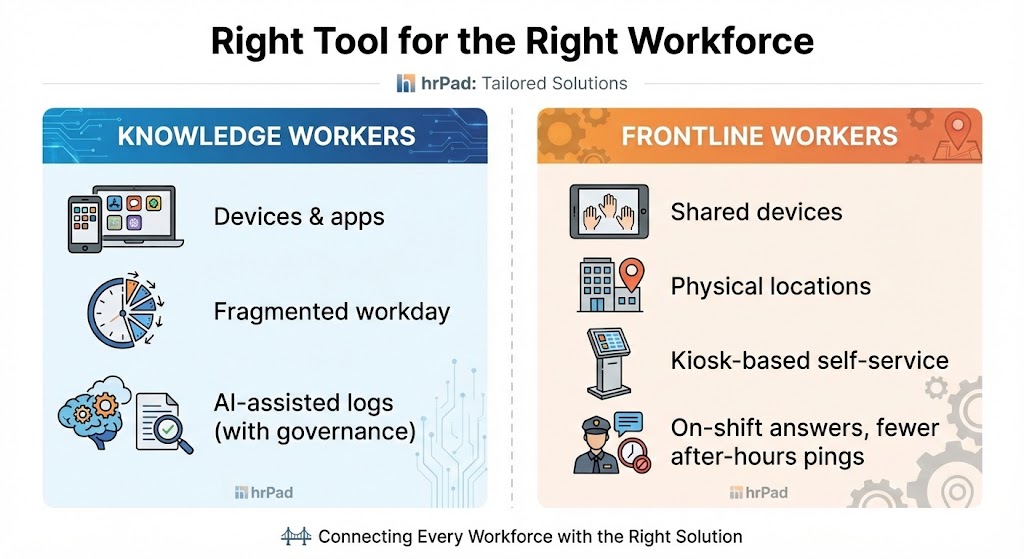
hrPad is an employee self-service kiosk that runs on standard tablets and functions as a time clock plus HR service delivery hub. It supports touchless Face ID check-in to reduce buddy punching, geofencing for accountability and cost-center alignment, and self-service workflows for PTO and shifts—paired with a 24/7 AI assistant that can answer HR questions based on your policies.
In the “Right to Disconnect” conversation, hrPad plays an underrated role: it reduces the need for after-hours back-and-forth by giving employees a place to get answers and take action during the shift.
Instead of texting a supervisor after hours about PTO balance, calling HR about accrual rules, or waiting for someone to explain a policy, employees can check balances, submit requests, and get policy-aligned answers through the kiosk experience.
And for HR, that means fewer informal, off-the-clock interactions that blur boundaries.
A practical implementation model that doesn’t backfire
If you want the benefits of agentic, automated time logs and the trust of your workforce, implement in this order:
Start with purpose, put disclosure in writing, design the pause/private mechanism, give employees access to logs, and build a fair correction workflow.
Then choose the right approach for each workforce segment:
Knowledge workers may benefit from device-based automation (with strict governance). Frontline teams often benefit more from kiosk-based workflows that are fast, visible, and policy-aligned—where hrPad is a strong fit.
The bottom line
“Zero-touch” time automation is coming fast. HR can either let it become another surveillance debate, or HR can lead with a smarter story:
This is how we protect fair pay.
This is how we prevent unpaid work.
This is how we prove boundaries.
This is how we defend the right to disconnect.
And when you extend that philosophy to the frontline with an employee self-service kiosk like CloudApper hrPad, you cover the full workforce—not just the people at desks—while reducing friction, repetitive HR tickets, and off-hours confusion.
What is CloudApper AI Platform?
CloudApper AI is an advanced platform that enables organizations to integrate AI into their existing enterprise systems effortlessly, without the need for technical expertise, costly development, or upgrading the underlying infrastructure. By transforming legacy systems into AI-capable solutions, CloudApper allows companies to harness the power of Generative AI quickly and efficiently. This approach has been successfully implemented with leading systems like UKG, Workday, Oracle, Paradox, Amazon AWS Bedrock and can be applied across various industries, helping businesses enhance productivity, automate processes, and gain deeper insights without the usual complexities. With CloudApper AI, you can start experiencing the transformative benefits of AI today. Learn More
- Useful Links:
- Agentic AI
- No-Code/Low-Code
- Custom Software
- HCM Personalization
- iPaaS
- FedRAMP
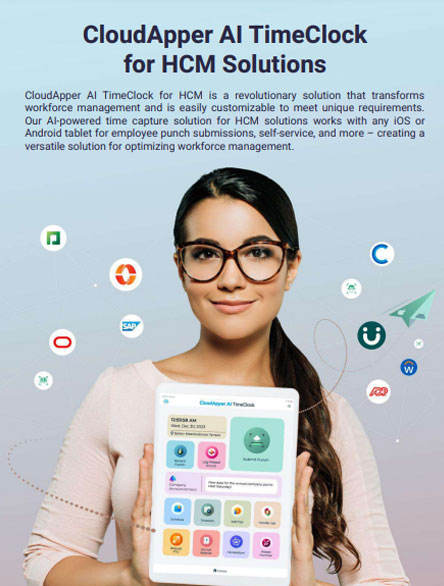
Brochure
CloudApper AI TimeClock
For accurate & touchless time capture experience.
Download Brochure
CloudApper AI Solutions for HR



- Works with








- and more.
Similar Posts
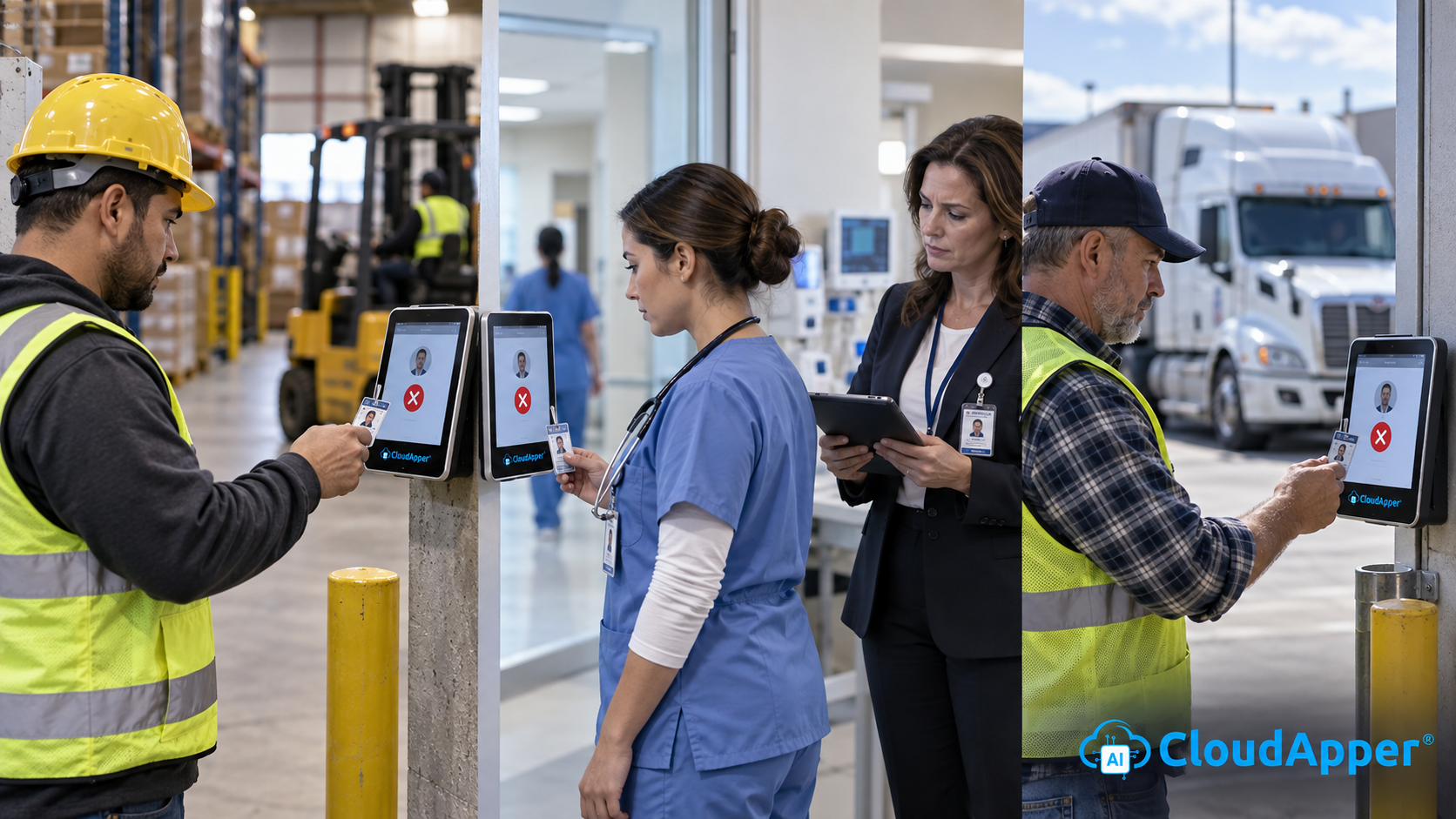
Credential and License Expiration Tracking: Alerting Supervisors and Blocking Clock-In…

Why Frontline Employers Need an AI Time Clock to Prove…