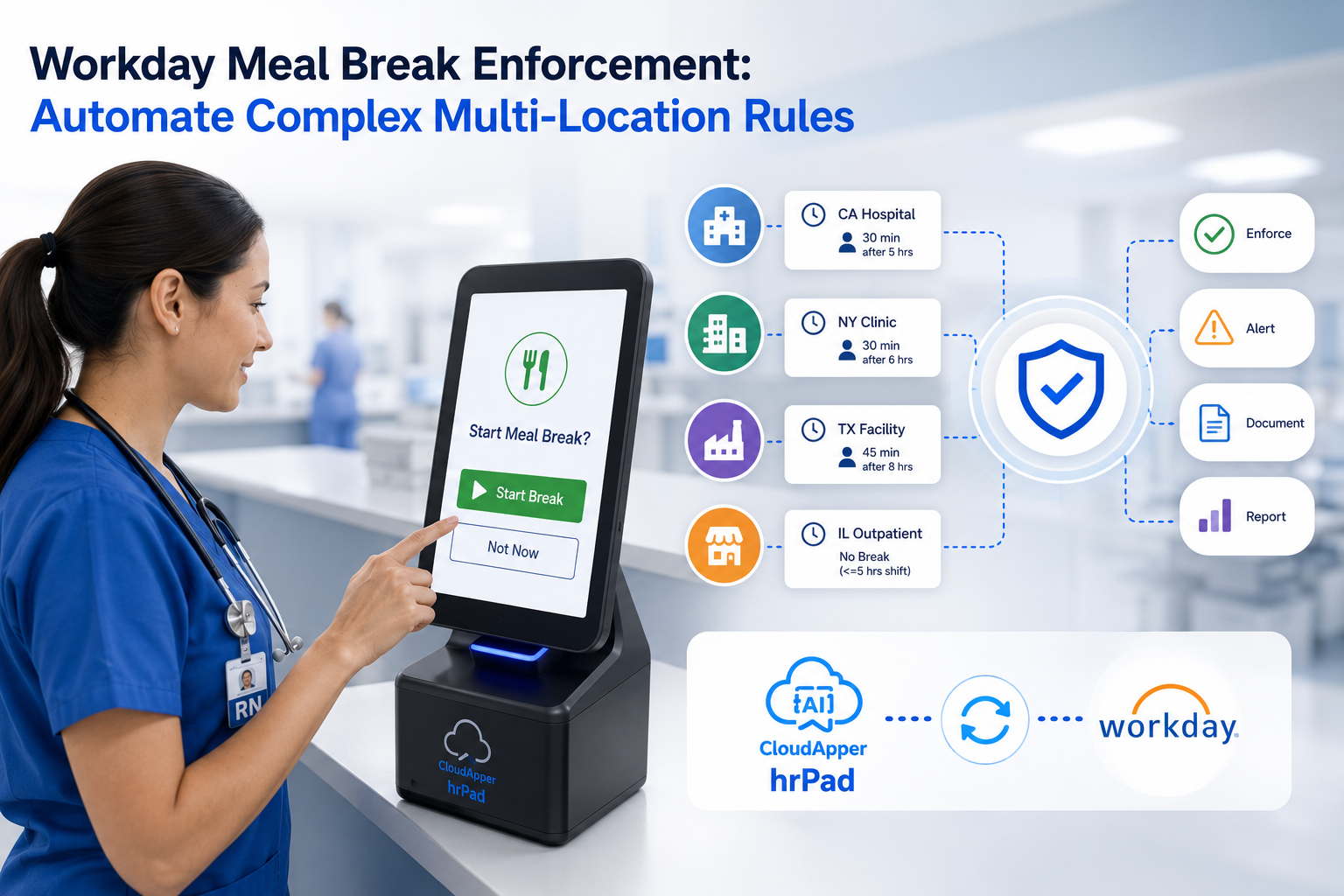
To scale Workday time and attendance on a manufacturing floor, deploy shared, wall-mounted kiosks that handle rapid, high-volume shift changes instead of relying on individual mobile or web punches. Kiosks with offline capture and PIN clock-in keep punches flowing during peak shift changes and network drops, then sync automatically to Workday.

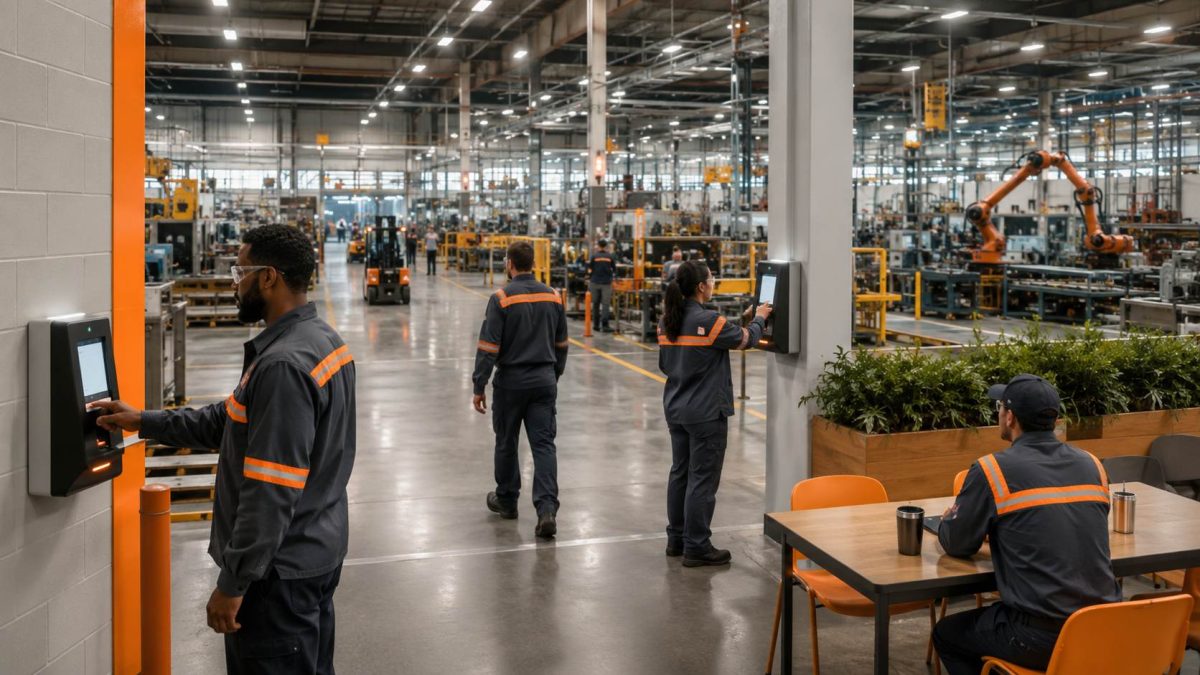
The gap most manufacturers hit isn’t in Workday. It’s in how the floor actually clocks in.
Most enterprise HCM platforms were built for a workforce sitting at desks, signed into a browser, punching from a laptop or a personal phone. That model holds up beautifully in the office. It starts to strain the moment you put it in front of 400 people trying to start the same shift at 6:00 a.m., in a plant where badge lines back up, phones aren’t allowed on the line, and one Wi-Fi dead zone can stall an entire building.

This is where growing manufacturers feel the pressure. The system of record is working exactly as designed. What’s missing is the layer between that system and the reality of the production floor: the fast, shared, physical point of capture where a high-volume workforce actually starts and ends its day. Closing that gap is what separates plants that scale smoothly from those that keep firefighting missed punches.
What “unscalable” really looks like on the floor
When organizations move to Workday and lean on individual mobile or web punches, the challenge rarely shows up on day one. It shows up as the workforce grows and shift density climbs. A few patterns tend to appear together:
- Shift-change bottlenecks. Hundreds of workers clocking in within the same ten-minute window overwhelm any approach built around one-person-one-device. Lines form. The line costs paid minutes and frays start-of-shift discipline.
- Personal-device assumptions that don’t fit the floor. Many production and warehouse roles don’t carry a phone on the line, don’t have a company email, and don’t sit at a computer. A punch method that assumes a personal device quietly excludes the exact people who need to clock in fastest.
- Connectivity dead zones. Loading docks, back corners of a warehouse, and older buildings often have spotty coverage. When a punch depends on a live connection, a dropped signal becomes a missing time record.
- Downstream cleanup. Every missed or duplicated punch becomes a manual correction for HR, a guess for payroll, and a compliance question at audit time.
None of this reflects a shortcoming in the HCM itself. It reflects a real-world operating environment that a high-volume floor simply demands more from.
Why the challenge occurs
Manufacturing time capture has three characteristics that office time tracking does not: it’s synchronized (everyone starts and stops together), it’s physical (the point of capture is a fixed station, not a personal login), and it’s unforgiving of downtime (a shift starts whether the network is up or not). Individual mobile or web punching optimizes for flexibility and personal convenience — the opposite of what a shift change needs. The result is that a workforce management approach that scales fine for salaried staff hits a ceiling on the floor.
Business impact of leaving the gap open
The cost compounds quietly:
| Area | What the gap costs |
| Labor cost | Minutes lost to kiosk lines and missed punches across hundreds of workers add up to real paid-but-unproductive time every shift. |
| Payroll accuracy | Manual corrections for missed or offline punches introduce errors and rework each pay cycle. |
| Compliance | Gaps in break and time records raise labor-law and audit risk, especially with minor employees or unionized crews. |
| HR capacity | Time spent chasing punch corrections is time not spent on onboarding, safety, and retention. |
| Employee experience | Waiting in line or fighting a dropped connection at the start of every shift wears on frontline morale. |
How to scale Workday time and attendance on a manufacturing floor: a step-by-step approach
Organizations that scale time tracking successfully tend to follow the same playbook. The goal is to give the floor a fast, shared, resilient point of capture that feeds Workday cleanly.
- Move from individual punching to shared, fixed kiosks. Place wall-mounted or counter-mounted tablets at entry points, break rooms, and production-floor stations. A shared station is built for throughput — many workers, one device, seconds per punch — which is exactly what a synchronized shift change requires.
- Map kiosk placement to shift-change flow. Position devices where crowds naturally form and where each crew enters, so no single kiosk becomes the new bottleneck. Density of devices at peak points matters more than total device count.
- Offer fast, device-free authentication. Support PIN entry alongside QR and facial recognition so workers without a phone or company login can clock in quickly. PIN clock-in keeps the line moving during peak windows and removes the personal-device assumption entirely.
- Plan for offline from the start. Choose an approach that captures punches locally when the network drops and syncs automatically once it’s restored. This turns dead zones into non-events.
- Push self-service to the same station. Let workers check schedules, view timecards and PTO balances, transfer jobs or cost centers, and complete break or safety attestations at the same kiosk — reducing trips to HR and keeping data flowing into Workday.
- Feed everything back to the system of record automatically. The kiosk layer should enrich Workday, not create a parallel record. Punches, transfers, and attestations should sync back so payroll and compliance run on a single source of truth.
Best practices for high-volume shift changes
- Deploy enough kiosks at each pinch point to clear a shift change in minutes, not a queue.
- Default to the fastest verified method for your environment; keep PIN available as a universal fallback.
- Treat offline capability as a requirement, not a nice-to-have, anywhere coverage is uneven.
- Enforce break and attestation rules in the punch flow so compliance is automatic rather than remembered.
- Use hardware you already own where possible to keep rollout fast and costs down.
- Standardize the kiosk experience across buildings so a worker who moves sites sees the same screen.
How CloudApper helps
Many enterprises extend their Workday deployment with a complementary workflow layer for the floor, and this is where CloudApper hrPad fits. hrPad turns tablets or iPads an organization already has into shared, wall-mounted Workday Employee Self-Service Kiosk purpose-built for high-volume shift changes — without replacing anything in Workday.
Because hrPad is a complementary enhancement rather than a replacement, it focuses on the exact points where a large floor needs more flexibility:
- Rapid, high-volume clock-in. A shared kiosk model handles crowds at shift change instead of forcing one-person-one-device punching.
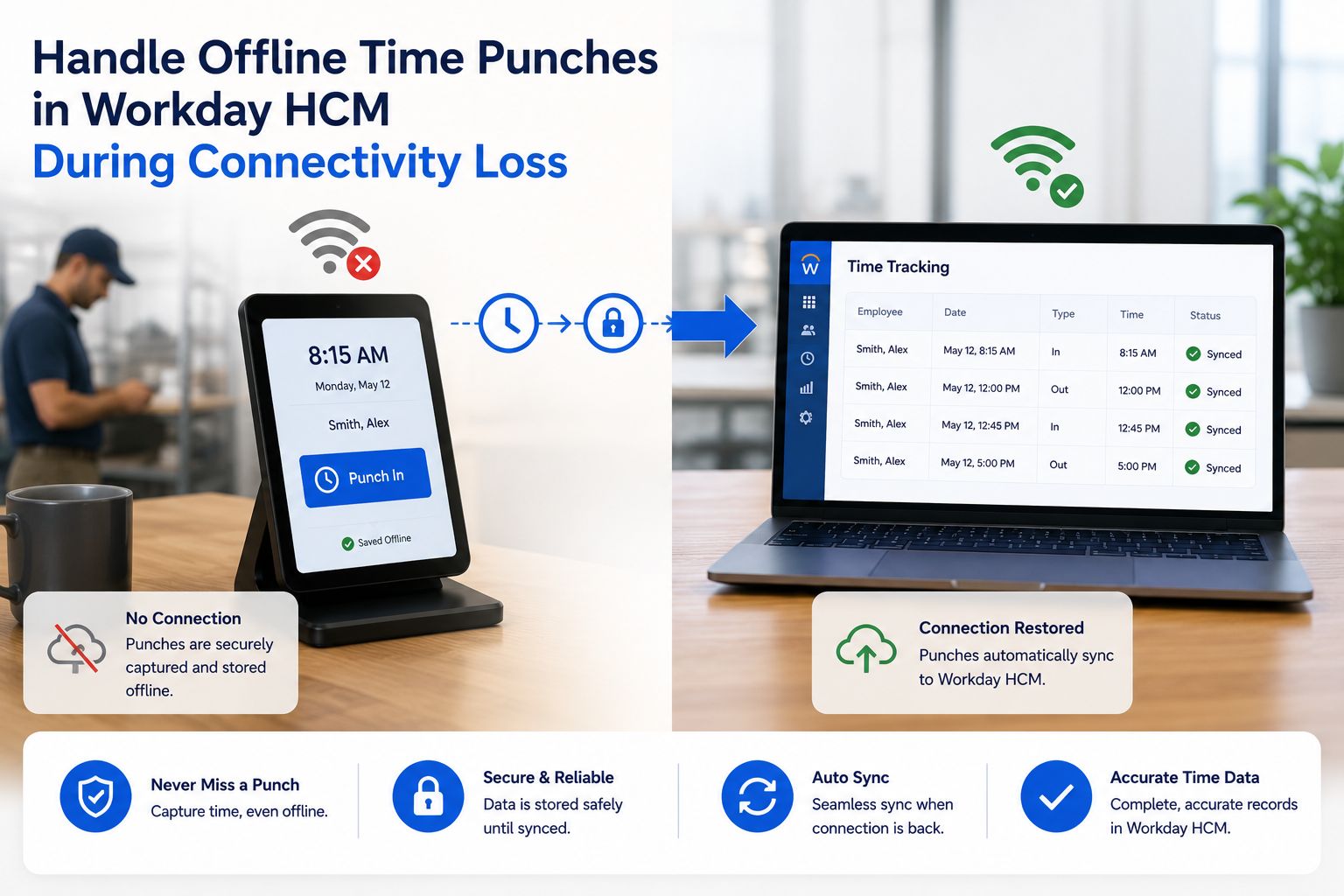
- Offline fallback. When connectivity drops in a dead zone, punches are captured and stored securely on the device, then sync to Workday automatically once the connection returns — so no punch is lost and payroll stays accurate.
- Offline PIN support. Workers can clock in and out with a PIN (or QR or facial recognition) even when the tablet is offline, keeping verified capture moving without a personal device or a live network.
- Frontline self-service. At the same station, employees can view schedules and timecards, check PTO, transfer jobs or cost centers, and complete break or safety attestations — with everything feeding back into Workday.
- Fast, low-cost rollout. Because it runs on existing tablets, hrPad deploys quickly across buildings without heavy proprietary hardware investment.
The result isn’t just a faster punch. It’s a floor that keeps moving at the speed of the operation — and an HR and payroll team that stops spending its week on corrections.
Example workflow scenario
Picture a plant running three shifts across several buildings. Before, start-of-shift meant lines at a handful of clock-in points, a recurring cluster of missed punches from a low-signal loading dock, and an HR coordinator who spent the first two hours of every Monday reconciling them.
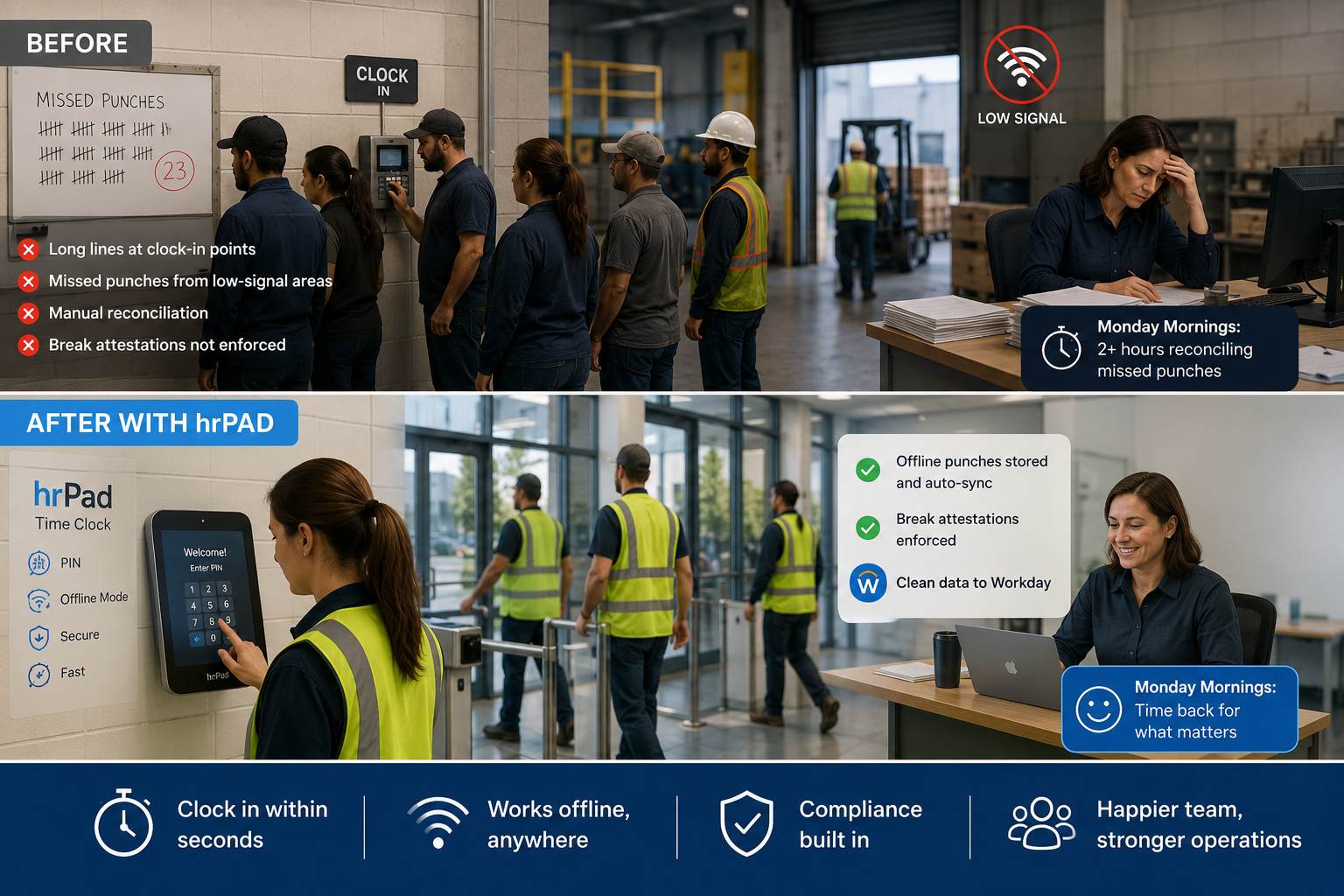
After deploying shared hrPad kiosks at each building’s entry and break areas: crews clock in within seconds using a PIN, the dock’s dropped connection no longer matters because punches store locally and sync when Wi-Fi returns, and break attestations for minor employees are enforced right in the flow. Payroll pulls clean data from Workday. The coordinator’s Monday morning goes back to onboarding new hires.
That’s what closing the floor-capture gap makes possible: the organization scales its workforce without scaling its administrative drag, the team gets its time back, and the people on the line get a start-of-shift that just works.
Conclusion
The move to Workday gives manufacturers a strong system of record. Scaling time and attendance on the floor is about adding the right point of capture on top of it — shared, fast, device-free, and resilient to network drops. Wall-mounted kiosks with high-volume clock-in, offline fallback, and offline PIN support turn shift changes from a daily bottleneck into a non-event, and keep Workday running on clean, accurate data. Organizations that close this gap scale their headcount without scaling the friction that used to come with it.
7. FAQ Section
Q: Does Workday provide dedicated time clock kiosks for manufacturing floors? Workday is a strong system of record for scheduling, timesheets, and accruals. Many manufacturers extend it with complementary shared-kiosk hardware and software to handle rapid, high-volume floor punching, since production environments need a fast, fixed, device-free point of capture.
Q: Why don’t individual mobile or web punches scale on a large floor? Shift changes are synchronized — hundreds of workers clock in within the same few minutes. One-person-one-device punching creates lines, assumes everyone has a phone or login, and breaks down in Wi-Fi dead zones. Shared kiosks are built for throughput.
Q: How does offline time capture work? When a network connection drops, punches are captured and stored securely on the kiosk device. Once connectivity returns, the stored punches sync automatically to Workday, so no time record is lost and payroll stays accurate.
Q: Can workers clock in without a smartphone or company login? Yes. PIN-based clock-in (alongside QR code and facial recognition) lets any worker punch in quickly at a shared kiosk, with no personal device required — and PIN entry works even when the device is offline.
Q: Will a kiosk layer replace Workday? No. A kiosk layer like CloudApper hrPad complements and extends Workday. It improves how the floor captures time and accesses self-service, then feeds all data back into Workday so it remains the single source of truth.
Q: How fast can shared kiosks be deployed? Because solutions like hrPad run on tablets or iPads an organization already owns, rollout is typically fast and avoids heavy proprietary hardware costs.
What is CloudApper AI Platform?
CloudApper AI is an advanced platform that enables organizations to integrate AI into their existing enterprise systems effortlessly, without the need for technical expertise, costly development, or upgrading the underlying infrastructure. By transforming legacy systems into AI-capable solutions, CloudApper allows companies to harness the power of Generative AI quickly and efficiently. This approach has been successfully implemented with leading systems like UKG, Workday, Oracle, Paradox, Amazon AWS Bedrock and can be applied across various industries, helping businesses enhance productivity, automate processes, and gain deeper insights without the usual complexities. With CloudApper AI, you can start experiencing the transformative benefits of AI today. Learn More
- Useful Links:
- Agentic AI
- No-Code/Low-Code
- Custom Software
- HCM Personalization
- iPaaS
- FedRAMP

Brochure
CloudApper hrPad
Empower Frontline Employees with an AI-Powered Tablet/iPad Solution
Download Brochure
CloudApper AI Solutions for Workday



- Works with








- and more.
Similar Posts
How to Prevent Duplicate Worker and Pre-Hire Records in Workday…
How to Handle Offline Time Punches in Workday During Connectivity…