When a legacy time clock reaches end of life, the hardware isn't the real cost. The real cost is the manual export routine that quietly becomes someone's job every pay cycle. Here's how to retire discontinued clocks and restore a clean, real-time data path into Workday, without replacing your system of record.

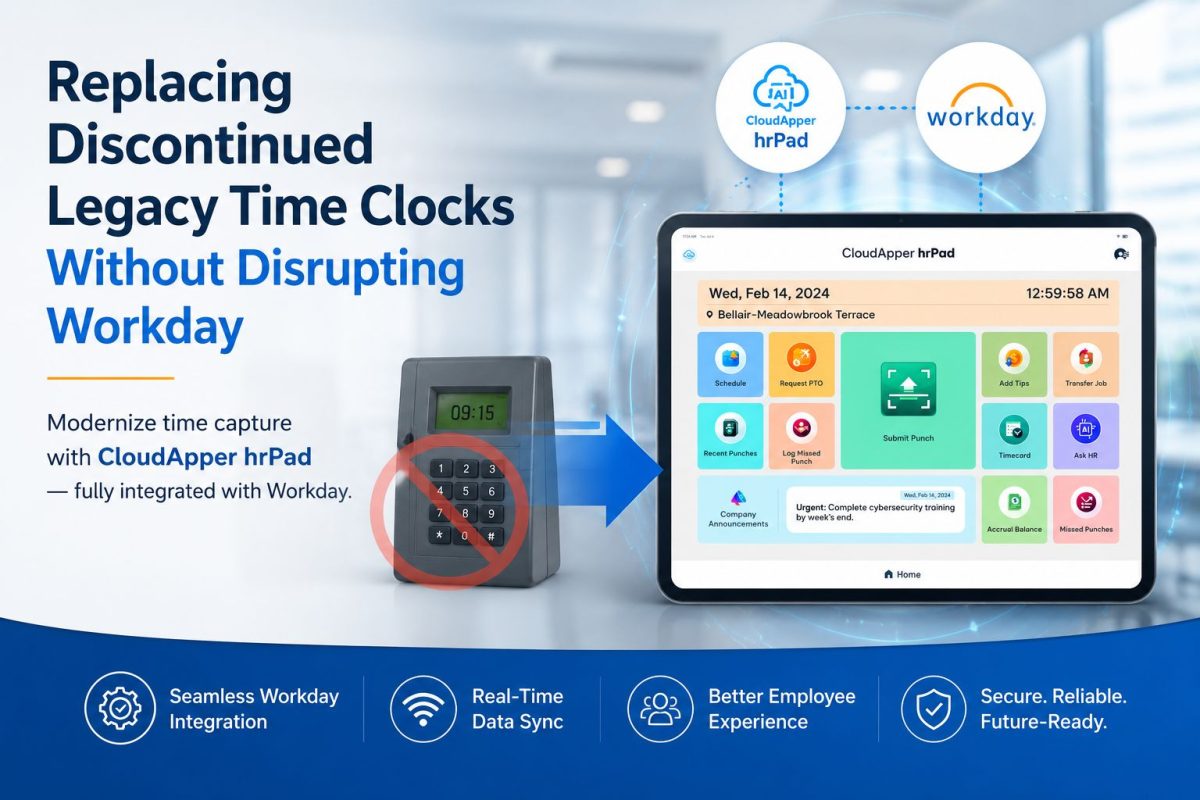
The real cost isn’t the hardware. It’s what your team does after the hardware fails.
Most timekeeping conversations focus on the box on the wall. The more honest conversation is about what happens after that box reaches end of life: someone on your team is now exporting punch files by hand, cleaning them in a spreadsheet, and re-keying them so payroll can run on time. That work didn’t exist last year. It exists now because the hardware stopped being supported, and the workaround quietly became somebody’s job.

For organizations running Workday, this is a frustrating place to land. The system of record is modern, capable, and built for the way people work. The bottleneck sits upstream, in a discontinued device that can no longer pass data forward.
Why this happens when a time clock is discontinued
Physical time clocks have a lifecycle. When a manufacturer sunsets a model or a product line, a few things tend to happen at once:
- Firmware and security updates stop, so the device slowly falls out of compliance with IT standards.
- API support is frozen or removed, so the clock can no longer push clean data into your HCM.
- Replacement parts and vendor support dry up, so a single failure can take a location offline.
The result is a gap between where employees punch and where that data needs to live. Without a live connection, the only way to keep payroll running is to bridge that gap manually. That means exports, reformatting, and imports on every pay cycle.
The business impact of manual timekeeping
Manual exports feel small on any single day. Across a pay period and a full workforce, the picture changes:
- Payroll risk. Every manual handoff is a chance for a mistyped number, a missed punch, or a late file. Those errors surface as corrections, and corrections erode trust.
- Compliance exposure. Hand-managed records are harder to audit and harder to defend when overtime, breaks, or labor rules come into question.
- Lost time. Hours that HR and payroll spend babysitting spreadsheets are hours not spent on people, hiring, or planning.
- Fragility. When timekeeping depends on one person knowing the export routine, a vacation week becomes a payroll risk.
Can Workday handle this natively?
Yes, in part, and it’s worth knowing where the native line sits before adding anything. Workday Time Tracking includes web, mobile, and kiosk clock-in options with time stamps and geofencing, and it provides APIs to import clock-in and clock-out data from physical devices. For many salaried and desk-based teams, the built-in web and mobile options are enough on their own.
The question is usually about frontline and shared-device environments: a production floor, a warehouse dock, a facility entrance, or any setting where employees don’t have a personal device or individual login. In those settings, organizations typically want dedicated physical stations, and that’s the space a discontinued clock used to fill. The goal, then, is not to replace Workday. It’s to restore a reliable, supported device at those stations that feeds Workday cleanly.
How to replace a discontinued time clock: a step-by-step approach
- Map where punches actually happen. Identify every location and station that relied on the old hardware, and note which need shared access versus individual login.
- Confirm your Workday time model. Note the pay rules, labor codes, and attestations each group needs so the replacement captures them at the source.
- Choose supported, API-ready hardware. The replacement should connect to Workday through a live integration, not a file export, so data moves without a human in the middle.
- Pilot at one location. Validate punches, PTO visibility, and sync accuracy against Workday before rolling out widely.
- Retire the manual export routine. Once real-time sync is confirmed, decommission the spreadsheet workaround so it can’t quietly return.
- Standardize and scale. Deploy the same setup across locations so every site behaves identically and support stays simple.
Best practices for a clean transition
- Prioritize hardware you already trust. Standard iOS, Android, or Windows tablets are inexpensive, easy to source, and simple to replace if one breaks.
- Insist on real-time, bi-directional sync rather than nightly batch files.
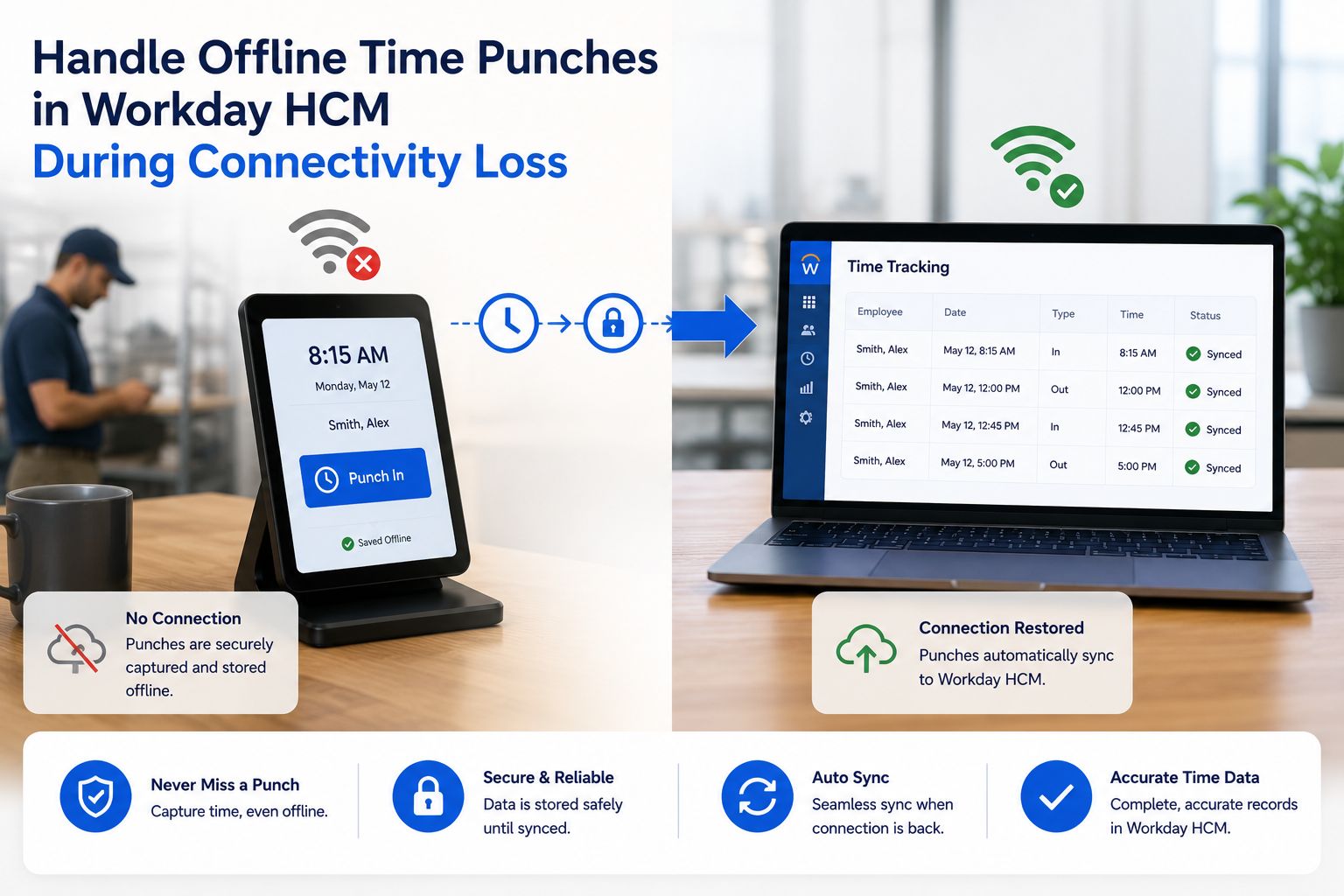
- Plan for offline resilience so a network blip doesn’t stop clock-ins.
- Keep the employee experience simple. The faster and clearer the punch, the cleaner the data.
How CloudApper helps close the gap
Once the native boundaries are clear, the remaining need is a supported device at shared stations that feeds Workday without manual work. This is where CloudApper hrPad Employee Self-Service fits. hrPad turns any standard iOS, Android, or Windows tablet into a Workday-connected time capture station, so organizations can retire discontinued hardware without buying a proprietary replacement or changing their system of record.
Employees clock in at the kiosk, check PTO balances, request time off, complete attestations, and get answers from an AI assistant, all at a shared station with no personal login required. Punches and related data sync to Workday in real time, which removes the export-and-re-key cycle that discontinued hardware forces on your team. It also runs offline and picks sync back up when the connection returns, so a single location outage doesn’t stall the pay cycle.
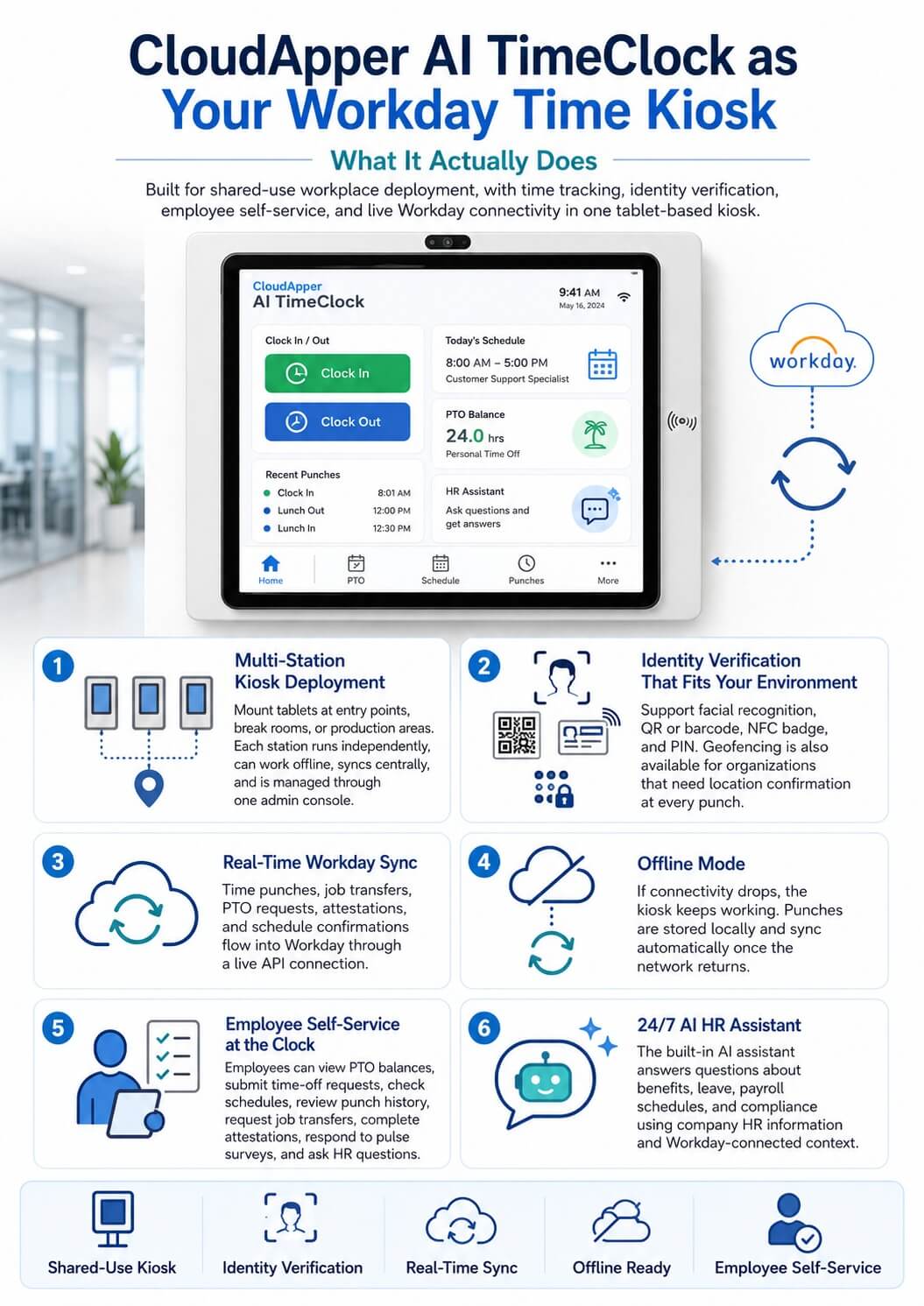
The point isn’t a new gadget on the wall. It’s what the organization gets back: payroll that runs on live data, HR hours returned to actual HR work, and a timekeeping layer that scales across locations without waiting on a vendor’s next hardware release. CloudApper is the process layer that lets Workday do what a discontinued clock no longer can, on hardware you already know, in weeks rather than quarters.
Example scenario
A multi-site operator learns its wall-mounted clocks have reached end of life and no longer support API sync. For two pay periods, a payroll coordinator exports punches from each site, reconciles them in a spreadsheet, and imports them into Workday by hand. The team deploys tablet kiosks running hrPad at each entrance, connects them to Workday, and pilots one location for a week. Punches now flow into Workday live. The manual export routine is retired, the coordinator’s pay-cycle scramble disappears, and adding the next site means setting up another tablet rather than sourcing another proprietary clock.
FAQ
What should I do when my time clock is discontinued?
Replace the end-of-life hardware with a supported, API-ready device that connects to your HCM directly. This restores a live data path and removes the manual export and re-entry that a discontinued clock forces on your team.
Does Workday support physical time clocks?
Yes. Workday Time Tracking offers web, mobile, and kiosk clock-in options and provides APIs to import clock-in and clock-out data from physical devices. Shared-station and frontline settings often add a dedicated device that feeds Workday through that live connection.
Why can’t I just keep exporting punches manually?
You can, but every manual handoff adds payroll risk, compliance exposure, and lost hours, and it makes timekeeping dependent on one person’s routine. A live integration removes those risks.
Do I have to replace Workday to fix this?
No. The goal is to restore a reliable device at the point of punch that syncs into Workday. Workday stays your system of record.
What hardware replaces a discontinued time clock?
Standard iOS, Android, or Windows tablets running a kiosk solution are a common, budget-friendly replacement. They’re easy to source, simple to swap, and connect to Workday through a live integration.
How long does the switch take?
Because the tablets are off-the-shelf and the integration is configured rather than custom-built, most organizations pilot one site quickly and scale from there, typically in weeks.
What is CloudApper AI Platform?
CloudApper AI is an advanced platform that enables organizations to integrate AI into their existing enterprise systems effortlessly, without the need for technical expertise, costly development, or upgrading the underlying infrastructure. By transforming legacy systems into AI-capable solutions, CloudApper allows companies to harness the power of Generative AI quickly and efficiently. This approach has been successfully implemented with leading systems like UKG, Workday, Oracle, Paradox, Amazon AWS Bedrock and can be applied across various industries, helping businesses enhance productivity, automate processes, and gain deeper insights without the usual complexities. With CloudApper AI, you can start experiencing the transformative benefits of AI today. Learn More
- Useful Links:
- Agentic AI
- No-Code/Low-Code
- Custom Software
- HCM Personalization
- iPaaS
- FedRAMP

Brochure
CloudApper hrPad
Empower Frontline Employees with an AI-Powered Tablet/iPad Solution
Download Brochure
CloudApper AI Solutions for Workday



- Works with








- and more.
Similar Posts
How to Prevent Duplicate Worker and Pre-Hire Records in Workday…
How to Handle Offline Time Punches in Workday During Connectivity…