Most wage and hour violations aren't policy failures. They're gaps between when work starts and when a system records it. This piece breaks down the four costliest time tracking mistakes and shows how an employee time tracking app like CloudApper AI TimeClock closes each gap before it reaches payroll.

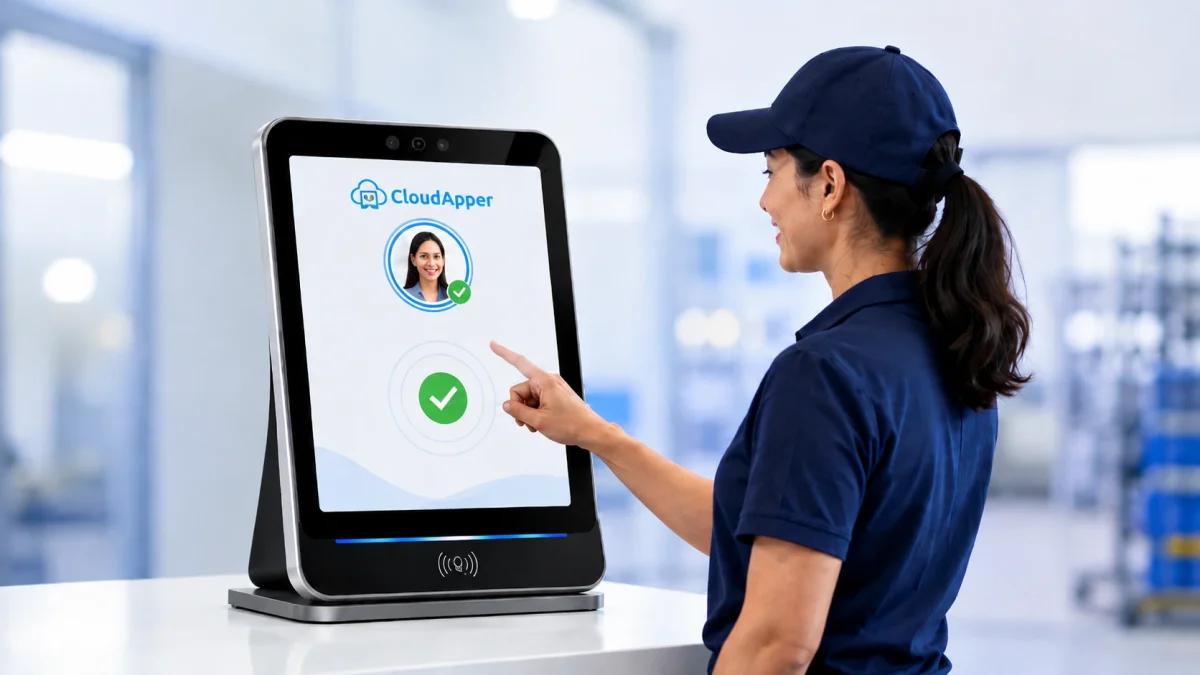
Table of Contents
- Mistake 1: Treating “off-the-clock” work as unworked time
- Mistake 2: Letting missed punches distort overtime calculations
- Mistake 3: Inconsistent break and meal-period documentation
- Mistake 4: Relying on unverified manual entry for the source data
Time tracking compliance failures rarely start as policy problems. They start in the gap between when work actually begins and when a system records it, and by the time payroll runs, that gap has already become a liability. CloudApper AI TimeClock, our employee time tracking solution was built to close exactly that gap. It sits on top of the workforce management system you already run, feeding it accurate, complete hours that sync straight into all leading HCM platforms, including UKG, Oracle, Workday, and Dayforce.

The four most expensive time tracking compliance mistakes are:
- Not paying for work done off the clock
- Letting missed punches throw off overtime
- Poor records of meal and rest breaks
- Relying on paper or self-reported hours
Mistake 1: Treating “off-the-clock” work as unworked time
CloudApper AI TimeClock asks employees at clock-out whether they worked any time off the clock, so unrecorded minutes get caught before payroll. Face ID at the kiosk confirms the right person punched in. Pre-shift prep, post-shift wrap-up, and answering a work message after hours can count as compensable time under the Fair Labor Standards Act (FLSA) if the employer knew or should have known. Often it’s simply that a time tracking system only starts a shift when someone remembers to clock in, missing the minutes before that. This is one of the most litigated wage claim categories, and automating the attestation at clock-out closes most of that exposure before it reaches payroll. CloudApper AI TimeClock closes that gap with facial recognition and biometric matching at the kiosk, so the timestamp reflects when work actually started.
Mistake 2: Letting missed punches distort overtime calculations
Missing a punch is one of the fastest ways overtime math goes wrong. If a clock-out never gets recorded, the system either logs the shift as still open or defaults to a placeholder time, and either way the hours feeding into the overtime calculation are already wrong before payroll runs the numbers. CloudApper AI TimeClock catches this at the source instead of after the fact. The AI flags a missed punch in real time, the employee submits the correct time through the kiosk or their mobile device, a manager reviews and approves it, and the verified hours sync straight into all leading HCM platforms including UKG, Oracle, Workday and Dayforce. Overtime gets calculated off hours that were actually confirmed, not a gap nobody noticed until the pay run.
Mistake 3: Inconsistent break and meal-period documentation
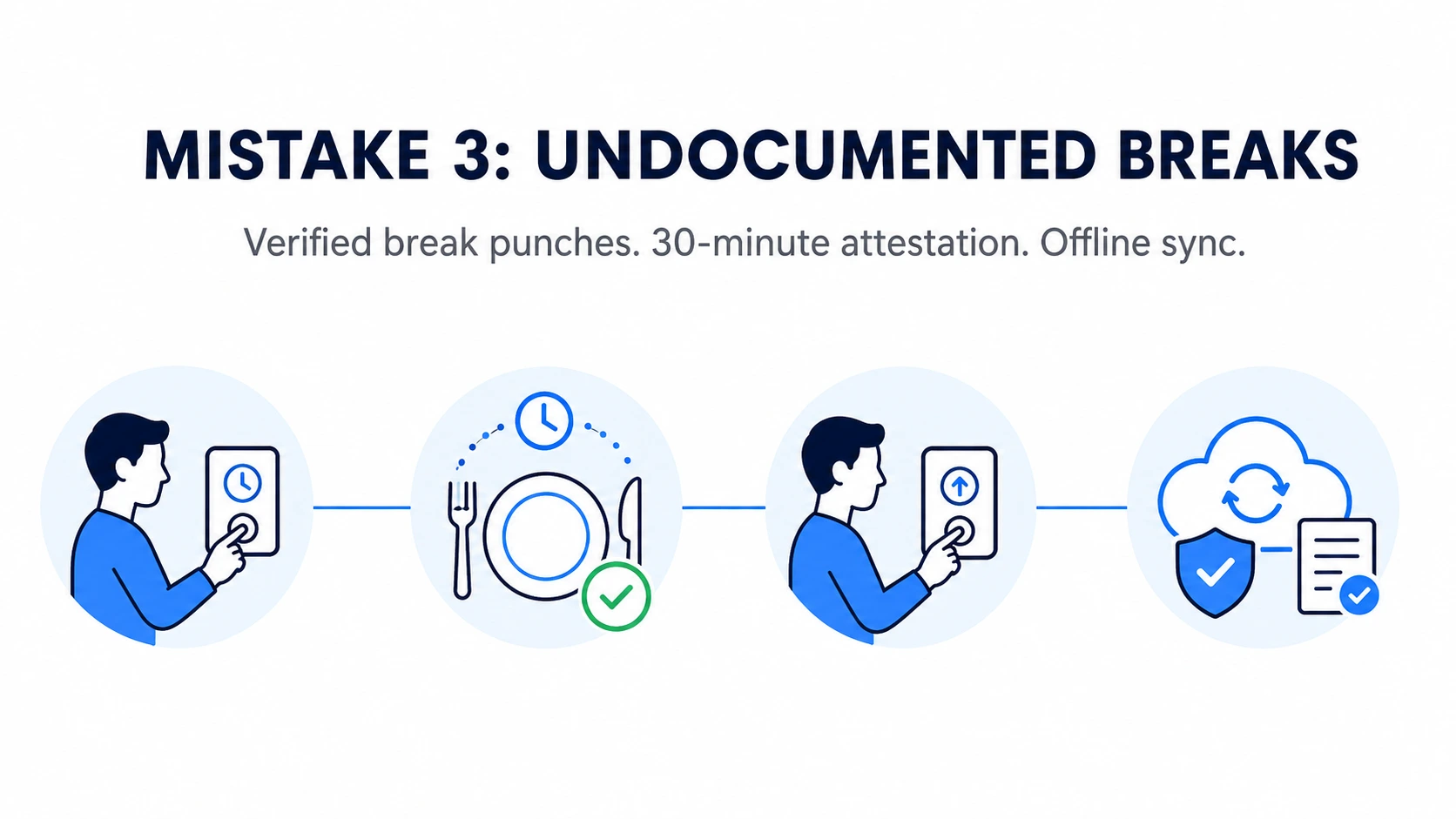
A denied or undocumented meal or rest break creates a violation every time it happens. California is the clearest example: a missed meal period alone can trigger an extra hour of pay, and courts have confirmed these premiums count as wages. What’s usually missing isn’t the policy but proof it was followed, since enforcement varies by manager and location. CloudApper AI TimeClock closes that boundary with a verified clock-out when a break starts and a clock-in when it ends, and even asks the employee whether they have taken their mandatory 30-minute break so the break policy is actually followed. The time tracking software also captures punches offline and syncs everything to your HR system the moment connectivity returns, so no punch, transfer, or attestation is ever lost.
Mistake 4: Relying on unverified manual entry for the source data
Paper timesheets and self-reported hours with no supervisor verification are usually the root cause behind the first three mistakes. Rounding gets applied inconsistently across shifts and locations, overtime slips through unflagged, and there’s no clean trail if the DOL or an employee’s attorney asks for records. In fiscal year 2025 alone, the DOL recovered $184.4 million in back wages for over 145,000 workers. CloudApper AI TimeClock replaces that guesswork through Face ID verification and a timestamp on every punch, creating an audit trail that holds up if tested.
What’s at stake
- Under the FLSA, employers can owe back wages plus an equal amount in damages, which effectively doubles the bill
- Claims can reach back 2 years, or 3 if the violation is willful
- Employers must keep payroll records for 3 years and time cards for 2
The bottom line
None of these four mistakes start with a policy gap. Your overtime rules, PTO accrual, and payroll calculations already do what they’re supposed to. The risk sits earlier, in whether the hours reaching those calculations are accurate and verifiable. CloudApper AI TimeClock strengthens that layer: verified punches, documented breaks, and an audit trail that holds up under scrutiny.
If you want to see what accurate time tracking looks like against your own workforce management setup, our team can walk you through it. Contact us to schedule a walkthrough.
Time Tracking Compliance FAQs
Does off-the-clock work count as paid time under the FLSA?
Yes. If an employer knows, or should have known, that someone is working before clock-in, after clock-out, or answering messages after hours, that time is generally paid work time under the FLSA. The safest fix is a clock-out question that asks employees to confirm whether they did any unrecorded work.
Is rounding employee time punches legal?
Under federal law, yes, within limits. Employers can round to the nearest 5 minutes, tenth of an hour, or quarter hour, as long as it evens out over time and doesn’t consistently shortchange employees. Some states are stricter. In California, for example, employers can’t round meal period punches.
How long do employers have to keep time records?
Under the FLSA, employers must keep payroll records for at least 3 years. Time cards and the records used to calculate wages must be kept for at least 2 years. Some states require longer, so check your state’s rules too.
Does federal law require meal or rest breaks?
No. The FLSA doesn’t require breaks, but short breaks of 5 to 20 minutes must be paid if you offer them. Many states set their own rules. California requires a 30-minute meal break before the end of the fifth hour of work, and a missed break costs one extra hour of pay.
What happens if an employer violates wage and hour laws?
Employers can owe back wages plus an equal amount in damages, which can double the bill. Workers can usually claim up to 2 years back, or 3 years if the violation was willful. In fiscal year 2025, the DOL recovered $184.4 million in back wages for more than 145,000 workers.
How does one missed punch throw off overtime?
If a clock-out never gets recorded, the system either leaves the shift open or fills in a placeholder time. Either way, the hours used to calculate overtime are wrong before payroll even runs.
Can a time tracking app fix these gaps without replacing our HR system?
Yes. CloudApper AI TimeClock works with the system you already use. It confirms who’s clocking in with Face ID, flags missed punches right away so they get fixed, and syncs the approved hours into UKG, Oracle, Workday, Dayforce, and other leading HR platforms.

What is CloudApper AI Platform?
CloudApper AI is an advanced platform that enables organizations to integrate AI into their existing enterprise systems effortlessly, without the need for technical expertise, costly development, or upgrading the underlying infrastructure. By transforming legacy systems into AI-capable solutions, CloudApper allows companies to harness the power of Generative AI quickly and efficiently. This approach has been successfully implemented with leading systems like UKG, Workday, Oracle, Paradox, Amazon AWS Bedrock and can be applied across various industries, helping businesses enhance productivity, automate processes, and gain deeper insights without the usual complexities. With CloudApper AI, you can start experiencing the transformative benefits of AI today. Learn More
- Useful Links:
- Agentic AI
- No-Code/Low-Code
- Custom Software
- HCM Personalization
- iPaaS
- FedRAMP

Brochure
CloudApper AI TimeClock
For accurate & touchless time capture experience.
Download Brochure
CloudApper AI Solutions for HR



- Works with








- and more.
Similar Posts

Time Clocks for Food Processing Plants: Sanitation Shifts, Line Changes…

One Time Clock for Employees, Agency Temps and Contractors: Routing…