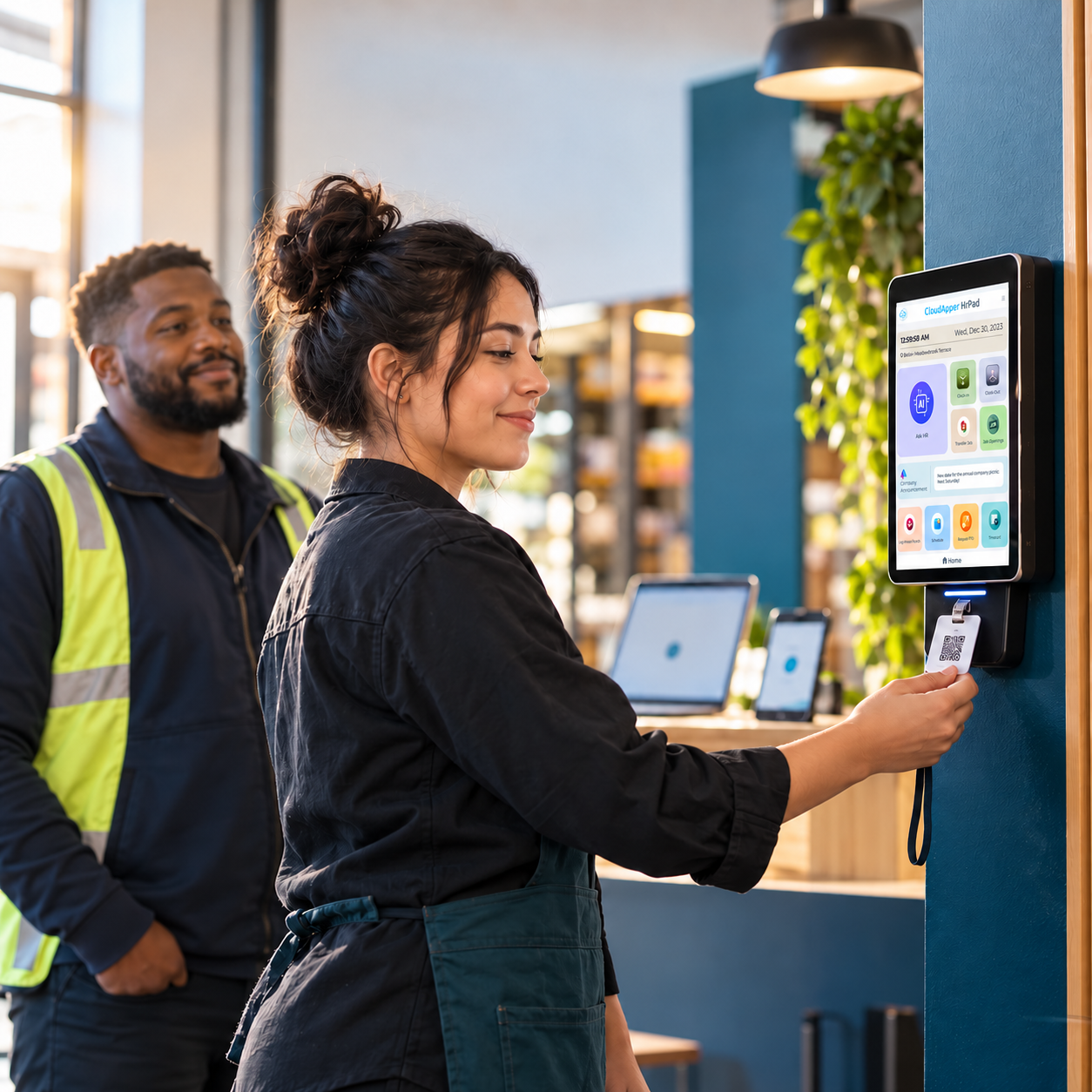
A shift trade updates Workday's schedule, but the pay rate, differential, and cost center often don't follow. See why shift swap pay rate accuracy breaks down before payroll, and how CloudApper hrPad confirms identity at clock-in to fix it.

TL;DR
- A shift trade updates who's scheduled to work, but rarely triggers an automatic update to the differential, cost center, or union rate tied to that shift in Workday.
- The financial risk isn't visible until payroll close, where it surfaces as overpayment, underpayment, or a retro pay correction.
- Confirming identity at clock-in, not just at trade approval, is the only reliable place to close this gap.
- CloudApper hrPad confirms the covering employee's identity and location at every punch and syncs that data to Workday in real time, so Workday's own pay rules calculate the rate correctly the first time.
Table of Contents
- Why Shift Swap Pay Rate Accuracy Breaks Down in Workday
- What a Wrong Shift Swap Pay Rate Really Costs You
- Four Checks Before a Trade Punch Reaches Payroll
- How hrPad Gets the Person, the Shift, and the Location Right Before Payroll Sees It
Shift swap pay rate accuracy breaks down in the gap between a schedule change and a payroll record. When two frontline employees trade shifts, Workday’s schedule updates, but the time block reaching payroll can still carry the differential, cost center, or union rate assigned to whoever was originally scheduled, not the person who actually clocked in. For Payroll Managers and Workday time administrators running hourly, multi-site, or unionized workforces, an unconfirmed swap quietly creates overpayments, underpayments, and retro pay corrections that surface weeks later.

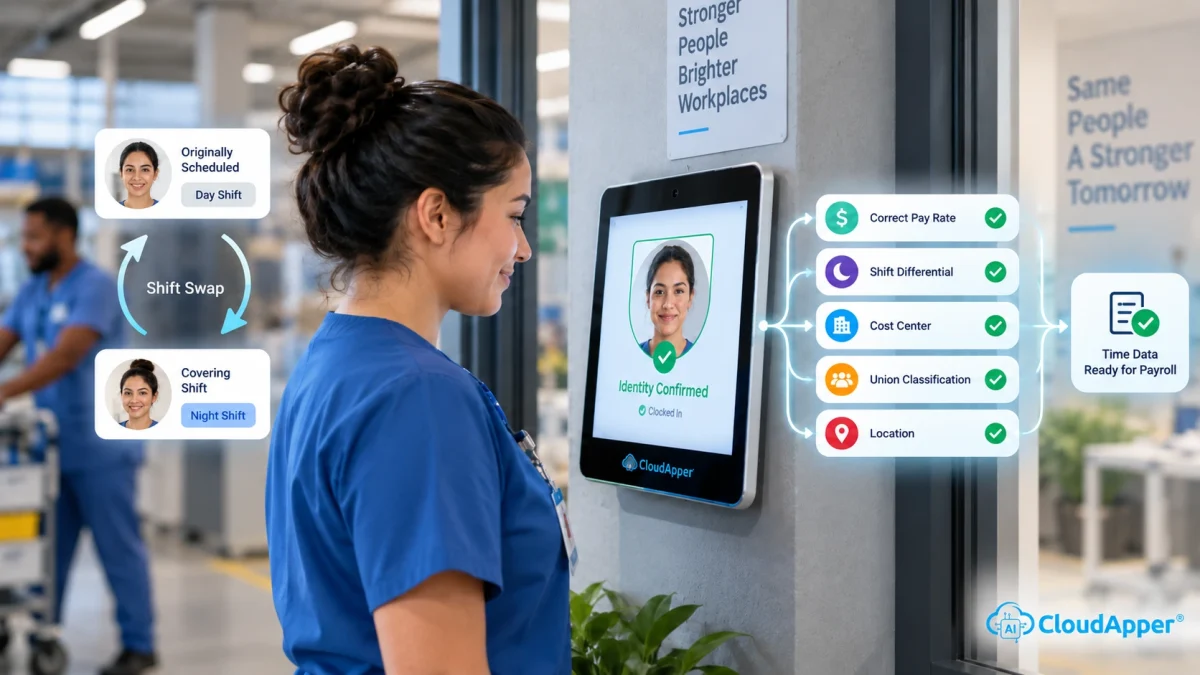
It’s a confirmation problem, not a scheduling one: nothing verifies, at the moment of work, that the identity behind the punch matches the identity behind the rate. The fix is confirming that identity right at the clock in, not catching it after payroll runs. That’s what CloudApper hrPad, our employee self-service kiosk, does: it verifies who’s actually clocking in for a swapped shift, so the correct rate and cost center travel with the real worker before the time block syncs back to Workday.
Why Shift Swap Pay Rate Accuracy Breaks Down in Workday
A shift trade and a Workday time entry are two different objects, and they don’t always move together. When a manager approves a swap, the schedule assignment changes. But the metadata behind that shift block, like the differential for a night or weekend rate, the cost center for labor allocation, or the classification behind a seniority-based union rate, often stays tied to whoever was originally scheduled. It won’t move unless the trade gets logged as a structured event before the covering employee clocks in.
This is part of why so many trades still happen informally, over text or a verbal okay from a supervisor. Frontline employees swap shifts more than anyone, and 83% of non-desk employees don’t have a corporate email address to log into a browser-based self-service portal in the first place (HubEngage, 2026). When the formal channel is hard to reach, the workaround becomes the default, and the workaround is exactly what skips the pay rate confirmation step.
What a Wrong Shift Swap Pay Rate Really Costs You
An unconfirmed shift swap rarely stays a single mistake. One piece of shift metadata attached to the wrong person turns into overpayment, a compliance gap, or a distorted staffing picture, sometimes all three from the same trade. Most of it stays invisible until weeks after the shift is gone.
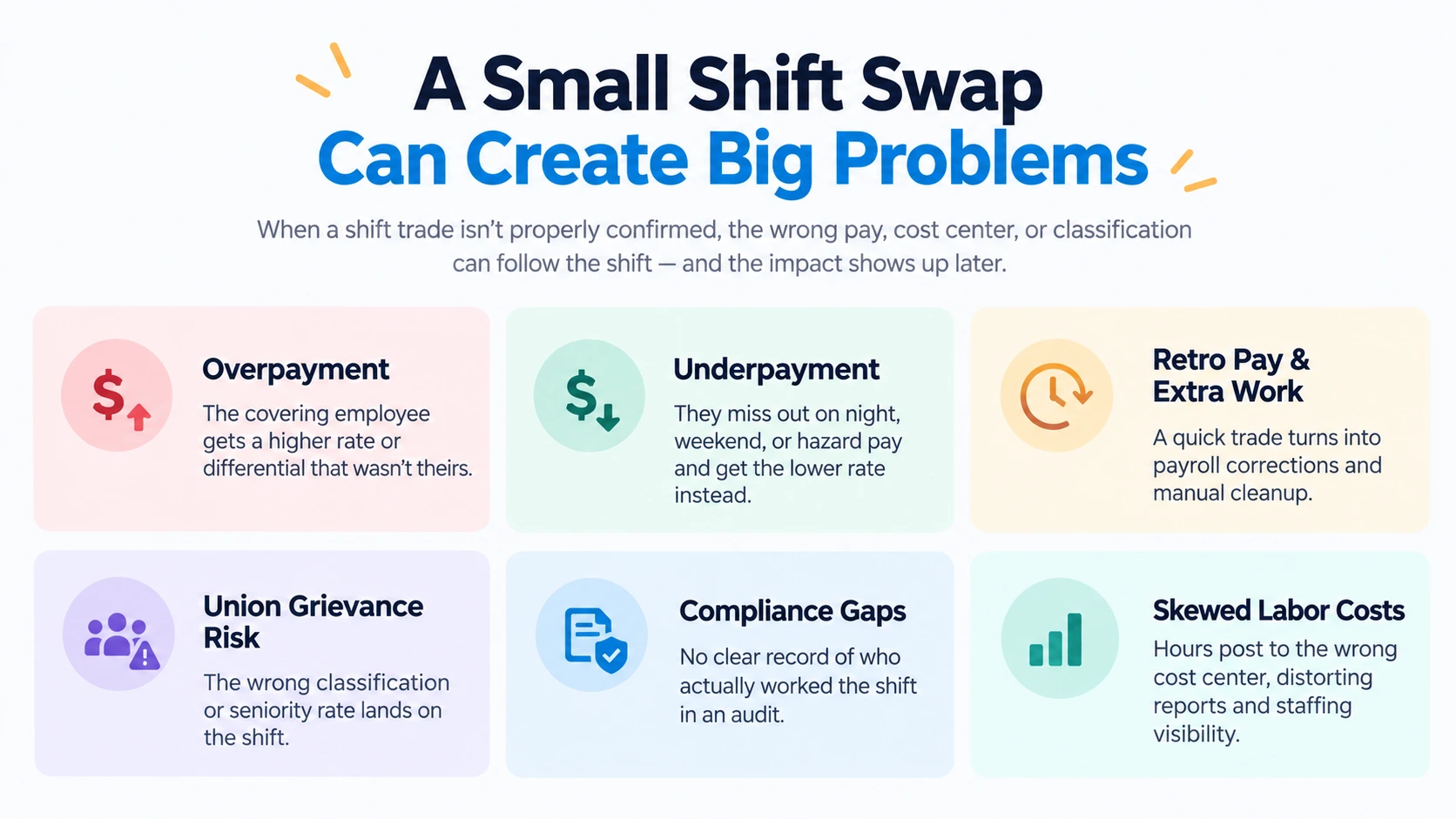
- Overpayment: the covering employee inherits a differential, premium, or higher rate that belonged to the person they replaced. The punch still carries data that was never theirs.
- Underpayment: the covering employee should have gotten a night, weekend, or hazard differential, but the record defaults to the original, lower-rate assignment. The differential follows the shift, not the person working it.
- Retro pay corrections and manual reconciliation: a five-minute trade turns into a correction cycle once the mismatch is caught, plus whatever time it takes payroll or HR to figure out who actually worked the shift by digging through supervisor texts and old schedules.
- Union grievance exposure: a seniority- or classification-based rate under a collective bargaining agreement lands on the wrong worker, because nothing updated who that rate was supposed to follow.
- Compliance and audit trail gaps: ask a wage-and-hour audit or labor board inquiry who actually worked a given shift, and an informal swap has no clean answer. The punch, the person, and the rate were never tied together.
- Distorted labor cost and staffing visibility: hours post to the cost center on the original roster instead of wherever the employee actually worked, which throws off cost reporting and leaves managers guessing at who’s really on the floor.
None of these are edge cases. They’re what happens, predictably, when a shift trade gets treated like a scheduling update instead of a payroll event. Payroll close is just where it shows up. It doesn’t start there.
Four Checks Before a Trade Punch Reaches Payroll
Before a traded or swapped shift’s time data reaches Workday, four things need to be confirmed:
- Identity match at the terminal. The person clocking in should be positively verified, not assumed from a shared badge or PIN, as the employee actually covering the shift.
- Differential inheritance. Night, weekend, or hazard-pay differentials should follow the hours actually worked, not the original schedule assignment.
- Cost center and job code reassignment. Labor should post to the department, location, or job actually staffed, not the one on the original roster.
- Union classification and seniority rate. Where a collective bargaining agreement ties pay to seniority or classification, the covering employee’s own status, not the person they replaced, should govern the rate.
How hrPad Gets the Person, the Shift, and the Location Right Before Payroll Sees It
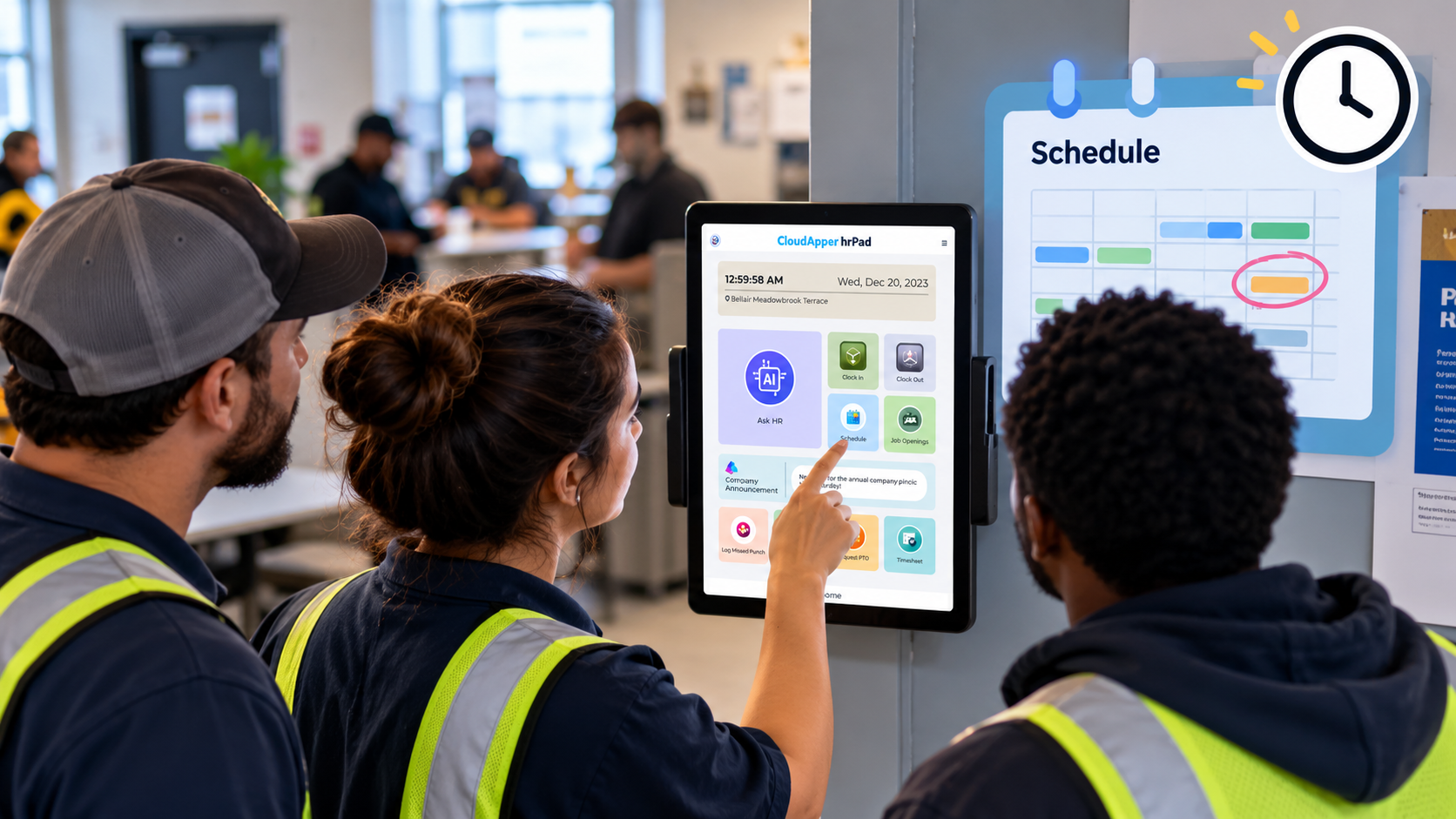
CloudApper AI’s hrPad doesn’t calculate pay. It fixes the input data that Workday’s pay rules run on. Every clock-in and clock-out runs through facial recognition, QR/barcode, or PIN verification at the tablet-based kiosk, and each method is cross-checked against the employee’s enrolled record rather than accepted on its own. Facial recognition confirms who’s standing at the kiosk directly; a PIN or QR code gets that same protection through the cross-check, which is what keeps it from being used by someone else on the shift. Once identity is confirmed, Workday applies that employee’s own pay rate to accurate data, instead of a punch that could belong to whoever was originally scheduled.
Shift confirmations and open-shift bidding also run through hrPad, with SMS replacing the usual text message or verbal handoff for confirming coverage. Those responses, along with the confirmed identity from the kiosk, sync automatically to Workday, so a covered shift is reflected correctly before it starts, instead of after payroll catches a mismatch.
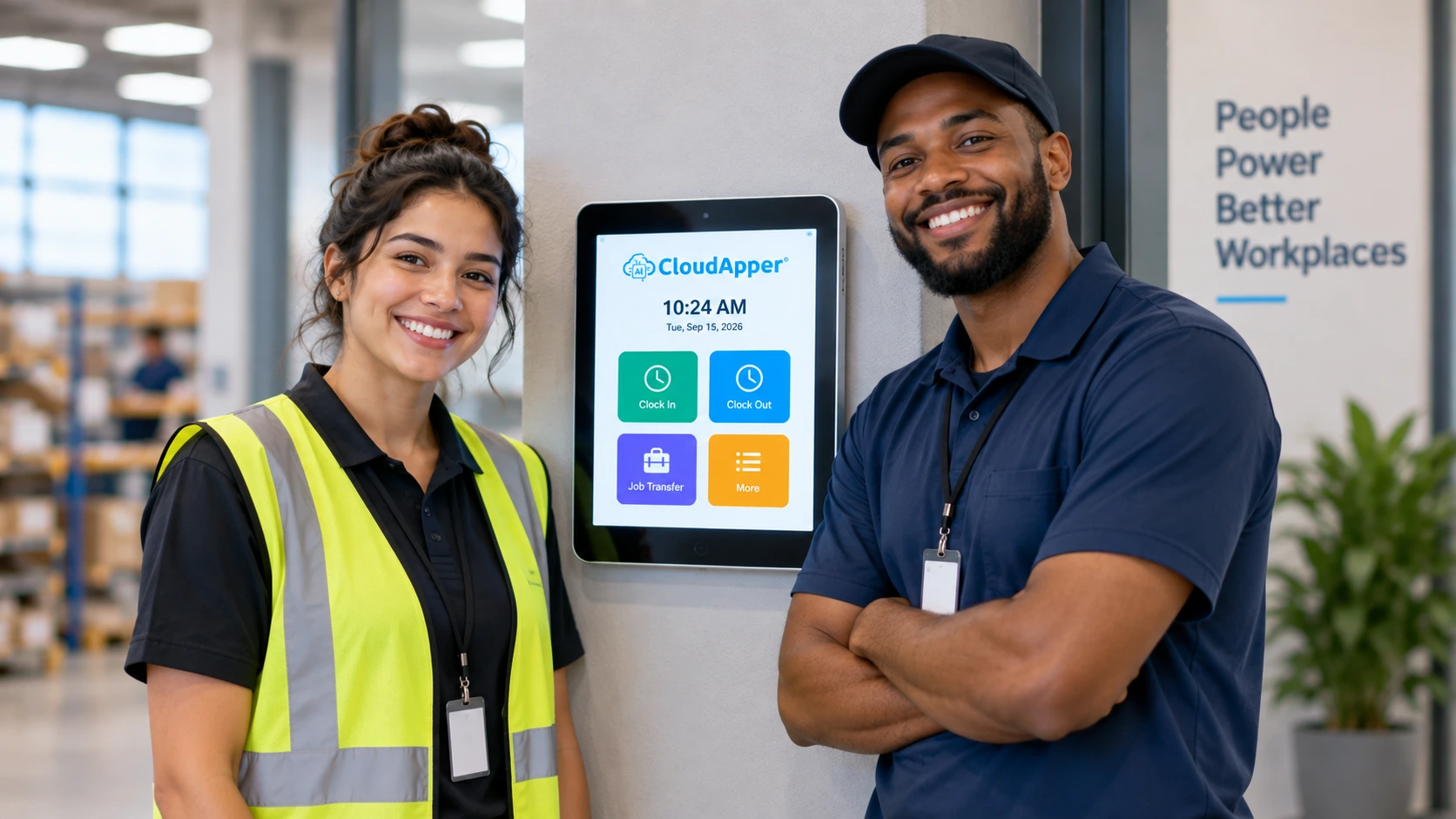
Geofencing and cost center transfers cover the other half of the problem. Employees can update their labor allocation or cost center at the point of punch, so labor gets attributed to the location that’s actually staffed, not the one on the original roster. That’s what keeps location-tied labor costs and cost-center-based pay rules landing in the right place too.
None of this changes how Workday calculates pay. It changes whether Workday is calculating pay against the right person, in the right place, at the right time, before the record reaches payroll instead of after a correction cycle.
Ready to stop shift swap pay rate errors before they reach Workday? Request a demo or learn more about CloudApper hrPad.
Frequently Asked Questions
What happens to shift differential pay when someone picks up another employee’s shift in Workday?
It depends on how the differential is set up. If it’s time-based, Workday tags whatever hours are actually worked inside the qualifying window, so it follows whoever is clocked in. If it’s assignment-based, the premium is tied to the Work Shift field on the position, and that field doesn’t move with the punch. Unless someone updates it, the differential can still calculate off the original schedule instead of the person covering it.
Can a shift swap cause a union pay rate violation?
Yes. If a collective bargaining agreement ties pay to seniority or job classification, paying the original worker’s rate to whoever covered the shift, instead of their own classification, is a real compliance and grievance risk.
How can payroll confirm who actually worked a traded shift before running payroll?
The most reliable way is identity verification at clock-in. Facial recognition confirms this on its own. A PIN or QR code only carries the same confidence when it’s cross-checked against the employee’s enrolled record, not when it’s accepted by itself.
Does Workday automatically update cost center allocation after a shift trade?
Usually only when the assignment change is processed formally, before the shift starts. An informal swap arranged by text or a quick conversation often leaves the original cost center in place.
How does CloudApper AI’s hrPad help prevent shift swap pay errors from reaching Workday?
hrPad confirms who’s actually at the clock and lets them record context in the moment, like a unit transfer, a role change, or an attestation, instead of a supervisor filling it in the next day. That data reaches Workday already clean and tagged. For time-based differentials, that’s usually enough, since the calculation follows the punch. For assignment-based differentials, the Work Shift field on the position still has to be updated separately. hrPad closes the identity and input gap; it doesn’t replace that scheduling step.

What is CloudApper AI Platform?
CloudApper AI is an advanced platform that enables organizations to integrate AI into their existing enterprise systems effortlessly, without the need for technical expertise, costly development, or upgrading the underlying infrastructure. By transforming legacy systems into AI-capable solutions, CloudApper allows companies to harness the power of Generative AI quickly and efficiently. This approach has been successfully implemented with leading systems like UKG, Workday, Oracle, Paradox, Amazon AWS Bedrock and can be applied across various industries, helping businesses enhance productivity, automate processes, and gain deeper insights without the usual complexities. With CloudApper AI, you can start experiencing the transformative benefits of AI today. Learn More
- Useful Links:
- Agentic AI
- No-Code/Low-Code
- Custom Software
- HCM Personalization
- iPaaS
- FedRAMP

Brochure
CloudApper hrPad
Empower Frontline Employees with an AI-Powered Tablet/iPad Solution
Download Brochure
CloudApper AI Solutions for HR



- Works with








- and more.
Similar Posts
How Far in Advance Do You Have to Post Employee…

Return-to-Office Attendance Tracking: What Employers Get Wrong in 2027