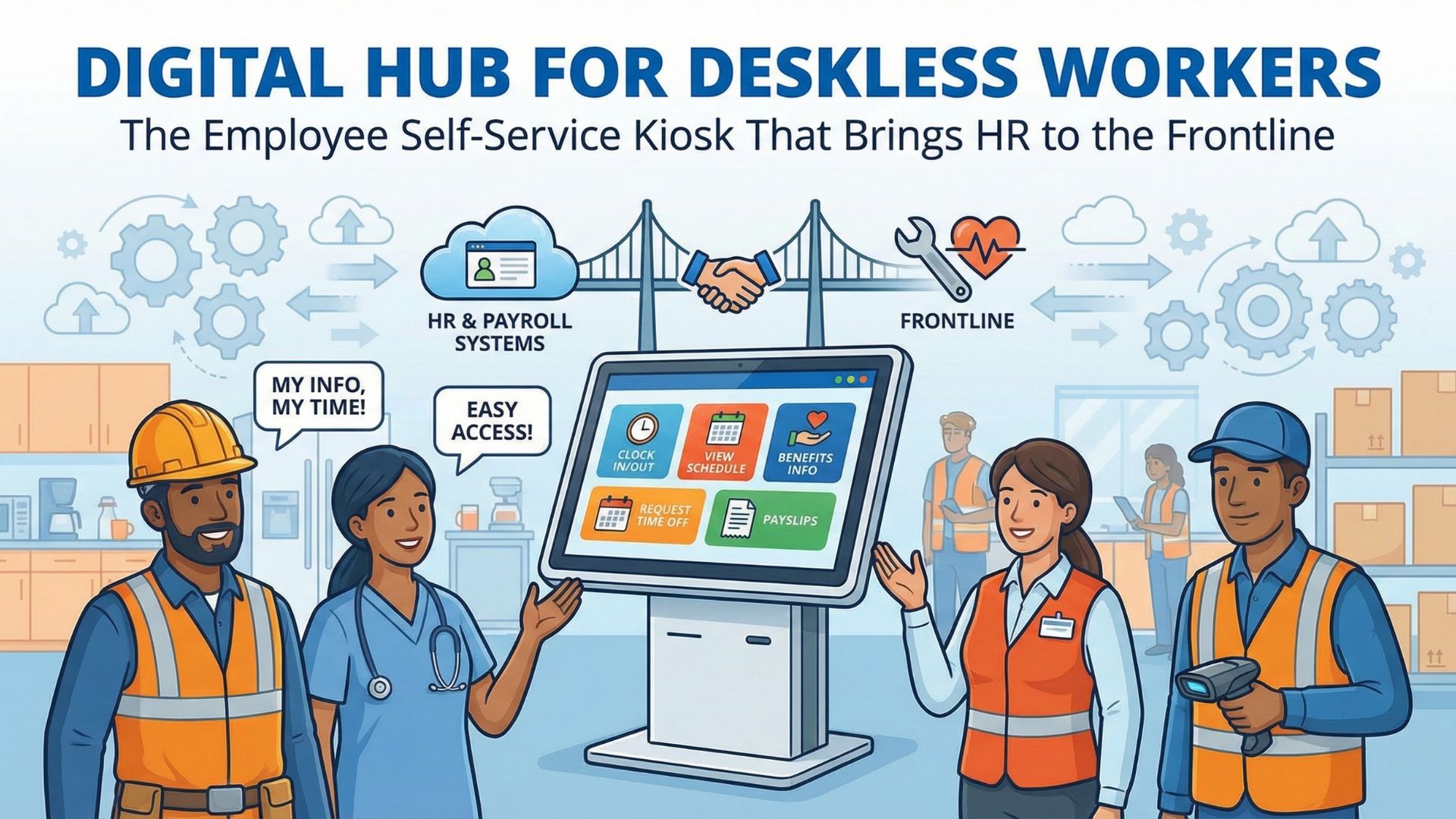
Remote and hybrid work makes time tracking and job/cost center transfers harder than most teams expect. This guide breaks down what actually goes wrong (mischarged labor, missed punches, approval delays) and how CloudApper hrPad helps distributed teams capture time accurately, manage transfers cleanly, and keep payroll consistent across locations.


Table of Contents
Remote and hybrid work isn’t a niche perk anymore. In one U.S. survey of HR managers, 88% of employers reported providing some hybrid work options—which means more teams are now managing time, attendance, and job changes across multiple locations and schedules.
For more information on CloudApper hrPad visit our page here.
That shift sounds simple until you’re the one responsible for payroll integrity and compliance. When people work across sites, projects, and roles, the risk isn’t just confusion—it’s mischarged labor, approval bottlenecks, missed punches, and payroll corrections that quietly eat up your week.
CloudApper hrPad is built for this reality. It turns ordinary tablets into secure, self-service HR touchpoints that can support distributed teams—so time capture, job transfers, and approvals still work cleanly even when your workforce isn’t in one building.
What remote workforce management really means (and why it breaks)
Remote workforce management is the day-to-day system of making sure employees can:
- record time accurately,
- work under the right role/cost center when they move between assignments,
- and get paid correctly—without turning payroll week into a cleanup project.
In practice, it breaks in predictable places.
A field tech starts the day on Project A, gets reassigned to Project B after lunch, and forgets to switch job codes. A supervisor approves time late because they’re traveling. A mobile employee clocks in for a coworker. Or a location rule that exists at HQ doesn’t exist in the field—so your compliance posture becomes inconsistent.
Gallup has consistently shown that remote-capable workers represent a large share of the workforce, with hybrid remaining the dominant pattern for many roles. That’s a long-term operational change, not a temporary phase—which is exactly why time and attendance workflows need to be designed for flexibility, not just a single site.
The hidden costs: payroll leakage, mischarges, and “time theft”
If your workforce is distributed, you’re not just dealing with distance—you’re dealing with verification.
One commonly cited benchmark is that buddy punching alone can account for meaningful payroll loss (often referenced around ~2.2% of gross payroll in discussions of time theft). Some research also estimates buddy punching losses at about $1,560 per employee per year in specific environments.
Even if your organization is nowhere near those extremes, the operational reality remains the same. When verification is weak and job/cost center changes are messy, payroll becomes a reconciliation exercise rather than a reliable system.
What CloudApper hrPad is
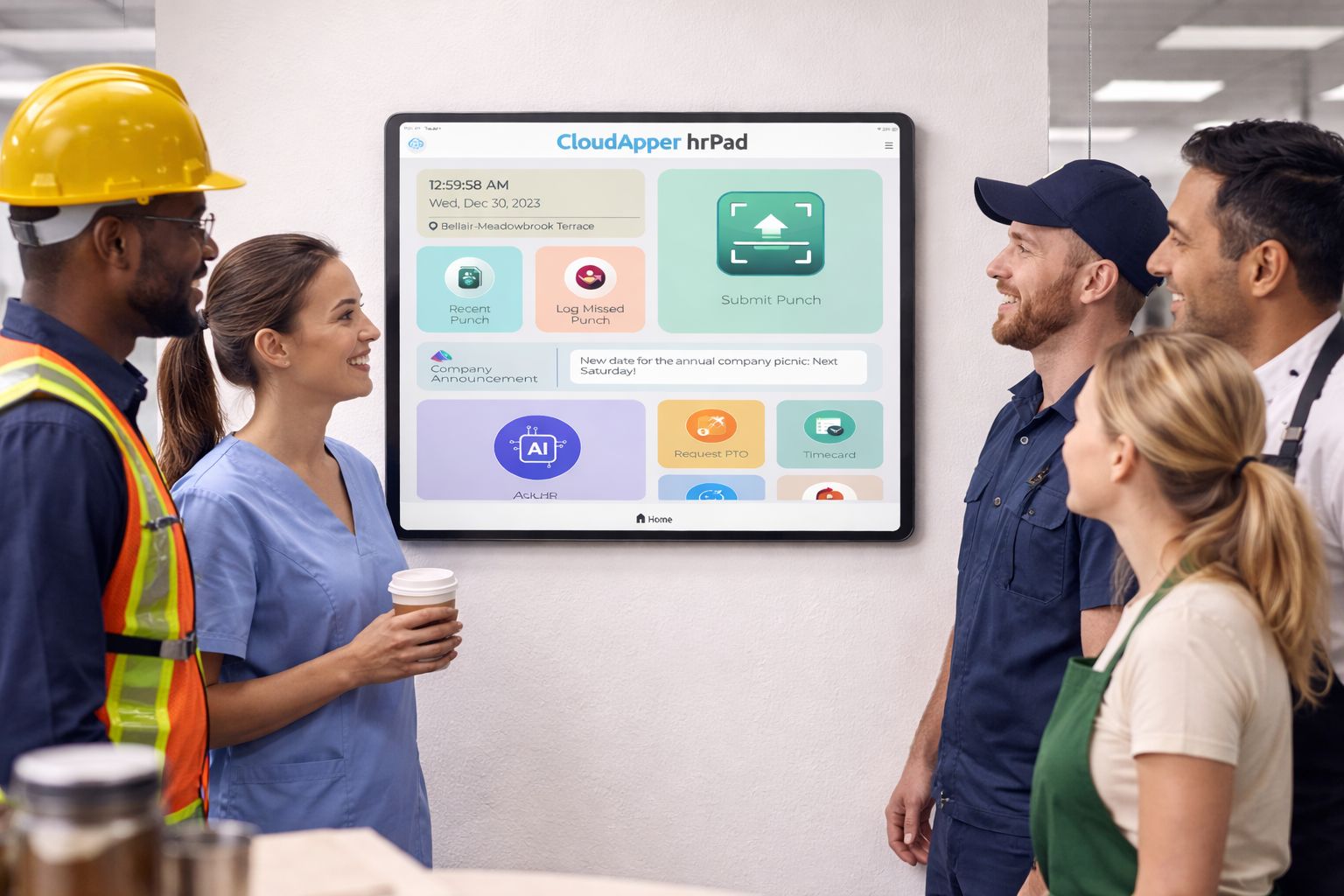
CloudApper hrPad is a tablet-based employee self-service and time capture solution designed to work where employees actually are—break rooms, job sites, mobile locations, satellite offices, and shared facilities.
Instead of relying on a fixed “single clock on the wall” model, hrPad supports distributed operations with:
- flexible clock-in/out experiences,
- controlled job/cost center transfers,
- verification options (like face ID / touchless workflows, depending on configuration),
- and workflow controls so changes are accountable (not ad hoc).
The value isn’t “more features.” The value is fewer payroll surprises.
How hrPad makes remote time tracking dependable
Most remote time tracking problems come from two issues: (1) employees can’t clock in reliably in the flow of work, and (2) managers can’t enforce consistent rules across locations.
hrPad addresses both by making the time clock portable and policy-driven.
Portable time clocks that don’t depend on one physical site
Remote and mobile teams need a system that works across:
- rotating job sites,
- temporary project locations,
- pop-up operations,
- and split shifts.
With hrPad, a tablet can function as a secure time clock wherever you place it—so the process stays consistent even as the work moves.
Verification that matches the risk (without slowing everyone down)
Distributed teams often struggle with “who actually clocked in.” That’s where verification options matter.
Depending on how you configure hrPad, you can apply controls like:
- touchless face verification for higher-risk environments,
- geofencing/location checks for site-based policies,
- and manager controls for exceptions.
The point is not to treat everyone like a bad actor. The point is to make sure your system doesn’t require blind trust to run payroll accurately.
Clear rules for exceptions (missed punches, transfers, and approvals)
Remote operations create more edge cases:
- missed punches,
- late breaks,
- shift swaps,
- transfers mid-day.
A high-performing workflow doesn’t pretend those won’t happen—it makes them manageable. hrPad helps by structuring how exceptions are created, reviewed, and approved so audits and payroll reviews don’t become detective work.
Remote job transfers: the part that usually causes the most payroll pain
When people say “remote job transfers,” they often mean one of three things:
- Role or position change (permanent transfer)
- Temporary assignment change (covering another location or project)
- Cost center / labor allocation change (same employee, different charge code)
The third one is the silent payroll killer—because it directly impacts labor costing, project margins, grant reporting, and departmental budgets.
hrPad makes job/cost center transfers operationally easier by supporting controlled transfer steps in the flow of time tracking. Instead of “remembering to do it later,” the system can be designed so the right code is selected at the right time, with permissions and approvals aligned to your policy.
What this looks like in real life (3 quick scenarios)
Scenario 1: Renewable energy crews rotating across remote sites
When teams move between sites, the risk isn’t just missed punches—it’s charging hours to the wrong project. hrPad helps by making it easy to clock time and select the right job/cost center at the moment work begins, with verification and manager controls applied where needed.
Scenario 2: Nonprofits managing grant-funded work
Grant-funded time often requires cleaner labor allocation than typical departmental time. The operational need is simple: make it easy for employees to record time correctly, and make it easy for supervisors to validate it. hrPad supports structured allocation workflows so reporting doesn’t become a month-end scramble.
Scenario 3: Government and regulated environments
In regulated environments, “we trust people” isn’t a policy. You need a system that shows who did what, when, and under what approval. Gallup’s reporting highlights how hybrid/remote patterns vary (including in government), which means consistent enforcement matters even more when policies shift.
Employee self-service isn’t just convenience—it’s retention leverage
When frontline or distributed workers can handle basic HR actions quickly (without waiting on email threads), it reduces friction. And friction is one of the quiet drivers of turnover.
CloudApper published a customer story describing a retailer that reduced turnover by 30% after implementing self-service kiosks. CloudApper AI Whether a reader treats that as a single-case outcome or a directional signal, the takeaway is practical: when employees can get answers and complete tasks fast, the workplace feels more manageable.
What to implement first (so you don’t overcomplicate it)
If you’re trying to improve remote workforce management without turning it into a six-month project, start here:
-
Standardize clock-in/out + verification for your highest-risk groups (field teams, rotating sites, shared devices).
-
Make job/cost center selection part of the workflow, not an afterthought.
-
Define exception rules (missed punches, transfer requests, overrides) and who can approve them.
-
Set up reporting that payroll actually uses (who transferred, when, and what was approved).
Once those are stable, you can expand into deeper analytics and broader self-service experiences.
FAQs
How do you track time for remote employees without losing accuracy?
Use a time-capture workflow that works where employees are, and apply verification and exception controls where risk is higher. Portable tablet-based clocks and structured approvals reduce cleanup later.
What is a remote job transfer in time tracking terms?
Usually, it means an employee needs to charge time to a different job, location, or cost center—either temporarily or permanently—without breaking payroll exports or labour reporting.
Why do cost center transfers matter so much for payroll?
Because they affect labor costing, project profitability, compliance reporting, and budgeting, incorrect cost center selection creates “invisible” financial errors that show up later.
Does verification (like face ID or geofencing) slow down clock-ins?
It can if implemented poorly. The best setups apply stronger verification only where needed, and keep the standard path fast for most employees.
What’s the biggest mistake companies make with remote time tracking?
Treating remote work like an exception instead of a normal operating mode—then relying on manual corrections to make payroll accurate.
Where does CloudApper hrPad fit in?
hrPad acts as a distributed, tablet-based HR and time-capture touchpoint—supporting clock-ins, controlled job/cost-center transfers, and structured approvals so remote operations stay payroll-clean.
Bottom line
Remote and hybrid work adds flexibility—but it also adds payroll complexity. The fix isn’t more manual oversight. The fix is a workflow that makes correct time capture and correct labor allocation the default.
CloudApper hrPad is designed to do exactly that: help distributed teams clock time reliably, handle job/cost center transfers cleanly, and keep payroll accurate without the constant back-and-forth.
If you want to modernize remote workforce management without rebuilding your entire stack, hrPad is a practical next step.
Explore CloudApper hrPad (add your preferred link/CTA here).
Turn Any Tablet Into an Employee Experience Kiosk
Time Capture|Self Service|AI Workflow Automation
Learn more | Download Brochure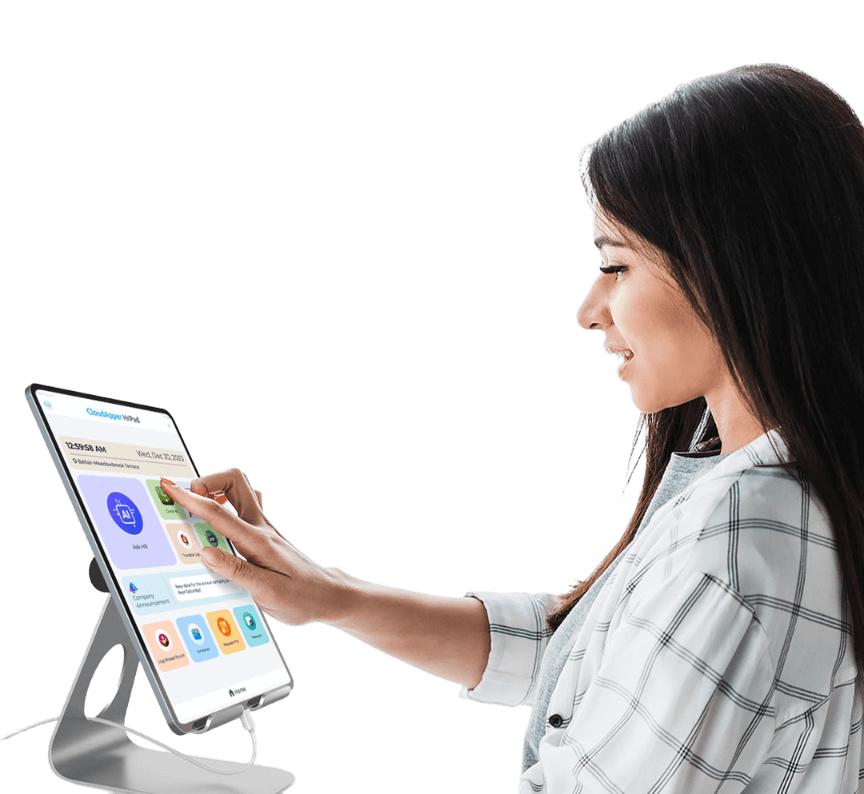
How to Implement CloudApper hrPad in Your Organization
- Assess Your Needs: Begin by evaluating your organization's current HR processes and identifying pain points related to remote work.
- Contact CloudApper: Reach out to CloudApper for a consultation to discuss how hrPad can address your specific needs. You can contact them here.
- Plan Deployment: Work with CloudApper to plan the deployment of hrPad, ensuring all aspects from hardware to software are covered.
- Set Up Infrastructure: Equip your HR team and remote workforce with the necessary tablets and devices to integrate CloudApper hrPad.
- Train Your Team: Conduct training sessions to ensure all users understand how to effectively use hrPad for their specific tasks, such as punch submissions and self-service.
- Monitor & Adjust: After implementation, continuously monitor the system's performance and make adjustments as necessary to maximize efficiency and satisfaction.
- Leverage Insights: Use the executive HR insights from hrPad to guide management decisions and enhance workforce performance. Gain further insights on executive HR insights.
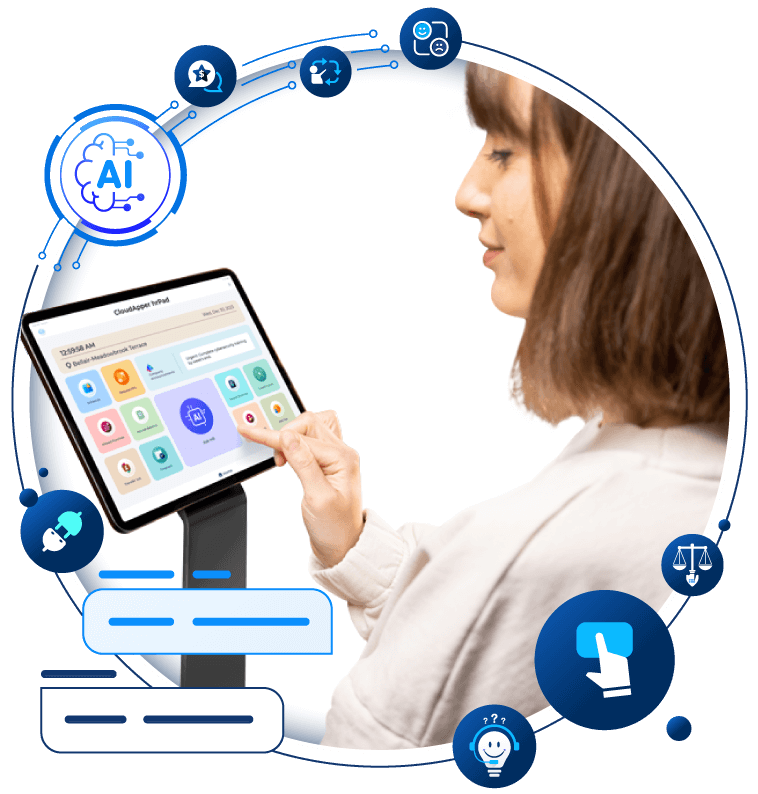
Transform Your Employee Experience With AI Tools for hrPad
Employee Self-Service tools to automate accessibility and time management.
Learn more | Download BrochureFrequently Asked Questions about CloudApper hrPad
What is CloudApper hrPad?
CloudApper hrPad is an innovative platform that transforms ordinary tablets into powerful HR hubs. It allows remote employees to handle key HR functions like punch submissions and self-service from anywhere. Learn more by visiting our CloudApper hrPad page.
How does CloudApper hrPad improve employee retention?
CloudApper hrPad enhances employee retention through features like employee self-service, which empowers employees and leads to increased job satisfaction. Discover more about how employee self-service can improve retention in our statistical perspective article.
Can CloudApper hrPad help reduce time theft?
Yes, it can. CloudApper hrPad includes features like biometric verification and geofencing to ensure accurate time capture, thus reducing time theft. For more information about eliminating time theft with AI, visit our detailed article.
How does CloudApper hrPad facilitate paperless HR?
CloudApper hrPad helps organizations embrace a paperless system by transforming traditional HR paperwork into digital formats, accessible via tablets. To delve deeper into the benefits of paperless HR, read our article on Paperless HR with AI.
What sectors can benefit most from CloudApper hrPad?
CloudApper hrPad is particularly beneficial for sectors with decentralized teams, such as renewable energy, government, and non-profits, by optimizing workforce management. Read more about its impacts on various sectors by exploring workforce management future trends.
What is CloudApper AI Platform?
CloudApper AI is an advanced platform that enables organizations to integrate AI into their existing enterprise systems effortlessly, without the need for technical expertise, costly development, or upgrading the underlying infrastructure. By transforming legacy systems into AI-capable solutions, CloudApper allows companies to harness the power of Generative AI quickly and efficiently. This approach has been successfully implemented with leading systems like UKG, Workday, Oracle, Paradox, Amazon AWS Bedrock and can be applied across various industries, helping businesses enhance productivity, automate processes, and gain deeper insights without the usual complexities. With CloudApper AI, you can start experiencing the transformative benefits of AI today. Learn More

Brochure
CloudApper hrPad
Empower Frontline Employees with an AI-Powered Tablet/iPad Solution
Download Brochure
CloudApper AI Solutions for HR



- Works with


- and more.








Similar Posts
Exempt vs Non-Exempt Cost Center Transfers: Rules, Permissions, and Manager…
Solving Biweekly vs. Semi-Monthly Pay Challenges with CloudApper hrPad’s State-Specific…