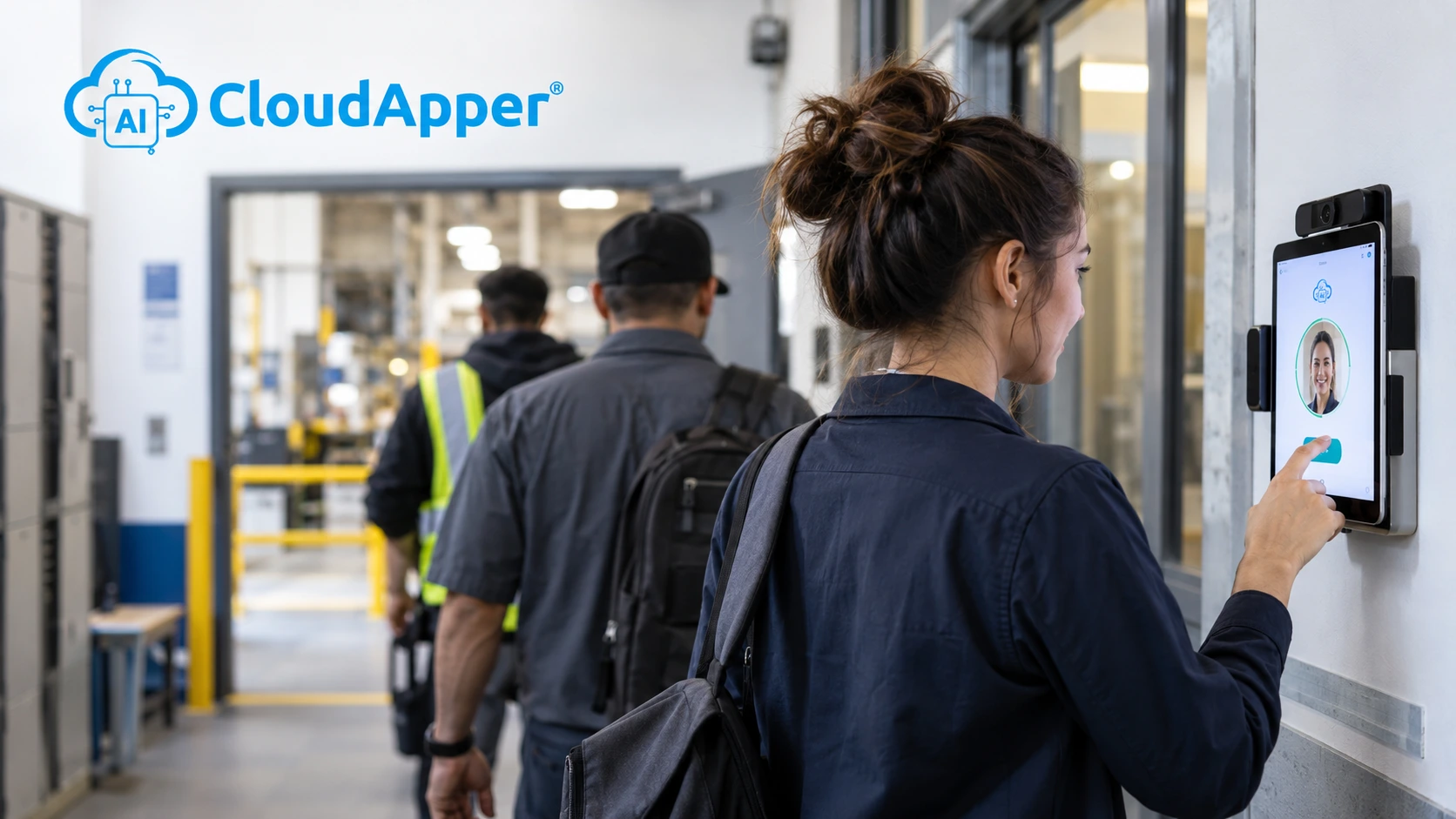
Franchise operators running every location on a single UKG tenant can't rely on one global policy set. See how an AI time clock for franchises enforces location-specific break, minor-labor, and tip rules automatically, without a new UKG project.

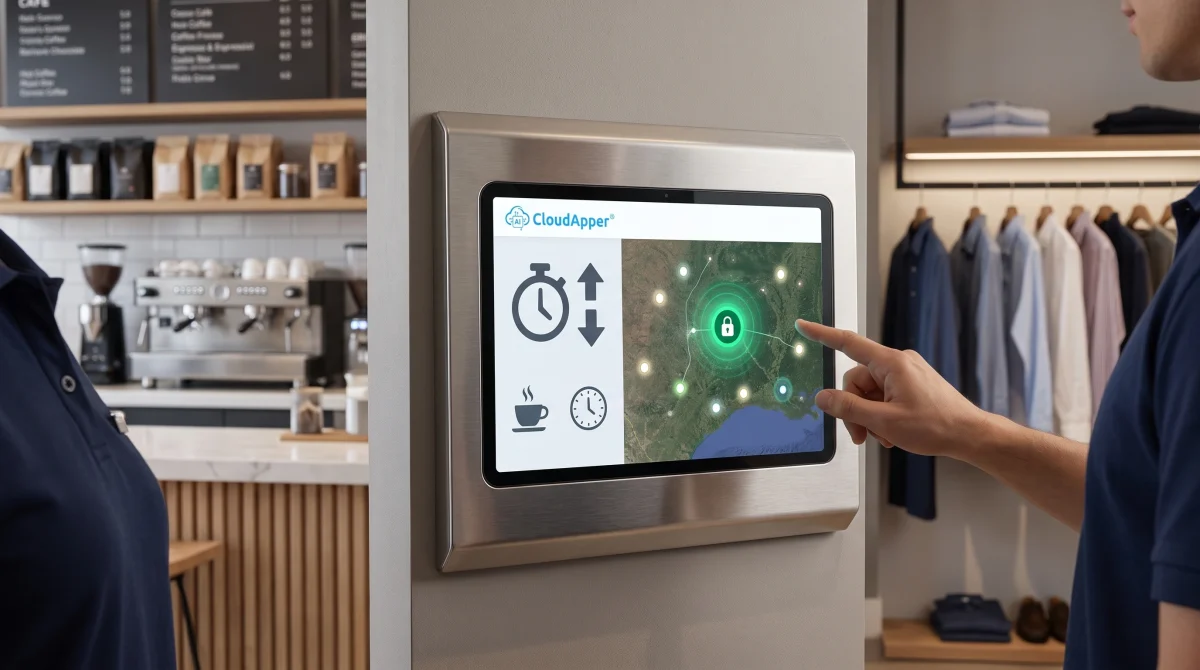
TL;DR
- A single UKG tenant supports location-specific rules, but only with manual setup per site.
- The AI Time Clock verifies location via geofencing and can run different rules per site.
- Employee Time Clock Software replicates one proven configuration across every site from a single console.
Table of Contents
- One UKG Tenant, Many Local Rules
- What Manual Enforcement Costs
- How CloudApper AI Time Clock for Franchises Applies the Right Rule
- Enforcement Happens at the Clock, Not the Portal
Running a multi-unit franchise on a single UKG tenant keeps IT overhead down, but not every location follows the same rulebook. California’s meal break rule looks nothing like Texas, which has none, or New York’s mercantile and factory rules. Tip credit, sick leave, and rest breaks shift by state, sometimes by city, and reflecting that takes deliberate setup every time. That’s exactly what an AI time clock for franchises solves: pushing location-specific enforcement to CloudApper AI’s Employee Self-Service Kiosk at each site, without touching the UKG configuration your team already built.
One UKG Tenant, Many Local Rules
Many multi-unit franchises consolidate onto a single UKG Pro or UKG Pro WFM (Dimensions) tenant for one payroll calendar, which is the right call. But varying labor rules by location takes real setup work for every new site, and none of it appears automatically.

What Manual Enforcement Costs
When location rules live only inside UKG configuration, someone has to build them correctly before that site’s first payroll run, or you’re paying premium pay to fix a missed break rule, or worse for a minor labor violation. This shows up most in restaurant and retail franchises, where employees cover shifts and switch cost centers across locations, feeding payroll bad data long before anyone notices. Geofencing alone doesn’t solve this across a dozen or more jurisdictions.
How CloudApper AI Time Clock for Franchises Applies the Right Rule
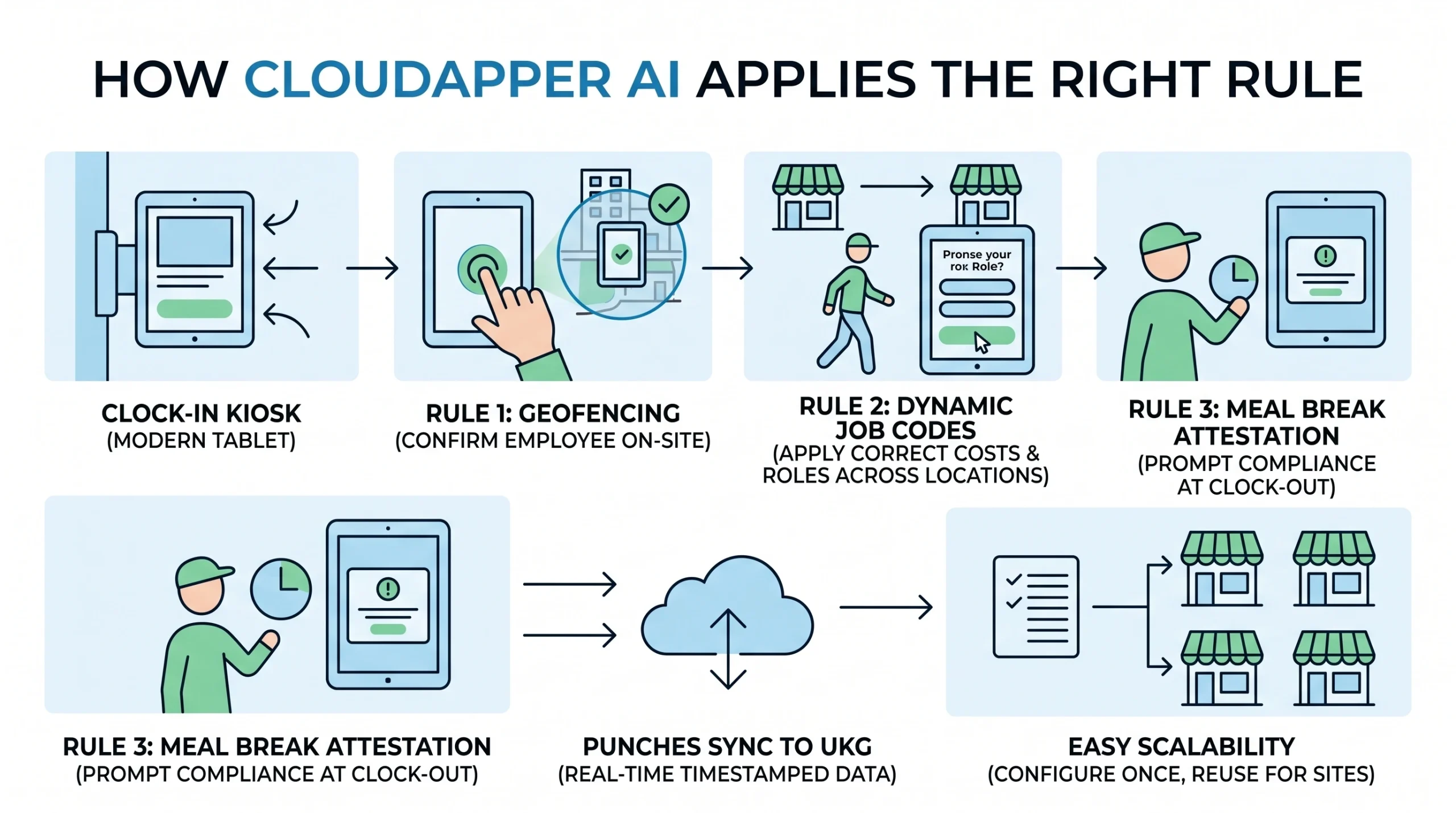
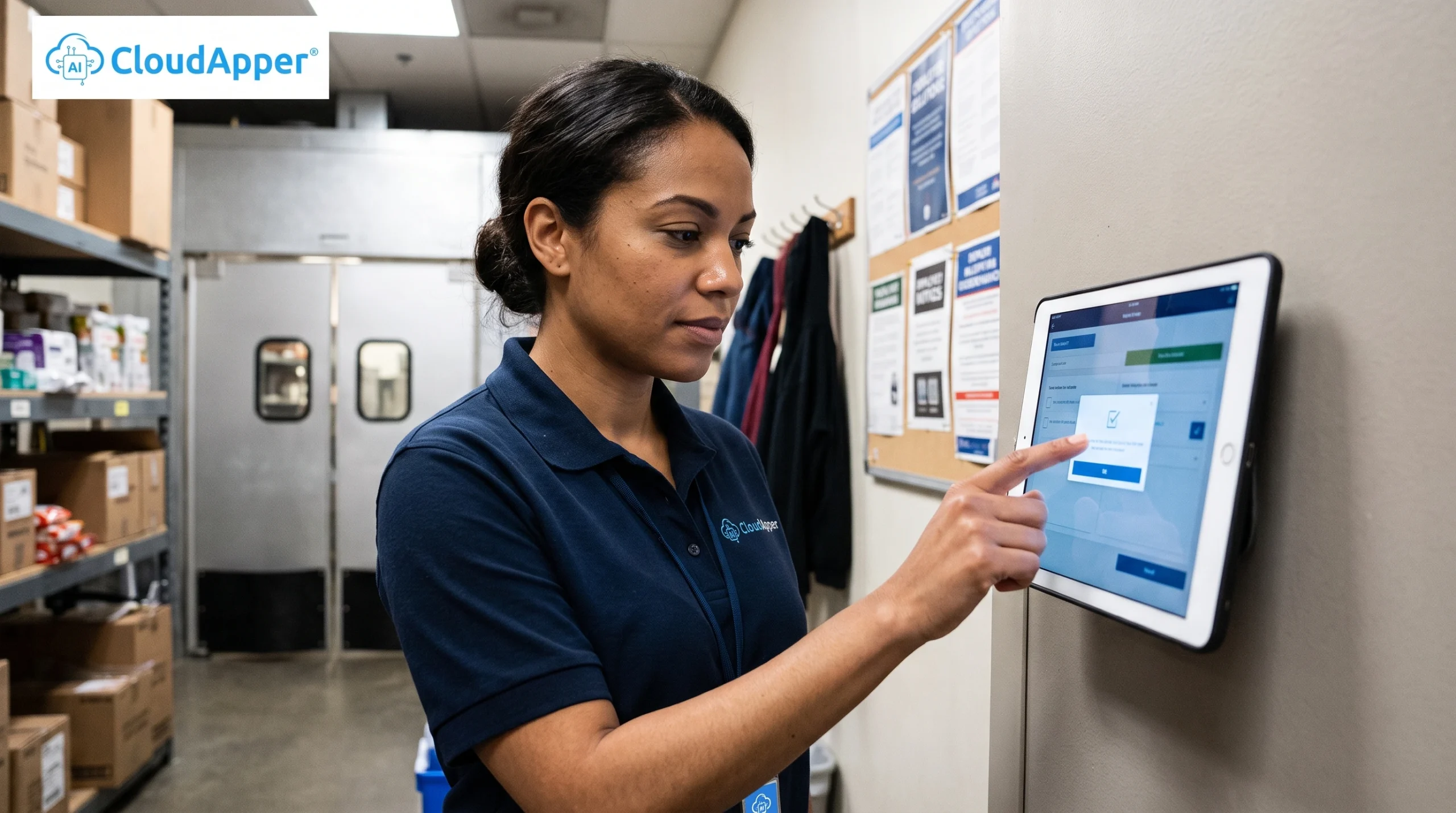
CloudApper AI Time Clock turns a tablet into a clock-in device that connects directly to your UKG tenant. Geofencing confirms an employee is on site before the tablet accepts a clock-in, and the same tablet can apply the correct cost center or job code when someone works a shift at a different location. Locations that require meal break attestation can prompt for it at clock out, and punches sync to UKG with a timestamp for record-keeping. A location’s setup can be configured once and reused for comparable sites.
Enforcement Happens at the Clock, Not the Portal
This breaks down at the frontline, not the back office: most enterprise HR systems assume one login tied to a company email, and a supervisor often doesn’t have a UKG login mid-shift. Enforcement has to happen at the clock. None of this replaces UKG: your tenant still owns pay calculation and the system of record. Employee Time Clock Software sits on top, enforcing your rules everywhere frontline staff can’t reach a UKG login.
Ready to bring HR self-service to your frontline? Request a demo or learn more about CloudApper Employee Time Clock Software.
Frequently Asked Questions
Does adding a new franchise location require a new UKG configuration project?
No. Once your team has built and tested a rule set for one location, the same setup replicates to a new site through the console, UKG itself doesn’t need a fresh project every time you open a location.
Who’s responsible for setting up the location-specific rules, HR, IT, or CloudApper?
Your team defines the rule set (break timing, attestations, tip data capture) once per location type, since no one knows your state-by-state obligations better than you do. The platform is what lets that configuration replicate to new sites without an IT project or code change each time.
Does this replace UKG’s native geofencing or attestation features?
No. UKG Ready and UKG Pro WFM already support native geofencing and configurable attestations. Employee Time Clock Software adds a tablet-based layer on top, which cuts the administrative work of maintaining separate zone and rule setups site by site, and gives frontline workers an actual device to interact with.
What happens to punches if a location loses internet connectivity?
Offline clock-ins queue locally on the tablet and sync to UKG automatically once the connection returns, so a dead zone or outage doesn’t cost you punch data.
Can a franchise running multiple brands on different UKG tenants still use this approach?
Yes. Each tablet is tied to a location and its rule set, not to a specific tenant, so the model works whether every location sits on one shared UKG tenant or you’re managing several tenants across different brands or entities.
What is CloudApper AI Platform?
CloudApper AI is an advanced platform that enables organizations to integrate AI into their existing enterprise systems effortlessly, without the need for technical expertise, costly development, or upgrading the underlying infrastructure. By transforming legacy systems into AI-capable solutions, CloudApper allows companies to harness the power of Generative AI quickly and efficiently. This approach has been successfully implemented with leading systems like UKG, Workday, Oracle, Paradox, Amazon AWS Bedrock and can be applied across various industries, helping businesses enhance productivity, automate processes, and gain deeper insights without the usual complexities. With CloudApper AI, you can start experiencing the transformative benefits of AI today. Learn More
- Useful Links:
- Agentic AI
- No-Code/Low-Code
- Custom Software
- HCM Personalization
- iPaaS
- FedRAMP

Brochure
CloudApper AI TimeClock
For accurate & touchless time capture experience.
Download Brochure
CloudApper AI Solutions for HR



- Works with








- and more.
Similar Posts
Workday Reporting Time Pay Calculation: What to Pay When Shifts…
Fair Workweek and Predictive Scheduling Compliance in Workday