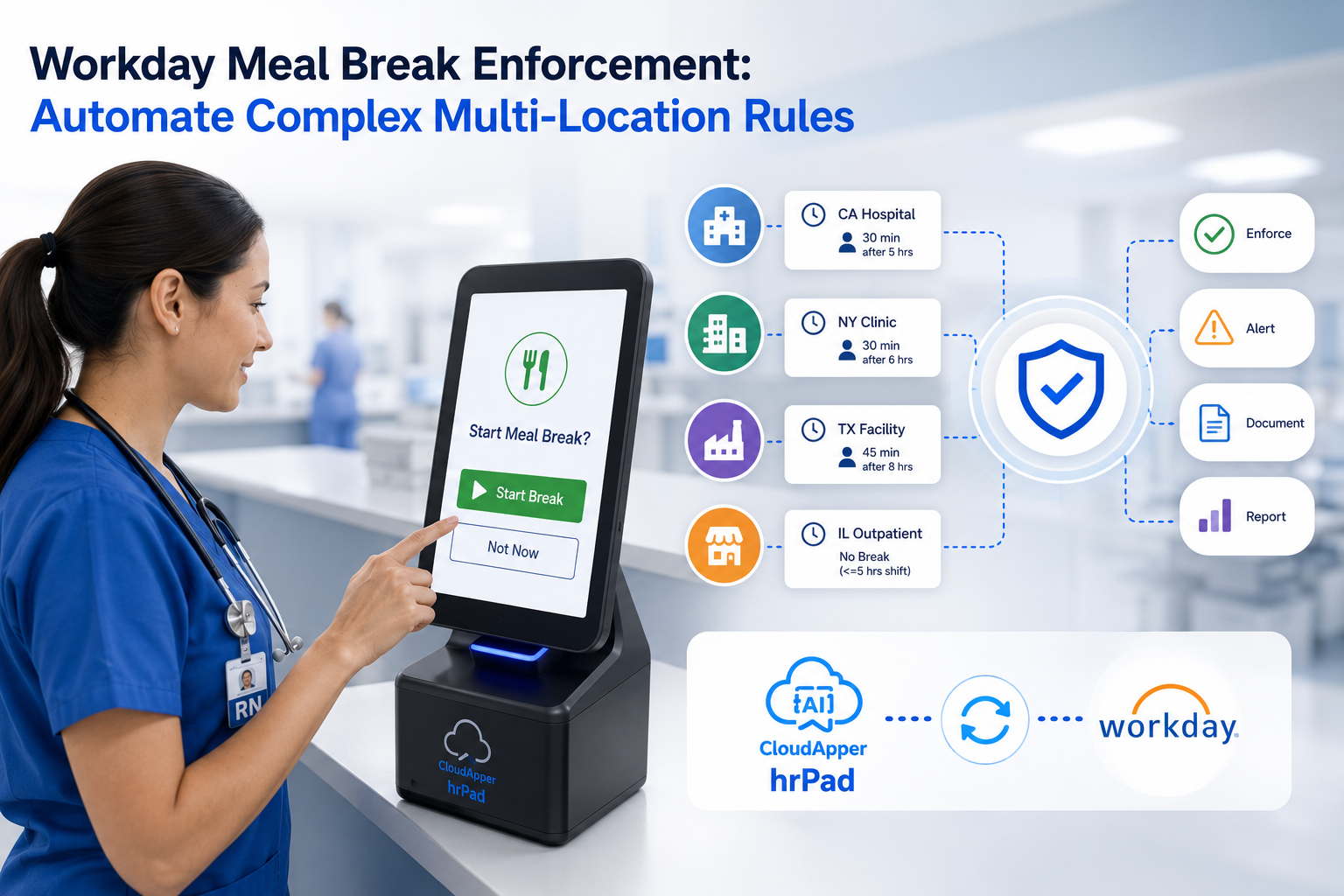
CloudApper hrPad enhances unpaid time off tracking in Workday by providing real-time validation, alerts, and improved compliance.

Table of Contents
Unpaid time off (UTO) tracking is one of the most overlooked yet critical aspects of HR compliance. While Workday is a robust platform for managing time off and absence data, many HRIS teams have discovered its limitations when it comes to unpaid time off visibility. Especially when trying to report on specific time off plans, many Workday users find that standard reports come up blank unless UTO has been explicitly recorded.

To better understand this challenge, we spoke with HR and payroll experts who have faced this issue firsthand—and how they solved it using CloudApper hrPad Employee Self-Service Kiosk.
“Our Reports Were Useless Until hrPad Helped Surface the Right Data” — Payroll Analyst, National Retailer
“We tried running reports in Workday to find all employees with unpaid time off, but they always came back empty unless someone had already used it. That’s not helpful when you’re trying to be proactive. CloudApper hrPad allowed us to capture and monitor unpaid requests at the point of entry, which made a huge difference.”
“Now We Get Alerts Before Policy Violations Happen” — HR Manager, Healthcare Network
“Before hrPad, unpaid time off requests would go through even when balances were exhausted. That created payroll mismatches and compliance issues. With hrPad, we get real-time alerts and can stop violations before they occur.”
“Frontline Teams Are More Accountable” — HRBP, Logistics Company
“Employees now see their real-time balances on hrPad kiosks, so they’re not guessing whether they’re eligible. It saves us back-and-forth and prevents accidental unpaid leave submissions.”
“We Use hrPad for Pre-Validation and Post-Audit Reporting” — Workday Consultant, Manufacturing Sector
“Workday is great for storing data but not great at flagging real-time anomalies. hrPad lets us check conditions like balance thresholds and log exceptions before they hit payroll. We also use it for custom audit reports to track unpaid trends by department.”
Summary of Expert Benefits
| Feature Area | What Experts Gained |
| Real-time Validation | Prevented submission of unpaid time off without visibility |
| Employee Transparency | Reduced confusion and improved frontline accountability |
| Exception Reporting | Identified patterns and potential abuse of unpaid leave |
| Compliance Safeguards | Ensured adherence to company policy and audit readiness |
Final Thought
Unpaid time off tracking is a real blind spot for many Workday users. As experts shared, traditional methods rely too heavily on backend reports that only work after time off is taken. With CloudApper hrPad, teams gain a proactive, user-friendly way to manage UTO—before it becomes a problem.

What is CloudApper AI Platform?
CloudApper AI is an advanced platform that enables organizations to integrate AI into their existing enterprise systems effortlessly, without the need for technical expertise, costly development, or upgrading the underlying infrastructure. By transforming legacy systems into AI-capable solutions, CloudApper allows companies to harness the power of Generative AI quickly and efficiently. This approach has been successfully implemented with leading systems like UKG, Workday, Oracle, Paradox, Amazon AWS Bedrock and can be applied across various industries, helping businesses enhance productivity, automate processes, and gain deeper insights without the usual complexities. With CloudApper AI, you can start experiencing the transformative benefits of AI today. Learn More
- Useful Links:
- Agentic AI
- No-Code/Low-Code
- Custom Software
- HCM Personalization
- iPaaS
- FedRAMP

Brochure
CloudApper hrPad
Empower Frontline Employees with an AI-Powered Tablet/iPad Solution
Download Brochure
CloudApper AI Solutions for Workday



- Works with








- and more.
Similar Posts
How to Prevent Duplicate Worker and Pre-Hire Records in Workday…
How to Handle Offline Time Punches in Workday During Connectivity…