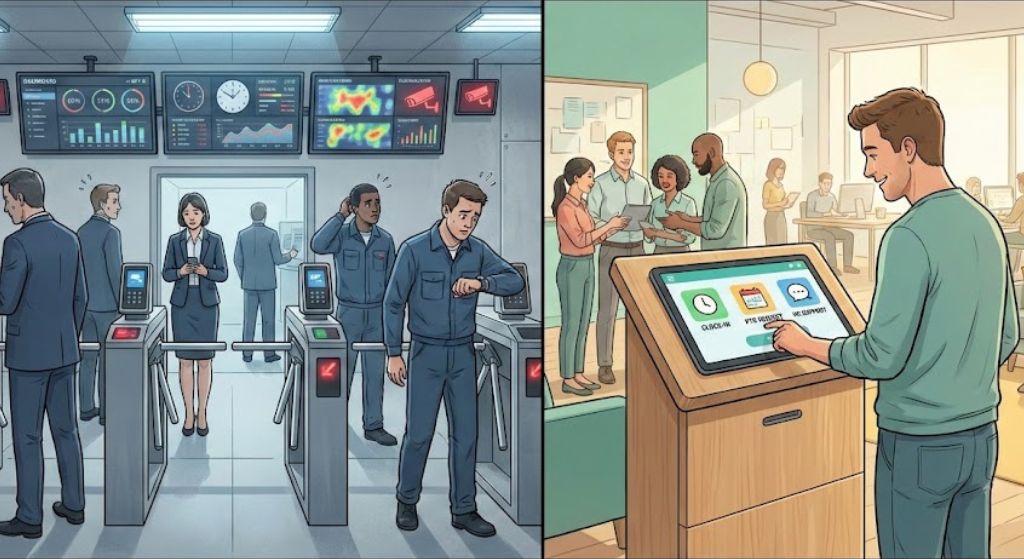
High-volume workplaces are moving from PIN-based clocks to AI-powered employee self-service kiosks. This article explores how biometric kiosks can reduce time theft and friction without creating a surveillance culture, and how hrPad enables a service-first, trust-centered approach for frontline teams.

TL;DR
Frontline workplaces are moving from PIN-based time clocks to AI-powered employee self-service kiosks because PINs create friction and enable buddy punching. Biometric kiosks can improve accuracy and access for employees without corporate emails or personal devices, but they also raise real trust and privacy concerns. The difference between adoption and backlash comes down to governance. When kiosks are deployed with clear purpose, explicit consent, alternative verification options, and strict limits on data use, they feel like a service upgrade rather than surveillance. Platforms like hrPad work best when positioned as HR service delivery tools first, combining secure identity verification with self-service while giving organizations the flexibility to design for trust, not just efficiency.Table of Contents
Walk any high-volume site today, a plant floor, a hospital unit, a distribution center, and you’ll hear the same operational pain points in different accents.
“My badge doesn’t scan.”
“I forgot my PIN.”
“I don’t have a company email.”
“My phone isn’t allowed on the floor.”
“Someone clocked my buddy in.”
That’s why the conversation is shifting fast from PIN-based hardware to AI-powered employee self-service kiosks that use facial recognition (or Face ID-style verification) to streamline clock-ins and unlock HR services for frontline employees. These kiosks are showing up in HR Tech coverage and LinkedIn threads for a simple reason: they reduce friction at the start of work and enable self-service for employees without corporate logins or personal devices. But if you’ve spent even ten minutes in HR communities on Reddit, you’ve seen the counterpoint: the “surveillance feel,” the discomfort with biometrics, and the fear that a convenience tool could quietly become a monitoring tool.
As an HR leader, I see both sides. Biometric kiosks can absolutely improve time accuracy and access. They can also erode trust overnight if you treat privacy and consent as implementation details rather than core design requirements. This article is about how to get the upside without creating backlash, and how CloudApper hrPad fits into a “service-first” approach to biometric kiosks.
Why biometric kiosks are replacing PIN time clocks
PINs and shared badges were never “secure.” They were just familiar.
From a workforce governance standpoint, PIN-based clocks fail in two predictable ways:
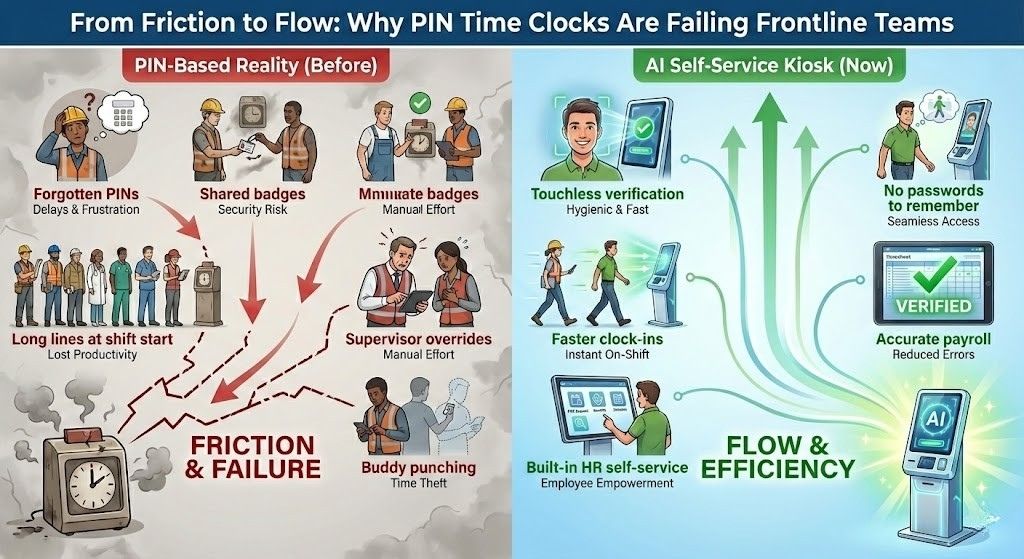
- They create friction. People forget PINs, share them, or write them down. That means lines at shift start, supervisor overrides, and messy edits later.
- They don’t prevent buddy punching. If the credential can be shared, it will be shared. That’s not cynicism, it’s basic human behavior under time pressure. Industry guidance on facial recognition time clocks is blunt: traditional methods like PINs or cards can’t reliably prevent buddy punching, while biometric verification ties the punch to a real person.
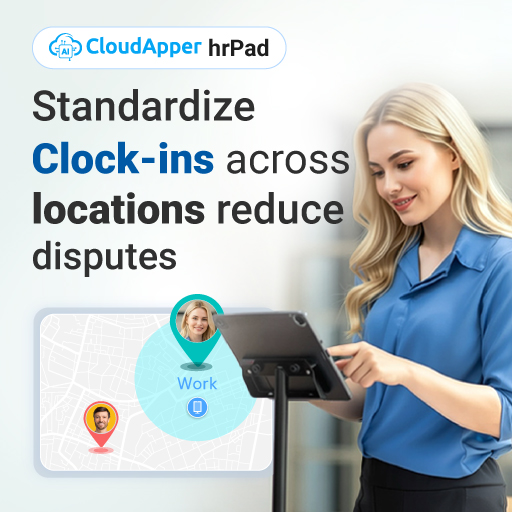
Now add a frontline reality that many corporate HR teams overlook: a large portion of the workforce is not sitting at a desk with a corporate email address, and many roles either restrict personal phones or make them impractical. That’s where the kiosk becomes less of a “time clock upgrade” and more of an access layer for employees who otherwise fall through the cracks.
What an “AI-powered HR kiosk” should mean in practice
A modern kiosk should not stop at clock-in and clock-out.
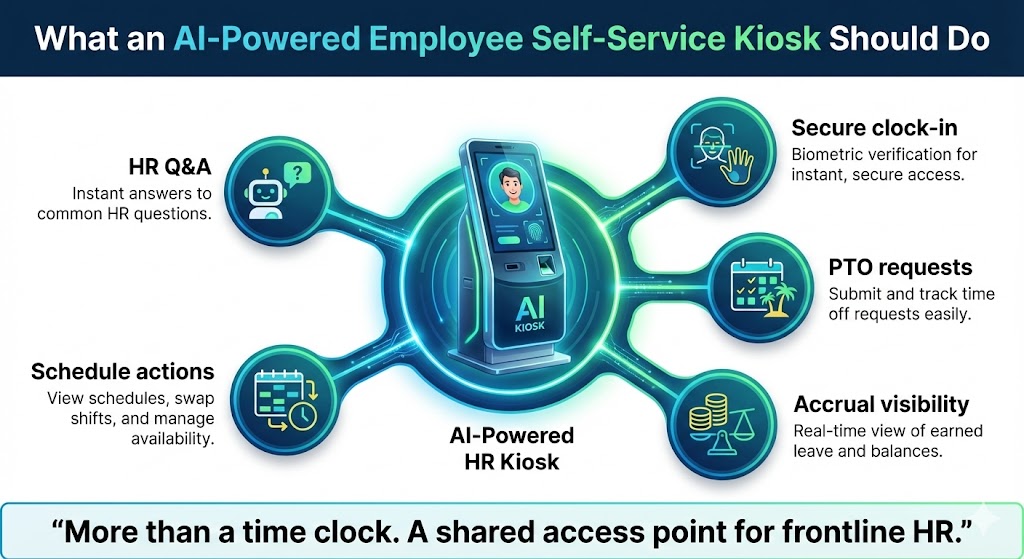
When it’s done well, it becomes a single, shared touchpoint that lets frontline employees:
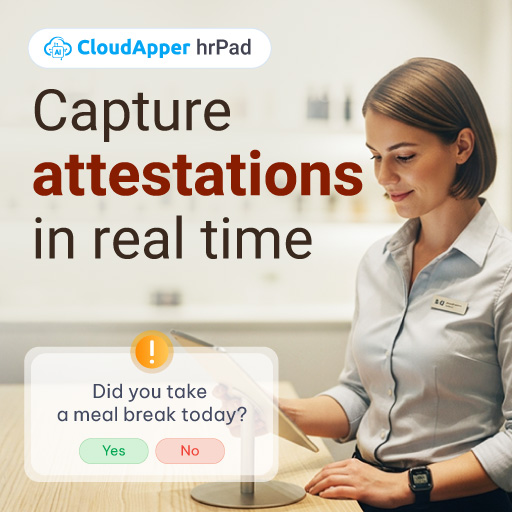
- clock in securely,
- request and check PTO,
- view accrual balances,
- handle schedule actions,
- and get answers to common HR questions without waiting for a response.
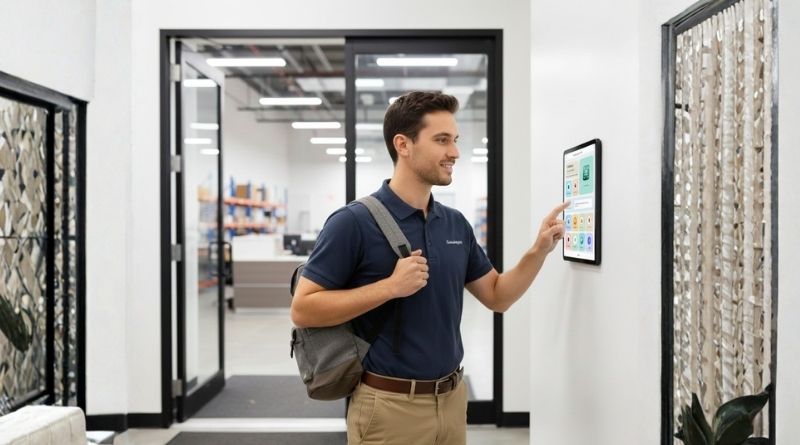
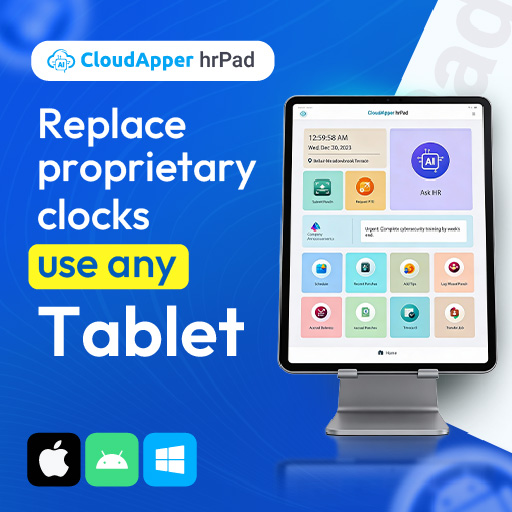
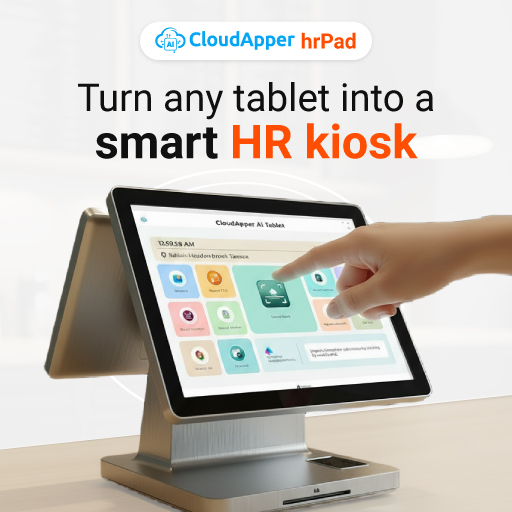
CloudApper positions hrPad exactly in that lane: an employee self-service kiosk powered by AI agents for HR service delivery (HRSD) that runs on standard tablets and supports multiple verification options such as touchless Face ID, and NFC badges, with optional controls like geofencing.
That “multiple options” detail matters more than most vendors admit, because it’s also the bridge between convenience and consent.
The real risk isn’t the technology. It’s the trust gap.
HR people are not irrational about biometrics. They’re experienced.
We’ve seen “helpful tools” become shadow performance management. We’ve seen data collected for one purpose reused for another. We’ve seen vendors overpromise security and underdeliver on governance.
So when a kiosk scans a face, employees often hear an unspoken message: you’re being watched.
Reddit threads about workplace biometrics routinely surface this emotional layer, and it shows up as resistance, sarcasm, and policy questions. That’s why the winning approach is not “sell harder.” It’s govern louder.
The governance standard is rising fast
Across jurisdictions, regulators are increasingly clear on a few core expectations:
- Notice and consent must be explicit and documented.
- Security must be reasonable and appropriate for highly sensitive data.
- Purpose limitation must be real, not marketing language.
- Retention and deletion must be defined and enforced.
In the U.S., the FTC has warned businesses about biometric misuses, including unexpected collection and failure to assess foreseeable harms, and it has issued a policy statement emphasizing privacy and data security obligations for biometric information.
On the legal side, Illinois’ Biometric Information Privacy Act (BIPA) has been one of the most consequential frameworks, and it has driven significant litigation risk for employers who didn’t handle notice, consent, and retention correctly. Even the interpretation of damages and liability has been a major issue in case law and subsequent legislative changes.
Internationally, under GDPR-aligned regimes, biometric data used for unique identification is typically treated as special category data, requiring stronger protections, appropriate lawful bases, and safeguards.
None of that is a reason to avoid kiosks. It’s a reason to deploy them like an HR program, not an IT rollout.
How to deploy biometric kiosks with “opt-in” and still get adoption
When leaders say “opt-in,” employees often hear “optional forever.” That’s not always workable operationally, especially in timekeeping where consistency matters. But you can still honor opt-in principles and reduce surveillance concerns by designing choice into the experience.
Here’s the framework I’ve seen work in real organizations.
1) Lead with purpose, not features
The first message should be clear: This is about accurate pay and faster self-service.
Not “we’re implementing facial recognition.”
If you open with technology, you trigger the privacy alarm before you earn trust. If you open with outcomes (fair pay, less waiting, fewer payroll errors), you position the kiosk as a service tool.
2) Make consent real, measurable, and revocable
Do not bury consent in a handbook update.
Consent should be:
- a standalone explanation,
- written in plain language,
- and easy to withdraw (with a documented alternative method).
Thomson Reuters’ compliance guidance highlights the importance of notice-and-consent workflows for biometrics, including electronic consent tracking.
3) Offer an alternative verification path
This is where hrPad’s approach is helpful: it supports Face ID-style verification as one option, but it also supports QR and NFC badge verification.
In practice, that means you can implement:
- face verification for employees who want the fastest flow,
- badge or QR for employees who opt out,
- and consistent policies across all methods.
Choice reduces resistance. It also protects you legally and culturally.
4) Publish a retention and deletion promise you can keep
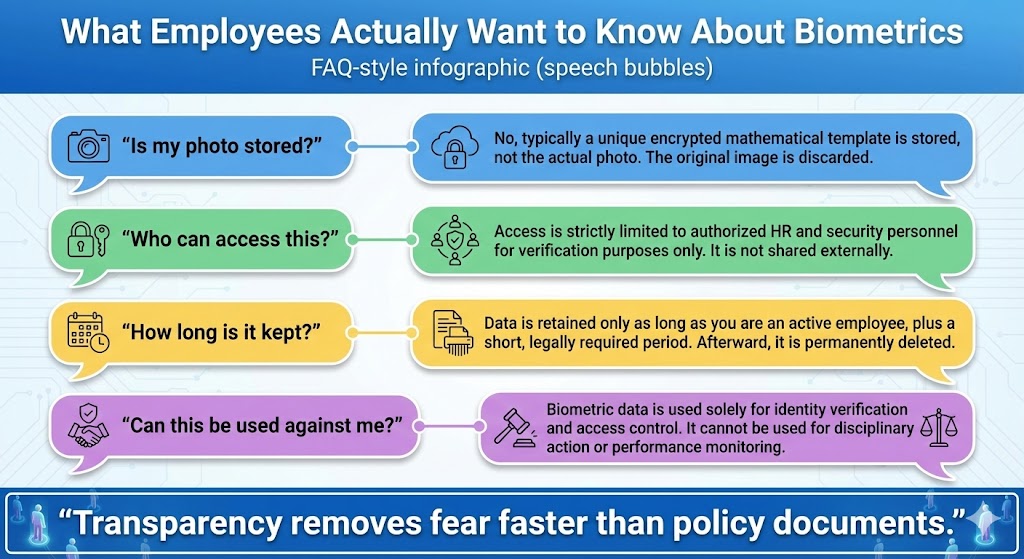
Employees don’t need a 20-page privacy memo. They need answers to a few direct questions:
- What exactly is stored, a photo or a template?
- Where is it stored?
- Who can access it?
- How long do we keep it?
- When do we delete it?
Your policy should be short, specific, and enforceable. And it should match your vendor contract.
5) Draw a bright line: “No productivity surveillance”
Say this explicitly and repeat it.
If the kiosk is for timekeeping and HR self-service, then state that biometric verification data will not be used for discipline, productivity scoring, or unrelated monitoring. The FTC has explicitly cautioned against surreptitious and unexpected collection or use of biometric information, which is exactly what employees fear.
6) Involve employee relations early
If you have unions, works councils, or strong frontline leadership structures, this is not an afterthought. Bring them in early, show the governance, and incorporate feedback before rollout.
Trust is easier to build before launch than after backlash.
Where hrPad fits when you want service-first biometrics
If your goal is “a biometric time clock,” you can buy that anywhere.
If your goal is frontline HR service delivery, then hrPad is positioned as a broader solution, including time and the everyday HR tasks that create tickets, bottlenecks, and manager interruptions.
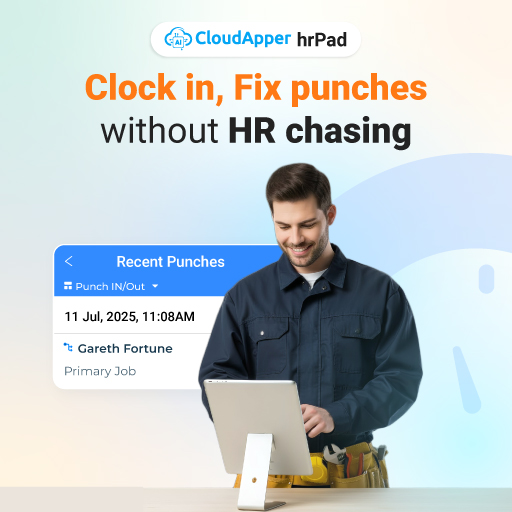
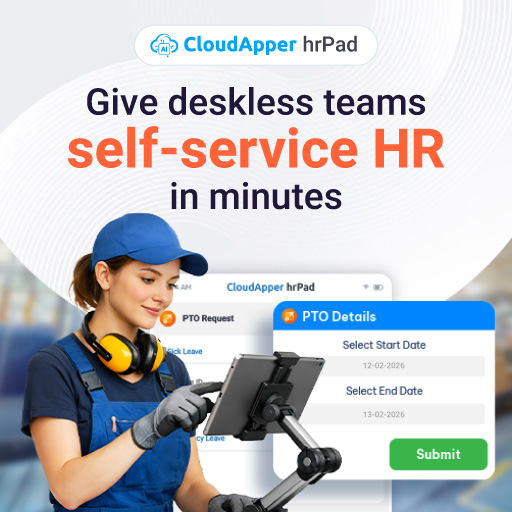
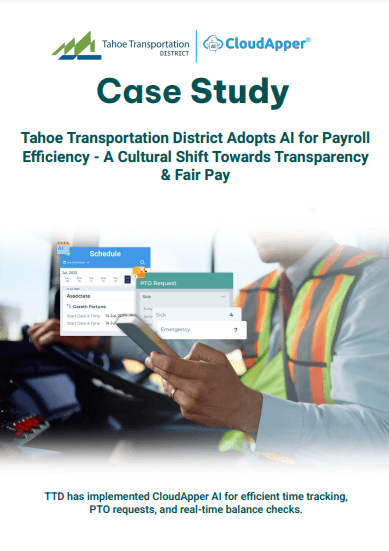
hrPad’s core value is that it’s designed as an employee self-service kiosk with AI agents, not just a punch terminal. That includes workflows such as PTO requests, accrual visibility, shift actions, and HR Q&A, all accessible on a shared device.
And from a governance standpoint, the flexibility matters:
- multiple identity verification options (not face-or-nothing),
- configurable prompts and workflows (so you control what’s collected),
- optional controls like geofencing where appropriate,
- and the ability to keep the kiosk framed as access and service, not tracking.
That’s how you make biometric kiosks feel like a convenience upgrade instead of a surveillance station.
FAQ
What is an AI-powered employee self-service kiosk?
An AI-powered employee self-service kiosk is a shared device, often a tablet, that lets employees handle common HR tasks such as clocking in, requesting PTO, checking balances, and getting policy answers through an AI assistant, without needing a corporate email or personal device.
How does facial recognition prevent buddy punching?
Facial recognition prevents buddy punching by verifying that the person clocking in is physically present and matches an enrolled identity, unlike PINs or badges that can be shared between employees.
Is facial recognition time tracking legal?
It can be legal, but it depends on your jurisdiction and your controls. Many frameworks require clear notice, written or explicit consent, purpose limitation, strong security, and defined retention and deletion practices for biometric data.
What policies should HR publish before launching biometric kiosks?
At minimum: a plain-language biometric notice, a consent process (and how to withdraw), what is stored and where, who has access, retention and deletion timelines, and a statement that the data won’t be repurposed for surveillance or unrelated monitoring.
How do we avoid the “surveillance feel”?
Make participation and purpose transparent, offer a non-biometric alternative, keep the data scope narrow, publish retention rules, and state clearly what the data will not be used for. Employees resist surprises more than they resist technology.
The bottom line
Biometric kiosks are not inherently creepy. Poor governance is.
When you pair secure identity verification with meaningful self-service, you can reduce time theft, improve payroll accuracy, and give frontline employees real access to HR without forcing them into corporate-device assumptions. But the only sustainable way to do it is with transparency, opt-in choices, and policies that treat biometric data as sensitive by default.
If you’re evaluating this shift now, hrPad is worth a look because it’s built as an AI-powered HR kiosk, not just a facial-recognition time clock, and because it supports multiple verification paths, so you can design for trust, not just efficiency.

What is CloudApper AI Platform?
CloudApper AI is an advanced platform that enables organizations to integrate AI into their existing enterprise systems effortlessly, without the need for technical expertise, costly development, or upgrading the underlying infrastructure. By transforming legacy systems into AI-capable solutions, CloudApper allows companies to harness the power of Generative AI quickly and efficiently. This approach has been successfully implemented with leading systems like UKG, Workday, Oracle, Paradox, Amazon AWS Bedrock and can be applied across various industries, helping businesses enhance productivity, automate processes, and gain deeper insights without the usual complexities. With CloudApper AI, you can start experiencing the transformative benefits of AI today. Learn More

Brochure
CloudApper hrPad
Empower Frontline Employees with an AI-Powered Tablet/iPad Solution
Download Brochure
CloudApper AI Solutions for HR



- Works with


- and more.








Similar Posts
Why UKG Pro Employee Self Service Adoption Struggles and How…

Beyond Burnout: Job Hugging Is the New Stagnation Risk HR…