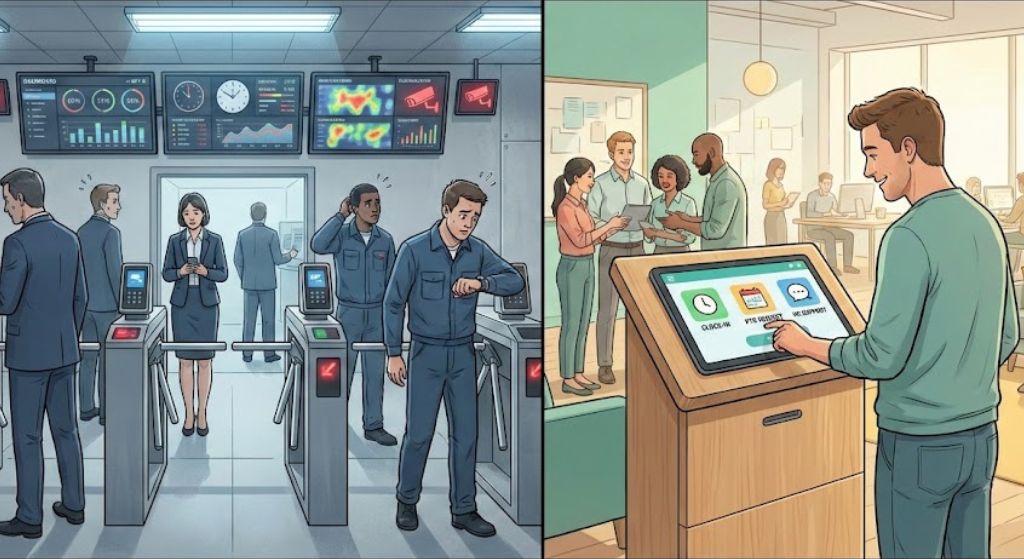
Frontline workers make up most of today’s workforce, yet often have the least access to workplace tools. This article explores how modern employee self-service kiosks are becoming digital “culture hubs,” improving access, engagement, and retention through a Frontline First approach.

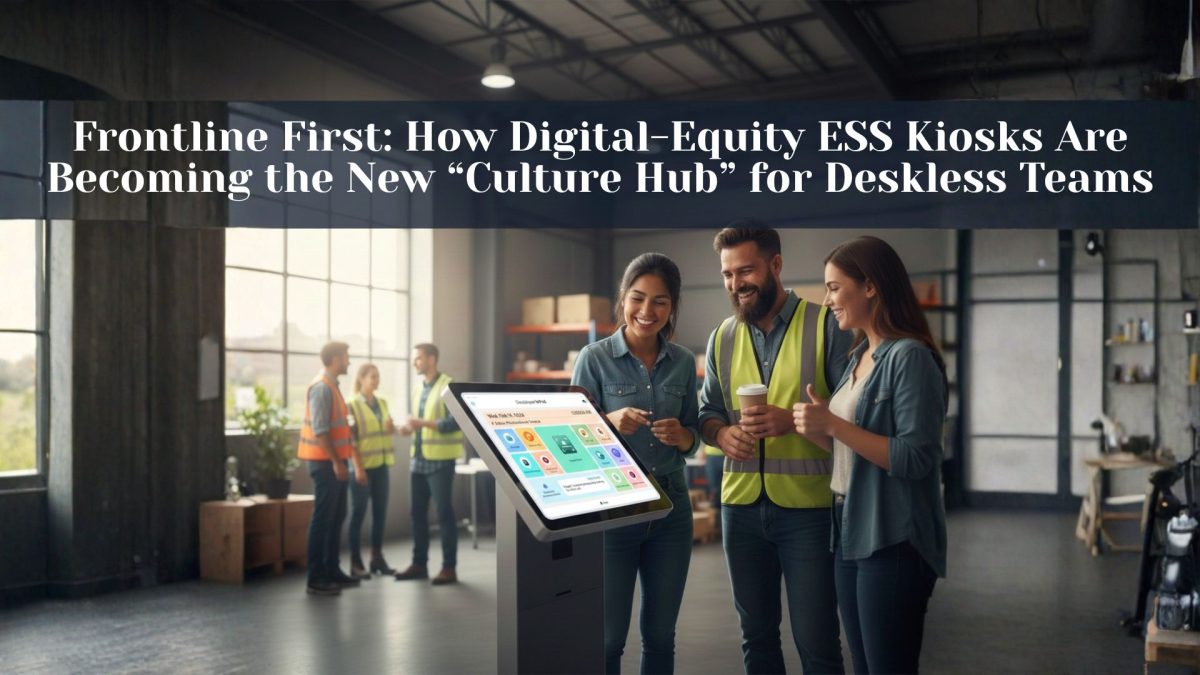
Table of Contents
A quiet shift is happening in manufacturing plants, hospital corridors, retail backrooms, and distribution centers: organizations are putting frontline access first.
Not by handing every employee a laptop. Not by assuming everyone checks a corporate email address. But by deploying high-functioning Employee Self-Service (ESS) kiosks—shared, always-available touchpoints that let deskless teams manage work and life essentials in minutes.
This “Frontline First” digital equity movement is driven by a simple reality: most of the world’s workforce is frontline, yet frontline employees often have the least access to the tools that make work feel manageable. Microsoft has cited that 80% of the world’s workforce is made up of frontline workers and that a significant portion say they don’t have the right tools or training to do their jobs effectively.
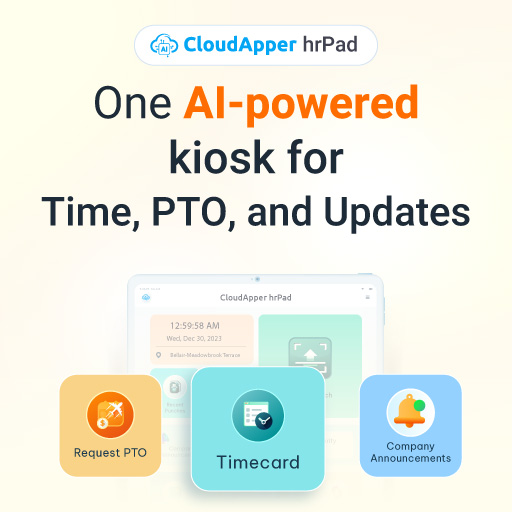
ESS kiosks used to be “where you go to check a paycheck stub.” Now, the best ones are evolving into something bigger: a culture hub—a place where employees can swap shifts, check PTO, get recognized, receive timely updates, and access well-being resources without needing a desk, a work email, or a personal device.
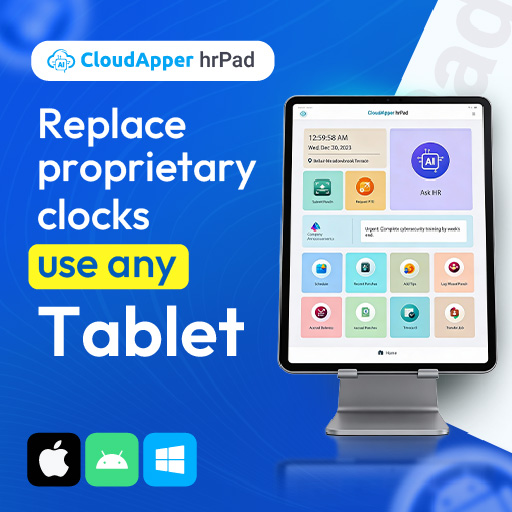
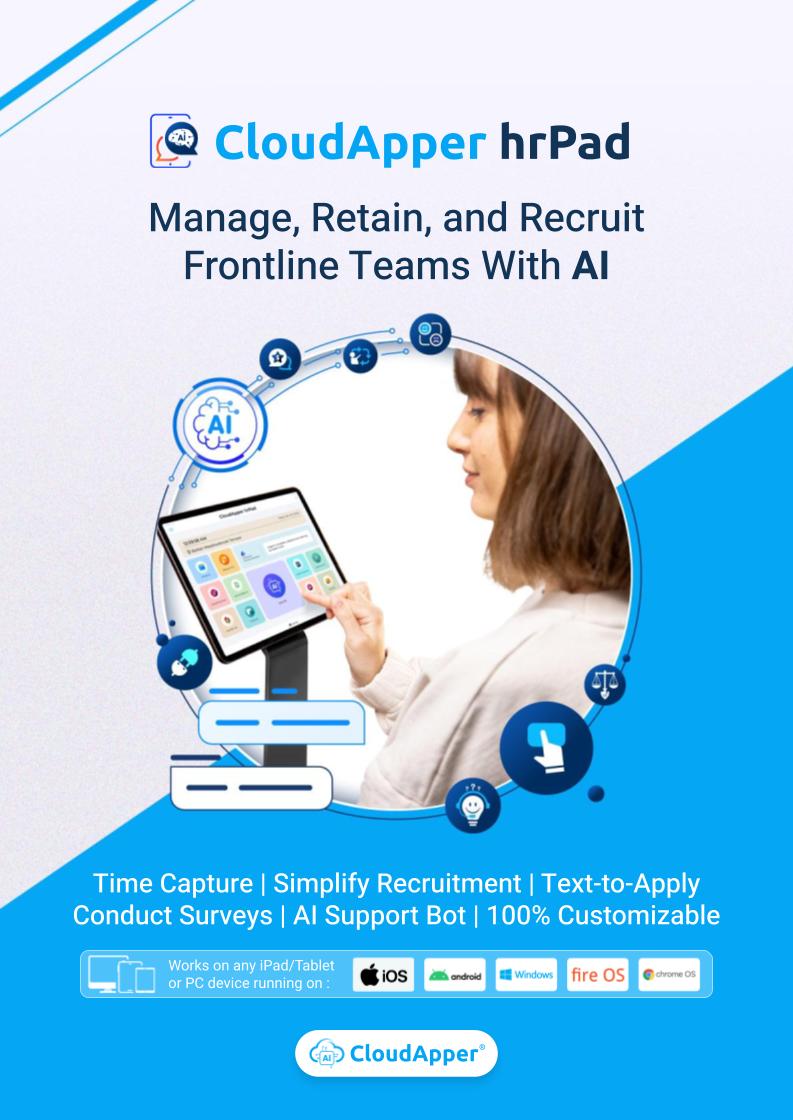
And this is exactly the space where CloudApper hrPad fits naturally: an employee self-service kiosk that turns everyday tablets into a frontline-friendly hub for time, HR tasks, and HR service delivery—backed by AI agents designed to reduce friction for employees and reduce busywork for HR.
What is “Frontline First” digital equity?
Frontline First digital equity means making sure deskless workers have the same practical access to workplace tools and information that desk-based employees take for granted—like requesting time off, checking schedules, finding policies, and getting help.
It’s not about flashy tech. It’s about closing the access gap in a way that actually works in frontline environments:
- Shared devices instead of individual workstations
- Simple, task-based workflows instead of complex portals
- Identity verification that fits high-traffic shift changes
- Communication that reaches employees who don’t live in email
The reason this matters is not theoretical. Attrition and burnout signals are loud in deskless roles. BCG has highlighted high levels of burnout and active job searching among deskless workers in research on the deskless labor shortage. And frontline-focused research from Nudge/Axonify has found that a meaningful share of frontline workers say they want to quit.
When access is hard, everything feels harder—schedule changes, payroll questions, policy confusion, and “I don’t know who to ask.”
Why ESS kiosks are having a moment
1) Because communication channels don’t reliably reach deskless workers
Organizations still rely heavily on cascaded messaging—leaders tell managers, managers tell employees, and employees hopefully get the message. Axios has described how this “game of telephone” can be inefficient and contribute to turnover in deskless-heavy industries.
And even when companies think they’re communicating well, frontline sentiment can differ sharply. Research summaries on frontline communications often reveal gaps between leadership perceptions and workers’ realities.
2) Because frontline workers want faster, simpler self-service
Deskless employees don’t want to jump through more hoops. They want fewer. They want to clock in, confirm the correct cost center, request PTO, swap shifts, and move on.
3) Because retention is increasingly tied to “how it feels to work here”
Pay matters. Scheduling consistency matters. Respect matters. Recognition matters.
Nudge/Axonify’s deskless research frames frontline experience as a pyramid with “culture” at the top—but it doesn’t work if foundational needs like stability, communication, and feedback loops aren’t met.
That’s why kiosks are shifting from “HR admin terminals” into daily experience touchpoints.
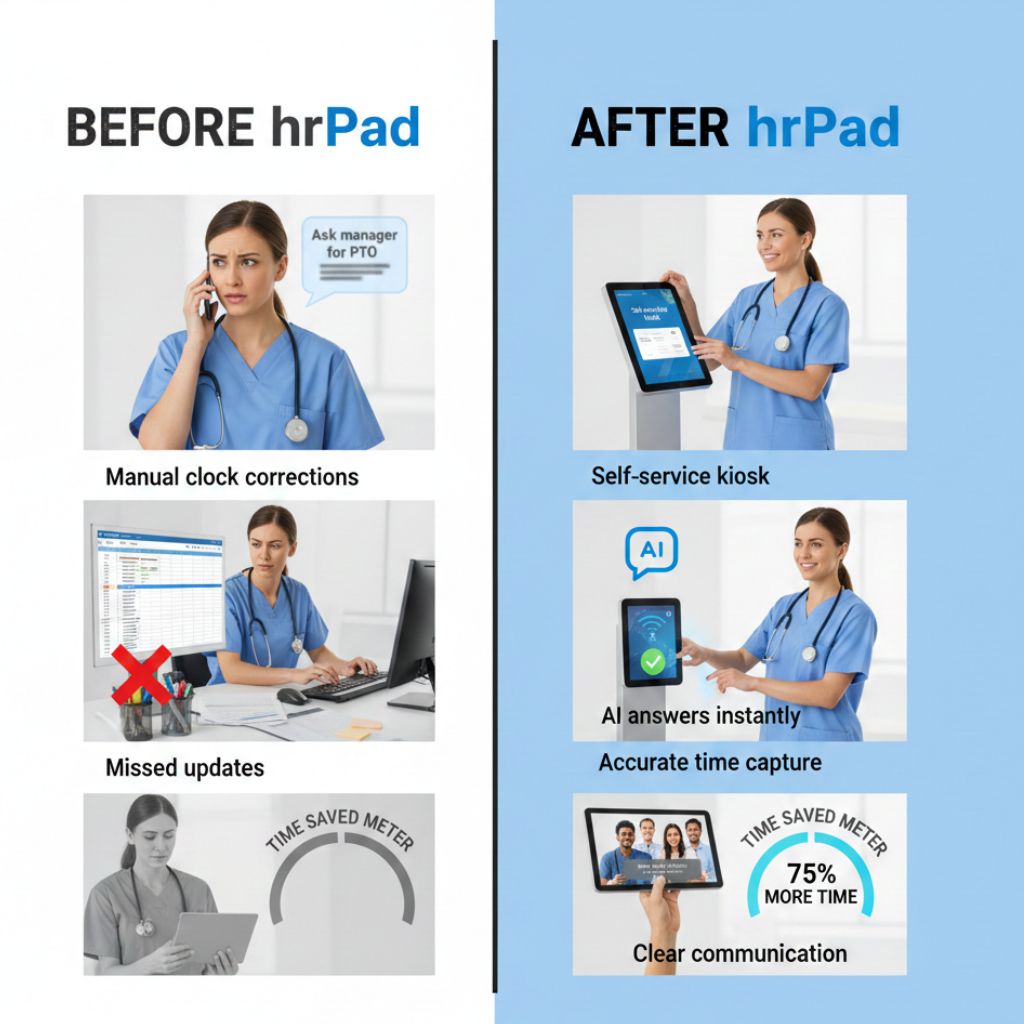
The evolution: from payroll portal to “culture hub”
A modern ESS kiosk can support three layers of frontline experience:
Layer 1: The basics (must-have utilities)
- Clock in/out with accuracy
- View schedules
- Check balances (PTO/accruals)
- Submit requests (PTO, availability, shift actions)
- Access policies and FAQs
Layer 2: The work-life friction reducers (where adoption jumps)
- Fast shift swaps and confirmations
- Overtime visibility and guardrails
- Alerts for missing punches / exceptions
- Clear guidance on “what to do next”
Layer 3: Culture + care (where retention and engagement live)
- Recognition prompts and peer shout-outs (where appropriate)
- Quick pulse surveys (“How was your shift?”)
- Well-being resources and check-ins
- Manager-to-team updates delivered where employees actually are
This is where the kiosk becomes a “culture hub”—not because it’s trying to be a social network, but because it becomes the most reliable, equitable access point for daily work support.
What a great frontline ESS kiosk needs
If someone asked, “What should we look for in an ESS kiosk for frontline workers?” here’s the clearest answer:
1) It must work on standard hardware
Frontline-first programs scale faster when they can use devices you already know—tablets, iPads, Android devices, even Windows stations.
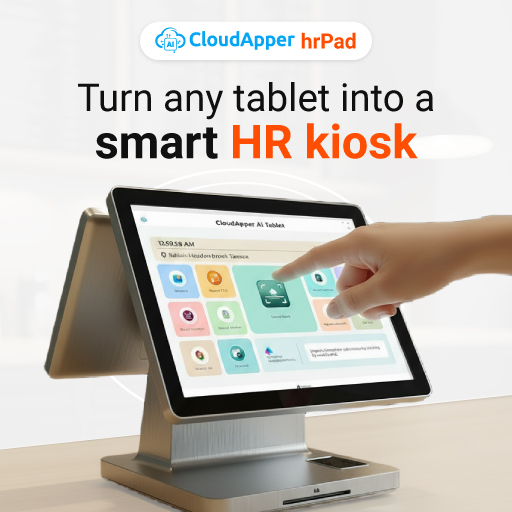
hrPad is built around this “turn any device into a kiosk” concept, positioning itself as HR system-agnostic and deployable across iOS, Android, and Windows.
2) It must reduce timekeeping disputes, not create them
Timekeeping is where trust gets won or lost. If employees think the system is inaccurate, everything else suffers.
hrPad highlights touchless Face ID check-in to improve timekeeping accuracy and reduce buddy punching.
3) It must support real workforce rules (PTO, overtime, accruals)
Frontline teams don’t live in “simple policies.” You need flexible workflows that reflect reality: different accrual rules, different OT rules, different leave types.
hrPad explicitly positions PTO, overtime, and complex payroll calculations as configurable and supports accrual visibility and PTO requests through self-service.
4) It should solve location-based accountability challenges
For multi-site operations, cost-center accuracy is not a “nice to have.” It’s payroll integrity.
hrPad includes geofencing to automate cost-center transfer and increase accountability.
5) It should offer policy-aware answers, on demand
Frontline employees often need help in the moment—“How do I request PTO?” “What’s the attendance policy?” “What do I do if I missed a punch?”
hrPad’s positioning includes a 24/7 AI assistant tailored to your policies to answer HR questions.
6) It must support shift operations
Shift swaps, bids, confirmations—these are the daily “pain points” that drive frustration.
hrPad calls out shift management features that let employees bid, swap, and confirm shifts via kiosk self-service.
7) It should include feedback loops (because “feeling heard” is fragile)
Frontline research shows how quickly employee confidence in feedback programs can drop when workers don’t see impact. In the Nudge/Axonify report, the share of frontline workers who felt heard dropped sharply year-over-year in their survey results.
hrPad supports customizable job satisfaction surveys, engagement feedback, and custom data capture—making the kiosk useful for listening, not just logging time.
How hrPad supports the “culture hub” model (without trying too hard)
The reason hrPad maps well to the Frontline First movement is that it starts from the realities of deskless work:
- No dedicated workstation required (tablet-based kiosk model)
- Self-service for the daily load (time, PTO, accruals, scheduling actions)
- Built-in assistance so employees aren’t stuck waiting for HR (policy-tailored AI assistant)
- Engagement tools that fit a quick workflow (surveys, feedback, check-ins)
In other words: it’s not “a portal on a tablet.” It’s a workflow layer designed for the frontline.
Real-world examples: what “Frontline First” looks like by industry
Manufacturing: fewer payroll fixes, faster transfers, cleaner labor allocation
In manufacturing, time isn’t just “clock in/out.” It’s also job codes, cost centers, and labor distribution.
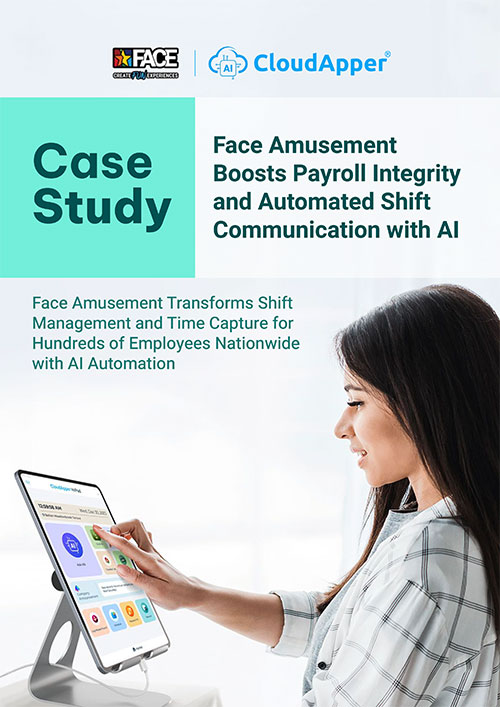
A kiosk that supports geofenced transfers and fast, guided workflows helps reduce mischarges—without requiring a manager to play helpdesk during shift change. hrPad’s geofencing and time capture customization align with this need.
Retail: shift swaps + PTO requests without the manager bottleneck
Retail teams often operate on tight schedules and fast coverage needs. When shift swaps live in group texts, mistakes happen and accountability gets blurry.
Kiosk self-service for shift actions and PTO requests makes the process visible and consistent—especially for employees who don’t have corporate email or logins they use daily.
Healthcare: access, clarity, and low-friction support
In healthcare, frontline employees are mobile, busy, and often dealing with high stress. Digital equity here means quick access to “what do I do?” resources, policy answers, and scheduling actions—without forcing staff to step away for long.
hrPad’s “always available” kiosk approach plus an HR assistant layer is a practical fit for that environment.
A simple implementation playbook (so the kiosk actually gets used)
- Place kiosks where work naturally pauses (break rooms, near entrances, near charge stations)
- Design for “30-second tasks” (clock, request, confirm, done)
- Make privacy real (screen timeouts, shoulder-surfing awareness, optional PIN/verification for sensitive actions)
- Train managers to stop being the workaround (if employees still text managers for everything, self-service doesn’t stick)
- Measure adoption by task completion (PTO requests submitted, shifts confirmed, questions answered) not by “logins”
Quick FAQ
What is an employee self-service kiosk?
An employee self-service kiosk is a shared device (often a tablet) that lets employees complete common HR and workforce tasks—like timekeeping, PTO requests, schedule actions, and policy lookups—without needing a personal workstation.
Why are ESS kiosks important for frontline retention?
Because they reduce daily friction. When employees can get answers, manage time, and handle scheduling quickly—without chasing a manager or HR—it improves the day-to-day experience that drives engagement and retention. Research highlights high burnout and quitting intent among deskless roles, making experience improvements operationally critical.
How does hrPad support Frontline First digital equity?
hrPad turns standard devices into an ESS kiosk and supports frontline self-service for time, PTO, accruals, shift actions, geofenced cost-center transfers, and policy-aware HR Q&A through its HR service-delivery approach.

What is CloudApper AI Platform?
CloudApper AI is an advanced platform that enables organizations to integrate AI into their existing enterprise systems effortlessly, without the need for technical expertise, costly development, or upgrading the underlying infrastructure. By transforming legacy systems into AI-capable solutions, CloudApper allows companies to harness the power of Generative AI quickly and efficiently. This approach has been successfully implemented with leading systems like UKG, Workday, Oracle, Paradox, Amazon AWS Bedrock and can be applied across various industries, helping businesses enhance productivity, automate processes, and gain deeper insights without the usual complexities. With CloudApper AI, you can start experiencing the transformative benefits of AI today. Learn More

Brochure
CloudApper hrPad
Empower Frontline Employees with an AI-Powered Tablet/iPad Solution
Download Brochure
CloudApper AI Solutions for HR



- Works with


- and more.








Similar Posts
Why UKG Pro Employee Self Service Adoption Struggles and How…
Beyond Burnout: Job Hugging Is the New Stagnation Risk HR…