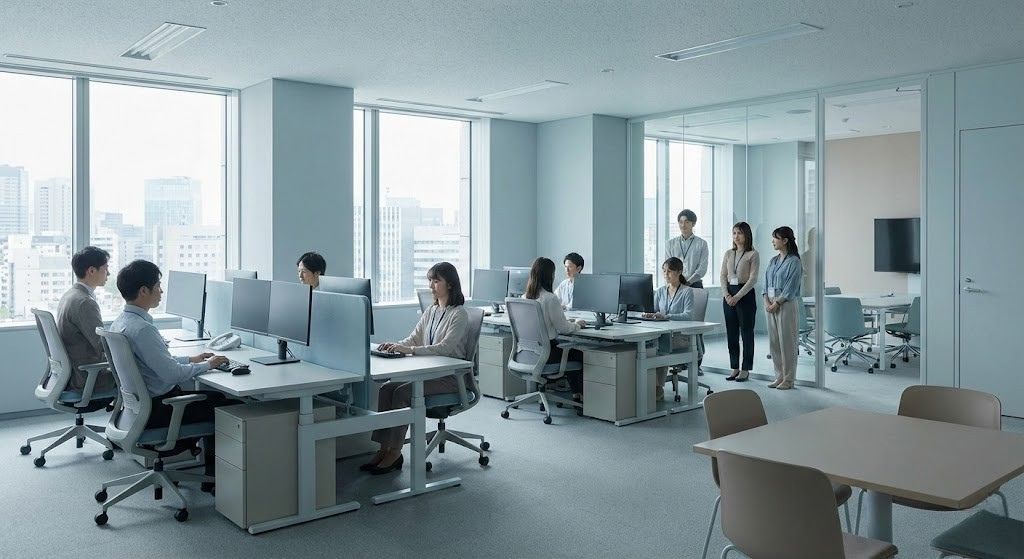
Self-service kiosks promise to reduce HR workload—but in the first 30–90 days, many organizations experience the opposite. Lines form, employees hesitate, and supervisors become unpaid tech support. This article explores the self-service friction paradox, why TSK-Phobia happens, and how an adoption-first kiosk rollout with CloudApper hrPad can make employee self-service actually work.


Table of Contents
Self-service kiosks are supposed to reduce HR workload. In reality, many organizations experience the opposite in the first 30–90 days: lines at the kiosk, confused employees, and nearby supervisors turning into “unpaid tech support.” That gap between what self-service promises and what it delivers at launch is the self-service friction paradox.
If you’ve lived through a kiosk rollout, you already know the pattern. The technology works. The adoption doesn’t.
A big part of the issue is what we can call TSK-Phobia (Touch Screen Kiosk Phobia)—not a clinical term, but a useful way to describe a very real hesitation: employees who find new touch interfaces unintuitive, intimidating, or “not for me.” There are even widely shared “fear of touch screen technology” references in pop culture and language that mirror the same anxiety. And when a kiosk experience is poorly designed, the friction doesn’t disappear—it gets transferred to the people standing closest to the device.
The good news: this is fixable. Not by “more training” in the abstract, but by building an adoption-first kiosk experience and rolling it out with a human-in-the-loop transition plan. That’s exactly where CloudApper hrPad fits: it’s an employee self-service kiosk designed to reduce friction—not just add features.
What “self-service” actually means on Day 1
Most HR teams picture self-service as fully autonomous: employees walk up, clock in, request PTO, check accruals, and move on.
Day 1 usually looks different:
- A handful of employees adopt instantly
- Most employees “wait and watch”
- A small group actively avoids the kiosk
- Supervisors and admins become the help desk
- Workarounds quietly return (“Just text me your time”)
This is how shadow HR forms—informal, manual processes that bypass the system because they feel faster than fighting the interface.
The paradox is that self-service can absolutely work long-term… but only if you plan for the reality that it’s rarely 100% self-service at launch.
Why TSK-Phobia happens (even in modern workplaces)
When employees hesitate to use a kiosk, it’s easy to misread it as resistance to change. Often it’s something more basic: fear of doing it wrong in public.
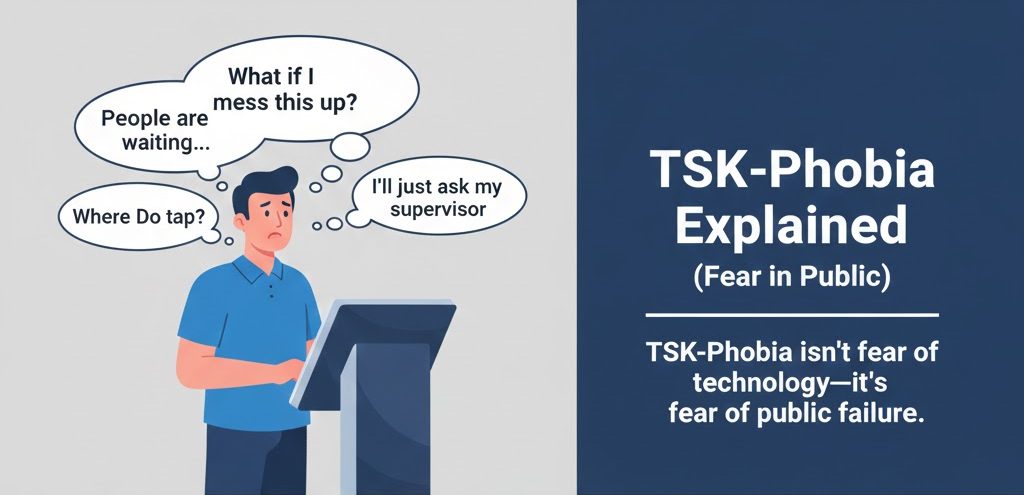
Common drivers:
1) Public failure is a real deterrent
A kiosk isn’t like a phone. People don’t mind experimenting privately. But standing at a shared terminal while coworkers wait behind you? That creates pressure. If the UI is confusing, people freeze.
2) Touch screens aren’t “universal”
Even though smartphones are common, touch kiosks behave differently: larger screens, different menus, unfamiliar flows, and “where do I tap?” ambiguity. Usability and accessibility research consistently shows that kiosks can be challenging—especially for older users or people with disabilities—when design isn’t carefully considered.
3) “I’m not a computer person” is still a thing
In frontline environments, you’ll always have a mix of comfort levels. If your kiosk assumes high confidence, you’ll exclude part of the workforce on Day 1.
The hidden cost: when “self-service” becomes unpaid tech support
When the kiosk is hard to use, the system doesn’t remove work. It relocates it.
Instead of HR answering “How much PTO do I have?” you get:
- Managers explaining the kiosk
- Payroll fixing errors caused by confusion
- Admins handling exceptions
- Employees waiting longer to clock in/out
- Frustration that lowers trust in the whole HR function
This aligns with a broader pattern researchers have discussed with self-service technologies: organizations gain efficiency by shifting effort onto users, but that shift carries real costs when the experience is difficult.
And culturally, this is where negative sentiment grows—because the employee experience becomes:
“They gave us a machine that doesn’t work, and now we have to help each other use it.”
That’s how a kiosk rollout turns into a morale problem.
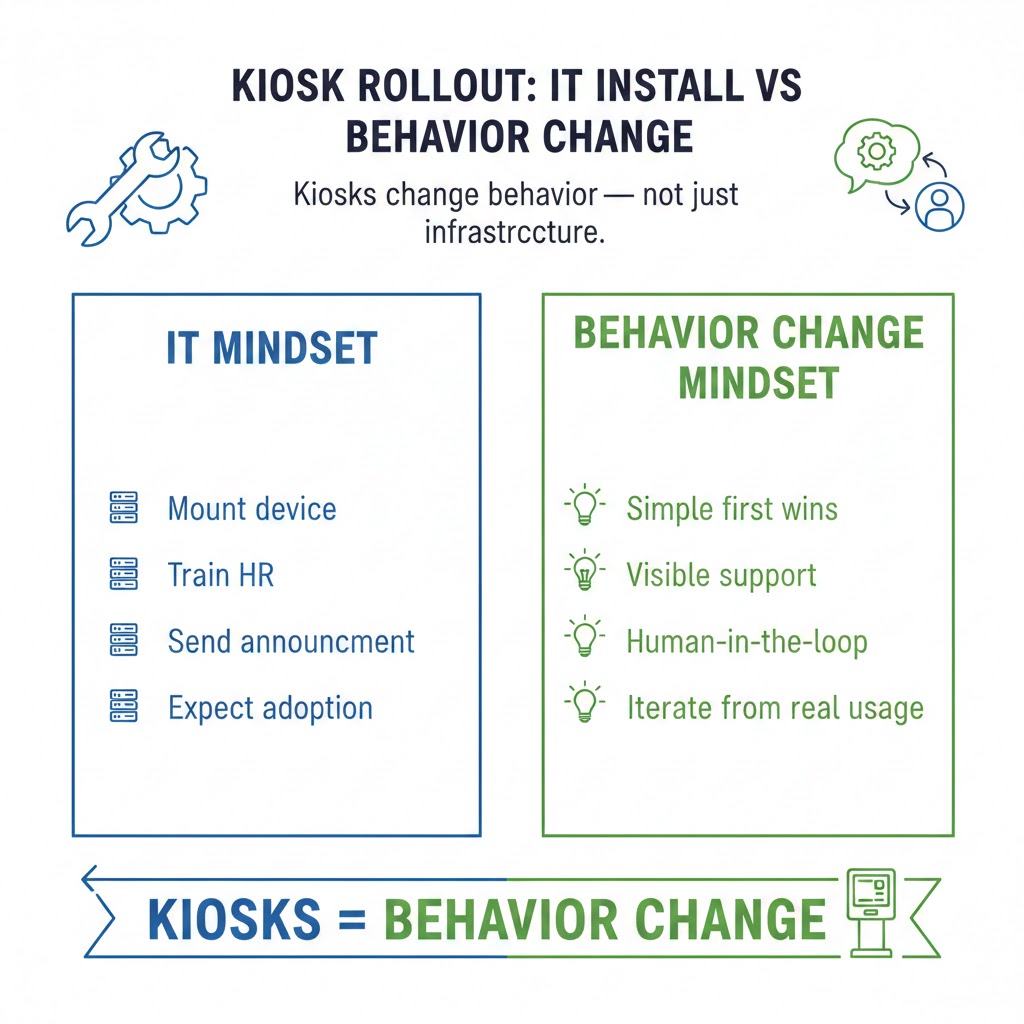
The change management trap: hardware isn’t “just hardware”
A kiosk rollout often gets treated like an IT install:
- Mount the device
- Train HR or payroll
- Announce it
- Expect adoption
But kiosks are behavior change. Which means the biggest cost isn’t the tablet—it’s the transition period.
If you don’t plan for adoption, two things happen:
You create a confidence gap
Employees who hesitate will avoid the kiosk, and that avoidance quickly becomes habit.
You create a workaround culture
Once “manual alternatives” become normal, it’s hard to pull people back into the system. Shadow HR becomes the default.
What an adoption-first kiosk rollout looks like
If you want self-service to actually be self-service, treat the rollout like a product launch for a new internal user experience.
1) Start with the simplest “wins”
Don’t launch with every workflow. Start with two or three actions employees already understand:
- Clock in/out
- Check schedule
- View PTO balance
Build confidence first. Complexity can come later.
2) Design the kiosk for “zero training”
Your UI should be usable by someone who has never seen it before:
- Large, obvious buttons
- Minimal choices per screen
- Clear “Back” and “Home”
- No jargon (“accrual” vs “PTO balance”)
- Step-by-step confirmations
3) Use an on-site “ambassador” (human-in-the-loop)
For the first few weeks, plan visible support:
- A floor supervisor trained to help
- A rotating “kiosk champion” shift role
- Quick demos during pre-shift huddles
This is not a failure of technology. It’s how adoption works.
4) Measure friction, not just usage
Track:
- Where employees abandon flows
- Which actions trigger help requests
- Peak-time queue issues
- Repeat errors (missed punches, wrong selections)
Then adjust the experience.
Where hrPad fits: self-service that’s built to reduce friction
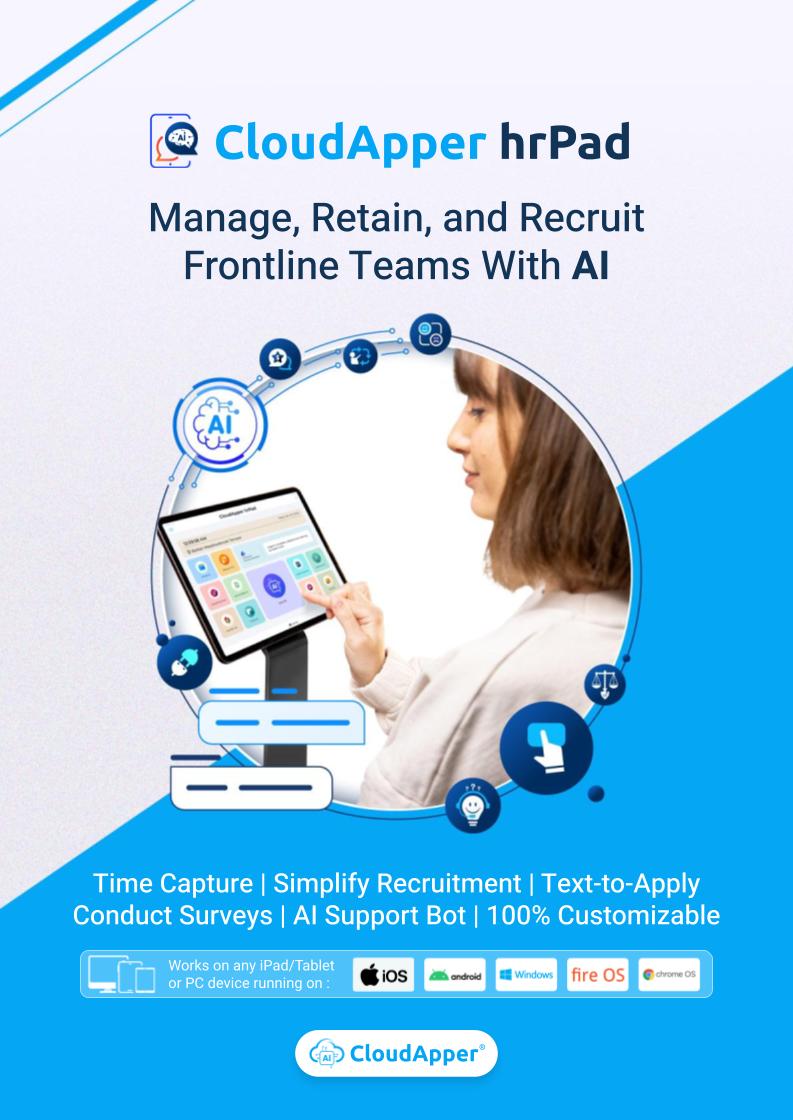
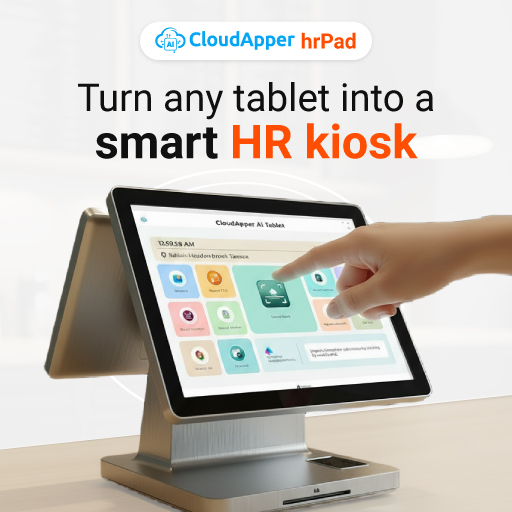
CloudApper hrPad is more than a time clock. It’s an employee self-service kiosk designed to deliver HR services with less confusion and fewer workarounds—especially for frontline environments.
Here’s how hrPad aligns with the adoption-first approach:
A simpler kiosk experience on familiar devices
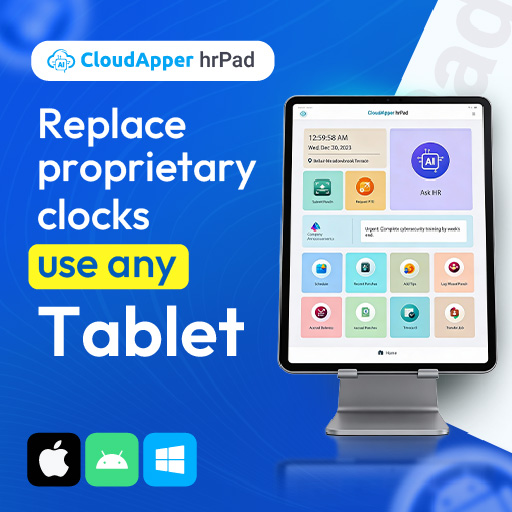
hrPad turns standard tablets into HR kiosks, which can reduce the “new hardware intimidation” effect because the device form factor feels familiar. (Less “mystery terminal,” more “tablet kiosk.”)
Touchless options reduce the “I don’t want to mess with this” barrier
Touchless Face ID check-in is a practical example: when clocking in is fast and obvious, employees build confidence immediately. That first daily interaction matters.
Self-service isn’t just buttons—it includes answers
A major reason kiosks fail is that employees get stuck and don’t know what to do next. hrPad supports a 24/7 AI assistant experience to answer repetitive HR questions based on company policies—so employees aren’t forced to hunt down a manager or HR for every small issue.
Configurable workflows reduce “policy mismatch”
One-size-fits-all kiosks create friction when your PTO rules, overtime rules, or shift practices don’t match the kiosk flow. hrPad is positioned around customizable AI tools for HR—so the kiosk can match how your organization actually works (not the other way around).
It helps prevent shadow HR by making the kiosk the fastest path
The real goal is simple: the kiosk should be easier than the workaround. When employees can quickly:
- check accruals and PTO
- submit requests
- handle shift actions
- get policy answers
they have fewer reasons to bypass the system.
CloudApper also emphasizes the broader value of employee self-service kiosks as a way to extend HR access and reduce repetitive workload—when the experience is implemented well.
A practical rollout plan for hrPad (that avoids the paradox)
If you’re rolling out hrPad (or upgrading an existing kiosk approach), here’s a rollout plan that minimizes friction:
Phase 1: Confidence (Weeks 1–2)
Focus on:
- clock in/out
- “view PTO balance”
- “who do I contact?” (kiosk help option)
Staff it with an ambassador during peak shift changes.
Phase 2: Convenience (Weeks 3–6)
Add:
- PTO requests
- simple shift actions
- HR Q&A assistant prompts for common questions
Collect feedback weekly and adjust language/UI.
Phase 3: Optimization (Weeks 7–12)
Expand into:
- overtime logic
- richer shift workflows
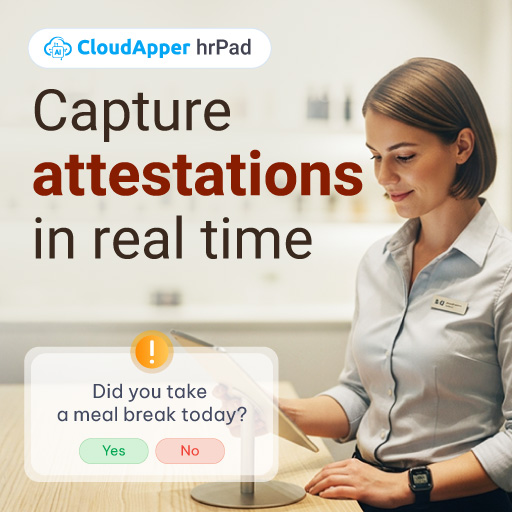
- custom forms (attestations, tips, job satisfaction surveys)
- geofencing / accountability features where relevant
At this point, self-service starts to become truly self-sustaining.
FAQs
Why do employees avoid self-service kiosks?
Most avoidance is driven by confusion, fear of making mistakes in public, and a UI that doesn’t match how work actually happens. Poor kiosk design can also create accessibility barriers.
What is “shadow HR”?
Shadow HR is the set of unofficial manual workarounds employees and supervisors use when HR technology feels harder than asking someone for help (texts, paper notes, verbal approvals, side spreadsheets).
How long does it take for a kiosk rollout to become truly self-service?
Typically 30–90 days, depending on workforce comfort levels, kiosk design, and whether you support a human-in-the-loop transition (ambassador + simple flows first).
How does hrPad reduce self-service friction?
hrPad focuses on a kiosk experience that’s simpler to use, supports touchless timekeeping, and includes an AI assistant layer for repetitive HR questions—so employees don’t need to rely on coworkers or managers as tech support.
The takeaway
Self-service kiosks don’t fail because employees “hate technology.” They fail because implementation ignores human behavior.
If you plan for the adoption gap—TSK-Phobia, public hesitation, and the need for a short human-in-the-loop period—self-service can absolutely reduce HR workload long-term.
And that’s the most natural place to position CloudApper hrPad: not as “another kiosk,” but as an employee self-service kiosk designed to make HR service delivery work in the real world—where confidence, clarity, and habit matter as much as features.

What is CloudApper AI Platform?
CloudApper AI is an advanced platform that enables organizations to integrate AI into their existing enterprise systems effortlessly, without the need for technical expertise, costly development, or upgrading the underlying infrastructure. By transforming legacy systems into AI-capable solutions, CloudApper allows companies to harness the power of Generative AI quickly and efficiently. This approach has been successfully implemented with leading systems like UKG, Workday, Oracle, Paradox, Amazon AWS Bedrock and can be applied across various industries, helping businesses enhance productivity, automate processes, and gain deeper insights without the usual complexities. With CloudApper AI, you can start experiencing the transformative benefits of AI today. Learn More

Brochure
CloudApper hrPad
Empower Frontline Employees with an AI-Powered Tablet/iPad Solution
Download Brochure
CloudApper AI Solutions for HR



- Works with


- and more.








Similar Posts
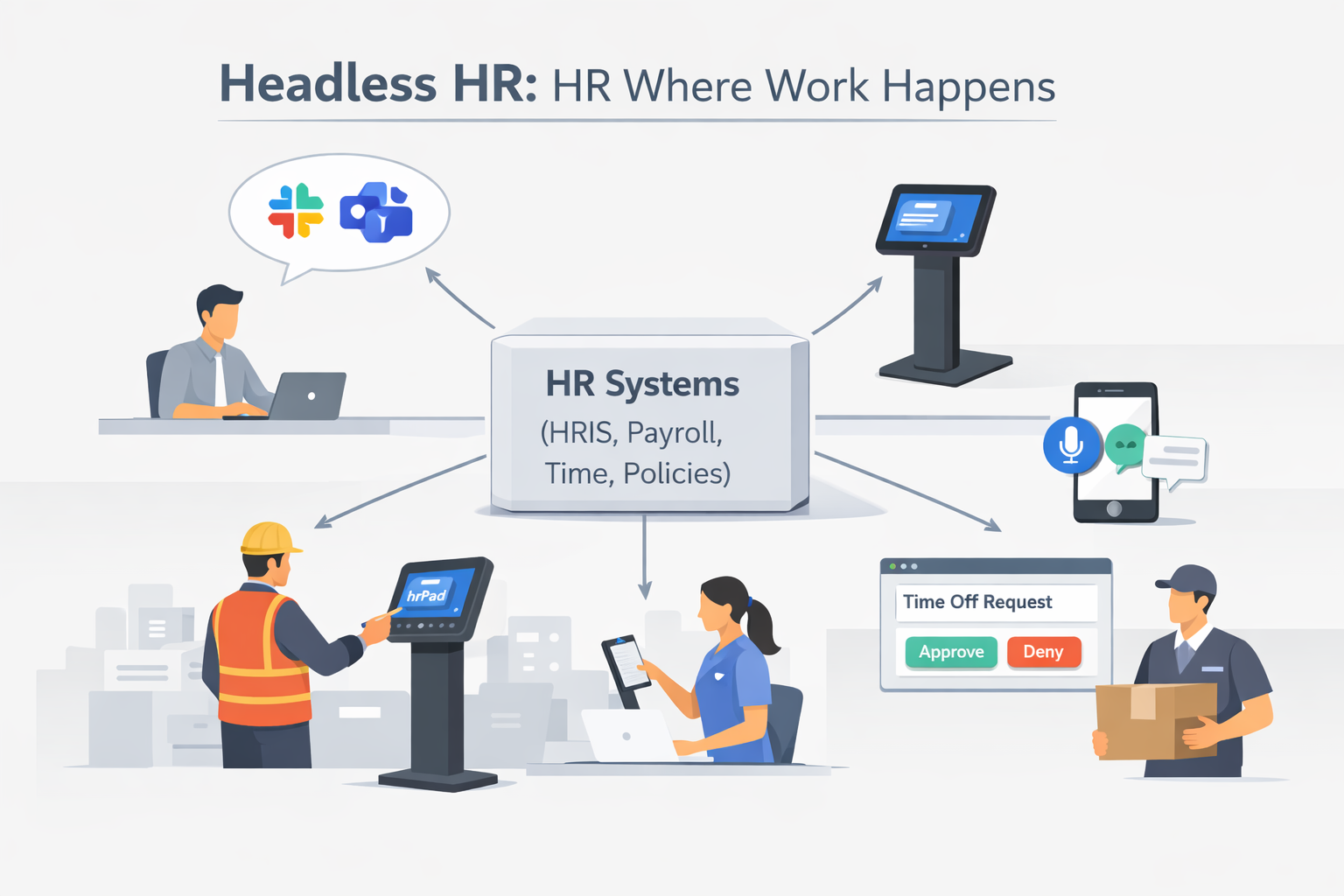
Your HR Portal Isn’t “Broken”—It’s Just in the Wrong Place:…
Why UKG Pro Employee Self Service Adoption Struggles and How…