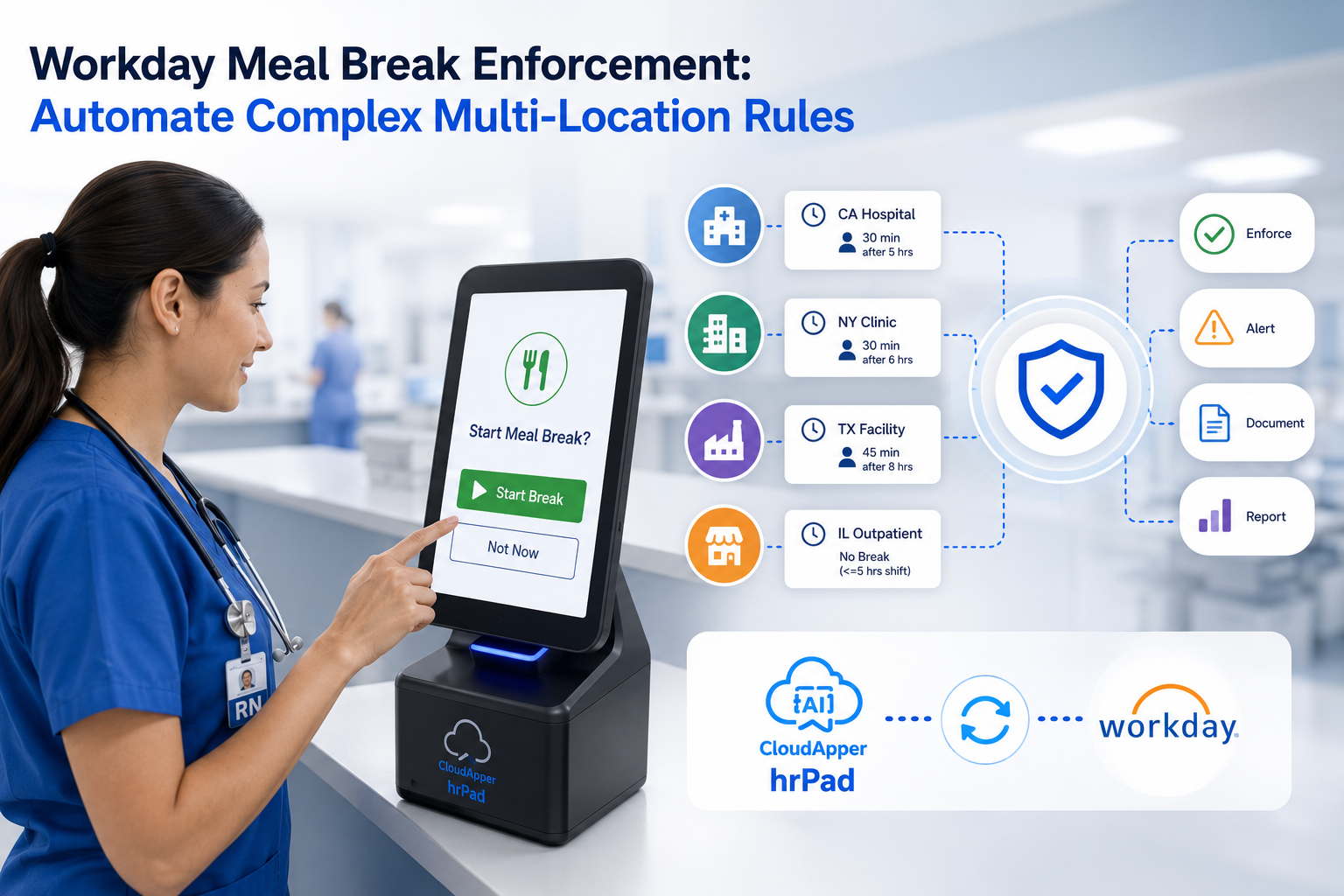
Wondering what time clocks work with Workday? This guide covers the top Workday-compatible time clock solutions — including CloudApper AI TimeClock, Unifocus, Buddy Punch, UKG Ready, and Rotageek — with an honest look at features, costs, and the right fit for different workforce types and deployment scenarios.
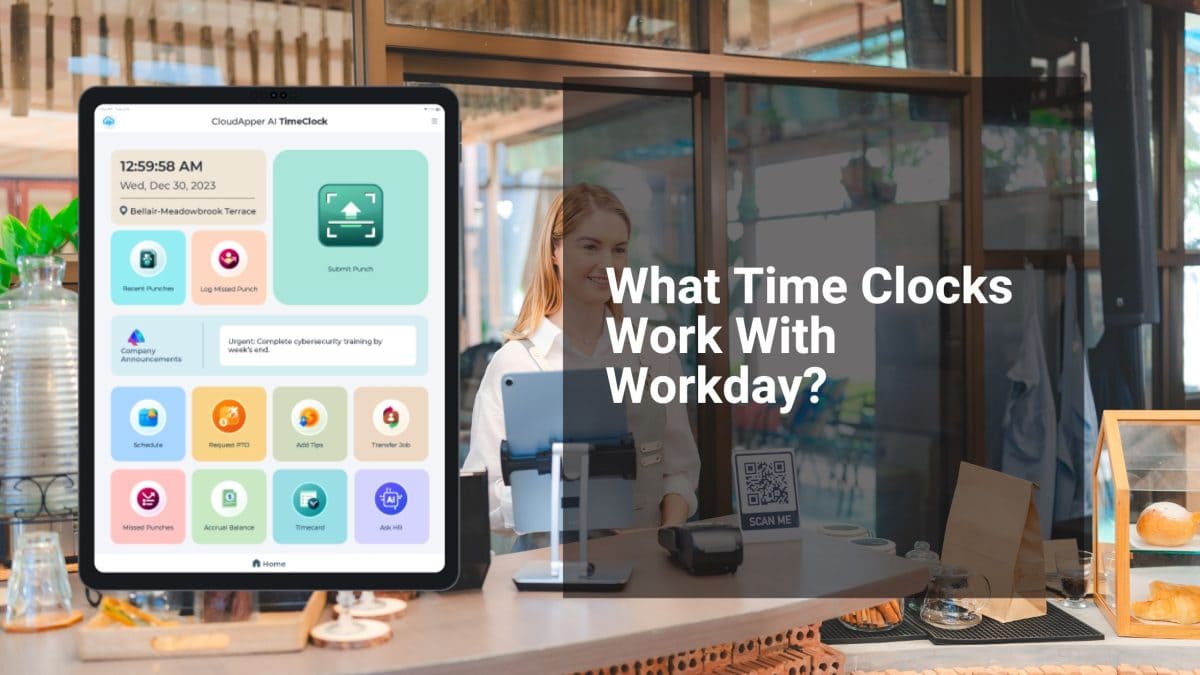
Table of Contents
- TL;DR
- What to Look for in a Workday-Compatible Time Clock
- CloudApper AI TimeClock — AI-Powered Workday Time Clock
- Key Features of CloudApper AI TimeClock
Workday handles a lot — payroll, HR, benefits, scheduling. But when it comes to actually capturing when employees clock in and out, Workday depends on external hardware or software time clocks to feed that data in. So if you’re asking what time clocks work with Workday, the honest answer is: several options exist, but they’re not all equal.

This article breaks down the most commonly used Workday-compatible time clock solutions, what each one does well, and where they fall short — so you can make an informed decision for your workforce.
TL;DR
Several time clocks work with Workday, including CloudApper AI TimeClock, Unifocus, Buddy Punch, UKG Ready, and Rotageek. CloudApper AI TimeClock is the most flexible option — it turns any iPad or Android tablet into a Workday-connected time clock with biometric facial recognition, geo-fencing, offline punch capture, and employee self-service, at a fraction of the cost of dedicated hardware.
What to Look for in a Workday-Compatible Time Clock
Before comparing specific solutions, it helps to know what actually matters in a Workday time clock integration:
- Native or API-based sync — Does time data flow directly into Workday Time Tracking, or does it require manual exports?
- Identity verification — Does the system prevent buddy punching (clocking in for a coworker)?
- Deployment flexibility — Can it work across multiple sites, remote locations, or offline environments?
- Self-service capabilities — Can employees view schedules, request time off, or check balances at the clock?
- Cost — Dedicated biometric hardware can run hundreds or thousands of dollars per unit. Tablet-based software solutions are significantly cheaper.
With those benchmarks in mind, here’s what the landscape looks like.
CloudApper AI TimeClock — AI-Powered Workday Time Clock
Of all the options available today, CloudApper AI TimeClock stands out for one simple reason: it turns any iPad or Android tablet into a fully functional Workday time clock — without the cost or rigidity of dedicated hardware.
It integrates directly with Workday Time Tracking and Payroll, syncing punch data in real time so there’s no manual reconciliation between systems.
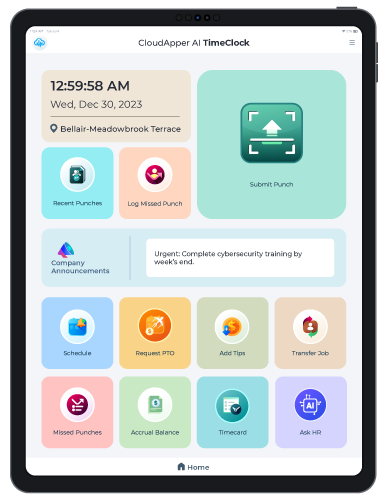
CloudApper AI Time Clock
Ingredion’s Adoption of CloudApper AI TimeClock For Contactless Time Punching Through Barcode Scaning
Key Features of CloudApper AI TimeClock
Touchless Biometric Facial Recognition: Employees clock in using their face — no PINs, no badges, no physical contact. This eliminates buddy punching and works well in environments where hygiene matters, like healthcare or food production. Learn more about facial recognition time clocks for Workday.
24/7 AI Assistant: The built-in AI assistant handles common HR questions — shift details, time-off balances, policy lookups — without routing employees to HR. This reduces repetitive inquiries and frees up your HR team for higher-value work.
Geo-Fencing: Virtual boundaries ensure employees can only clock in or out from designated locations. If someone tries to punch in while off-site, the system flags or blocks it. This is especially useful for field teams or multi-site operations. More on how this supports labor law compliance.
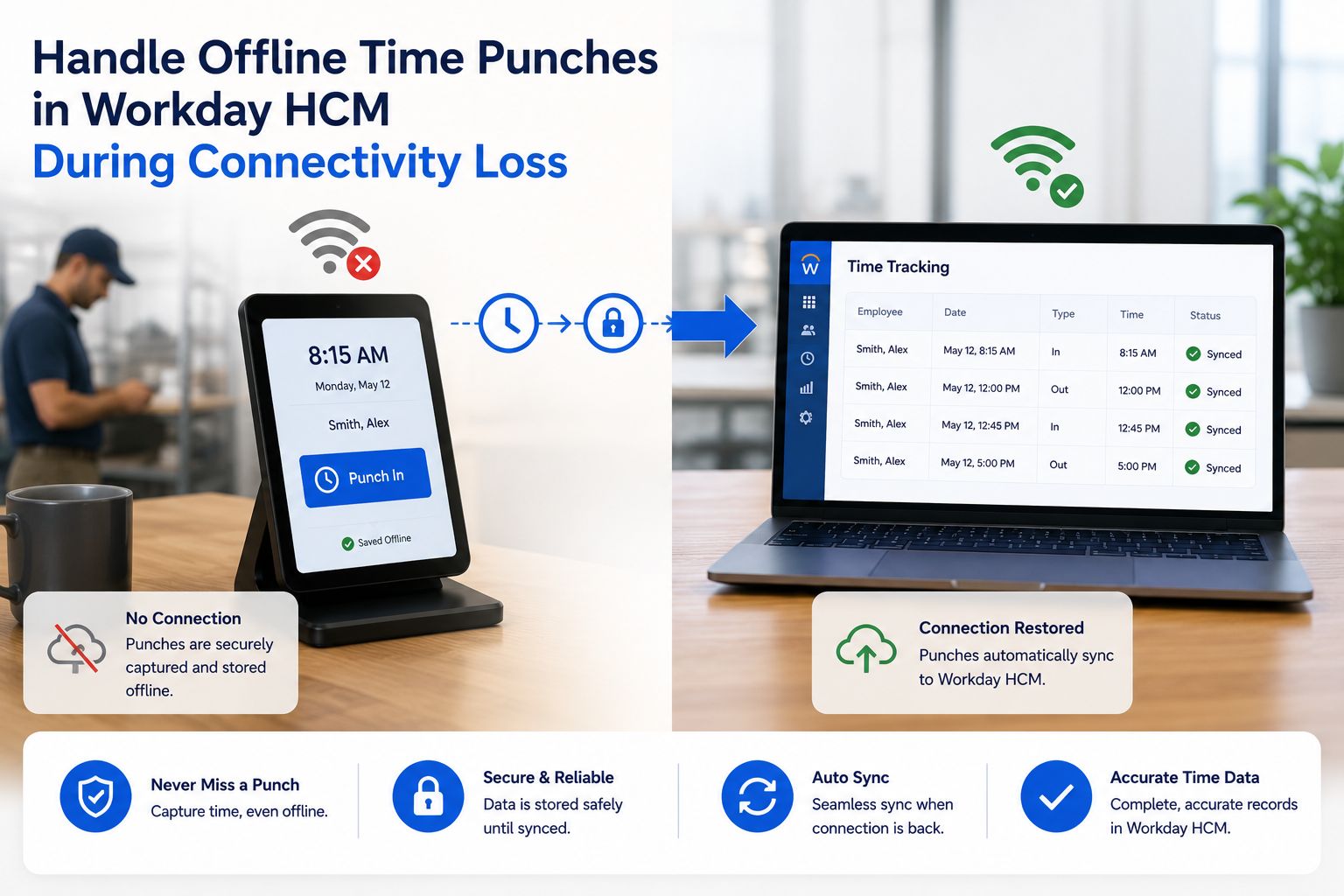
Offline Time Data Capture: If the internet goes down, punches still get recorded locally and sync automatically once the connection is restored. This matters in warehouses, construction sites, or facilities with patchy connectivity.
Employee Self-Service: Employees can view their schedule, submit time-off requests, and check PTO balances directly at the kiosk — without needing to log into Workday on a separate device or ask HR.
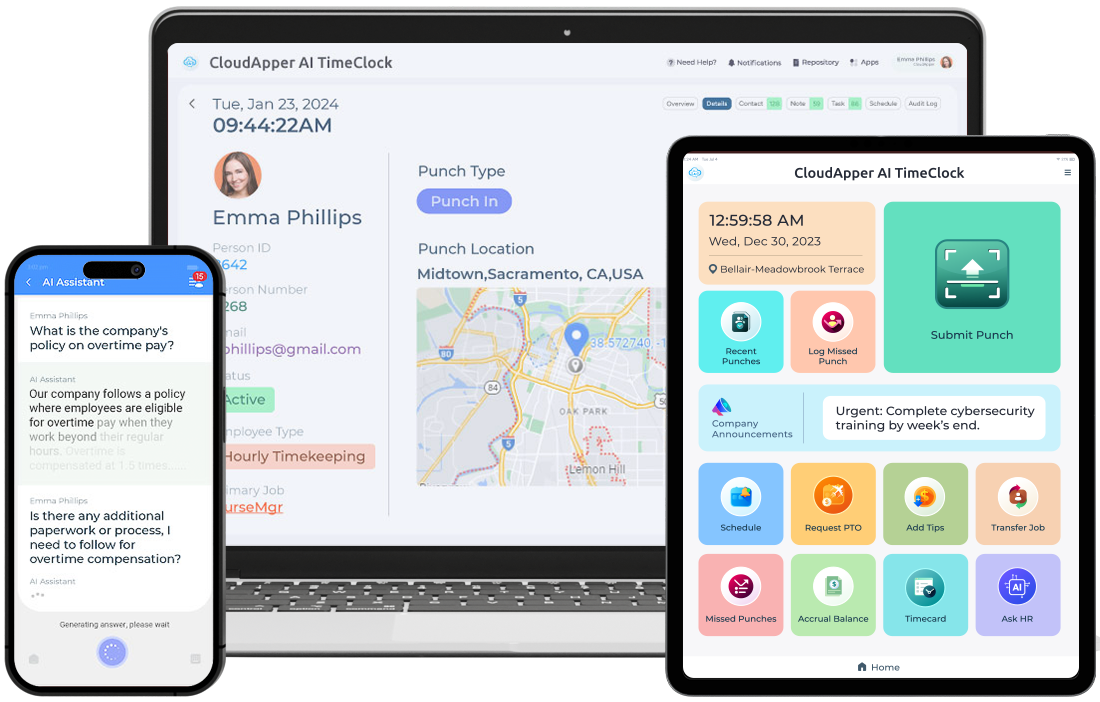
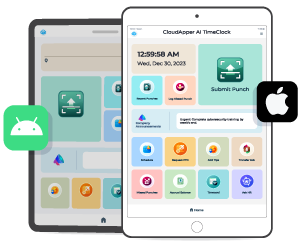
What makes it a practical choice for most organizations is the cost structure. Rather than buying dedicated biometric terminals for every location, you deploy the CloudApper AI TimeClock app on tablets you may already own — or inexpensive off-the-shelf iPads. Custom data capture forms, punch submission methods, and workflows can be configured without writing code, making it adaptable to your specific operational needs.
Other Time Clocks That Work With Workday
CloudApper AI TimeClock isn’t the only option. Depending on your workforce size, industry, and existing tech stack, these alternatives are worth knowing about.
Unifocus: A cloud-based time and attendance platform designed for shift-heavy industries like hospitality and retail. It supports mobile punching, geo-fencing, and integrates with Workday Time Tracking and Payroll. It’s a strong fit if you already use Unifocus for scheduling.
Buddy Punch: A straightforward, user-friendly option with facial recognition, a mobile app, and Workday integration. It’s popular with smaller businesses that want a simple setup without a lot of customization.
UKG Ready (formerly Kronos Workforce Ready): A comprehensive workforce management suite that covers time and attendance, scheduling, and labor analytics. Its Workday integration provides a unified HR experience for enterprises that need deep workforce data. Worth noting: it’s a larger implementation and comes with enterprise-level pricing.
Rotageek: A cloud-based scheduling and attendance tool that supports Workday integration for centralized data management. It’s built with healthcare and retail in mind and is commonly used in the UK and Europe.
How to Choose the Right Workday Time Clock
The best option depends on a few practical factors:
- Workforce type: Frontline or deskless workers benefit most from kiosk-style solutions with self-service features. Office workers might get by with mobile punching alone.
- Site count: If you have dozens of locations, tablet-based software is more cost-effective to deploy than per-device hardware.
- Compliance requirements: Industries with strict labor law obligations (FLSA, union rules, break tracking) need time clocks that capture nuanced data — not just in/out.
- IT resources: No-code platforms like CloudApper AI TimeClock are easier to configure and maintain than enterprise suites that require IT involvement for every change.
For most mid-to-large organizations running Workday who need accurate, tamper-resistant time data across multiple sites, a tablet-based AI time clock is the most flexible and cost-efficient path. You get biometric verification, self-service HR functionality, and real-time Workday sync — without the hardware costs that come with traditional dedicated terminals.
Explore CloudApper AI TimeClock for Workday to see how it compares for your specific setup. You can also contact the team directly for a walkthrough tailored to your workforce and Workday configuration.
Also worth reading: Enhancing Workday Time Tracking for Projects with Time Clock Integration
FAQ
Q1: What time clocks are compatible with Workday?
Several time clock solutions integrate with Workday, including CloudApper AI TimeClock, Unifocus, Buddy Punch, UKG Ready (formerly Kronos Workforce Ready), and Rotageek. These systems connect to Workday Time Tracking and Payroll via API or native integration to sync employee punch data automatically.
Q2: What is the most affordable time clock for Workday?
CloudApper AI TimeClock is one of the most cost-effective options because it runs on standard iPads or Android tablets rather than requiring dedicated hardware. Organizations can deploy it across multiple sites without paying per-device hardware costs.
Q3: Does Workday have its own time clock?
Workday does not manufacture physical time clock hardware. It relies on integrated third-party solutions to capture time and attendance data, which then syncs into Workday Time Tracking and Payroll for processing.
Q4: Can a tablet be used as a Workday time clock?
Yes. Solutions like CloudApper AI TimeClock turn any iPad or Android tablet into a fully functional Workday time clock. The app supports biometric facial recognition, geo-fencing, offline punch capture, and employee self-service — all syncing with Workday in real time.
Q5: What features should a Workday time clock have?
A reliable Workday time clock should include identity verification (such as facial recognition or badge scanning) to prevent buddy punching, real-time sync with Workday Time Tracking, offline data capture for locations with unstable connectivity, and employee self-service features for schedule viewing and time-off requests.
Q6: How do third-party time clocks integrate with Workday?
Most third-party time clocks integrate with Workday via Workday’s REST API or pre-built connectors. Punch data collected at the clock is transmitted to Workday Time Tracking, where it populates timesheets for manager review and payroll processing.
Q7: Is CloudApper AI TimeClock a certified Workday partner?
Yes. CloudApper is a Workday Innovation Partner, which means its AI TimeClock solution has been reviewed and recognized within the Workday ecosystem for compatibility and integration standards.

What is CloudApper AI Platform?
CloudApper AI is an advanced platform that enables organizations to integrate AI into their existing enterprise systems effortlessly, without the need for technical expertise, costly development, or upgrading the underlying infrastructure. By transforming legacy systems into AI-capable solutions, CloudApper allows companies to harness the power of Generative AI quickly and efficiently. This approach has been successfully implemented with leading systems like UKG, Workday, Oracle, Paradox, Amazon AWS Bedrock and can be applied across various industries, helping businesses enhance productivity, automate processes, and gain deeper insights without the usual complexities. With CloudApper AI, you can start experiencing the transformative benefits of AI today. Learn More
- Useful Links:
- Agentic AI
- No-Code/Low-Code
- Custom Software
- HCM Personalization
- iPaaS
- FedRAMP

Brochure
CloudApper hrPad
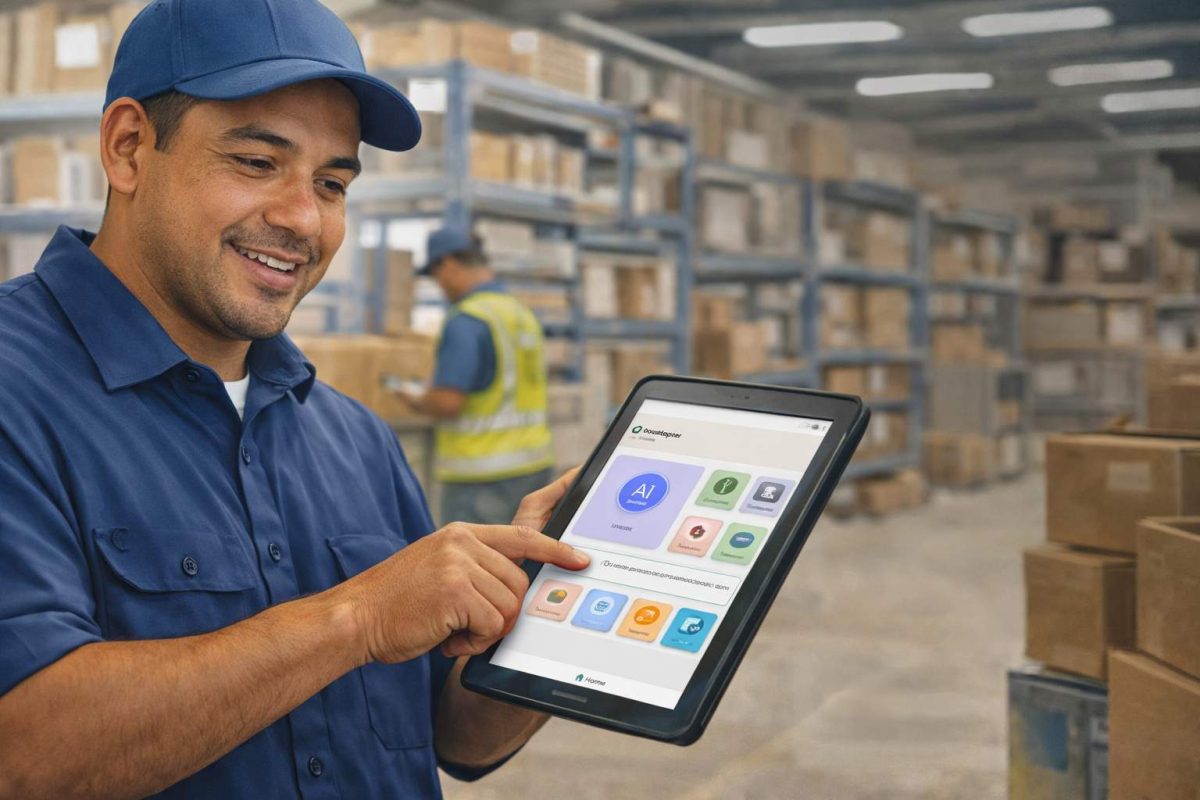
Empower Frontline Employees with an AI-Powered Tablet/iPad Solution
Download Brochure
CloudApper AI Solutions for Workday


- Works with








- and more.
Similar Posts
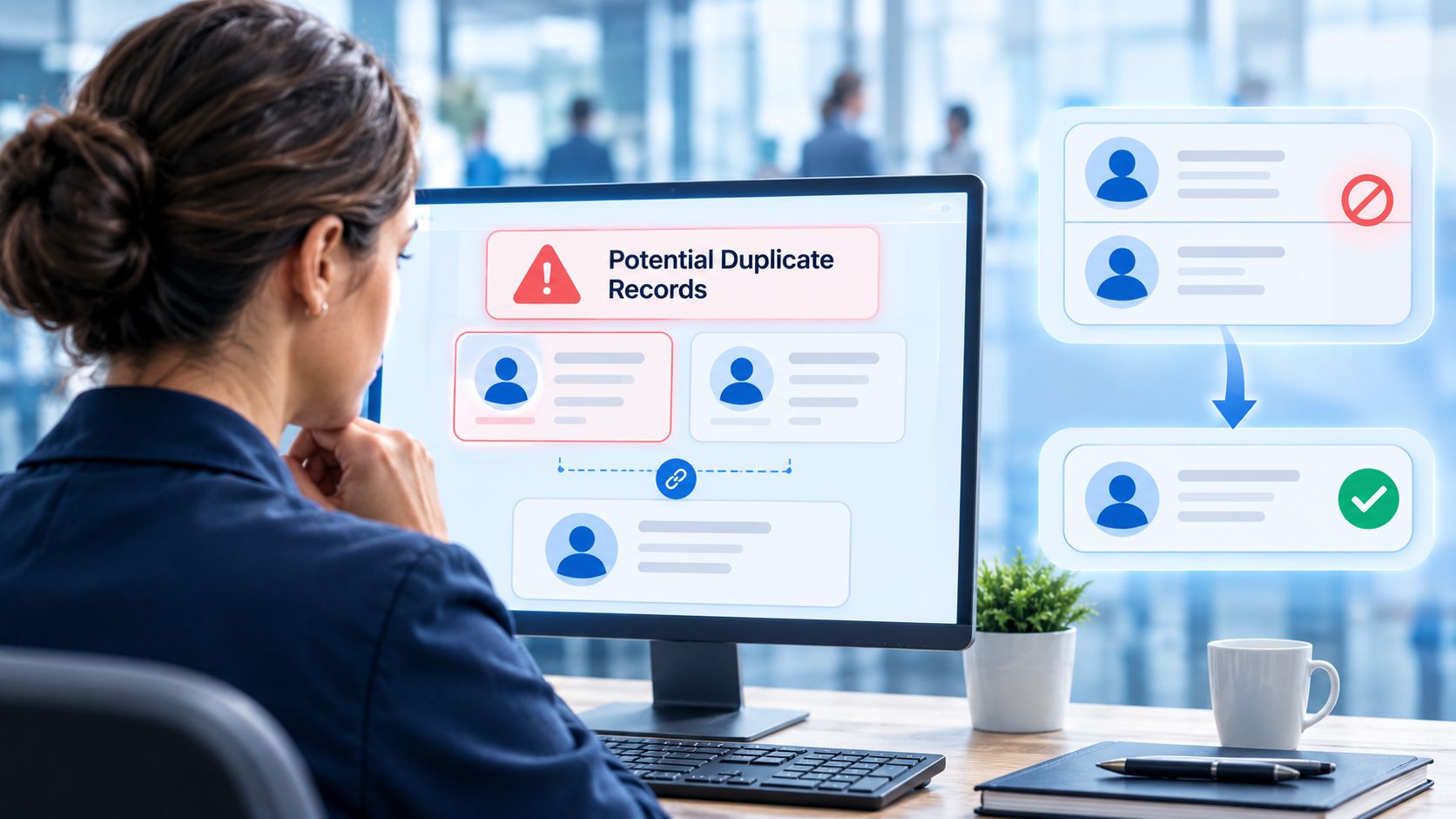
How to Prevent Duplicate Worker and Pre-Hire Records in Workday…
How to Handle Offline Time Punches in Workday During Connectivity…