Discover how CloudApper AI TimeClock simplifies employee time tracking on your Workday platform. Effortlessly clock in/out, manage job transfers, and handle missed punches with intuitive features. Streamline processes and empower your workforce for greater efficiency and accuracy.

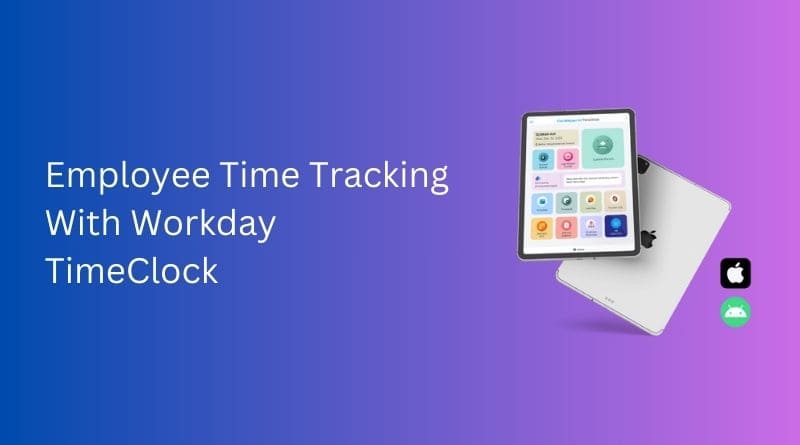
Table of Contents
Managing a large workforce requires close attention to detail, particularly when it comes to employee time tracking. Inaccurate timekeeping owing to manual entry or forgotten swipes might cause serious issues. The potential of time theft, in which employees clock in for absent colleagues, can lead to payroll problems and cost your company money. Additionally, inaccurate timesheets can cause employee frustration and misunderstanding. CloudApper AI TimeClock for Workday provides a powerful answer to these difficulties. This innovative time-tracking application optimizes processes, reduces errors, and empowers employees and HR departments. Let’s look at how CloudApper AI TimeClock simplifies employee time tracking on your Workday platform.
TL;DR:
-
Seamless Integration: CloudApper AI TimeClock syncs instantly with Workday to automate workforce timekeeping and eliminate manual entry errors.
-
Biometric Clock-Ins: Employees securely punch in using facial recognition, PINs, or barcodes on company tablets, preventing buddy punching and time theft.
-
Instant Job Transfers: Workers can quickly switch between different projects and pay rates by selecting a job code and verifying with a quick face scan.
-
Missed Punch Workflows: The system sends automated alerts for forgotten punches, allowing employees to securely log corrections for manager approval.
-
Streamlined Payroll: Real-time data syncing reduces administrative burdens on HR and ensures highly accurate payroll processing.
Effortless Employee Time Tracking in Workday: A Step-by-Step Guide
CloudApper’s Workday Time Clock Terminal for Clock-in/Clock-out takes the complexity out of employee time tracking with its user-friendly interface and intuitive features. Here’s a step-by-step look at how it works:

Clocking In and Out
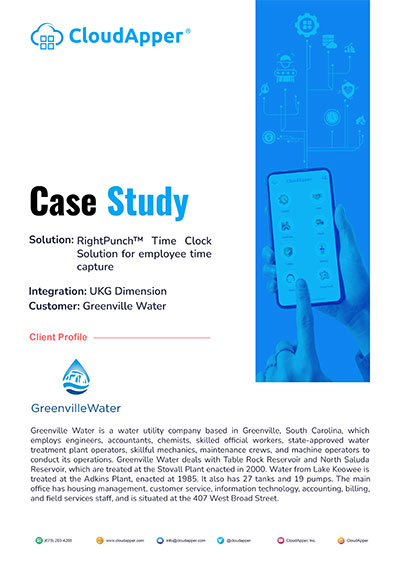
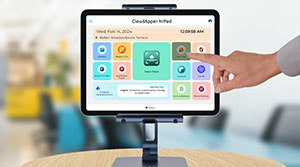
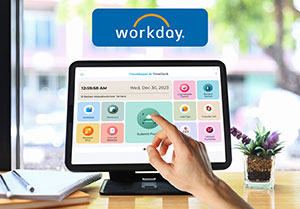
Clocking in and out and syncing that time data in Workday becomes as simple as breathing with the CloudApper AI TimeClock. Your employees can clock in and out by using the CloudApper app on a company-provided iPad or Android device and selecting “Submit Punch.” The tablet’s camera activates instantly, prompting the employee to look left or right for a short facial scan. When the scan is complete, the punch time and date are displayed on the screen and sent immediately to your Workday system. Making employee time tracking in Workday simpler than ever. Employees can punch in by scanning QR codes, Barcodes, and PIN Codes as well. The process is virtually identical. Instead of asking users to scan their faces, the app will ask them to present their badge/ID to scan the codes.
Seamless Job Transfers
CloudApper AI TimeClock for Workday enables employees who work on multiple projects with varying pay rates to easily transfer jobs. To make this work, you will first need to assign job codes to each sort of task/job/project. Then, your employees only need to go to the app’s “Transfer Jobs” section, select their desired job by identifying the job code, and the camera will activate for a facial scan, much like clocking in or out. This allocates the following work hours to the specific job the employee is transitioning to.
You might also like to read: Employee Self Service Kiosk For Workday Time Tracking and Payroll
Free Brochure
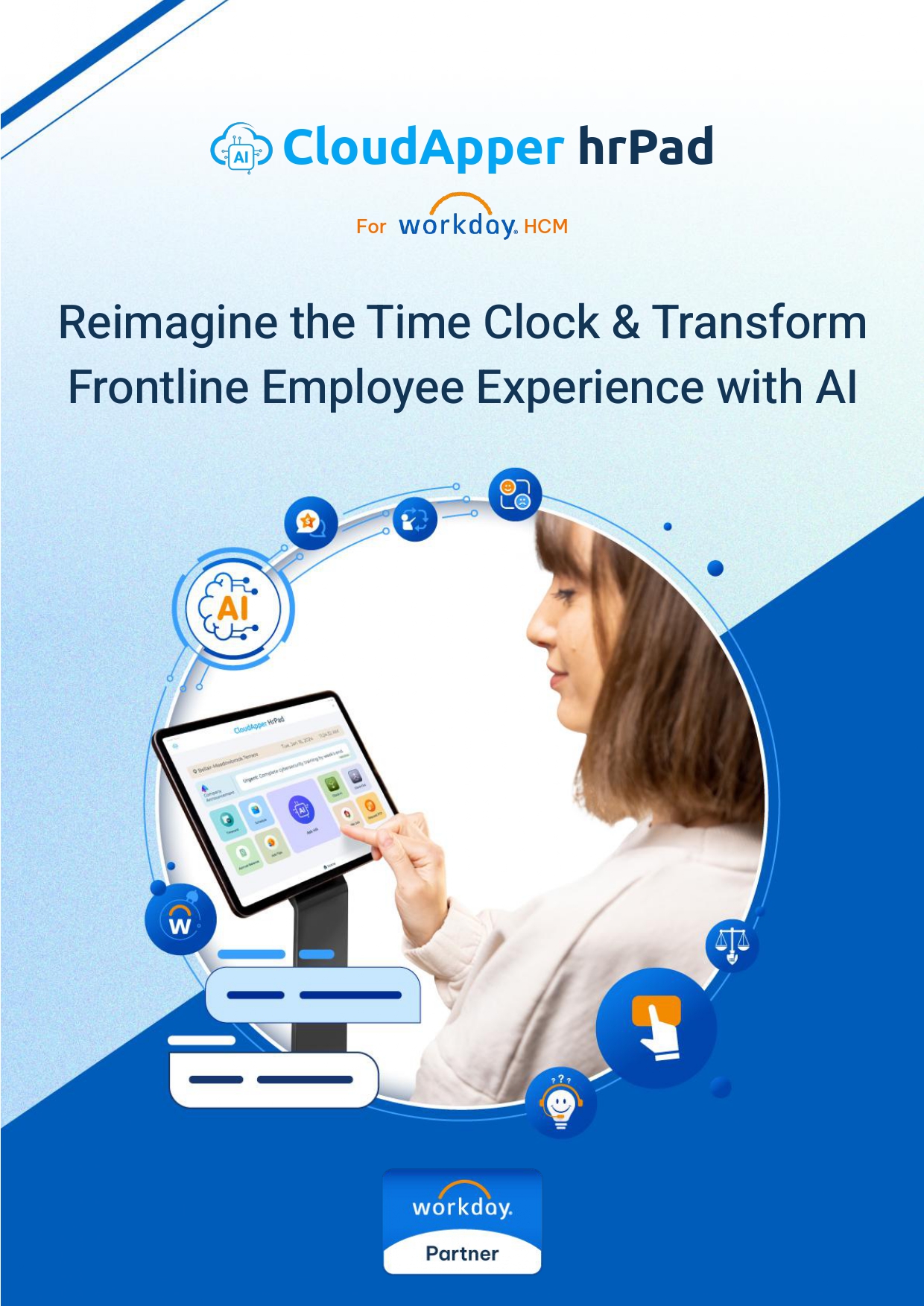
CloudApper AI TimeClock For Workday: Reimagine the Time Clock & Transform Frontline Employee Experience with AI
Missed Punch Management
If an employee fails to clock in within a predetermined time frame, they will receive an Email or SMS notification reminding them to submit a missed punch. If they forget to punch in even after that or miss the notification, they can simply navigate to the “Log Missed Punch” section of the app and authenticate their identity with a facial scan. They can then submit the missed punch time and date for your or their manager’s approval. This guarantees that timesheets are accurate within Workday.
Frequently Asked Questions (FAQs)
What hardware do I need to run CloudApper AI TimeClock?
You don’t need any separate hardware. The CloudApper AI TimeClock for Workday runs on any off-the-shelf iPad or Android tablet, eliminating the need for expensive, proprietary time-tracking hardware.
Does CloudApper AI TimeClock prevent buddy punching?
Yes. The system uses biometric facial recognition to verify identity during clock-ins and clock-outs, ensuring the correct person is punching in and completely eliminating time theft.
How does the integration with Workday actually work?
CloudApper AI TimeClock automatically syncs punch data, job transfers, and missed punch corrections directly to your Workday timesheets in real-time, removing the need for manual HR data entry.
Can employees track time for multiple jobs or pay rates?
Yes. Employees can use the “Transfer Jobs” feature to select a new job code, perform a quick face scan, and immediately allocate their upcoming hours to a different project or pay rate.
What happens if an employee forgets to clock in?
The app sends automated alerts for forgotten punches. Employees can then go to the “Log Missed Punch” section, verify their identity, and submit the correct time for manager approval.
Conclusion
In a nutshell, CloudApper AI TimeClock provides a comprehensive employee time-tracking solution within your Workday system. This interface minimizes errors and buddy punching, delivers real-time data for better decision-making, and streamlines payroll processing. It also provides employees with self-service choices, which decreases administrative responsibilities on HR personnel.
Contact us today to see how CloudApper AI TimeClock can enhance time tracking in your Workday system.

What is CloudApper AI Platform?
CloudApper AI is an advanced platform that enables organizations to integrate AI into their existing enterprise systems effortlessly, without the need for technical expertise, costly development, or upgrading the underlying infrastructure. By transforming legacy systems into AI-capable solutions, CloudApper allows companies to harness the power of Generative AI quickly and efficiently. This approach has been successfully implemented with leading systems like UKG, Workday, Oracle, Paradox, Amazon AWS Bedrock and can be applied across various industries, helping businesses enhance productivity, automate processes, and gain deeper insights without the usual complexities. With CloudApper AI, you can start experiencing the transformative benefits of AI today. Learn More
- Useful Links:
- Agentic AI
- No-Code/Low-Code
- Custom Software
- WorkBridge
- iPaaS
- FedRAMP

Brochure
CloudApper hrPad
Empower Frontline Employees with an AI-Powered Tablet/iPad Solution
Download Brochure
CloudApper AI Solutions for Workday


- Works with


- and more.








Similar Posts
How to Prevent Duplicate Worker and Pre-Hire Records in Workday…
How to Handle Offline Time Punches in Workday During Connectivity…



 Time Capture