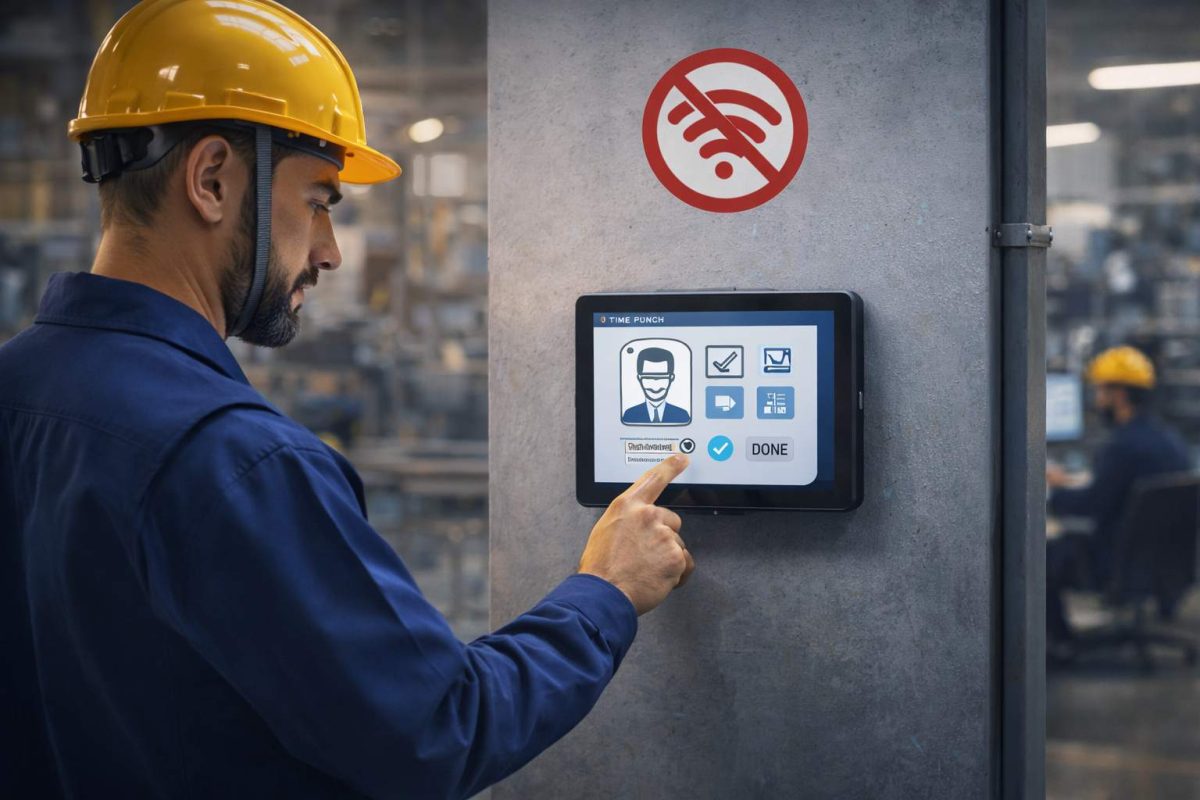
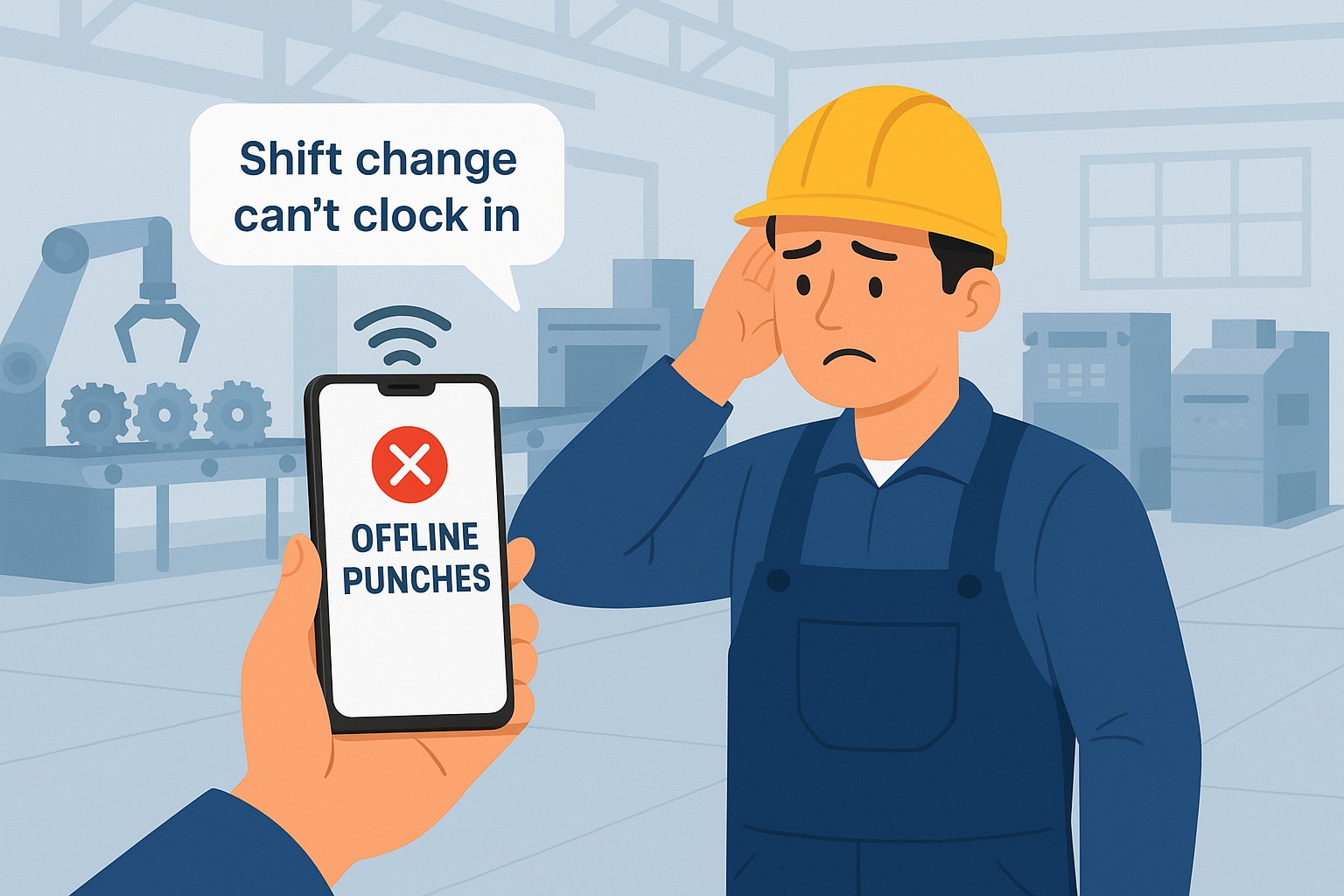
It was the middle of a Monday shift change when Alex, the plant operations manager at a manufacturing site in Ohio, got the call. Another employee couldn’t clock in. The Wi-Fi in Building 3 had dropped again and the punch wasn’t going through.
“This keeps happening,” the employee said, frustrated.
Alex knew they weren’t alone. It had happened last week, and the week before that. Some buildings had great signal. Others? Not so much. But every missed punch meant more work for HR, more guesswork for payroll, and more frustration all around.
They were using Workday for everything scheduling, accruals, timesheets, HR. It worked well, but they needed something that could go just a little further. Something that could handle those offline situations and support their team out on the floor where connectivity was spotty.
That’s when they found CloudApper hrPad.
Bridging the Gap Where It Matters Most
CloudApper hrPad wasn’t a replacement for Workday. It was the missing piece.
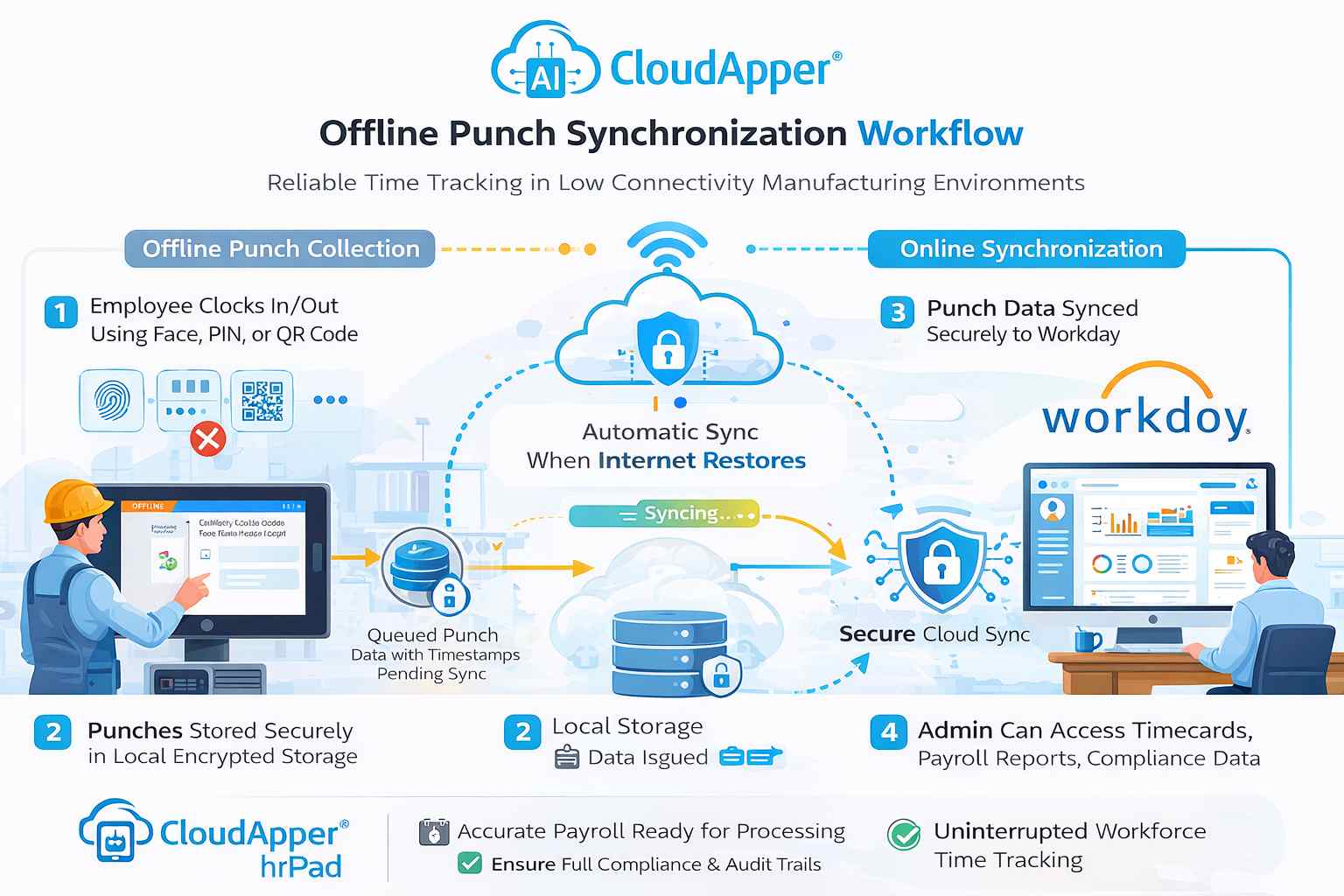
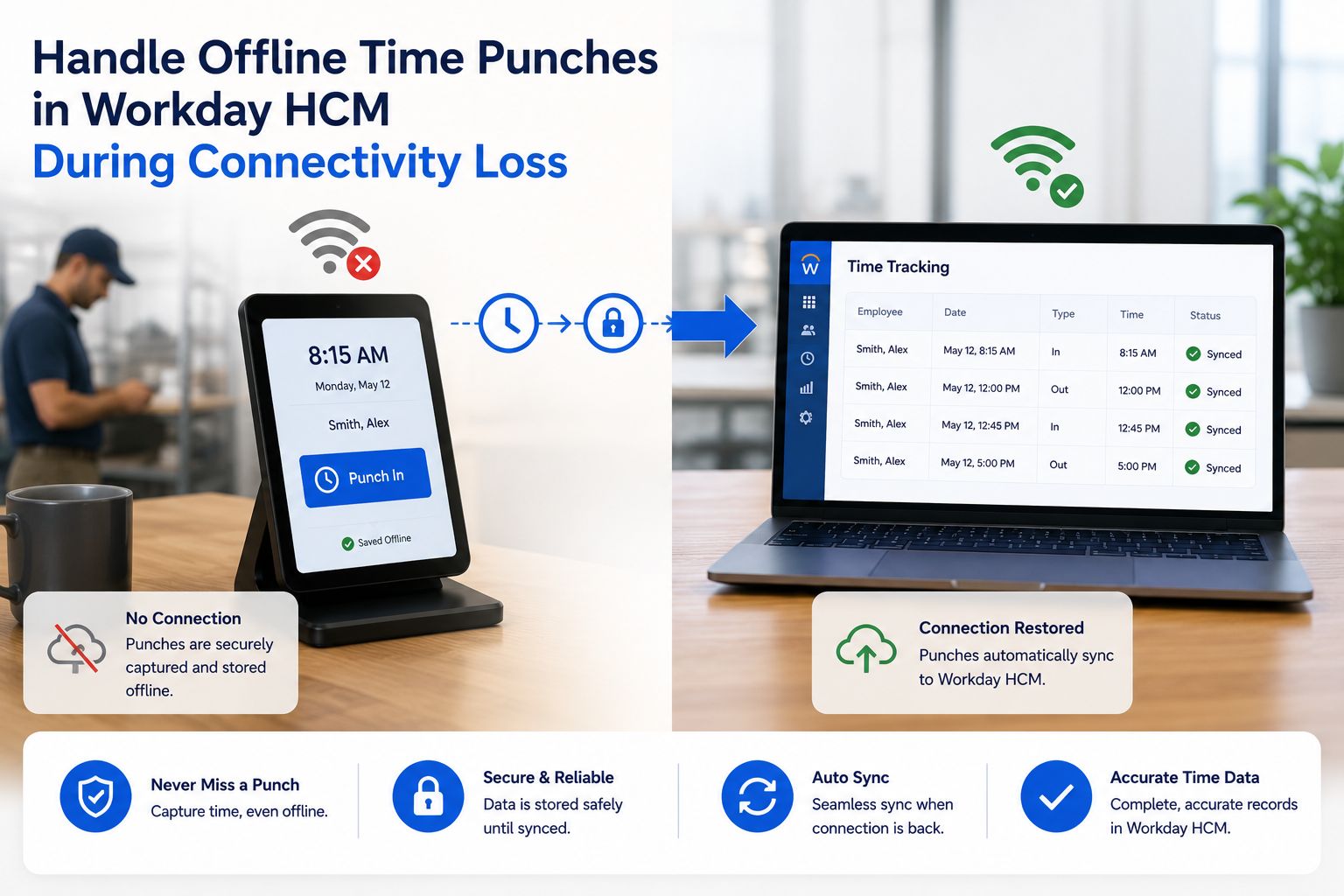
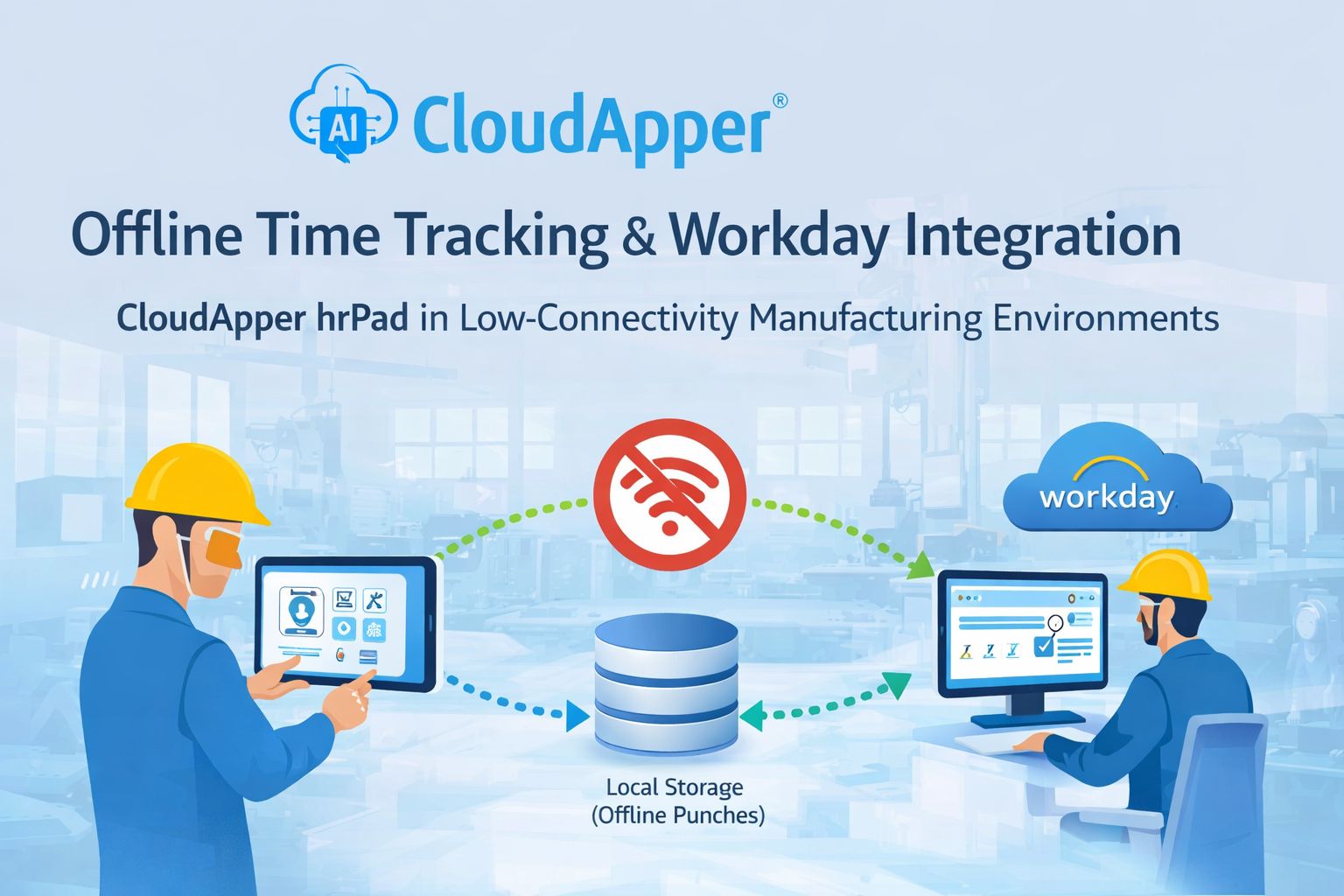
It turned the tablets they already had on-site into fully functional time clocks. Employees could clock in and out using facial recognition, QR code, or PIN even when the tablet wasn’t connected to the internet. No punch was lost. Everything was stored locally and synced automatically as soon as the device reconnected.
Suddenly, Building 3 wasn’t a problem anymore. Neither were the remote shipping docks or the back corner of the warehouse where Wi-Fi barely reached.
You might also like to read: White Label Time Clock for Workday HCM
Built for Real-World Manufacturing Conditions
Manufacturing isn’t a desk job. It’s loud, it’s fast-paced, and it doesn’t stop when the network goes down. Alex and the HR team needed something tough enough to work in their environment, and smart enough to support their people.
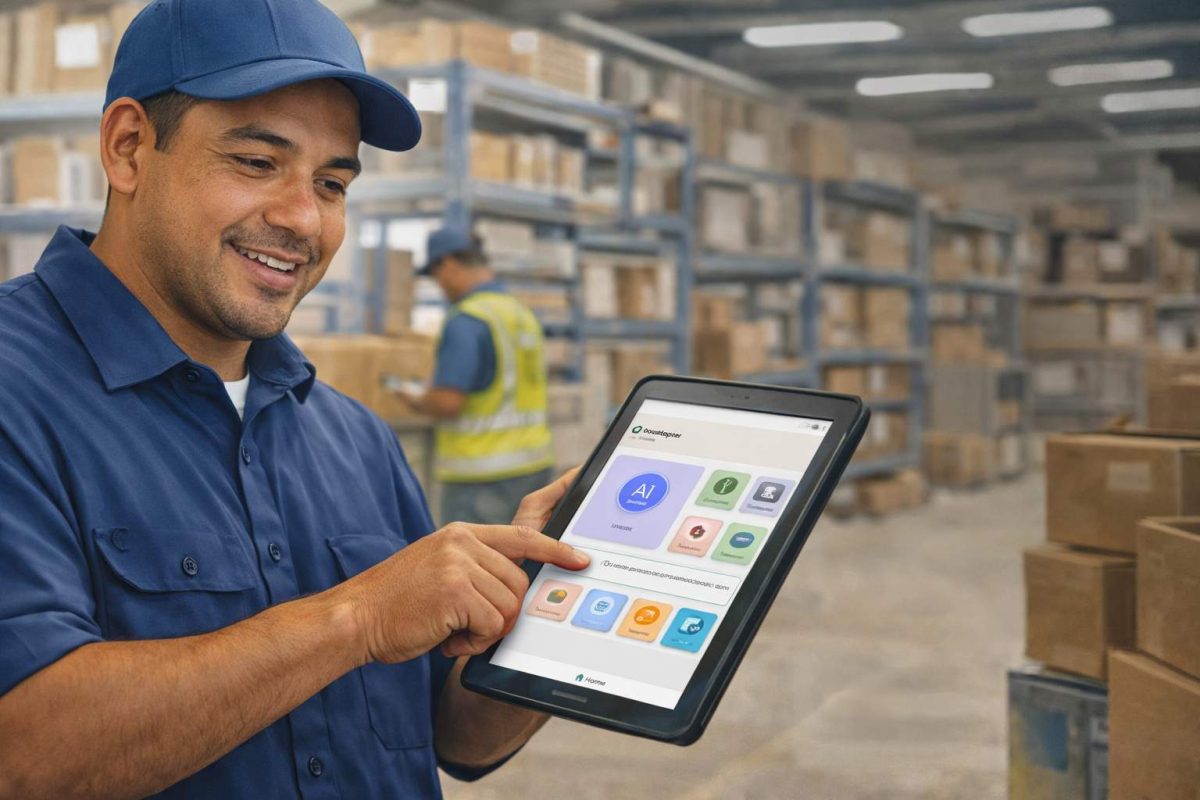
With hrPad, the team could do more than just punch in and out. They could:
- Transfer jobs or cost centers without tracking someone down in HR
- Submit attestations or safety confirmations during clock-out
- See their schedules and timecards right on the screen
- Even refer friends and family to open positions using built-in referral tools
And the best part? All of it was feeding into Workday automatically.
Keeping Compliance on Track(Even When Offline)
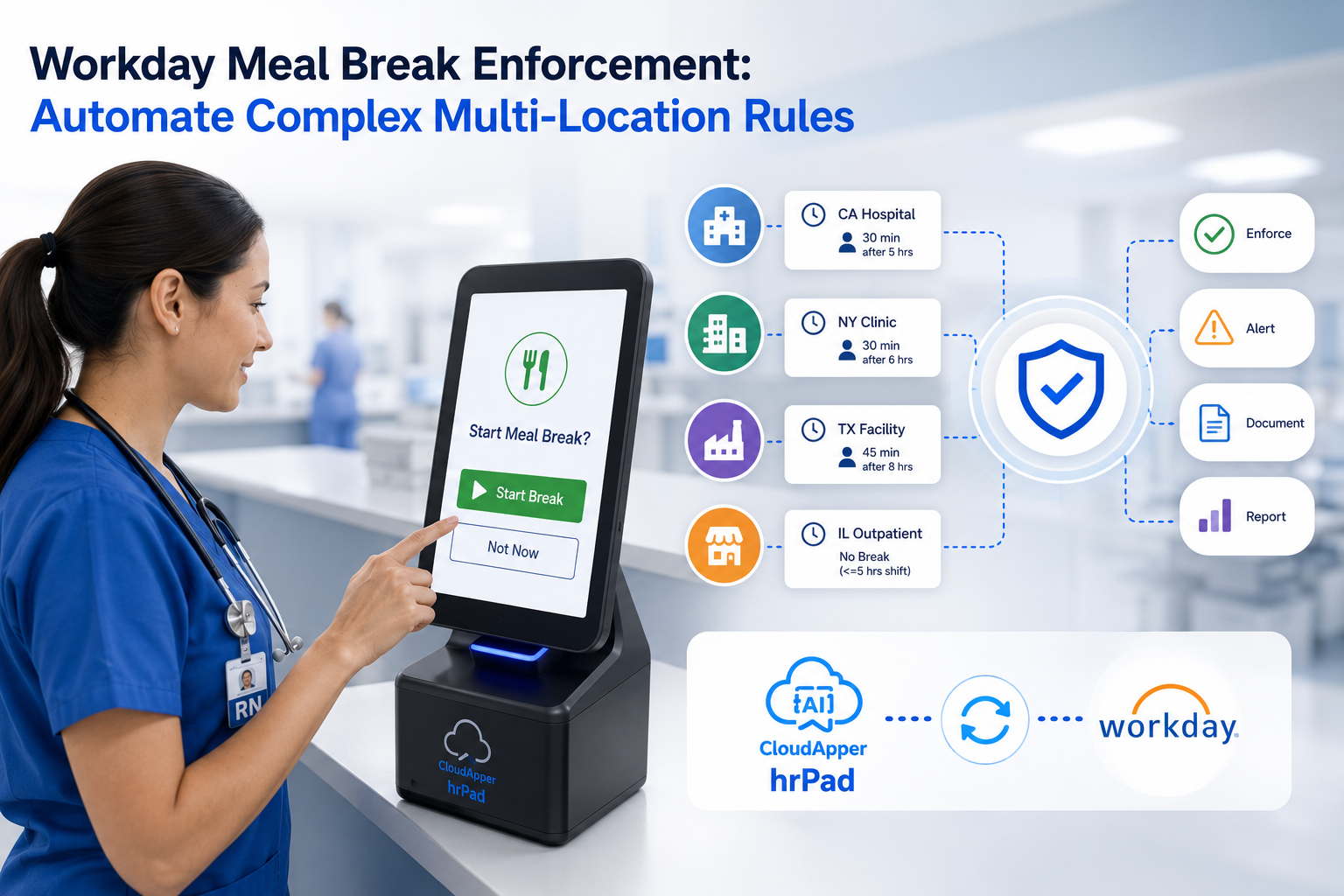
For Alex, one of the biggest wins was around compliance. Their workforce included minor employees who were required to take 30-minute breaks. Before hrPad, tracking that manually was messy and risky. But now, custom workflows enforced those break policies automatically.
If a break hadn’t been taken, the system would flag it. No one had to remember. No one had to guess. It helped the company stay on the right side of labor laws without adding any extra steps to someone’s day.
Seamless for Employees, Stress-Free for HR
Employees loved how easy it was. No more paper forms for missed punches. No more waiting in line to ask HR about their PTO balance. Everything was available on the same tablet they used to punch in.
For the HR team, the shift was just as powerful. Fewer errors to fix. Fewer questions to answer. More time to focus on onboarding, engagement, and safety training.
It was everything they needed to make Workday work even better in their environment.
A Smarter, Connected Frontline
Today, Alex doesn’t worry when the Wi-Fi drops. The team doesn’t need to run to the front office to fix a missed punch. And payroll? It’s smoother than it’s ever been.
CloudApper hrPad gave them peace of mind, without replacing anything. Just enhancing what they already had in place with Workday.
If your teams work in areas with low connectivity and you’re using Workday, hrPad might be exactly what you’ve been missing. It’s fast to deploy, works on the tablets you already have, and gives your frontline the tools they need online or offline.
Frequently Asked Questions (FAQs)
1. How does CloudApper hrPad work without internet connectivity?
CloudApper hrPad captures employee punches locally on the tablet or iPad when the network is unavailable. Once connectivity is restored, all stored punches automatically sync with Workday — ensuring no data is lost and time records remain accurate.
2. Will offline punches affect payroll accuracy or compliance?
No. Every punch is securely timestamped and stored, preserving a complete audit trail. When synced to Workday, the data flows directly into payroll and compliance processes without requiring manual corrections.
3. Is employee data secure during offline mode?
Yes. hrPad securely stores punch data on the device and uses encrypted transmission protocols when syncing with Workday. This ensures employee and organizational data remains protected at all times.
4. Can employees still use biometric authentication offline?
Yes. hrPad continues to support facial recognition, PIN, and QR code authentication even in offline mode, preventing buddy punching and maintaining secure, verified time capture.
5. Does hrPad replace Workday’s time tracking system?
No. CloudApper hrPad enhances and extends Workday’s time capture capabilities in low-connectivity environments. It complements Workday by ensuring uninterrupted time tracking but does not replace core Workday HCM functionality.
Conclusion
Manufacturing sites operating in low-connectivity environments no longer have to risk payroll errors, compliance gaps, or lost punches. CloudApper hrPad ensures uninterrupted, secure time capture — even offline and automatically syncs data with Workday once connectivity returns. The result is accurate payroll processing, stronger compliance, reduced administrative burden, and seamless workforce operations without expensive hardware investments.