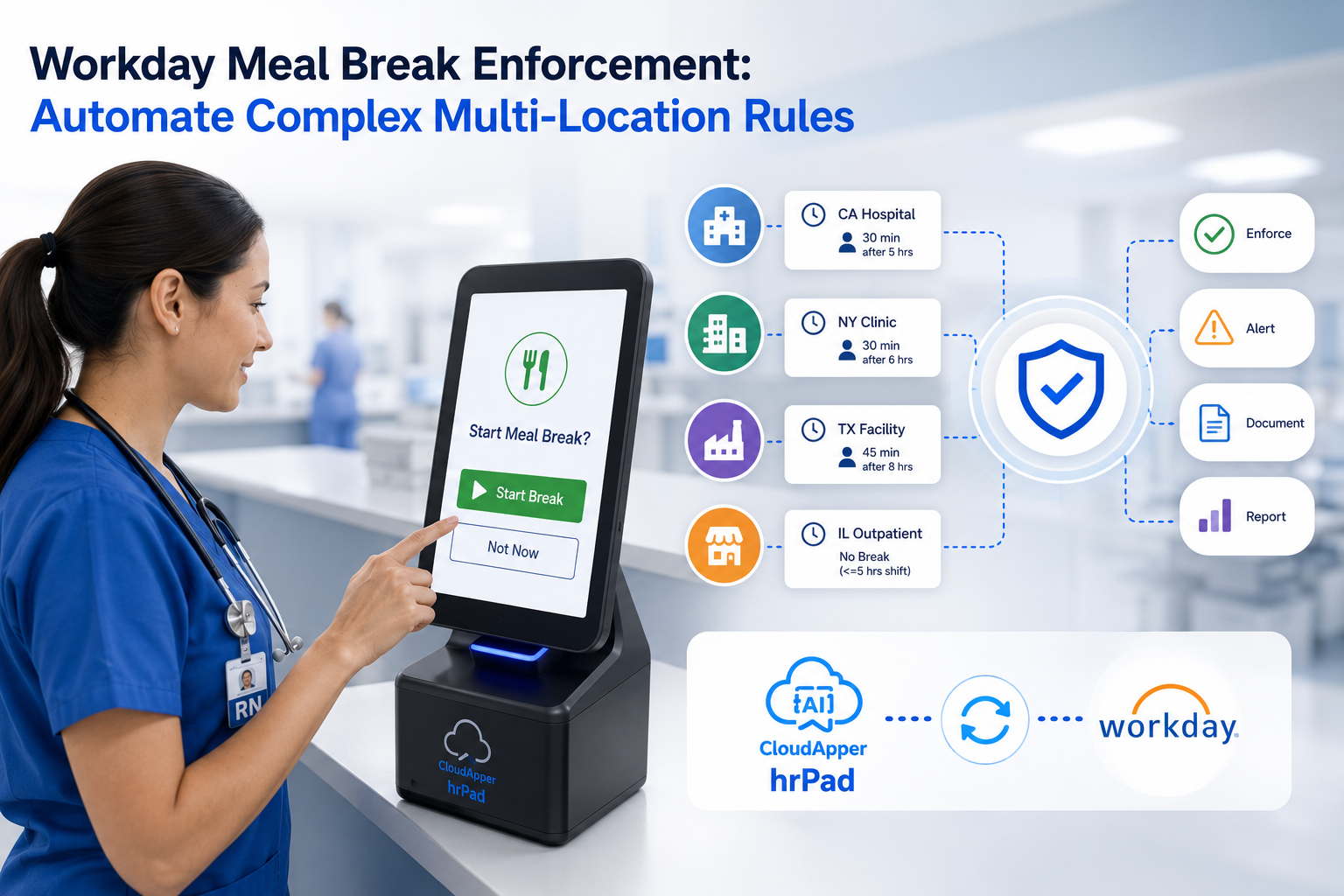
The Workday Self Service Portal was built for desk workers. Frontline employees in manufacturing, healthcare, and retail rarely get access. CloudApper hrPad bridges that gap — turning any shared tablet into a Workday-connected kiosk with biometric clock-in, PTO self-service, and an AI HR assistant available around the clock.
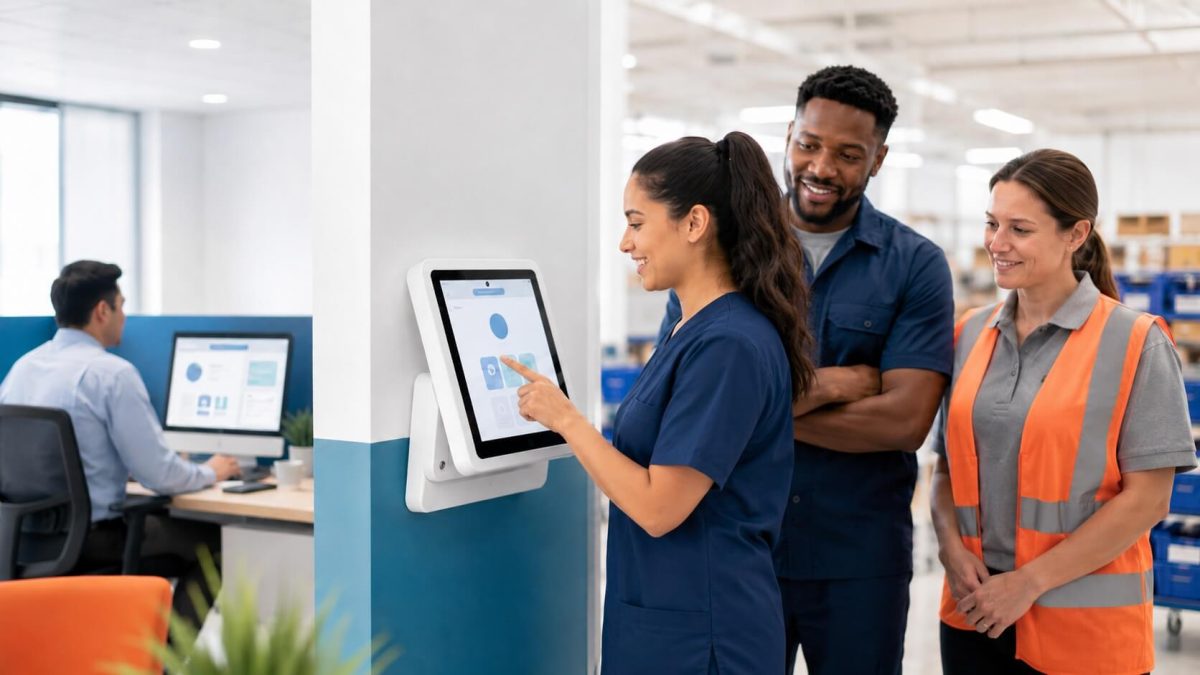
Table of Contents
- TL;DR
- The Access Gap Is Bigger Than Most HR Teams Realize
- Who Feels This Most
- What Happens When Frontline Workers Can’t Self-Serve
- The Extension, Not the Replacement
- The Broader Picture: CloudApper AI for Workday
- A Practical Way to Think About Deployment
- FAQ
- Closing Thought
If your organization runs on Workday, you’re probably familiar with the Workday Self Service Portal. HR loves it. Payroll teams rely on it. Managers use it daily. But walk out to the warehouse floor, the hospital ward, or the production line, and you’ll find something different: workers filling out paper forms, asking managers basic HR questions, or skipping time-off requests because the process is too complicated to navigate during a 10-minute break.
That’s not a Workday problem, exactly. The portal was built for desk-based employees with corporate logins, stable internet, and time to sit down. It does that job well. The problem is that a significant chunk of the workforce — in many industries, the majority — doesn’t fit that profile.
TL;DR
The Workday Self Service Portal works well for desk-based employees — but 62% of frontline workers have no computer access during their shift, and 83% lack company email addresses needed to log in. CloudApper hrPad extends the Workday self service portal to the factory floor, hospital ward, and retail back room via AI-powered shared tablet kiosks with biometric clock-in, PTO management, and a 24/7 HR assistant — all syncing to Workday in real time.
The Access Gap Is Bigger Than Most HR Teams Realize
Research puts some hard numbers on a problem that often goes undiscussed. Limited computer access during the workday affects 62% of deskless employees. And 83% of frontline workers don’t have company email addresses — the same email addresses most HR portals, including Workday’s, require just to log in.
Workday itself has written about this tension. In a post on supporting frontline workers, the company acknowledged that “it might not be practical to provide each employee with a smartphone” and that “if deskless employees have to schedule an in-person meeting for basic HR requests, you reduce their efficiency.” That’s a significant admission from the platform itself.

One manufacturing worker described the reality this way: “There are apps for everything, but at work I have to fill out a paper form.”
This is what the access gap looks like on the ground. It’s not a matter of employees being unwilling to use self-service tools. It’s that the tools aren’t physically where they work.
Who Feels This Most
The industries with the largest frontline workforces carry the most weight here:
Manufacturing and logistics — shift workers, assembly line operators, warehouse staff who may clock in and out on a shared terminal but have no access to the broader HR system during their shift.
Healthcare — nurses, aides, and technicians who are on their feet for 12-hour shifts and can’t step away to check a PTO balance or submit a schedule change on a desktop.
Retail and hospitality — associates and floor staff who share back-office terminals at best, and often have no access at all between customer interactions.
Construction and field services — workers at job sites where a corporate VPN login isn’t realistic and a smartphone may not even be allowed on site.
In each of these environments, the Workday Self Service Portal exists — but it might as well be in a different building for the people doing the physical work.
What Happens When Frontline Workers Can’t Self-Serve
The downstream effects are predictable but costly.
HR teams absorb the questions. “How much PTO do I have?” “Can I swap my Thursday shift?” “When does my health coverage renew?” These are questions the self-service portal could answer in 30 seconds. When workers can’t access it, they route through managers or HR directly. Research from Workativ found that up to 70% of HR tickets submitted by Workday customers are the same 10 questions — PTO balances, paycheck dates, benefits information. That’s a significant administrative load that self-service was supposed to eliminate.
Missed punches pile up. When there’s no convenient, accessible way to clock in and out accurately, workers either guess, ask someone to do it for them, or skip it entirely. One FACE Amusement & Hospitality Group customer reported missed punches averaging 25–30% per week before implementing a kiosk solution. That level of error doesn’t just create payroll headaches — it creates legal exposure.
Payroll errors become systemic. The consequences of inadequate time capture infrastructure aren’t hypothetical. In 2025, the City of Seattle faced a class action lawsuit alleging widespread payroll errors including underpayments, missing leave accruals, and incorrect deductions. The State of Oregon settled a similar case for $15 million. These aren’t isolated edge cases — they’re what happens when the data capture layer doesn’t meet the workforce it’s supposed to serve.
The Extension, Not the Replacement
Here’s the reframe that matters for HR and operations leaders: the Workday Self Service Portal doesn’t need to be replaced. It needs to be extended.
The portal works for the employees it was designed for. The gap is physical — frontline workers need a way to interact with Workday data at the point of work, on a device that doesn’t require them to leave the floor, log in with corporate credentials, or wait for a shared desktop to free up.
That’s what CloudApper hrPad was built to do.
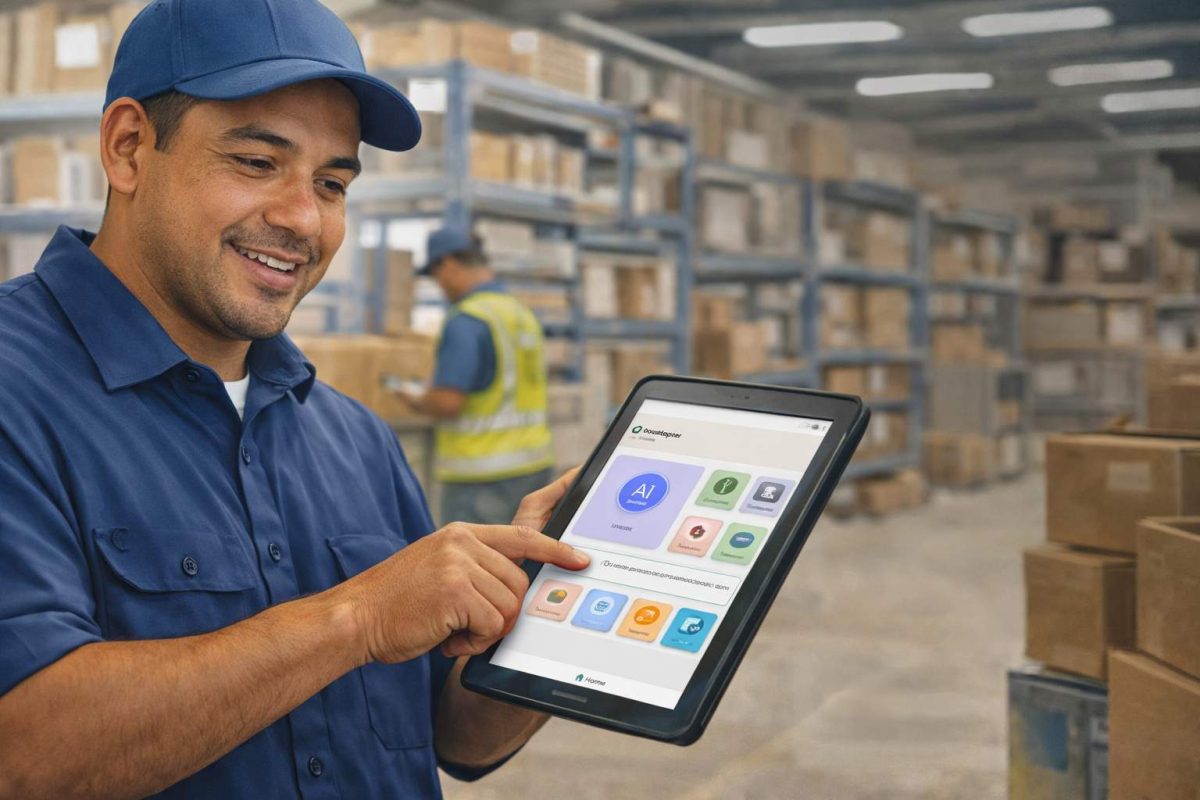
hrPad turns any iOS, Android, or Windows tablet into a secure, shared kiosk that connects directly to Workday in real time. Employees clock in using facial recognition — no PIN, no password, no shared credentials. They can check PTO balances, submit time-off requests, view their schedule, get answers to HR questions from a 24/7 AI assistant trained on your company’s own policies, and complete compliance attestations — all from a device mounted on the production floor, near the break room, or at the facility entrance.
Every interaction syncs back to Workday immediately. There’s no separate system to manage, no data reconciliation, no duplicate records. HR teams still work inside Workday. They just stop fielding the questions the kiosk now handles automatically.
What hrPad Adds to the Workday Environment
Biometric time capture — Touchless facial recognition eliminates buddy punching and ensures accurate clock-in data flows directly to Workday Time Tracking. Location-based geofencing confirms employees are clocking in from the right place.
AI HR assistant — An AI agent trained on your company documentation answers repetitive HR questions around the clock. No ticket required. No manager interruption needed. The question gets answered at the kiosk in the time it takes to read a text message.
PTO and leave self-service with validation — Employees check real-time accrual balances and submit requests. When a leave plan is unpaid, hrPad surfaces an alert before the employee confirms — something Workday’s portal doesn’t do proactively at the point of submission.
Shift management — Workers bid for open shifts, request swaps, and view upcoming schedules directly from the kiosk. Multi-shift enforcement rules apply automatically.
Rehire and transfer-ready workflows — When employees return after a gap or move between departments, the correct accrual rules apply without HR manually correcting the configuration.
Compliance attestations — Required acknowledgments — safety policies, break compliance, jurisdiction-specific requirements — are captured at clock-out with an audit trail that flows back into Workday.
Wellness check-ins and surveys — Brief pulse surveys at clock-in give HR early visibility into workforce sentiment before it shows up as turnover.
One payroll specialist at Tahoe Transportation District put it directly: “Data collection and rule enforcement introduced major payroll integrity issues, as our existing system lacked advanced capabilities. CloudApper’s AI solved this problem for us — it was exactly the HRSD upgrade our frontline operations needed.”
The Broader Picture: CloudApper AI for Workday
hrPad is one piece of a broader capability layer that CloudApper has built specifically for Workday environments.
CloudApper AI for Workday is a no-code AI platform that lets organizations extend and personalize their Workday investment without touching the core system or commissioning IT development projects. It connects to Workday through pre-built connectors and enables HR teams to automate complex workflows, surface AI-driven insights, and deliver experiences that the native platform wasn’t designed to handle on its own.
For organizations with complex workforce configurations — multiple jurisdictions, union rules, rehire populations, cost center assignments, custom attestation requirements — the CloudApper AI platform provides the flexibility that enterprise HCM systems inherently can’t offer at every edge case. Customizations that would otherwise require Workday developer hours and months of testing can be configured without code.
The result is a Workday environment that does what the platform promises — plus what your specific workforce actually needs.
A Practical Way to Think About Deployment
Most organizations don’t need to overhaul how they use Workday. They need to close a specific gap: the physical inaccessibility of the self-service portal for workers who aren’t at desks.
A shared kiosk in a break room or at a facility entrance solves that problem. It doesn’t require every employee to have a corporate login. It doesn’t require a device management program or company-issued smartphones. It doesn’t require IT to build a custom integration. The CloudApper platform handles the Workday sync, and the kiosk sits where the employees already are.
For industries where the frontline workforce is the business — where the warehouse staff ship the product, where the nurses deliver the care, where the assembly line operators build the thing — this isn’t a nice-to-have. It’s the difference between a self-service strategy that works for everyone and one that quietly excludes the majority of your headcount.
FAQ
Q1: What is the Workday Self Service Portal?
The Workday Self Service Portal is a web and mobile interface within Workday HCM that lets employees manage their own HR tasks — checking PTO balances, submitting time-off requests, updating personal information, and viewing pay stubs — without going through HR directly.
Q2: Can frontline and deskless workers use the Workday Self Service Portal?
In practice, many cannot. The portal requires a corporate login and company email address, which 83% of frontline workers don’t have. It also assumes access to a desktop or personal smartphone — a barrier for the 62% of deskless employees with no computer access during their shift.
Q3: How does CloudApper hrPad extend the Workday Self Service Portal?
CloudApper hrPad turns any shared iOS, Android, or Windows tablet into a Workday-connected kiosk placed where frontline workers actually are — on the production floor, near the break room, or at a facility entrance. Employees clock in via facial recognition, check PTO, swap shifts, and get HR answers from an AI assistant, all without a personal login. Everything syncs to Workday in real time.
Q4: Does hrPad replace Workday or require a separate HR system?
No. hrPad is an extension of Workday, not a replacement. HR teams continue to work inside Workday normally. hrPad simply adds a physical access layer for workers who can’t reach the standard portal, with all data flowing directly back into Workday with no manual reconciliation.
Q5: What industries benefit most from extending the Workday Self Service Portal with a kiosk?
Manufacturing, logistics, healthcare, retail, hospitality, and construction see the greatest benefit — industries where most employees are on their feet, don’t have assigned desks, and interact with HR systems only at the start or end of a shift.
Q6: What HR tasks can employees complete through the hrPad kiosk?
Employees can clock in and out with facial recognition, check PTO and leave balances, submit time-off requests, view and swap shifts, complete compliance attestations, answer wellness pulse surveys, and ask HR policy questions through a 24/7 AI assistant trained on company documentation.
Q7: How does hrPad reduce payroll errors for Workday customers?
By capturing clock-in data via biometric verification at a shared kiosk, hrPad eliminates buddy punching, reduces missed punches, and sends accurate time data directly to Workday Payroll in real time — removing the manual data entry that causes most payroll discrepancies.
Closing Thought
The Workday Self Service Portal is a mature, capable tool. The organizations getting the most out of it are the ones who’ve recognized where it stops — and extended it to cover the rest of their workforce.
Frontline employees deserve the same access to their own HR data that office workers have had for years. The technology to provide it is straightforward, the integration with Workday is direct, and the ROI shows up in reduced HR admin load, cleaner payroll data, and a workforce that actually uses the system rather than working around it.
If you’re running Workday and you still have workers filling out paper forms, it’s worth asking where the self-service gap is — and whether a kiosk on the floor might close it.
CloudApper hrPad integrates directly with Workday HCM for real-time time tracking, HR service delivery, and employee self-service. Learn more at cloudapper.ai/hrpad or explore the full CloudApper AI platform for Workday.

What is CloudApper AI Platform?
CloudApper AI is an advanced platform that enables organizations to integrate AI into their existing enterprise systems effortlessly, without the need for technical expertise, costly development, or upgrading the underlying infrastructure. By transforming legacy systems into AI-capable solutions, CloudApper allows companies to harness the power of Generative AI quickly and efficiently. This approach has been successfully implemented with leading systems like UKG, Workday, Oracle, Paradox, Amazon AWS Bedrock and can be applied across various industries, helping businesses enhance productivity, automate processes, and gain deeper insights without the usual complexities. With CloudApper AI, you can start experiencing the transformative benefits of AI today. Learn More
- Useful Links:
- Agentic AI
- No-Code/Low-Code
- Custom Software
- HCM Personalization
- iPaaS
- FedRAMP

Brochure
CloudApper hrPad
Empower Frontline Employees with an AI-Powered Tablet/iPad Solution
Download Brochure
CloudApper AI Solutions for Workday


- Works with








- and more.
Similar Posts
How to Prevent Duplicate Worker and Pre-Hire Records in Workday…
How to Handle Offline Time Punches in Workday During Connectivity…