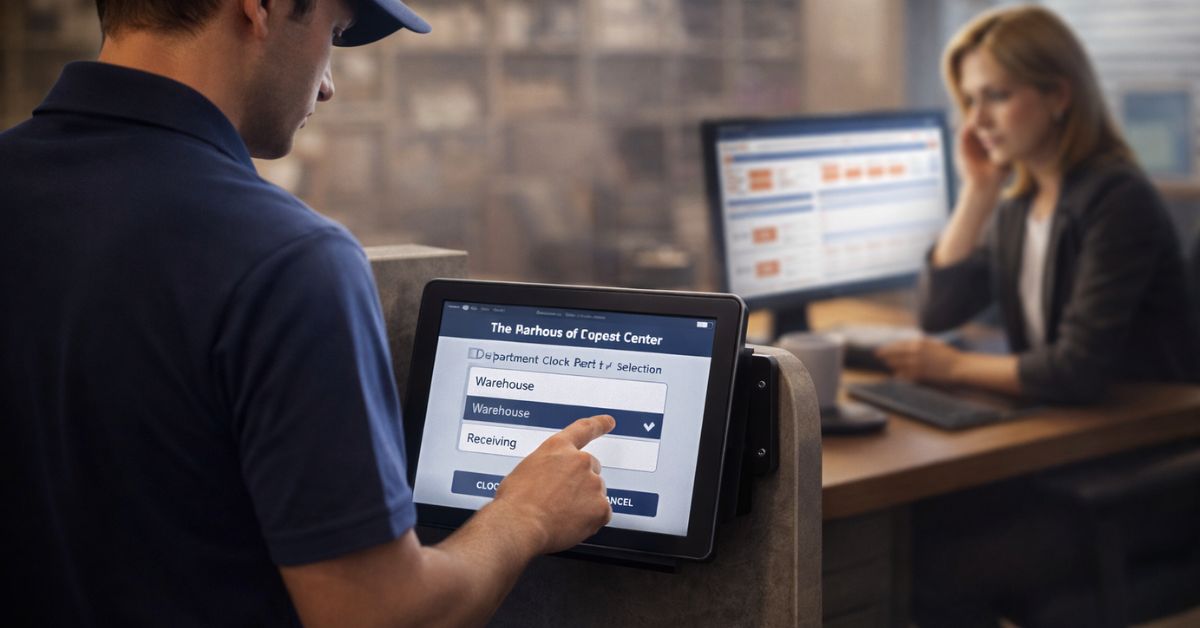
CloudApper hrPad helps large enterprises manage complex job hierarchies by automating job transfers, enforcing location-aware job codes, and verifying employees at the kiosk so time, pay, and labor costing stay accurate with fewer manual fixes.


TL;DR
Complex job hierarchies become a daily payroll and reporting problem when employees move between roles, departments, and locations. CloudApper hrPad simplifies this by automating job transfers at the point of clock-in, using secure identity verification and location-based job codes so time lands in the right cost center the first time. Built for enterprise scale, hrPad runs on standard tablets, supports offline punches, and extends UKG or Workday without replacing them.Table of Contents
Managing job hierarchies in a large enterprise sounds tidy on paper. In reality, it gets messy fast. One person can float across departments, cost centers, locations, union rules, and pay rates in the same week. When job transfers are handled manually, that complexity shows up as payroll corrections, timecard disputes, delayed approvals, and reporting that nobody fully trusts.
CloudApper hrPad is built for that real world. It turns standard tablets into an employee-facing HR and time hub that works alongside systems like UKG and Workday, not instead of them. The biggest difference is simple: hrPad makes job transfers and job codes easier to capture correctly at the moment work happens, then routes that data back into your HCM where it belongs.
Quick answer: Can hrPad actually transform job hierarchy management?
Yes. CloudApper hrPad helps large enterprises manage complex job hierarchies by automating job transfers, capturing accurate job codes using location rules, and verifying employee identity at the point of clock-in/out. That combination reduces common errors such as incorrect cost center, incorrect rate, buddy punching, and “we’ll fix it later” payroll cleanups.
Why job hierarchies become a daily operational problem
Job hierarchy complexity usually comes from a few predictable realities:
In manufacturing, people bounce between lines, supervisors reassign labor mid-shift, and accurate job costing depends on selecting the right activity. In healthcare, staff float between units and differentials can change based on role or department. In retail, employees work across departments or stores, often with different rules depending on location. In logistics and field operations, crews move across sites, and time tracking has to work even when connectivity is unreliable.
None of this is rare. It’s normal enterprise operations. The problem is that traditional job transfer processes were designed like paperwork: someone works, someone remembers, someone edits later. That’s how errors creep in.
The hidden cost of manual job transfers
When job transfers are manual, the organization pays for it in a few ways:
First is payroll leakage. Time theft and “buddy punching” are common industry problems, and payroll resources often cite that a large majority of companies lose money to buddy punching.
Second is administrative churn. HR and payroll teams spend cycles resolving exceptions that could have been prevented with better capture at the source.
Third is reporting distortion. If labor is coded late or incorrectly, cost reports and productivity dashboards become “directional” instead of reliable.
So the real question becomes: how do you capture job and time data correctly without slowing down frontline work?
What hrPad changes: capture the right job, at the right moment
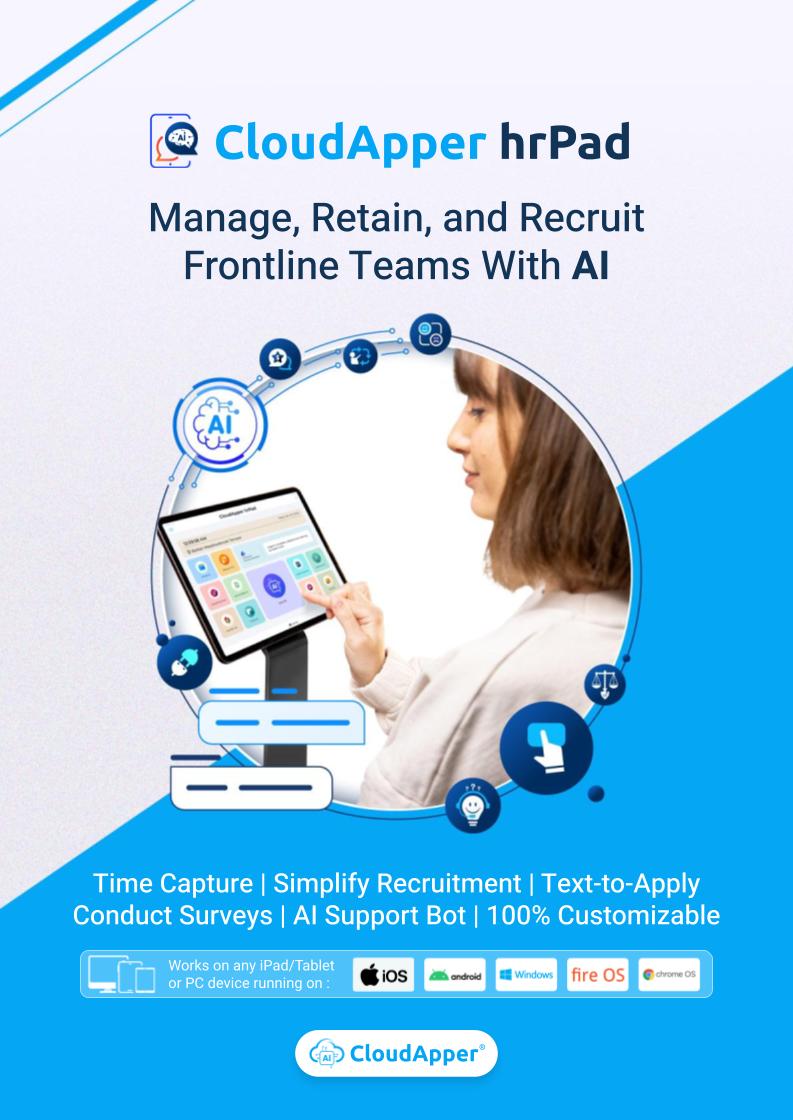
CloudApper hrPad focuses on the moment where accuracy matters most: when time is recorded and a job is selected.
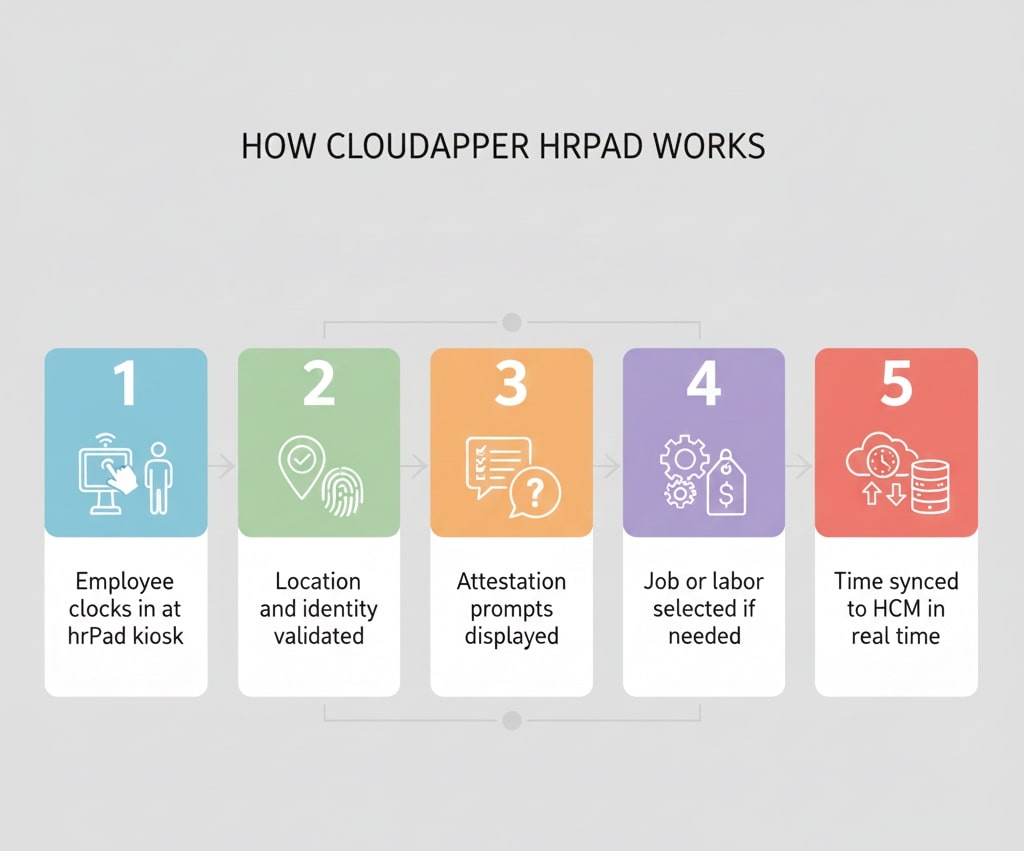
Instead of relying on managers or payroll teams to clean things up later, hrPad gives employees a guided workflow to confirm who they are, where they are, and what job they are performing. Then it syncs those selections back into your HCM.
This is where the product earns its place in large enterprises: it’s not just a time clock. It’s a job transfer and self-service layer designed for fast-moving, multi-role environments.
Automated job transfers that employees can complete correctly
At the core is hrPad’s automated job transfer flow.
An employee can select a new job or role on the kiosk, confirm the transfer, and proceed with time capture. Verification options such as facial recognition, QR codes, barcodes, or PINs help ensure the transfer is tied to the right person, not whoever happens to be near the device.
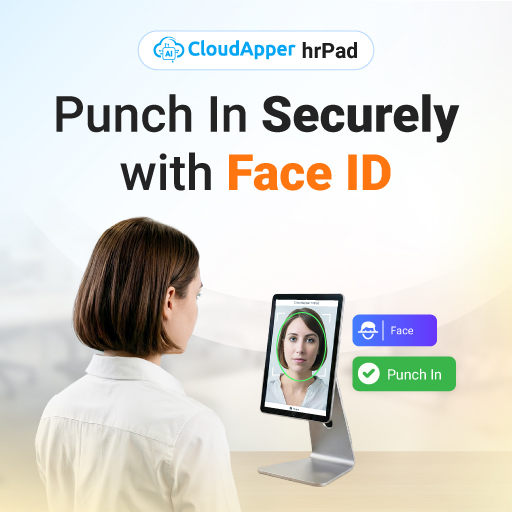
This matters because job transfers are not just HR changes. They can impact labor costing, wage rates, differentials, and compliance reporting. When the transfer is captured at the start of the work block, downstream corrections drop.
A simple example that mirrors real life
Think about a distribution center where a worker starts the day picking, gets moved to packing after lunch, then covers shipping for the last hour. If those transfers aren’t captured cleanly, labor cost reports become fiction. With hrPad, the worker can transfer jobs through a guided kiosk flow, and the time data stays aligned to the right activity.
CloudApper even publishes specific operational use cases like warehouse and forklift job transfer workflows to highlight this exact scenario.
Location-based job codes and geofencing for multi-site control
Job hierarchy issues get worse when location is involved. A role at Site A may map to a different cost center than the same role at Site B. Or a union rule might depend on where the work is performed.
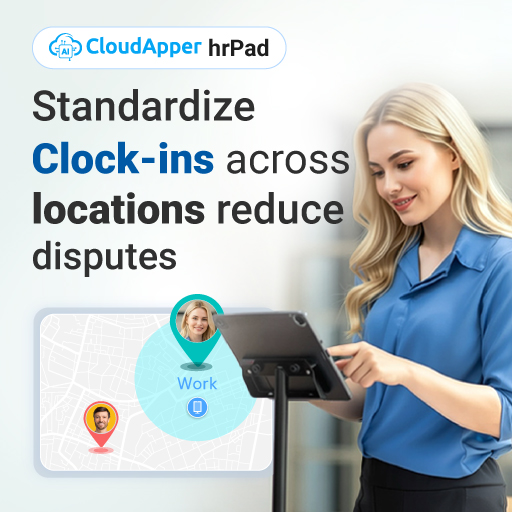
hrPad addresses this with location-based job codes and geofencing, helping ensure employees clock in from approved work zones and that job selections align with where work is actually happening.
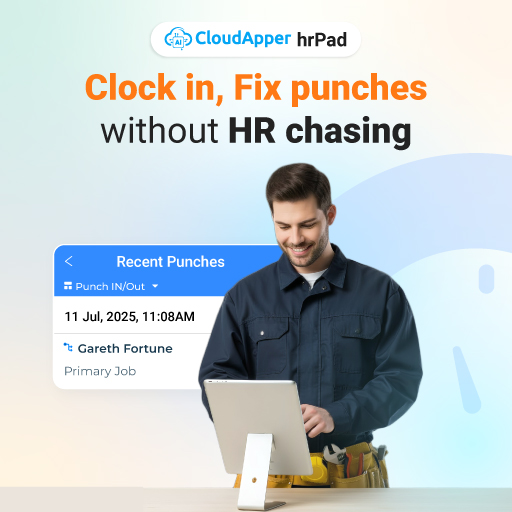
This has two practical benefits:
It reduces accidental miscodes, like selecting a job for the wrong department or site. And it helps prevent off-site punches and spoofing patterns that show up in distributed operations.
CloudApper also positions hrPad as a way to reduce “punch-time spoofing” risk for Workday users by adding stronger verification at the time capture layer.
Workday and field crews: group punch, job transfer, and offline punches
Some environments need more than individual punch workflows. Field crews and mobile teams often rely on a crew lead to manage time capture, and they need job transfers tied to activities for accurate cost tracking.
CloudApper’s Workday-focused time clock content highlights crew/group punch, job transfer, and offline punch capability as core capabilities for these environments.
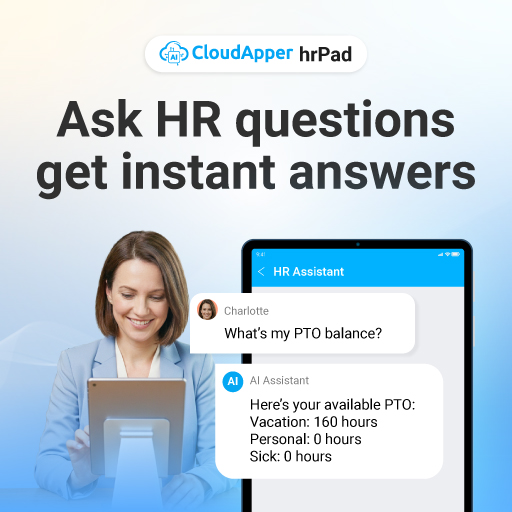
Offline punch is a big deal in plants, basements, remote sites, and anywhere Wi-Fi is inconsistent. If the clock fails when connectivity drops, employees create workarounds. Workarounds create payroll problems. hrPad is positioned to capture punches offline and sync once connected, which is exactly what frontline operations need.
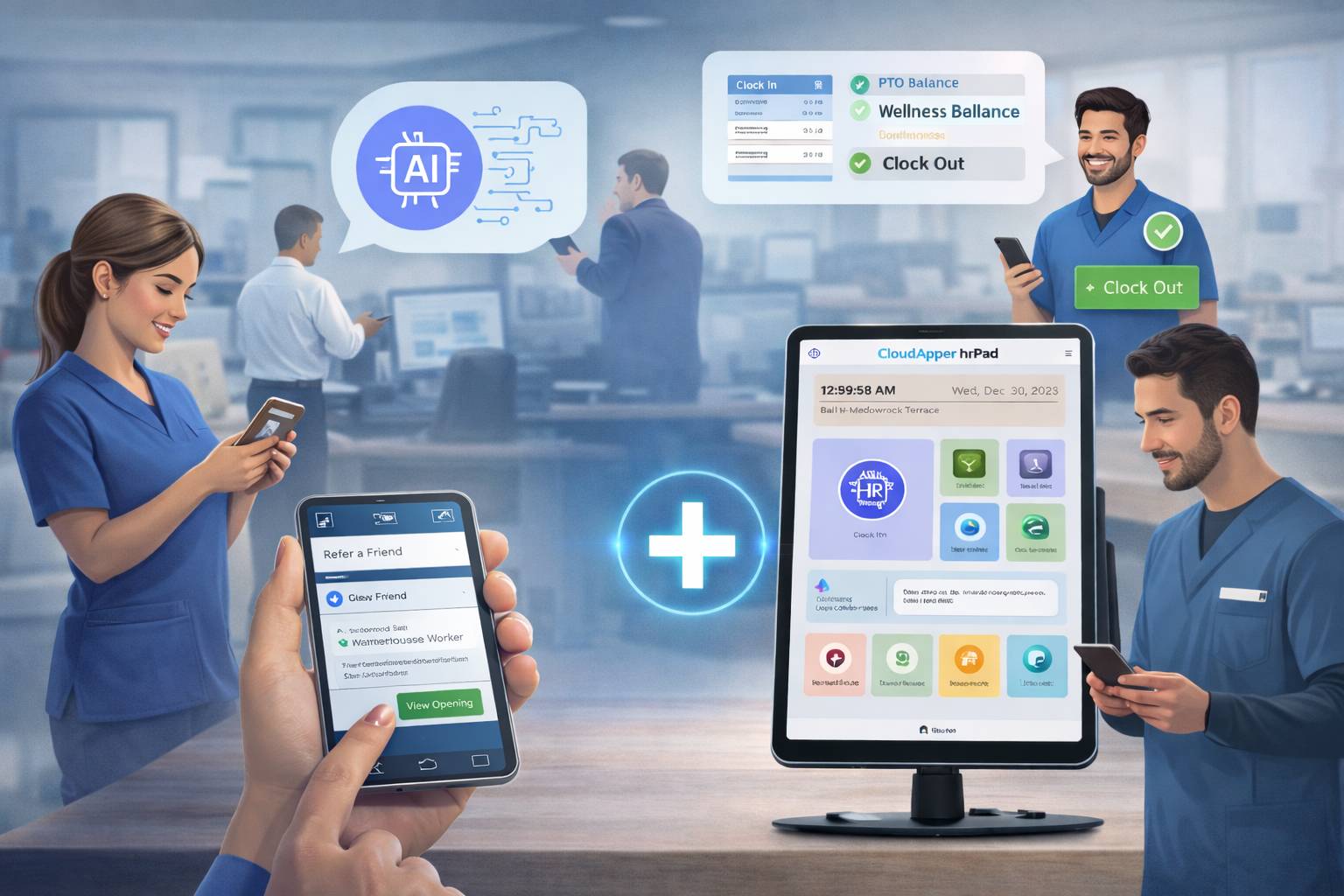
AI-driven employee support that reduces friction, not trust
Large enterprises also face a simple math problem: too many employee questions, not enough HR bandwidth.
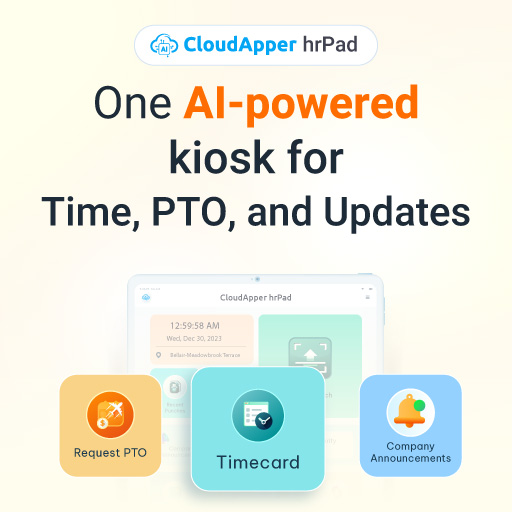
hrPad includes a conversational AI assistant to help employees handle common tasks like PTO requests, job transfer steps, policy questions, attestations, and pay detail lookups through guided flows.
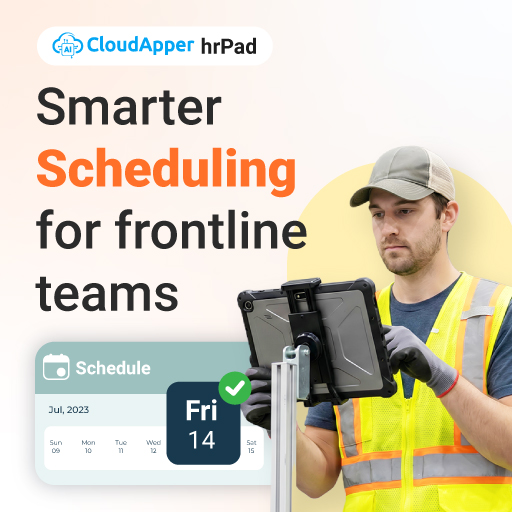
This matters beyond convenience. A large global frontline study reported that burnout remains high, but frontline employees who use AI tools report lower burnout than those who do not. The study also points out that adoption works best when AI is clearly positioned as support, not replacement.
In other words, if AI reduces friction for routine HR moments, employees feel the benefit immediately. That’s the lane hrPad is aiming for.
Why tablets matter: scalable deployment without “hardware lock-in”
One reason hrPad resonates with enterprise rollouts is deployment flexibility.
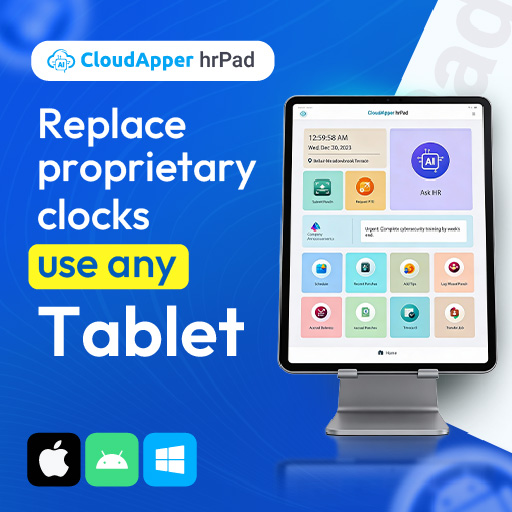
Instead of requiring proprietary time clock hardware, hrPad runs on standard iOS or Android tablets and acts as a multi-purpose HR kiosk. That makes scaling to many sites more realistic, especially when IT teams want a manageable device strategy and operations teams want consistent worker access.
What hrPad does not do (and why that’s a good thing)
CloudApper hrPad is not trying to replace UKG or Workday. It is designed to extend them.
That distinction matters for enterprise buying decisions because ripping and replacing core HCM systems is expensive, risky, and slow. hrPad is positioned as an added layer that improves the frontline capture experience while keeping your system of record intact.
When hrPad is the best fit
hrPad is most valuable when at least one of these is true:
Your workforce moves between jobs, departments, or cost centers frequently. You operate across multiple locations where job codes and rules vary. You need stronger identity verification at the clock to reduce buddy punching and cleanup. Or you need a kiosk-style employee experience because not every worker sits at a desk.
If you’re living any of those realities, “job hierarchy management” isn’t an org chart problem. It’s a daily time, pay, and accuracy problem.
FAQ
Does CloudApper hrPad integrate with UKG and Workday?
hrPad is positioned as a tablet-based layer that integrates with major HCM environments to enhance workflows like job transfers and employee self-service, while keeping the HCM as the system of record.
How does hrPad prevent wrong job selections or time fraud?
It combines secure verification options (like facial recognition, QR/barcode, or PIN) with rules such as location-based job codes and geofencing, so punches and job transfers are tied to the right person and the right place.
What happens if the network goes down?
CloudApper’s Workday time clock content highlights offline punch capture and later sync, which is especially relevant for manufacturing and field environments with low connectivity.
Is this only a time clock?
No. hrPad is described as a broader self-service kiosk concept that can support HR tasks like PTO requests, policy lookups, attestations, and guided support through an AI assistant, in addition to time and job workflows.
The real transformation is fewer corrections, more trust
When enterprises say “job hierarchies are complex,” they usually mean, “We spend too much time fixing the consequences of complexity.”
CloudApper hrPad tackles that by improving the moment when complexity becomes cost: job selection, transfer capture, and time recording on the frontline. With secure verification, location-aware rules, offline resilience, and guided self-service, hrPad helps large organizations keep job data accurate without slowing down operations.
If you want to see how hrPad would work in your environment, the fastest next step is to map a real workflow (a floating role, a multi-cost-center shift, or a multi-site team) and validate how job transfers and rules are captured end-to-end.
For more information on how you can adopt hrPad in your organization, contact us today.
Turn Any Tablet Into an Employee Experience Kiosk
Time Capture|Self Service|AI Workflow Automation
Learn more | Download Brochure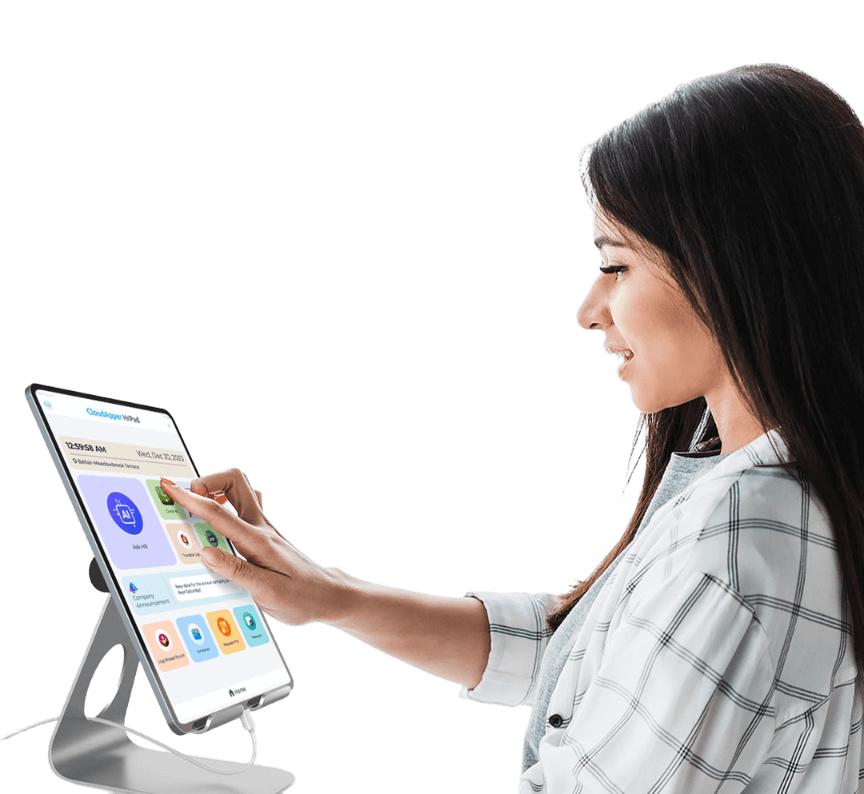
How to Implement CloudApper hrPad in Your Organization
Step 1: Assess Your Current HR Needs
Begin by evaluating your current HR system to identify areas where CloudApper hrPad can enhance efficiency. Consider the scale of deployment and specific functionalities you wish to improve, such as job transfers or employee self-service.
Step 2: Choose Compatible Tablets
Select any off-the-shelf iOS or Android tablets for deploying hrPad. Ensure that these devices meet the requirements for functioning as smart time clocks and HR kiosks. This choice helps in minimizing hardware costs.
Step 3: Facilitate Integration with Existing HCM Systems
Work with CloudApper solution delivery team to integrate hrPad with existing Human Capital Management systems like UKG or Workday. This step ensures a smooth transition and enhancement of current HR processes without disruptions.
Step 4: Train Your Workforce
Provide training sessions for your employees to familiarize them with the hrPad interfaces and functionalities. Encourage them to utilize features like self-service and job transfers to maximize benefits.
Step 5: Monitor and Optimize Usage
After deployment, continuously monitor the system's performance and gather feedback from users. Use this data to optimize the functionalities and address any challenges encountered during usage. For further guidance on service optimization, visit this link.
Step 6: Contact CloudApper for Support
If you require additional support or custom solutions, do not hesitate to contact CloudApper to ensure successful implementation.
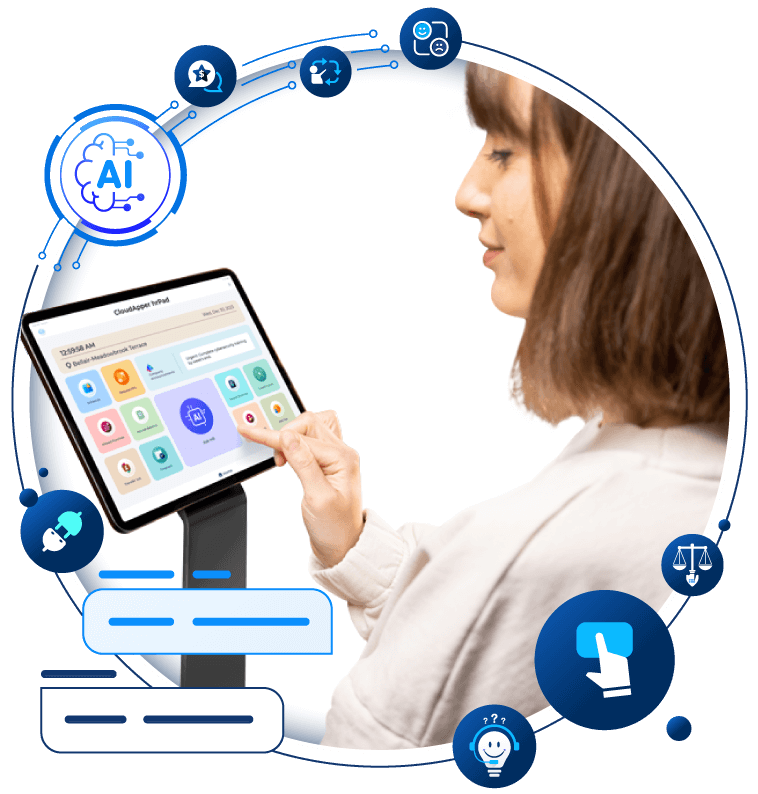
Transform Your Employee Experience With AI Tools for hrPad
Employee Self-Service tools to automate accessibility and time management.
Learn more | Download BrochureFrequently Asked Questions about CloudApper hrPad
What is CloudApper hrPad?
CloudApper hrPad is an innovative tablet-based HR solution designed to simplify and automate workforce management processes such as job transfers, time tracking, and employee self-service. Learn more about its features here.
How does CloudApper hrPad integrate with existing HCM systems?
CloudApper hrPad is designed to seamlessly integrate with major Human Capital Management (HCM) systems like UKG and Workday, enhancing existing HR functionalities while providing additional tools for efficient workforce management. Discover how it supports integration here.
What are the key benefits of using CloudApper hrPad?
The key benefits of hrPad include seamless job transfers, location-based clock-ins, reduced administrative overhead, and a cost-effective deployment on standard tablets. These features contribute to enhanced accuracy and improved employee satisfaction. See how a real-life example benefitted from hrPad here.
How does CloudApper hrPad help in reducing payroll errors?
By automating data entry and utilizing secure verification methods, hrPad minimizes manual errors, ensuring accurate payroll processing. Learn more about reducing payroll errors here.
Is hrPad suitable for multi-location enterprises?
Yes, hrPad's location-based job codes and geo-fencing capabilities make it ideal for managing multi-location enterprises by ensuring accurate employee clock-ins and optimizing job roles across different sites. Explore how it enhances retention and compliance here.
What is CloudApper AI Platform?
CloudApper AI is an advanced platform that enables organizations to integrate AI into their existing enterprise systems effortlessly, without the need for technical expertise, costly development, or upgrading the underlying infrastructure. By transforming legacy systems into AI-capable solutions, CloudApper allows companies to harness the power of Generative AI quickly and efficiently. This approach has been successfully implemented with leading systems like UKG, Workday, Oracle, Paradox, Amazon AWS Bedrock and can be applied across various industries, helping businesses enhance productivity, automate processes, and gain deeper insights without the usual complexities. With CloudApper AI, you can start experiencing the transformative benefits of AI today. Learn More

Brochure
CloudApper hrPad
Empower Frontline Employees with an AI-Powered Tablet/iPad Solution
Download Brochure
CloudApper AI Solutions for HR



- Works with


- and more.








Similar Posts
Driving Frontline Inclusion: Bilingual HR Policy Access with CloudApper hrPad
Solving the Deskless Divide: How Frontline-First HR Design Empowers the…