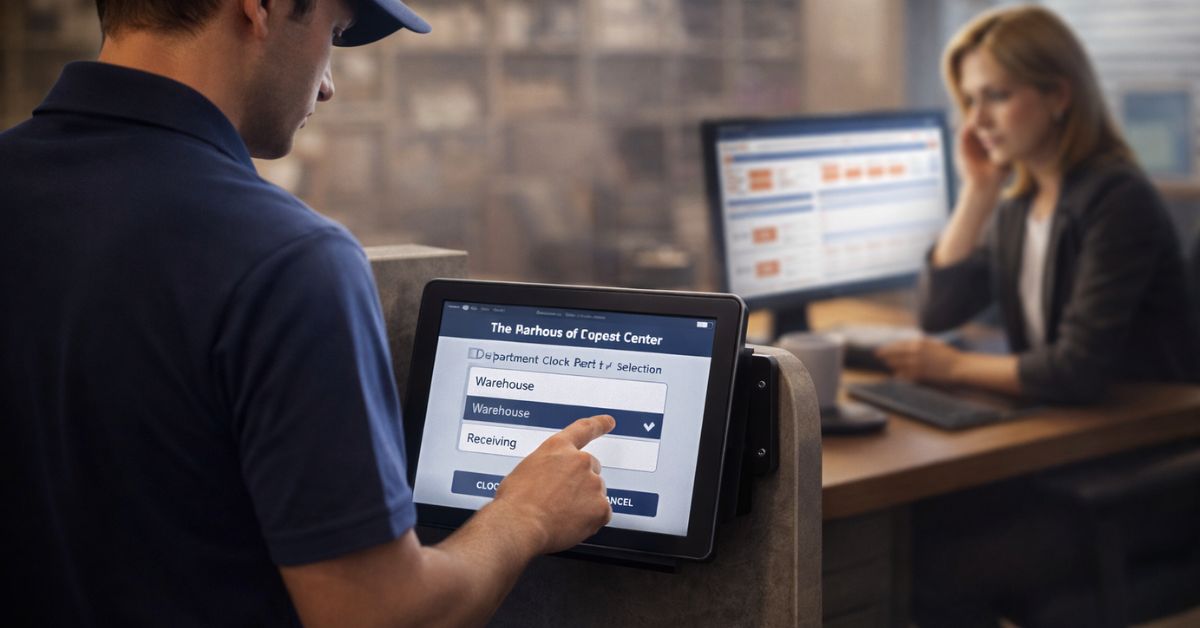
Embrace the future of workforce management with CloudApper hrPad. This platform revolutionizes HR processes, enhancing efficiency and compliance through features like Geo Fencing and automated time tracking, ensuring your organization leads in technological advancement.

Table of Contents
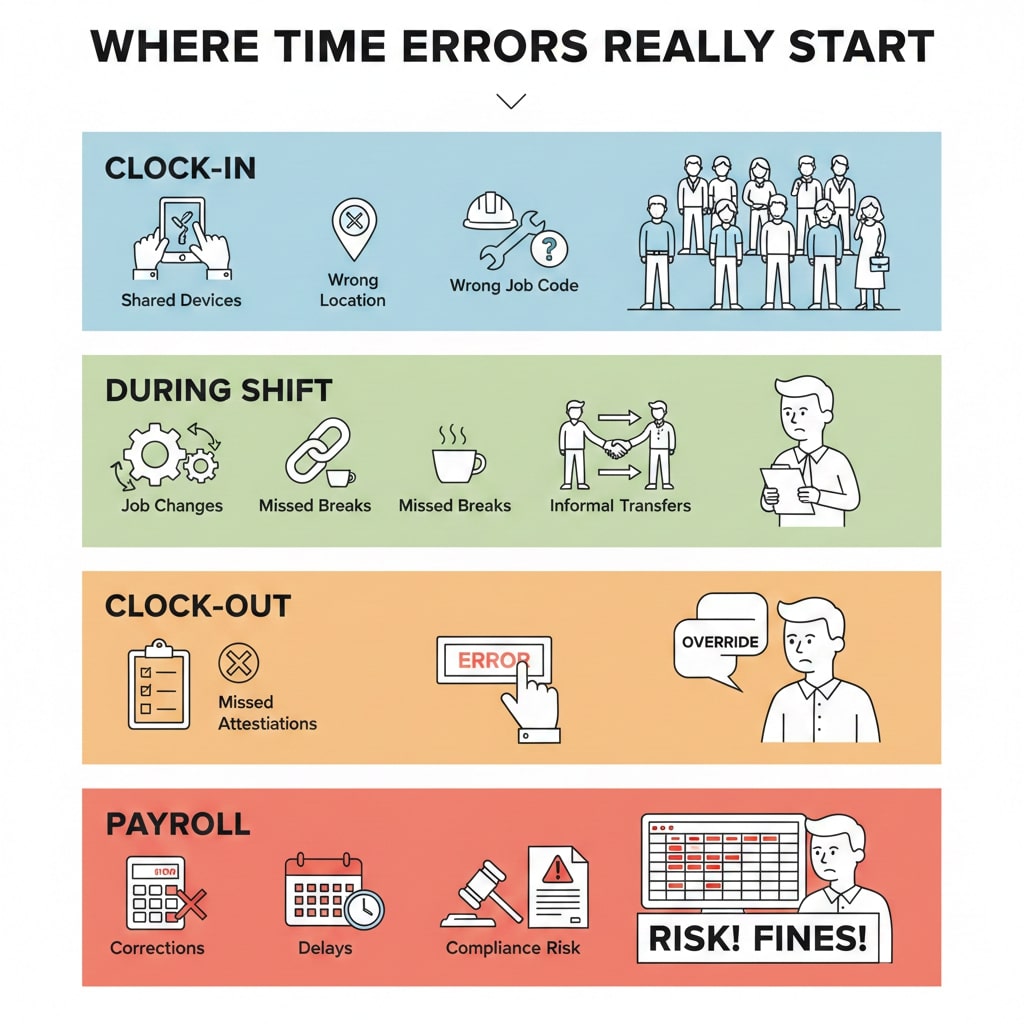
Workforce management problems rarely start in payroll. They start at the point of time capture. When employees clock in late, from the wrong location, under the wrong job code, or on shared devices with minimal controls, the errors surface days later as manual edits, compliance risk, and payroll delays.
CloudApper hrPad addresses this issue at the source. It transforms standard tablets into secure time clocks and employee self-service kiosks, helping organizations capture cleaner time data, reduce corrections, and maintain compliance without slowing employees down.
Instead of relying on outdated punch clocks or complex hardware, hrPad offers a flexible, modern approach to workforce time tracking that fits real operational environments.
The hidden cost of inaccurate time capture
Many organizations already use an HCM or workforce management system. Yet time data still arrives incomplete or inaccurate. Managers spend hours fixing timecards. HR teams chase attestations after the fact. Payroll becomes a correction process instead of a calculation process.
This happens because most time systems assume ideal conditions. Real workplaces are not ideal. Employees move between jobs. Sites overlap. Supervisors are busy. Shared devices are common. When controls are weak at clock-in and clock-out, errors compound downstream.
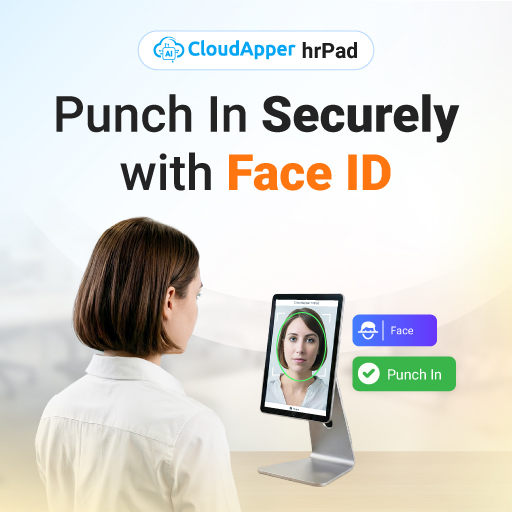
CloudApper hrPad is designed to prevent these problems before they reach payroll.
What is CloudApper hrPad
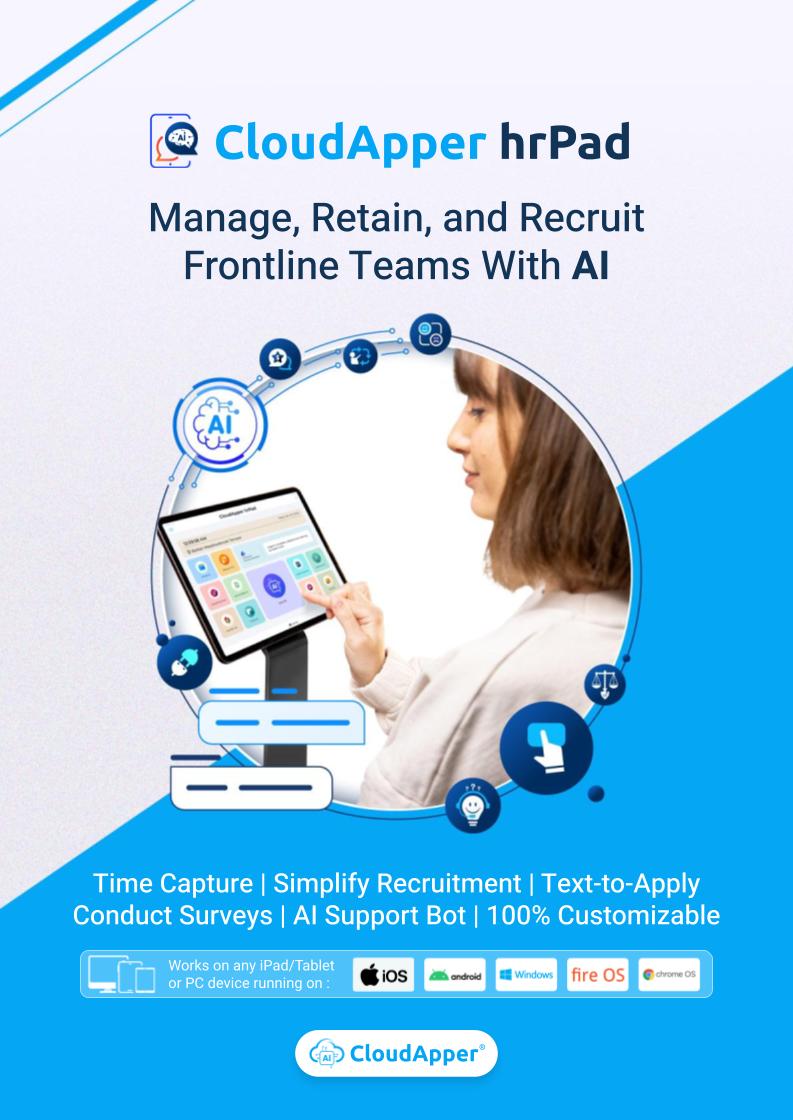
CloudApper hrPad is a tablet-based employee self-service kiosk that functions as a modern time clock and HR access point. It runs on standard tablets and integrates with existing workforce and HCM systems, allowing organizations to capture accurate time, enforce policies, and support employees without adding hardware complexity.
At its core, hrPad focuses on three outcomes:
- Accurate time capture at the source
- Reduced manual edits and compliance risk
- Faster, simpler employee self-service
This makes it especially effective in environments with deskless workers, shared devices, or multi-site operations.
How hrPad improves time accuracy without adding friction
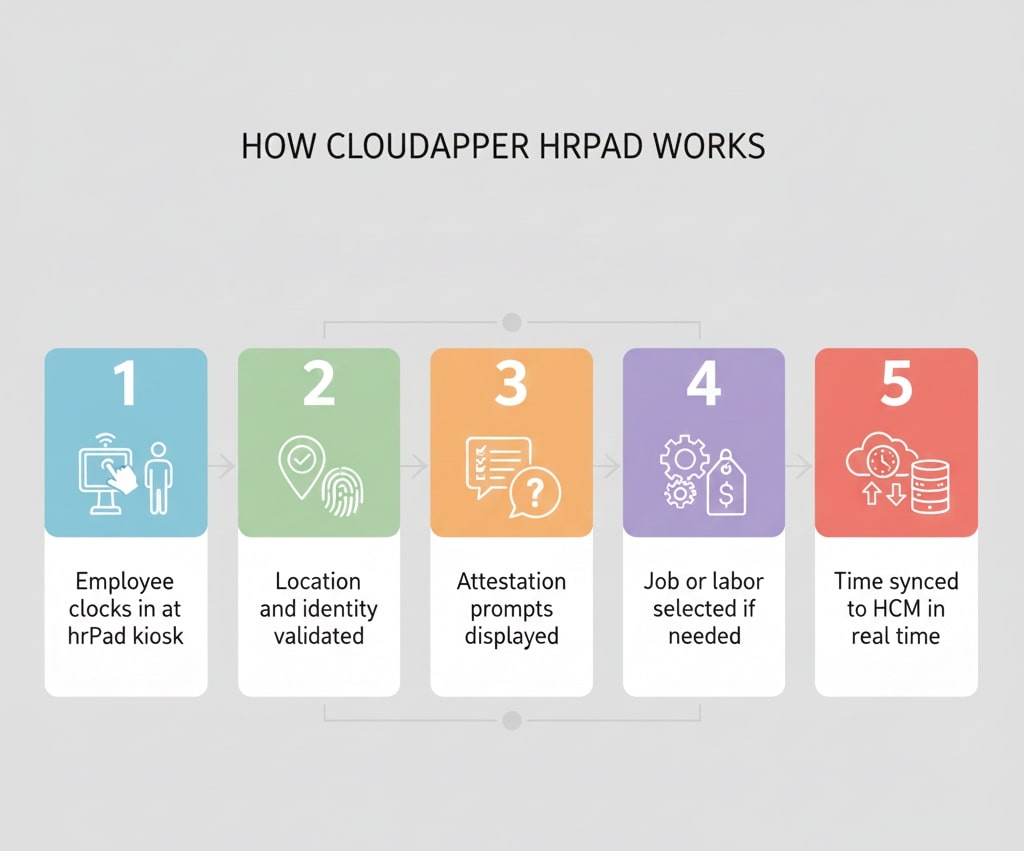
Time tracking only works when employees can use it quickly and consistently. hrPad supports fast, intuitive clock-in and clock-out flows while still applying the controls organizations need.
Because hrPad operates as a kiosk, it fits naturally into entrances, break rooms, shop floors, clinics, and other high-traffic areas. Employees do not need individual devices or complex logins. Yet organizations still gain stronger accountability than traditional punch clocks can offer.
The result is a balance between speed for employees and control for HR and operations.
Location-based accountability with geofencing
For organizations with multiple sites or mobile teams, location accuracy matters. hrPad supports geofencing and location-based rules that help ensure employees clock in from approved work zones.
Instead of relying on GPS tracking throughout the day, geofencing focuses on the moment that matters most: when time is recorded. This helps reduce off-site punches, parking-lot clock-ins, and accidental location errors while remaining practical for everyday use.
By validating location at the point of time capture, hrPad improves accountability without creating an intrusive employee experience.
Built-in attestations for compliance-ready records
Compliance issues often arise because critical confirmations are handled informally. Meal breaks, rest breaks, missed punches, and policy acknowledgements are frequently documented after the fact, if at all.
hrPad allows organizations to present attestation prompts directly during clock-in and clock-out workflows. Employees confirm required acknowledgements in real time, creating a clear, timestamped record.
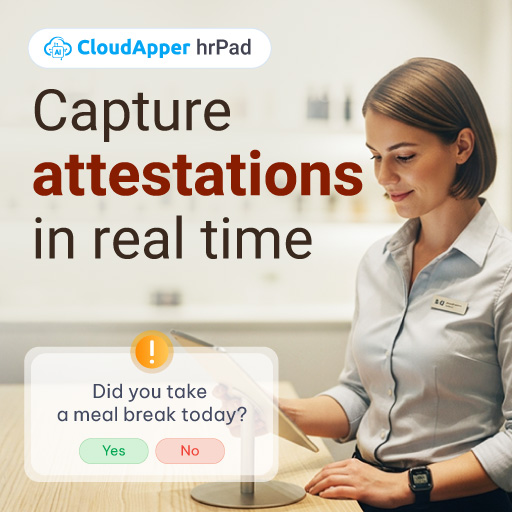
This approach reduces the need for retroactive documentation and helps organizations stay audit-ready with far less administrative effort.
Automated job and labor transfers that match real work
In many environments, employees do not stay in one job or cost center for an entire shift. Manual labor transfers become a routine task for supervisors and payroll teams, increasing the risk of errors.
hrPad supports job and labor transfer workflows that allow time to be recorded against the correct role, department, or cost center as work happens. This improves labor costing accuracy and reduces post-shift corrections.
For organizations managing complex labor allocation, this capability alone can significantly reduce payroll cleanup time.
Real-time syncing with your existing HCM
A time clock is only valuable if the data flows seamlessly into the systems that depend on it. hrPad is designed to sync time and workforce data in real time with your existing HCM or workforce management platform.
This improves visibility for managers, reduces delays for payroll teams, and ensures that time data is available when it is needed, not days later.
Because hrPad works alongside existing systems, organizations do not need to replace their HCM to improve time capture quality.
Employee self-service without extra tickets
Beyond time tracking, hrPad functions as an employee self-service kiosk. Employees can complete routine HR actions directly at the kiosk instead of submitting tickets or waiting for assistance.
This reduces administrative workload for HR teams while giving employees faster access to the information and actions they need. In environments with limited computer access, this capability improves both efficiency and employee experience.
Where CloudApper hrPad fits best
hrPad is particularly effective for organizations that manage:
- Shared device time capture
- Deskless or frontline workforces
- Multiple locations or work zones
- Frequent labor or job transfers
- High volumes of timecard edits
It is commonly used as a modern replacement for traditional punch clocks, especially where flexibility, scalability, and integration are priorities.
What changes after deployment
Before hrPad, time data is often corrected later. Managers spend time reviewing exceptions. HR teams handle compliance retroactively. Employees wait for help with routine actions.
After hrPad, time accuracy improves at the point of capture. Manual edits decline. Compliance confirmations are recorded in real time. Employees complete self-service actions without delays.
The biggest shift is not technological. It is operational. Time data becomes reliable earlier in the process, which reduces stress everywhere else.
Frequently asked questions
Does CloudApper hrPad replace traditional time clocks?
Yes. hrPad turns standard tablets into secure time clocks and employee self-service kiosks, eliminating the need for proprietary punch-clock hardware.
How does geofencing help with time tracking?
Geofencing validates location during clock-in and clock-out, helping ensure employees record time from approved work zones and reducing off-site punches.
Can hrPad reduce manual time edits?
Yes. By enforcing identity, location rules, attestations, and workflow controls at the point of time capture, hrPad reduces the need for manual corrections later.
Does hrPad support job or labor transfers?
Yes. hrPad supports job and labor transfer workflows so time can be accurately allocated as work changes during a shift.
Can hrPad integrate with existing HCM systems?
Yes. hrPad is designed to sync time and workforce data in real time with existing HCM and workforce management platforms.
Moving forward
Accurate time data is the foundation of payroll, compliance, and workforce visibility. When time capture is controlled at the source, everything downstream becomes easier.
CloudApper hrPad provides a practical way to modernize time tracking and employee self-service without adding hardware complexity or disrupting existing systems. For direct inquiries, feel free to Contact Us.
Turn Any Tablet Into an Employee Experience Kiosk
Time Capture|Self Service|AI Workflow Automation
Learn more | Download Brochure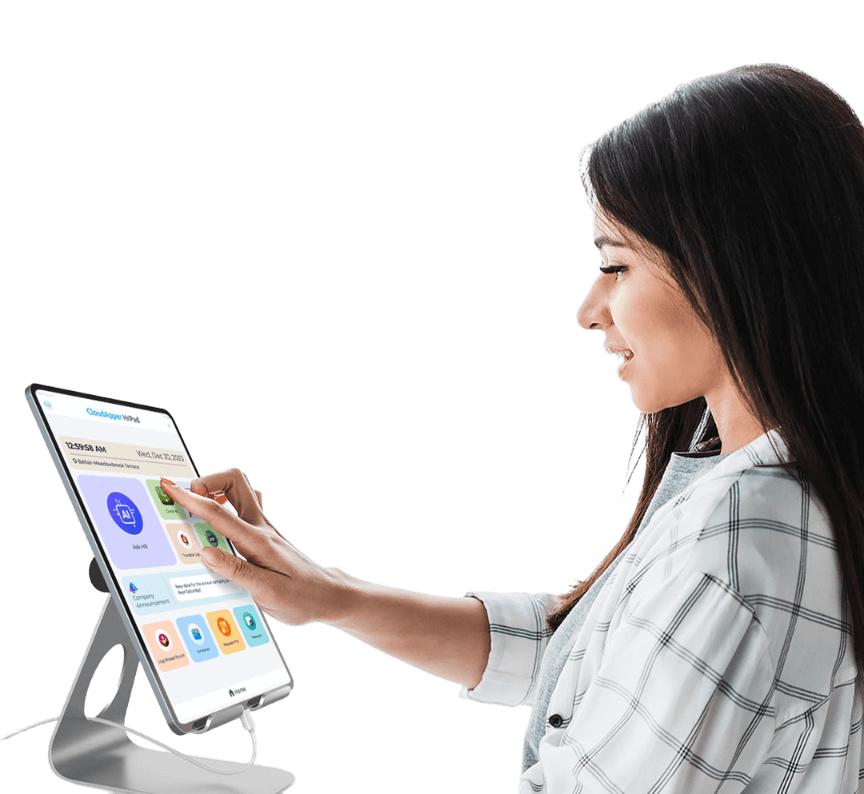
How to Implement CloudApper hrPad in Your Organization
- Assess Your Needs: Determine the specific HR needs of your organization, such as compliance management and employee engagement requirements. This information will help tailor the implementation process effectively.
- Explore the Platform: Visit the CloudApper hrPad website to get familiar with its features like Geo Fencing, automated time tracking, and employee self-service capabilities.
- Plan Integration: Work with your IT department to integrate hrPad with existing HR systems. If necessary, consult with CloudApper's support team through their contact page for guidance.
- Train Your Workforce: Conduct training sessions for employees, managers, and HR staff to ensure smooth adoption. Focus on features that enhance efficiency and compliance.
- Monitor and Adjust: After implementation, continuously monitor usage and gather feedback to make necessary adjustments. This helps optimize the platform's benefits, adapting as your organizational needs evolve.
For an in-depth look at transforming your devices, check out our guide on transforming tablets into cost-effective HR kiosks.
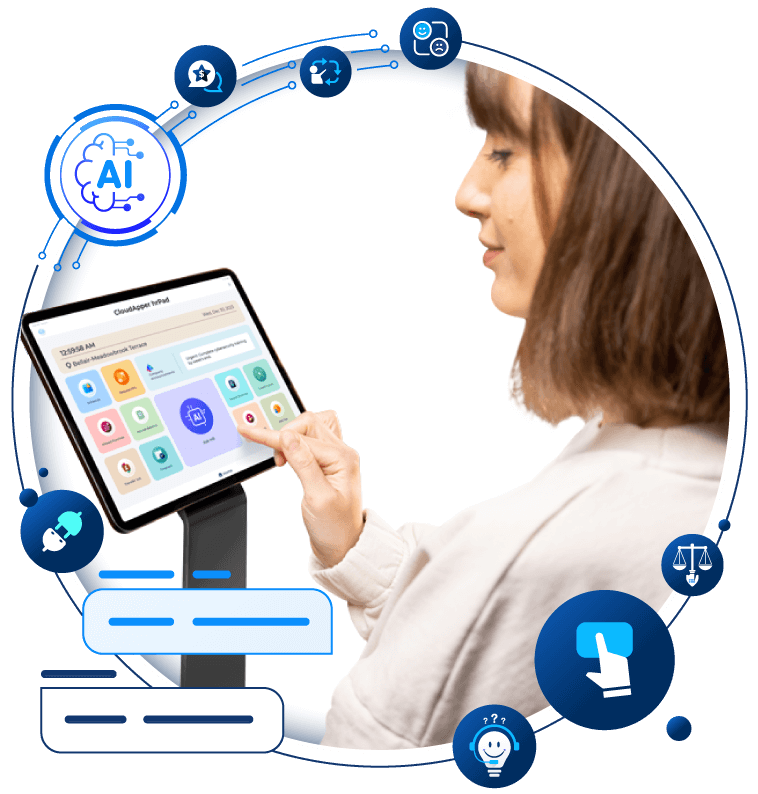
Transform Your Employee Experience With AI Tools for hrPad
Employee Self-Service tools to automate accessibility and time management.
Learn more | Download BrochureFrequently Asked Questions
- What is CloudApper hrPad?
- CloudApper hrPad is a comprehensive HR management platform designed to streamline processes, enhance efficiency, and drive compliance. It includes features like Geo Fencing, automated time tracking, and compliance management, tailored to suit diverse work environments. Learn more about CloudApper hrPad.
- How does Geo Fencing work in CloudApper hrPad?
- Geo Fencing allows organizations to monitor their workforce by ensuring employees remain within designated work zones. This feature eliminates the need for intrusive GPS tracking while enhancing operational efficiency. Discover more about its impact on creating a paperless HR environment.
- What are the benefits of automated time tracking?
- Automated time tracking in CloudApper hrPad leverages biometric verification and location-based technology to ensure accurate time logs and simplifies payroll processes. This feature helps reduce payroll errors and enhance compliance with labor laws. Explore our article on the future of workforce management to learn more.
- How can employee self-service improve retention?
- CloudApper hrPad's self-service tools empower employees with real-time analytics, intuitive scheduling, and personalized development opportunities, fostering better engagement and retention. Read more in Employee Self-Service Improves Retention.
For more questions, feel free to Contact Us.
What is CloudApper AI Platform?
CloudApper AI is an advanced platform that enables organizations to integrate AI into their existing enterprise systems effortlessly, without the need for technical expertise, costly development, or upgrading the underlying infrastructure. By transforming legacy systems into AI-capable solutions, CloudApper allows companies to harness the power of Generative AI quickly and efficiently. This approach has been successfully implemented with leading systems like UKG, Workday, Oracle, Paradox, Amazon AWS Bedrock and can be applied across various industries, helping businesses enhance productivity, automate processes, and gain deeper insights without the usual complexities. With CloudApper AI, you can start experiencing the transformative benefits of AI today. Learn More

Brochure
CloudApper hrPad
Empower Frontline Employees with an AI-Powered Tablet/iPad Solution
Download Brochure
CloudApper AI Solutions for HR



- Works with


- and more.








Similar Posts
Driving Frontline Inclusion: Bilingual HR Policy Access with CloudApper hrPad
Solving the Deskless Divide: How Frontline-First HR Design Empowers the…