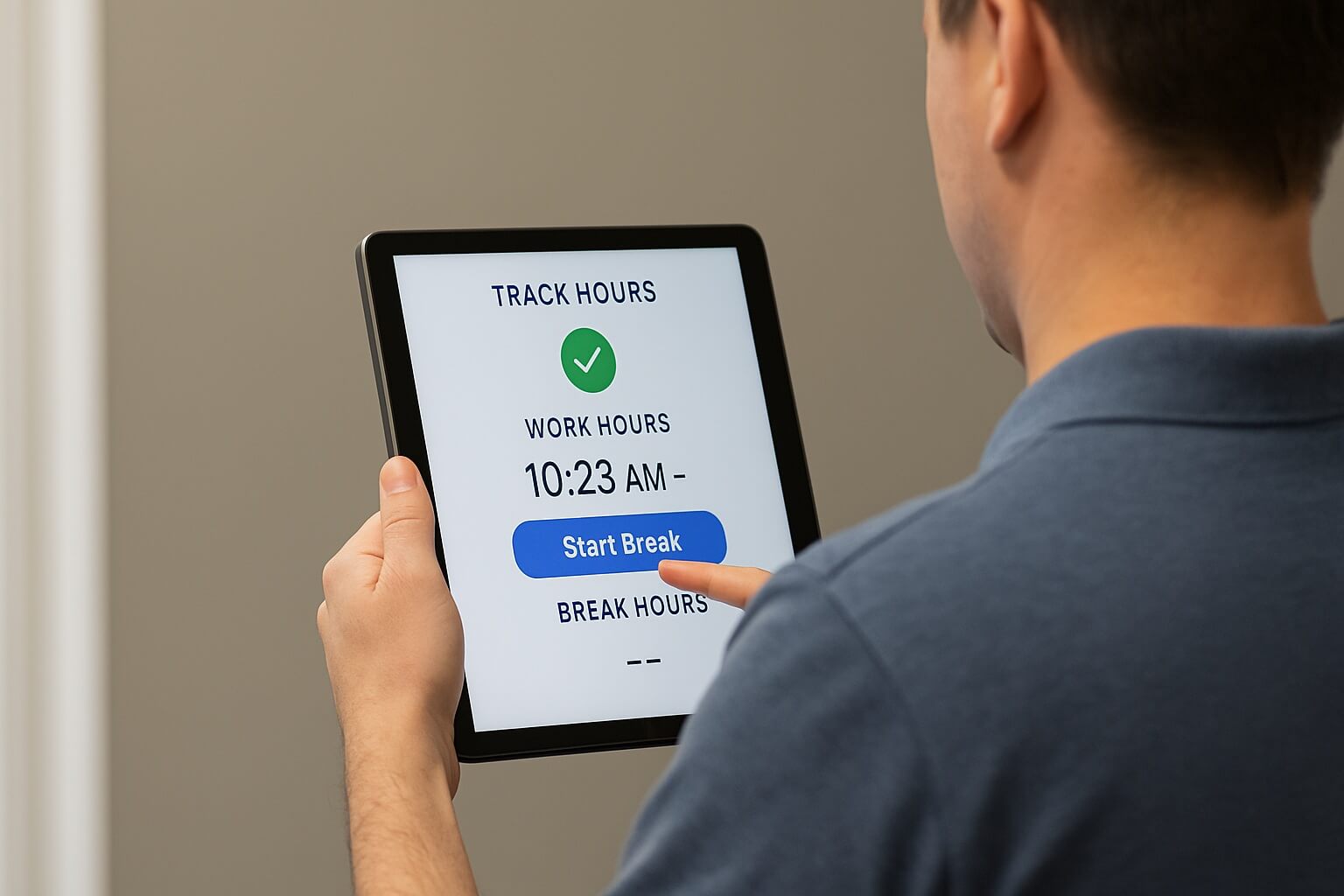
Healthcare workforce management gets complicated fast due to rotating shifts, float staff, per-diem hires, multi-unit facilities. Here's how CloudApper AI TimeClock gives Dayforce the accurate, real-time data HR and Ops leaders need to manage it without the manual overhead.

Table of Contents
- TL;DR
- Why Healthcare Workforce Management Is Harder Than It Looks
- The Structural Complexity a Standard Time Clock Doesn’t Handle
- How CloudApper AI TimeClock Simplifies Workforce Management for Dayforce Healthcare Teams
- What This Actually Changes
- FAQs
- Running Healthcare Workforce Management the Way Your Facility Actually Operates
Healthcare workforce management carries a layer of complexity most industries don’t deal with: rotating 12-hour shifts, staff who float between units in a single day, per-diem and travel hires who join with little notice, and facilities where connectivity isn’t guaranteed everywhere on-site. Any one of these is manageable on its own. Together, they’re what make workforce management in healthcare genuinely hard for HR and Ops leaders to run smoothly.

Dayforce gives healthcare organizations strong tools to schedule, pay, and manage that workforce. CloudApper AI TimeClock for Dayforce complements those tools by making sure the data behind them, captured at the clock, in the messiest, most operationally complex part of the day, is accurate and complete from the start.
TL;DR
- Healthcare workforce management is uniquely complex: rotating shifts, float staff, per-diem hires, multi-unit facilities.
- Generic time clocks miss that detail, leaving HR and Ops to fix it manually.
- CloudApper AI TimeClock captures accurate, unit-level data at the clock — offline capture included.
- That data syncs straight to Dayforce for scheduling, payroll, and compliance.
- Result: less manual reconciliation, and a process that scales with complexity.
Why Healthcare Workforce Management Is Harder Than It Looks
For most industries, a time clock just needs to record a punch. In healthcare, that punch carries a lot more weight — it has to reflect the right unit, the right shift rules, and the right rest window, or it becomes extra work for someone in HR or Ops to sort out later.
A generic time clock records a punch and stops there. It doesn’t know which break or rest rule applies to the person punching in, it doesn’t know which unit they’re currently working, and it can’t tell a scheduler that a shift assignment doesn’t fit the facility’s own policies. All of that gets pushed downstream, onto HR and Ops teams who end up managing it manually, after the fact.
The Structural Complexity a Standard Time Clock Doesn’t Handle
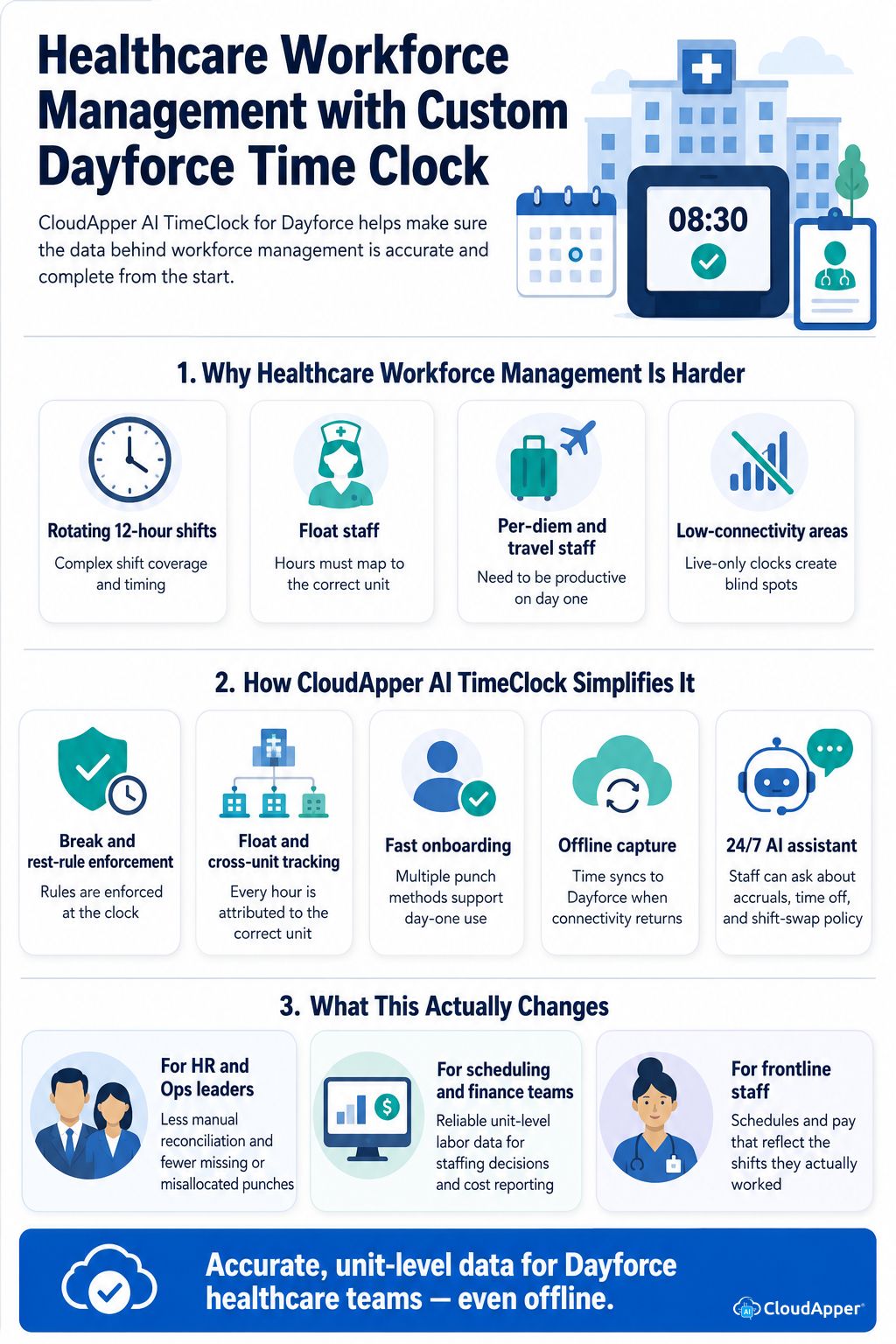
Healthcare staffing has operational complexity that most industries don’t:
- Rotating 12-hour shifts that make it easy to lose track of who’s actually scheduled to be where, and for how long.
- Float staff who move between units and need every hour attributed to the correct department for accurate labor-cost reporting and reimbursement documentation.
- Per-diem and travel staff who join on short notice and need to be productive on day one, without a lengthy onboarding or provisioning cycle.
- Low-connectivity areas — basements, rural facilities, satellite clinics — where a clock that depends on a live connection creates blind spots in the labor record.
Dayforce is well equipped to manage all of this, and CloudApper AI TimeClock adds the piece that makes it easier: a clock that captures the day-to-day reality of a healthcare facility accurately, right at the source.
How CloudApper AI TimeClock Simplifies Workforce Management for Dayforce Healthcare Teams
Automated break and rest-rule enforcement. Configurable break intervals and shift-length rules are enforced at the clock, so a shift assignment that doesn’t fit the facility’s own policies gets flagged at the point of capture instead of being caught later by HR.
Accurate tracking for float and cross-unit staff. Job transfers and custom data capture attribute every hour to the correct unit or department, so labor-cost reporting and staffing data hold up even when staff move across the facility in a single shift.
Fast onboarding for per-diem and travel staff. Multiple punch methods — biometric, badge, NFC, QR, barcode — mean a per-diem or travel hire can start capturing accurate time on day one, without waiting on a full system provisioning cycle.
Offline capture for low-connectivity units. Time captured without a live connection is stored on the device and syncs to Dayforce automatically once connectivity returns, so basements, rural sites, and satellite clinics don’t create gaps in the labor record.
A 24/7 AI assistant for policy questions. Staff can ask about accrual balances, time-off requests, or shift-swap policy directly at the clock, freeing HR from fielding the same questions throughout the day.
What This Actually Changes
For HR and Ops leaders, it means less time spent manually reconciling timesheets, cross-checking shift assignments, and chasing down missing or misallocated punches — and a workforce management process that holds up as the facility adds units, shifts, or staff.
For scheduling and finance teams, it means unit-level labor data they can actually rely on for staffing decisions and cost reporting, instead of estimates that need correcting after the fact.
For frontline staff, it means schedules and pay that reflect the shifts they actually worked, and self-service access to time-off and accrual balances without waiting on HR for an answer.
FAQs
How does CloudApper AI TimeClock make workforce management easier for healthcare HR and Ops teams?
It captures accurate, unit-level punch data at the source — including break/rest rule enforcement and job/cost-center attribution — and syncs it to Dayforce in real time, so HR and Ops spend less time manually reconciling timesheets and shift assignments.
Can it track time separately for float staff working across multiple units?
Yes. Job transfer and custom data capture features attribute each hour worked to the correct unit, department, or cost center, even when a staff member moves across the facility within a single shift.
How quickly can a per-diem or travel hire start using the system?
Per-diem and travel staff can begin capturing accurate punches immediately using biometric, badge, NFC, QR, or barcode options, without needing a full Dayforce provisioning cycle before their first shift.
Does it work in areas of a facility with poor or no internet connectivity?
Yes. Time captured offline is stored on the device and automatically syncs to Dayforce once a connection is available, so basements, satellite clinics, and rural sites don’t create gaps in the labor record.
Does this replace the need for manual timesheet review?
It significantly reduces it. Because break rules, shift-length limits, and unit attribution are enforced and captured at the clock, HR and scheduling teams spend far less time catching and correcting errors after the fact.
Running Healthcare Workforce Management the Way Your Facility Actually Operates
Rotating shifts, float staff, per-diem hires, and low-connectivity units make healthcare workforce management harder than in most industries, and a generic time clock only adds to that burden by leaving HR and Ops to catch and correct the gaps by hand. CloudApper AI TimeClock closes that gap at the source — capturing accurate, unit-level data, enforcing break and rest rules, and syncing it all to Dayforce in real time, even offline — so scheduling, payroll, and staffing decisions run on a record your team can actually trust. If you’re ready to see what that looks like for your facility’s specific shift patterns and workforce structure, talk to our team today.
What is CloudApper AI Platform?
CloudApper AI is an advanced platform that enables organizations to integrate AI into their existing enterprise systems effortlessly, without the need for technical expertise, costly development, or upgrading the underlying infrastructure. By transforming legacy systems into AI-capable solutions, CloudApper allows companies to harness the power of Generative AI quickly and efficiently. This approach has been successfully implemented with leading systems like UKG, Workday, Oracle, Paradox, Amazon AWS Bedrock and can be applied across various industries, helping businesses enhance productivity, automate processes, and gain deeper insights without the usual complexities. With CloudApper AI, you can start experiencing the transformative benefits of AI today. Learn More
- Useful Links:
- Agentic AI
- No-Code/Low-Code
- Custom Software
- HCM Personalization
- iPaaS
- FedRAMP

Brochure
CloudApper hrPad
Empower Frontline Employees with an AI-Powered Tablet/iPad Solution
Download Brochure
CloudApper AI Solutions for HR



- Works with








- and more.
Similar Posts
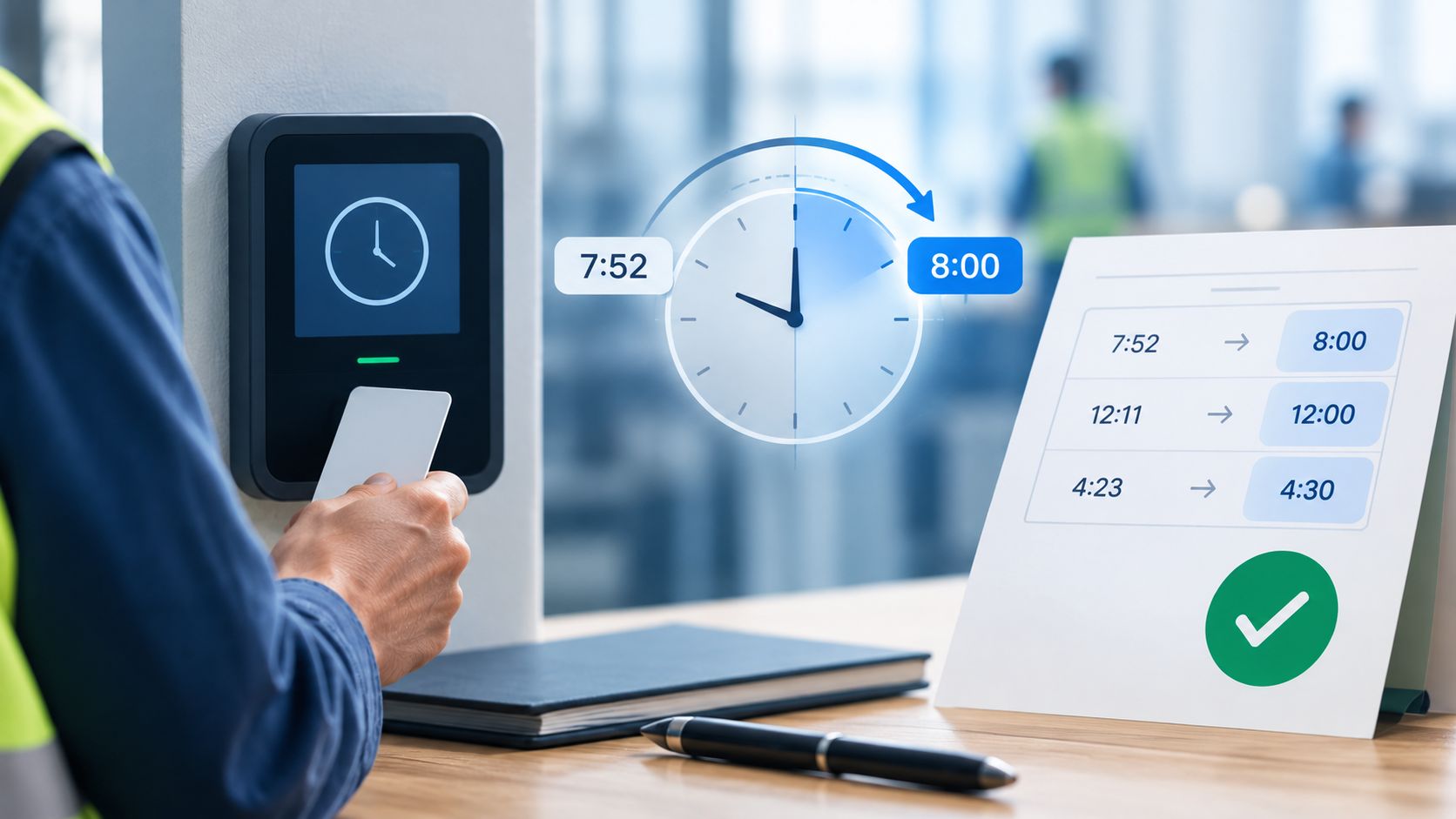
Dayforce Time Clock Rounding: A Payroll Guide to Pay Accuracy
Dayforce Timesheet Approval Automation: The Exception-Based Approach