Oracle NetSuite's native time tracking works well for desk-based employees — but frontline and hourly workers need more. A dedicated NetSuite time clock puts accurate, authenticated time capture directly on the shop floor, integrated with NetSuite Workforce Management in real time. This guide covers what to look for, how AI improves accuracy and compliance, and which industries benefit most.

Table of Contents
- Why NetSuite’s Native Time Tracking Falls Short for Frontline Workforces
- What to Look for in a NetSuite Time Tracking App
- How AI Is Redefining NetSuite Time and Attendance
- CloudApper AI TimeClock: AI-Powered NetSuite Time Clock for Frontline Teams
- Industry Applications: NetSuite Time Tracking in Practice
- Frequently Asked Questions
- Conclusion
- Key Takeaways
Oracle NetSuite is one of the most widely adopted cloud ERP platforms in the world, used by organisations across retail, manufacturing, healthcare, professional services, and logistics to manage financials, inventory, and workforce operations. Its Workforce Management module provides a capable foundation for time and attendance tracking — but like most enterprise ERP systems, it is designed primarily with office-based and desk-based employees in mind.
For organisations managing large numbers of frontline, hourly, or shift-based workers, the gap between what NetSuite’s native time tracking offers and what operational teams actually need on the shop floor, warehouse, or care ward can be significant. Employees working rotating shifts, multiple job codes, or across several sites need a time tracking experience that is fast, accurate, and accessible at the point of work — not through a desktop portal during office hours.
A dedicated NetSuite time clock integration solves this. By placing a purpose-built, AI-powered time tracking terminal directly where employees work, organisations capture accurate attendance data, eliminate manual entry errors, reduce time theft, and feed clean, validated records directly into NetSuite’s Workforce Management module in real time. This guide covers everything HR leaders, payroll managers, IT teams, and operations directors need to know about NetSuite time tracking apps and what to look for when choosing one.
Quick answer: What is a NetSuite time clock?
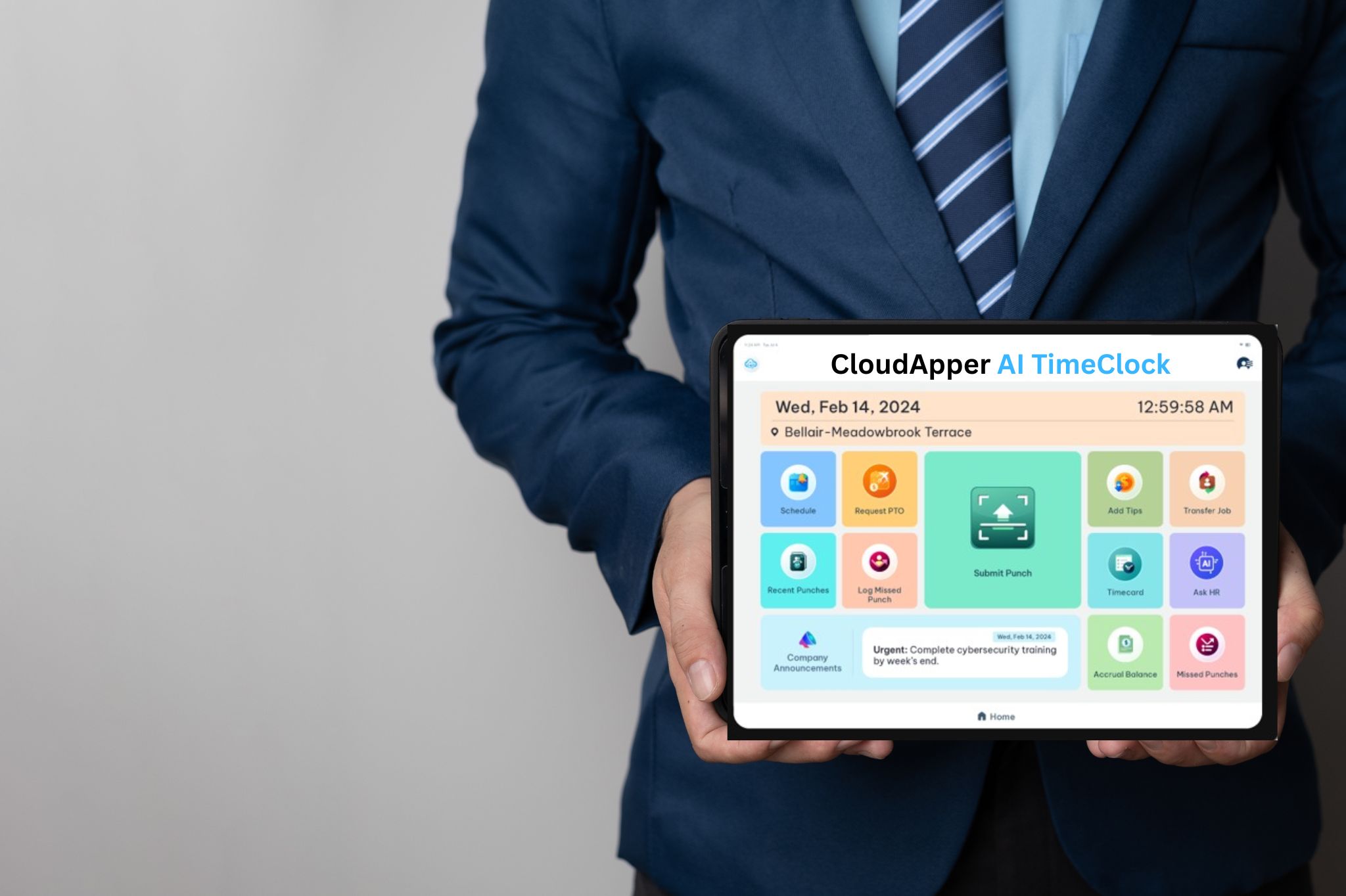
A NetSuite time clock is a dedicated time tracking solution — typically a tablet-based or purpose-built terminal — that integrates directly with Oracle NetSuite Workforce Management to capture employee clock-in and clock-out events in real time. Modern AI-powered NetSuite time clocks go beyond simple punch capture, supporting facial recognition authentication, employee self-service, HR policy queries, PTO requests, and automated compliance monitoring, all feeding seamlessly into NetSuite without manual data entry.
Why NetSuite’s Native Time Tracking Falls Short for Frontline Workforces
NetSuite Workforce Management is a well-designed system for the use cases it was built to serve. For organisations whose employees primarily work at desks, have reliable computer access, and operate within standard business hours, native NetSuite time tracking works well. The challenge arises when a significant proportion of the workforce exists outside that model.
Frontline employees — manufacturing operatives, warehouse staff, retail associates, nurses, hotel housekeepers, delivery drivers — typically do not sit at a computer. They may not have a corporate email address or regular access to a web browser during their working day. For these employees, logging into a NetSuite portal to record their hours is not a realistic expectation. In practice, what often happens instead is that supervisors or managers record time on behalf of their teams, introducing a layer of manual data entry that is slow, error-prone, and difficult to audit.

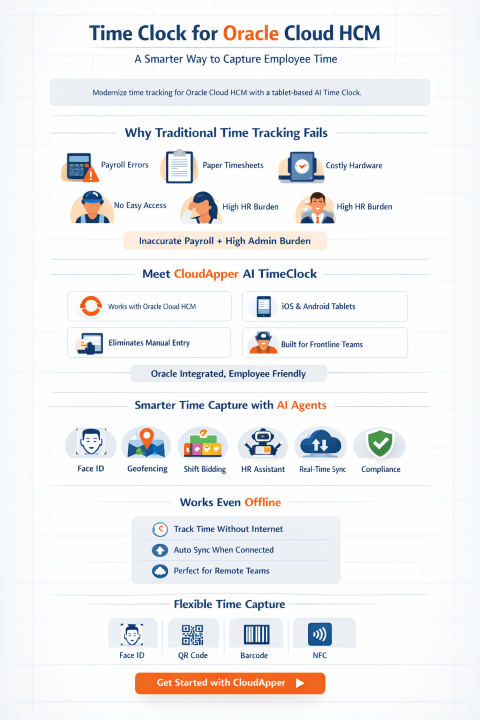
The consequences of this gap are well documented. The American Payroll Association estimates that inaccurate time tracking and time theft — including buddy punching, where one employee clocks in on behalf of another — costs organisations between 1.5% and 5% of gross payroll annually. For a business with a payroll of five million dollars, that represents up to two hundred and fifty thousand dollars lost each year to preventable inaccuracies. Beyond the direct financial cost, manual time tracking creates compliance exposure: inaccurate break records, missed overtime thresholds, and poorly documented shift patterns all create risk in the event of a labor audit or employment dispute.
A dedicated NetSuite time clock integration addresses these problems at the source. By giving every employee — regardless of role, shift, or technical ability — a fast, intuitive, and authenticated way to record their own time at the point of work, organisations eliminate the manual entry bottleneck and the accuracy problems that come with it.
What to Look for in a NetSuite Time Tracking App
The market for NetSuite time tracking apps ranges from basic hardware terminals that export CSV files to sophisticated AI-powered platforms with real-time bidirectional integration. Understanding the key differentiators helps HR directors, payroll managers, and IT teams make a more informed decision.
Real-Time Integration with NetSuite Workforce Management
The quality of the integration is the single most important evaluation criterion. A genuine real-time integration means that every employee punch, PTO request, timesheet adjustment, and exception flag flows automatically and immediately into NetSuite Workforce Management — with no manual import, no batch upload, and no risk of data falling out of sync. This is the foundation on which everything else depends. Without it, HR and payroll teams are still performing manual reconciliation, and the efficiency gains of the time clock are largely negated.
Touchless Biometric Authentication
Accurate time tracking depends on verified identity. The most effective NetSuite time clocks support facial recognition authentication — employees look at the tablet camera to clock in, with no physical contact required. This approach eliminates buddy punching with a high degree of accuracy, is hygienic in environments where cleanliness is a priority (healthcare, food production, hospitality), and creates a fast, frictionless clock-in experience. For organisations where biometric authentication is not preferred, strong alternatives include QR code scanning, PIN entry, and RFID badge reading.
Employee Self-Service Capabilities
A NetSuite time tracking app that only records punches misses a significant opportunity. The most valuable solutions give employees direct access to their own time and attendance data — allowing them to view timesheets in real time, flag missed punches, submit PTO requests, check leave balances, and confirm shift assignments — all at the time clock terminal, without contacting HR. When these actions sync directly with NetSuite, the result is a meaningful reduction in the volume of routine administrative queries reaching HR and payroll teams.
AI-Powered HR Assistant
The integration of a conversational AI assistant into a NetSuite time clock transforms it from a data capture device into a genuine point-of-work HR resource. Employees can ask questions in plain language — about pay, scheduling, leave entitlements, company policies, or compliance obligations — and receive immediate, accurate answers based on the organisation’s own HR documentation. This capability is particularly valuable for frontline workers who have limited access to HR during their working day and who may otherwise raise queries through managers, creating additional administrative overhead.
Compliance and Attestation Tools
Labor law compliance is a persistent challenge for organisations with hourly workforces. The right NetSuite time and attendance solution should include automated monitoring of break compliance, overtime thresholds, and maximum shift lengths, with real-time alerts when potential violations are detected. Attestation functionality — the ability to collect employee confirmation that required breaks were taken, policies were acknowledged, or procedures were followed — adds a further layer of compliance documentation that protects the organisation in the event of an audit or dispute.
Offline Functionality
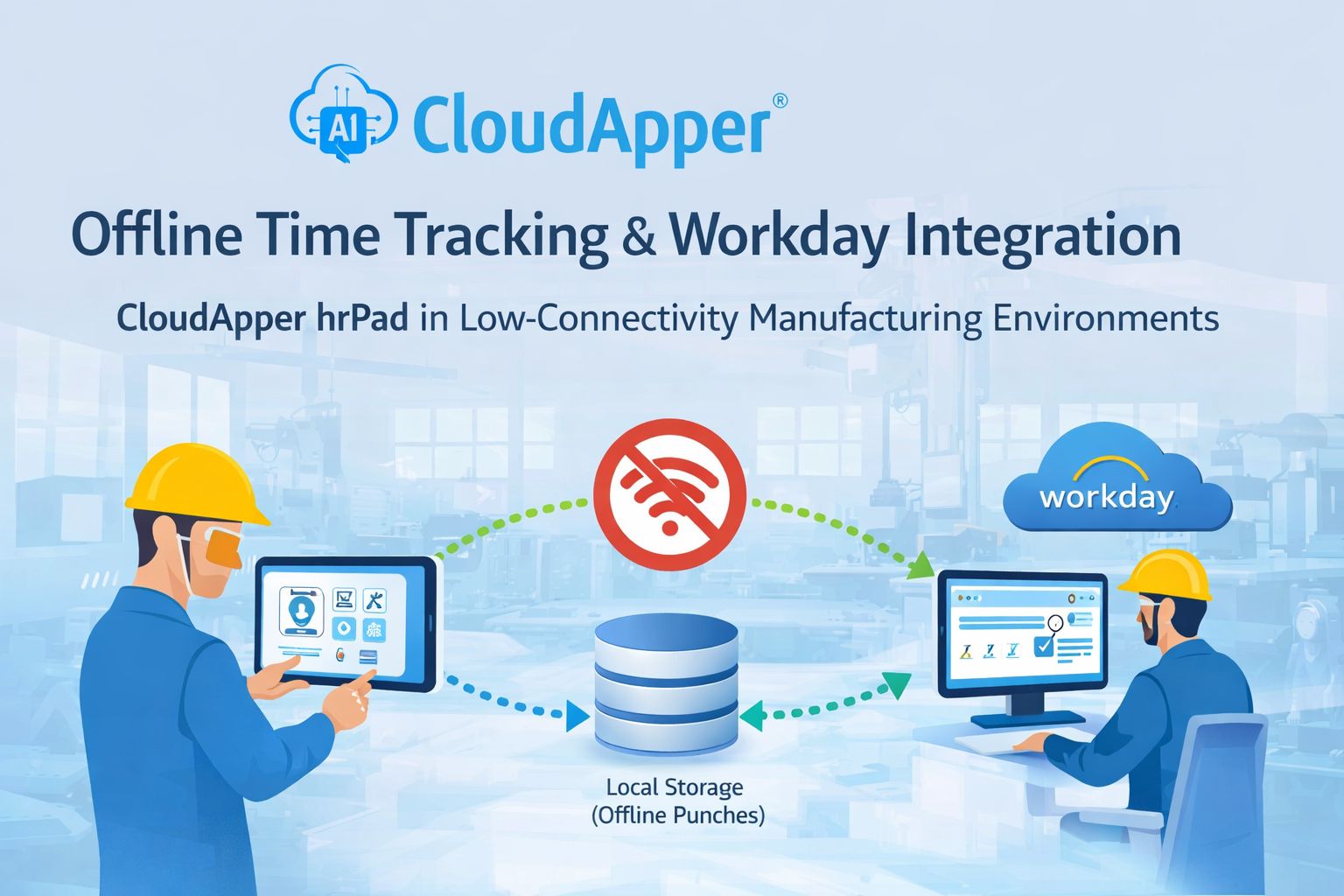
In warehouses, manufacturing facilities, and remote sites, network connectivity is not always reliable. A time clock that fails when the internet drops creates operational disruption and data gaps. Robust offline functionality — where punches are captured locally and synced with NetSuite once connectivity is restored — is a baseline requirement for any deployment in environments where uptime cannot be guaranteed.
Multi-Site Scalability
Organisations operating across multiple locations need consistent time tracking and reporting across all sites. A scalable NetSuite time clock solution should support centralised policy management, uniform authentication standards, consolidated reporting, and straightforward deployment across any number of locations without requiring site-by-site technical configuration.
Multilingual Support
In industries with diverse frontline workforces, language barriers can undermine adoption and lead to errors. A NetSuite time tracking app that supports multiple languages — and defaults to the employee’s preferred language automatically — ensures that every team member has equal access to the system, regardless of their primary language.
How AI Is Redefining NetSuite Time and Attendance
Artificial intelligence is changing what a NetSuite time clock can do in ways that go well beyond capturing timestamps. Understanding how AI adds value helps organisations evaluate which capabilities are genuinely useful and which are marketing noise.
Eliminating Buddy Punching Through Facial Recognition
Facial recognition is the most direct application of AI in time clock technology. By comparing a live image of the employee’s face against a stored reference at the point of punch, AI-powered systems verify identity with a high degree of accuracy and speed. The entire process takes less than a second, making it faster than PIN entry while being significantly more secure. The result is a time record that can be trusted — both for payroll accuracy and for compliance documentation.
Anomaly Detection and Payroll Protection
AI can analyse patterns in time and attendance data to flag anomalies that would otherwise go undetected until payroll processing. Unusual clock-in times, duplicate punches, patterns inconsistent with scheduled shifts, and potential compliance violations can all be identified and escalated automatically. This proactive monitoring shifts the payroll team from a reactive, error-correction mode to a more confident, exception-based workflow where most records are clean and only genuine anomalies require attention.
Conversational HR Support at the Clock
An AI assistant trained on the organisation’s own HR policies, employee handbook, and NetSuite workforce management configuration can answer a wide range of employee questions directly at the time clock terminal. This is not generic chatbot functionality — it is contextually aware, organisation-specific guidance delivered instantly to employees who would otherwise need to wait for HR office hours. For organisations with large shift-based workforces, the reduction in routine HR enquiries is substantial.
Data-Driven Workforce Insights
Over time, AI systems processing NetSuite time tracking data accumulate the patterns needed to surface meaningful operational insights. Which departments consistently generate unplanned overtime? Which shifts have the highest rates of late arrivals? Which job codes are consistently under-resourced? These questions, previously requiring manual analysis of spreadsheet exports, become answerable through automated reporting — giving HR directors and operations leaders the data they need to make better scheduling and resourcing decisions.
CloudApper AI TimeClock: AI-Powered NetSuite Time Clock for Frontline Teams
Among the NetSuite time tracking apps available today, CloudApper AI TimeClock is one of the most comprehensive solutions for organisations managing frontline and hourly workforces. Built to run on standard Android and iOS tablet hardware, AI TimeClock eliminates the need for expensive proprietary time clock equipment while delivering enterprise-grade time and attendance functionality integrated directly with Oracle NetSuite Workforce Management.
Native NetSuite Integration
AI TimeClock integrates directly with Oracle NetSuite Workforce Management, synchronising employee punches, PTO requests, timesheet records, and compliance flags in real time. There is no manual import process, no batch file transfer, and no risk of data discrepancy between the time clock and NetSuite. HR and payroll teams work from a single, consistently accurate source of truth.
Touchless Facial Recognition
AI TimeClock supports facial recognition authentication as the primary clock-in method, giving organisations a fast, hygienic, and highly accurate identity verification solution that effectively eliminates buddy punching. For environments where facial recognition is not preferred, AI TimeClock also supports PIN entry, QR code scanning, and RFID badge reading, giving administrators the flexibility to choose the authentication method that fits their workforce and workplace.
24/7 AI HR Assistant
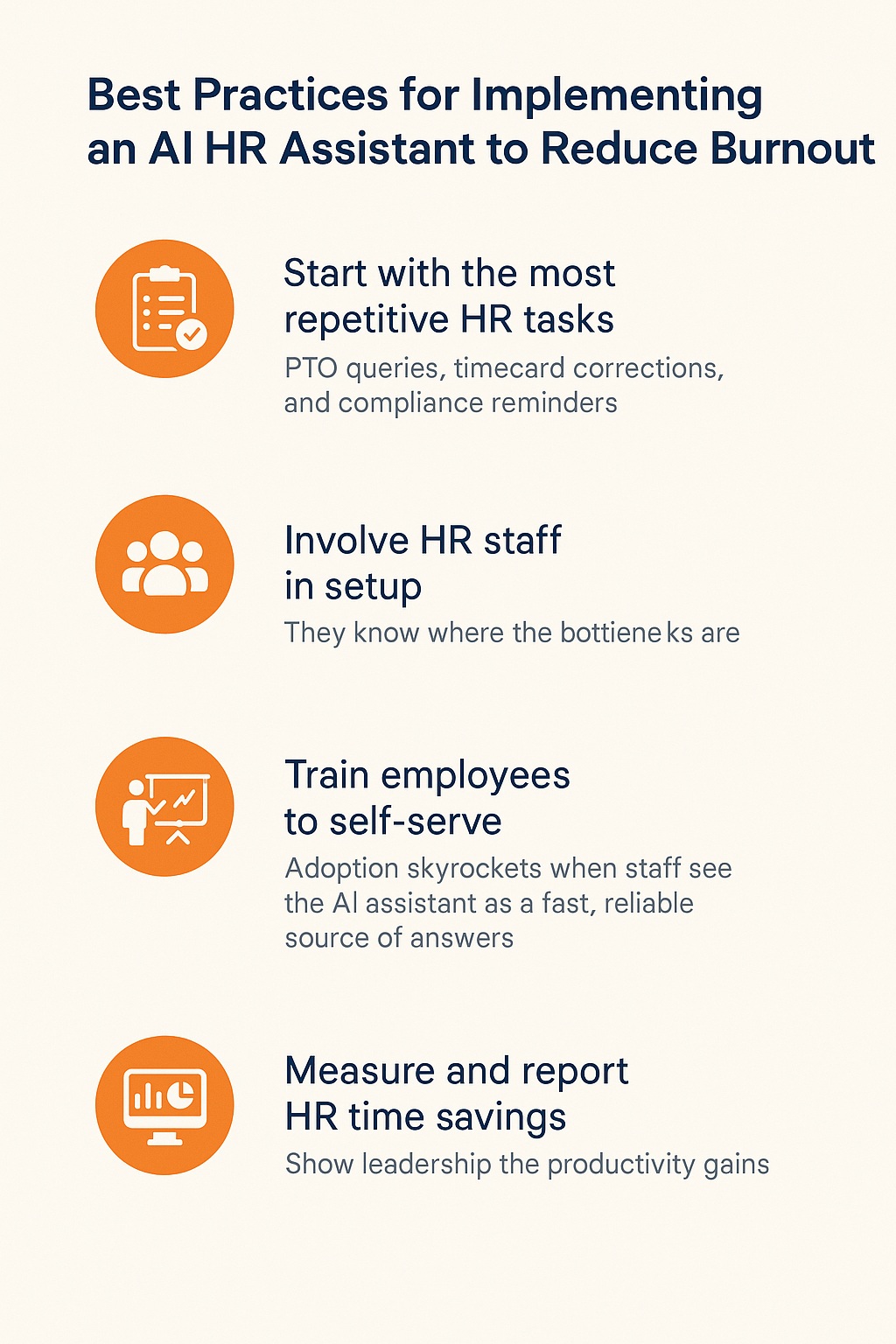
The AI assistant within AI TimeClock is trained on the organisation’s own HR policies, employee handbook, and NetSuite workforce configuration. This means that when an employee asks a question — about their leave balance, overtime entitlement, how to report a missed punch, or what the policy is on shift swaps — they receive an accurate, organisation-specific answer immediately, at any hour. This significantly reduces the volume of routine HR queries while improving the quality of information available to frontline employees.
Comprehensive Employee Self-Service
Through AI TimeClock, employees can view their timesheets in real time, flag missed punches directly at the terminal, submit and track PTO requests, check leave balances, confirm shift schedules, and initiate shift swap requests — all of which sync automatically with NetSuite. This self-service capability reduces administrative overhead for HR teams and gives employees a sense of autonomy and transparency over their own time records.
Attestation and Compliance Monitoring
AI TimeClock supports attestation workflows, enabling organisations to collect employee confirmation of break compliance, policy acknowledgements, and procedural adherence at the point of punch. These records are maintained in an auditable format, providing the compliance documentation that labor regulations and employment law require. Automated monitoring of break times, overtime thresholds, and shift lengths adds a further layer of proactive compliance management.
Broad HCM Compatibility
While this article focuses on Oracle NetSuite integration, AI TimeClock also connects natively with a wide range of other HCM and payroll platforms — including UKG, ADP, Oracle Cloud HCM, SAP SuccessFactors, Workday, Ceridian Dayforce, Paycom, and BambooHR. For organisations running NetSuite alongside other systems, or considering future platform changes, AI TimeClock provides a consistent, reliable time-tracking layer across the entire technology stack.
Industry Applications: NetSuite Time Tracking in Practice
Manufacturing and Warehousing
In manufacturing and warehouse environments, accurate job-costing and shift compliance are both operationally and legally critical. AI TimeClock captures time against specific job codes and cost centres, feeds that data directly into NetSuite, and monitors compliance with break and overtime regulations in real time. Geofencing ensures employees can only clock in from approved locations, and offline functionality maintains continuity during network disruptions — a common occurrence in large industrial facilities.
Retail
Retail operations combine high employee volumes, variable shift patterns, multiple locations, and significant seasonal fluctuation — a combination that creates substantial time tracking complexity. A NetSuite time clock like AI TimeClock simplifies this by giving store associates a fast, self-service clock-in experience, enabling PTO requests and shift swaps without manager involvement, and ensuring that NetSuite Workforce Management always reflects accurate, real-time attendance data across every location.
Healthcare and Social Care
Healthcare organisations face some of the most stringent workforce compliance requirements of any sector. Mandatory rest periods, maximum shift lengths, and detailed record-keeping obligations create significant administrative burden when managed manually. AI TimeClock automates compliance monitoring across all of these dimensions, flags potential violations before they become problems, and maintains the documentation required for regulatory audits — all while giving clinical and support staff a fast, touchless clock-in experience that does not disrupt patient care workflows.
Hospitality and Food Service
Hotels, restaurants, and food service businesses deal with fluctuating demand, diverse multilingual workforces, high turnover, and significant compliance complexity around tipping, break entitlements, and scheduling regulations. AI TimeClock’s multilingual interface, touchless authentication, and self-service capabilities make it well-suited to these environments, giving front-of-house and back-of-house teams alike a consistent and accessible time tracking experience that feeds directly into NetSuite payroll processing.
Frequently Asked Questions
What is a NetSuite time clock?
A NetSuite time clock is a dedicated time tracking terminal — typically a tablet-based device or purpose-built hardware unit — that captures employee attendance data and synchronises it directly with Oracle NetSuite Workforce Management. Modern AI-powered NetSuite time clocks support facial recognition, employee self-service, HR policy queries, and automated compliance monitoring, all integrated with NetSuite in real time.
What is the best NetSuite time tracking app?
The best NetSuite time tracking app for your organisation depends on your workforce type, the complexity of your scheduling and compliance requirements, and the degree of integration you need with NetSuite Workforce Management. For organisations with significant frontline or hourly workforces, an AI-powered solution like CloudApper AI TimeClock offers the most comprehensive combination of real-time NetSuite integration, facial recognition authentication, employee self-service, and AI-driven HR support.
How does NetSuite time and attendance work with third-party time clocks?
NetSuite time and attendance integrates with third-party time clocks through APIs that allow clock-in and clock-out data, PTO requests, and timesheet records to flow directly into NetSuite Workforce Management. The quality of this integration varies significantly between vendors — the most capable solutions offer real-time, bidirectional integration with no manual data entry required, while others rely on batch uploads or CSV imports that introduce delays and create opportunities for data discrepancy.
Can a NetSuite time clock prevent buddy punching?
Yes. AI-powered NetSuite time clocks with facial recognition authentication effectively eliminate buddy punching by verifying the identity of the employee at the point of punch rather than relying on a shared PIN or badge. The American Payroll Association estimates that time theft costs organisations between 1.5% and 5% of gross payroll annually — facial recognition removes this risk while maintaining a fast and seamless clock-in experience.
Does CloudApperAI TimeClock work with Oracle NetSuite on iPads?
Yes. CloudApper AI TimeClock is designed to run on standard iOS and Android tablet hardware, including iPads. This eliminates the need for expensive proprietary time clock equipment and allows organisations to deploy on familiar, commercially available devices. The interface is optimised for tablet use and works consistently across both iOS and Android platforms.
Is CloudApper AI TimeClock compatible with other HR systems besides NetSuite?
Yes. While AI TimeClock integrates natively with Oracle NetSuite Workforce Management, it also connects with a broad range of other HCM and payroll platforms including UKG, ADP, Oracle Cloud HCM, SAP SuccessFactors, Workday, Ceridian Dayforce, Paycom, and BambooHR. Organisations running multiple systems, or planning future platform migrations, can rely on hrPad as a consistent time tracking layer across their entire HR technology environment.
What compliance features does a NetSuite time tracking app need?
A NetSuite time tracking app should include automated monitoring of break times, overtime thresholds, and maximum shift lengths, with real-time alerts when potential violations are detected. Attestation functionality — collecting employee confirmation of break compliance and policy acknowledgements at the point of punch — provides additional compliance documentation. Together, these features create an auditable record that protects organisations in the event of a labor audit or employment dispute.
Conclusion
Oracle NetSuite is a powerful platform, but for organisations with significant frontline, hourly, or shift-based workforces, its native time tracking capabilities alone are rarely sufficient to meet the full demands of workforce management at the point of work. The gap between what these employees need and what a desktop ERP portal can realistically provide is wide — and it shows up in payroll errors, compliance risk, administrative overhead, and employee frustration.
A dedicated AI-powered NetSuite time clock closes that gap in a practical, scalable, and cost-effective way. By placing authenticated, self-service time tracking directly where employees work — and connecting it seamlessly to NetSuite Workforce Management in real time — organisations get cleaner data, stronger compliance, lower administrative overhead, and a meaningfully better experience for the employees who drive their operations.
CloudApper AI TimeClock brings together the depth of NetSuite integration, the accuracy of AI-powered facial recognition, the convenience of employee self-service, and the intelligence of an always-on HR assistant into a single solution that runs on standard tablet hardware. For HR directors, payroll managers, IT teams, and operations leaders looking to extend the value of their NetSuite investment to every employee — not just those at a desk — it represents one of the most complete options currently available.
Ready to see how CloudApper AI TimeClock can extend your NetSuite Workforce Management system with AI-powered time tracking? Contact CloudApper today to arrange a demonstration.
Key Takeaways
- NetSuite’s native time tracking works well for desk-based employees but leaves a significant gap for frontline, hourly, and shift-based workforces — a dedicated NetSuite time clock fills that gap.
- The most important evaluation criteria are real-time NetSuite integration, biometric authentication, employee self-service, AI-powered HR support, compliance monitoring, and offline functionality.
- AI transforms NetSuite time and attendance from simple punch capture into an intelligent workforce management layer — verifying identity, detecting anomalies, supporting employees, and monitoring compliance automatically.
- CloudApper AI TimeClock runs on standard iOS and Android tablets, integrates natively with Oracle NetSuite Workforce Management, and supports facial recognition, PIN, QR code, and RFID authentication.
- Time theft and buddy punching cost organisations between 1.5% and 5% of gross payroll annually — AI-powered facial recognition at the NetSuite time clock eliminates this risk without disrupting the employee experience.
- AI TimeClock also integrates with UKG, ADP, Oracle Cloud HCM, SAP SuccessFactors, Workday, and other major HCM platforms, making it a consistent time tracking layer across the full HR technology stack.
What is CloudApper AI Platform?
CloudApper AI is an advanced platform that enables organizations to integrate AI into their existing enterprise systems effortlessly, without the need for technical expertise, costly development, or upgrading the underlying infrastructure. By transforming legacy systems into AI-capable solutions, CloudApper allows companies to harness the power of Generative AI quickly and efficiently. This approach has been successfully implemented with leading systems like UKG, Workday, Oracle, Paradox, Amazon AWS Bedrock and can be applied across various industries, helping businesses enhance productivity, automate processes, and gain deeper insights without the usual complexities. With CloudApper AI, you can start experiencing the transformative benefits of AI today. Learn More
- Useful Links:
- Agentic AI
- No-Code/Low-Code
- Custom Software
- HCM Personalization
- iPaaS
- FedRAMP

Brochure
CloudApper hrPad
Empower Frontline Employees with an AI-Powered Tablet/iPad Solution
Download Brochure
CloudApper AI Solutions for HR



- Works with








- and more.
Similar Posts
Oracle Project Cost Tracking: Closing the Gap Between the Work…
FAQs: Preventing Time Theft in Oracle PeopleSoft with CloudApper’s AI…