If your hiring inbox is full but your shortlist is thin, the issue is usually pre-screening. This guide breaks down why unqualified applicants show up, how to define “qualified” for each role, and how scenario-based questions plus faster follow-ups can clean up your funnel. You’ll also see what to measure—like pass-through rate and time-to-screen—so your process gets better every week.


Table of Contents
If your inbox fills up with resumes that clearly don’t match the role, you’re not alone. Most North American recruiting teams are under pressure to move fast, keep hiring managers happy, and still reduce unqualified applicants without slowing the process down.
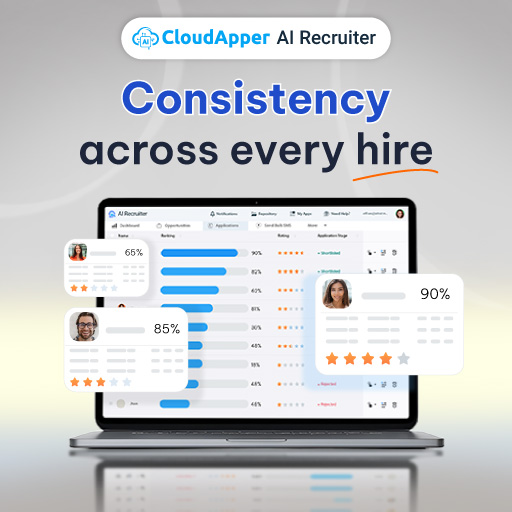
That’s where CloudApper AI Recruiter can fit naturally into your workflow. It’s a multi-agent recruitment solution designed to screen, score, and rank resumes in seconds, automate scheduling plus reminders and follow-ups 24/7, and keep candidates engaged so strong applicants don’t drift away while you’re sorting through noise. It also supports deeper contextual resume analysis and scenario-based pre-screening that helps validate real experience, not just polished wording.
Why So Many Applicants Are Unqualified In The First Place
Unqualified applicants aren’t always a “bad candidate” problem. In many cases, it’s a process problem. Here are the most common causes recruiters run into.
Channel mismatch happens when the role is posted in places that attract volume, not fit. A niche healthcare admin role posted in a broad, one-click job board may pull in hundreds of applicants, but only a small portion will have the right background.
Unclear job scope is another major driver. When the posting blurs what’s required versus “nice to have,” candidates self-select incorrectly. People apply because they can’t tell what matters most, and they assume they’ll explain it later.
“Easy apply” and one-click submissions raise volume while lowering intent. The candidate doesn’t invest much effort, so the application becomes a numbers game.
Weak knockouts are also common. Some teams avoid firm minimum requirements because they worry about shrinking the pipeline. The result is predictable: you get a big pipeline, but it’s mostly the wrong people.
Poor screening questions create false positives. If your questions are too generic (“Tell us about yourself”), you’ll get confident answers from candidates who still can’t do the job. If they’re too easy (“Are you comfortable with weekends?”), everyone says yes.
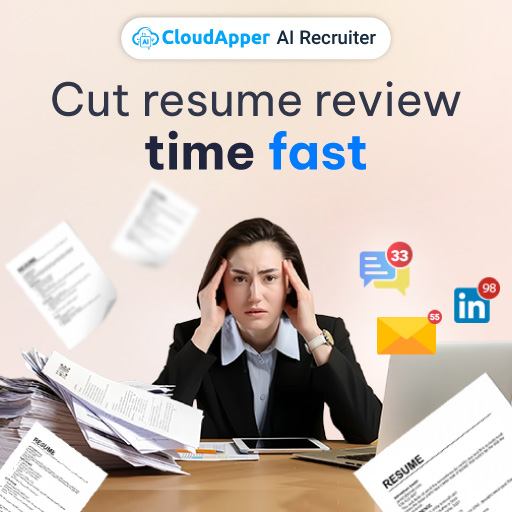
Slow response time is the final accelerant. When candidates don’t hear back quickly, the best ones move on, and the remaining pool leans more heavily toward spray-and-pray applicants. Ironically, delays can increase noise because the process starts attracting people who are applying everywhere and waiting for any reply.
Reduce Unqualified Applicants with Better Pre-Screening
Pre-screening doesn’t have to be complicated. It has to be consistent. The goal is to define what “qualified” means for this specific role, filter early using proof-based signals, and communicate quickly enough that serious candidates stay engaged.
A practical way to think about it is this: pre-screening should answer three questions within the first touchpoints.
- First, can they do the work (skills and experience)?
- Second, will they do the work (availability, schedule, location, expectations)?
- Third, can you trust the signals (claims that hold up under real scenarios)?
When you align your process to those three, you spend less time guessing—and more time moving the right people forward.
Step 1: Define “qualified” to Reduce Unqualified Applicants
Start with a short definition hiring managers can agree on in five minutes. Not a long competency model—just the minimum bar.
Write it as a simple checklist with two layers:
Layer A: must-haves (non-negotiable)
These are requirements that, if missing, make the candidate a no. Think licenses, specific shift availability, language fluency, required certifications, or minimum years in a very specific function.
Layer B: success signals (what “good” looks like)
These are indicators that predict strong performance: experience in your environment (high-volume retail, union shop floor, fast-paced clinic), exposure to your tools, examples of handling edge cases, or measurable outcomes.
This definition becomes your filter. Without it, your screening is just vibes and urgency.
Now, make it concrete. Instead of “strong communication skills,” define what that means for the role: “Can explain an insurance eligibility issue to a frustrated patient and document it correctly.” That’s something you can actually test.
Step 2: Set minimum criteria that are easy to verify
Minimum criteria should be simple, observable, and tied to the day-to-day job. If a requirement can’t be checked early, it doesn’t belong in your knockout layer.
For example, “experience in a fast-paced environment” is too vague to knockout on. But “has handled 60+ customer interactions per shift” is testable. “Comfortable with weekends” is vague. “Available for Friday–Monday, 2pm–10pm” is verifiable.
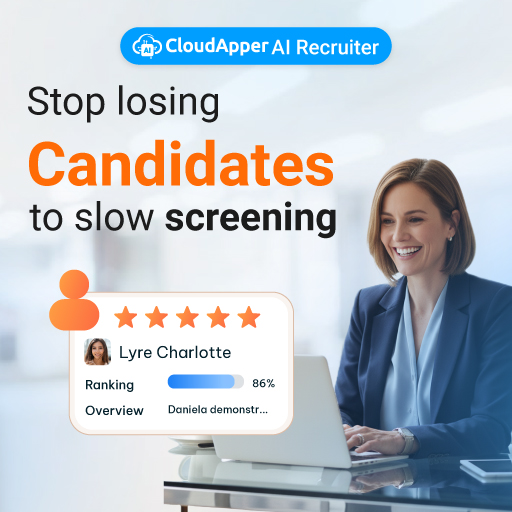
This is also where smart automation helps. When a system can screen, score, and rank resumes quickly, recruiters can stop doing first-pass sorting manually and instead focus on exceptions and top signals. CloudApper AI Recruiter supports that fast first pass while keeping the evaluation centered on job-relevant criteria rather than surface-level keyword matching.
Step 3: Build scenario-based screening questions that reveal real fit
This is where most teams unlock the biggest quality jump. Scenario-based questions don’t ask candidates to describe themselves. They ask candidates to respond like they’re already in the role.
- For a retail supervisor: “A customer wants a refund without a receipt and your line is getting long. What do you do first, and why?”
- For a healthcare admin role: “A patient says their insurance should cover the visit, but the system shows inactive coverage. Walk through your next three steps.”
- For a warehouse associate: “You’re short-staffed and the next shift is delayed. How do you prioritize picking vs. staging so outbound shipments don’t miss cutoff?”
- For a call-center role: “A caller is upset, talking fast, and jumping between issues. How do you regain control of the conversation?”
Scenario questions do two things at once: they filter out candidates who can’t think through the work, and they give strong candidates a chance to show competence beyond a resume.
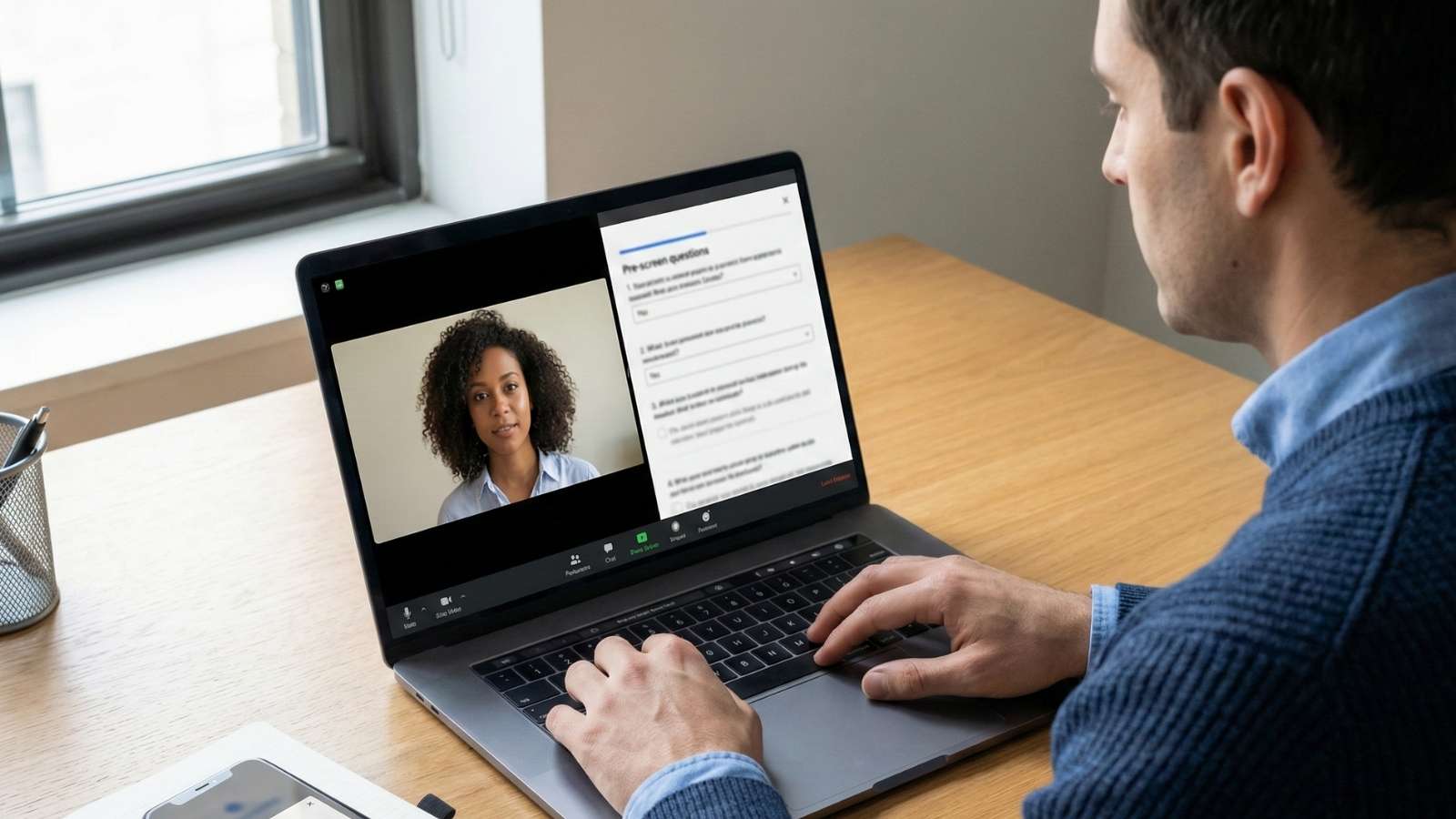
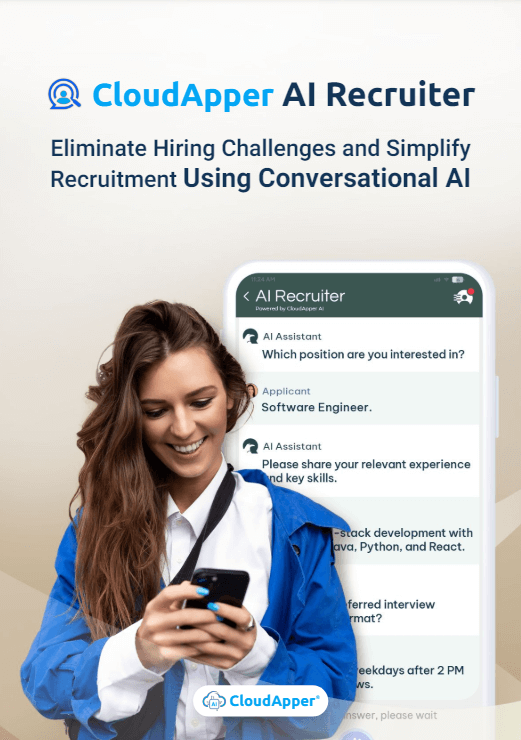
CloudApper AI Recruiter is designed to support this kind of approach by using deep contextual analysis of resumes (not just keyword hits) and then asking personalized, scenario-based questions during pre-screening to verify claims. That helps you focus on proof instead of polished phrasing.
Step 4: Verify claims early without turning it into an interrogation
You don’t need a “gotcha” approach. You need consistency.
Pick two or three claims that matter most for the role, then validate them with lightweight proof prompts:
- “Tell me about the last time you handled X. What was the situation, what did you do, and what happened next?”
- “What tools did you use day-to-day, and what did you personally own versus support?”
- “What’s a mistake you made in this type of work, and what did you change afterward?”
Candidates with real experience answer with specifics: constraints, tradeoffs, and outcomes. Candidates who are stretching the truth often stay abstract.
This is also increasingly relevant because some applicants now use generic templates and real-time assistance tools to sound convincing. A pre-screen that leans on scenarios and consistency checks makes that harder to pull off.
Step 5: Speed up communication so qualified candidates don’t disappear
Noise rises when your process drags. Strong candidates don’t wait around, and when they leave, your funnel skews toward low-fit applicants who are applying everywhere.
Aim for a simple service level target: a same-day or next-day response for the top segment of applicants. Not for everyone—just for the candidates who clear your must-haves.
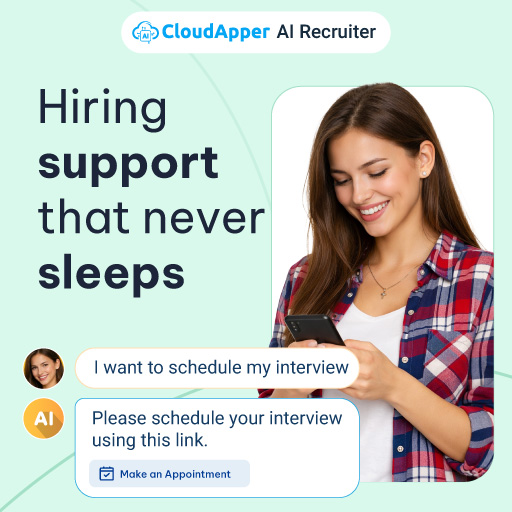
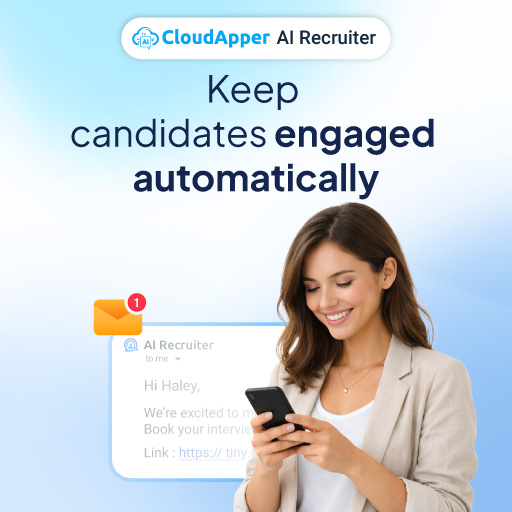
Automation can help here without making the process feel robotic. CloudApper AI Recruiter can automate scheduling, reminders, and follow-ups 24/7 so candidates get timely next steps, which reduces drop-off and keeps your shortlist warm.
What Better Pre-Screening Looks Like in Real Hiring
In a retail hiring surge, a regional chain might need 40 seasonal associates in three weeks. If the application is one click and the screening is generic, the team gets flooded. A scenario-based question like “A shopper wants to buy an item that’s missing a price tag while your manager is busy—what do you do?” instantly filters out candidates who can’t handle basic store judgment calls. Pair that with non-negotiables (weekend availability, ability to stand for long shifts), and you reduce unqualified applicants without cutting into speed.
For a healthcare admin role, the resume volume often includes people who have “medical office” on their profile but haven’t handled insurance verification, prior authorizations, or patient intake under pressure. A scenario prompt about inactive coverage forces candidates to show process knowledge. Those who answer with clear steps and documentation habits rise quickly. Those who stay vague fall out early, saving interview time.
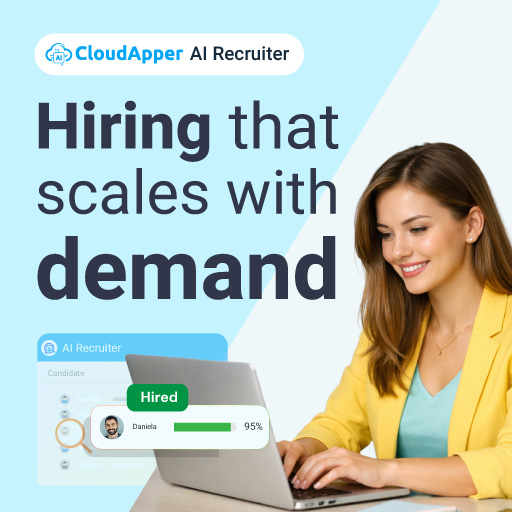
For warehouse shift coverage, the challenge is often availability plus reliability. If the posting doesn’t clearly state shift windows and expectations, you’ll get applicants who can’t actually work the schedule. Tight minimum criteria plus a scenario prompt about prioritizing picks under staffing constraints filters for practical thinking. In high-volume environments, that’s a direct path to reduce unqualified applicants and protect your hiring managers’ time.

What To Measure So You Can Keep Improving
Pre-screening works best when you treat it like a system, not a one-time cleanup. A small metrics review every week can keep things tight.
Track pass-through rate from application to pre-screen success. If it’s extremely high, your screen is too soft. If it’s extremely low, you may be over-filtering or attracting the wrong traffic.
Watch drop-off rate between “screen sent” and “screen completed.” If candidates aren’t finishing pre-screens, you may be asking too much too soon, or you may be responding too slowly.
Measure time-to-screen: how long it takes for a qualified applicant to receive next steps. Faster time-to-screen usually improves shortlist quality because the best candidates stay engaged.
Review quality-of-shortlist with hiring managers. A simple score (1–5) after interviews can show whether your pre-screen is predicting fit.
Finally, monitor interview-to-offer ratio. If too many interviews fail late, the pre-screen isn’t testing the right realities of the job. Tighten your scenarios and verification prompts.
When these metrics move in the right direction, you reduce unqualified applicants while still keeping the funnel healthy.
FAQ
How many screening questions should we use in pre-screening?
Use fewer questions, but make them higher quality. Two to four scenario-based prompts plus a few must-have checks typically outperform longer questionnaires.
Should we use knockout questions for every role?
Use knockouts only for true non-negotiables you can verify early. If a “requirement” is really a preference, don’t make it a knockout—use it as a scoring signal instead.
How do we prevent candidates from faking experience during pre-screening?
Ask scenario questions tied to the exact work and then verify the highest-impact claims with specific follow-ups. Systems that use contextual resume analysis and personalized scenarios can also help make generic answers less effective.
What’s a reasonable response-time target for high-volume roles?
Focus on the candidates who clear must-haves. Same-day or next-day next steps for that group can protect quality and reduce drop-off.
How do we know if our pre-screening is too strict?
If pass-through rate collapses and hiring managers still say the shortlist lacks fit, you may be filtering on the wrong signals. Recheck your definition of “qualified” and update scenarios to reflect real job conditions.
Explore CloudApper AI Recruiter

What is CloudApper AI Platform?
CloudApper AI is an advanced platform that enables organizations to integrate AI into their existing enterprise systems effortlessly, without the need for technical expertise, costly development, or upgrading the underlying infrastructure. By transforming legacy systems into AI-capable solutions, CloudApper allows companies to harness the power of Generative AI quickly and efficiently. This approach has been successfully implemented with leading systems like UKG, Workday, Oracle, Paradox, Amazon AWS Bedrock and can be applied across various industries, helping businesses enhance productivity, automate processes, and gain deeper insights without the usual complexities. With CloudApper AI, you can start experiencing the transformative benefits of AI today. Learn More
CloudApper AI Solutions for HR



- Works with


- and more.








Similar Posts
How cNPS Reflects Your Recruitment and Employer Brand
The Recruitment-to-HRIS Gap: Why Your “System of Record” Should Start…