Workday Recruiting keeps one record from applicant to employee, but recruiters still lose time on screening, scheduling and reports. Here's what the Workday ATS does well and how to fix the rest.

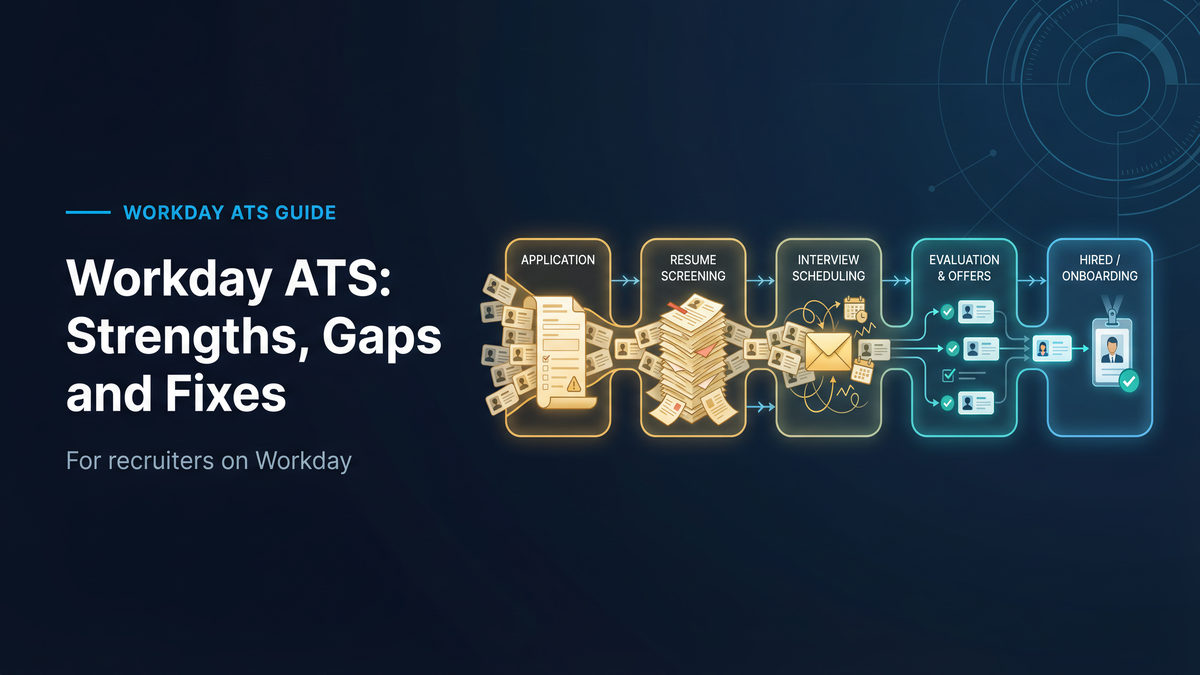
Table of Contents
- Is Workday an ATS?
- What the Workday ATS does well
- Where recruiters still get stuck in Workday Recruiting
- Workday ATS sticking points: native fixes vs add-ons
- How AI screening works in the Workday ATS in 2026
- What candidates see when they apply through Workday
- How to get more out of your Workday ATS without replacing it
- Workday ATS FAQ
- Key takeaways for recruiting teams on Workday
The Workday ATS is Workday Recruiting, the recruiting module inside Workday HCM. Its biggest strength is simple: a candidate becomes an employee without anyone typing the same data twice. However, its weak spots show up in high-volume hiring, especially screening, interview scheduling, the apply flow and recruiting reports. This guide covers both sides, plus the fixes recruiting teams use in 2026.
Is Workday an ATS?
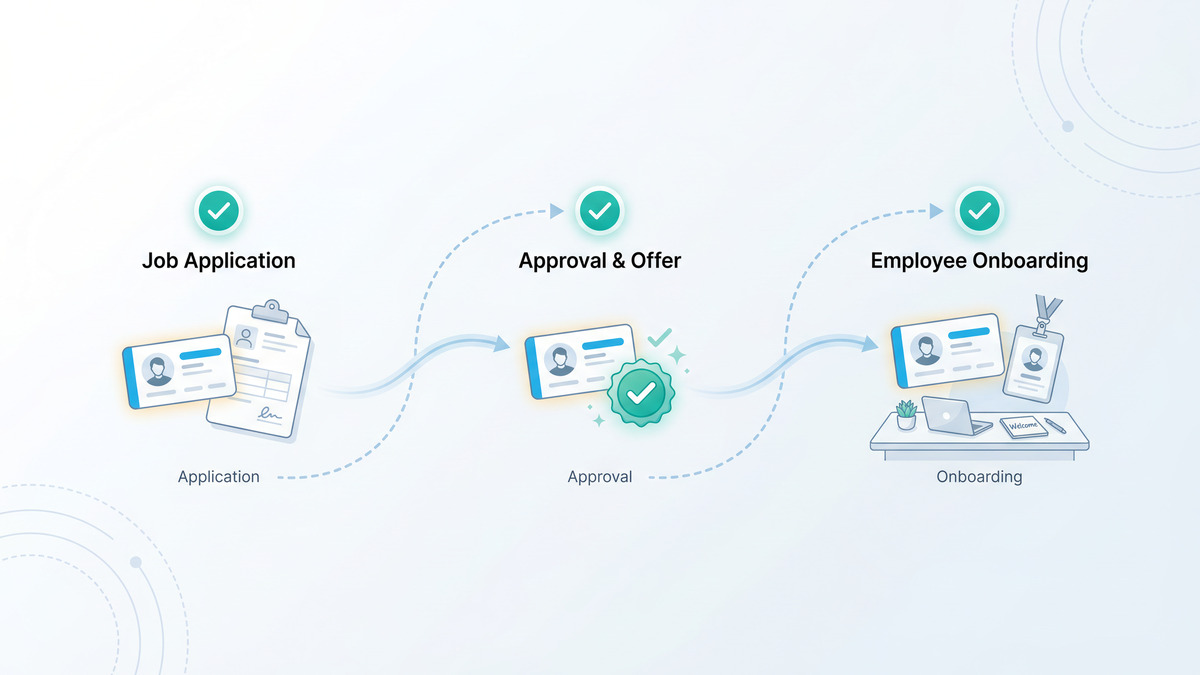
Yes. The Workday ATS is called Workday Recruiting, and it runs on the same platform as Workday HCM. Recruiters post requisitions, collect applications, move candidates through stages and send offers without leaving Workday.

That shared platform matters because recruiting uses the same worker data, security and business processes as the rest of Workday. As a result, a hired candidate moves straight into onboarding. For example, one G2 reviewer said that moving from iCIMS to Workday Recruiting reduced the disconnect between recruiters and HRIS.
Workday has also added AI around the core module. HiredScore, a Workday company, grades applicants. Then, in October 2025, Workday completed its acquisition of Paradox, a conversational hiring assistant built for frontline roles.
What the Workday ATS does well
The Workday ATS is strongest when recruiting, HR and payroll need to share one record. Here is where it earns its place:
- One record from applicant to employee. Offer details, start dates and job data carry into onboarding, so HR does not rekey them.
- Configurable approvals. Requisition, offer and background check approvals follow the same business process framework admins already use.
- Security and audit trails. Candidate data sits under the same security model as employee data, which helps during audits.
- Internal mobility. Employees apply to internal jobs with their existing worker profile, so internal talent is easy to find.
- AI grading in the workflow. HiredScore grades and the reasons behind them now appear inside Workday Recruiting. So recruiters no longer switch tools to see why a candidate scored well.
Where recruiters still get stuck in Workday Recruiting
Most complaints about the Workday ATS are not about missing features. Instead, they are about the clicks, approvals and admin requests it takes to move fast. Reviews on G2 repeat the same five themes.
High-volume screening
Application volume keeps climbing. According to Workday’s own data, applications per offer rose from a median of 58 in July 2025 to 69 in July 2026. On a busy requisition in the Workday ATS, recruiters still open profiles one by one unless they add AI grading or knockout questions.
Interview scheduling
Scheduling is a common bottleneck. Recruiters coordinate panels by email, then update Workday by hand. As a result, the time from application to first interview stretches. For frontline roles, that delay often means losing the candidate to a faster employer.
The apply flow
On many Workday career sites, candidates must create an account before they can apply. Next, they fill in details that are already on their resume. Reviewers call this step clunky, and it hurts most when hourly applicants apply from a phone.
Recruiting reports
Workday reporting is powerful, but Workday designed it for admins. Recruiters often need help to get simple views, such as time to fill by source or drop-off by stage. Some reviewers also say the standard recruiting reports are too limited.
Changes that depend on admins
Recruiters and talent leaders usually cannot change a step, a form or a status on their own. Instead, each change goes to the Workday admin team, which already has a long queue. Meanwhile, the hiring problem waits.
Workday ATS sticking points: native fixes vs add-ons
Here is how each sticking point maps to what the Workday ATS offers natively and what teams usually add. Use it to decide where an add-on is worth the cost.
| Sticking point | Native Workday option | Common add-on fix |
|---|---|---|
| High-volume screening | HiredScore grading | AI screening with knockout questions |
| Interview scheduling | Paradox self-scheduling | Self-scheduling tied to recruiter calendars |
| Apply flow | Job application templates and questionnaires | Text or chat apply from a phone |
| Recruiting reports | Custom reports built by admins | Ready-made stage and source dashboards |
| Changes that need admins | Business process configuration | No-code tools that let HR build the missing step |
In short, Workday covers the record and the approvals well. Add-ons tend to win on speed, mobile apply and recruiter self-service.
How AI screening works in the Workday ATS in 2026
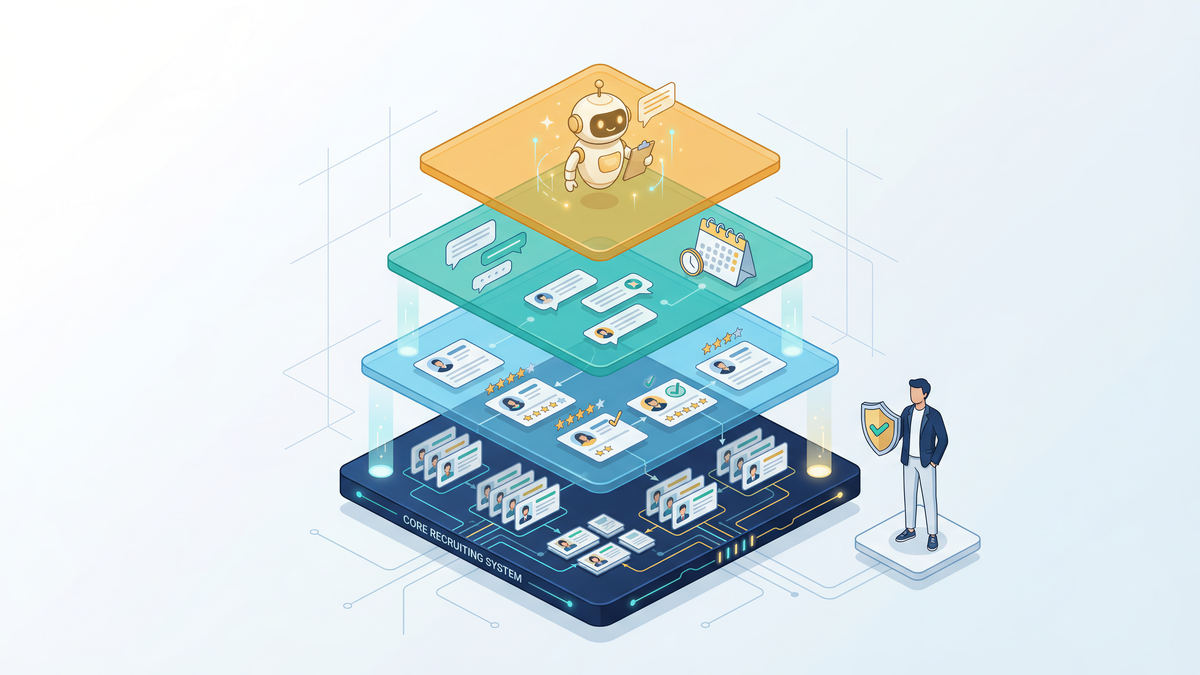
Workday now offers three AI layers on top of Workday Recruiting. Each one solves a different part of the funnel.
| AI layer | What it does | Best fit |
|---|---|---|
| HiredScore AI for Recruiting | Grades applicants against job requirements and shows fit and gaps inside Workday Recruiting | Skilled and corporate roles with large applicant pools |
| Paradox Candidate Experience Agent | Chats with candidates, answers questions and lets them book interviews around the clock | Frontline and high-volume hiring |
| Talent Acquisition Agent | Handles routine hiring tasks automatically; announced in early access at Workday Rising 2026 | Teams testing agent-led recruiting |
Before you turn any of these on, check two things. First, check licensing. HiredScore and Paradox are typically separate purchases, and Workday’s AI agents draw on Flex Credits. Second, check oversight. Keep a recruiter responsible for every reject decision, and write down the criteria the AI uses.
What candidates see when they apply through Workday
Job seekers run into the Workday ATS constantly, because so many employers use it. From their side, the experience usually looks like this:
- A separate candidate account on each employer’s Workday career site.
- An application form that may ask for details already on the resume.
- Broad status labels in the candidate home, such as “Under Consideration” or “In Process.”
This matters for recruiters too. Every extra step in the apply flow costs completed applications. So a shorter path is often the fastest way to fill the top of the funnel.
How to get more out of your Workday ATS without replacing it
You rarely need a new ATS to fix these problems. Instead, most teams keep Workday Recruiting as the system of record and fix the steps around it.
- Find where candidates drop off. Pull applications, screens and interviews by stage for your top 10 requisitions. The biggest drop is your first fix.
- Shorten the apply step. Ask only knockout questions up front, and let candidates apply by text or chat. Here is how AI candidate screening in Workday works.
- Let candidates book their own interviews. Self-scheduling removes the email back-and-forth. See how to automate interview scheduling in Workday.
- Rank applicants before you read them. For high-volume roles, sort by fit first. Learn how to rank candidates for high-volume roles.
- Give recruiters the reports they ask for. Time in stage is a good start, and you can track candidate stage history without calculated fields.
- Clean up your integrations. Background checks and assessments should update the candidate record on time. Start with background check integrations, then fix recruiting data issues caused by integrations.
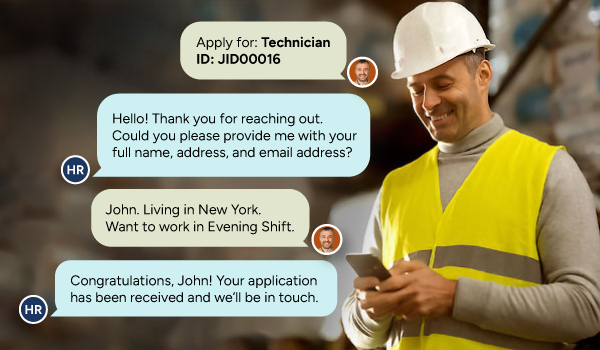
If you want these steps live without a long IT project, CloudApper AI Recruiter works alongside your Workday ATS. It asks role-specific screening questions, ranks applicants and books interviews. Meanwhile, Workday Recruiting stays your system of record.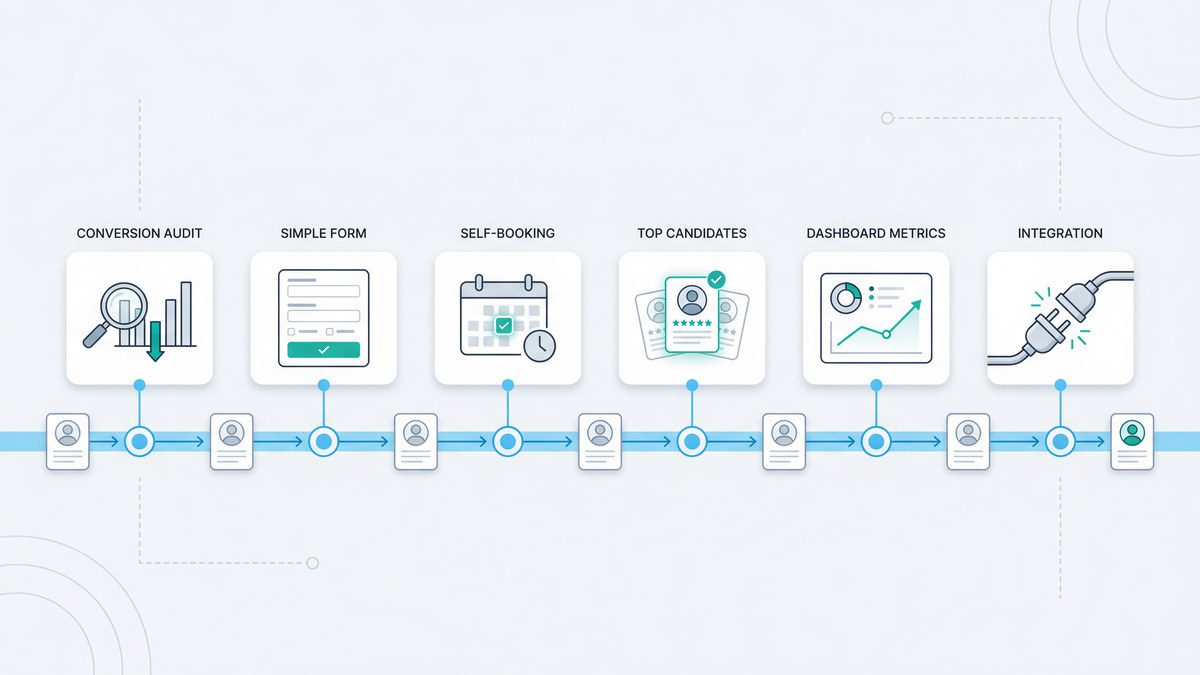
Workday ATS FAQ
Is Workday Recruiting a good ATS for high-volume hiring?
It can be, with help. Workday Recruiting handles the record, approvals and onboarding well. However, high-volume teams on the Workday ATS usually add AI grading, conversational apply and self-scheduling. Those can come from Workday (HiredScore and Paradox) or from a specialist tool.
Does Workday use AI to screen resumes?
Yes, when the employer turns it on. HiredScore AI for Recruiting grades applicants against job requirements and shows the reasons inside Workday Recruiting. Recruiters still decide who moves forward.
Can you customize the Workday ATS?
Admins can configure business processes, questionnaires and candidate stages. However, recruiters usually need admin help for each change. Also, anything Workday does not offer natively needs Workday Extend, an integration or a partner tool.
What is the difference between Workday HCM and Workday Recruiting?
Workday HCM is the core HR system for worker records, org structure and business processes. Workday Recruiting is the ATS module that runs on top of it. That is why new hires move into HCM without re-entry.
Key takeaways for recruiting teams on Workday
The Workday ATS is a strong system of record, and HiredScore and Paradox close part of the high-volume gap. Still, the friction that remains sits in the apply flow, scheduling and recruiter-friendly reporting. So fix those steps first, measure drop-off by stage, and keep Workday Recruiting at the center.
Want to see AI screening and self-scheduling running next to Workday Recruiting? See how CloudApper AI Recruiter works.

What is CloudApper AI Platform?
CloudApper AI is an advanced platform that enables organizations to integrate AI into their existing enterprise systems effortlessly, without the need for technical expertise, costly development, or upgrading the underlying infrastructure. By transforming legacy systems into AI-capable solutions, CloudApper allows companies to harness the power of Generative AI quickly and efficiently. This approach has been successfully implemented with leading systems like UKG, Workday, Oracle, Paradox, Amazon AWS Bedrock and can be applied across various industries, helping businesses enhance productivity, automate processes, and gain deeper insights without the usual complexities. With CloudApper AI, you can start experiencing the transformative benefits of AI today. Learn More
- Useful Links:
- Agentic AI
- No-Code/Low-Code
- Custom Software
- HCM Personalization
- iPaaS
- FedRAMP
Brochure
CloudApper AI TimeClock
For accurate & touchless time capture experience.
Download Brochure
CloudApper AI Solutions for Workday


- Works with








- and more.
Similar Posts

Workday Step Progression Not Working: 7 Reasons Workers Miss Their…

Workday Reference Check Stalled: Where Requests Break and What Admins…