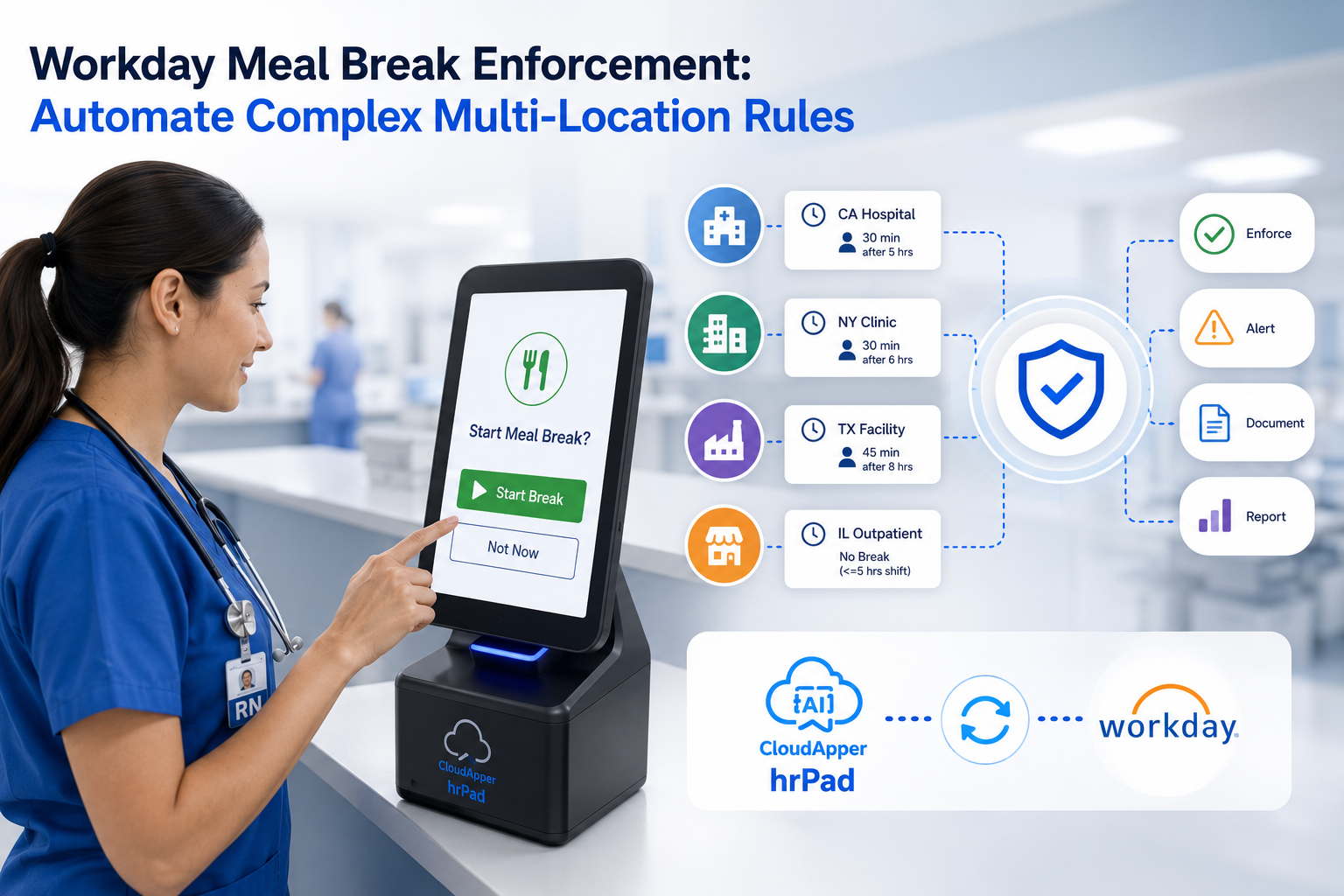
CloudApper AI TimeClock transforms tablets into cost-effective employee clock in and out terminals, seamlessly integrated with Workday for efficient time tracking.
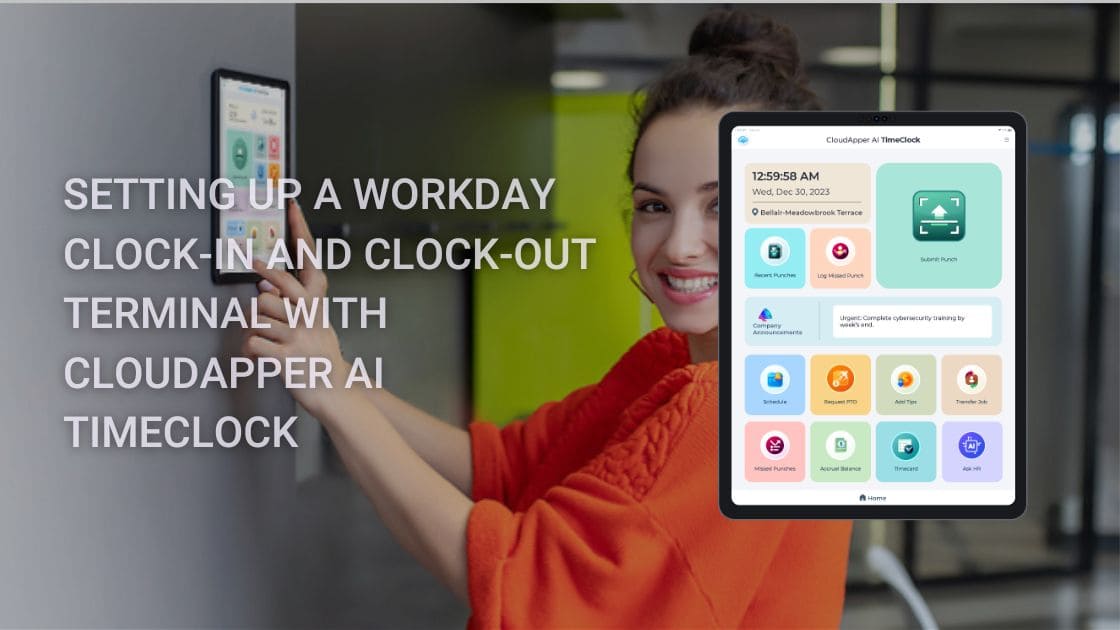
Table of Contents
- TL;DR
- Understanding Workday Time Clock Terminal Setup
- Latest Trends and Developments
- Expert Tips for Successful Implementation
As an HR Manager in a large organization, I’ve navigated the complexities of implementing efficient time tracking systems. Let’s explore the process of setting up a Workday clock-in and clock-out terminal using CloudApper AI TimeClock, offering insights on integration with Workday Time Tracking & Payroll Solution for seamless workforce management.
TL;DR
Workday clock-in and clock-out terminal setup is simple and cost-effective with CloudApper AI TimeClock: use affordable tablets/iPads for secure, touchless biometric punches (Face ID), offline support, real-time sync to Workday Time Tracking, job transfers, labor levels, and self-service features — eliminating expensive hardware, reducing buddy punching, and streamlining payroll accuracy for deskless and shift-based teams.
Understanding Workday Time Clock Terminal Setup
Setting up a Workday clock-in and clock-out terminal involves configuring the system to capture employee time accurately. Workday Time Clock serves as the central hub for time tracking, ensuring precision in recording work hours and simplifying payroll processes. By integrating CloudApper AI TimeClock, organizations can enhance the functionality of their time tracking system, leveraging advanced features for improved efficiency and accuracy.

Latest Trends and Developments
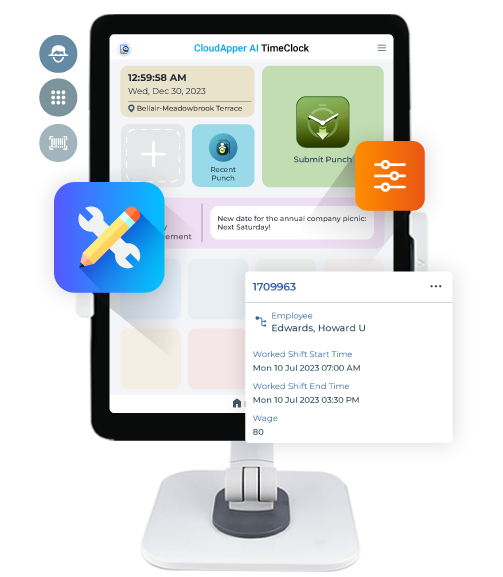
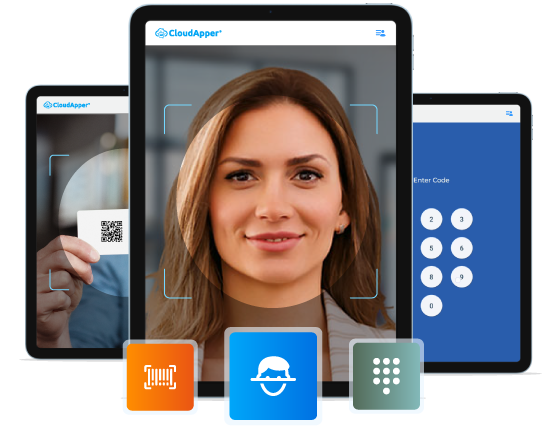
Recent trends in time tracking emphasize the need for automated solutions that streamline clock-in and clock-out procedures. CloudApper AI TimeClock offers innovative capabilities such as facial recognition, geofencing, and mobile accessibility, aligning with the evolving demands of modern workplaces. Group time capture, job transfers, custom data capture, and attestations can be completed both online and offline. That you can use it even from the field, eliminating the need for manual data entry upon returning to the office. Integrating these features with Workday Time Tracking & Payroll Solution enhances data accuracy, compliance, and employee satisfaction.
Expert Tips for Successful Implementation
- Conduct thorough training sessions for employees to familiarize them with the new time tracking system.
- Regularly monitor and analyze time tracking data to identify trends, address discrepancies, and optimize processes.
- Encourage feedback from employees to gauge user experience and make necessary adjustments for enhanced usability.
Frequently Asked Questions
What is a Workday clock-in and clock-out terminal?
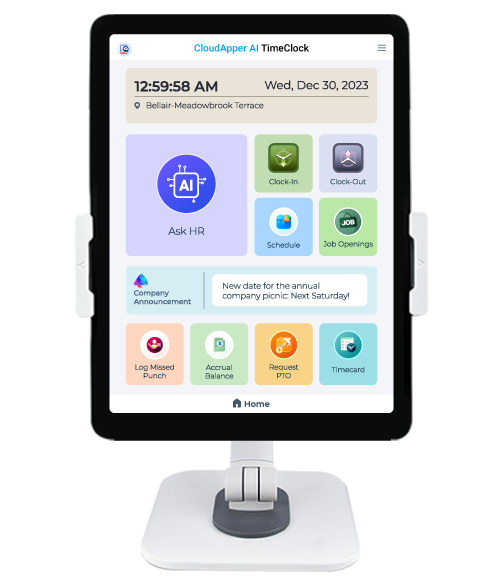
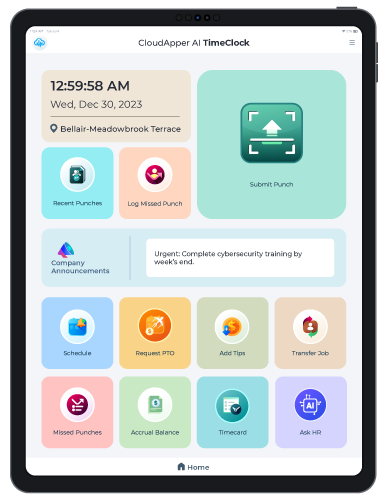
A Workday clock-in and clock-out terminal is a device (tablet, kiosk, or mobile app) that employees use to record time punches, integrated with Workday Time Tracking. CloudApper AI TimeClock turns standard tablets into secure, touchless time clocks with biometric verification and full Workday sync.
Do I need expensive hardware for a Workday clock-in terminal?
No — CloudApper AI TimeClock uses affordable iPads or Android tablets as your Workday clock-in and clock-out terminal, eliminating costly proprietary kiosks while delivering Face ID, offline punching, and seamless integration with Workday.
Can a Workday clock-out terminal work offline?
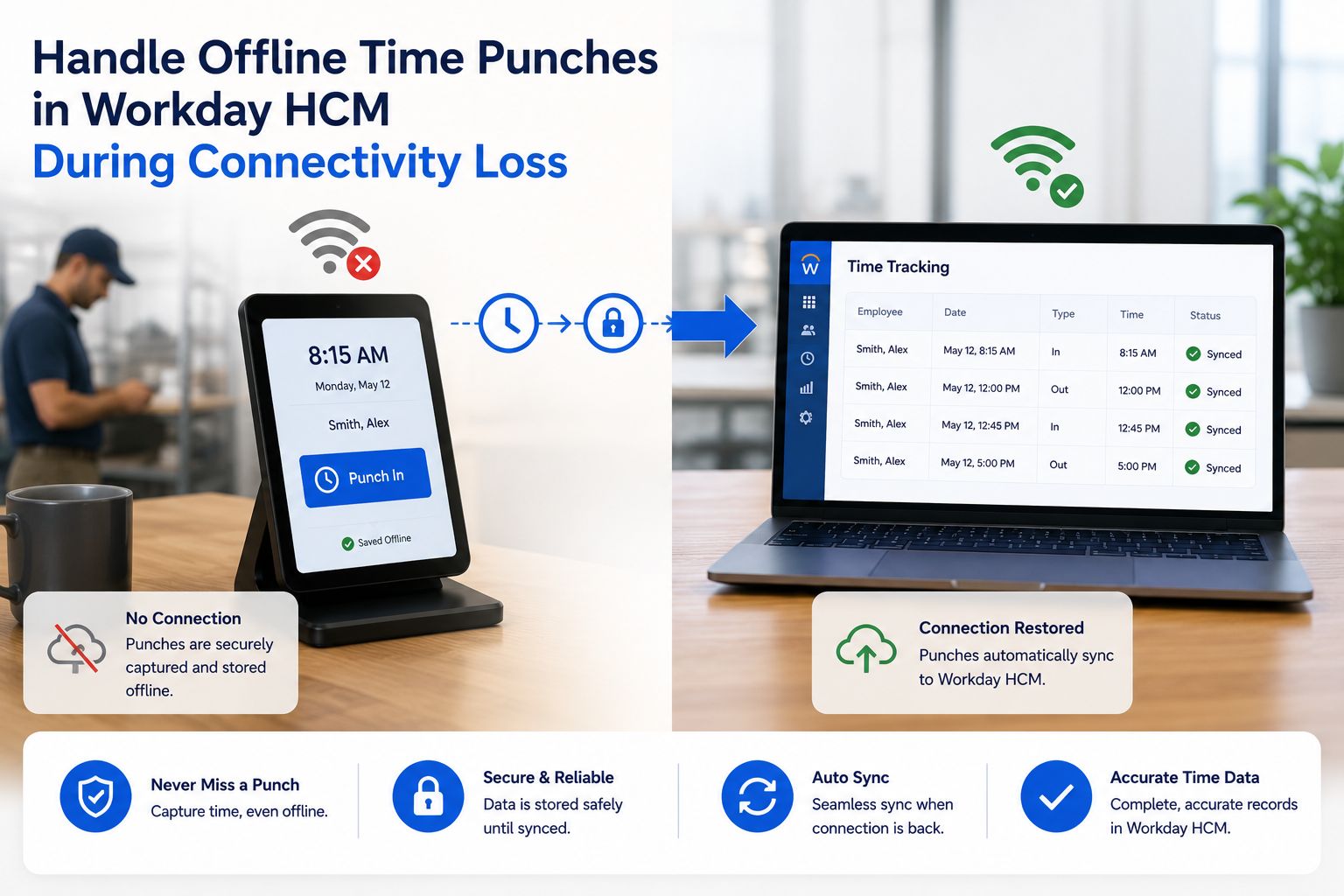
Yes — CloudApper supports offline clock-ins/outs on your Workday clock-in and clock-out terminal. Data stores locally and syncs automatically when connectivity returns — ideal for remote sites, field teams, or areas with unreliable internet.
Does CloudApper prevent buddy punching on Workday terminals?
Absolutely. Touchless Face ID (>99.5% accuracy, works with masks/glasses) on your Workday clock-in and clock-out terminal eliminates buddy punching, with optional PIN/QR fallback and real-time audit logs synced to Workday.
How does the terminal integrate with Workday Time Tracking?
CloudApper uses certified APIs for real-time or batched sync of punches, job transfers, labor levels, shift differentials, and accruals — making your Workday clock-in and clock-out terminal fully compatible with all Workday workflows.
CloudApper AI Time Clock
Brightwater Senior Living’s Adopted CloudApper AI TimeClock's Face Matching App for Time Tracking
Final Words
Setting up a Workday clock-in and clock-out terminal with CloudApper AI TimeClock offers a transformative solution for efficient time tracking in organizations. By integrating this advanced system with Workday Time Tracking & Payroll Solution, businesses can streamline employee clock-in and clock-out processes, improve data accuracy, and enhance overall workforce management.
As you embark on this journey to enhance your time tracking capabilities, remember that CloudApper AI TimeClock provides a user-friendly interface, robust features, and seamless integration with Workday HCM, ensuring a smooth transition to a more efficient and effective time tracking system. Embrace innovation, optimize your time tracking processes, and empower your workforce for success in the digital age.

What is CloudApper AI Platform?
CloudApper AI is an advanced platform that enables organizations to integrate AI into their existing enterprise systems effortlessly, without the need for technical expertise, costly development, or upgrading the underlying infrastructure. By transforming legacy systems into AI-capable solutions, CloudApper allows companies to harness the power of Generative AI quickly and efficiently. This approach has been successfully implemented with leading systems like UKG, Workday, Oracle, Paradox, Amazon AWS Bedrock and can be applied across various industries, helping businesses enhance productivity, automate processes, and gain deeper insights without the usual complexities. With CloudApper AI, you can start experiencing the transformative benefits of AI today. Learn More
- Useful Links:
- Agentic AI
- No-Code/Low-Code
- Custom Software
- HCM Personalization
- iPaaS
- FedRAMP

Brochure
CloudApper hrPad
Empower Frontline Employees with an AI-Powered Tablet/iPad Solution
Download Brochure
CloudApper AI Solutions for Workday


- Works with








- and more.
Similar Posts
How to Prevent Duplicate Worker and Pre-Hire Records in Workday…
How to Handle Offline Time Punches in Workday During Connectivity…