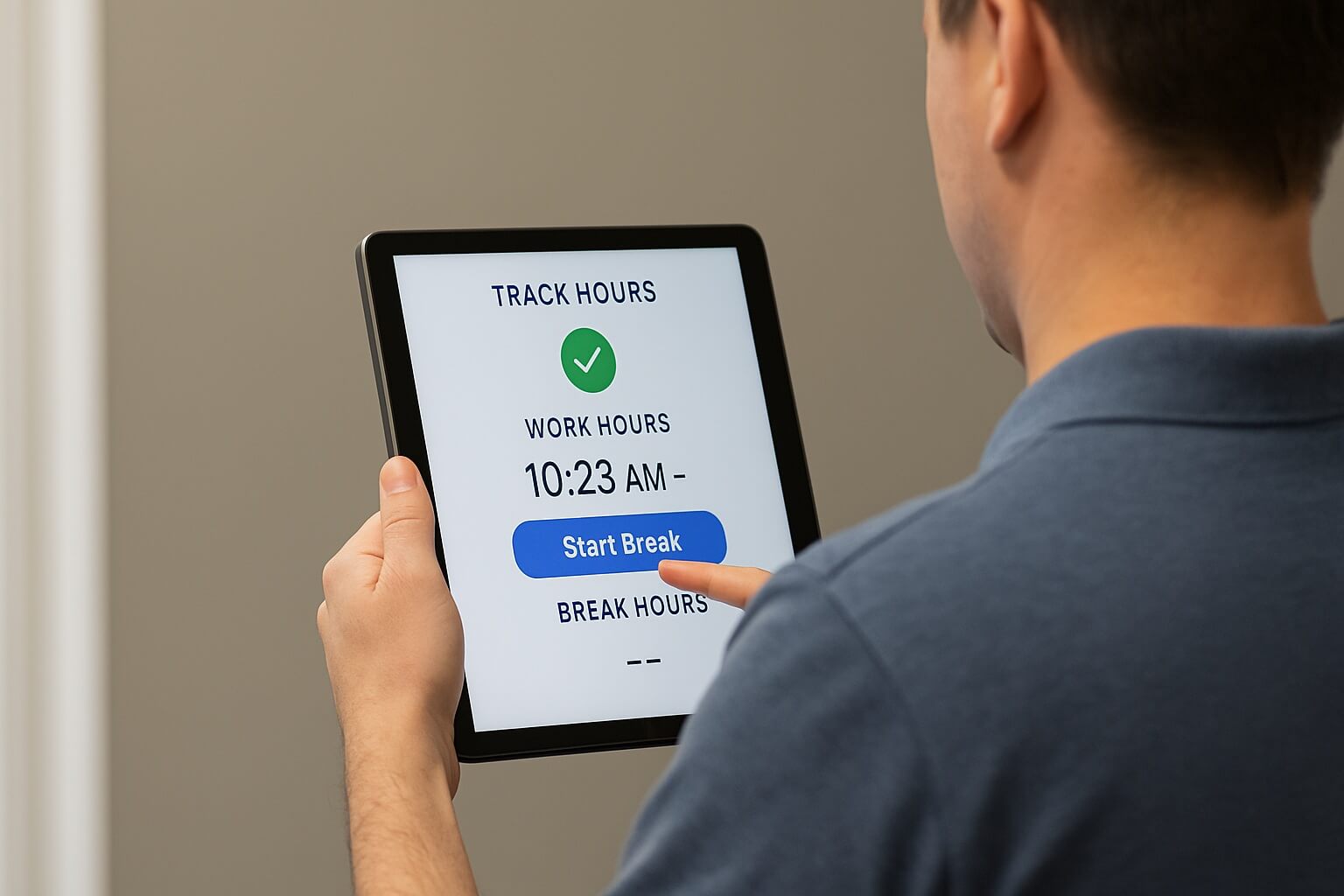
With the CloudApper AI TimeClock, HR teams can use AI and customize Ceridian employee self-service to boost employee satisfaction, reduce HR burden, and automate HCM processes using Android tablets and iPads.


Table of Contents
Given organizations’ growing focus on employee well-being and work culture, empowering employees with self-service tools is no longer just an option, it’s a necessity. CloudApper AI TimeClock for Dayforce turns any Android tablet or iPad into a powerful Dayforce Employee Self-Service Kiosk, giving employees autonomy and convenience in managing their work schedules and information while HR teams see a real drop in administrative burden.

Think about it: how much time does it take for employees to manually submit time-off requests, view paystubs, or ask basic HR questions? These frequent inquiries can easily clog up communication channels and bog down HR with repetitive tasks. While Dayforce already offers ESS functionality, many organizations need something more tailored to their specific workflows, and that’s where a dedicated kiosk built on AI TimeClock comes in.
TL;DR
- CloudApper AI TimeClock for Dayforce turns any Android tablet or iPad into a powerful Dayforce Employee Self-Service Kiosk.
- It supports multiple punch-in methods, including face ID, NFC, QR codes, and barcodes, plus custom attestations for compliance.
- Employees can submit PTO requests, view timecards, pay stubs, and benefit information directly from the kiosk.
- An AI chatbot answers HR questions around the clock, cutting down on repetitive requests to your HR team.
- The kiosk can also collect custom data, like project codes, cost centers, or employee feedback, all synced to Dayforce.
How CloudApper AI TimeClock Turns a Tablet Into a Dayforce Employee Self-Service Kiosk
CloudApper AI TimeClock for Dayforce converts everyday Android tablets and iPads into a fully customizable self-service kiosk, integrating seamlessly with Dayforce so every clock-in, request, and data point stays in sync with your core system.
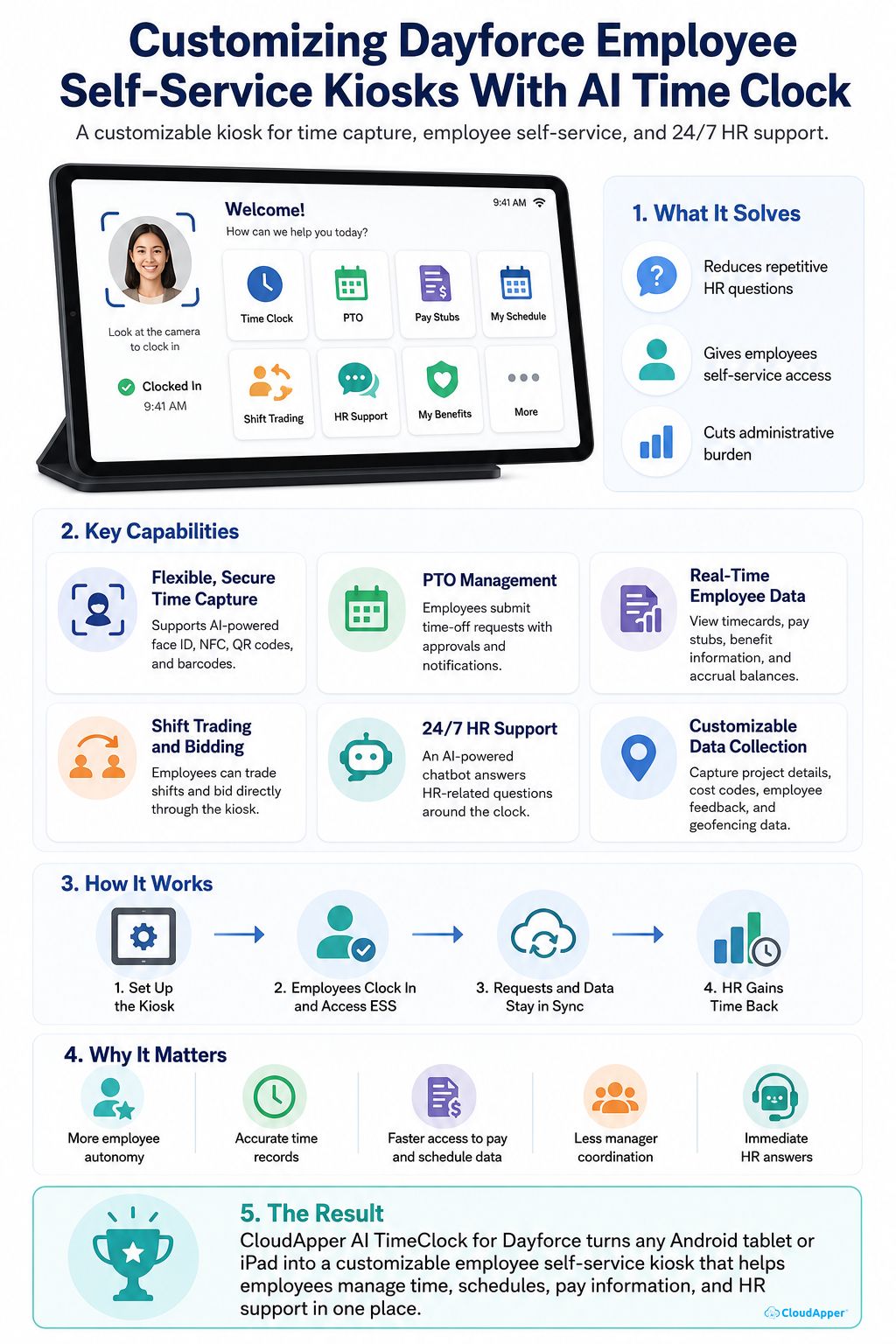
Flexible, Secure Time Capture
CloudApper AI TimeClock supports multiple punch-in methods, including AI-powered face ID, NFC, QR codes, and barcodes, so employees can clock in with whichever method suits them best. Face ID clock-ins in particular eliminate buddy punching and keep time records accurate. On top of that, it lets you add custom attestations (for meal breaks or shift changes, for example) and configure the kiosk to prevent clock-ins that don’t allow adequate rest between shifts, supporting labor law compliance.
Streamlined PTO Management
CloudApper AI TimeClock lets employees submit time-off requests directly through the kiosk, with manager approvals and automated notifications built in and configurable to your organization’s policies. This keeps PTO management transparent and removes a common source of back-and-forth between staff and managers.
Real-Time Employee Data Visibility
Beyond clocking in, CloudApper AI TimeClock gives employees access to their timecards, pay stubs, benefit information, and accrual balances for vacation or sick leave right from the kiosk. This gives staff a clear, real-time view of their own schedule and pay data, without needing to ask a manager or HR rep.
Shift Trading and Bidding
CloudApper AI TimeClock also enables shift trading and bidding on the kiosk, so employees can pick up or hand off shifts directly through the interface. This gives staff more control over their schedules and reduces the coordination work that would otherwise fall on managers.
24/7 HR Support
CloudApper AI TimeClock includes a built-in AI-powered chatbot that answers HR-related questions around the clock, whether it’s a question about a policy or an employee perk. This reduces the burden on HR teams and gives employees immediate access to answers, even outside regular business hours.
Customizable Data Collection
Need to capture specific project details, cost codes, or employee feedback? CloudApper AI TimeClock can be configured to collect this data as part of the clock-in and clock-out process, which is valuable for workforce management and project tracking. It can also layer in geofencing to confirm employees are clocking in from the right location, which is especially useful for organizations managing multiple sites or field teams.
Frequently Asked Questions
What Is the Dayforce Employee Self-Service Kiosk?
CloudApper AI TimeClock for Dayforce turns any Android tablet or iPad into a powerful Dayforce Employee Self-Service Kiosk, giving employees a single point of access to clock in, check pay stubs, submit time-off requests, and more.
What Devices Can Run the Kiosk?
Any standard Android tablet or iPad. There’s no specialized hardware to buy since CloudApper AI TimeClock installs directly on devices you already have.
What Punch-In Methods Does the Kiosk Support?
The kiosk supports several options, including AI-powered face ID, NFC, QR codes, and barcodes, so employees can clock in with the method that works best for them while keeping time records accurate.
Can Employees Get HR Answers Outside of Business Hours?
Yes. A built-in AI chatbot answers common HR questions around the clock, so employees aren’t stuck waiting for office hours to get a response.
Can the Kiosk Be Customized Beyond Standard Clock-Ins?
Yes. You can configure custom attestations, geofencing, data collection fields like project codes or cost centers, and other workflow-specific requirements on top of the standard clock-in and self-service functions.
Final Thoughts
CloudApper AI TimeClock for Dayforce turns any Android tablet or iPad into a Dayforce Employee Self-Service Kiosk that gives your organization a customizable, cost-effective way to put scheduling, pay information, and HR support directly in employees’ hands. From flexible time capture to real-time data access and round-the-clock HR support, it addresses the day-to-day friction points that standard ESS setups often miss.
Ready to explore what a custom kiosk could look like for your team? Contact us today to get a personalized demo.
What is CloudApper AI Platform?
CloudApper AI is an advanced platform that enables organizations to integrate AI into their existing enterprise systems effortlessly, without the need for technical expertise, costly development, or upgrading the underlying infrastructure. By transforming legacy systems into AI-capable solutions, CloudApper allows companies to harness the power of Generative AI quickly and efficiently. This approach has been successfully implemented with leading systems like UKG, Workday, Oracle, Paradox, Amazon AWS Bedrock and can be applied across various industries, helping businesses enhance productivity, automate processes, and gain deeper insights without the usual complexities. With CloudApper AI, you can start experiencing the transformative benefits of AI today. Learn More
- Useful Links:
- Agentic AI
- No-Code/Low-Code
- Custom Software
- HCM Personalization
- iPaaS
- FedRAMP

Brochure
CloudApper hrPad
Empower Frontline Employees with an AI-Powered Tablet/iPad Solution
Download Brochure
CloudApper AI Solutions for HR



- Works with








- and more.
Similar Posts
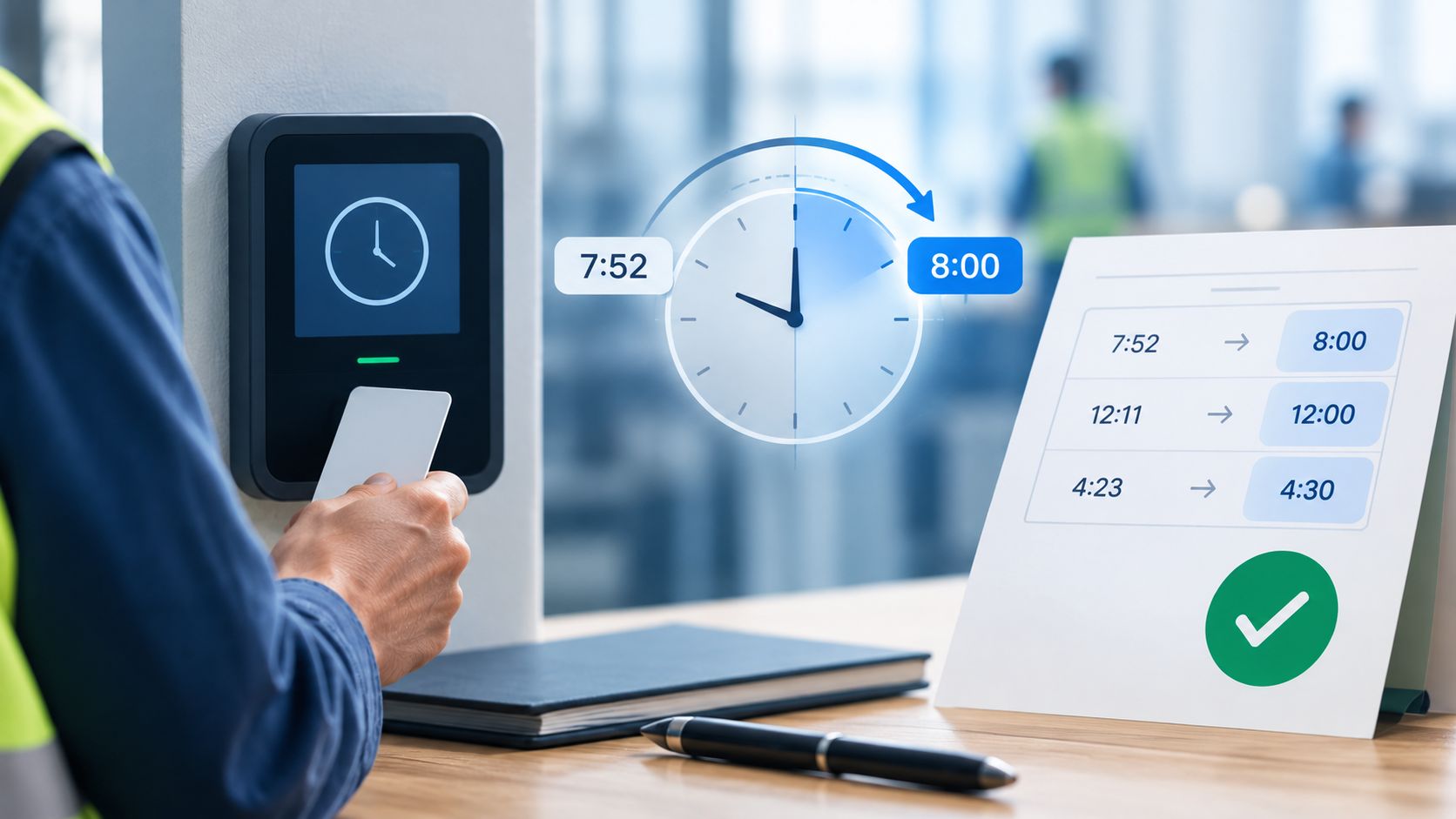
Dayforce Time Clock Rounding: A Payroll Guide to Pay Accuracy
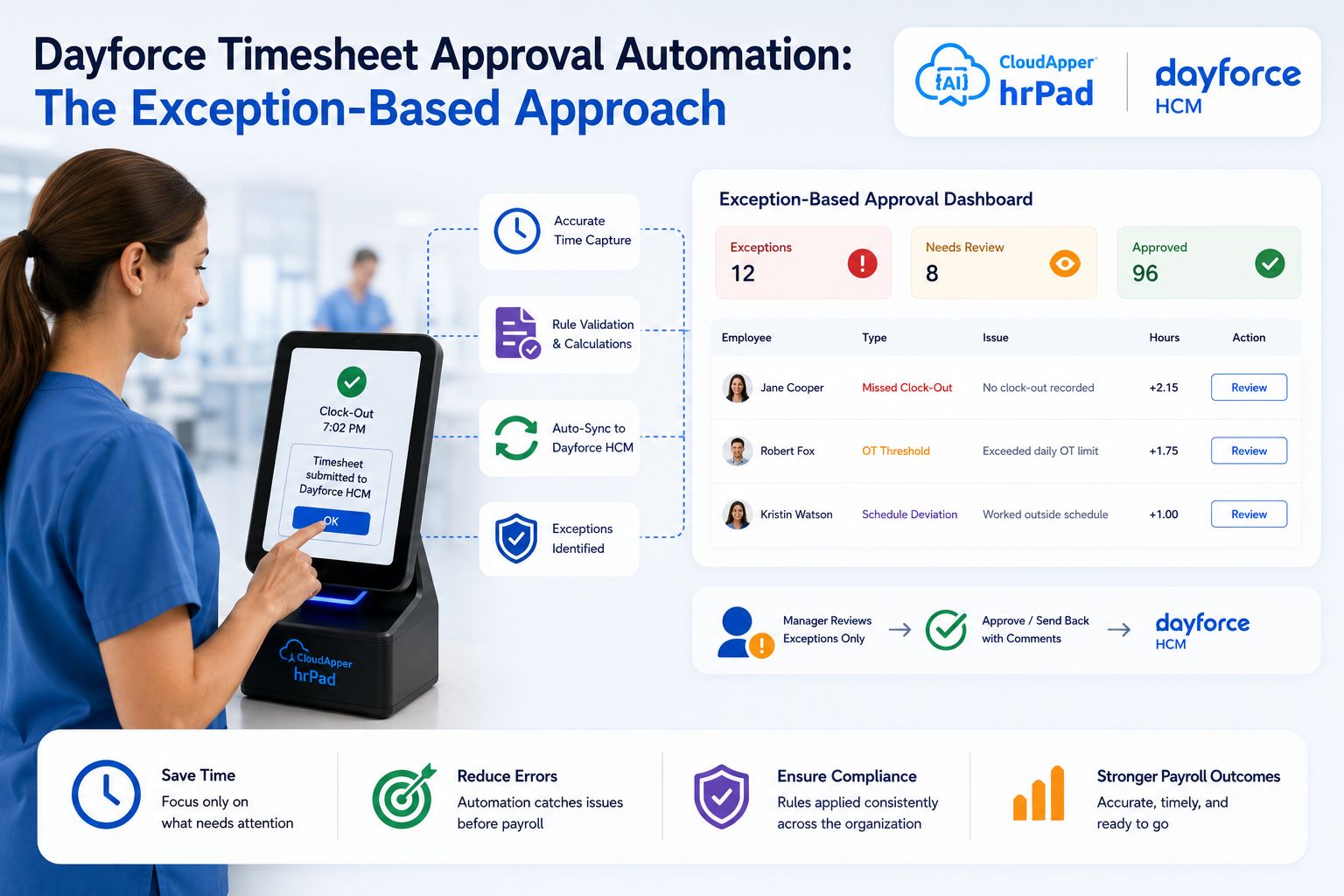
Dayforce Timesheet Approval Automation: The Exception-Based Approach