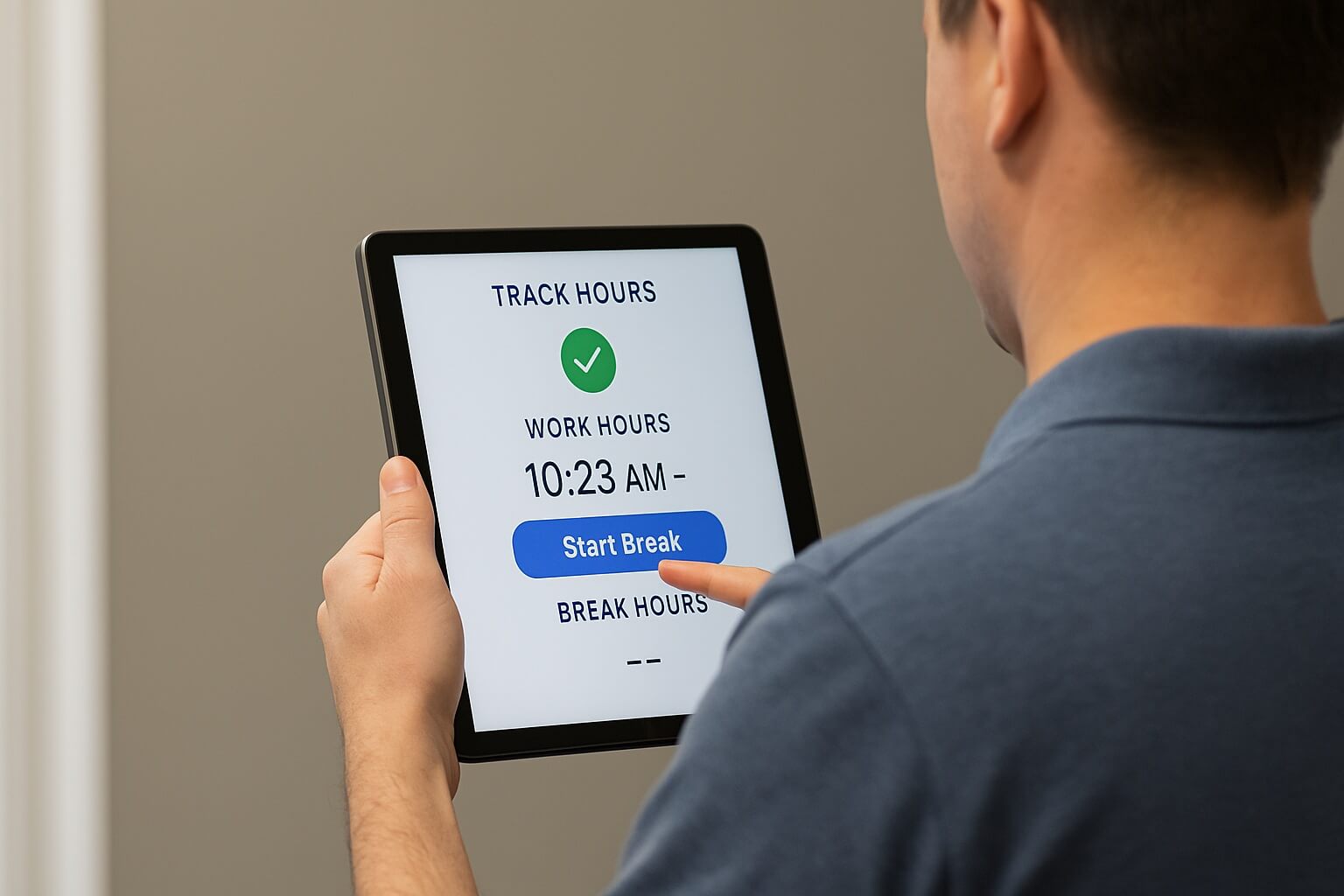
Labor Planning Using Dayforce Time Clock only works when the underlying punch data is accurate. Missed punches, buddy punching, and late syncs corrupt Dayforce's forecasts — CloudApper AI TimeClock fixes that data at the source, well before planning ever begins.

Table of Contents
- TL;DR
- Where Labor Planning Breaks Down Before It Starts
- How CloudApper AI TimeClock Closes the Data Gap
- What Accurate Data Actually Makes Possible
Labor planning is only as good as the data behind it. Dayforce can forecast shift demand, flag overtime risk, and model labor cost by department but every one of those calculations runs on the hours, breaks, and job codes captured at the clock. When that data is late, wrong, or missing, Dayforce isn’t planning your workforce. It’s planning around bad information.

That’s the gap most organizations don’t see until it’s already cost them: schedules built on last week’s guesswork, overtime that surfaces on payroll day instead of the day it happened, and labor budgets that assume every punch was accurate. Dayforce gives businesses the tools to plan labor with precision. CloudApper AI TimeClock integrated with Dayforce provides the clean, real-time data that accurate labor planning depends on.
TL;DR
- Labor Planning Using Dayforce Time Clock is only as good as the punch data behind it.
- Buddy punching, missed punches, and late syncs corrupt Dayforce’s planning inputs.
- CloudApper AI TimeClock captures accurate, real-time punch data at the source.
- That means earlier overtime alerts, reliable budget-vs-actual comparisons, and true schedules.
- Result: Dayforce labor planning built on fact, not after-the-fact corrections.
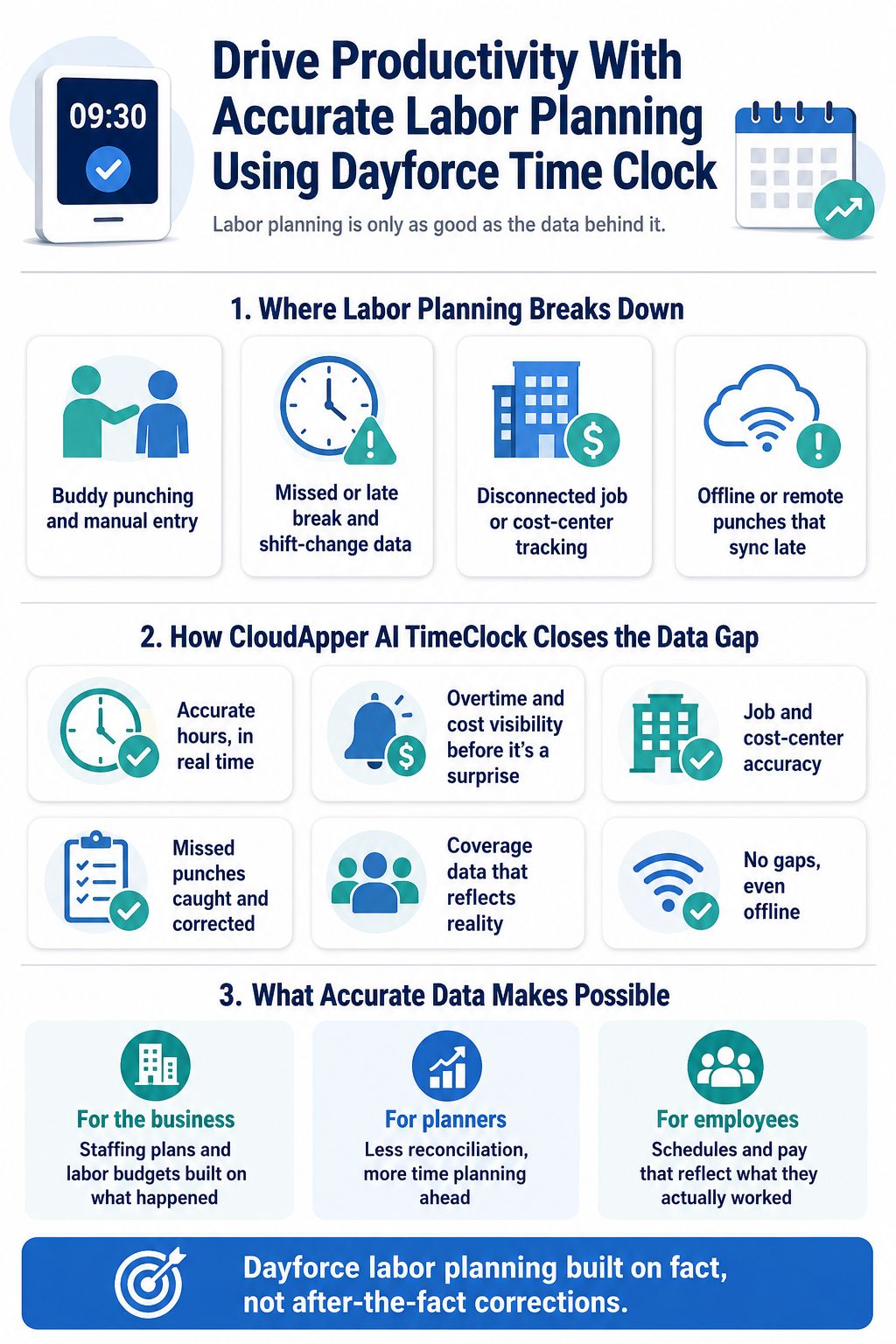
Where Labor Planning Breaks Down Before It Starts
Most time-capture problems never show up as a “time-tracking issue” — they show up as a planning issue three steps downstream:
- Buddy punching and manual entry distort the hours-worked data Dayforce uses to model true labor demand, so forecasts get built on numbers that were never real to begin with.
- Missed or late break and shift-change data hides compliance exposure until it’s already a violation, and skews the labor-cost assumptions built into a forecast.
- Disconnected job or cost-center tracking means labor spend gets misallocated across departments or projects, so budget-vs-actual comparisons are comparing the wrong things.
- Offline or remote punches that sync late create gaps in the record Dayforce needs in order to spot a staffing pattern before it becomes a staffing problem.
None of this is a Dayforce limitation — it’s an input problem. Dayforce’s labor planning tools can only be as sharp as the data reaching them.
How CloudApper AI TimeClock Closes the Data Gap
CloudApper AI TimeClock sits at the point where labor data actually originates — the clock — and makes sure what reaches Dayforce is accurate, complete, and timely enough to plan on.
Accurate hours, in real time. Face ID, badge, NFC, QR, and barcode punch options eliminate buddy punching and time theft at the source, so the hours-worked data feeding Dayforce’s forecasts reflects who actually worked, not who was scheduled to.
Overtime and cost visibility before it’s a surprise. Because punches sync to Dayforce continuously, overtime trends and labor-cost drift are visible while they’re still manageable — not discovered after the pay period closes.
Job and cost-center accuracy. Custom timesheet allocation and project-based time tracking mean labor hours are attributed to the right department, project, or cost center from the moment they’re captured, so budget-vs-actual comparisons in Dayforce are comparing real numbers.
Missed punches caught and corrected, not lost. Missed-punch notifications and manager-approved correction requests close the gap the moment it happens, so a missed shift-change or break punch gets resolved same-day instead of sitting as a blank in the timesheet until someone catches it at payroll.
Coverage data that reflects reality. Geofencing and shift-trade/bidding data give Dayforce a clearer picture of where and when people actually worked, which sharpens the shift-demand patterns used in future scheduling.
No gaps, even offline. Time captured without a network connection syncs automatically once one’s available, so remote or field crews don’t create blind spots in the labor record Dayforce relies on.
Compliance data captured at the source. Break attestation and shift-change confirmation happen at the clock, which protects the integrity of the same data Dayforce uses to calculate labor cost and flag risk.
What Accurate Data Actually Makes Possible
None of this is only a data-quality upgrade. It changes what a labor-planning process can actually do.
For the business, it means staffing plans and labor budgets built on what happened — not on estimates and later corrections. Overstaffing, unplanned overtime, and compliance exposure get caught while they’re still cheap to fix.
For the people doing the planning — schedulers, HR, finance — it means fewer hours spent reconciling timesheets, chasing missing punches, or re-explaining variances after the fact, and more time actually planning ahead instead of cleaning up behind the last pay period.
For employees, it means schedules and pay that reflect what they actually worked, self-service access to their hours and time-off balances, and less friction dealing with disputes that shouldn’t have happened in the first place.
Frequently Asked Questions
How does Dayforce use time clock data for labor planning?
Dayforce’s labor planning tools forecast shift demand, model labor cost, and flag overtime risk using historical and real-time punch data — hours worked, break times, and job or cost-center codes. If that underlying data is inaccurate or delayed, the forecasts built on it are inaccurate too.
What causes inaccurate labor planning data in Dayforce?
The most common causes are buddy punching and manual timesheet entry, missed or late punches around shift changes and breaks, disconnected job or cost-center tracking, and remote or offline punches that sync late. Each one distorts a different input Dayforce relies on for planning.
How does CloudApper AI TimeClock improve labor planning accuracy in Dayforce?
CloudApper AI TimeClock captures punch data at the source using biometric, badge, NFC, QR, and barcode check-ins, syncs it to Dayforce in real time, and flags missed punches for same-day, manager-approved correction. This keeps the hours, overtime, and cost-center data behind Dayforce’s forecasts accurate and current.
What happens when an employee misses a scheduled punch?
The employee receives a missed-punch notification and can submit a correction request with the actual punch-in time. Once a manager approves it, the corrected time syncs to Dayforce — closing the gap the same day instead of leaving it as an unresolved blank in the labor record.
Does CloudApper AI TimeClock work without an internet connection?
Yes. Punches captured offline are stored on the device and sync automatically once connectivity is restored, so remote or field crews don’t create gaps in the labor data Dayforce needs for planning.
A Winning Combination for Business Success
Dayforce is built to plan labor with precision. CloudApper AI TimeClock is what makes sure Dayforce has accurate, real-time data to plan with — turning labor planning from a forecast built on assumptions into one built on fact.
If you’re ready to see how accurate time data can sharpen your Dayforce labor planning, contact us today.
What is CloudApper AI Platform?
CloudApper AI is an advanced platform that enables organizations to integrate AI into their existing enterprise systems effortlessly, without the need for technical expertise, costly development, or upgrading the underlying infrastructure. By transforming legacy systems into AI-capable solutions, CloudApper allows companies to harness the power of Generative AI quickly and efficiently. This approach has been successfully implemented with leading systems like UKG, Workday, Oracle, Paradox, Amazon AWS Bedrock and can be applied across various industries, helping businesses enhance productivity, automate processes, and gain deeper insights without the usual complexities. With CloudApper AI, you can start experiencing the transformative benefits of AI today. Learn More
- Useful Links:
- Agentic AI
- No-Code/Low-Code
- Custom Software
- HCM Personalization
- iPaaS
- FedRAMP

Brochure
CloudApper hrPad
Empower Frontline Employees with an AI-Powered Tablet/iPad Solution
Download Brochure
CloudApper AI Solutions for HR



- Works with








- and more.
Similar Posts
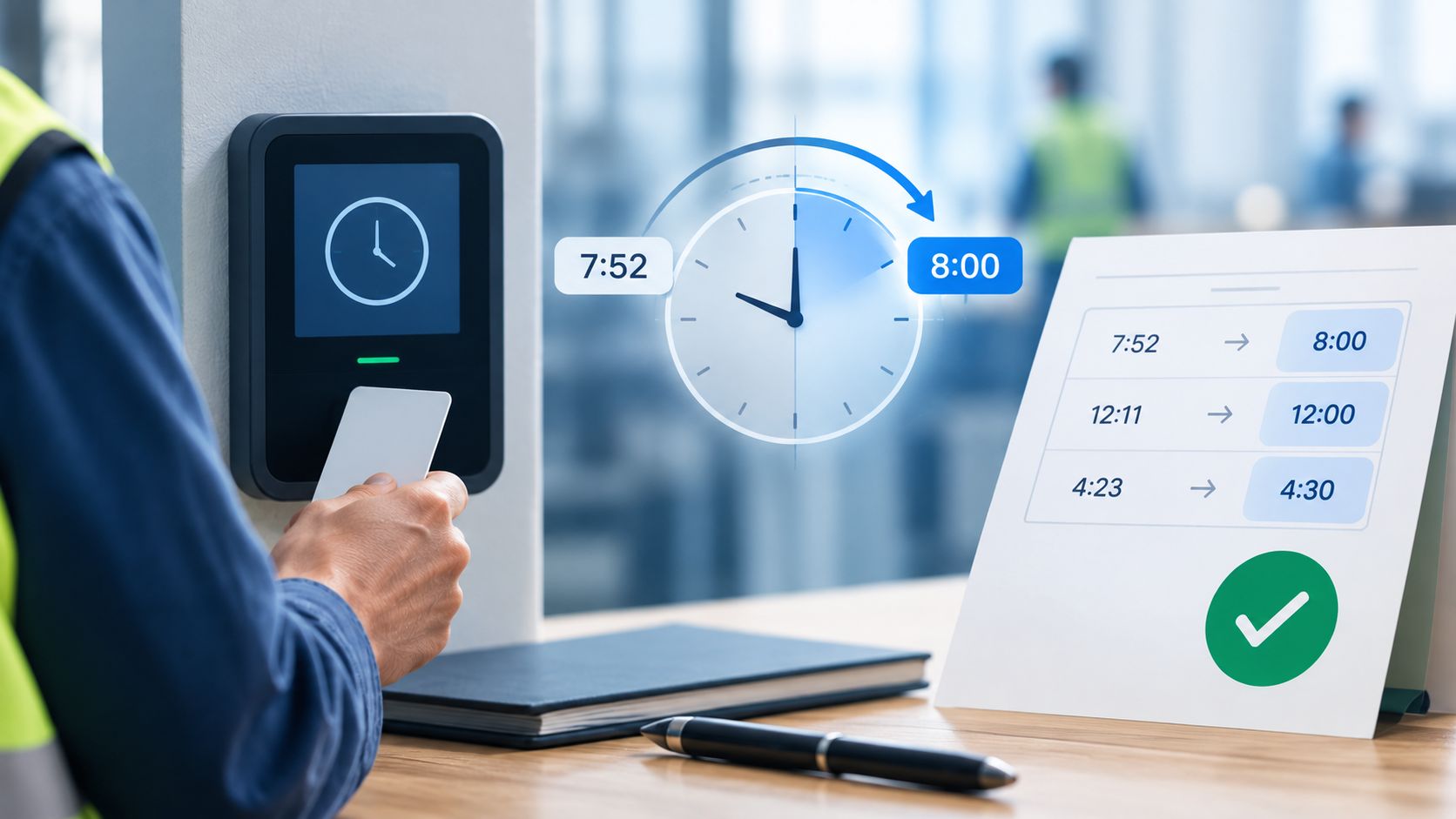
Dayforce Time Clock Rounding: A Payroll Guide to Pay Accuracy
Dayforce Timesheet Approval Automation: The Exception-Based Approach