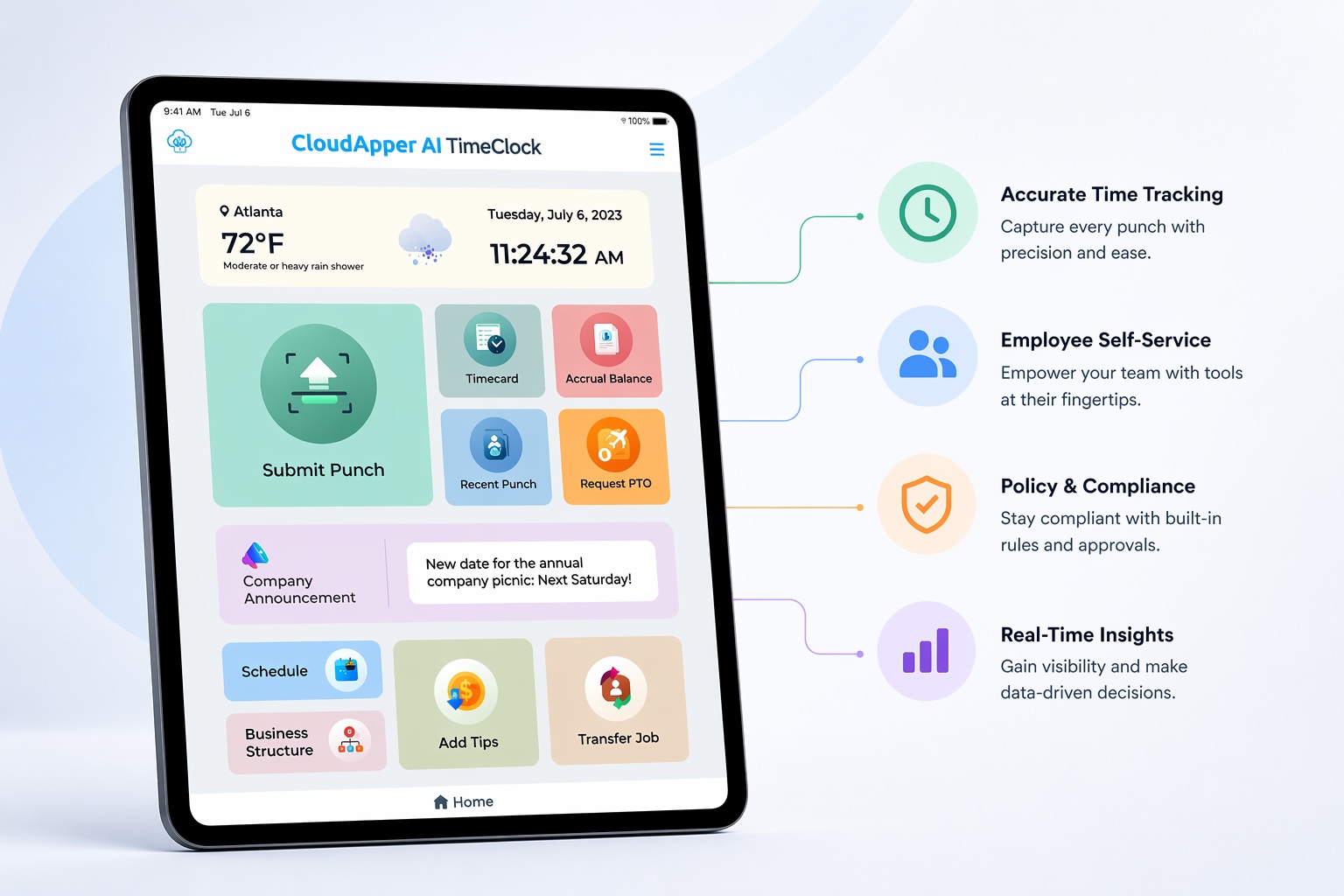
Your HCM system tracks every employee's PTO balance accurately, but rarely tells anyone before a cap, shortfall, or deadline actually hits. PTO balance notifications fix that, alerting employees automatically across UKG, Dayforce, Workday, Oracle, and other major HCM platforms.

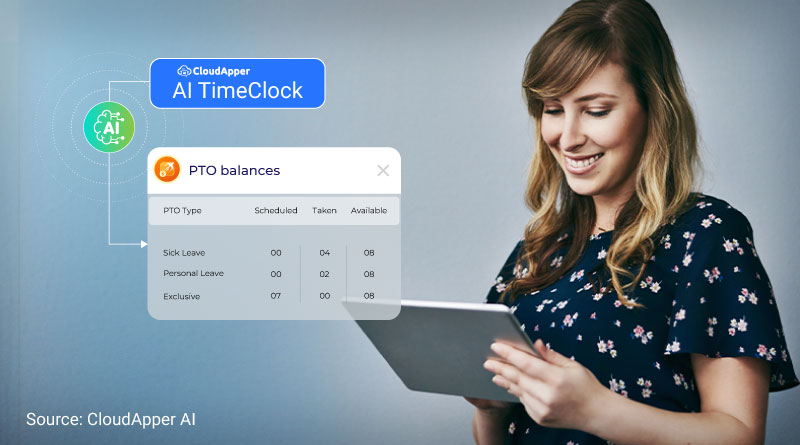
Table of Contents
Your HCM system already knows exactly where every employee’s PTO balance stands, right down to the day. Without a nudge, though, that number just sits there until someone happens to check it, misses a deadline, or runs into a cap they didn’t see coming, and by then it’s often too late to do anything but explain what happened after the fact. CloudApper AI TimeClock sends employees PTO balance notifications before that happens, pulling accrual data straight from whatever HCM platform you run, including UKG, Dayforce, Oracle, Infor, and Workday.
TL;DR
- HCM systems track PTO balances accurately but rarely alert anyone proactively.
- Employees usually find out about a cap or deadline only after hitting it.
- CloudApper AI TimeClock reads balance data from any major HCM platform.
- Notifications cover approaching caps, low balances, and year-end deadlines.
- Channels and triggers are configurable, not fixed by the system.
What Happens When Employees Don’t Get PTO Balance Notifications
Without a notification, an employee usually only finds out about a balance problem once it’s already too late to do anything about it. Their accrual stops moving one pay period, a year-end deadline passes without warning, or a time-off request comes back short of what they expected, and unless they check the number themselves, they have no reason to know why in advance.

For HR, that turns into a ticket asking why a balance didn’t move or a deadline slipped by, arriving after the fact rather than before anything could have been done about it. The employee has already lost time they can’t get back, and the conversation becomes about explaining a policy nobody disputes, rather than preventing something that was genuinely avoidable with a PTO balance notification sent a week or two earlier.
This tends to hit hardest for the employees who accrue quickly or who’ve gone months without taking time off, exactly the people who’d benefit most from a nudge to use what they’ve earned. There’s also a cost that’s easy to miss because it never shows up as a single incident: time employees could have used doesn’t get earned back once it’s gone, and across a workforce where nobody’s watching proactively, that adds up to real time lost, not because of anything employees did, but because nobody said anything before it was too late to matter.

How CloudApper Sends PTO Balance Notifications Across Any HCM Platform
It Pulls Balance Data From Whichever System You Run
CloudApper AI TimeClock integrates with the major HCM platforms organizations already use, so it reads accrual and PTO balance data directly from UKG, Dayforce, Oracle, Infor, or Workday, whichever one holds your records. You don’t need a separate notification setup for each system, and switching platforms later doesn’t mean rebuilding the logic from scratch.
The AI Platform Sends the Alert When It Matters
As a balance crosses whatever threshold you’ve set, whether that’s approaching a maximum, dropping low, or sitting on an expiring amount, the AI Platform running behind CloudApper AI TimeClock sends the employee a notification directly, by email or text, telling them where they stand and what’s coming. That’s what turns a number sitting quietly in your HCM system into something the employee actually sees while there’s still time to act on it.
The Channel and Trigger Are Both Configurable
Whether the notification goes out by email or SMS isn’t fixed, and neither is what triggers it. Some organizations want alerts tied to a specific threshold, others prefer a fixed schedule, and some want both running at once. Either way, you’re the one setting it, not a rule baked permanently into the system.
Common Scenarios for PTO Balance Notifications
Approaching the Maximum Accrual Balance
Some organizations cap accrual at a maximum rather than allowing unlimited carryover, and once an employee’s balance hits that ceiling, they stop earning more time off until they use enough to drop back under it. An accrual balance notification here alerts them as they approach the cap, not after they’ve already hit it, so there’s still time to book something and keep earning instead of losing accrual for the rest of the pay period.
Running Low or Heading Toward a Negative Balance
The inverse case matters just as much. An employee about to take unpaid time, or dip into a negative balance where policy allows it, benefits from knowing that before the request is submitted, not after it’s already been approved and the payroll impact is locked in.
A Year-End Use-It-or-Lose-It Deadline
Rather than a running cap, many organizations use a carryover cutoff, where unused PTO above a certain amount simply expires at year-end rather than rolling forward. The mechanic is different from a maximum balance, so it needs its own reminder on its own timeline, sent early enough that an employee can plan time off around it rather than a generic notice that arrives too close to the date to matter.
A Periodic Balance Summary
Not every notification needs a threshold to trigger it. A quarterly or half-yearly summary keeps the balance visible on a predictable schedule, which helps employees who’d otherwise never think to log in and check.
Manager Visibility Into the Whole Team
The same data that triggers an employee notification can flag a pattern to their manager instead: several people on the same team approaching a deadline or a cap at once, worth knowing before it turns into a scheduling problem during a busy week, rather than something discovered after several requests land at once.
What This Gives Your Organization
- Employees discover a balance issue before it’s too late to address it.
- HR spends less time explaining after the fact why a balance didn’t move or a deadline passed.
- One setup covers every scenario, no matter which HCM platform you’re on.
- Your HCM system keeps calculating and applying its policies exactly the way it always has.
Frequently Asked Questions
Does This Work With More Than One HCM Platform at Once?
Yes. CloudApper AI TimeClock reads accrual and PTO balance data from UKG, Dayforce, Oracle, Infor, or Workday, so organizations running more than one system, or planning to switch, aren’t locked into a single platform’s notification setup.
Can Employees Receive Notifications by Text Instead of Email?
Yes. The channel is configurable, so it can go out by email, SMS, or whatever your employees already use for HR communication.
Does This Require Changes to Our Existing HCM Configuration?
No. CloudApper reads the balance and accrual data that already exists in your HCM system and uses it to trigger notifications, without changing how that system calculates or enforces its own rules.
Can We Run Different Notification Rules for Different Employee Groups?
Yes. Different accrual policies often apply to different groups, such as full-time, part-time, or a unionized workforce, for example, and notifications check each employee’s balance against the specific policy that applies to them rather than one company-wide rule.
Give the Data a Reason to Speak Up
Nothing here changes how your HCM system tracks accrual or applies its own policies. What changes with PTO balance notifications is whether employees find out about a cap, a shortfall, or a deadline while there’s still time to act, rather than learning about it the same way most people learn about a limit: by hitting it. CloudApper AI TimeClock handles that across whichever HCM platform you run, so nobody on your team is the last one to know.
Tired of “why didn’t my balance move” tickets after employees hit a limit they never saw coming? Contact us to see how CloudApper AI TimeClock sends PTO balance notifications automatically, on any HCM platform you use.

What is CloudApper AI Platform?
CloudApper AI is an advanced platform that enables organizations to integrate AI into their existing enterprise systems effortlessly, without the need for technical expertise, costly development, or upgrading the underlying infrastructure. By transforming legacy systems into AI-capable solutions, CloudApper allows companies to harness the power of Generative AI quickly and efficiently. This approach has been successfully implemented with leading systems like UKG, Workday, Oracle, Paradox, Amazon AWS Bedrock and can be applied across various industries, helping businesses enhance productivity, automate processes, and gain deeper insights without the usual complexities. With CloudApper AI, you can start experiencing the transformative benefits of AI today. Learn More
- Useful Links:
- Agentic AI
- No-Code/Low-Code
- Custom Software
- WorkBridge
- iPaaS
- FedRAMP

Brochure
CloudApper AI TimeClock
For accurate & touchless time capture experience.
Download Brochure
CloudApper AI Solutions for HR



- Works with


- and more.








Similar Posts
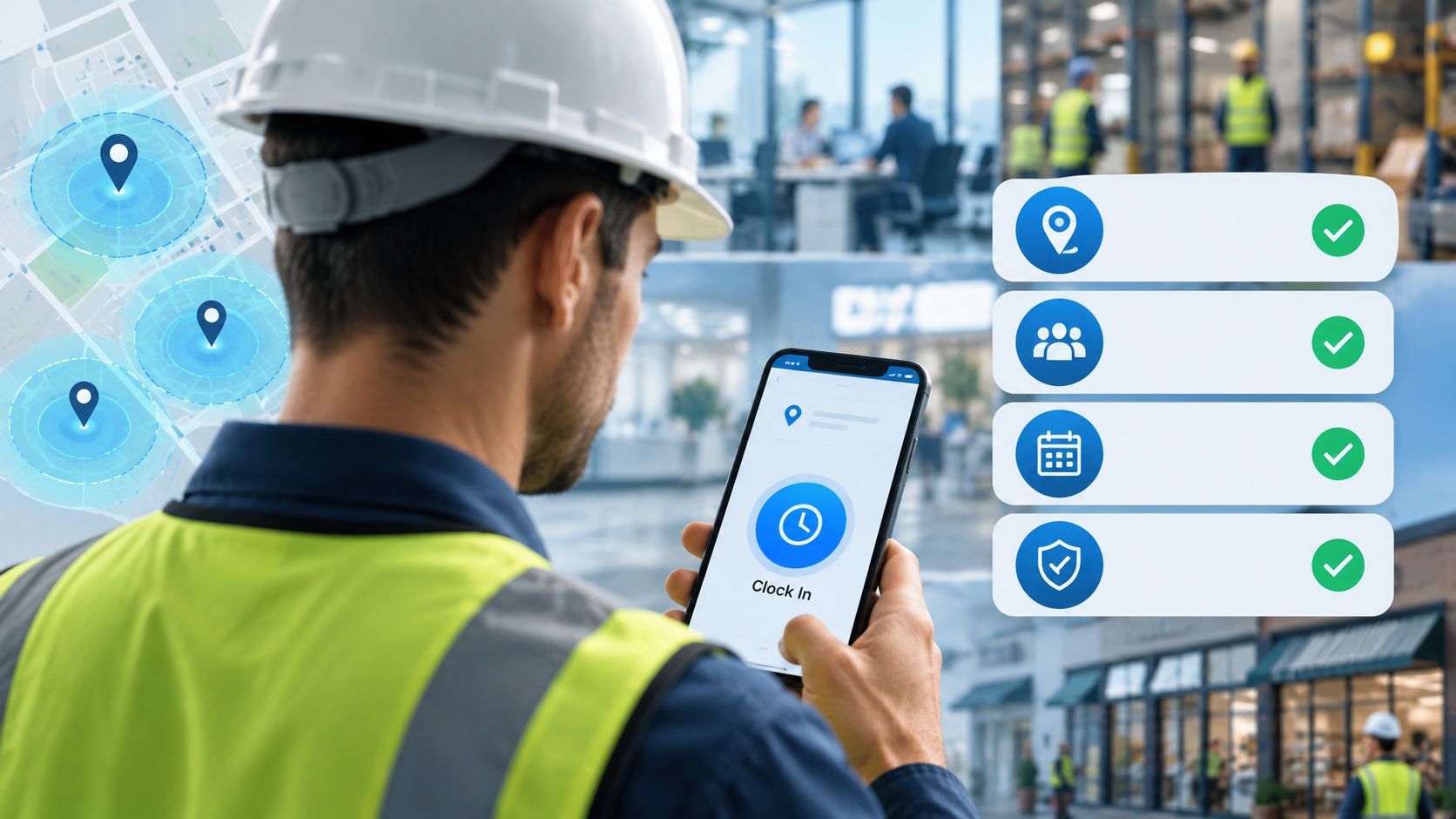
Geofencing Isn’t Enough: 4 Things to Test Before You Buy…
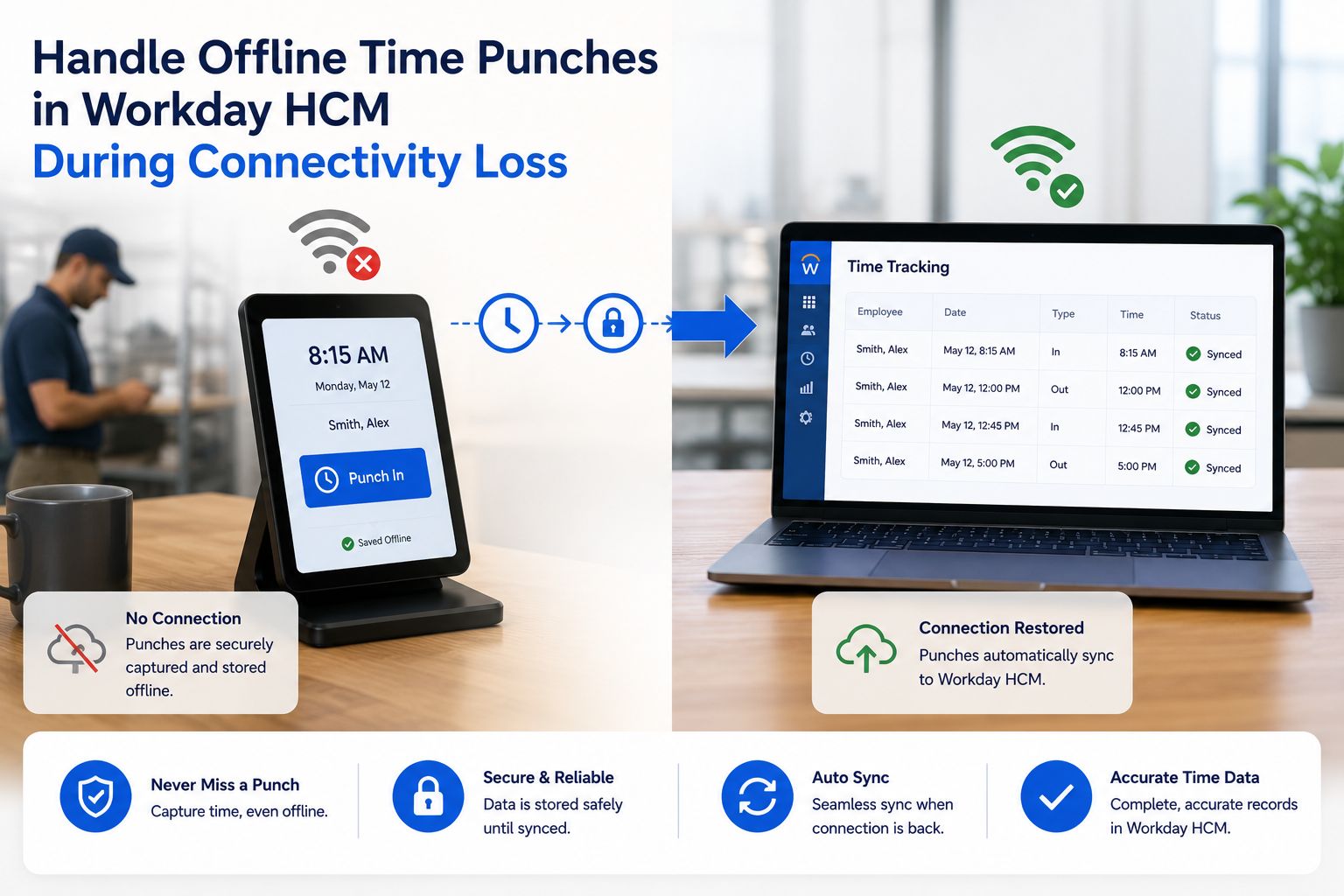
How to Handle Offline Time Punches in Workday During Connectivity…