Some states attach extra pay rules to split shifts and long workdays. See why clear punch records matter when payroll applies them, and how a tablet time clock can help capture each clock-out and clock-in.


TL;DR
- Some states have extra pay rules for split shifts and long workdays, and the details differ by state and industry.
- Those rules depend on when each shift started and stopped, including any gap in the day.
- A clear punch record gives payroll the information it needs to apply its pay rules.
- Pay rules stay in your HR and payroll system, and the time clock supplies the punches.
- Review punch records and pay lines by site and state with your payroll or legal team.
Table of Contents
- Why long days and unpaid gaps are hard to record
- What split shift premium pay and spread of hours rules involve
- How CloudApper AI TimeClock fits alongside your HR system
- Bringing clear punch records to split shifts
A line cook clocks in at 10:30, leaves at 2:00, returns at 5:00 and finishes at 9:30. Every punch can be correct, yet the pay calculation still depends on how the day is recorded. In some states, split shift premium pay and spread of hours rules can add extra wages when a day is broken by a gap or stretches past a set length, so payroll managers need a clear record of when each shift started and stopped. Workday, UKG, Oracle and Dayforce can apply pay rules that your team configures once the punch data arrives. The weak point is often the punch record itself, because a missing clock-out or clock-in around a gap leaves payroll without the facts it needs. CloudApper AI TimeClock can capture each punch on a tablet at the work location and send punch records to the system that runs your pay rules.
Why long days and unpaid gaps are hard to record
Schedules built around a lunch rush, a school bus route or a hospital’s busy periods leave employees with a gap in the middle of the day. Supervisors write the hours down, employees remember them differently, and the gap can disappear into a single in-and-out record. When pay depends on that gap, a rounded or missing punch changes the result. The U.S. Department of Labor reported that it recovered more than $259 million in back wages for nearly 177,000 employees in fiscal year 2025, a reminder of how much clear time records matter when pay is questioned.

What split shift premium pay and spread of hours rules involve
Some states, including California and New York, have rules that can add extra pay for split shifts or for workdays that run past a set length. Definitions, thresholds, amounts and who is covered differ by state, industry and wage order, and they can change. For current details, start with your state labor agency, such as California’s Department of Industrial Relations or the New York State Department of Labor, and confirm with your payroll or legal team before you configure a rule.
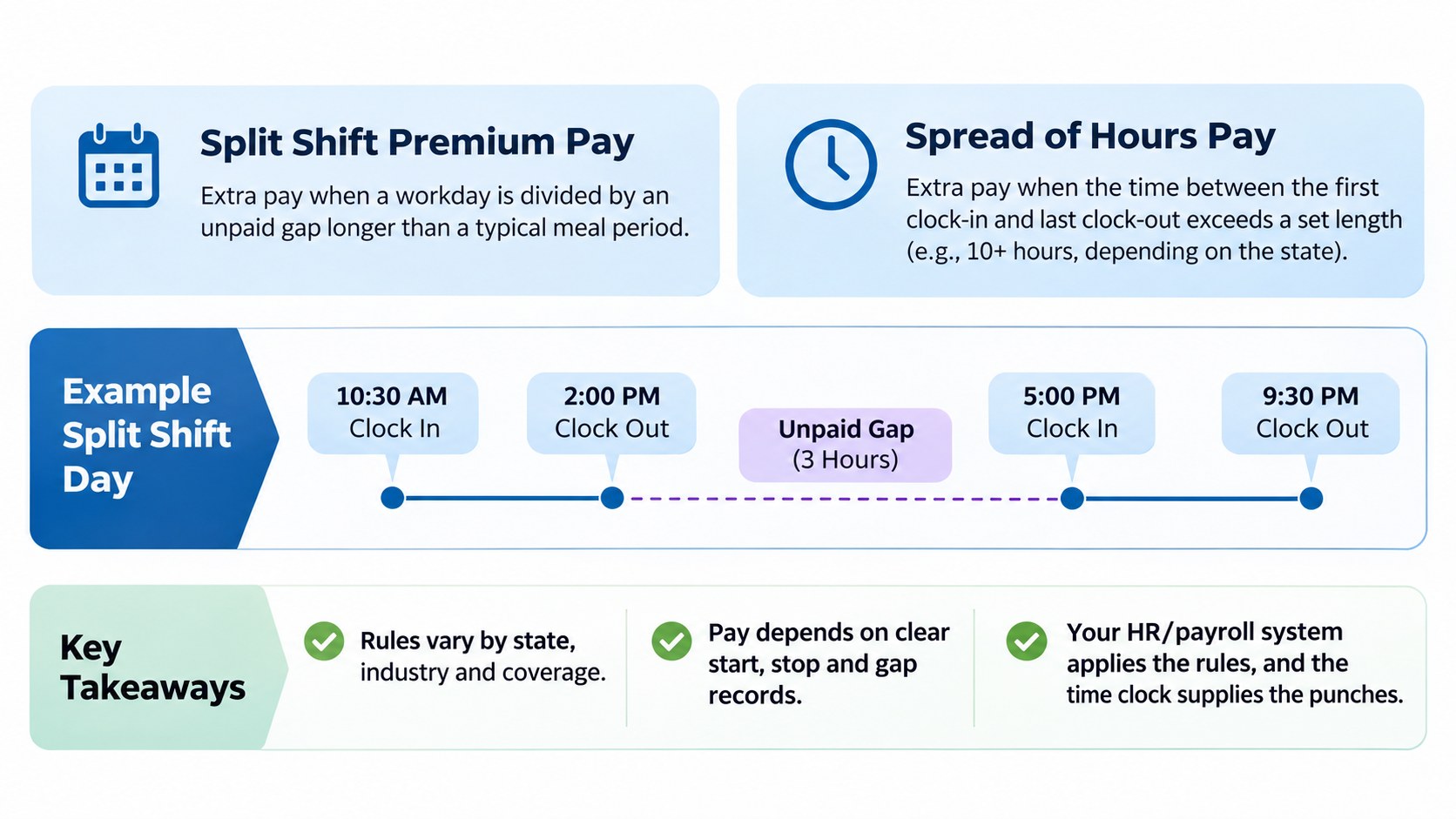
These rules sit next to others you may already track, such as meal break premiums, reporting time pay and shift differentials. Our overview of California’s time clock requirements covers one state’s rules in more detail. This article is general information and not legal advice.
How CloudApper AI TimeClock fits alongside your HR system
Workday, UKG, Oracle and Dayforce are designed to manage payroll, scheduling, absence and the employee record, and your team configures the pay rules inside them. Those pay rules work from the punches they receive, which is where a time clock comes in.
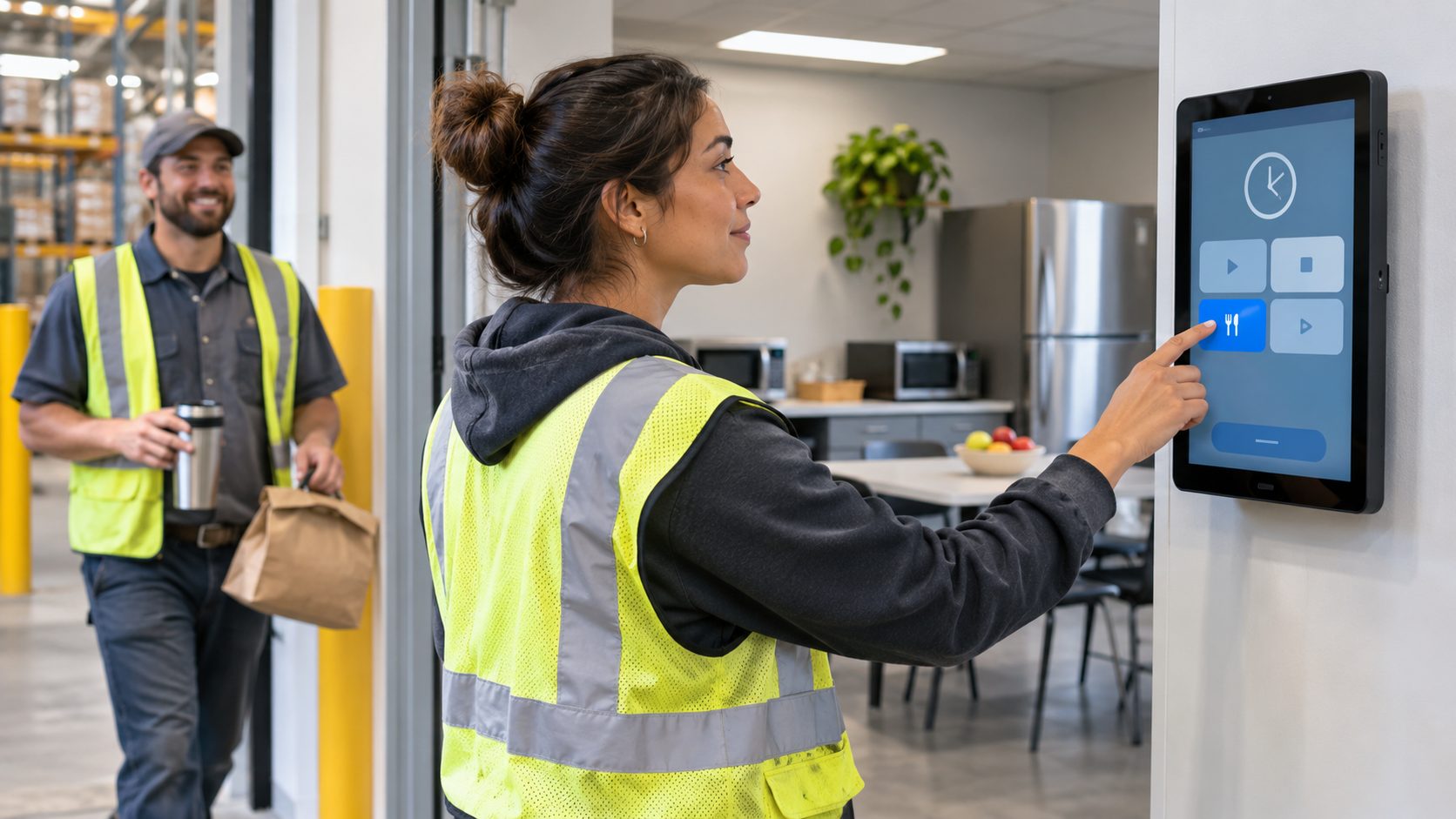
CloudApper AI TimeClock can turn everyday iPads and Android tablets into time clocks. Employees can punch with Face ID, a PIN, a badge or a QR code, and each clock-out and clock-in can be recorded, so the gap in a split shift appears as time between two punches. A group punch can record a whole crew in one tap. Offline sync is designed to hold punches when a site loses its connection, and geofencing can tie punches to a location.
When someone covers a shift, shift swap pay rate accuracy depends on confirming who worked, and tracking missed punches can help reduce corrections made from memory. Punch records can then flow through payroll integration to the system that applies your pay rules. Premium rules stay in your payroll system, and the time clock supplies the punch records.
Bringing clear punch records to split shifts
Long days and unpaid gaps are hard to record because the gap can disappear from the record. Some states, including California and New York, have pay rules tied to split shifts and long workdays, and their details vary. Your HR system applies the rules your team configures, and your time clock supplies the punch records it works from. Capturing each clock-out and clock-in on a shared tablet, holding punches when a site is offline, and reviewing missed punches promptly can give payroll a clearer starting point.
To see how this could work across your locations, you can book a demo with our team.
Frequently asked questions
What is a split shift?
A split shift is generally a workday divided by an unpaid gap that is longer than a typical meal period. Some states attach extra pay rules to it, so check your state’s current guidance.
What is spread of hours pay?
Spread of hours pay refers to extra pay that some states require when the time between the start and end of a workday passes a set length. The threshold and who is covered vary, so confirm the details with your state labor agency.
Which states have split shift or spread of hours rules?
Several states have rules of this kind, and California and New York are commonly cited examples. Requirements change, so review your state labor agency’s guidance and talk with your payroll or legal team.
Where is split shift pay calculated?
Premium rules are configured in the system that runs your payroll. A time clock supplies the punch records that system uses.
How can a time clock help with split shift pay?
A time clock that records each clock-out and clock-in can show the gap in the day, which gives payroll the records it needs when it applies its pay rules.

What is CloudApper AI Platform?
CloudApper AI is an advanced platform that enables organizations to integrate AI into their existing enterprise systems effortlessly, without the need for technical expertise, costly development, or upgrading the underlying infrastructure. By transforming legacy systems into AI-capable solutions, CloudApper allows companies to harness the power of Generative AI quickly and efficiently. This approach has been successfully implemented with leading systems like UKG, Workday, Oracle, Paradox, Amazon AWS Bedrock and can be applied across various industries, helping businesses enhance productivity, automate processes, and gain deeper insights without the usual complexities. With CloudApper AI, you can start experiencing the transformative benefits of AI today. Learn More
- Useful Links:
- Agentic AI
- No-Code/Low-Code
- Custom Software
- HCM Personalization
- iPaaS
- FedRAMP
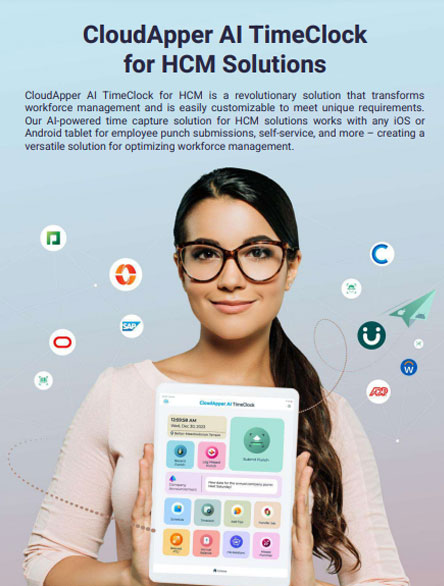
Brochure
CloudApper AI TimeClock
For accurate & touchless time capture experience.
Download Brochure
CloudApper AI Solutions for HR
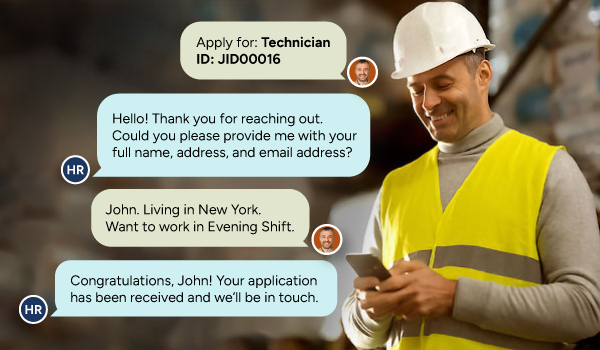

- Works with








- and more.
Similar Posts
Automatic Lunch Deduction Time Clock Setup: Auto-Deduct or Employee-Entered Lunch…

Cold Storage Warehouse Time Clocks: Keeping Punches Accurate When Workers…