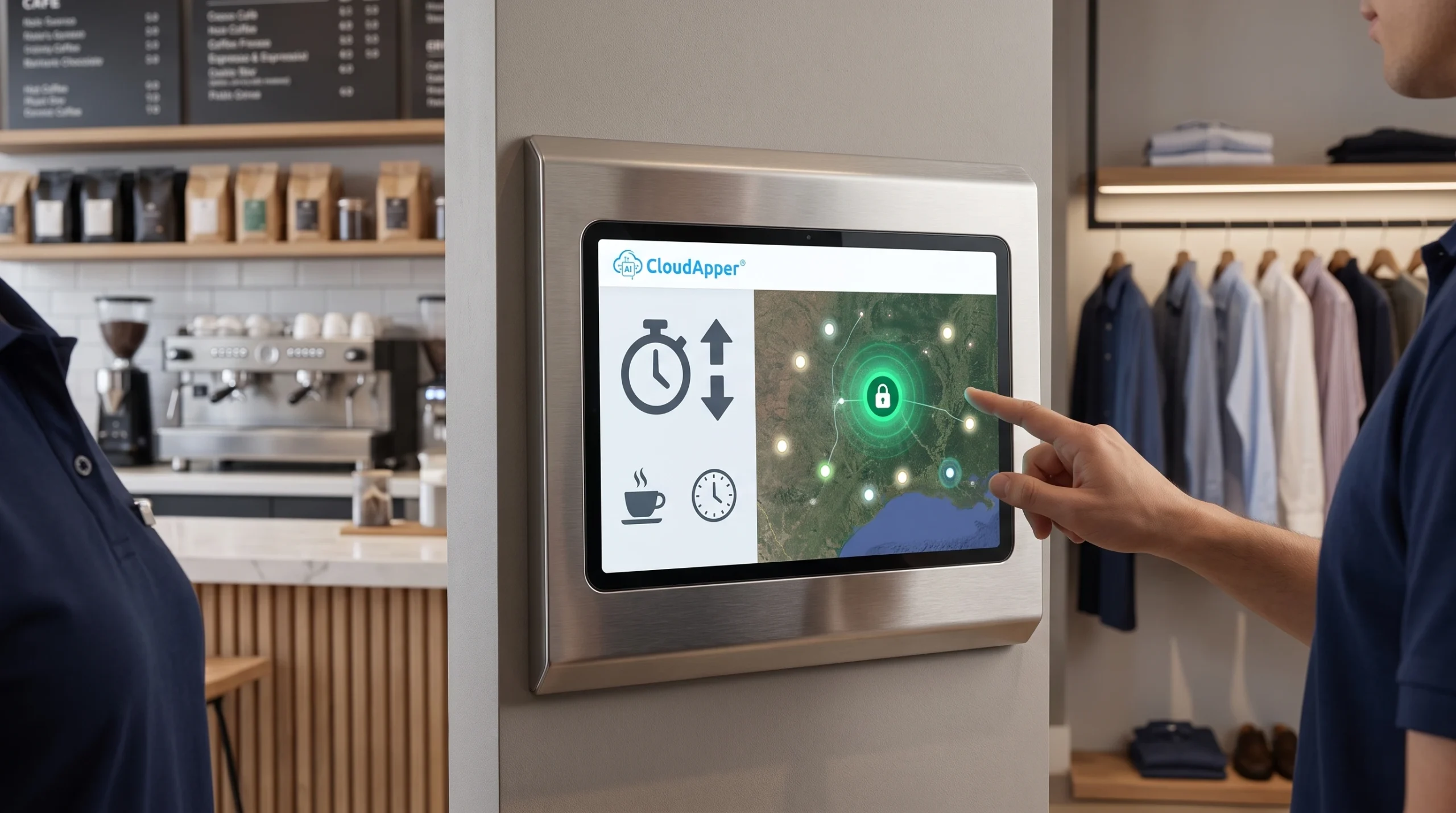
Two hundred people, two time clocks and an 11-minute line at shift change. See what a clock-out bottleneck costs in wages and legal risk, and how bulk punch in and out on iPad and Android kiosks keeps every punch accurate in your HCM.

TL;DR
- When large crews share a few time clocks, workers wait in line to punch out, and that wait shows up as extra labor cost, overtime and timecard exceptions.
- Accurate payroll starts with workers punching out right when their work ends.
- CloudApper AI TimeClock turns iPads and Android tablets into time clock kiosks you can place at every exit.
- Its crew punch feature lets a crew lead bulk punch in and out for a whole team with one tap, and every worker keeps an individual record that syncs to your HCM.
Table of Contents
- The Labor Law Risk of a Clock-Out Bottleneck
- How CloudApper AI TimeClock’s Crew Punch Works
- How to Set Up Bulk Punch In and Out at a Facility Exit
- Fix the Clock-Out Line Before It Reaches Payroll
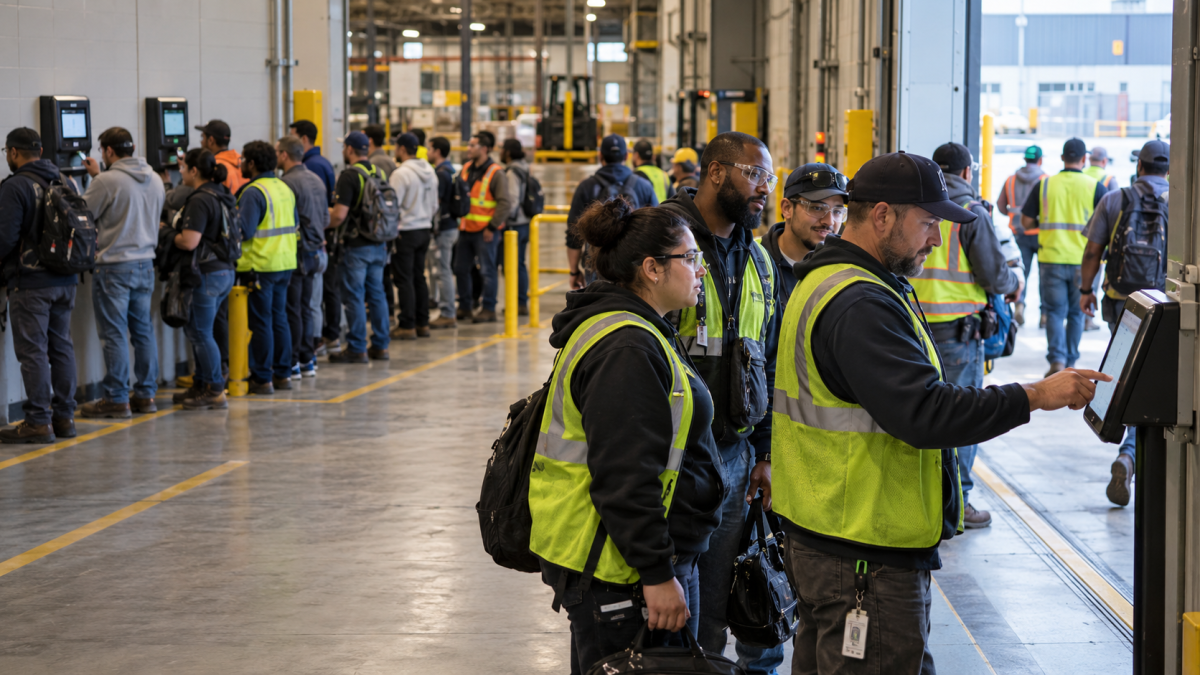
Two hundred people finish at 3:00 PM and share two clocks. The last person clocks out at 3:11 PM. That wait is more than lost time. It can be a legal risk. Some states, like California, may count it as hours worked. Punch times that don’t match when work ends are hard to defend in a wage claim or audit. Operations and Payroll Managers feel this first. CloudApper AI TimeClock turns iPads and Android tablets into kiosks. Crew leads can bulk punch in and out for their whole team with one tap. Each worker still gets their own timestamp. It works with all major HCM systems, including Workday, UKG, Oracle and Dayforce.
The Labor Law Risk of a Clock-Out Bottleneck
When 200 people share two clocks, most of the crew finishes work and then waits in line to punch out. That wait repeats at every shift change and every site, and it costs you in several ways.

If you pay up to the punch, you pay for time spent in line, and a few extra minutes per shift can push workers into overtime. Late punches also create timecard exceptions that managers have to fix. Meanwhile, the incoming crew gets stuck behind the outgoing line, so the next shift starts late.
The legal side carries the most weight. Labor laws on clocking out vary by state, and so do the rules on what counts as time worked. The Department of Labor explains the federal basics in its guide to hours worked, and some states, such as California, go further. Our guide to California time clock laws covers one of the most detailed rulebooks. When punch times drift away from when work actually ended, the gap becomes hard to explain in a wage dispute or an audit. Your legal and payroll teams should decide how these rules apply to you. Accurate clock-out records make that job much easier.
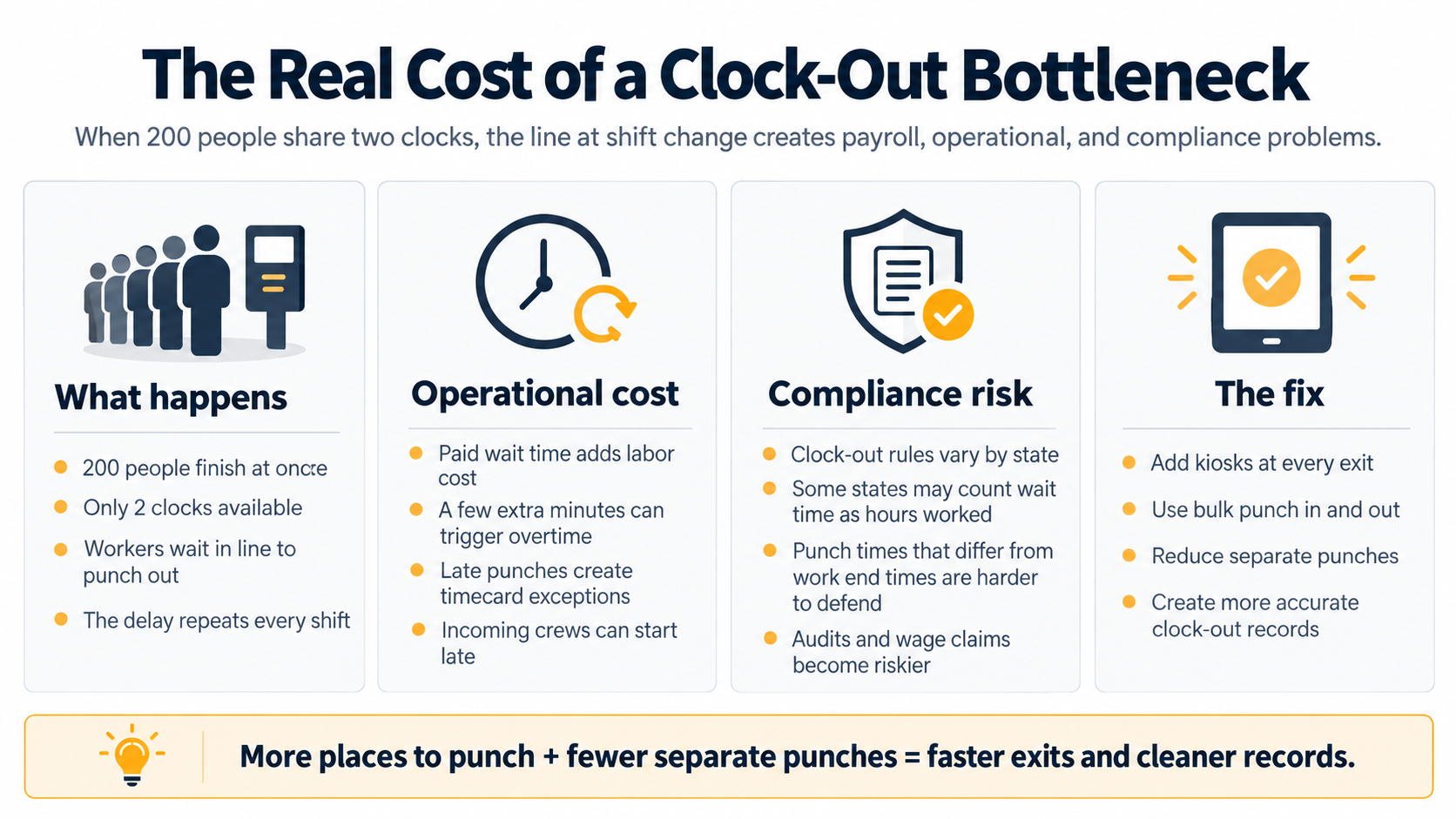
A standard clock in clock out machine handles one person at a time, so a bigger crew means a longer line. Kiosks at every exit and bulk punch in and out fix both sides of that. You get more places to punch, fewer separate punches, and timecards that show when work really ended.
How CloudApper AI TimeClock’s Crew Punch Works
CloudApper AI TimeClock turns iPads and Android tablets into time clocks that connect directly to all major HCM systems. Its crew punch feature lets a crew lead bulk punch in and out for a whole team from one kiosk. The lead signs in and picks the team from a crew list pulled from your HCM, so no one has to keep a separate roster. One tap then clocks the whole crew in or out at once. That’s the core strength: a group punch that still produces an individual record for every worker, each with its own timestamp, job code and cost center, in the format your HCM expects. The same kiosk also takes individual punches, so you run one system at the door. If the network drops, punches queue offline and sync later, and a supervisor-verified log records who punched whom for audits.
How to Set Up Bulk Punch In and Out at a Facility Exit
Setting this up at a busy exit takes five steps:
- Put multiple kiosks at every exit. Mount an iPad or Android tablet at each door, the same way you would set up other tablet-based time clock systems. Each extra door gives people one more place to punch.
- Assign a crew lead to each team. Crew lists come from your HCM, so leads don’t build or update rosters themselves.
- Clock out each crew with one tap. At the end of the shift, the lead confirms who is present and punches the whole crew out at once.
- Let everyone else punch on their own. Workers without a crew lead use the nearest kiosk, so no single clock carries the whole shift.
- Let the punches sync. Every punch goes to your HCM. If the network drops, punches wait on the kiosk and sync when the connection returns.
Fix the Clock-Out Line Before It Reaches Payroll
When a large crew shares just a few time clocks, the line at shift change costs you in paid wait time, overtime and timecard cleanup. The legal side matters even more. Rules on time worked vary by state, so punch times that don’t match when work ended can be hard to defend. That’s why the fix is simple: give people more places to punch, and cut down on separate punches. CloudApper AI TimeClock does both by turning iPads and Android tablets into kiosks for every exit. With crew punch, a lead can clock out the whole team with one tap, while each worker still gets an accurate record.
Because it works with all major HCM systems, including Workday, UKG, Oracle and Dayforce, those records go straight into the system you already use. If a punch-out bottleneck is leaving you with timecards that could be hard to defend in a wage dispute or audit, contact us today to talk through your options.
Frequently Asked Questions
What is bulk punch in and out?
A crew lead clocks a whole team in or out with one tap on a time clock kiosk. Each worker still gets their own timestamp in your HCM.
Why do clock-out lines form at shift change?
When many workers finish at the same time and share only a few time clocks, each person has to wait their turn to punch out.
Which devices can run CloudApper AI TimeClock kiosks?
CloudApper AI TimeClock runs on iPads and Android tablets, so you can mount a kiosk at each exit and add more places to punch.
Does bulk punching work with my HCM?
Yes. CloudApper AI TimeClock connects with major HCM systems, including Workday, UKG, Oracle and Dayforce, and sends each worker’s punch with the right job code and cost center.
What happens to bulk punches if the network goes down?
The kiosk stores punches offline and syncs them to your HCM when the connection returns.

What is CloudApper AI Platform?
CloudApper AI is an advanced platform that enables organizations to integrate AI into their existing enterprise systems effortlessly, without the need for technical expertise, costly development, or upgrading the underlying infrastructure. By transforming legacy systems into AI-capable solutions, CloudApper allows companies to harness the power of Generative AI quickly and efficiently. This approach has been successfully implemented with leading systems like UKG, Workday, Oracle, Paradox, Amazon AWS Bedrock and can be applied across various industries, helping businesses enhance productivity, automate processes, and gain deeper insights without the usual complexities. With CloudApper AI, you can start experiencing the transformative benefits of AI today. Learn More
- Useful Links:
- Agentic AI
- No-Code/Low-Code
- Custom Software
- HCM Personalization
- iPaaS
- FedRAMP

Brochure
CloudApper AI TimeClock
For accurate & touchless time capture experience.
Download Brochure
CloudApper AI Solutions for HR



- Works with








- and more.
Similar Posts
Credential Expiration Tracking: Alert Supervisors and Block Clock-In for Lapsed…

Why Frontline Employers Need an AI Time Clock to Prove…