Gloves and freezing temperatures break standard time clocks. See how touchless Face ID keeps cold storage punches accurate and still syncs with Workday, UKG, Oracle, and Dayforce.

TL;DR
- Gloves and cold, dry skin make standard touchscreen and fingerprint time clocks unreliable in cold storage.
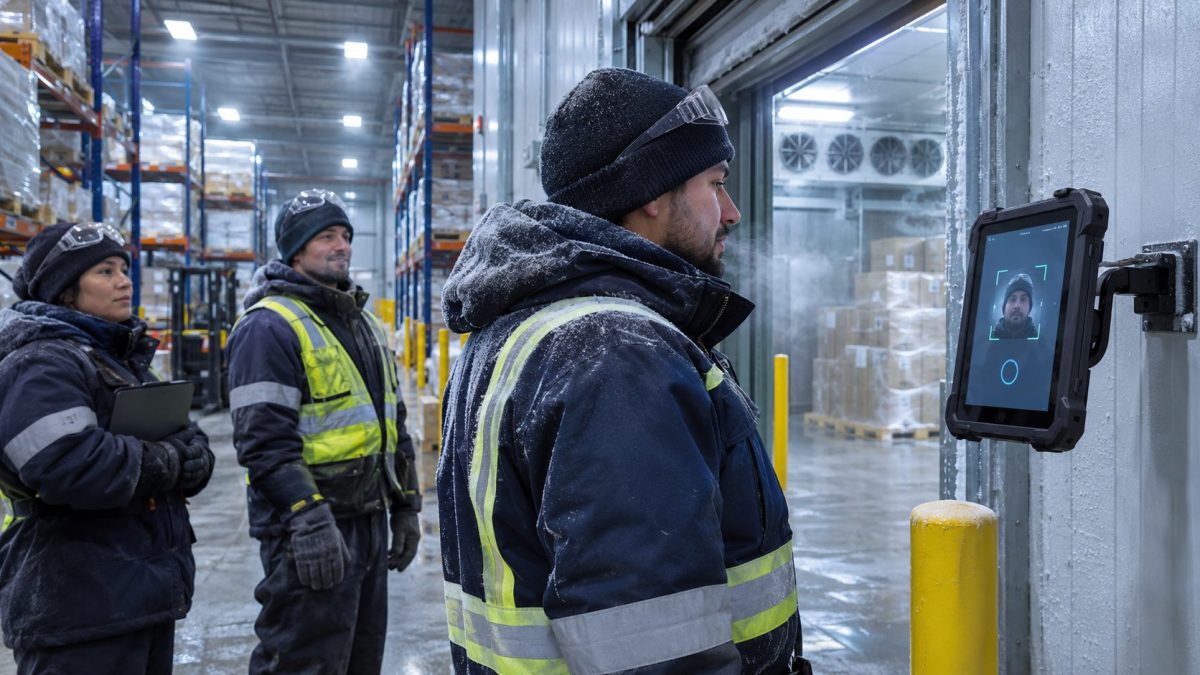
- Touchless Face ID lets workers punch in without removing a glove or touching a cold screen.
- The setup scales across dock doors and freezer zones without new hardware contracts.
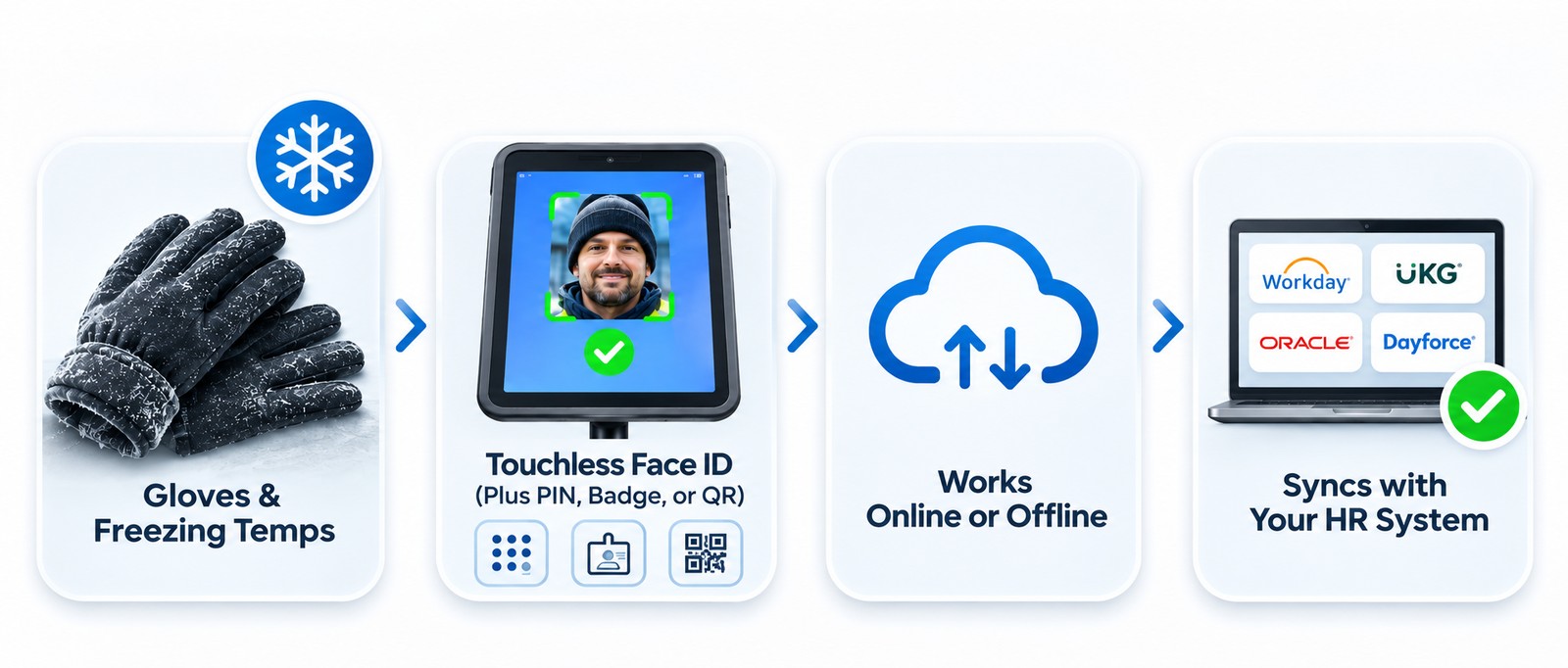
- CloudApper AI TimeClock runs on everyday iPads and Android tablets and syncs with Workday, UKG, Oracle, and Dayforce.
Table of Contents
- Why gloves and freezers break standard time clocks
- How a cold storage warehouse time clock should handle gloves and freezing temps
- What CloudApper AI TimeClock does differently
- Keeping cold storage crews punched in accurately
Workers in a cold storage warehouse spend their entire shift in insulated gloves, and that single fact breaks most standard time clocks: a touchscreen built for bare fingers barely registers a tap through thick fabric, and a fingerprint reader can’t read a print it can’t feel. The result is workers pulling gloves off inside a freezer just to punch in, slow lines at the clock during shift change, and punches that sometimes don’t register at all. A cold storage warehouse time clock needs a way to confirm who’s punching in without asking for bare skin or a precise tap, which means moving the verification step away from the glove entirely. CloudApper AI TimeClock does this with touchless Face ID alongside PIN, badge, and QR code options, running on the same iPads and Android tablets already on hand, and syncing directly with Workday, UKG, Oracle, Dayforce, and the other HR systems your team already relies on.
Why gloves and freezers break standard time clocks
A touchscreen calibrated for a bare fingertip often can’t register a tap through an insulated glove, so workers end up tapping two or three times, or pulling a glove off for a few seconds in sub-zero air just to get a clean punch. Fingerprint readers have it worse: cold, dry skin changes the ridges a sensor is trying to read, so a hand that scanned fine in the break room can fail repeatedly at the freezer door. Multiply either problem across a crew clocking in at shift change, and you get a backed-up line at the only working clock, workers standing in the cold longer than they need to, and a stream of missed or duplicate punches that someone on the payroll team has to track down and correct by hand later. None of this is a training issue or a discipline problem. It’s a mismatch between the hardware at the door and the conditions workers are actually standing in.

How a cold storage warehouse time clock should handle gloves and freezing temps
The fix is a punch method that doesn’t depend on bare skin or a precisely calibrated tap. Touchless Face ID confirms identity without any contact at all, and PIN or badge options give a reliable backup that works the same whether a hand is gloved or bare. This kind of setup scales cleanly for large and mid-market operators because it adds clocks at each dock door or freezer zone without new hardware contracts or extra IT overhead, and it fits well beyond cold storage: frozen food distribution, grocery cold chain, meat and seafood processing, and pharmaceutical cold storage all run crews through similar conditions, often alongside the same shift-change punch volume that slows down any single-point time clock. The industry itself keeps growing, which makes solving this at scale worth doing now rather than later: the Global Cold Chain Alliance’s 2026 Top 25 report found that the largest cold storage operators now manage 7.76 billion cubic feet of temperature-controlled space, up 6.3% from the year before. Time tracking software built for these conditions has to keep up with that growth, not just the warehouses already running it.
What CloudApper AI TimeClock does differently
CloudApper AI TimeClock is time tracking software that turns a standard tablet into a time clock built for the floor it sits on, including a freezer dock. Face ID reads a worker’s face through a protective case, so nobody has to remove a glove or touch a cold screen to clock in, and PIN, badge, or QR code punching covers any spot where a camera angle is awkward. Because it runs on everyday tablets rather than proprietary freezer-rated hardware, a damaged unit costs little to replace and a new clock can go up at another dock door in minutes. This setup works best wherever a crew punches in fast and often, such as loading docks, pick-and-pack lines, and freezer entry points in a low-connectivity distribution center, since insulated freezer walls routinely weaken Wi-Fi signal the way a phone-free production floor already deals with for other reasons. Every punch still feeds directly into the employee time tracking records your HR systems already use.
Keeping cold storage crews punched in accurately
Gloves and sub-zero air aren’t going away, but a time clock built around them can stop costing a cold storage operation slow lines, missed punches, and manual payroll corrections every shift. Touchless Face ID paired with PIN, badge, or QR code punching gives workers a reliable way to clock in without removing a glove, and that same approach scales across dock doors, freezer zones, and multiple facilities without adding hardware contracts. CloudApper AI TimeClock delivers this time tracking software on the same iPads and Android tablets your team can deploy or replace in minutes, while syncing directly with Workday, UKG, Oracle, Dayforce, and whatever other HR systems already run your payroll. If gloved punches are slowing down your shift changes, you can request a demo to see how it holds up in a freezer.
FAQ
Why don’t fingerprint time clocks work well in cold storage?
Cold, dry skin changes the ridges a fingerprint sensor reads, so a print that scans fine at room temperature can fail repeatedly near a freezer door. Workers often end up warming or moistening their hands just to get a clean read, which slows down the line.
Can workers clock in without removing their gloves?
Yes. Touchless Face ID confirms identity without any contact, so there’s no need to remove a glove or touch a cold screen. PIN, badge, and QR code options are also available as backups.
Does a cold storage time clock need special freezer-rated hardware?
No. CloudApper AI TimeClock runs on standard tablets protected by a case, so there’s no need for expensive proprietary freezer hardware, and a damaged unit is inexpensive to replace.
What happens if a freezer dock has weak Wi-Fi?
Punches are captured on the device and sync automatically once connectivity is available, so insulated walls or dead zones near the freezer door don’t cause lost or delayed punch data.
Which industries beyond cold storage warehouses face this same problem?
Frozen food distribution, grocery cold chain operations, meat and seafood processing, and pharmaceutical cold storage all run crews through similar gloved, low-temperature conditions.

What is CloudApper AI Platform?
CloudApper AI is an advanced platform that enables organizations to integrate AI into their existing enterprise systems effortlessly, without the need for technical expertise, costly development, or upgrading the underlying infrastructure. By transforming legacy systems into AI-capable solutions, CloudApper allows companies to harness the power of Generative AI quickly and efficiently. This approach has been successfully implemented with leading systems like UKG, Workday, Oracle, Paradox, Amazon AWS Bedrock and can be applied across various industries, helping businesses enhance productivity, automate processes, and gain deeper insights without the usual complexities. With CloudApper AI, you can start experiencing the transformative benefits of AI today. Learn More
- Useful Links:
- Agentic AI
- No-Code/Low-Code
- Custom Software
- HCM Personalization
- iPaaS
- FedRAMP
Brochure
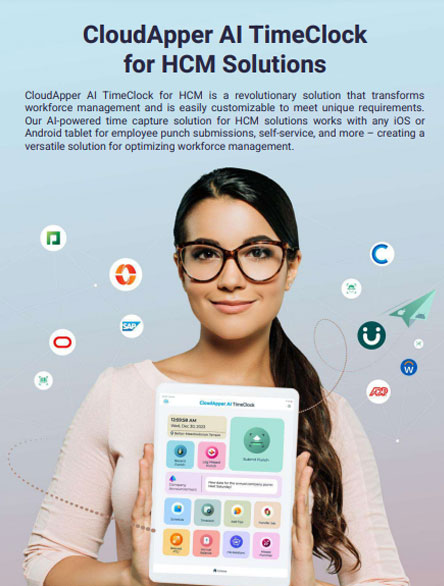
CloudApper AI TimeClock
For accurate & touchless time capture experience.
Download Brochure
CloudApper AI Solutions for HR
- Works with








- and more.
Similar Posts

Plant Turnaround Contractor Time Tracking: Capturing Hours for Short-Term Site…
Time Clock for Security Guards: Verifying On-Site Presence Without a…