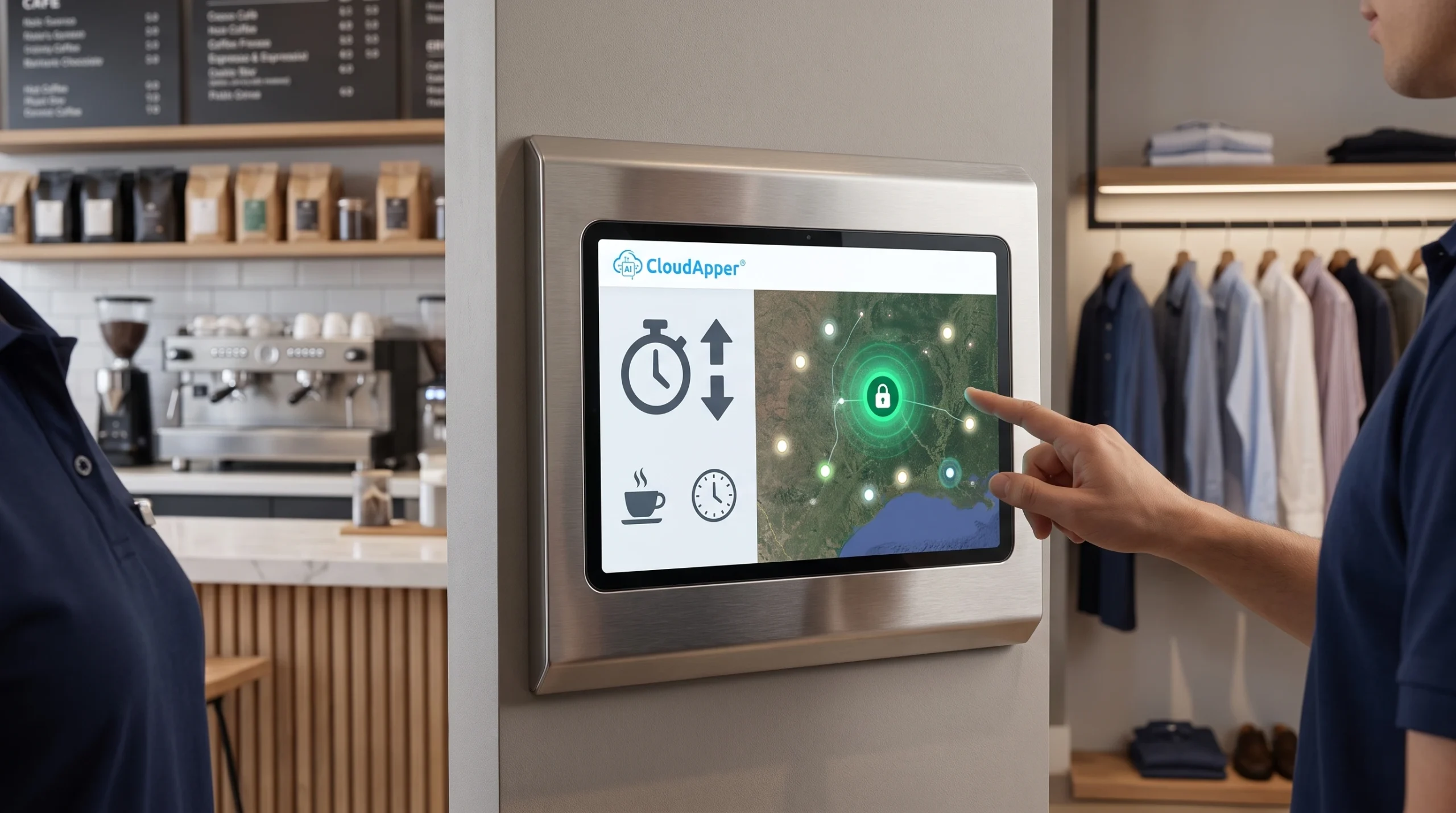
Piece-rate pay disputes often start when workers see their unit count for the first time on a pay stub. Learn how CloudApper hrPad lets workers log counts at clock-out and line leads approve them on the same kiosk, giving HR a verified record before payroll runs.

TL;DR
- Most piece-rate disputes happen because workers first see their count on the pay stub.
- Wrong counts lead to payroll corrections, weak records, and wage statement risk.
- With CloudApper, workers log their count at clock-out and the line lead approves it on the same kiosk.
- Only approved counts reach your HCM, so payroll works from numbers both sides agreed on.
Table of Contents
For HR operations and payroll managers, piece-rate disputes can happen when there’s no reliable record of what a worker actually produced. The fix is to capture and confirm each count on the day the work happens, so HR has proof ready when a worker questions their pay. CloudApper’s employee self-service kiosk adds a quick sign-off step at clock-out that creates that record, and it works with every major HCM, including UKG, Workday, Oracle, and Dayforce.

TL;DR
- Most piece-rate disputes happen because workers first see their count on the pay stub.
- Wrong counts lead to payroll corrections, weak records, and wage statement risk.
- With CloudApper, workers log their count at clock-out and the line lead approves it on the same kiosk.
- Only approved counts reach your HCM, so payroll works from numbers both sides agreed on.
Why Piece Rate Pay Disputes Show Up Too Late
A piece-rate pay dispute happens when a worker believes they were paid for fewer units than they produced. These disputes are common because the count is usually recorded by someone else, on a tally sheet or a scale report, and the worker never sees it. Since most frontline workers never log into the HCM directly, the pay stub is the first place they see their number. Left unresolved, these disputes lead to payroll corrections, more HR tickets, and workers who stop trusting their pay.
They can also create legal exposure. Federal rules require employers to keep records of units produced by each employee for at least two years when those units determine pay. In California, pay stubs must show piece-rate units and rates. Under Labor Code 226(e), employees harmed by knowing and intentional pay stub violations can recover up to $4,000, plus attorney’s fees.
How CloudApper AI’s hrPad Stops Piece-Rate Pay Disputes Before Payday
CloudApper hrPad turns any iPad or Android tablet into a self-service kiosk for frontline workers, and its piece-rate feature adds one short step to clock-out called shift-end count sign-off. When workers clock out with Face ID, a QR code, or a PIN, each entry is tied to the right person. The worker then enters their units for the shift, split by line, product, or task if needed. The line lead checks the entry on the same kiosk and either approves it or sends it back. Approved counts go to your HCM, each with a time stamp for both the entry and the approval. Admins can set up count fields, rates, and rules without code, so a seasonal rate change doesn’t need an IT project.
Agreed Counts Before Payroll
Piece-rate disputes are costly because they show up late and leave little proof. Checking counts at clock-out solves both problems. Workers see and own their numbers. Line leads settle differences on the spot. Payroll closes with a clear record of who entered and approved each count. HR also spends less time rebuilding piece-work calculations after payday.
CloudApper AI’s hrPad connects the work on your floor to the HCM you already use, and it is compatible with every major HCM, including UKG, Workday, Oracle, Dayforce, and ADP. To see shift-end count sign-off with your own pay rules, request a demo or learn more about CloudApper hrPad.
Frequently Asked Questions
What causes most piece rate pay disputes?
Most disputes start when someone other than the worker records the units. The number is then typed into payroll, so the worker first sees it on a pay stub.
Can workers check their counts without a computer or company email?
Yes. Workers sign in at the kiosk with Face ID, a QR code, or a PIN. They don’t need a login, a computer, or a company email.
Can we change piece rates during the season?
Yes. Admins update count fields, rates, and rules without code, so changes don’t wait on an IT project.
Does CloudApper replace our HCM?
No. Your HCM stays the official record and still calculates pay. CloudApper adds the worker and line lead sign-off before counts reach it.

What is CloudApper AI Platform?
CloudApper AI is an advanced platform that enables organizations to integrate AI into their existing enterprise systems effortlessly, without the need for technical expertise, costly development, or upgrading the underlying infrastructure. By transforming legacy systems into AI-capable solutions, CloudApper allows companies to harness the power of Generative AI quickly and efficiently. This approach has been successfully implemented with leading systems like UKG, Workday, Oracle, Paradox, Amazon AWS Bedrock and can be applied across various industries, helping businesses enhance productivity, automate processes, and gain deeper insights without the usual complexities. With CloudApper AI, you can start experiencing the transformative benefits of AI today. Learn More
- Useful Links:
- Agentic AI
- No-Code/Low-Code
- Custom Software
- HCM Personalization
- iPaaS
- FedRAMP

Brochure
CloudApper AI TimeClock
For accurate & touchless time capture experience.
Download Brochure
CloudApper AI Solutions for HR



- Works with








- and more.
Similar Posts
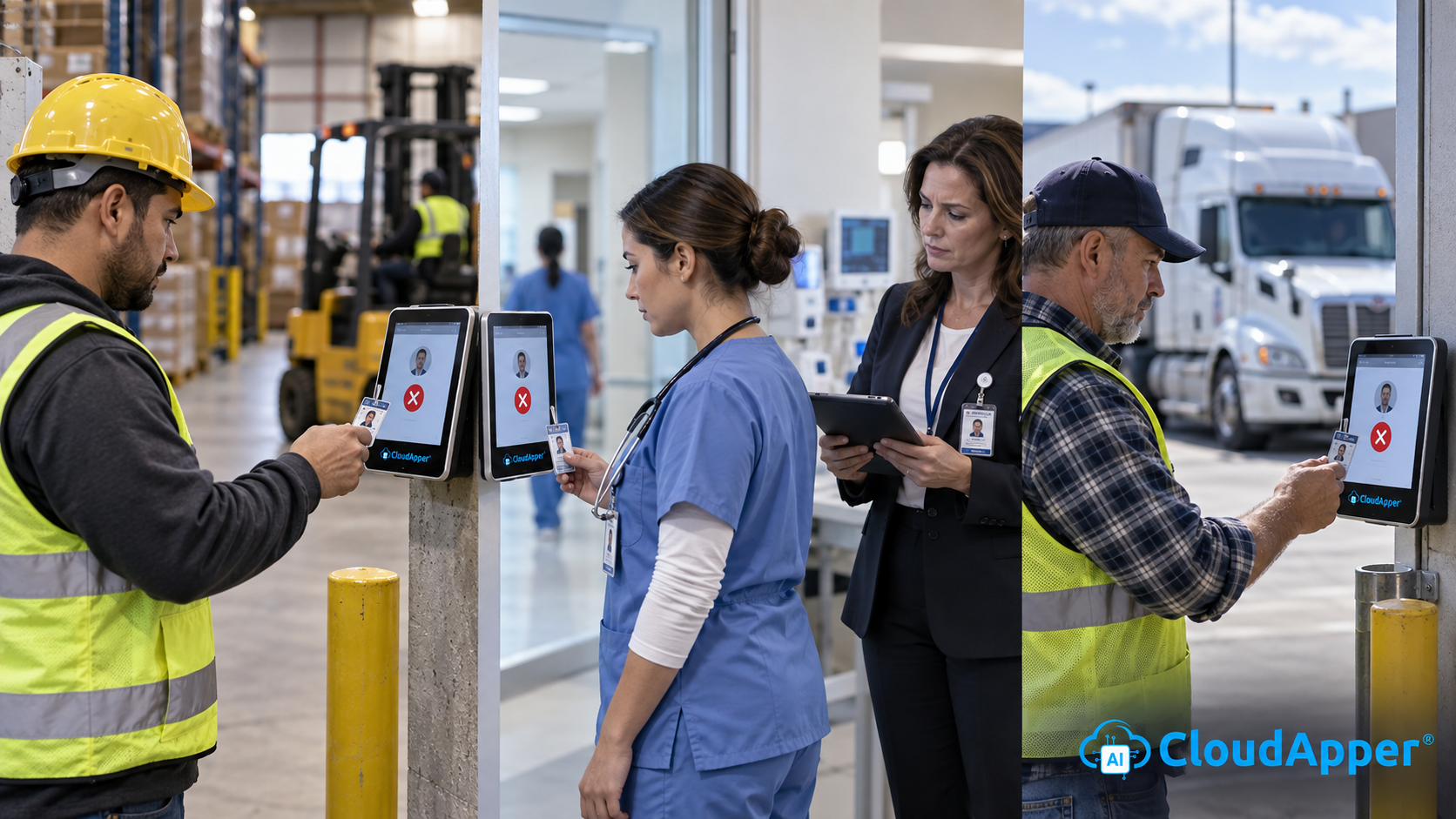
Credential Expiration Tracking: Alert Supervisors and Block Clock-In for Lapsed…

Why Frontline Employers Need an AI Time Clock to Prove…