Every shared time clock method trades speed against a different risk. This piece breaks down what each one actually proves, where it fails, and the compliance weight that comes with going biometric, then shows how hrPad by CloudApper AI lets a site run badge, PIN, and face scan side by side on one kiosk instead of locking into just one.
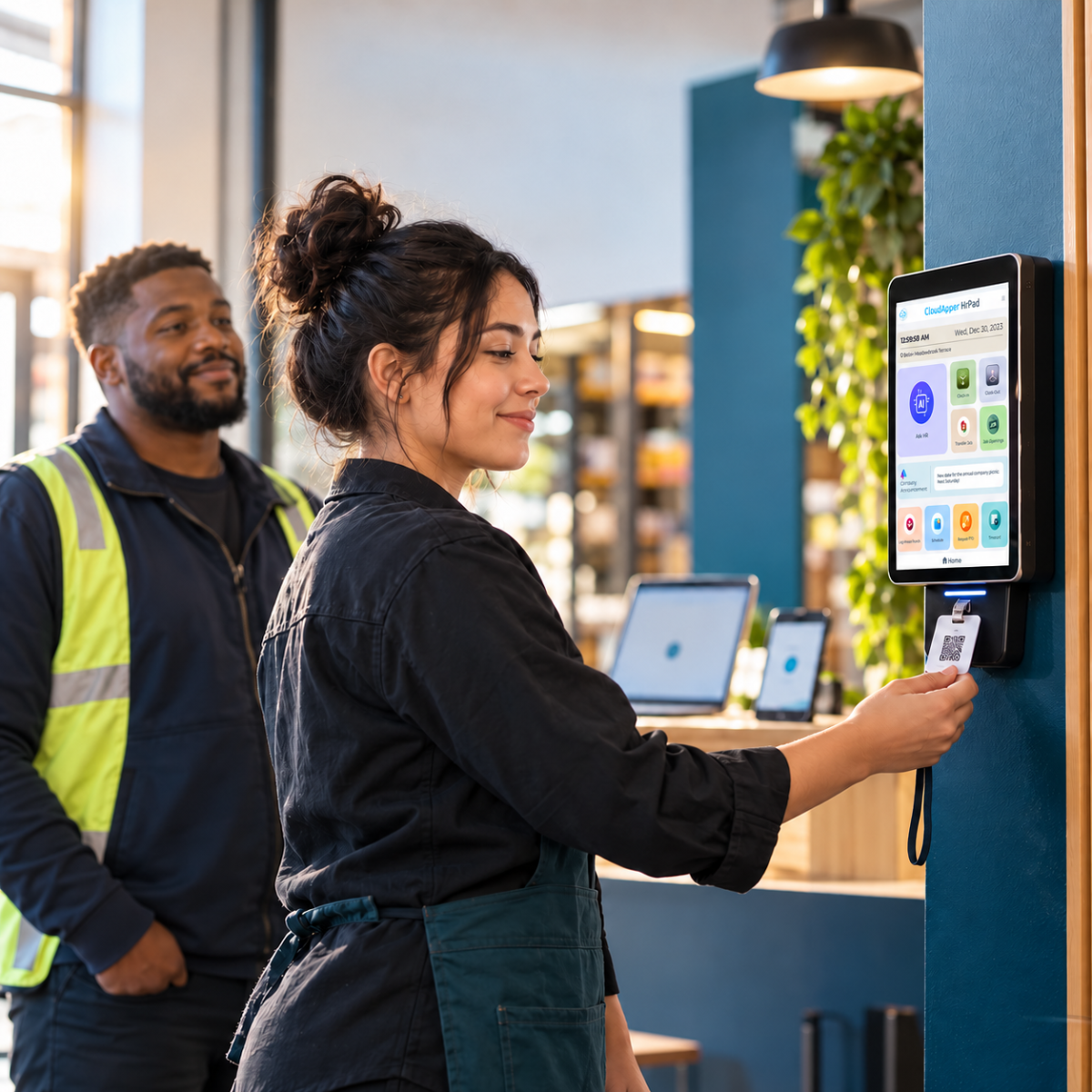
Table of Contents
- Three ways to identify someone at a shared clock
- What each method actually trades off
- Why the method matters more on a shared device
- One method, or more than one, on the same kiosk
A shared time clock can confirm who’s punching in three main ways: a badge or QR code, a PIN, or a face scan. This isn’t a question of whether to add biometric verification at all — it’s a question of which method, or mix of methods, actually fits the floor using the clock. Each option trades speed against a different kind of risk. A badge or PIN can be handed to a coworker; a face scan can’t, but it brings biometric privacy obligations a badge or PIN doesn’t carry. hrPad by CloudApper AI brings all three to the same shared employee self-service kiosk, so the choice comes down to your workforce and your risk, not a technology limit.
Three ways to identify someone at a shared clock
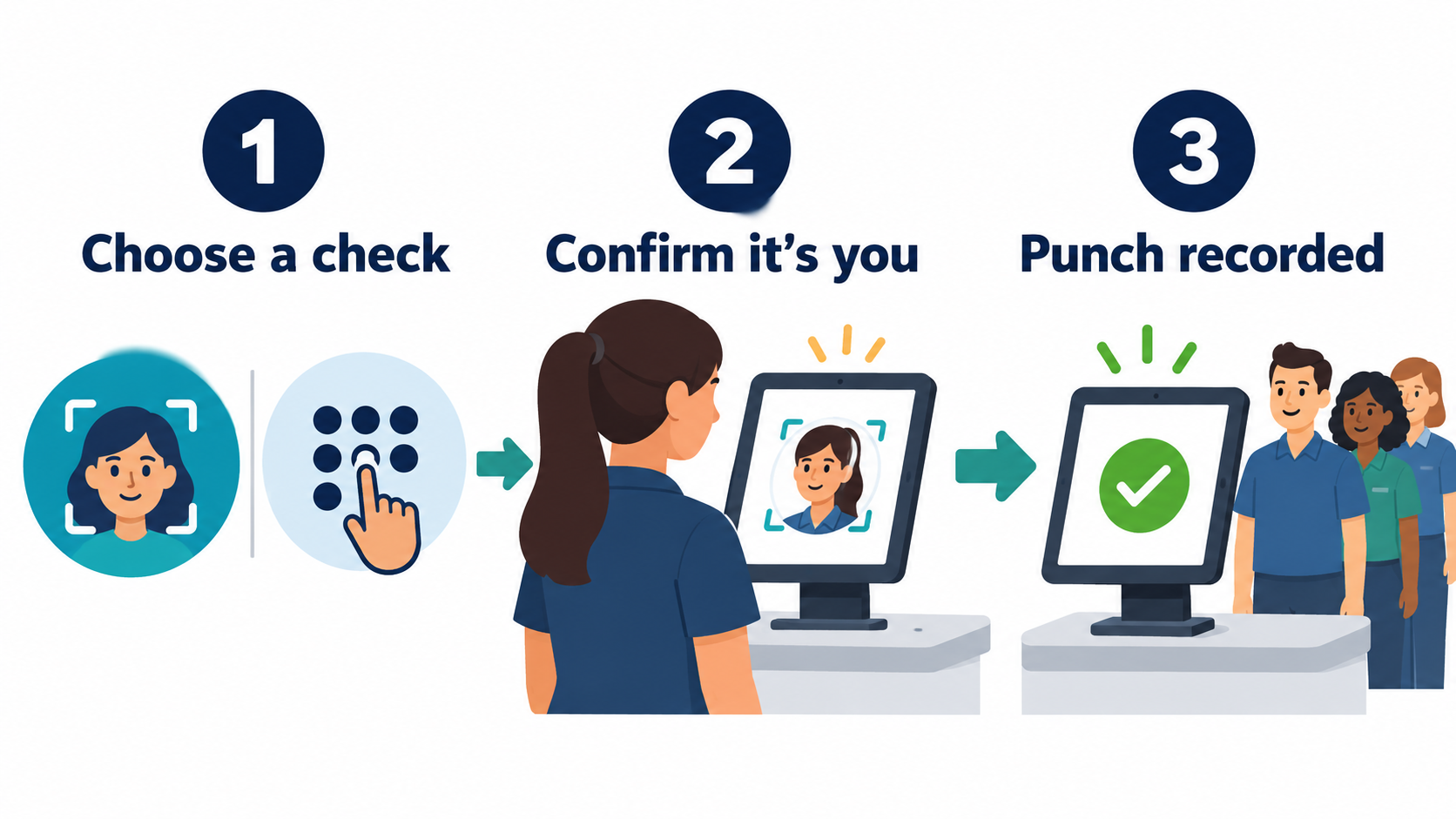
A badge or QR code is something the worker carries; tap or scan, and the clock reads an ID. A PIN is something the worker knows, typed before the punch goes through. A face scan is something the worker is, matched against a stored reference image. All three post a punch in seconds. What differs is how hard each is to hand off to someone else.

What each method actually trades off
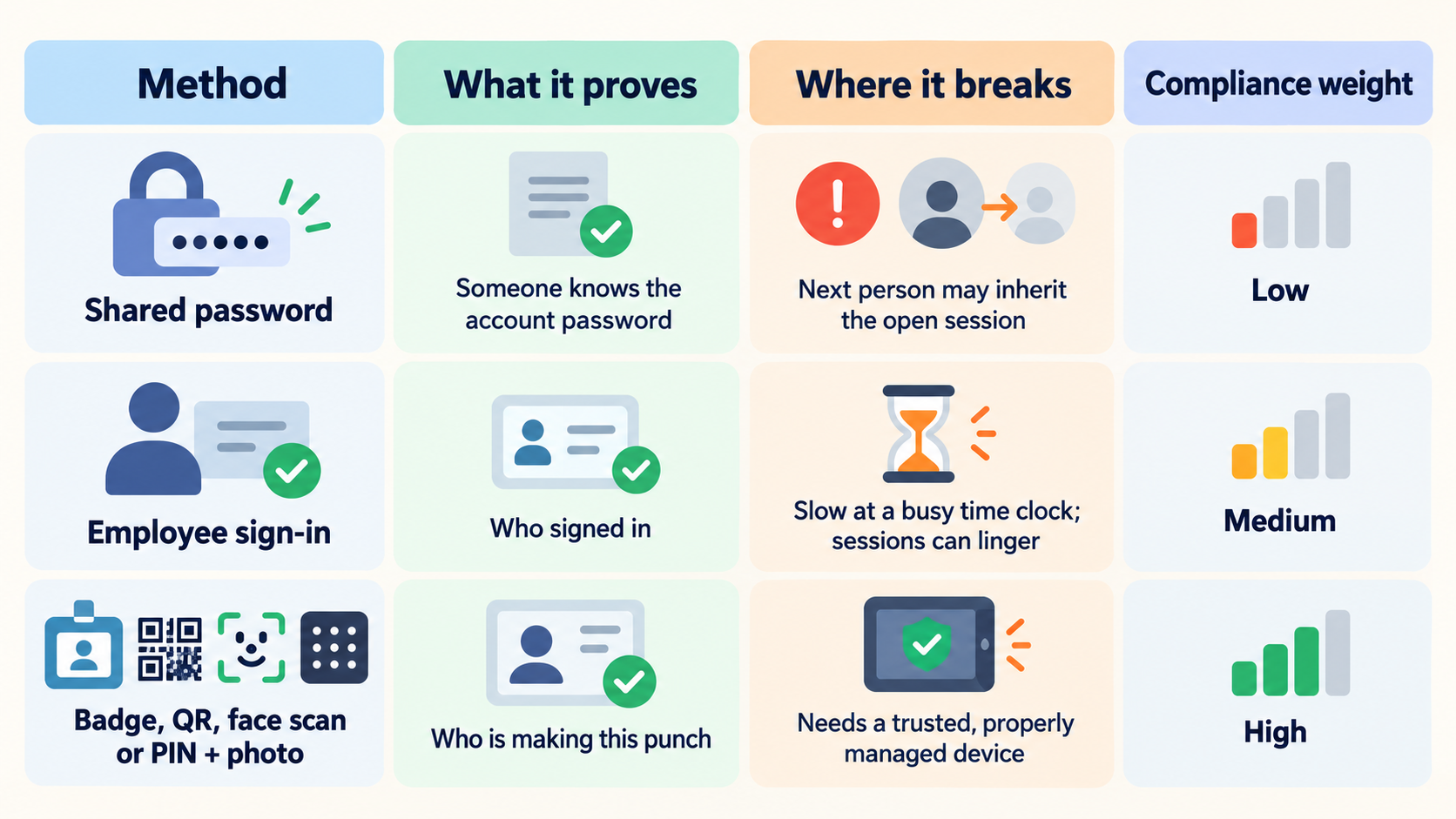
A badge proves the badge was there, not the person. Workers lend them out more than most employers assume, and a shared kiosk makes that easy with no second check tying badge to face. A PIN has the same weakness: it’s a number, and numbers travel. A face scan closes that gap, since it can’t be lent or typed in by someone else. The trade is on the compliance side: collecting a face scan means collecting a biometric identifier, and several states, Illinois among them, require written consent and a public retention and destruction policy first. A badge or PIN carries no such requirement.
| Method | What it proves | Where it breaks | Compliance weight |
|---|---|---|---|
| Badge or QR code | Something the worker was issued | Can be lent, lost, or shared | Low — no biometric data collected |
| PIN | Something the worker knows | Can be shared, guessed, or watched | Low — no biometric data collected |
| Face scan | Something the worker is | Hardest to hand off | Higher — biometric privacy law may apply |
Why the method matters more on a shared device
A badge handed to a coworker “just this once” is a minor problem on a personal device, easy to wave off. On a shared kiosk it compounds: every handoff becomes a disputed time record with the wrong name on it, and on face-scan sites, a compliance record someone has to produce later. The authentication method isn’t a feature to pick once and forget; it’s the first control between an honest time record and a disputed one.
One method, or more than one, on the same kiosk
Most time clock guidance treats this as a single decision: pick biometric or don’t. In practice, a shared kiosk rarely serves one kind of worker. A warehouse floor might have long-tenured staff who are comfortable with a badge, seasonal hires management wants verified by face scan, and a union contract that limits biometric collection for a third group. Running one authentication method for the whole site means over-securing the low-risk group or under-securing the high-risk one. Running badge, PIN, and face scan side by side on the same device means each worker group gets the method that fits its own risk, without three separate clocks.
Where hrPad fits
hrPad by CloudApper AI runs badge, QR code, PIN, and face scan on the same shared kiosk, so a site isn’t locked into one method before it knows its workforce. A warehouse with high turnover might start on badges and move to face scans once the churn settles. A unionized site with a biometric consent requirement in its contract might stay on PIN and badge entirely. Either way, the screen resets after each punch, and the record ties back to a method the employer chose on purpose, not whatever was fastest to set up. This is a different question than the shared-tablet time tracking setup itself, or removing SSO login friction at the clock; it’s about which proof-of-identity method the kiosk should trust in the first place.
A quick decision framework
Ask three questions before you pick a method. How often do workers already hand off a badge or share a PIN today, even informally? Does the site operate in a state with a biometric privacy law on the books? And would the team rather manage a lost badge or a signed consent form? The answers usually point to one method as the obvious starting point, with room to add a second later.
hrPad by CloudApper AI doesn’t decide the method for you, and it doesn’t collect biometric data without the consent flow a state requires. It gives a site the option to run badge, PIN, and face scan side by side, and to change the mix as the workforce changes. Talk to a CloudApper AI specialist about matching an authentication method to your shared time clock.
Frequently Asked Questions
Is a PIN secure enough for a shared time clock?
It’s secure against outsiders but not against a coworker who’s been told the number. If that’s happening informally today, a PIN alone won’t stop it.
Does using face scan at the time clock mean we need written consent?
In states with biometric privacy laws, generally yes, along with a public policy on how long the data is kept and when it’s destroyed. Requirements vary by state, so confirm the specifics with counsel before rolling out face scan.
Can hrPad run more than one authentication method at once?
Yes. Badge, QR code, PIN, and face scan can run side by side on the same kiosk, so different teams or shifts can use different methods.
Does changing the authentication method disrupt our HCM integration?
No. hrPad passes clean punches to Workday, UKG, Dayforce, or Oracle regardless of which identification method captured them.

What is CloudApper AI Platform?
CloudApper AI is an advanced platform that enables organizations to integrate AI into their existing enterprise systems effortlessly, without the need for technical expertise, costly development, or upgrading the underlying infrastructure. By transforming legacy systems into AI-capable solutions, CloudApper allows companies to harness the power of Generative AI quickly and efficiently. This approach has been successfully implemented with leading systems like UKG, Workday, Oracle, Paradox, Amazon AWS Bedrock and can be applied across various industries, helping businesses enhance productivity, automate processes, and gain deeper insights without the usual complexities. With CloudApper AI, you can start experiencing the transformative benefits of AI today. Learn More
- Useful Links:
- Agentic AI
- No-Code/Low-Code
- Custom Software
- HCM Personalization
- iPaaS
- FedRAMP

Brochure
CloudApper hrPad
Empower Frontline Employees with an AI-Powered Tablet/iPad Solution
Download Brochure
CloudApper AI Solutions for HR



- Works with








- and more.
Similar Posts

Payroll Questions From Employees: Six Causes and Fixes

Stop Piece-Rate Pay Disputes on Payday: Let Workers Confirm Daily…