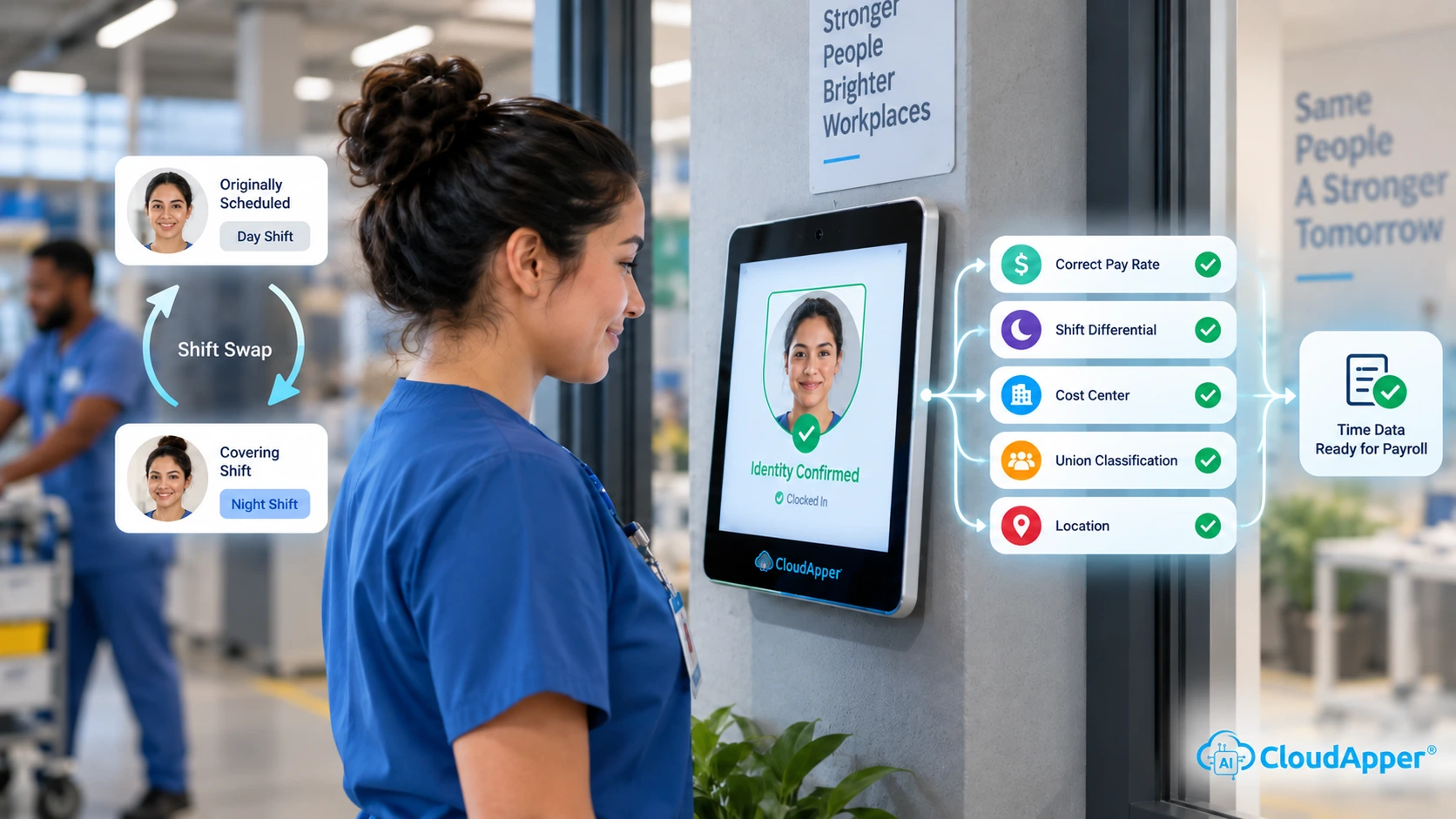
Most payroll questions start upstream of payroll, in attendance, deductions or approvals, not the paycheck itself. This piece maps the six links HR has to trace, and shows where hrPad by CloudApper AI steps in at the clock to catch each one before it becomes a ticket.

Table of Contents
A payroll question from an hourly worker rarely starts in payroll. It starts in one of six upstream links: employee records, attendance, deductions, approvals, compliance or reconciliation. hrPad by CloudApper AI is a shared employee self-service kiosk at the time clock. It catches errors where time is captured and answers pay questions on the spot.
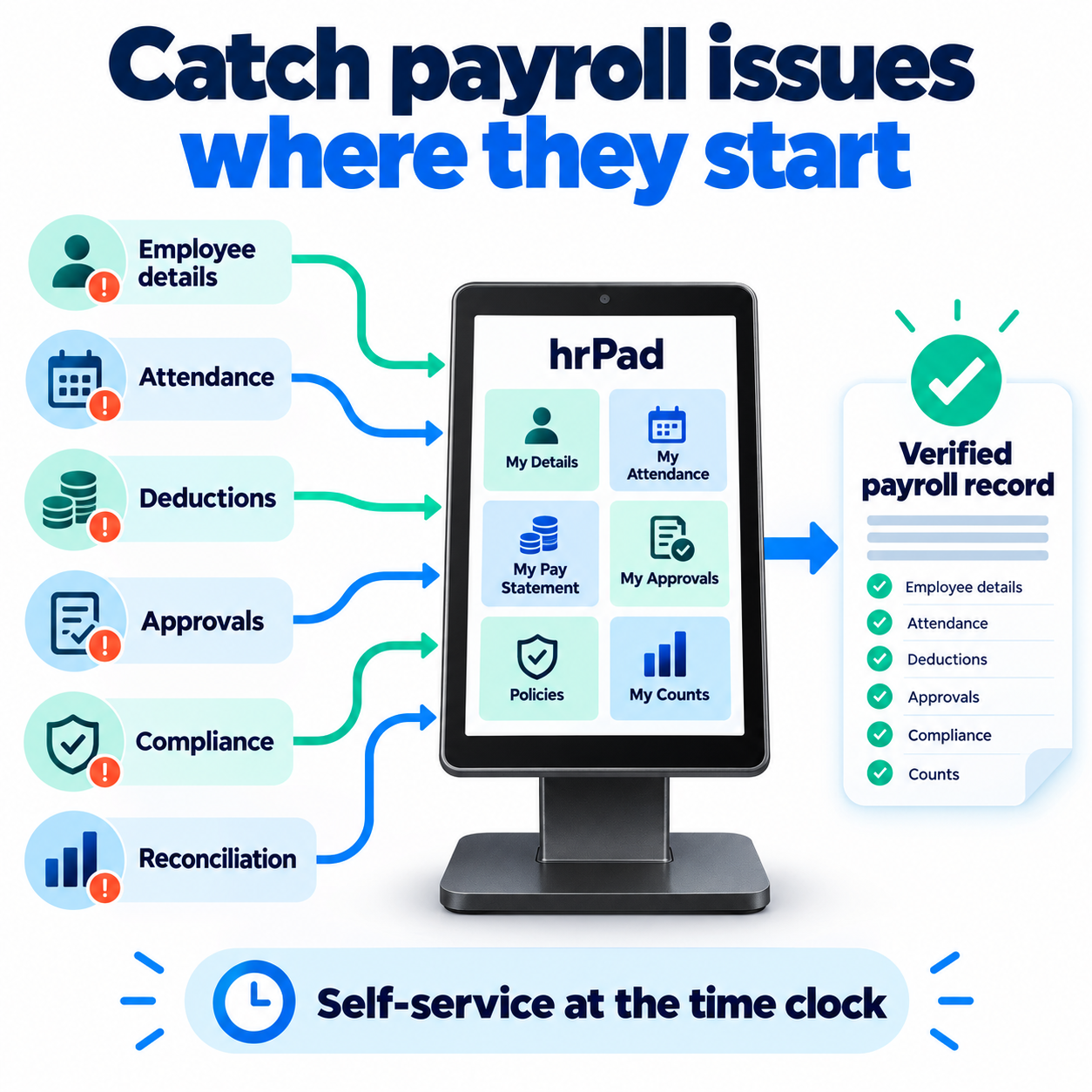
Why the visible question is rarely the real one
Every payroll team knows the moment. Someone has a quick question about their check, and twenty minutes later you are tracing attendance, a deduction and an approval to find where the number went wrong. The questions repeat: PTO balances, portal access, coded deductions, deduction versus employer contribution. What changes is which link failed.

Most HR software is a vitamin: useful, easy to postpone. A recurring payroll error is a headache that returns every pay period, and that is where hrPad by CloudApper AI earns its place. It is the painkiller. It treats the cause by checking time data at the kiosk where work is recorded, and it answers the worker’s question there, so fewer tickets ever reach HR.
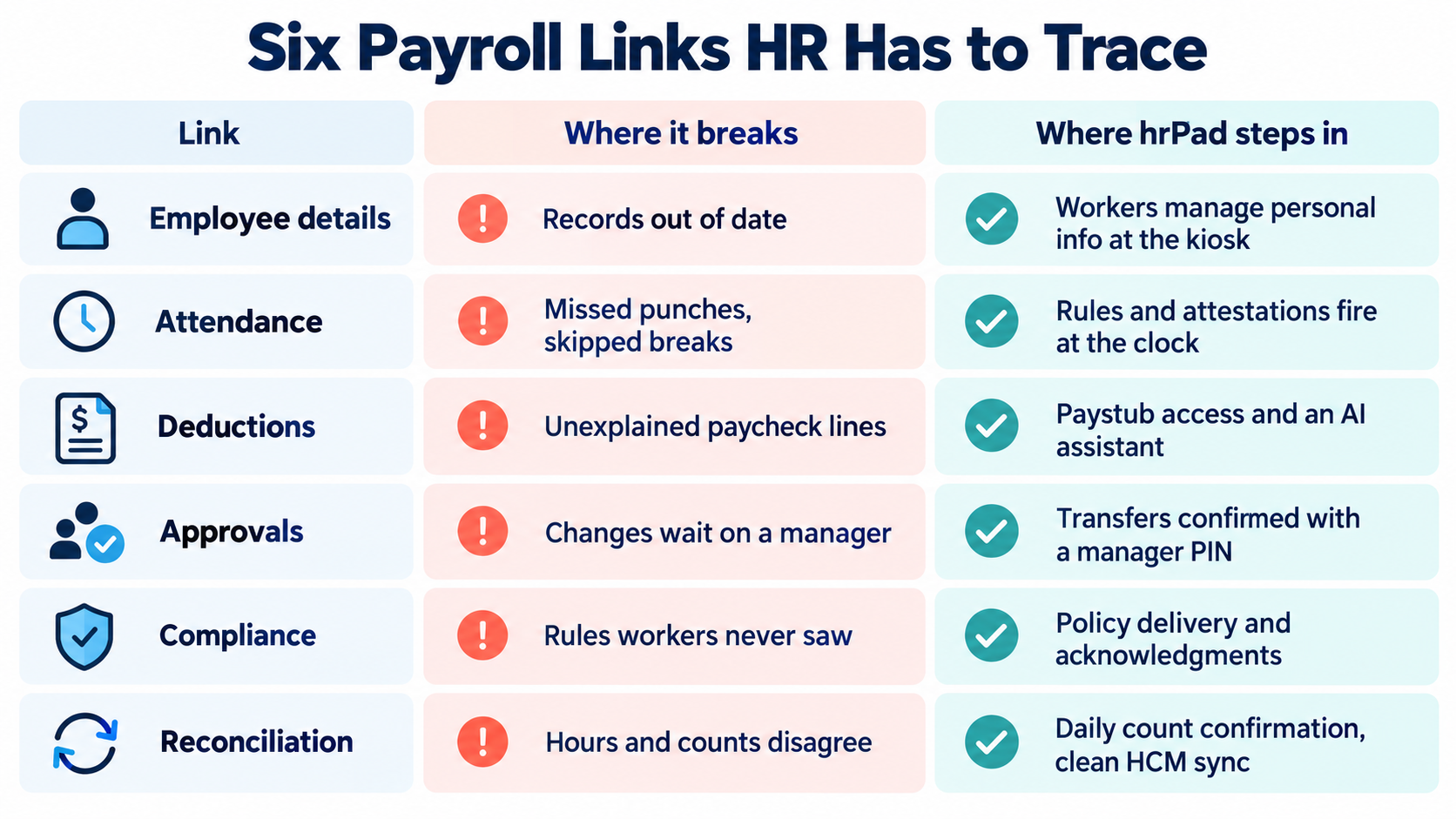
| Link | Where it breaks | Where hrPad steps in |
|---|---|---|
| Employee details | Records out of date | Workers manage personal info at the kiosk |
| Attendance | Missed punches, skipped breaks | Rules and attestations fire at the clock |
| Deductions | Unexplained paycheck lines | Paystub access and an AI assistant |
| Approvals | Changes wait on a manager | Transfers confirmed with a manager PIN |
| Compliance | Rules workers never saw | Policy delivery and acknowledgments |
| Reconciliation | Hours and counts disagree | Daily count confirmation, clean HCM sync |
See which link breaks first on your floor. Book a 15-minute consultation on an AI-powered employee self-service kiosk and we will map your payroll questions to these six links.
Where hrPad intercepts each link

Employee details. Stale addresses, wrong cost centers and mismatched names become pay disputes. hrPad lets workers view and manage their personal information at the kiosk, within your HCM’s rules. It integrates with Workday, Dayforce, Oracle and UKG (see the employee self-service kiosk for UKG).
Attendance. A missed punch or skipped break becomes a payroll question days later. hrPad applies break rules and attestations at the clock, while the worker can still answer.
Deductions. “What is this line?” is the classic. hrPad gives workers paystub and PTO access, and its 24/7 AI assistant answers from the HR documents you load. See why HR keeps getting asked for Workday paystubs.
Approvals. Cost-center changes waiting on a manager misplace labor. With hrPad, a worker transfers at the kiosk and a manager PIN confirms it on the spot.
Compliance. Workers cannot follow rules they have never seen. The U.S. Department of Labor requires employers to keep daily hours, pay rates, overtime earnings and deductions for non-exempt employees, and to retain payroll records for at least three years (DOL Fact Sheet #21). hrPad delivers policies, captures acknowledgments and offers content in more than one language.
Reconciliation. Every earlier gap lands here. hrPad lets piece-rate workers confirm daily counts at clock-out and passes validated data to your HCM without CSV re-keying.
What fixing the data at the source looks like
In a CloudApper case study, a construction firm that moved from paper timesheets to group time tracking reported a 40% improvement in payroll accuracy. That firm used CloudApper’s AI Time Clock rather than hrPad, but the principle is the same: fix the data where the work happens and the questions downstream shrink. Our guide to real-time payroll reporting makes the full case.
Find your weak link in one pay period
Log every payroll question for one pay period and tag each by link. One or two links usually account for most of the volume. Fix that one first, then repeat the exercise next pay period to confirm the volume really drops.
hrPad by CloudApper AI does not calculate pay or replace your payroll engine or HCM, and it does not give tax advice. It shortens the distance between a worker and a correct answer, and it catches errors where they start. Bring your tally to a consultation on HR service delivery at the time clock and see each link handled at the kiosk.

What is CloudApper AI Platform?
CloudApper AI is an advanced platform that enables organizations to integrate AI into their existing enterprise systems effortlessly, without the need for technical expertise, costly development, or upgrading the underlying infrastructure. By transforming legacy systems into AI-capable solutions, CloudApper allows companies to harness the power of Generative AI quickly and efficiently. This approach has been successfully implemented with leading systems like UKG, Workday, Oracle, Paradox, Amazon AWS Bedrock and can be applied across various industries, helping businesses enhance productivity, automate processes, and gain deeper insights without the usual complexities. With CloudApper AI, you can start experiencing the transformative benefits of AI today. Learn More
- Useful Links:
- Agentic AI
- No-Code/Low-Code
- Custom Software
- HCM Personalization
- iPaaS
- FedRAMP

Brochure
CloudApper hrPad
Empower Frontline Employees with an AI-Powered Tablet/iPad Solution
Download Brochure
CloudApper AI Solutions for HR



- Works with








- and more.
Similar Posts
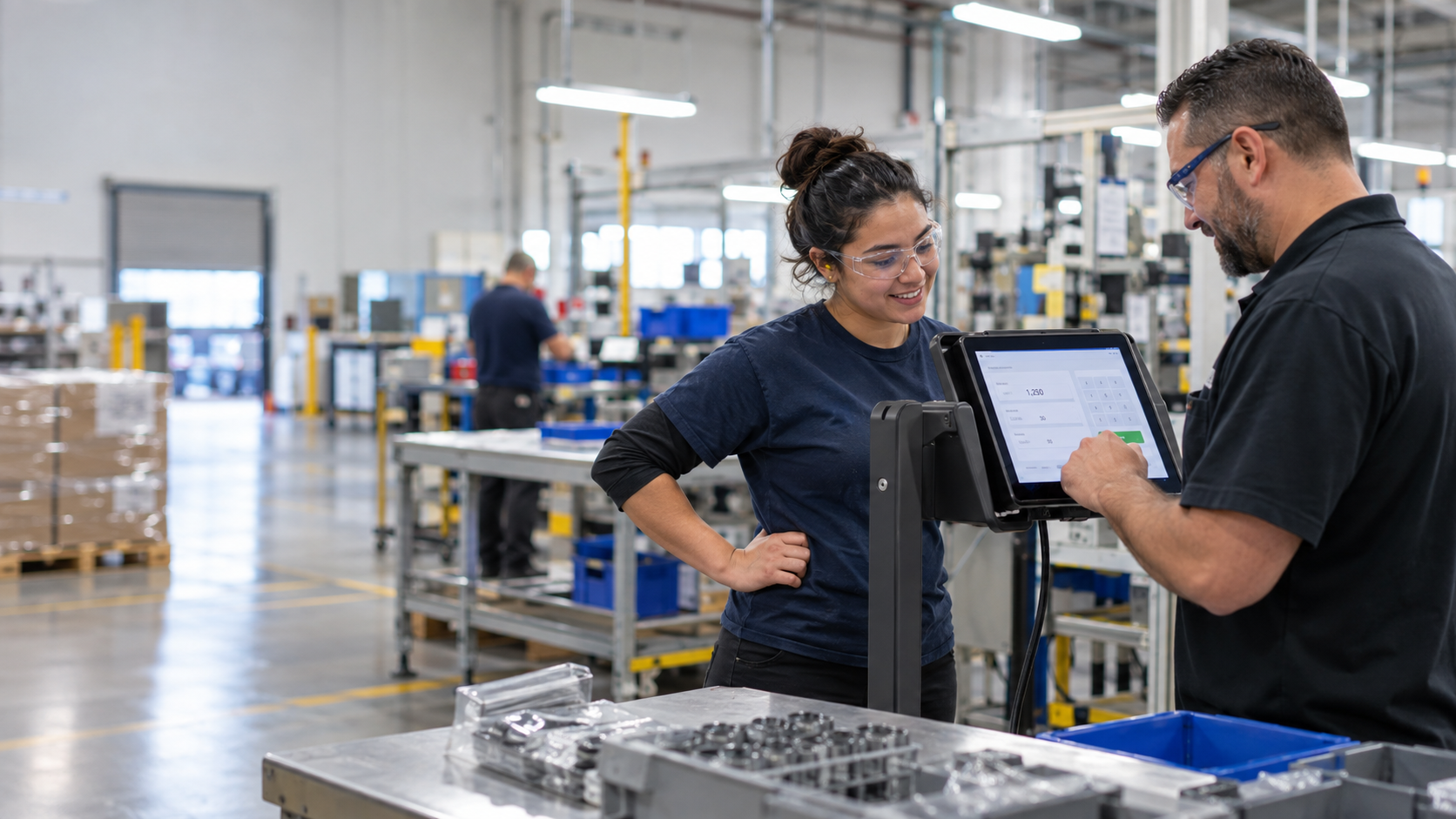
Stop Piece-Rate Pay Disputes on Payday: Let Workers Confirm Daily…

Certified Payroll Compliance: Why Davis-Bacon Failures Start at the Time…