Every pay period, somewhere in your organization, an hourly worker walks up to a manager or HR rep and asks some version of the same question: "Can you pull up my paystub?" It's a two-minute ask. Multiply it by your headcount, and it stops being small.
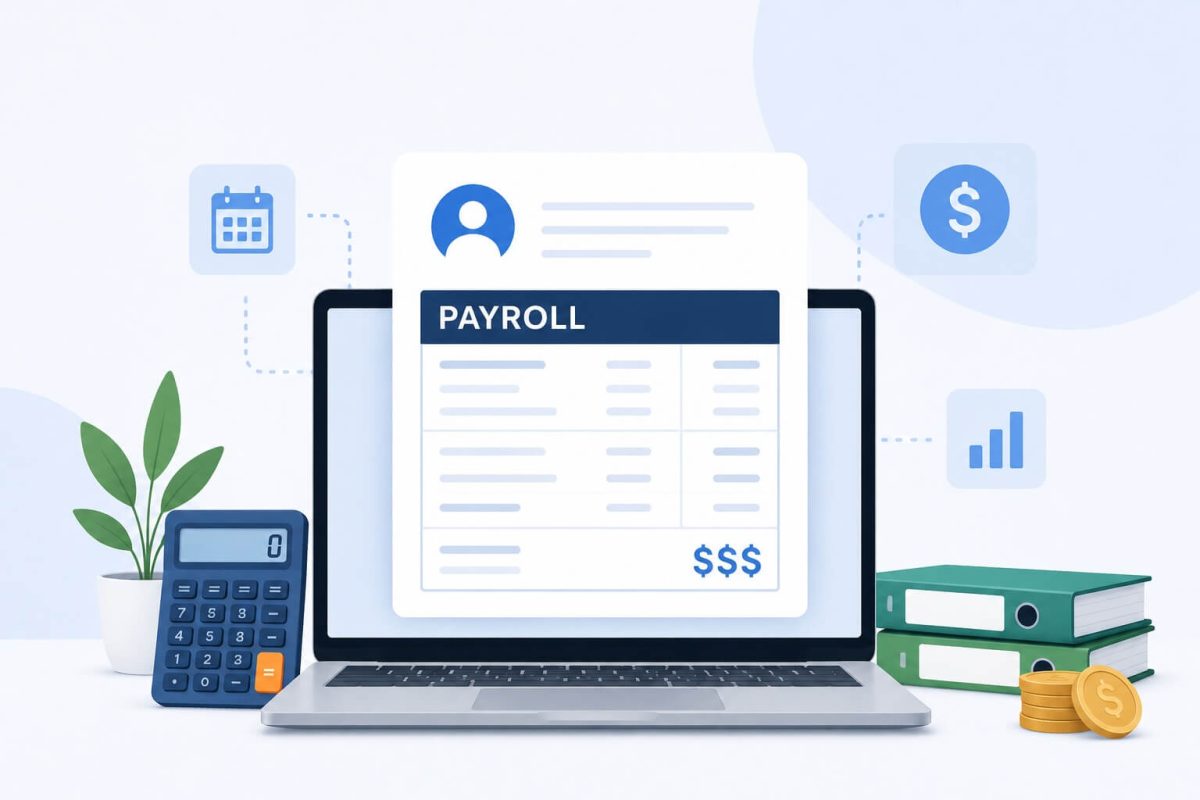
Table of Contents
- Your Hourly Workers Can’t See TheirWorkday Paystub. HR Is Paying for That.
- The Request That Keeps Coming Back
- Why Standard Workday Self-Service Doesn’t Reach Everyone
- What Changes When You Put a Kiosk on the Floor
- The Tax Season Angle Worth Thinking About Now
- This Doesn’t Change How Workday Works
- One Question Worth Asking Your HR Team
Your Hourly Workers Can’t See Their
Workday Paystub. HR Is Paying for That.
83%
of frontline workers lack a company email to log into Workday
Workforce Institute research
62%
have no computer access during their shift
Deskless Workforce Survey
~Q1
Annual paystub request spike — tax season, W-2s, loan applications
HR ops pattern, seasonal
Workday’s payroll self-service works well. Log in, go to Benefits and Pay, pull your payslip. Clean, instant, paperless. For employees at a desk with a corporate login, that’s genuinely the end of the conversation.
The problem isn’t Workday. The problem is the 60-plus percent of the workforce that Workday’s portal was never designed to reach — the warehouse associate who clocks in at 5am, the retail floor team that shares one back-room computer, the hospital aide finishing a 12-hour shift with no interest in finding their login credentials. These people need their paystub too. They just can’t get it the standard way.
The Request That Keeps Coming Back
Most HR teams don’t track how many paystub requests they field in a week. When they do, the number surprises them.
The request itself isn’t hard to fulfill. An HR coordinator can pull up a Workday payslip in about 45 seconds. But the cost isn’t the 45 seconds — it’s the interruption, the context switch, the fact that someone on your team is spending part of their week on a task that the technology you’ve already paid for should be handling automatically.
What this looks like in practice
A line worker finishes her shift and needs her last three paystubs for a lease application. She doesn’t have a Workday login — her employer never set one up for hourly staff. She texts her supervisor, who forwards it to HR. HR pulls the payslips, downloads the PDFs, emails them back. Total time for HR: maybe 10 minutes. Times this by a building of 400 hourly workers.
Now add W-2 season. January and February bring the same request at roughly 10x the volume — employees needing their year-end documents for taxes, mortgage applications, financial aid forms. A competent HR team handles it. But it’s not why you hired them.
The other version of this problem is at tax time specifically. January through March, Workday customers with large hourly workforces see a predictable surge in payroll-related HR contacts. W-2 questions, year-to-date totals, explanations of deductions — employees who can navigate Workday handle this themselves. Everyone else asks HR. It’s not a failure of HR process. It’s a frontline access gap showing up at the worst possible moment in the payroll calendar.
The math isn’t complicated. If your HR coordinator earns $55,000/year and spends 3 hours a week on paystub and payroll document requests, you’re spending roughly $4,300 annually on one person doing one task that shouldn’t require a human at all. Scale that across a team.
Why Standard Workday Self-Service Doesn’t Reach Everyone
Workday has strong employee self-service built in. The payslip viewer is clear, the pay history goes back years, and the mobile app works well for employees who use it. The issue isn’t capability — it’s access.
Most hourly workers in manufacturing, retail, healthcare, and logistics never get a company email address. They’re onboarded, assigned a badge number, trained, and put to work. The idea that they’ll log into a cloud HR portal on their lunch break to check a paystub just isn’t realistic — not because they don’t want to, but because the credential infrastructure to make that possible either doesn’t exist or was never extended to them.
Workday itself has acknowledged this directly. The company has noted in its own resources on frontline worker support that providing every employee with a smartphone login isn’t always practical, and that organizations need physical access points — kiosks, shared devices — to close that last-mile gap. That’s an honest recognition of where the standard portal ends and where something else needs to begin.
This isn’t a Workday limitation. It’s a deployment gap. Workday delivers exactly what it promises for the employees it’s configured to serve. The question is whether you’ve extended that reach to the workers who can’t access it through normal channels.
What Changes When You Put a Kiosk on the Floor
The straightforward fix is a shared tablet mounted where your frontline workers already are — break room, production floor entrance, locker area — that connects directly to Workday without requiring individual credentials.
That’s what CloudApper hrPad does. It turns any iOS, Android, or Windows tablet into a Workday-connected self-service kiosk. Employees verify their identity using facial recognition — no PIN, no password, no login required. Once authenticated, they can view their current and past Workday paystubs, check their PTO balance, see their schedule, submit a time-off request, or ask the built-in AI assistant an HR question. Everything syncs directly with Workday in real time.
Without a kiosk
✕Employee walks to HR to request paystub
✕HR coordinator pulls payslip from Workday manually
✕W-2 season creates an HR ticket surge every January
✕Employees call in during shifts for pay questions
✕Paper printouts or email PDFs required
With hrPad on the floor
✓Employee authenticates via facial recognition at kiosk
✓Workday paystub available instantly, self-served
✓W-2 and year-end documents accessible at the kiosk
✓AI assistant answers pay questions on the spot, 24/7
✓All data stays in Workday — no separate system
The paystub piece is one part of what the kiosk handles. But it’s the one that shows up most often in HR helpdesk queues, and it’s the one that demonstrates fastest that the kiosk is worth having. Employees who learn they can check their pay at the floor kiosk start using it for everything else — PTO requests, schedule questions, policy lookups. The habit builds on itself.
The Tax Season Angle Worth Thinking About Now
If you run a large hourly workforce on Workday, Q1 is probably already on your radar as a challenging period for HR inquiries. The W-2 distribution, the questions about year-to-date totals, the employees who need to prove their income for a mortgage, a lease, or financial aid — all of it lands in HR’s lap at the same time that payroll is also closing out the year and dealing with its own complexity.
An hrPad kiosk handles this without HR getting involved. When an employee needs their W-2 or a historical Workday paystub for a loan application, they walk to the kiosk, verify their identity, and pull it up themselves. The AI assistant can walk them through what the document shows — what the deductions mean, where to find their YTD totals — without anyone from HR picking up a phone.
Organizations that deploy hrPad typically see the HR inquiry volume drop across the board, but the payslip and payroll document requests drop the fastest. They’re high-volume, low-complexity asks — exactly the kind that should never require a human on the HR side.
One payroll specialist at Tahoe Transportation District described the gap CloudApper filled: “Data collection and rule enforcement introduced major payroll integrity issues, as our existing system lacked advanced capabilities. CloudApper’s AI solved this problem for us — it was exactly the HRSD upgrade our frontline operations needed.”
This Doesn’t Change How Workday Works
Worth being direct about: hrPad doesn’t replace Workday, touch your Workday configuration, or create a parallel HR record. It connects to Workday via API. Your HR team continues using Workday exactly as they do today. The payslip data that shows on the kiosk is pulled directly from Workday — there’s no separate payroll database, no reconciliation step, no manual sync.
The kiosk is just a physical access point for employees who don’t have a desk-based path into Workday. Think of it as extending your existing Workday investment to the workers you paid to have it for in the first place.
For more on how this fits into the broader picture of frontline self-service, the Workday Self Service Portal access gap overview covers the structural reasons most deskless employees are left out — and what organizations are doing about it. The Workday time kiosk guide goes deeper on the hardware and deployment side if you’re evaluating options.
If your organization is already managing external PTO balance display issues in Workday, hrPad handles that at the same kiosk — employees see their accurate balances without any Workday reconfiguration needed.
One Question Worth Asking Your HR Team
Before you evaluate any solution, ask your HR coordinators how many paystub and payroll document requests they handled last month. Not as a performance critique — just as a data point. Most teams haven’t measured it because it’s background noise. When they count it up, the number tends to be higher than anyone expected.
That number is the baseline. A floor kiosk that self-serves those requests doesn’t just save HR time — it gives frontline workers something they arguably should have had from day one: direct access to their own pay information, on their schedule, without having to ask anyone’s permission.
Give your frontline workers direct
Workday paystub access. No logins. No HR in the middle.
CloudApper hrPad turns any tablet into a Workday-connected self-service kiosk. Employees check paystubs, W-2s, PTO, and schedules themselves — all synced directly with Workday in real time. Setup in days, not months.
Frequently Asked Questions
Why can’t frontline workers access their Workday paystub on their own?
Workday’s employee self-service portal requires a corporate login and company email address to access. Most frontline and hourly workers — in manufacturing, retail, healthcare, and logistics — are never assigned company email accounts, and 62% have no computer access during their shifts. This creates a structural barrier that has nothing to do with Workday’s capabilities and everything to do with how access was set up during deployment.
How does CloudApper hrPad give frontline workers Workday paystub access?
hrPad is a tablet-based kiosk that connects directly to Workday via API. Employees authenticate using facial recognition — no credentials required — and can immediately view their current and historical Workday paystubs, download documents, and ask the built-in AI assistant questions about their pay. Everything pulls live from Workday, so the data is always accurate and up to date.
Does hrPad create a separate payroll system outside of Workday?
No. hrPad is an access layer, not a separate payroll system. All paystub data comes directly from Workday through a real-time API connection. Your HR and payroll teams continue using Workday as normal. There’s no parallel database, no manual sync, and no change to your existing Workday configuration.
How does this help during tax season and W-2 distribution?
During Q1, many frontline employees need access to their Workday paystubs and W-2 documents for tax filing, mortgage applications, and financial aid. Without kiosk access, these requests all route through HR. With hrPad, employees pull their own documents at the kiosk — the AI assistant can also explain deductions and year-to-date figures — which removes the seasonal HR inquiry spike that most large hourly employers experience every January and February.
What devices does hrPad run on?
hrPad runs on any standard iOS, Android, or Windows tablet. Organizations typically wall-mount or counter-mount a tablet near the break room, production floor entrance, or timeclock station. No proprietary hardware is required, and the cost is significantly lower than traditional HR kiosk hardware.

What is CloudApper AI Platform?
CloudApper AI is an advanced platform that enables organizations to integrate AI into their existing enterprise systems effortlessly, without the need for technical expertise, costly development, or upgrading the underlying infrastructure. By transforming legacy systems into AI-capable solutions, CloudApper allows companies to harness the power of Generative AI quickly and efficiently. This approach has been successfully implemented with leading systems like UKG, Workday, Oracle, Paradox, Amazon AWS Bedrock and can be applied across various industries, helping businesses enhance productivity, automate processes, and gain deeper insights without the usual complexities. With CloudApper AI, you can start experiencing the transformative benefits of AI today. Learn More
- Useful Links:
- Agentic AI
- No-Code/Low-Code
- Custom Software
- HCM Personalization
- iPaaS
- FedRAMP

Brochure
CloudApper AI TimeClock
For accurate & touchless time capture experience.
Download Brochure
CloudApper AI Solutions for Workday



- Works with








- and more.
Similar Posts
Workday Biometric Time Clock Compliance: Consent, Retention, and Deletion Rules…
Workday Kiosk Security: Protecting Pay Slips and PII on Shared…