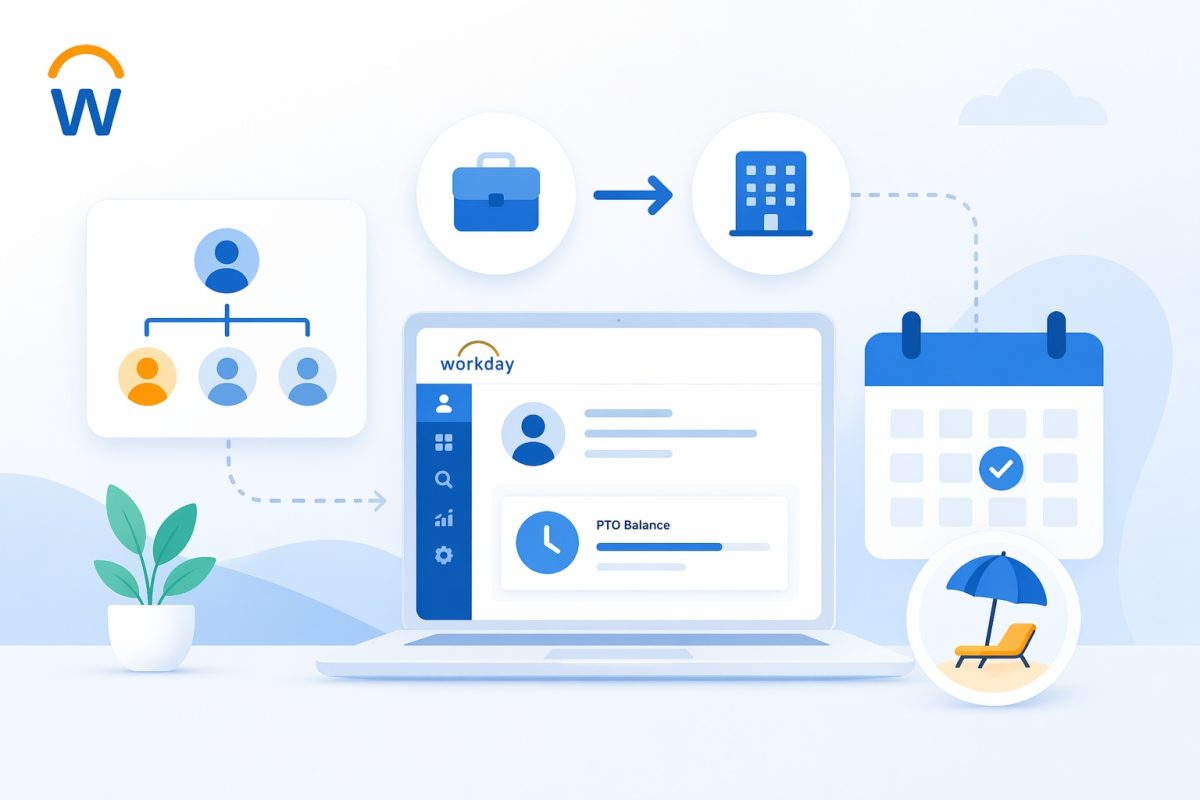
Job changes, transfers, or supervisory organization updates in Workday can disrupt paid time off (PTO) accrual when the new setup no longer matches the absence plan’s rules. Workday automatically rechecks eligibility during these events, potentially pausing or resetting balances until fixed. Understanding the triggers helps HR teams restore accruals quickly.
Eligibility Recalculation on Job or Org Changes
Workday scans the absence plan’s criteria—job profile, supervisory org, location, or worker type—whenever staffing changes occur. If the new job profile falls outside the plan’s rules, accrual stops cold. For example, moving from a full-time exempt role to non-exempt might exclude the worker from the salaried PTO plan entirely.

Transfers between supervisory organizations often create the biggest headaches. Each org can link to different eligibility groups, so a lateral move might drop PTO if the destination org isn’t covered. Future-dated changes compound this: if the effective date precedes the next accrual run, balances stay frozen until alignment.
Gaps in Plan Assignment from Staffing Events
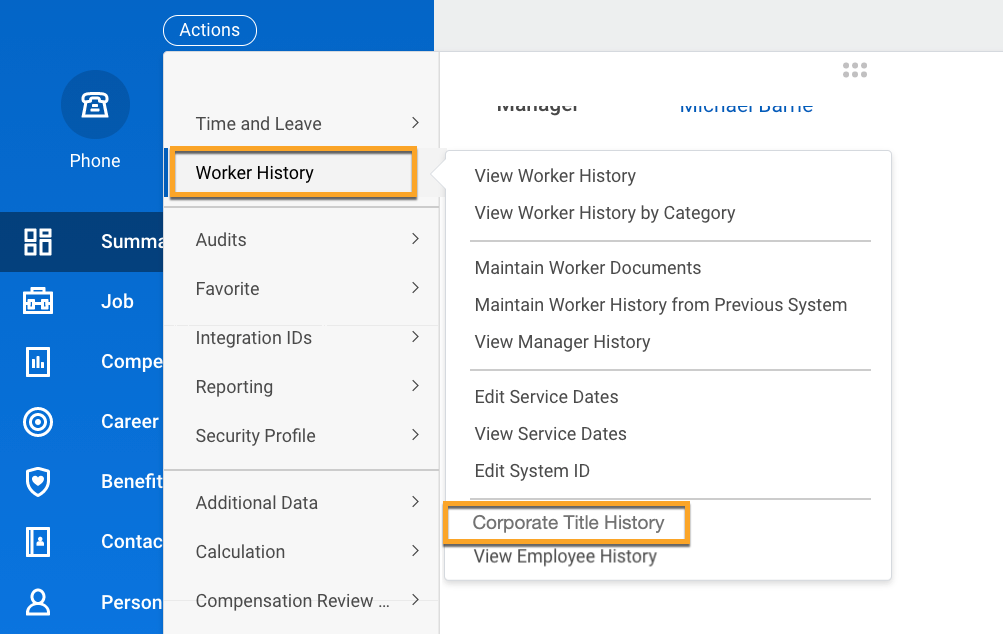
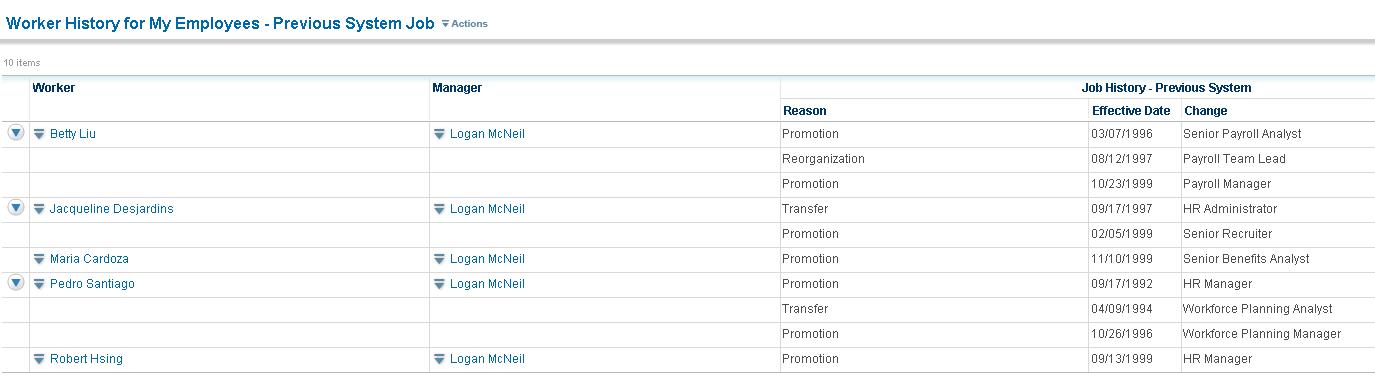
A common issue arises when changes create temporary gaps in plan coverage. Review the worker’s Staffing Events history under Worker History to spot these. Job requisitions, promotions, or org reassignments might override prior enrollments, leaving no active plan during the transition.
Payroll-aligned accruals amplify gaps—if the change hits mid-period, the worker skips that cycle. Remote workers transferring locations face extra hurdles if rules tie to cost centers rather than home country, blocking eligibility until manual overrides kick in.
Misalignment with Accrual Periods
Timing mismatches derail accruals most often. A job change effective today won’t trigger until the next payroll or monthly run processes. Future-dated promotions delay even further, as Workday holds off until the date passes and re-evaluates.
Carryover rules add complexity: high balances from the old role might cap new accruals under stricter org limits. Always check the Absence Plan effective dates against the staffing event timeline.
Steps to Fix and Prevent Disruptions
Navigate to the worker’s profile and run Evaluate Absence Plans to force a recalc. This flags gaps and suggests eligible plans—reassign via Assign Eligible Absence Plans if needed.
For bulk fixes, use security groups targeting recent transfers. Update plan rules to include common orgs or use flexible criteria like “All Active Workers” for stability. Test changes in preview mode first.
Post-fix, confirm via Evaluate Absence Calculation that balances update on the next run. These steps ensure seamless PTO flow despite org shifts, keeping employees on track.

What is CloudApper AI Platform?
CloudApper AI is an advanced platform that enables organizations to integrate AI into their existing enterprise systems effortlessly, without the need for technical expertise, costly development, or upgrading the underlying infrastructure. By transforming legacy systems into AI-capable solutions, CloudApper allows companies to harness the power of Generative AI quickly and efficiently. This approach has been successfully implemented with leading systems like UKG, Workday, Oracle, Paradox, Amazon AWS Bedrock and can be applied across various industries, helping businesses enhance productivity, automate processes, and gain deeper insights without the usual complexities. With CloudApper AI, you can start experiencing the transformative benefits of AI today. Learn More
- Useful Links:
- Agentic AI
- No-Code/Low-Code
- Custom Software
- HCM Personalization
- iPaaS
- FedRAMP