Workday Learning tracks certifications well when employees have logins, but frontline workers without portal access create blind spots in recertification tracking, audit trails, and completion visibility. Here is where the native gap sits and how a kiosk layer closes it without replacing Workday Learning as the system of record.
TL;DR
Workday Learning handles recurring compliance training assignment and recertification well for employees who log into the system, but organizations with frontline or deskless workers face a structural gap: Workday assumes portal access to record completion, and a worker who never logs in generates no verifiable training record even when correctly assigned. This creates silent recertification lapses and thin audit trails precisely for the population regulators scrutinize most closely in manufacturing, healthcare, and logistics environments. CloudApper hrPad closes this gap by surfacing required training at the same kiosk terminal employees already use to clock in, authenticating them without a separate Workday login, and syncing completion back to Workday in real time. Workday remains the system of record; hrPad is the access layer that gets assignments in front of employees Workday cannot otherwise reach. For HR compliance leaders preparing for an audit, this is the difference between a completion report that reflects reality and one with unexplained gaps.
Table of Contents
- What Workday Does Natively
- Where the Friction Shows Up
- What to Do Within Workday First
- Where Native Tools Run Out
Workday Learning can show that a recertification was assigned, but for workers who never log in it cannot show the training happened, which is the central gap in compliance training tracking for Workday frontline workers.

That gap surfaces when an OSHA auditor asks for proof that every forklift operator at a distribution center recertified before their card expired, and half the shift has never had a Workday session. Most of the problem is not Workday. It is the workforce sitting outside its reach. Workday Learning does a lot well, and CloudApper hrPad records training for workers who never log in, so the proof lands in Workday.
What Workday Does Natively
Workday Learning is a capable compliance training engine when the audience is desk-based. Admins can build required learning campaigns tied to job profile, location, or supervisory organization, and Workday will auto-assign courses based on those attributes. A campaign built for “all forklift-certified warehouse associates” will pick up new hires and role transfers automatically, without anyone manually adding names to a list.
Recurrence is handled through the Recurring Program feature, which lets admins set a training to reassign on a fixed interval — annually for HIPAA privacy training, every two years for a defective-equipment safety module, or whatever cadence the regulation requires. Workday tracks completion status, due dates, and overdue records, and that data feeds standard compliance reports admins can pull by organization or location.
Audit prep for Workday tenants generally starts from these same completion reports, and for a desk-based workforce, that’s usually sufficient. The employee gets a notification, logs into Workday, completes the assigned course, and the completion record updates automatically. Nobody has to chase anything.
Where the Friction Shows Up
The system breaks down the moment a meaningful share of the workforce doesn’t have — or doesn’t regularly use — an individual Workday login. This describes a large percentage of workers in manufacturing, healthcare, logistics, food and beverage, and construction, where employees clock in at a shared terminal, work a shift, and go home without ever touching a computer.
Three specific failure modes show up repeatedly:
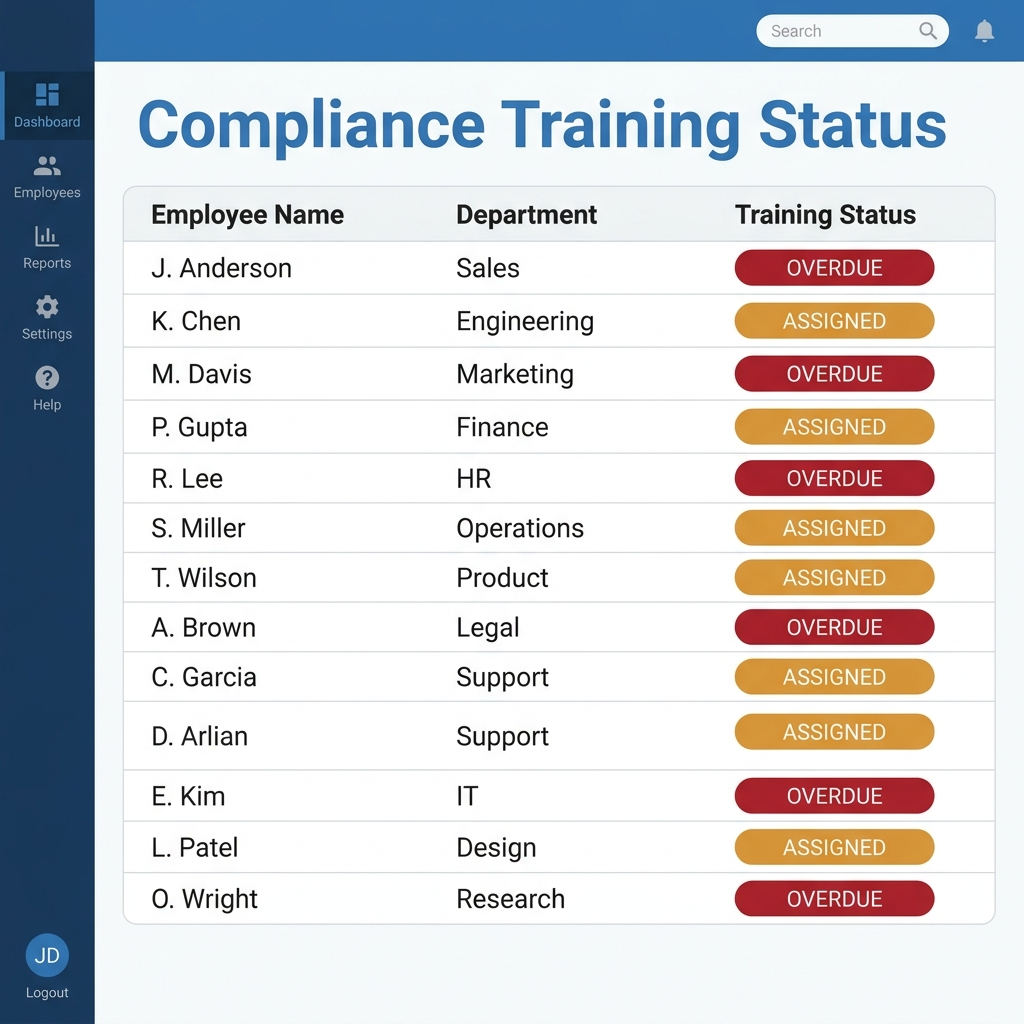
Assignment without completion visibility. Workday correctly assigns the training. The record sits as “assigned” or “overdue” indefinitely because the employee has no practical way to access it. HR sees the gap in a report but has no channel to close it other than pulling the person off the floor to sit at a shared office computer, which supervisors resist doing during a shift.
Recertification deadlines missed silently. A forklift certification, a food-handler card, or a bloodborne pathogens module expires on a fixed schedule. Workday’s recurring program will reassign the training on time, but if the notification goes to an email address the employee never checks, or a Workday inbox they’ve never logged into, the deadline passes with no one aware until an inspector or auditor asks for the record.
No location-specific documentation trail. For multi-site organizations, compliance requirements often vary by facility — a plant in one state may require a training module a plant in another doesn’t. Workday can assign these correctly by location attribute, but proving to an auditor exactly who completed what, where, and when often requires cross-referencing multiple reports rather than pulling one clean record.
What to Do Within Workday First
Before looking outside Workday, a few native levers are worth exhausting. First, confirm the Recurring Program’s notification channel is actually reaching the population it’s assigned to — many tenants default to email notifications for a workforce that has no practical email habit, when an SMS or physical posting requirement would perform better as a backup, even without automation. Second, audit whether job profile and location tagging is accurate enough that the training assignment logic is catching every employee it should; a stale job profile mapping is a common, quiet cause of workers falling outside a required campaign entirely.
Third, if notifications generally aren’t reaching frontline employees, that’s worth solving as its own project, since it affects far more than just training compliance — it touches open enrollment, policy updates, and shift communication too. Fixing the underlying delivery problem sometimes resolves part of the training visibility gap as a side effect.
Where Native Tools Run Out
Even with notification and tagging fixed, Workday Learning still assumes the employee will authenticate into Workday to consume the course and record completion. For a worker who has no device, no company email, and no Workday credentials at all — which describes a meaningful share of hourly and seasonal staff — there’s no native path around that requirement. Workday wasn’t built with a no-login completion mechanism, because for most of its customer base, that isn’t the access model.
This is a defensible, specific gap: not “Workday’s reporting is hard to use,” but “a portion of the workforce structurally cannot reach the training module Workday assigned to them.”
Closing the Gap with CloudApper hrPad
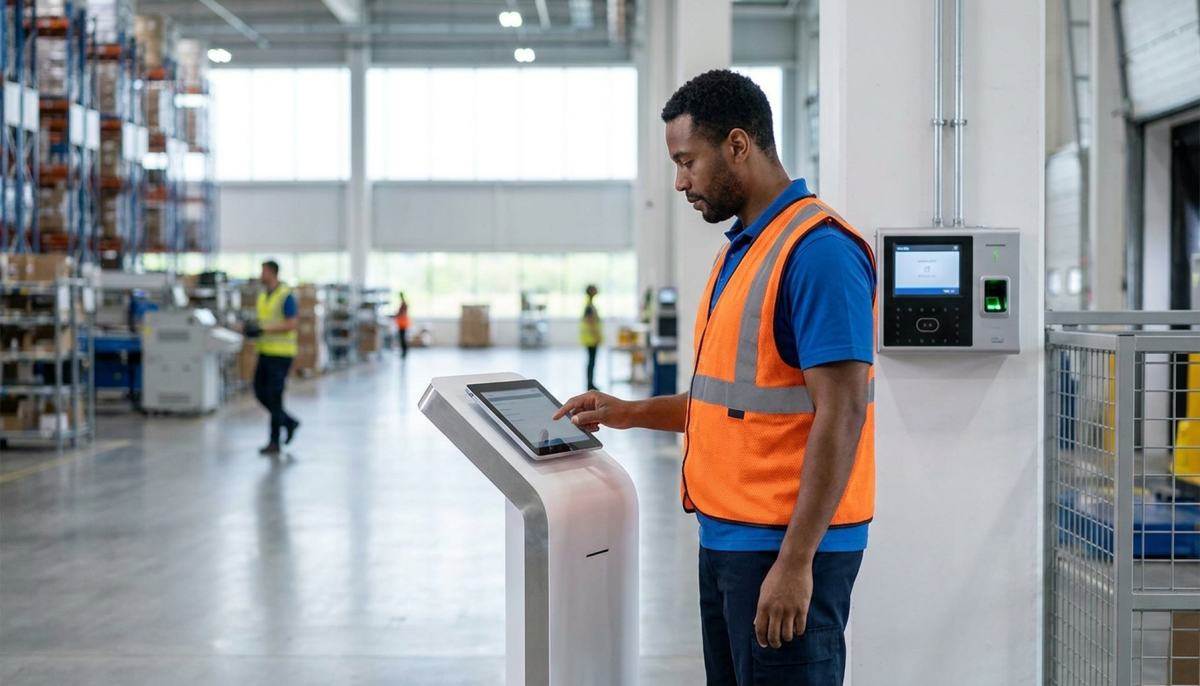
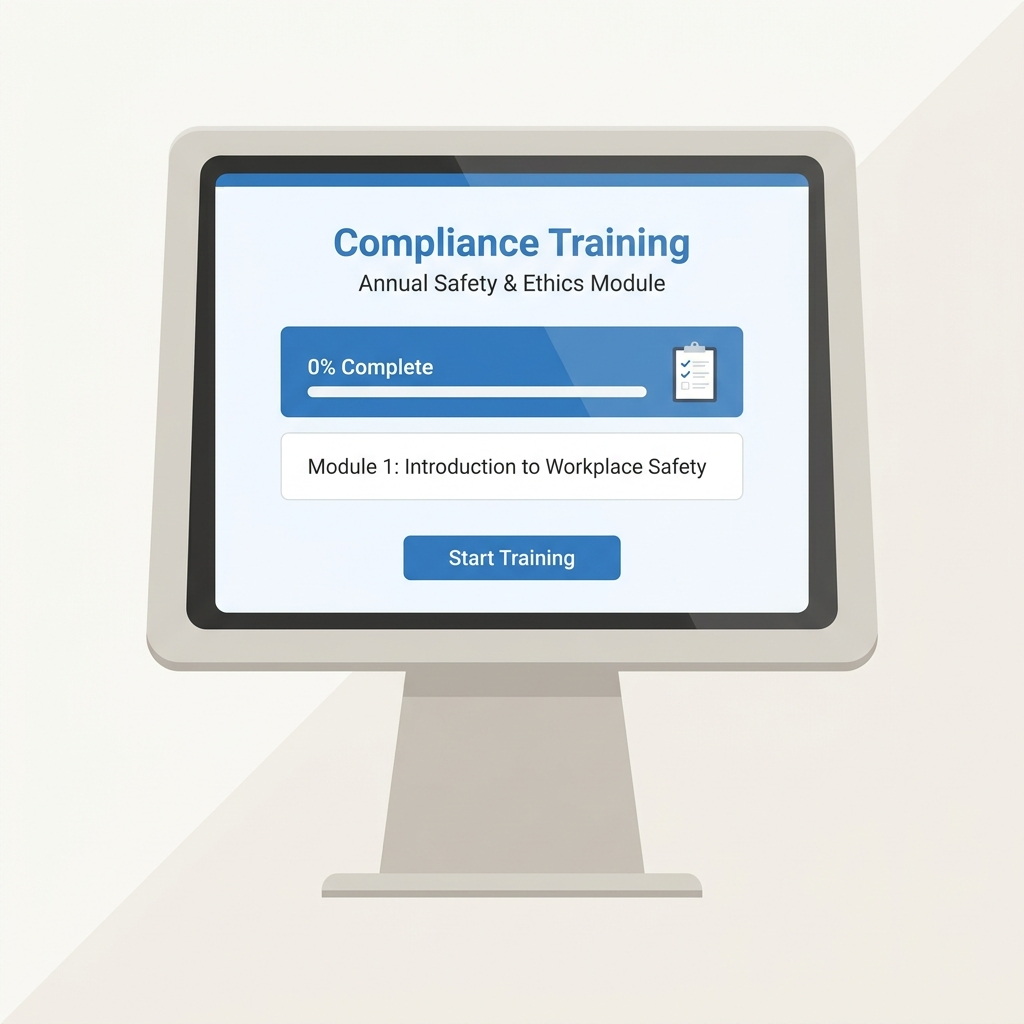
CloudApper hrPad puts Workday Learning assignments in front of employees at the point they’re already interacting with a system: the clock-in terminal. An employee authenticates at the kiosk using facial recognition, badge, or PIN — the same method they use to punch in — and any overdue or upcoming required training surfaces immediately, before or after the punch, without requiring a separate Workday login.
Completion is recorded back to Workday in real time, so the compliance record an auditor pulls from Workday reflects what actually happened at the terminal, not a manually reconciled spreadsheet. For recertification cycles, hrPad can flag an employee approaching an expiration date and route a supervisor notification if the deadline is missed, closing the silent-expiration problem described earlier. Because the kiosk is location-aware, it applies the correct training requirement for that specific site automatically — the plant in one state sees its required module, the facility across the state line sees a different one, without an admin managing two separate assignment lists.
This is a self-service kiosk layer sitting alongside Workday, not a replacement for Workday Learning. Workday remains the system of record for the training catalog, assignment logic, and completion history. hrPad exists to make sure the employees Workday can’t directly reach still generate a real, timestamped, auditable record inside that system.
Frequently Asked Questions
Q: Does Workday Learning support recurring compliance training assignments?
A: Yes. Workday’s Recurring Program feature lets admins set training to reassign automatically on a fixed interval, such as annually or every two years, based on job profile, location, or supervisory organization.
Q: Why do frontline employees show as “overdue” for training they never received a reminder about?
A: This usually happens when the notification channel, often email, doesn’t match how that employee actually communicates. If they don’t check a company email account or have never logged into Workday, the assignment sits unaddressed even though it was correctly created.
Q: Can Workday assign different compliance training by location?
A: Yes, Workday can tag training assignments to location or organization attributes, so a facility in one state can receive a different required module than a facility elsewhere. Proving this cleanly to an auditor across multiple sites often requires combining several reports.
Q: What happens if an employee’s certification expires before Workday’s recurring assignment reaches them?
A: Workday will reassign the training on schedule, but if the employee has no practical way to access or complete it, the certification lapses without anyone being alerted until the gap is discovered, often during an audit or inspection.
Q: How does CloudApper hrPad record training completion back into Workday?
A: hrPad surfaces the assigned training at the employee’s authentication point on the kiosk, and once completed, syncs the result to Workday in real time, so the completion record in Workday reflects what happened at the terminal.
Q: Is hrPad a replacement for Workday Learning?
A: No. Workday Learning remains the system of record for the course catalog, assignment rules, and completion history. hrPad is an access layer that gets the assignment in front of employees who don’t have a regular path into the Workday portal.
If your compliance training records have gaps you can’t fully account for once you factor in your frontline workforce, it’s worth walking through where those gaps actually sit before an audit forces the question. Contact CloudApper to talk through what that would look like for your Workday tenant.

What is CloudApper AI Platform?
CloudApper AI is an advanced platform that enables organizations to integrate AI into their existing enterprise systems effortlessly, without the need for technical expertise, costly development, or upgrading the underlying infrastructure. By transforming legacy systems into AI-capable solutions, CloudApper allows companies to harness the power of Generative AI quickly and efficiently. This approach has been successfully implemented with leading systems like UKG, Workday, Oracle, Paradox, Amazon AWS Bedrock and can be applied across various industries, helping businesses enhance productivity, automate processes, and gain deeper insights without the usual complexities. With CloudApper AI, you can start experiencing the transformative benefits of AI today. Learn More
- Useful Links:
- Agentic AI
- No-Code/Low-Code
- Custom Software
- HCM Personalization
- iPaaS
- FedRAMP

Brochure
CloudApper AI TimeClock
For accurate & touchless time capture experience.
Download Brochure
CloudApper AI Solutions for Workday



- Works with








- and more.
Similar Posts

Workday Display Language for Frontline Workers: What Gets Translated and…

Workday Payroll Without Workday Time Tracking: How to Get Hourly…