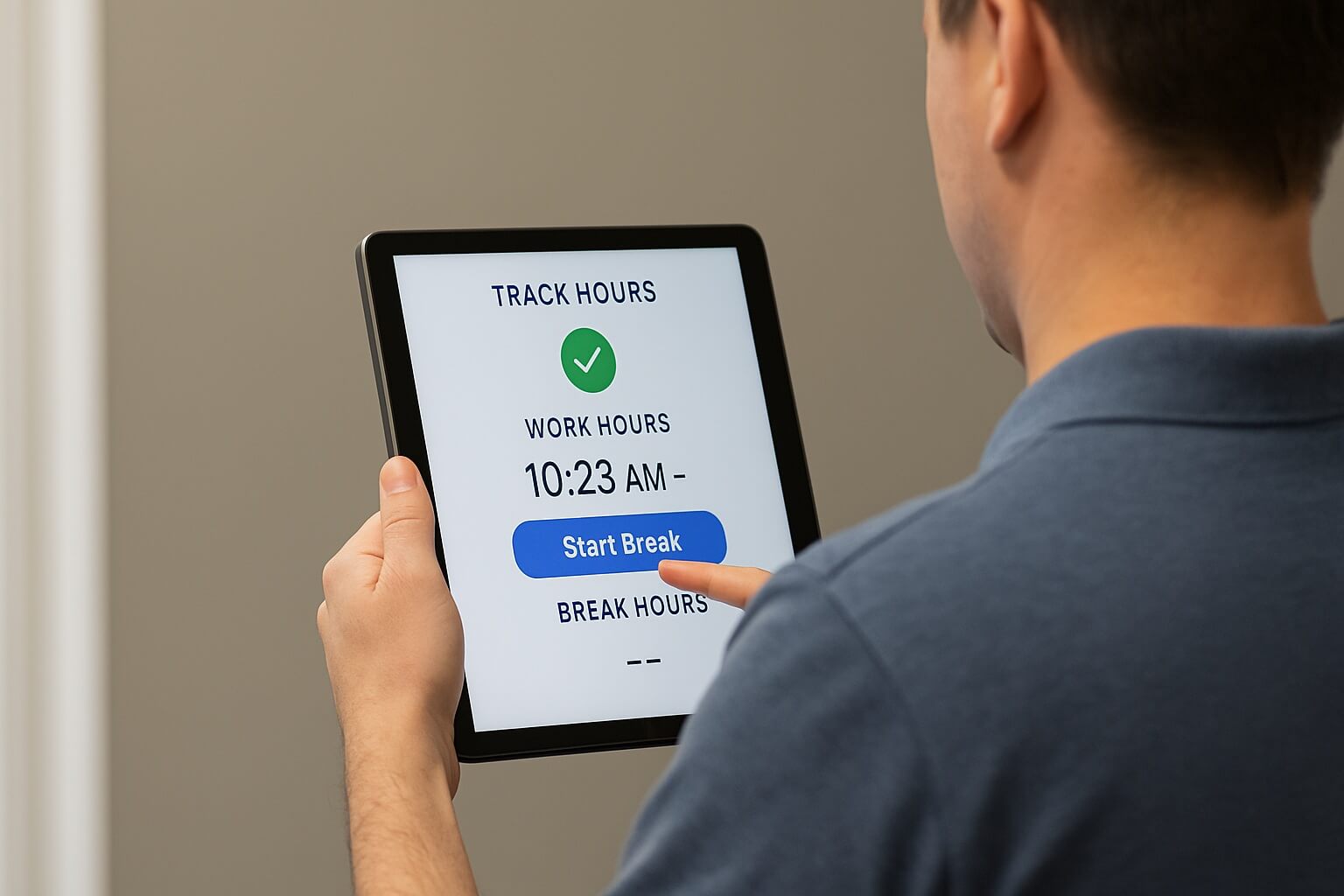
Payroll processing in hospitals means overtime, shift differentials, weekend bonuses, and labor law compliance built on timekeeping data. CloudApper AI TimeClock automates capture with facial recognition, applies custom payroll rules, and syncs to Dayforce, cutting manual errors and HR workload.


Table of Contents
- TL;DR
- Challenges of Processing Payroll for Hospitals
- How CloudApper AI TimeClock Helps Dayforce Users Improve Payroll Streamlining
- Frequently Asked Questions
A hospital never closes, which is what makes its payroll harder than almost anyone else’s. One pay period covers weekday administrators alongside nurses, technicians, and physicians working nights, weekends, and holidays, each with a different rate attached to the same hour depending on when it was worked. Payroll processing in hospitals has to reconcile all of it: normal hours, overtime, shift differentials, deductions, and labor laws on breaks and minimum shifts. Get one link wrong and staff loses confidence, the hospital takes on wage and hour exposure, and recruiting gets harder.

Most of those errors start at the time clock, not in payroll. CloudApper AI TimeClock for Dayforce addresses that directly: accurate capture at the punch, verified identity, and clean data flowing into Dayforce, so hours arrive correct rather than getting fixed after the fact.
TL;DR
- Payroll processing in hospitals is more than paychecks. Overtime, shift differentials, deductions, labor law compliance.
- Four causes of errors: buddy punching, manual entry, complex calculations, compliance gaps.
- Errors cost more than money. Morale, legal exposure, and recruiting all suffer.
- Facial recognition ends buddy punching. Each punch ties to the person, not a badge.
- Hours sync to Dayforce in real time. Differentials and overtime rules stay configurable.
Challenges of Processing Payroll for Hospitals
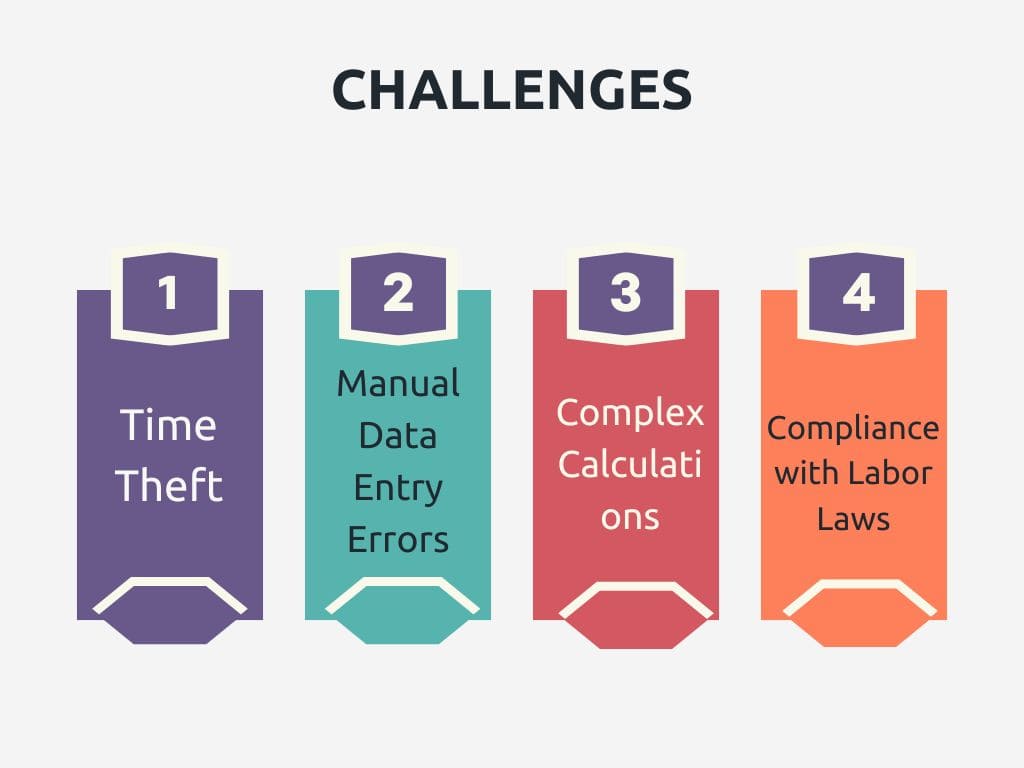
Time Theft
Buddy punching, one employee clocking in or out on behalf of another, is easy in an environment where badges get shared, and shifts overlap at handoff. Add unauthorized breaks and rounding errors, and the hospital is paying for hours nobody worked. The underlying issue is that nothing confirmed who was actually standing at the clock, which means the timekeeping record is already wrong before payroll opens it.
Manual Data Entry Errors
Every time data moves by hand, off a paper timesheet, out of an employee’s memory, is a chance to introduce an error. On a rotating 24/7 schedule that risk compounds. An employee recalling a shift from nine days ago is estimating, and a manager approving that estimate is approving a guess. Individually these discrepancies are small. In aggregate they are what erodes staff confidence in their own paychecks.
Complex Calculations
Hospital pay is layered. The same hour earns a different amount depending on whether it landed on a night shift, a weekend, or a holiday, and overtime sits on top of all of it. Dayforce can apply every one of those rules correctly. What it cannot do is know that a shift crossed into night-differential hours when the punch establishing that crossing was late, missing, or typed in after the fact. The calculation is only ever as good as the timestamp underneath it.
Compliance with Labor Laws
Hospitals operate under strict rules on breaks, minimum shifts, and overtime compensation. Compliance is rarely a policy problem — most hospitals have the policy written down. It’s an evidence problem. Without a record showing that a required break was taken, or that an employee had adequate rest between shifts, there’s no way to demonstrate compliance when someone asks. That gap becomes wage and hour exposure, and the bill arrives long after the pay period closed.
How CloudApper AI TimeClock Helps Dayforce Users Improve Payroll Streamlining
Automated Time Tracking
Employees clock in and out on a standard iPad or Android tablet, and the punch is recorded the moment it happens. Nothing gets written on paper, retyped, or recalled later. Because the data syncs to Dayforce in real time, payroll works from the actual timestamp rather than from a manager’s best reconstruction of a shift that ended nine days ago.
Biometric Authentication
A badge can be handed to a colleague. A PIN can be shared at handoff. A face cannot. CloudApper AI TimeClock verifies identity with facial recognition at the moment of the punch, so the record shows who was actually at the clock rather than who was scheduled to be. That closes buddy punching at the source instead of trying to catch it later in the timecard.
Customizable Payroll Rules
Hospital pay policy is specific, and the clock can be configured to match it: shift differentials, overtime thresholds, and rules governing when a punch is permitted at all. The same configurability covers the compliance side. The clock can prompt employees to attest to meal breaks and shift changes, and can block a clock-in before adequate rest has passed between shifts. Each of those produces a record at the moment it matters, which is what lets a hospital demonstrate compliance rather than simply assert it.
Integration With Dayforce
Time and attendance data flows into Dayforce without a manual export step, which is where consistency between two systems usually breaks down. Hours arrive ready for Dayforce to apply its pay rules, so the calculation runs on exactly the numbers the clock captured. Administrative overhead drops because there is nothing left to reconcile.
Frequently Asked Questions
What makes payroll processing in hospitals so difficult?
Hospitals employ doctors, nurses, technicians, and administrative staff across a schedule that never stops, so a single pay run has to reconcile normal hours, overtime, night shift differentials, weekend bonuses, and multiple deductions — while staying inside labor laws governing breaks, minimum shifts, and overtime compensation.
What happens when hospital payroll is inaccurate?
Errors create a domino effect. Staff who are underpaid or overpaid lose confidence in the employer, the hospital takes on legal exposure for wage and hour violations, and its reputation suffers at exactly the moment it is competing for scarce clinical talent.
How does a Dayforce time clock stop buddy punching in a hospital?
CloudApper AI TimeClock uses biometric authentication, including facial recognition, to confirm identity at the moment of the punch. Because the punch is tied to the person rather than a badge or PIN, one employee cannot clock in on behalf of another.
Can hospital-specific payroll rules like shift differentials be configured?
Yes. Payroll rules and policies are customizable — shift differentials, overtime calculations, and compliance requirements can be set to reflect a hospital’s own policy, so hours are treated correctly before they reach payroll rather than corrected afterward.
Does automating time tracking reduce the HR team’s workload?
It removes the manual transfer of time data into payroll, which is where most of the administrative load sits. Time and attendance data syncs directly to Dayforce, keeping records consistent and freeing HR staff to spend time on strategic work instead of reconciliation.
Conclusion
Hospital payroll rarely fails because the rules are wrong. It fails because the data underneath them was never captured properly — a punch that was missed, a badge that was shared, a break nobody recorded. Dayforce can apply any pay rule a hospital defines. What it needs is a timekeeping record worth calculating from.
That is what CloudApper AI TimeClock for Dayforce provides: verified identity at the punch, hours captured as they happen, rules that match hospital policy, and a record that holds up when someone asks for it. For the payroll team that means fewer corrections. For nurse managers it means less time rebuilding timecards. For clinical staff it means being paid correctly the first time, which is the least a hospital owes the people caring for its patients.
Contact us today to get a personalized demo of CloudApper AI TimeClock for Dayforce.
What is CloudApper AI Platform?
CloudApper AI is an advanced platform that enables organizations to integrate AI into their existing enterprise systems effortlessly, without the need for technical expertise, costly development, or upgrading the underlying infrastructure. By transforming legacy systems into AI-capable solutions, CloudApper allows companies to harness the power of Generative AI quickly and efficiently. This approach has been successfully implemented with leading systems like UKG, Workday, Oracle, Paradox, Amazon AWS Bedrock and can be applied across various industries, helping businesses enhance productivity, automate processes, and gain deeper insights without the usual complexities. With CloudApper AI, you can start experiencing the transformative benefits of AI today. Learn More
- Useful Links:
- Agentic AI
- No-Code/Low-Code
- Custom Software
- HCM Personalization
- iPaaS
- FedRAMP

Brochure
CloudApper hrPad
Empower Frontline Employees with an AI-Powered Tablet/iPad Solution
Download Brochure
CloudApper AI Solutions for HR



- Works with








- and more.
Similar Posts
Dayforce Time Clock Rounding: A Payroll Guide to Pay Accuracy
Dayforce Timesheet Approval Automation: The Exception-Based Approach