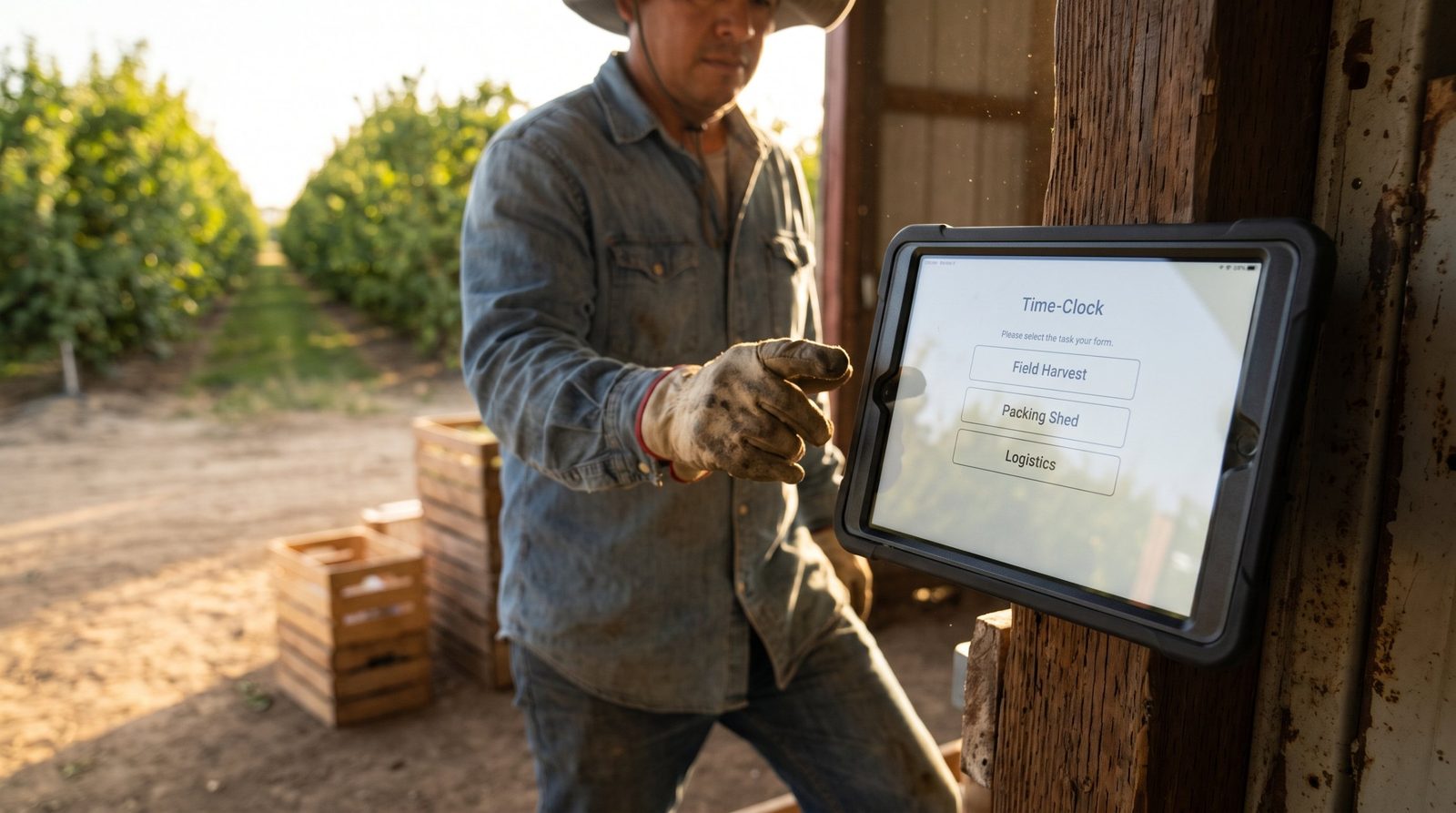
Geofencing only tells you where a punch happened. Before you buy a multi-site time clock, run it through four tests that reveal whether your workforce data holds up: weak signal, missed-punch fixes, offline sync, and a clean bookkeeper export.


Table of Contents
Most time clock vendors sell you a map. A blue circle around each location, a promise that anyone who punches inside the circle is really there, and a demo that works perfectly in a conference room with strong Wi-Fi. Then you deploy across twelve sites, and the map stops matching reality.

That gap — between the clean demo and the messy floor — is where multi-site operations quietly lose money every pay period. Geofencing tells you where someone was. It doesn’t tell you whether the punch made it into your system, whether it survived a dead zone, whether a missed punch got fixed before it corrupted the timesheet, or whether the numbers your bookkeeper exports actually reconcile. Those are the problems that show up in week three, not in the sales call.
So before you sign, put the product through the four tests below. Not the happy-path demo — the conditions your worst site will throw at it. A time clock isn’t a feature you’re buying. It’s the process layer that sits between your workers and your system of record and decides whether your workforce data is trustworthy across every location you run. That’s the altitude CloudApper builds at: not a pin on a map, but the layer that carries a punch cleanly from a dying signal on the floor all the way to a paycheck that reconciles. Test any vendor like that.
Test 1: Weak signal
Ask the vendor to demo a punch on a bad connection. Not airplane mode toggled off a second later — an actual weak, flickering signal, the kind you get in a walk-in cooler, a basement stockroom, a job site trailer, or a warehouse with steel everywhere.
Here’s what you’re watching for. When the signal is marginal, does the app hang and force the employee to stand there tapping? Does it silently fail and leave no record at all? Or does it capture the punch locally, timestamp it honestly, and hold it until the connection returns?
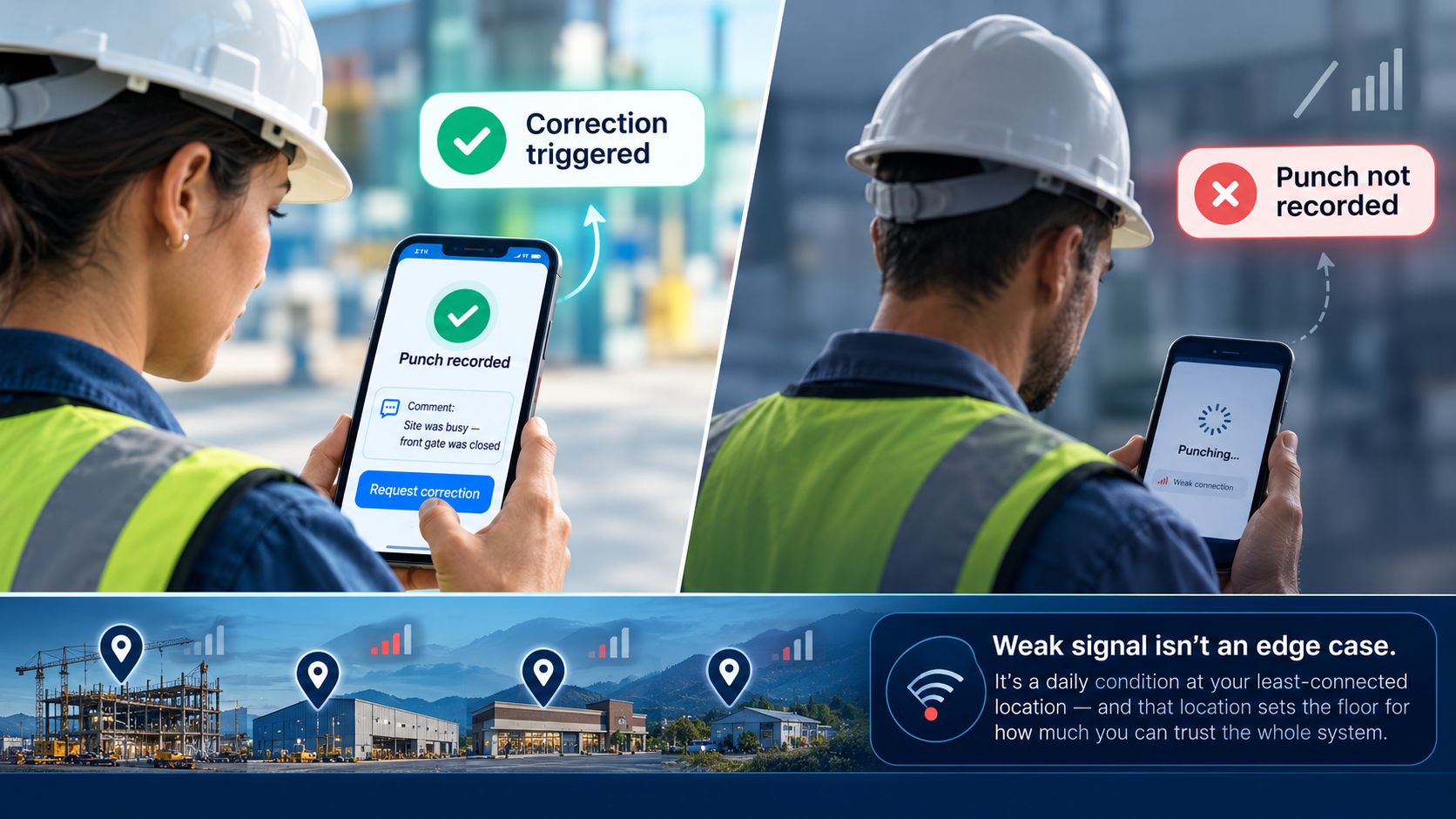
A system that lets employees add a comment and trigger a correction in the moment beats one that silently drops the punch. The difference matters because your frontline workers won’t wait. If a punch takes fifteen seconds on a spotty connection, they’ll walk away assuming it registered — and you’ll discover the gap when the timesheet is already wrong. Weak signal isn’t an edge case at a multi-site operation. It’s a daily condition at your least-connected location, and that location sets the floor for how much you can trust the whole system.
Test it at the site with the worst reception, not the best. If the clock only works where the Wi-Fi is strong, you don’t have a multi-site time clock. You have a single-site time clock you happened to install twelve times.
Test 2: The missed-punch fix
Missed punches are inevitable. Someone forgets to clock out. A phone dies mid-shift. A new hire doesn’t know the process yet. The question is never whether missed punches happen — it’s how much they cost you to fix, and how much damage they do before they’re caught.
So test the correction path directly. Create a missed punch on purpose. Then time how long it takes, and count how many people it touches, to make that timesheet right again.
At a lot of operations, the answer is ugly. The employee texts a manager. The manager remembers to email HR, or doesn’t. HR edits a spreadsheet by hand three days later, working from memory. Every hop is a chance for the number to drift, and every drift is either an overpayment you eat or an underpayment that erodes trust with the person who earned the hours. Those corrections aren’t free — they cost enterprises millions a year in reprocessed payroll and lost time.
A system worth buying catches the missing punch when it happens, prompts the right person to resolve it in the moment, and routes the correction to a manager for approval without anyone rebuilding the record from scratch. Watch how the tool handles the exception, because at scale the exceptions are the job. Your team spends far more time on the punches that went wrong than the ones that went right. If fixing one missed punch means a phone call and a manual edit, multiply that by every site, every week, and you can see the real price of the tool — and it isn’t the license fee.
Test 3: Offline sync
Weak signal is about capturing a punch when the connection is poor. Offline sync is about what happens when the connection is gone entirely — and then comes back.
Have someone drop a device fully offline. Clock in. Clock out. Clock in again. Now reconnect it and watch what lands in the system.
You’re checking three things. Did every punch survive, in order? Did the timestamps stay honest — the actual moment of the punch, not the moment of the sync? And if two devices at the same site were both offline and both come back at once, does anything collide, duplicate, or overwrite?
This is where a lot of clocks quietly fail, because syncing is harder than storing. Anyone can cache a punch. Reconciling a batch of them cleanly — no duplicates, no lost records, no timestamps rewritten to sync time — is the part that separates a real system from a demo. And it’s the part you cannot see in a conference room, because the conference room never loses its connection.
For a multi-site operation, offline isn’t a failure state. It’s Tuesday at the site with one flaky router. Buy the clock that treats a lost connection as normal and recovers from it without anyone noticing — because the alternative is a payroll admin playing detective over which punches are real.
Test 4: The bookkeeper export
Everything above produces data. This test asks the only question that ultimately matters: can the person who runs payroll actually use it?
Ask to see a real export — into the exact format your bookkeeper or payroll processor consumes. Not a generic CSV. The file that has to reconcile against your pay periods, your overtime rules, your departments and locations, your system of record.
Then look for the friction. Does the export map cleanly to your pay codes, or does someone re-key half of it? Do overtime and multi-site hours come across correctly, or get flattened into a single number that hides the detail you need? When a punch was corrected in Test 2, does the export reflect the corrected value — with a trail — or the original mistake?
The export is where a time clock either finishes the job or hands your team a new one. A clock that captures perfect data and then dumps it into a format nobody can use hasn’t saved anyone time. It’s just relocated the manual work to the end of the process, where it’s harder to see and easier to get wrong. Run a full period through the export before you buy, and watch your bookkeeper’s face. That reaction is your real acceptance test.
What you’re actually buying
Put those four tests together and a pattern emerges. Geofencing answers a narrow question — was this person inside the circle. The four tests answer the real one: can you trust your workforce data across every location, in every condition, all the way from the punch to the paycheck.
That’s the difference between a feature and a foundation. A pin on a map is a feature. A layer that captures a punch on a dying signal, catches the ones that go missing, survives an outage without corrupting a record, and hands your bookkeeper numbers that reconcile on the first try — that’s the foundation your multi-site operation runs on. It’s what lets you add locations without adding payroll headaches, and it’s what gives the people doing the work confidence that the hours they earned are the hours they’ll be paid for.
CloudApper is the process layer that closes the gaps enterprise software can’t — across time capture, HR, and the systems of record your operation already runs on, on any platform, in weeks not quarters. Because the operations that scale cleanly across sites aren’t the ones with the most locations or the biggest software budgets. They’re the ones that stopped trusting the demo and started testing for the day the connection drops.
What is CloudApper AI Platform?
CloudApper AI is an advanced platform that enables organizations to integrate AI into their existing enterprise systems effortlessly, without the need for technical expertise, costly development, or upgrading the underlying infrastructure. By transforming legacy systems into AI-capable solutions, CloudApper allows companies to harness the power of Generative AI quickly and efficiently. This approach has been successfully implemented with leading systems like UKG, Workday, Oracle, Paradox, Amazon AWS Bedrock and can be applied across various industries, helping businesses enhance productivity, automate processes, and gain deeper insights without the usual complexities. With CloudApper AI, you can start experiencing the transformative benefits of AI today. Learn More
- Useful Links:
- Agentic AI
- No-Code/Low-Code
- Custom Software
- HCM Personalization
- iPaaS
- FedRAMP

Brochure
CloudApper AI TimeClock
For accurate & touchless time capture experience.
Download Brochure
CloudApper AI Solutions for HR



- Works with








- and more.
Similar Posts

Time Clock for Security Guards: Verifying On-Site Presence Without a…

Oil and Gas Field Time Tracking for Crews Working Beyond…