Kiosk, mobile app, or web portal? Compare employee self service channels on reach, access, cost, and security, with shift examples that show which one actually reaches frontline employees who have no desk, no company email, and no phone on the floor.

TL;DR
- Match the channel to the shift: a shared kiosk reaches frontline employees at the point of work, a mobile app reaches them off shift, and a web portal serves people at a desk.
- Reach comes first, because about 2.7 billion workers worldwide do their jobs away from a desk.
- Kiosk cost follows locations, mobile app cost follows personal-device support, and portals are usually already in place.
- Every shared channel needs per-person verification and automatic sign-out.
- One tablet can run time tracking and HR self service together with CloudApper AI TimeClock.
Table of Contents
- Why frontline employees miss out on self service
- Employee self service channels compared: kiosk, mobile app, and web portal
- CloudApper AI TimeClock as the kiosk channel
- Matching the channel to the shift
Frontline employees spend their shifts on the floor, in a vehicle, or at a bedside, so the employee self service channels that suit office staff are rarely the ones that reach them. A kiosk, a mobile app, and a web portal each serve a different part of the workforce at a different moment. Which one wins depends on who carries a device, who has a desk, and when people need an answer.

For most shift-based teams, a shared kiosk at the point of work covers the daily questions, while mobile and web handle the deeper tasks. This guide compares the three on reach, access, cost, and security, with a shift example for each. CloudApper AI TimeClock combines time tracking software with an HR self service kiosk on a single tablet, is compatible with Workday, UKG, Oracle, and Dayforce, and runs on iPads and Android tablets.
Why frontline employees miss out on self service
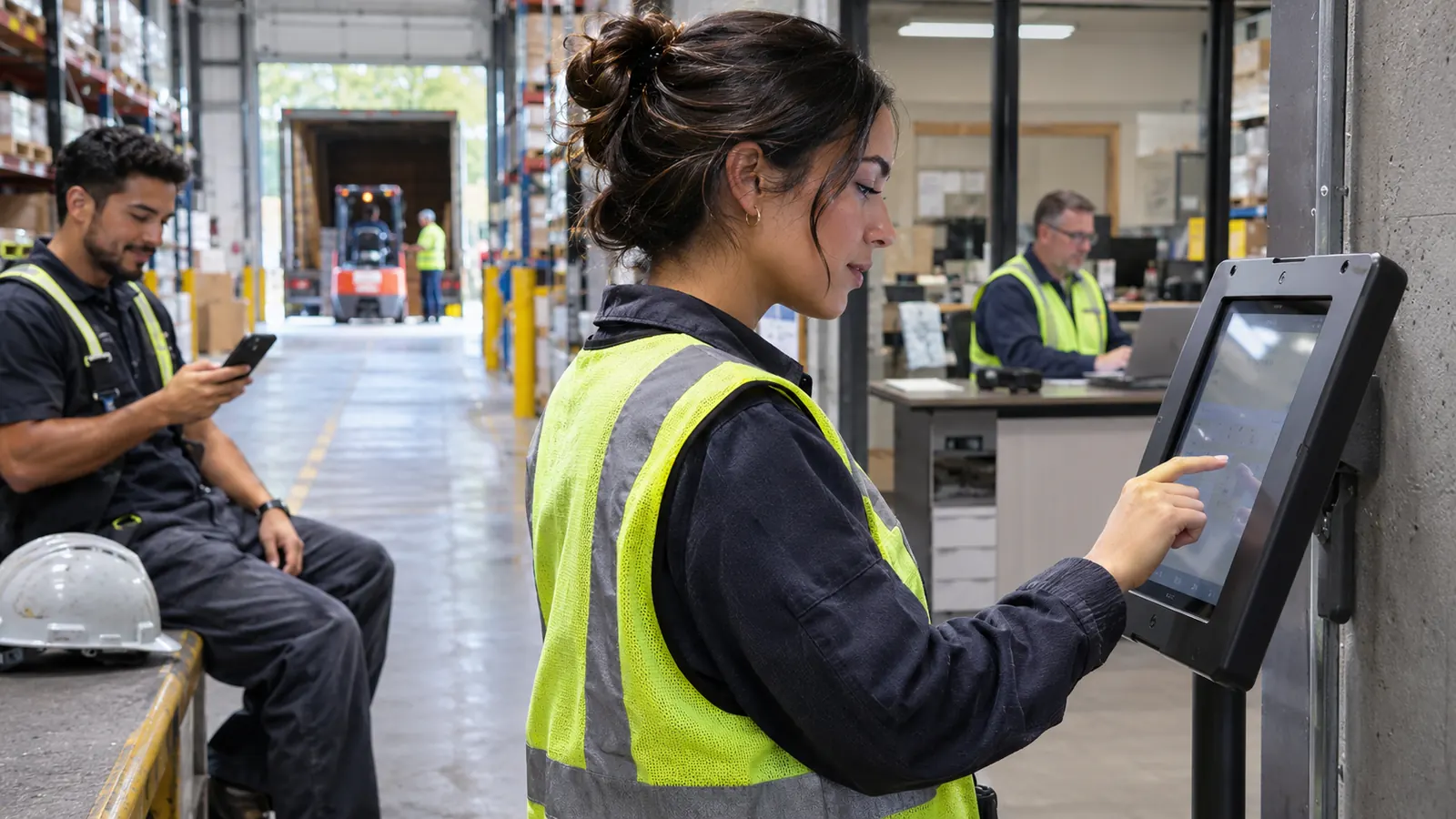
A warehouse picker finishes a full shift without sitting at a computer once. A night-shift nurse has a question about a leave policy at 2 a.m., when no HR office is open. A restaurant server works a split shift and wants to swap Friday, but phones stay in a locker during service. The information exists and the self service tool exists. The employee just cannot reach either one at the moment it matters.
Frontline teams also differ in who owns the device. Deskless employees often have no company email, some have no company phone, and personal phones are frequently kept away from the work area. Every channel therefore has a reach problem before it has a feature problem: who can open it, where, and when.
Employee self service channels compared: kiosk, mobile app, and web portal
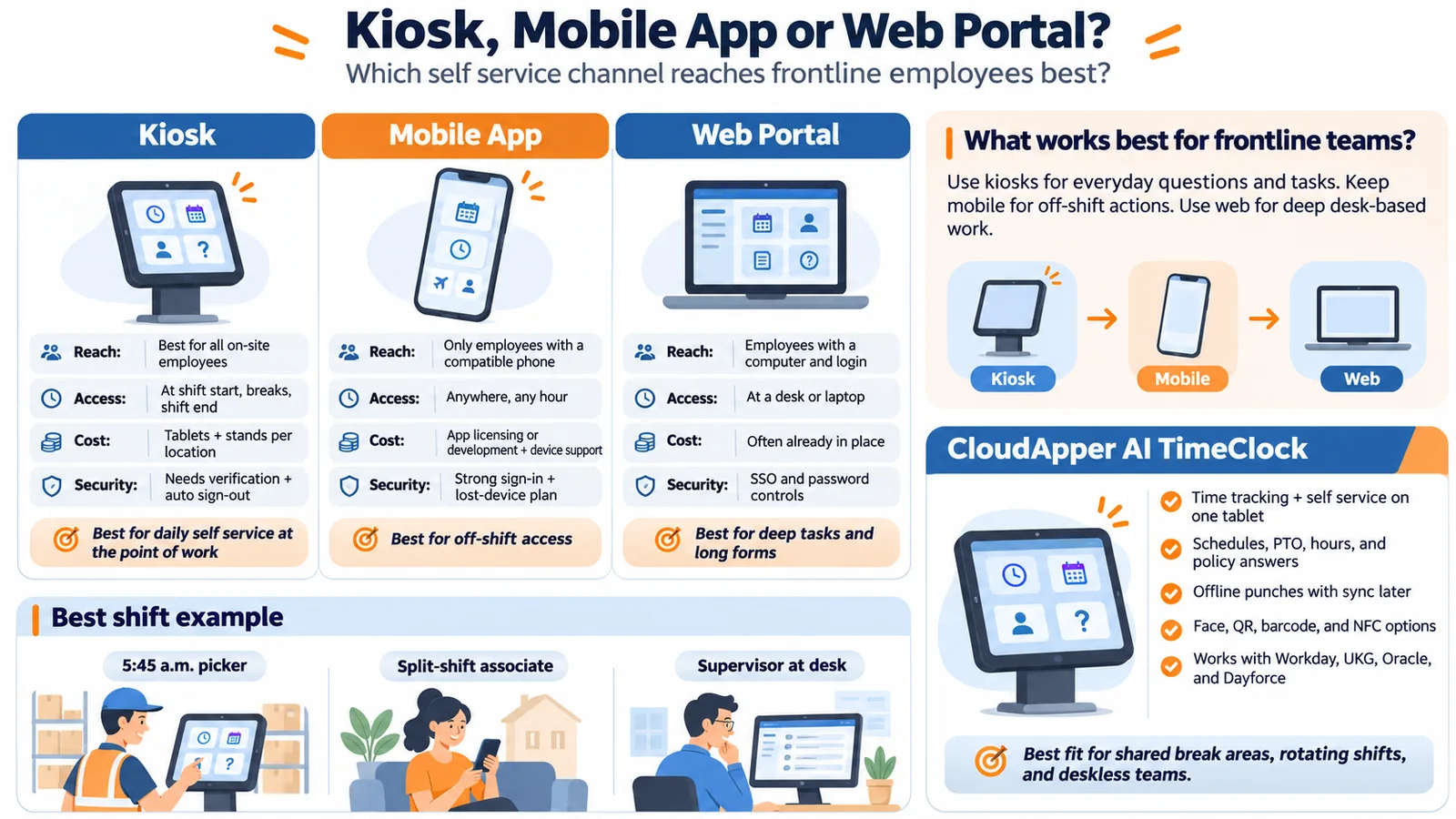
Employee self service channels are the kiosks, mobile apps, and web portals employees use to check schedules, request time off, and get HR answers without contacting HR directly. About 2.7 billion workers worldwide do their jobs away from a desk, according to SHRM, so reach is the first thing to test in any channel. The table rates the three employee self service channels on reach, access, cost, and security.
| Channel | Reach | Access | Cost | Security |
|---|---|---|---|---|
| Kiosk | Everyone who passes the device, with or without a company phone or email | On site, at shift start, breaks, and shift end | Tablets and stands per location | Shared screen, so it needs per-person verification and automatic sign-out |
| Mobile app | Employees with a compatible smartphone who install it | Anywhere, at any hour | Development or licensing, plus personal-device support | Personal phone, so it needs strong sign-in controls and a lost-device plan |
| Web portal | Employees with a computer and a login | At a desk or laptop, usually off shift | Often already in place | Single sign-on and password controls, with care on shared computers |
Kiosk: the shift-change channel
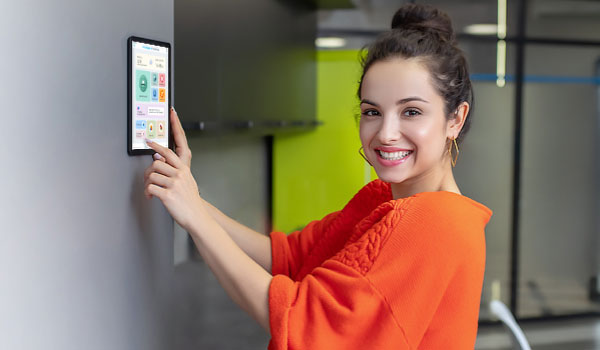
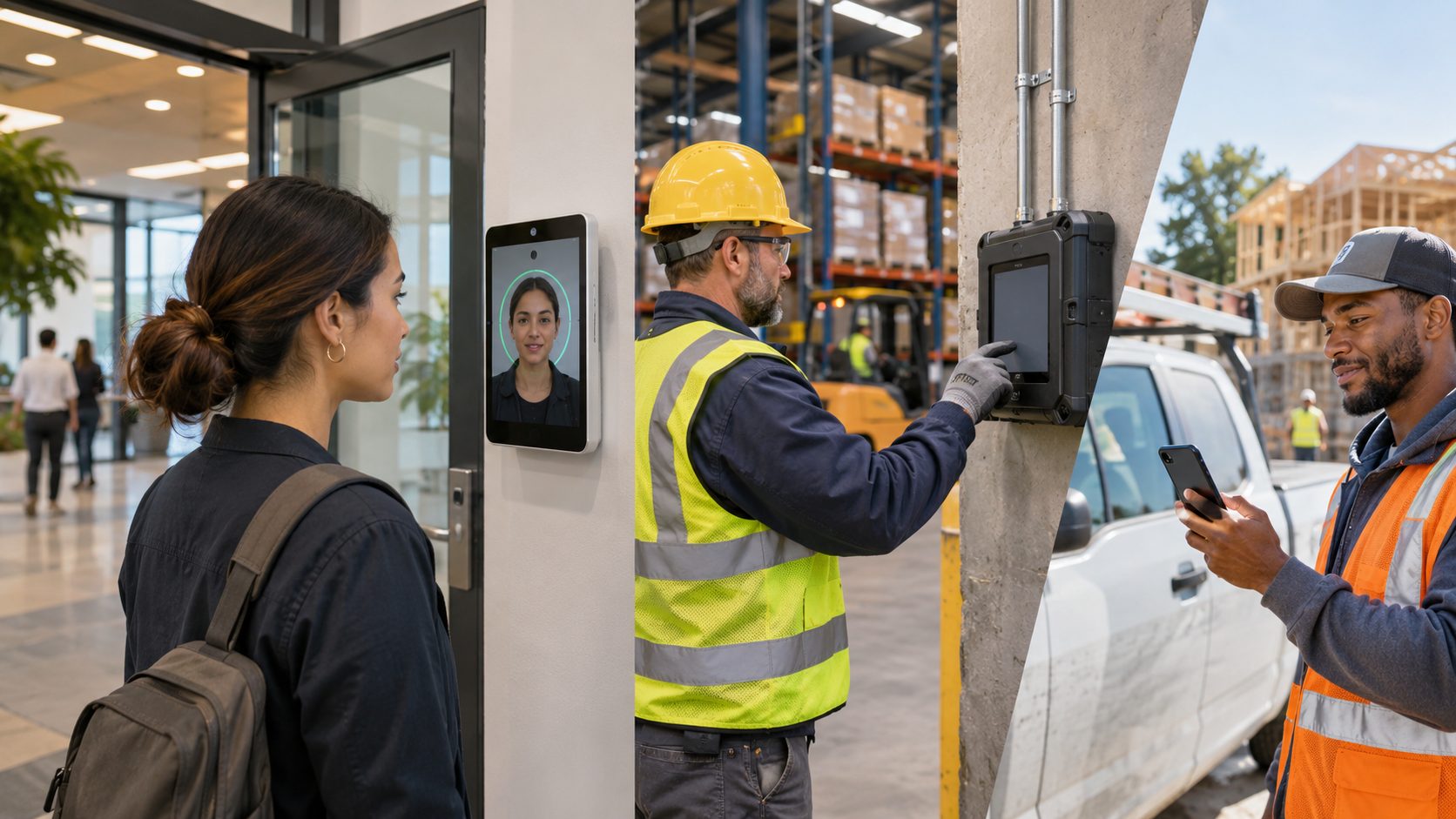
At 5:45 a.m. a picker taps in at the dock tablet, checks next week’s schedule, and asks the AI assistant about a vacation policy before the first break. No personal phone is involved. Kiosks work because the employee is already at the device to punch, so self service costs no extra trip. Policy answers, shift swaps, and short surveys are among the most common kiosk use cases, and they fit the same visit, which makes the kiosk a shared hub for the floor. The trade-off is that the screen is shared, so each person verifies who they are, and busy shift changes need enough devices to avoid a line.
Mobile app: the off-shift channel
A retail associate on a split shift requests time off from home between her two blocks. A mobile app suits that moment because it reaches people anywhere and at any hour. Its limits come from the device: it depends on a personal phone, a data plan, and the employee choosing to use it, and some work areas keep phones out entirely.
Web portal: the desk channel
A supervisor reviews pay history and compares benefit options at a back-office desk during a quiet hour. A web portal is the right home for long forms and deep records, and it is often already in place. Its reach follows the desk, so it complements the other two channels instead of replacing them.
For large and mid-market employers, the employee self service channels that hold up are one shared kiosk per site or department, with mobile and web kept for the tasks they handle best. Device cost then follows locations, not headcount, so a new hire or shift does not mean a new device. Retail, healthcare, manufacturing, logistics, and hospitality teams are natural fits, and the same kiosk can run time tracking software and self service together.
CloudApper AI TimeClock as the kiosk channel
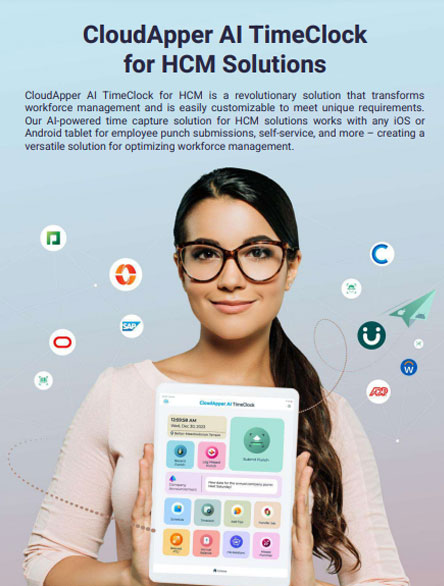
CloudApper AI TimeClock turns everyday tablets into a combined time clock and self service kiosk. Employees punch in with face matching, a QR code, a barcode, or an NFC tag, then check schedules, request time off, review hours and PTO balances, and ask an AI HR assistant about policies. Punches keep working offline and sync when the connection returns, and geofencing confirms where each punch happens.
Every employee already visits the kiosk at the start and end of a shift, so self service rides along with the punch. The time tracking software and the self service tool become a single stop, and punches reach your HR systems as clean employee time tracking data. Everyday tablets keep the cost low: they are easy to replace and quick to add at a new site. It works best at sites with shared break areas, rotating shifts, and few desks, and it gives every employee the same access to answers, which supports engagement.
Matching the channel to the shift
Reach decides the choice among employee self service channels before features do. The kiosk reaches everyone at the point of work but needs per-person verification, the mobile app reaches people anywhere but depends on personal devices, and the web portal handles deep tasks for people at a desk. The shift examples show the same split: the kiosk serves the 5:45 a.m. picker, the app serves the split-shift associate, and the portal serves the supervisor at a desk. Cost follows the same logic, tied to locations for kiosks, to personal-device support for apps, and usually already in place for portals.
CloudApper AI TimeClock fills the kiosk role on iPads and Android tablets, working alongside Workday, UKG, Oracle, and Dayforce, which each manage the direct workforce well across payroll, benefits, scheduling, compliance, and the employee record. When a night-shift nurse gets a policy answer at 2 a.m. and her supervisor stops fielding the same question, the team gets time back and the people they care for get more attention. If you want to see how this mix would work across your own shifts, you can book a demo with the CloudApper team.
FAQ
What are employee self service channels?
Employee self service channels are the ways employees reach HR information and tasks on their own, such as a shared kiosk, a mobile app, and a web portal. Each differs in who can reach it, where, and how it is secured.
Which employee self service channel reaches frontline workers best?
For employees without a desk or a company phone, a shared kiosk at the point of work usually reaches the most people, because they pass it at the start and end of every shift. A mobile app and a web portal work well as complements for off-shift and desk-based tasks.
Is a mobile app or a kiosk more secure for shift workers?
Neither is secure by default. A kiosk is shared, so it needs per-person verification such as a PIN, badge, QR code, or face match, plus automatic sign-out. A mobile app lives on a personal device, so it needs strong sign-in controls and a plan for lost phones.
How does the cost of a kiosk compare with a mobile app or web portal?
Kiosk cost is tied to tablets and stands at each location. Mobile app cost is tied to development or licensing and to supporting personal devices. A web portal is often already part of existing systems. Compare them per location and per employee.
Can one tablet handle both the time clock and HR self service?
Yes. With CloudApper AI TimeClock, the same shared tablet takes punches and lets employees view schedules, request time off, check hours and PTO balances, and ask an AI HR assistant about policies.

What is CloudApper AI Platform?
CloudApper AI is an advanced platform that enables organizations to integrate AI into their existing enterprise systems effortlessly, without the need for technical expertise, costly development, or upgrading the underlying infrastructure. By transforming legacy systems into AI-capable solutions, CloudApper allows companies to harness the power of Generative AI quickly and efficiently. This approach has been successfully implemented with leading systems like UKG, Workday, Oracle, Paradox, Amazon AWS Bedrock and can be applied across various industries, helping businesses enhance productivity, automate processes, and gain deeper insights without the usual complexities. With CloudApper AI, you can start experiencing the transformative benefits of AI today. Learn More
- Useful Links:
- Agentic AI
- No-Code/Low-Code
- Custom Software
- HCM Personalization
- iPaaS
- FedRAMP
Brochure
CloudApper AI TimeClock
For accurate & touchless time capture experience.
Download Brochure
CloudApper AI Solutions for HR
- Works with







- and more.
Similar Posts
Tablet, Wall Terminal or Mobile App: Which Time Clock Fits…

Hours of Rest for Vessel Crews: Recording Work and Rest…