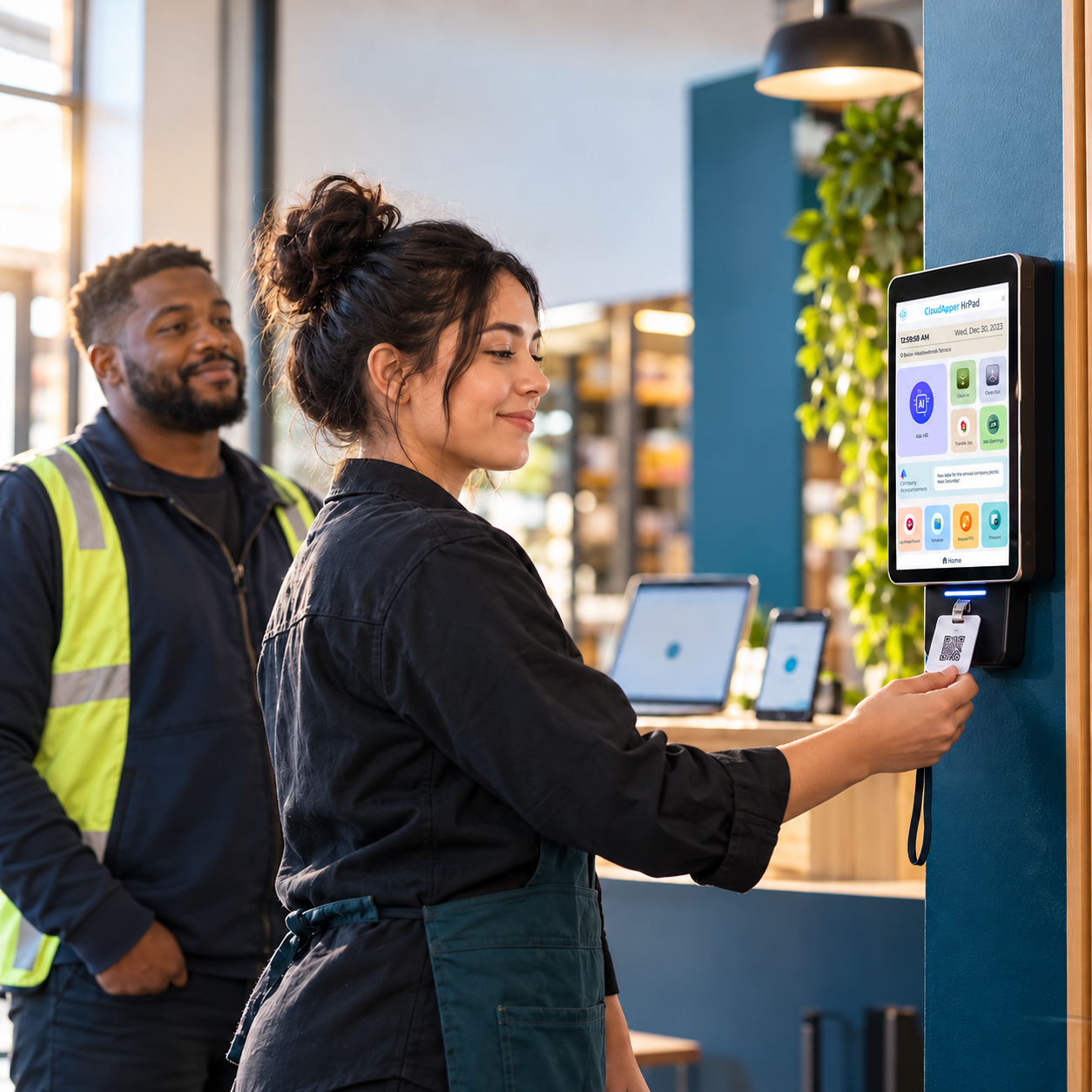
Wellness surveys fail on trust, not tooling. See how CloudApper hrPad's configurable, tablet-based surveys are built to actually get responses — and what happens after the data comes in.

Table of Contents
Employee wellbeing surveys have a trust problem: most employees have seen a survey go out, get discussed once, and then disappear with no visible follow-up. That’s the actual barrier to useful wellness data — not a lack of survey tools, but a lack of confidence that answering honestly leads anywhere.

The stakes are real enough to fix this. The World Health Organization estimates that depression and anxiety cost the global economy roughly US$1 trillion a year in lost productivity. For HR teams, that makes wellness data an operational issue, not just a wellness-program checkbox.
What CloudApper hrPad actually offers here
hrPad’s role in employee wellbeing is narrower than “AI-powered wellness platform” implies, and that’s a feature, not a limitation. Through hrPad’s configurable survey tools, HR teams can:
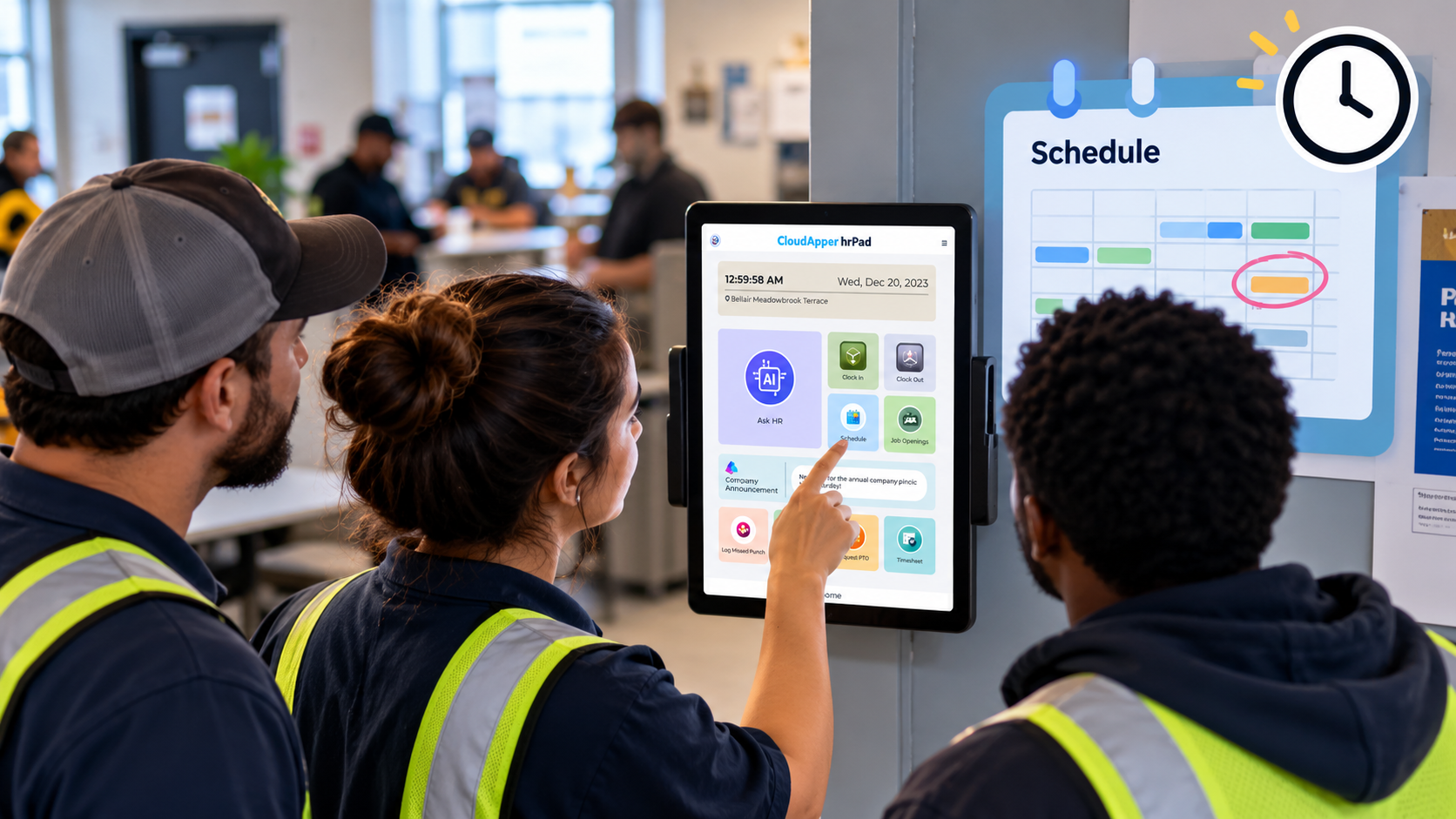
- Run short, recurring pulse surveys on the same tablet employees already use for time and attendance and self-service — so response rates don’t depend on employees checking a separate app or email
- Customize survey questions to track specific concerns (workload, scheduling stress, safety) rather than generic templates
- Route survey results into your existing HCM system (Workday, Oracle, or UKG) so trends are visible alongside other workforce data, not siloed in a separate wellness tool
Why deployment location matters for response rates
For frontline and deskless employees, a wellness survey that requires opening an email or downloading an app is a survey most people skip. Because hrPad’s surveys run on the same shared tablet or kiosk employees already touch daily for clocking in or checking a schedule, the friction to respond is lower — which matters more for actual response rates than the sophistication of the analytics behind it.
Turning responses into action
A wellness survey only builds trust if something visibly changes afterward. If recurring survey data points to scheduling stress or unclear leave policies, that’s a signal HR can act on directly — adjusting shift patterns, clarifying policy language in hrPad’s self-service assistant, or flagging the issue to management. The survey tool itself doesn’t fix the underlying problem; it’s what tells you where to look.
FAQ
Does hrPad provide clinical health risk assessments?
No — hrPad offers configurable pulse and wellness surveys, not medical or clinical assessments. It’s a data-collection and workflow tool, not a health provider.
Will employees actually respond to surveys on a shared tablet?
Response rates tend to be higher when the survey lives inside a tool employees already use daily (like the same tablet used for clocking in), compared to a separate app or email employees have to remember to open.
See hrPad’s employee self-service and survey tools, or book a demo to discuss your wellness program.

What is CloudApper AI Platform?
CloudApper AI is an advanced platform that enables organizations to integrate AI into their existing enterprise systems effortlessly, without the need for technical expertise, costly development, or upgrading the underlying infrastructure. By transforming legacy systems into AI-capable solutions, CloudApper allows companies to harness the power of Generative AI quickly and efficiently. This approach has been successfully implemented with leading systems like UKG, Workday, Oracle, Paradox, Amazon AWS Bedrock and can be applied across various industries, helping businesses enhance productivity, automate processes, and gain deeper insights without the usual complexities. With CloudApper AI, you can start experiencing the transformative benefits of AI today. Learn More
- Useful Links:
- Agentic AI
- No-Code/Low-Code
- Custom Software
- HCM Personalization
- iPaaS
- FedRAMP
Brochure
CloudApper hrPad
Empower Frontline Employees with an AI-Powered Tablet/iPad Solution
Download Brochure
CloudApper AI Solutions for HR

- Works with








- and more.
Similar Posts
How Far in Advance Do You Have to Post Employee…

Return-to-Office Attendance Tracking: What Employers Get Wrong in 2027