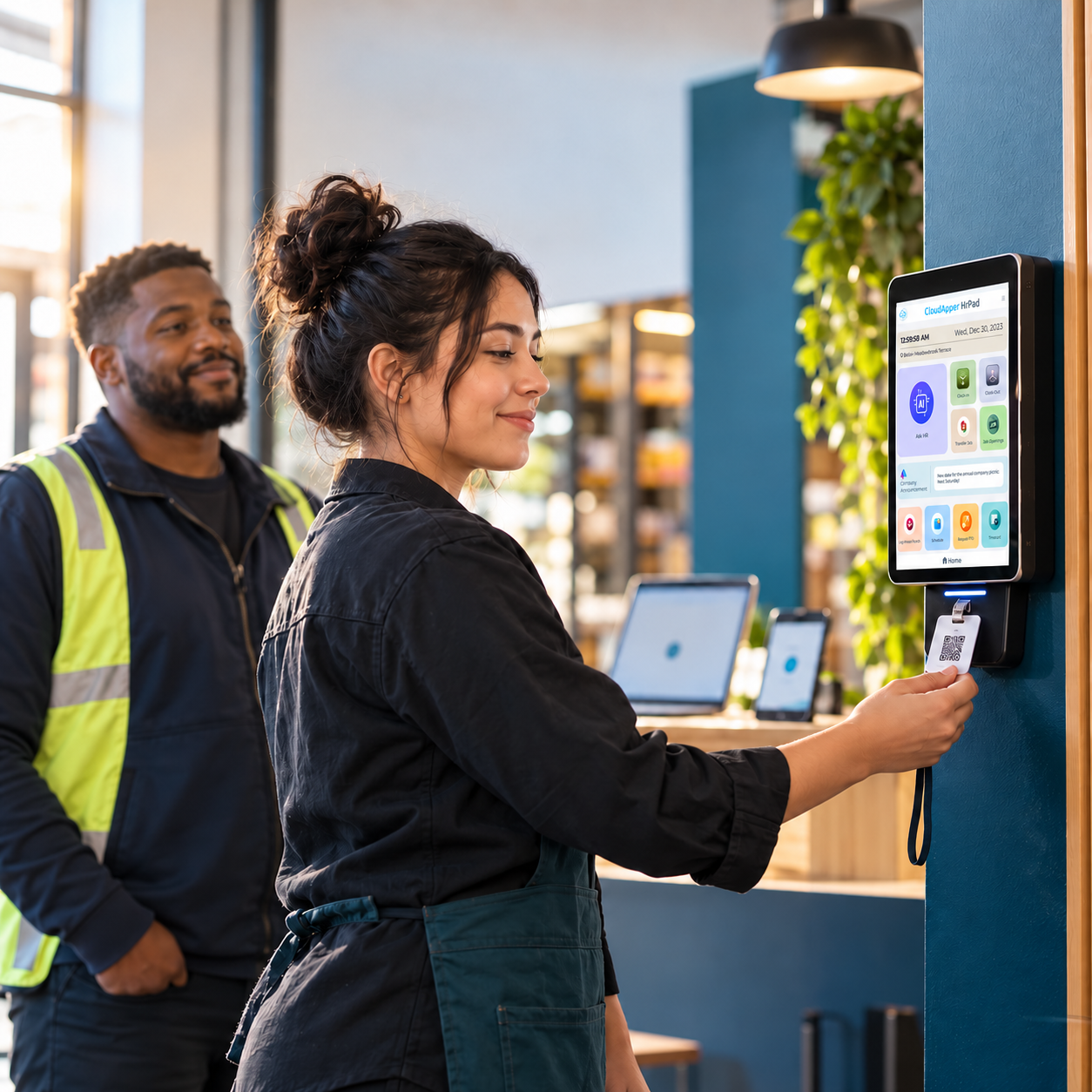
Remote and distributed teams need consistent self-service, not another dashboard. Here's the honest breakdown of what CloudApper hrPad's iPad-based approach actually does for distributed HR.
Table of Contents
- What hrPad actually addresses for distributed teams
- Where this genuinely helps
- What hrPad is not
- Rolling this out without adding a second IT project
Remote and distributed teams create a specific HR problem: the tools built for in-office self-service (a company laptop, an HR portal reached from a desk) don’t translate cleanly when employees are spread across locations and time zones. CloudApper hrPad’s iPad/tablet-based approach is built around that gap rather than around remote work in the abstract.
What hrPad actually addresses for distributed teams
- Employee self-service: Time tracking, schedules, and PTO balances are available directly on the tablet, cutting down on back-and-forth emails with HR
- 24/7 AI assistant: Employees across time zones can get answers to payroll or policy questions without waiting for HR’s working hours
- Configurable surveys: Short, recurring surveys collect employee feedback on a regular cadence, rather than relying on infrequent, one-off check-ins
- HCM integration: hrPad connects into UKG, Workday, or Oracle, so remote workforce data stays consistent with the rest of your operations instead of living in a separate app
Where this genuinely helps
The value for distributed teams is less about a single dashboard and more about consistency: every location or remote employee gets the same self-service experience and the same response time from the AI assistant, regardless of where HR staff are physically based. That consistency is what tends to break down first when workforce management relies on manual, location-specific processes.

What hrPad is not
To be direct about scope: hrPad is a self-service, time-tracking, and HCM-integration platform. It doesn’t replace project management software, and it isn’t a predictive analytics engine for engagement forecasting. Where it earns its place is removing the administrative friction that makes remote workforce management harder than it needs to be — which is a real, solvable problem on its own.
FAQ
Does hrPad work across multiple time zones?
Yes — the 24/7 AI assistant and self-service tools are available to employees regardless of when HR staff are working, which is specifically useful for distributed or multi-time-zone teams.
Which systems does hrPad integrate with for remote workforce data?
UKG, Workday, and Oracle HCM, among others — hrPad adds a self-service layer on top of the HCM you already run.
Rolling this out without adding a second IT project
The most common failure mode with remote-workforce tools isn’t the tool itself — it’s treating the rollout as a parallel system HR has to maintain alongside everything else. hrPad avoids that by connecting into the HCM you already run (UKG, Workday, or Oracle) instead of asking IT to stand up new infrastructure. Employees log into the same self-service experience whether they’re on-site or remote; the underlying data still lives in your existing system of record.
What to check before choosing a remote workforce tool
- Does it require a company laptop or email? Many “remote workforce” tools assume desk-based employees. If your remote or field workers don’t have a company device, that assumption breaks the tool before it starts.
- Does data sync back to your HCM automatically, or does someone have to reconcile it? A tool that creates a second data source is added work, not saved work.
- Can HR adjust it without a developer? Remote work policies change; a no-code configuration layer means HR isn’t stuck waiting on IT for every update.
See hrPad’s employee self-service tools, or book a demo for your distributed team.

What is CloudApper AI Platform?
CloudApper AI is an advanced platform that enables organizations to integrate AI into their existing enterprise systems effortlessly, without the need for technical expertise, costly development, or upgrading the underlying infrastructure. By transforming legacy systems into AI-capable solutions, CloudApper allows companies to harness the power of Generative AI quickly and efficiently. This approach has been successfully implemented with leading systems like UKG, Workday, Oracle, Paradox, Amazon AWS Bedrock and can be applied across various industries, helping businesses enhance productivity, automate processes, and gain deeper insights without the usual complexities. With CloudApper AI, you can start experiencing the transformative benefits of AI today. Learn More
- Useful Links:
- Agentic AI
- No-Code/Low-Code
- Custom Software
- HCM Personalization
- iPaaS
- FedRAMP

Brochure
CloudApper hrPad
Empower Frontline Employees with an AI-Powered Tablet/iPad Solution
Download Brochure
CloudApper AI Solutions for HR



- Works with








- and more.
Similar Posts
How Far in Advance Do You Have to Post Employee…
Return-to-Office Attendance Tracking: What Employers Get Wrong in 2027