Discover how to make Workday policy documents searchable with our comprehensive FAQs, enhancing accessibility and efficiency.

Table of Contents
- Q1: Why doesn’t Workday’s global search pick up content inside PDF documents?
- Q2: So if I upload a PDF titled “Leave Policy,” the system won’t find the word “California” inside it?
- Q3: Can CloudApper hrPad really make these PDFs searchable?
- Q4: What’s the user experience like?
- Q5: Will we have to rebuild our Workday dashboard or policy library?
- Q6: How are updates handled?
- Q7: Can hrPad track what employees are searching for?
- Q8: Who benefits most from this solution?
- Final Takeaway
Many HR teams rely on Workday to store important guidelines, handbooks, and policies — often in PDF format within custom dashboards. However, when leadership or employees ask, ‘Why can’t I search inside these documents?’ it highlights a real usability issue. Workday Policy Documents are critical, but without the ability to search their content, users waste time digging through files or submitting HR tickets for answers.

Below are some frequently asked questions about this issue — and how CloudApper hrPad HR service delivery solution offers a practical solution for Workday users.
Q1: Why doesn’t Workday’s global search pick up content inside PDF documents?
Workday Policy Documents stored as PDFs in custom dashboards aren’t indexed by Workday’s global search engine. Workday search is optimized for structured data — like worker records, tasks, or requisitions — not unstructured document content. That means unless key terms are in a file name or manually tagged, they won’t show up in search results.
Q2: So if I upload a PDF titled “Leave Policy,” the system won’t find the word “California” inside it?
Exactly. Even if “California” is mentioned 20 times within the document, Workday won’t detect it unless it’s included in the title, description, or specific metadata fields. That’s why many users get frustrated — they assume the system searches everything, but in reality, it doesn’t.
Q3: Can CloudApper hrPad really make these PDFs searchable?
Yes — and that’s exactly where CloudApper hrPad stands out. It reads, indexes, and makes all content inside Workday Policy Documents searchable. Once uploaded to hrPad, any word, phrase, or topic inside the document can be found instantly using simple keyword or natural language searches.
Q4: What’s the user experience like?
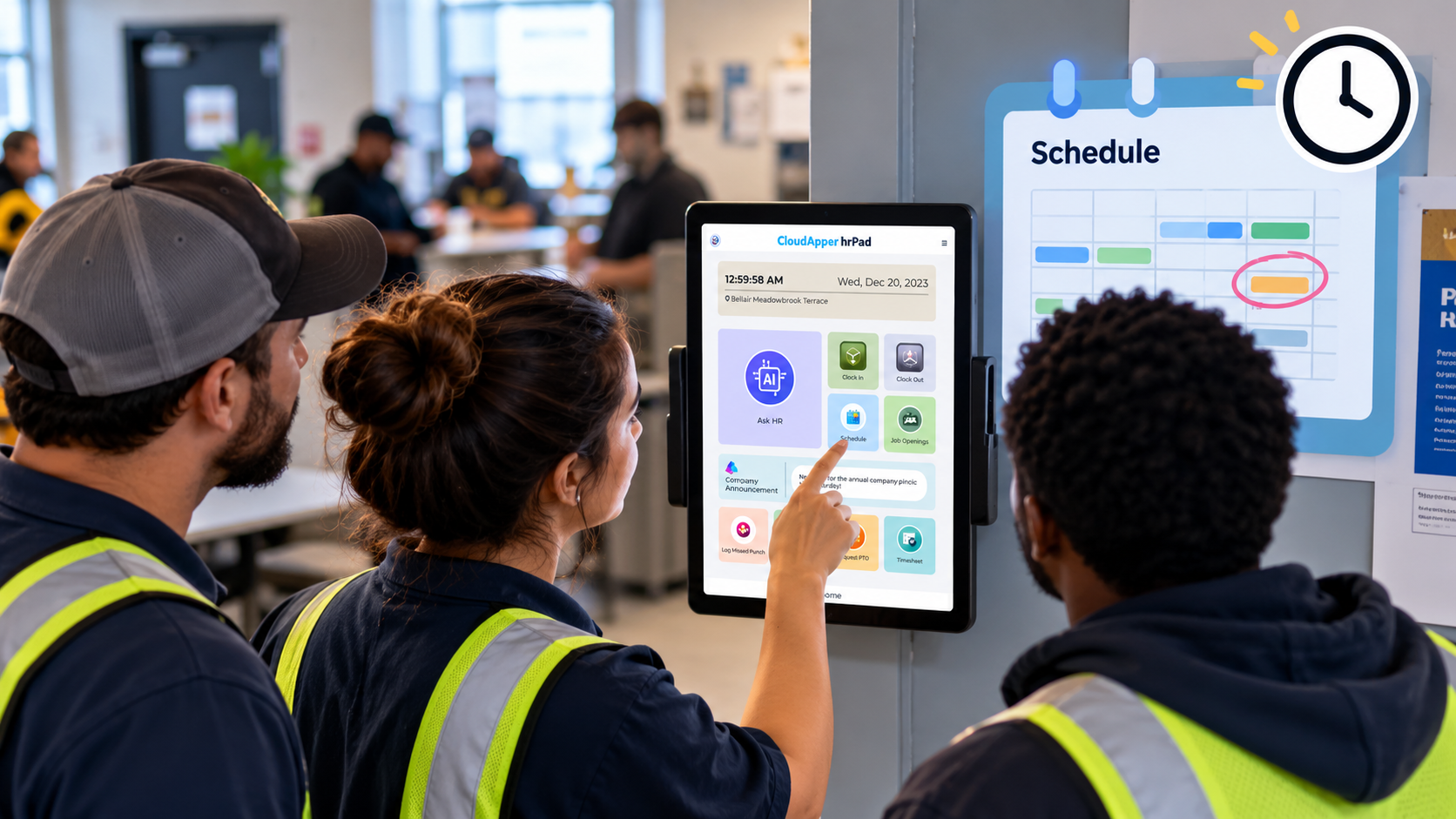
Employees can access hrPad through kiosks, tablets, or web browsers. Once inside, they can type something like “break rules for California employees” and get a list of results showing which policy documents include that phrase — and even the exact sections where it’s mentioned.
It’s quick, intuitive, and removes the guesswork from navigating long PDF documents.
Q5: Will we have to rebuild our Workday dashboard or policy library?
Not at all. CloudApper hrPad doesn’t replace Workday — it extends its capabilities. You don’t need to rebuild anything. Simply upload your existing policy PDFs into hrPad, and the platform will handle the indexing and search functionality automatically.
Q6: How are updates handled?
Anytime your HR team uploads a new version of a policy, hrPad re-indexes the document content. This ensures users always get accurate, up-to-date results — no need to manually refresh or reconfigure anything.
Q7: Can hrPad track what employees are searching for?
Yes. One of hrPad’s built-in features is search trend analytics. You’ll be able to see what employees are looking for most often — a great way to identify policy gaps or clarify confusing areas in your documents.
Q8: Who benefits most from this solution?
Everyone does. Employees save time by finding answers themselves. HR teams reduce ticket volume and improve document compliance. And leadership gets visibility into how well internal policies are being accessed and understood.
Final Takeaway
Workday Policy Documents are essential, but without full-text search, they’re harder to use than they should be. CloudApper hrPad bridges that gap by turning static files into a searchable, self-service experience that lives alongside your Workday setup.

What is CloudApper AI Platform?
CloudApper AI is an advanced platform that enables organizations to integrate AI into their existing enterprise systems effortlessly, without the need for technical expertise, costly development, or upgrading the underlying infrastructure. By transforming legacy systems into AI-capable solutions, CloudApper allows companies to harness the power of Generative AI quickly and efficiently. This approach has been successfully implemented with leading systems like UKG, Workday, Oracle, Paradox, Amazon AWS Bedrock and can be applied across various industries, helping businesses enhance productivity, automate processes, and gain deeper insights without the usual complexities. With CloudApper AI, you can start experiencing the transformative benefits of AI today. Learn More
- Useful Links:
- Agentic AI
- No-Code/Low-Code
- Custom Software
- HCM Personalization
- iPaaS
- FedRAMP

Brochure
CloudApper hrPad
Empower Frontline Employees with an AI-Powered Tablet/iPad Solution
Download Brochure
CloudApper AI Solutions for HR



- Works with








- and more.
Similar Posts
How Far in Advance Do You Have to Post Employee…

Return-to-Office Attendance Tracking: What Employers Get Wrong in 2027