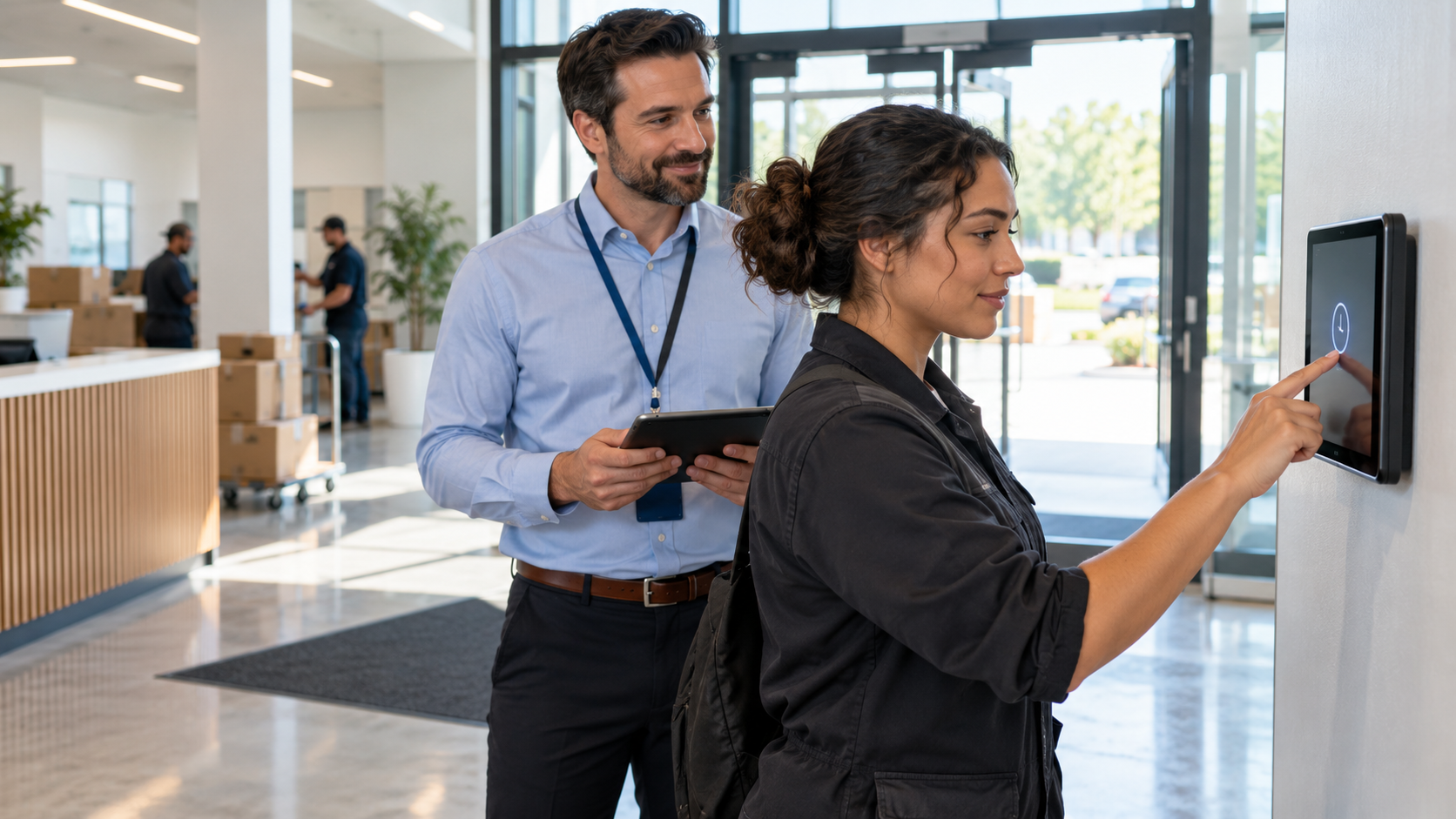
Food processing plants run production and sanitation on different schedules, move workers between lines and split the floor into zones. Here is what time clocks for food processing plants should handle, and how a tablet at every entrance keeps hours accurate.

TL;DR
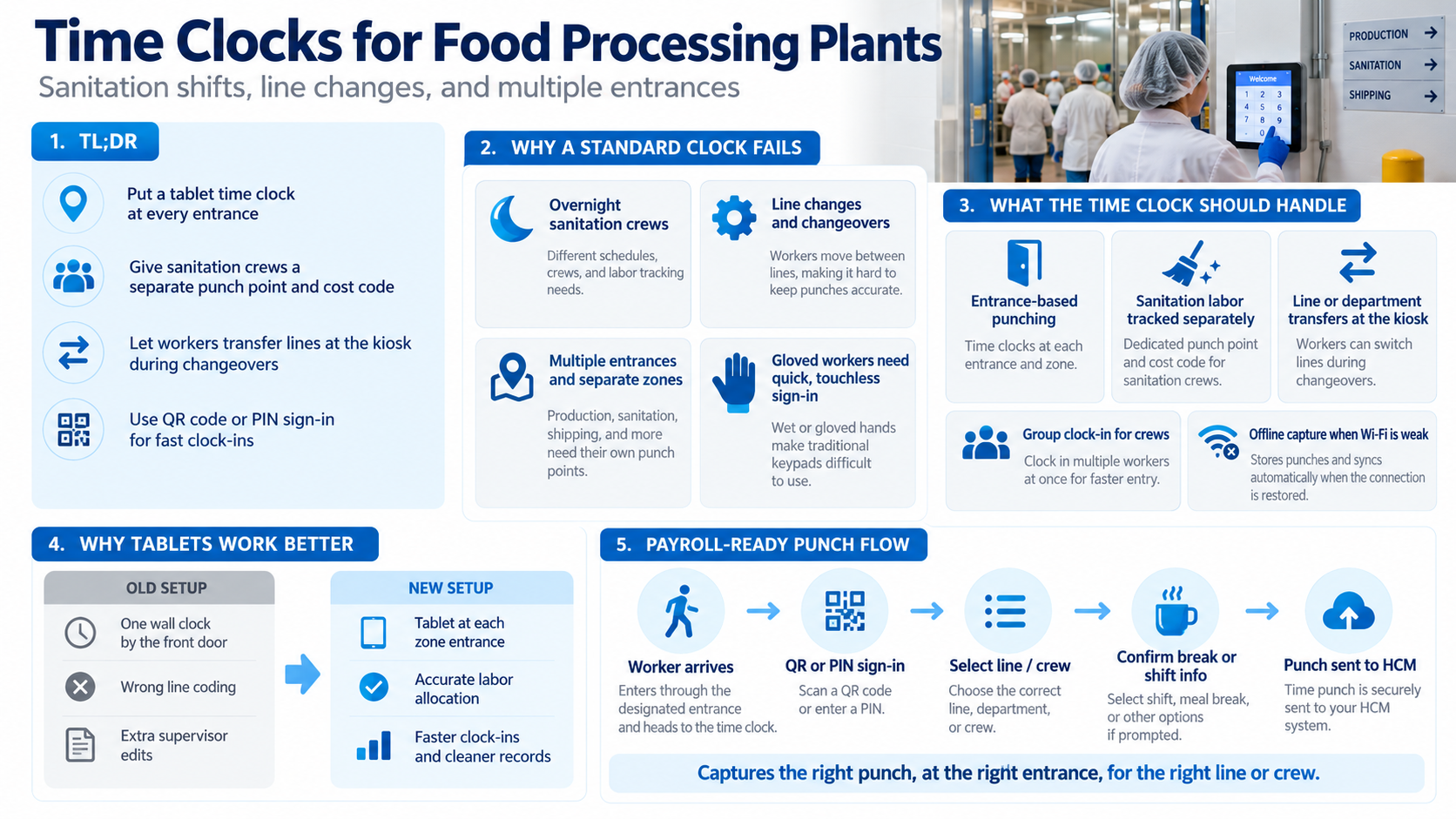
- Put a tablet time clock at every entrance so workers never cross a zone to punch.
- Give sanitation crews their own punch point and cost code so their hours stay out of production labor.
- Let workers switch lines at the kiosk during changeovers so hours follow them without supervisor edits.
- Use QR code or PIN sign-in so gloved workers clock in quickly at the start of a shift.
Table of Contents
- Why Food Processing Plants Are Hard on a Standard Time Clock
- What Time Clocks for Food Processing Plants Should Handle
- How CloudApper AI TimeClock Helps Food Processing Plants
- Conclusion
A food processing plant rarely runs on one schedule. Production crews work the lines, sanitation crews take over once production stops, and workers move between lines when a changeover hits. The building is often split into raw, cooked and packaging zones, each with its own entrance and hygiene steps. A single wall clock by the front door doesn’t fit that layout. Workers walk across zones to punch, hours land on the wrong line, and sanitation time gets coded as production. Time clocks for food processing plants fix this by putting a punch point at every entrance and letting workers clock in with a QR code or PIN. CloudApper’s AI TimeClock runs on standard iPads and Android tablets and works with major HR systems like Workday, UKG, Oracle and Dayforce.
Why Food Processing Plants Are Hard on a Standard Time Clock
Food plants are scheduled around the product. Lines run in shifts, changeovers happen when the product or allergen profile changes, and sanitation cleans the equipment after production ends. Many plants also keep raw and ready-to-eat areas apart, so workers come in through different doors.

It is a large workforce. Food and beverage processing establishments employed 1.7 million workers in 2021, about 15.4 percent of all U.S. manufacturing employment, according to the USDA Economic Research Service. The usual manufacturing time tracking problems apply here too, but zones, sanitation and changeovers add their own.
What Time Clocks for Food Processing Plants Should Handle
Overnight Sanitation Crews
Sanitation crews often start after production ends and leave before the next shift arrives. If they punch under production codes, their hours blend into line labor. A punch point at the sanitation entrance, with sanitation as the default cost code, keeps those hours separate when you track labor costs by job.
Line Changes and Changeovers
During a changeover, a worker might finish the shift on a different line from the one they started on. A transfer at the kiosk moves their remaining hours to the right line or department, so a supervisor doesn’t have to edit the timecard later. It works the same way as a cost center transfer in other manufacturing settings.
Multiple Entrances and Separate Zones
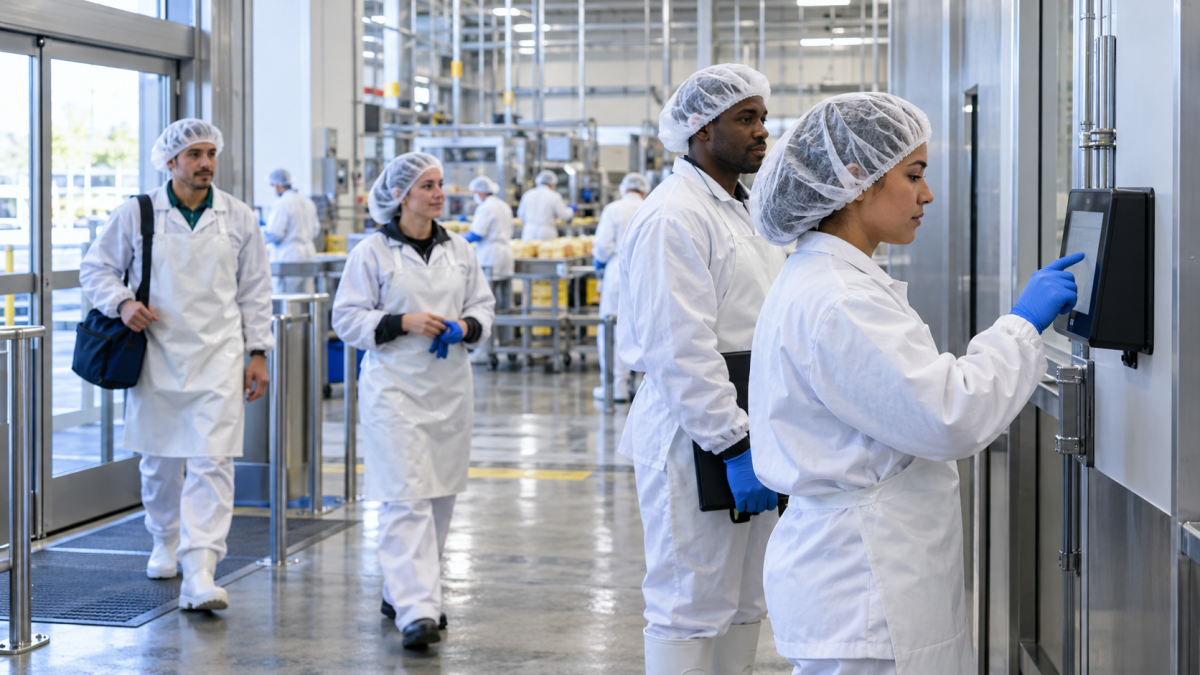
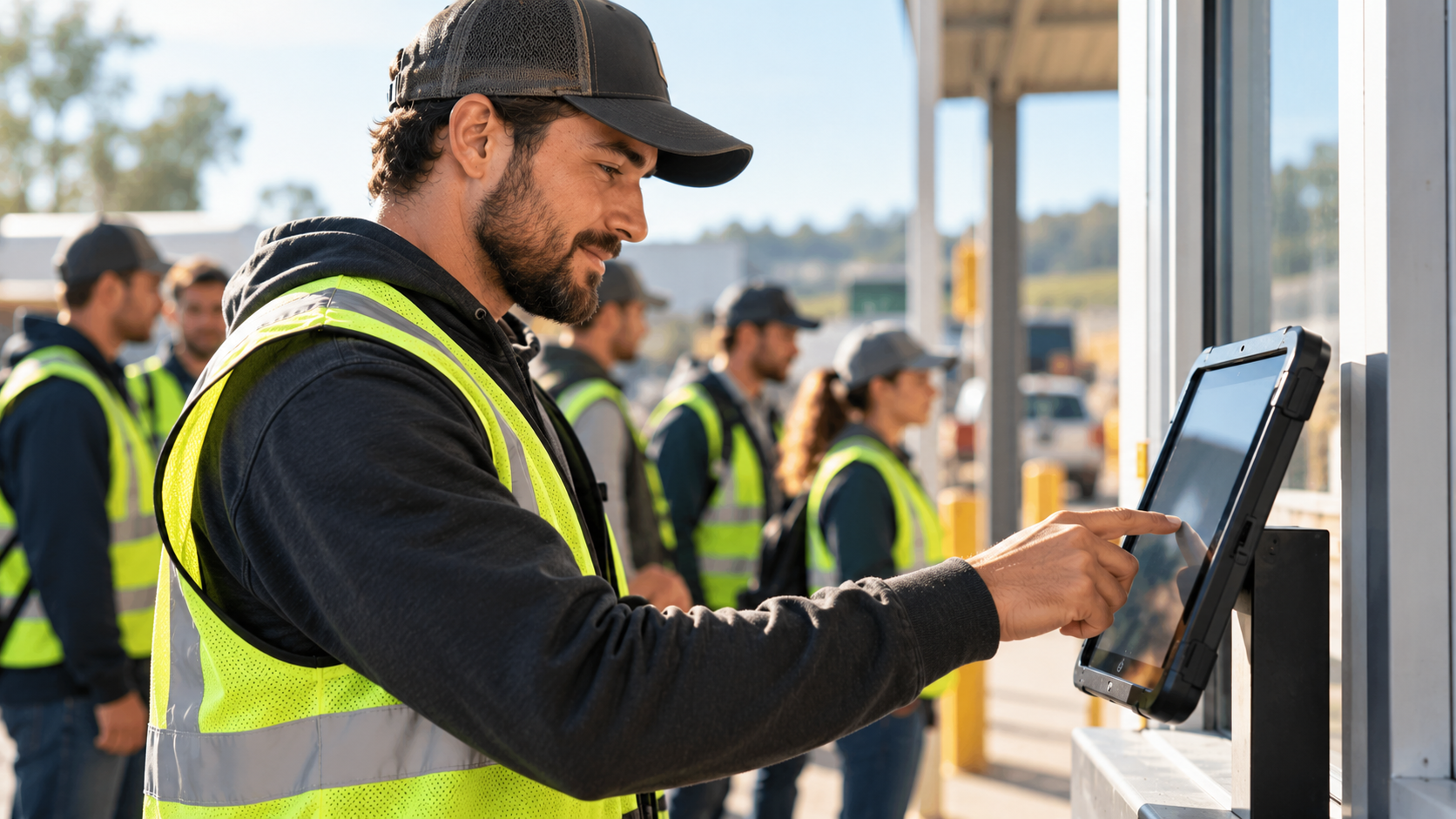
When the only clock sits by the main door, workers in the cooked or packaging zone walk out, punch and walk back. That wastes paid time and can break hygiene rules between zones. Tablets cost far less than traditional terminals, so you can put one at each entrance, the same way plants run tablet kiosks on the manufacturing floor. At shift start, crew leads can clock in a whole team at once to keep lines short.
Quick, Touchless Sign-In
Workers in food plants often wear gloves and have already washed up, so they shouldn’t have to tap a shared screen more than they need to. Scanning a QR code takes a few seconds, and a PIN works as a backup. Both are among the shared time clock sign-in options plants use, and you can see how a plant rolled out touchless time capture across its sites.
Break and End-of-Shift Confirmations
At clock-out, the kiosk can ask whether the worker took a full meal break. A “no” flags the timecard before payroll runs. This is the same meal break attestation process many plants already run on tablets.
How CloudApper AI TimeClock Helps Food Processing Plants
Your HR system already handles the hard parts of pay, like overtime, shift differentials, cost centers and labor reports. What it needs from the plant floor is clean punch data: the right person, at the right entrance, on the right line or crew. CloudApper AI TimeClock is built to capture exactly that.
It turns standard iPads and Android tablets into time clocks, so you can place one at every entrance without buying traditional terminals. Workers sign in with a QR code or PIN, switch lines at the kiosk during a changeover, and answer the confirmation questions you set, such as whether they took a full meal break. Crew leads can punch a whole team in at once at shift start. If the connection drops, the tablet holds the punches and sends them when the network comes back, which helps in plants with weak Wi-Fi on the floor. Every punch then goes to your HR system, and your pay rules stay as they are.
Conclusion
Time clocks for food processing plants have to match how those plants run. Production and sanitation work on different schedules, workers change lines mid-shift, and zoned buildings have several entrances. A tablet clock at each entrance, a separate punch point and cost code for sanitation, line transfers at the kiosk, and QR or PIN sign-in keep hours accurate without slowing anyone down. Meal break confirmations at clock-out catch problems before payroll, and your HCM keeps doing the pay calculations it already does well. To plan a time clock layout for your plant, contact us.
Frequently Asked Questions
What is a time clock for a food processing plant?
It is a punch point, usually a tablet kiosk, placed where food plant workers start and end their shifts, including the separate entrances for each production or sanitation zone. It records who worked, when, and on which line, then sends that data to your HCM.
How should sanitation crew hours be tracked separately from production?
Give sanitation crews their own punch point or a default sanitation cost code at clock-in. Their hours then show up as sanitation labor instead of being mixed into production line costs.
Can workers clock in without touching the screen?
Yes. Workers can scan a QR code with the tablet’s camera, which keeps contact with the shared device to a minimum. A PIN works as a backup for anyone who forgets their code.
Does CloudApper AI TimeClock work with our HCM?
Yes. CloudApper AI TimeClock works with Workday, UKG, Oracle and Dayforce. Punches, transfers and confirmations sync to your HCM, which continues to apply your pay rules.

What is CloudApper AI Platform?
CloudApper AI is an advanced platform that enables organizations to integrate AI into their existing enterprise systems effortlessly, without the need for technical expertise, costly development, or upgrading the underlying infrastructure. By transforming legacy systems into AI-capable solutions, CloudApper allows companies to harness the power of Generative AI quickly and efficiently. This approach has been successfully implemented with leading systems like UKG, Workday, Oracle, Paradox, Amazon AWS Bedrock and can be applied across various industries, helping businesses enhance productivity, automate processes, and gain deeper insights without the usual complexities. With CloudApper AI, you can start experiencing the transformative benefits of AI today. Learn More
- Useful Links:
- Agentic AI
- No-Code/Low-Code
- Custom Software
- HCM Personalization
- iPaaS
- FedRAMP

Brochure
CloudApper AI TimeClock
For accurate & touchless time capture experience.
Download Brochure
CloudApper AI Solutions for HR



- Works with








- and more.
Similar Posts
One Time Clock for Employees, Agency Temps and Contractors: Routing…
QR Code Time Clocks: When a Scan-to-Punch Clock Fits Seasonal…