Most time clocks force one verification method on everyone. hrPad lets admins assign face ID, PIN, QR, badge, or a combination per employee, from one portal, on one device.
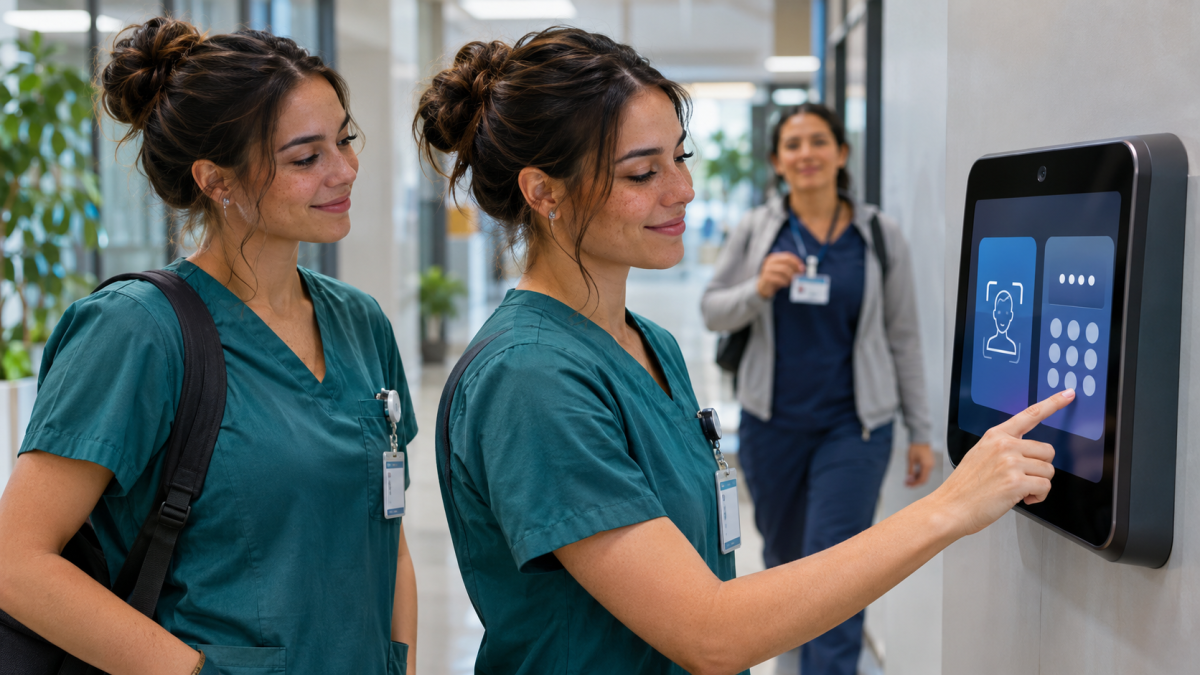
Table of Contents
- Why one method doesn’t fit everyone
- Setting it up per employee with hrPad
- What happens to the punch data
- The twins example, start to finish
Most time clocks pick one verification method and apply it to everyone. Face ID across the building. PINs for the whole floor. That works until it doesn’t.

A company using facial recognition for time tracking discovered two employees on the same shift were identical twins. The camera couldn’t tell them apart. Studies from Notre Dame and IEEE back this up. Face recognition accuracy drops hard when comparing identical twins. One researcher summed it up: if identical twins want to fool the system, the system will probably lose.
This is not rare. CDC data shows about 30 out of every 1,000 U.S. births are twins. Scale that across a workforce of a few hundred and the odds of running into this are real.
So now what? Most vendors will tell you to submit a ticket. Or they’ll call it a “custom development.” Or they’ll suggest you switch the entire location to PINs.
To change a PIN on two employees. That’s what site level verification gets you.
Why one method doesn’t fit everyone
Temporary and seasonal workers show up for a few weeks. Enrolling them in biometrics is wasted effort when a PIN or QR code gets them clocking in on day one. New hires who haven’t finished biometric enrollment can’t punch in their first shift without a fallback. Night shift workers deal with facial recognition failures in dim lighting that the day shift never sees. Some employees can’t use face scanning because of a physical condition or medical device. And some roles need two factors together, biometric plus PIN, not one or the other.
All of these people walk up to the same kiosk. If the kiosk only knows one trick, every exception becomes a support ticket.
Setting it up per employee with hrPad
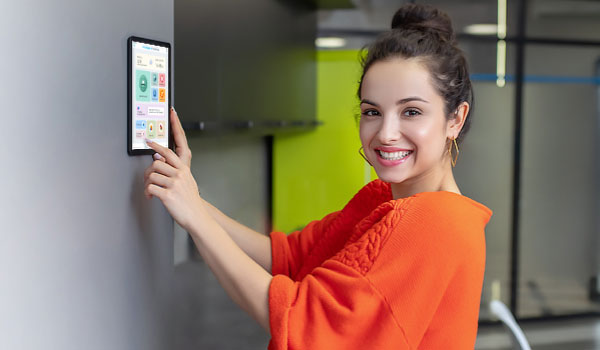
CloudApper hrPad is a time clock and employee self service kiosk that runs on any iOS or Android tablet. It supports face ID, PIN, QR code, barcode, NFC, and badge scan on one device.
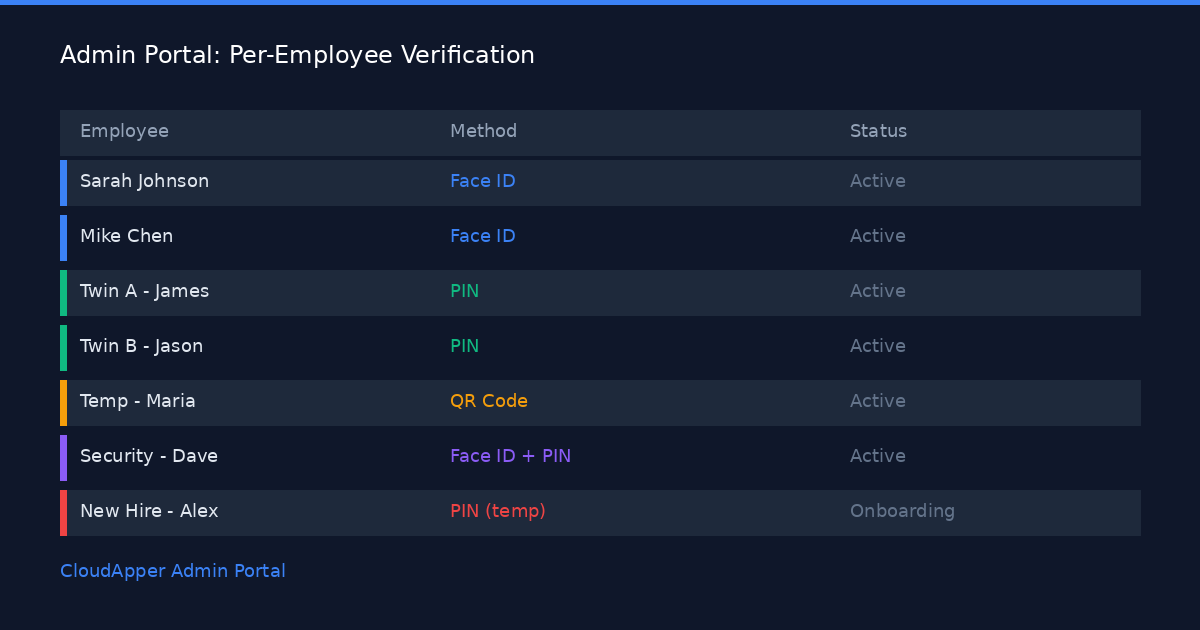
Admins log into the CloudApper admin portal and set the verification method per employee. Per person, not per building or department. Most of the workforce stays on face ID. The twins get switched to PIN. A temp worker uses a QR code. Someone in a restricted area gets biometric plus PIN. Changing any of it later takes a few clicks in the same portal.
No dev ticket. No switching the entire site because two people need something different.
What happens to the punch data
This is where most workarounds fall apart. Companies rig a manual fix (paper log, supervisor override, a separate system) and the time data gets messy. Payroll has to reconcile. HR has to track who is on which method. A process problem stacked on top of a technology problem.
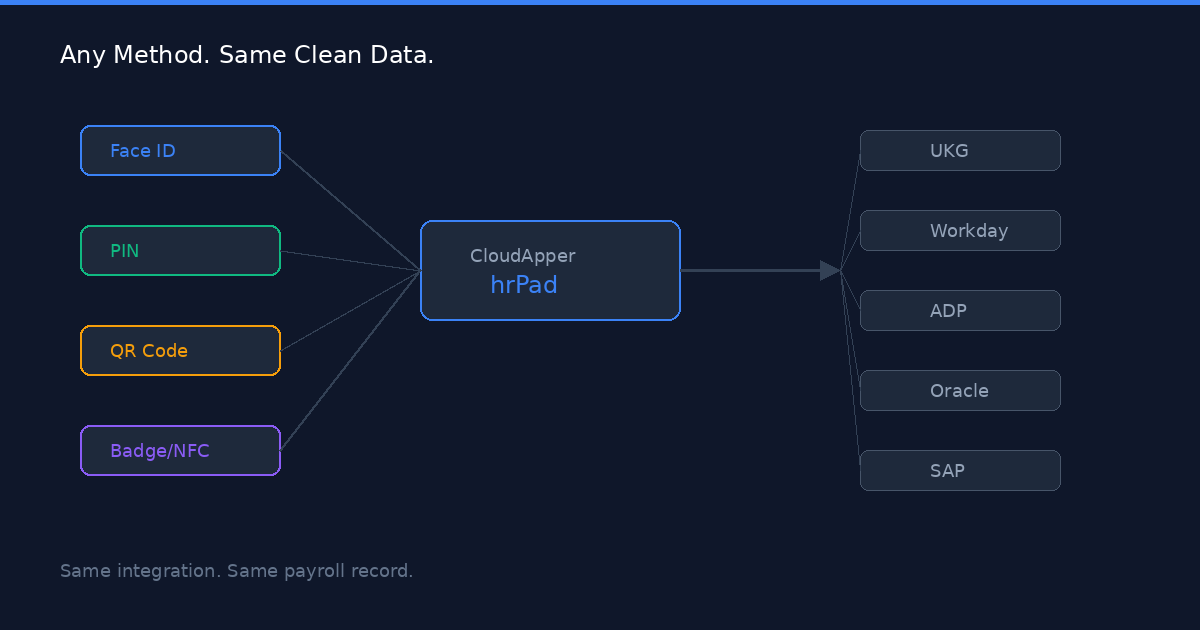
With hrPad, it doesn’t matter which method an employee uses. Face ID, PIN, QR code, the punch data all flows to the same HCM system. UKG, Workday, ADP, Oracle, SAP, Dayforce, Paycom, Paycor. Same integration, same payroll record. No reconciliation.
The twins example, start to finish
Admin notices the problem. Opens the CloudApper admin portal. Changes two employees from face ID to PIN. Next shift, those two enter their PIN at the kiosk. Everyone else still uses face ID. All punch data syncs to the same HCM platform.
A few minutes. That’s the whole thing.
FAQ
Can I set different verification methods for different employees on the same kiosk?
Yes. One person uses face ID, the next uses a PIN, another scans a QR code. Same tablet. The admin controls it from the CloudApper admin portal.
Does this require custom development?
No. Admins change it per employee in the portal. No code, no tickets.
What if I need an employee to use two methods, like face ID plus PIN?
You can. hrPad supports layered verification per employee, so admins assign whatever combination the role or area requires.
Does using different methods affect how data syncs to payroll?
Punch data flows to the same HCM system regardless of method. Payroll processing doesn’t change.
Which HCM systems does hrPad work with?
UKG Pro, UKG Ready, UKG Dimensions, Workday, ADP, Oracle, SAP, Ceridian Dayforce, Paycom, Paycor, and others.
See it in action
Want to see how the per employee setup works? Book a quick demo and we’ll walk you through the admin portal.

What is CloudApper AI Platform?
CloudApper AI is an advanced platform that enables organizations to integrate AI into their existing enterprise systems effortlessly, without the need for technical expertise, costly development, or upgrading the underlying infrastructure. By transforming legacy systems into AI-capable solutions, CloudApper allows companies to harness the power of Generative AI quickly and efficiently. This approach has been successfully implemented with leading systems like UKG, Workday, Oracle, Paradox, Amazon AWS Bedrock and can be applied across various industries, helping businesses enhance productivity, automate processes, and gain deeper insights without the usual complexities. With CloudApper AI, you can start experiencing the transformative benefits of AI today. Learn More
- Useful Links:
- Agentic AI
- No-Code/Low-Code
- Custom Software
- HCM Personalization
- iPaaS
- FedRAMP
Brochure
CloudApper AI TimeClock
For accurate & touchless time capture experience.
Download Brochure
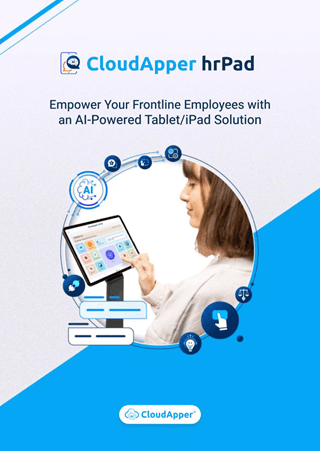
Brochure
CloudApper hrPad
Empower Frontline Employees with an AI-Powered Tablet/iPad Solution
Download Brochure
CloudApper AI Solutions for HR
- Works with








- and more.
Similar Posts

Hours of Rest for Vessel Crews: Recording Work and Rest…

Fair Workweek Violations Are Getting Expensive: What Employers Need to…