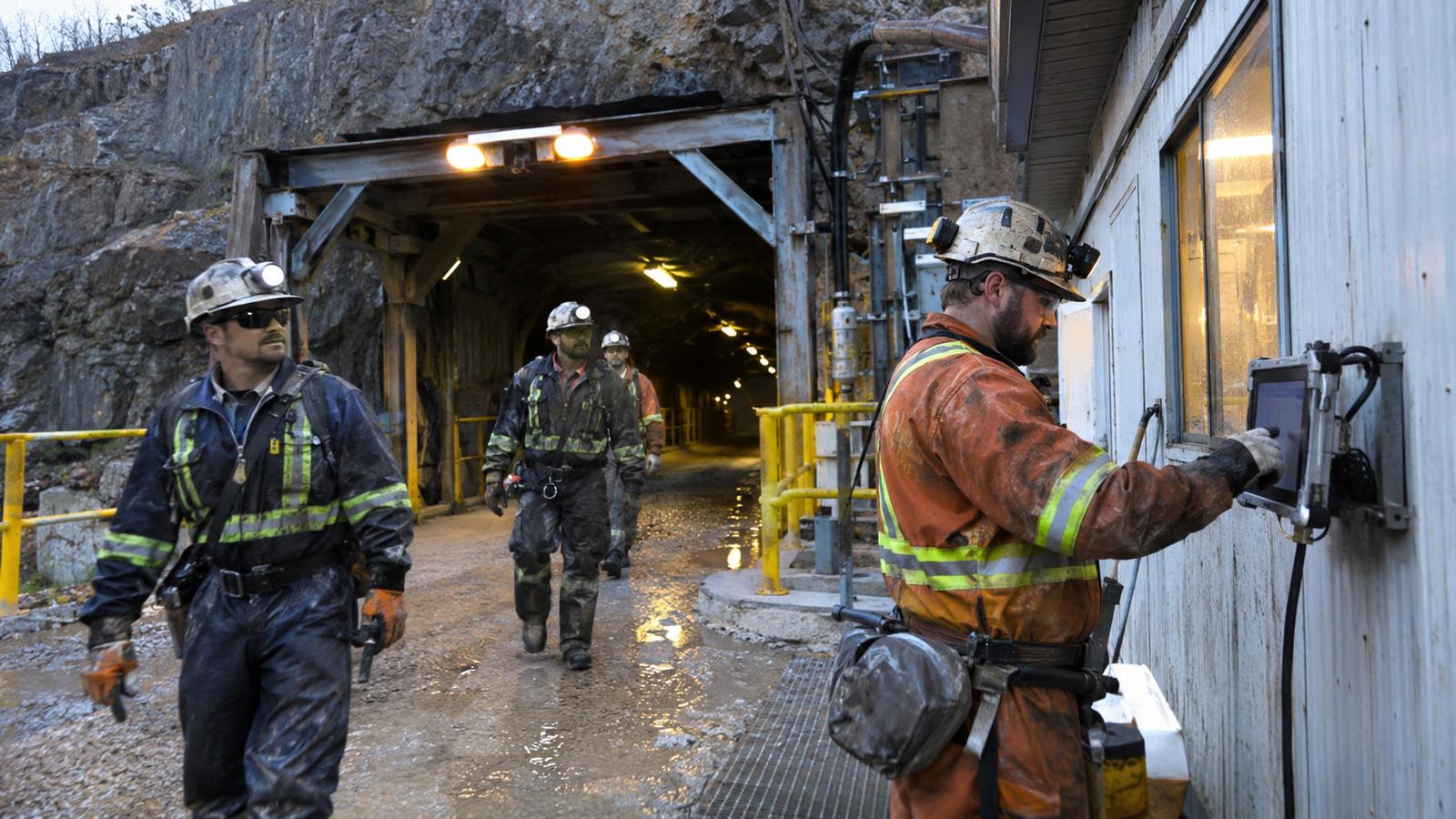
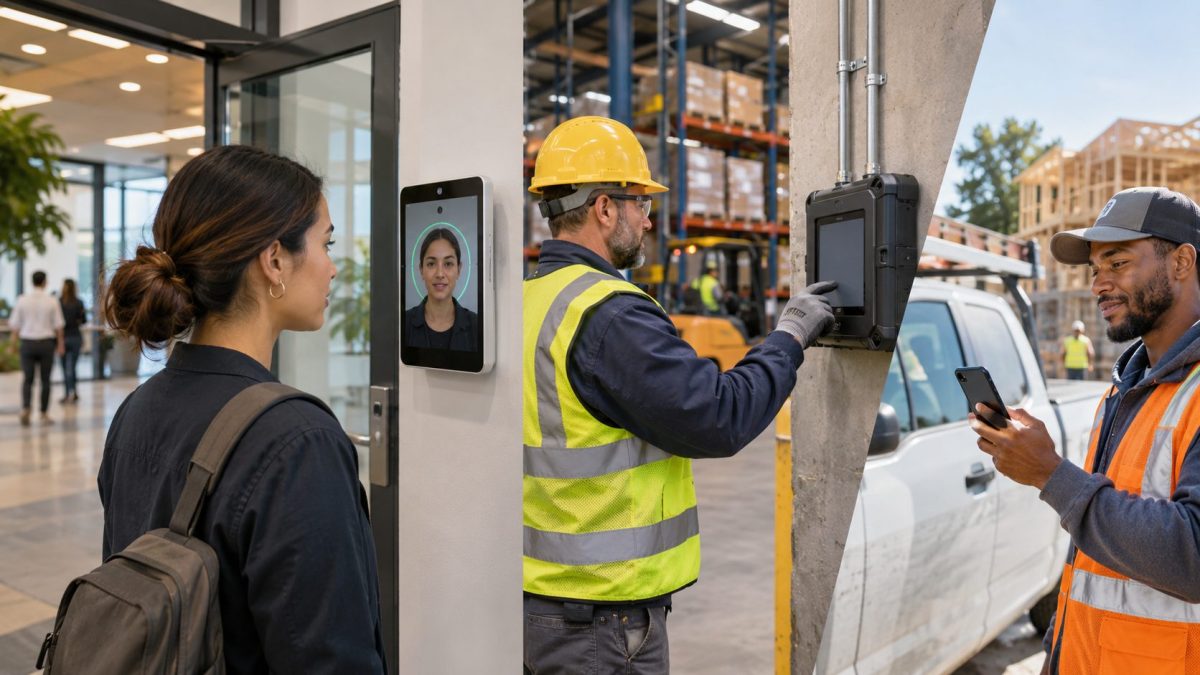
A tablet, a wall terminal and a mobile app each suit different sites. This comparison covers cost, install time, offline mode, biometrics and durability, shows when each one wins, explains how to mix them across locations, and ends with a simple decision flow.


TL;DR
- Match the time clock to the site: tablets suit most entrances, wall terminals suit rough environments, and mobile apps suit crews on the move.
- Compare all three on cost, install time, offline mode, biometrics and durability before you buy.
- Mix device types across locations and keep one set of time records for payroll.
- Run each site through the four-step decision flow to pick the right device.
Table of Contents
- Why one time clock type rarely fits every location
- Tablet vs terminal time clock: how the three compare
- How CloudApper AI TimeClock fits each site
- Choosing the right time clock for each site
Most employers pick one time clock type for every location, then spend a year working around the sites it doesn’t suit. A tablet vs terminal time clock decision looks like a hardware question, but it is really a question about each site: how many people punch in at once, what the environment does to a device, and whether the connection holds. The fastest way to get it right is to score every site on the same five criteria, match it to a tablet, a wall terminal or a mobile app, and mix them where sites differ. CloudApper AI TimeClock is time tracking software that works with Workday, UKG, Oracle and Dayforce and runs on iPads and Android tablets.
Why one time clock type rarely fits every location
A warehouse dock, a hospital unit and a roofing crew share little except the need to record hours accurately. Put a fixed terminal where crews report to a different job site every week, and people punch in from the truck or not at all. Put a bare tablet in a dusty receiving area, and it ends up cracked or clogged with grit. Rely only on phones at a busy entrance, and you get lines and forgotten logins. Each mismatch ends the same way: missed punches, manual corrections and payroll that someone fixes by hand.

Tablet vs terminal time clock: how the three compare
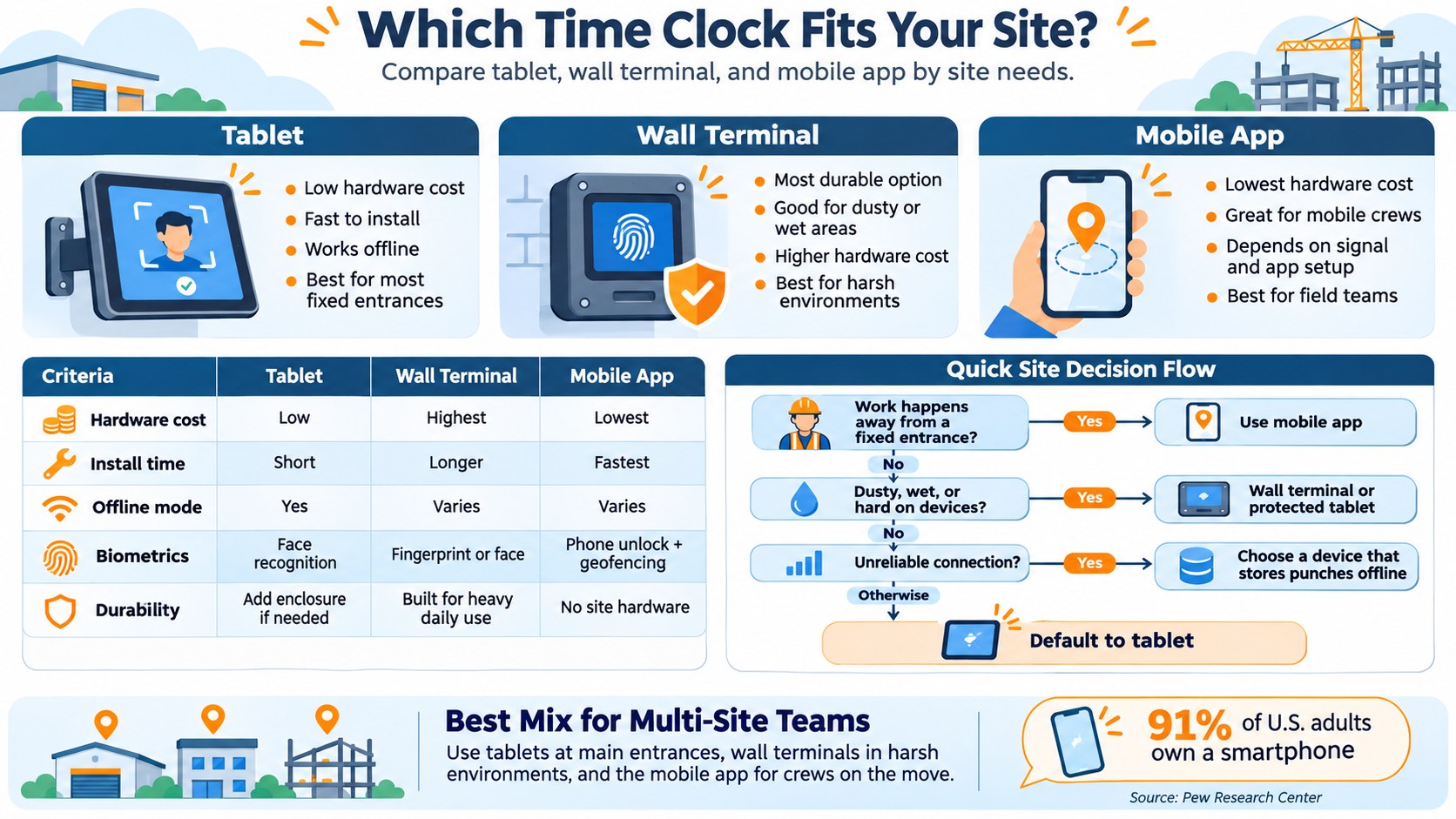
Roughly 91% of U.S. adults own a smartphone, according to Pew Research Center, so a mobile app asks employees to carry nothing new. That makes it the cheapest option on paper, but not always the best fit. This tablet vs terminal time clock table lines up all three on the criteria that matter most.
| Criteria | Tablet | Wall terminal | Mobile app |
|---|---|---|---|
| Hardware cost | Low, an off-the-shelf device plus a stand or mount | Highest, purpose-built unit for every location | Lowest, employees use their own phones |
| Install time | Short: mount it, install the app, sign in | Longer: ordering, shipping, wiring and network setup | Fastest: employees download the app |
| Offline mode | Yes, when the app stores punches and syncs later | Varies by model | Varies by app and phone signal |
| Biometrics | Face recognition through the front camera | Fingerprint or face, depending on the model | Phone unlock plus geofencing |
| Durability | Add a rugged case or enclosure in harsh areas | Built for dust, drops and heavy daily use | No site hardware to protect |
Tablet vs terminal vs mobile app: when each one wins
In a tablet vs terminal time clock matchup, a tablet wins at most fixed entrances. It costs little, goes up quickly and handles face recognition through its own camera. A wall terminal wins where the environment is rough, such as dusty plants or wet kitchens, because the hardware is built to take abuse. A mobile app wins for crews who never pass a fixed entrance, as long as geofencing confirms they are on the job site when they punch.
How to mix them across sites
Most multi-site employers end up with a blend. Put tablets at the main entrances, keep a terminal at the one location that wrecks devices, and give field crews the app. Because every punch lands in the same time records, payroll sees one consistent data set no matter which device captured it.
How CloudApper AI TimeClock fits each site
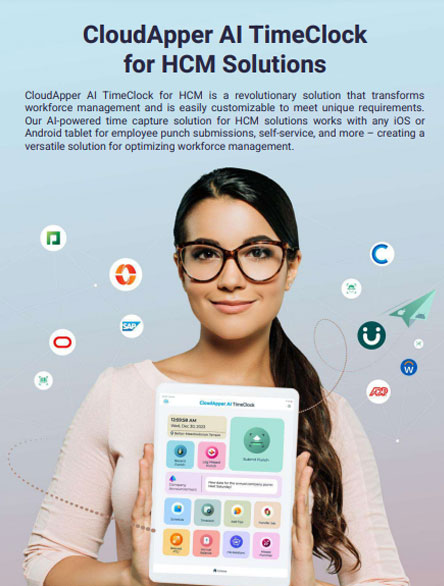
CloudApper AI TimeClock turns standard tablets into enterprise-grade time clocks, with Face ID, geofencing, offline-first sync and automated PTO and overtime rules. The same platform runs as a time clock app for Android and iOS for crews on the move, so one setup covers the entrance and the field. A tablet-based time clock replaces fixed devices without proprietary hardware, and the clock-in and clock-out terminal setup shows what a finished install looks like. Because this time tracking software keeps punches on the device when the network drops, employee time tracking stays complete at remote sites.
In any tablet vs terminal time clock decision, everyday tablets keep costs down. You buy them off the shelf, replace a broken one from any electronics store and add a location without special orders. They work best in multi-site retail, healthcare, hospitality and warehouse operations, including inventory management providers running several facilities.
Choosing the right time clock for each site
One time clock type rarely fits every location, and a tablet vs terminal time clock comparison comes down to cost, install time, offline mode, biometrics and durability. Tablets win at most entrances, terminals win in harsh environments, apps win for crews on the move, and a mix keeps every site covered. CloudApper AI TimeClock is the time tracking software that supports that mix. It runs on iPads and Android tablets and sends punches to Workday, UKG, Oracle and Dayforce. Run each location through this flow:
- Do employees work away from a fixed entrance? If yes, use the mobile app with geofencing. If no, go to step 2.
- Is the entrance dusty, wet or hard on devices? If yes, choose a wall terminal or put a tablet in a protective enclosure. If no, go to step 3.
- Is the connection unreliable? If yes, make sure the device you pick stores punches offline and syncs later. If no, go to step 4.
- Default to a tablet. It has the lowest hardware cost of the fixed options and the shortest install.
If you would like to see how this maps to your own locations, our team can walk you through a demo.
Frequently asked questions
Is a tablet time clock as reliable as a wall terminal?
For most indoor sites, yes. In a tablet vs terminal time clock comparison, a tablet runs the same punch workflow on a consumer device, and a rugged case or enclosure covers dusty or wet areas. Terminals still have the edge in the harshest environments.
Can a time clock work offline?
Yes, if the system stores punches on the device and syncs them once the connection returns. Confirm this for every option you evaluate, because support varies by model and app.
Can I use tablets at some sites and a mobile app at others?
Yes. Every punch feeds the same time records, so each site can use the device that fits it without splitting your data.
Does a mobile app time clock allow buddy punching?
It can if the app relies on a PIN alone. Pairing face recognition with geofencing ties each punch to the right person and the right place.
How quickly can a tablet time clock go live at a new site?
There is no special hardware to order, so setup is mostly mounting the tablet, installing the app and signing in.

What is CloudApper AI Platform?
CloudApper AI is an advanced platform that enables organizations to integrate AI into their existing enterprise systems effortlessly, without the need for technical expertise, costly development, or upgrading the underlying infrastructure. By transforming legacy systems into AI-capable solutions, CloudApper allows companies to harness the power of Generative AI quickly and efficiently. This approach has been successfully implemented with leading systems like UKG, Workday, Oracle, Paradox, Amazon AWS Bedrock and can be applied across various industries, helping businesses enhance productivity, automate processes, and gain deeper insights without the usual complexities. With CloudApper AI, you can start experiencing the transformative benefits of AI today. Learn More
- Useful Links:
- Agentic AI
- No-Code/Low-Code
- Custom Software
- HCM Personalization
- iPaaS
- FedRAMP
Brochure
CloudApper AI TimeClock
For accurate & touchless time capture experience.
Download Brochure
CloudApper AI Solutions for HR
- Works with








- and more.
Similar Posts
Kiosk, Mobile App or Web Portal: Which Self Service Channel…

Hours of Rest for Vessel Crews: Recording Work and Rest…