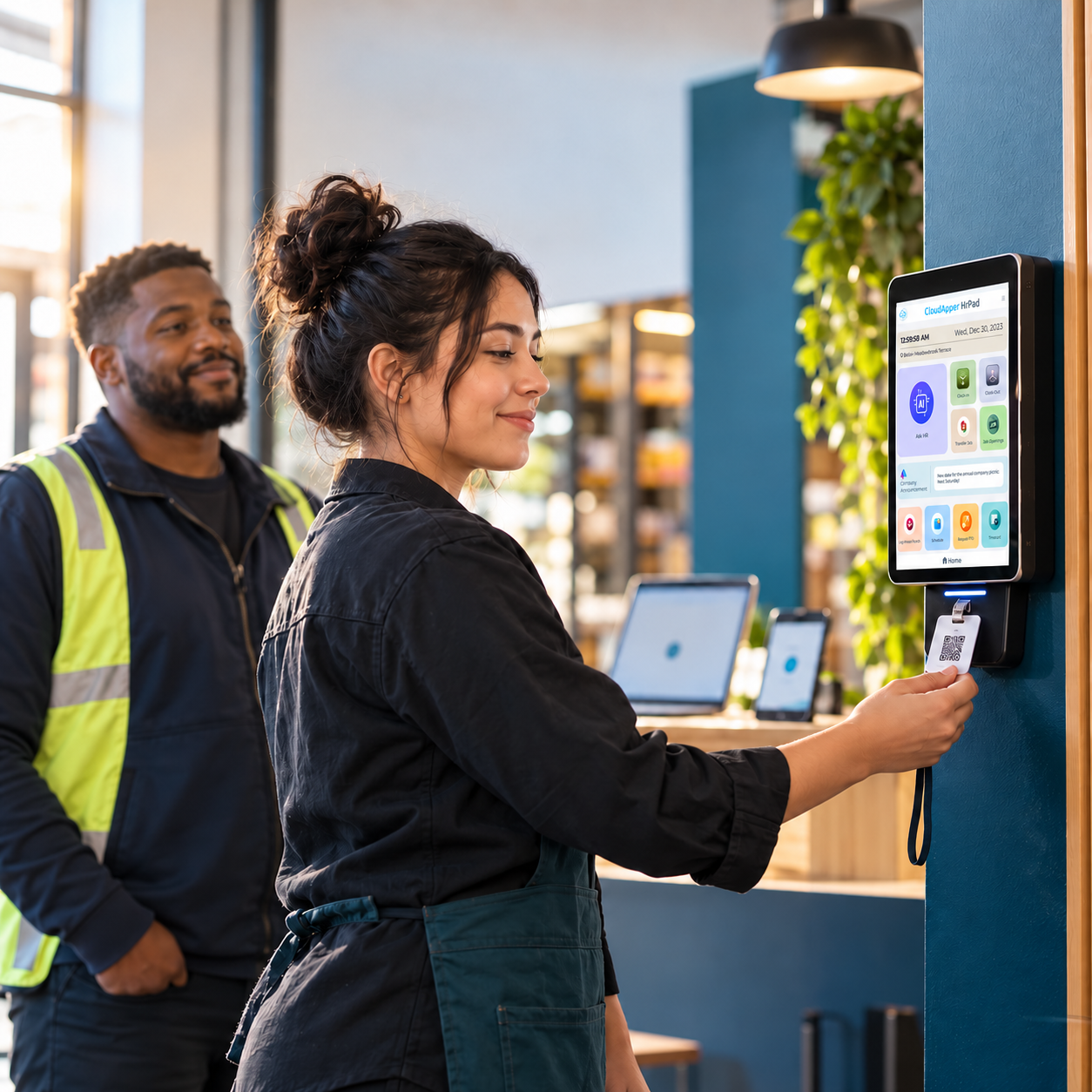
Employee self-service AI isn't magic — it's routine HR requests like PTO balances, paystubs, and policy questions handled on a shared tablet instead of a ticket. Here's how CloudApper hrPad actually does it.

Table of Contents
Most “AI for HR” pitches lead with self-service as a vague promise. In practice, employee self-service is narrower and more useful than that: it’s the set of routine HR requests — checking a PTO balance, pulling a paystub, updating a W-4, asking what the bereavement policy covers — that an employee can complete without opening a ticket or waiting on HR to reply.

CloudApper hrPad is built around that narrower job. Here’s what it actually does, and where it genuinely saves HR teams time.
What AI-powered employee self-service replaces
Without self-service, routine HR questions become tickets, emails, or walk-ins: “What’s my PTO balance?” “Can you resend my last paystub?” “How do I update my direct deposit?” Each one is small on its own, but for a frontline or deskless workforce without individual laptops, these requests pile up as interruptions for HR staff who could otherwise be working on hiring, compliance, or retention.
How CloudApper hrPad handles it
hrPad puts a 24/7 AI assistant on a shared tablet or kiosk, so employees without a company email or desk can still self-serve. Employees can:
- Check PTO balances and submit time-off requests
- View and download paystubs
- Update personal information like address or emergency contacts
- Get instant answers to policy questions (benefits, leave, dress code, etc.) from your own HR documentation
- Complete onboarding forms and acknowledgments
Because hrPad is built on CloudApper’s no-code AI platform, it connects into the HCM system you already run — Workday, Dayforce, UKG, or Oracle HCM — rather than asking you to replace it. Requests submitted on the tablet flow into your existing system of record instead of living in a separate app HR has to reconcile by hand.
Where this actually saves HR time
The honest version of the value here isn’t a single headline number — it depends on your current ticket volume, headcount, and how manual your process is today. What’s consistent across deployments is the mechanism: every routine question an employee resolves on the tablet is one that doesn’t land in HR’s inbox or queue. For frontline and multi-site employers, where most of the workforce doesn’t have a laptop or company email, that volume of routine requests is typically the single biggest driver of HR admin time — which is why removing it, rather than just adding another dashboard, is where the return shows up.
What to check before you roll out self-service AI
- Does it work for employees without a company email or device? A lot of “employee self-service” tools assume desk workers. Frontline and shift-based teams need a shared kiosk or tablet model.
- Does it write back to your HCM, or sit next to it? A tool that doesn’t sync to Workday, Dayforce, UKG, or Oracle just creates a second system HR has to reconcile manually.
- Can HR configure it without a developer? Policies and forms change. A no-code configuration layer means HR can update what the AI assistant answers without opening a support ticket of their own.
FAQ
Does employee self-service AI replace HR staff?
No — it removes the repetitive, answerable-from-policy-docs questions so HR has time for the things that actually need a person: performance conversations, hiring, and handling exceptions.
Does hrPad work if employees don’t have a company email or smartphone?
Yes. hrPad is designed for shared tablet or kiosk deployment, which is why it’s used in frontline and multi-site environments where most employees don’t have a company device.
Which HCM systems does hrPad integrate with?
Workday, Dayforce (Ceridian), UKG, and Oracle HCM, among others — hrPad sits on top of your existing system rather than replacing it.
See how hrPad’s employee self-service kiosk works, or book a demo to walk through it for your own HCM setup.

What is CloudApper AI Platform?
CloudApper AI is an advanced platform that enables organizations to integrate AI into their existing enterprise systems effortlessly, without the need for technical expertise, costly development, or upgrading the underlying infrastructure. By transforming legacy systems into AI-capable solutions, CloudApper allows companies to harness the power of Generative AI quickly and efficiently. This approach has been successfully implemented with leading systems like UKG, Workday, Oracle, Paradox, Amazon AWS Bedrock and can be applied across various industries, helping businesses enhance productivity, automate processes, and gain deeper insights without the usual complexities. With CloudApper AI, you can start experiencing the transformative benefits of AI today. Learn More
- Useful Links:
- Agentic AI
- No-Code/Low-Code
- Custom Software
- HCM Personalization
- iPaaS
- FedRAMP

Brochure
CloudApper hrPad
Empower Frontline Employees with an AI-Powered Tablet/iPad Solution
Download Brochure
CloudApper AI Solutions for HR



- Works with








- and more.
Similar Posts
How Far in Advance Do You Have to Post Employee…
Return-to-Office Attendance Tracking: What Employers Get Wrong in 2027