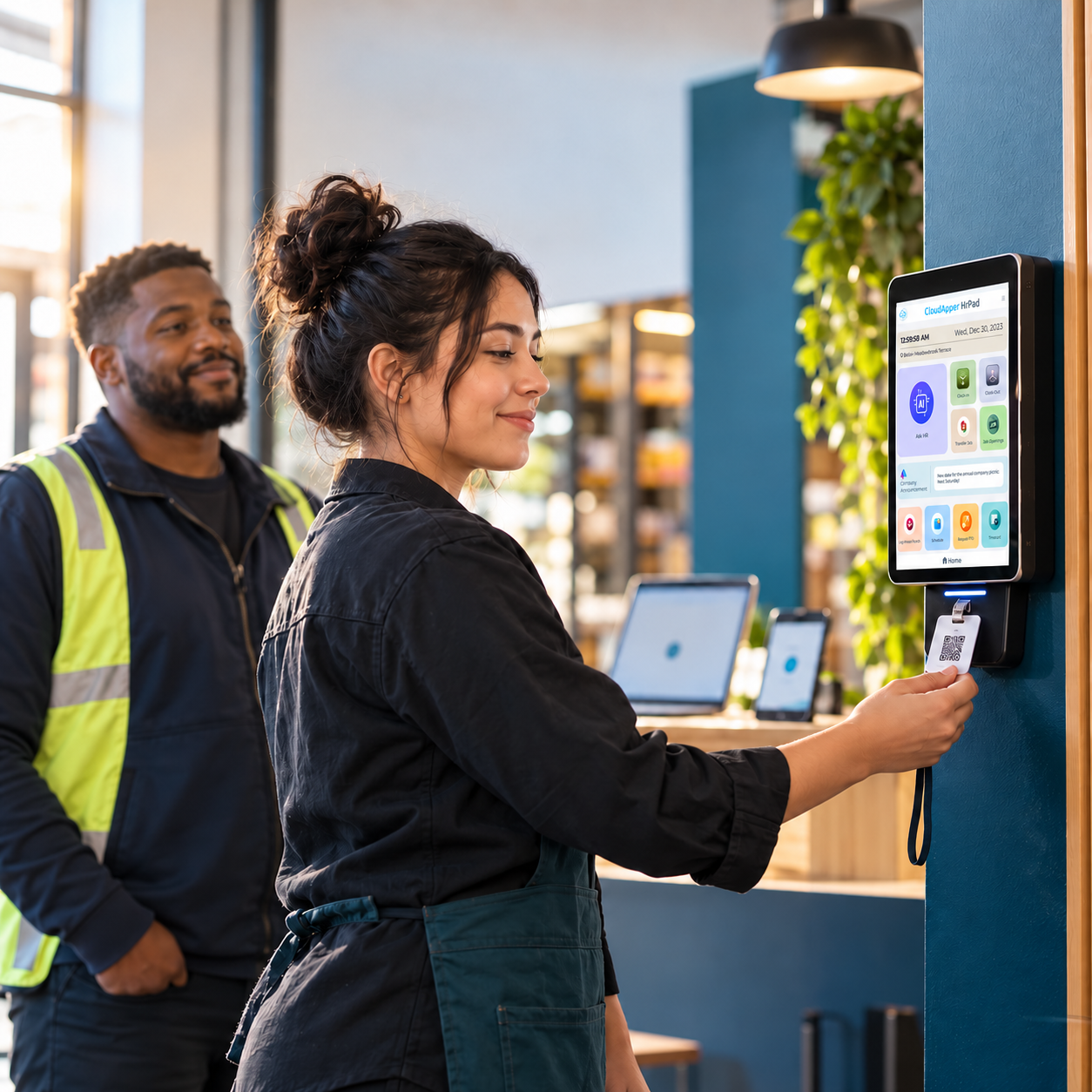
Hybrid HR breaks down when remote and on-site employees get inconsistent experiences. Here's how CloudApper hrPad keeps self-service consistent across both — without the invented case-study numbers.

Table of Contents
Hybrid teams create a specific coordination problem: on-site employees and remote employees need the same information, at the same time, without HR maintaining two separate processes for the same policies. That’s where a lot of “hybrid HR” tooling quietly breaks down — not from lack of features, but from maintaining parallel systems.

The stakes for getting this right are well established. Gallup’s long-running meta-analysis of employee engagement found that highly engaged business units see roughly 21% greater profitability and higher customer ratings compared to less engaged ones — and hybrid work makes consistent engagement harder to maintain by default.
What CloudApper hrPad does for hybrid teams
- One self-service experience for both groups: On-site employees use hrPad’s tablet or kiosk; remote employees reach the same self-service tools from their own device, so policies, PTO balances, and schedules stay consistent across both
- Task automation: Routine scheduling and time-tracking work is automated rather than manually reconciled between on-site and remote processes
- Customizable workflows: HR can configure hrPad differently for different sites or teams without needing separate systems
- Integration with Workday, Oracle, or UKG: Hybrid workforce data lands in the same system of record, whether the employee clocked in on-site or logged a remote check-in
Where the real gains show up
The honest version of the benefit isn’t a single case-study number — it’s fewer inconsistencies between how remote and on-site employees experience HR. When both groups get the same self-service tools and the same response time from HR, that’s what actually protects engagement scores during a hybrid transition, rather than any one automated feature on its own.
FAQ
Does hrPad work the same way for remote and on-site employees?
Yes — on-site employees typically use a shared tablet or kiosk, while remote employees access the same self-service tools from their own device, keeping the experience consistent across both.
Can hrPad be configured differently for different teams or locations?
Yes, through its no-code configuration layer, HR can adjust workflows per site or team without needing a separate system for each.
Common mistakes when rolling out hybrid HR tools
- Building two separate processes: One for on-site employees and one for remote employees is the fastest way to create the inconsistency that erodes trust in HR during a hybrid transition.
- Skipping the policy review: Hybrid scheduling often surfaces gaps in existing policy language (who approves remote PTO, how on-call rotations work across time zones) that weren’t a problem when everyone worked the same way.
- Rolling out without training both groups: On-site and remote employees may need different onboarding to the same tool, since their day-to-day touchpoints with it differ.
What “unified” actually means in practice
Unified hybrid HR doesn’t mean one dashboard for HR to look at — it means one experience for employees, regardless of where they’re working from. That’s the distinction worth holding onto when evaluating any hybrid HR tool: does it reduce the number of separate processes HR maintains, or does it just add a new one on top of the old ones?
See hrPad’s employee self-service kiosk, or book a demo for your hybrid workforce.

What is CloudApper AI Platform?
CloudApper AI is an advanced platform that enables organizations to integrate AI into their existing enterprise systems effortlessly, without the need for technical expertise, costly development, or upgrading the underlying infrastructure. By transforming legacy systems into AI-capable solutions, CloudApper allows companies to harness the power of Generative AI quickly and efficiently. This approach has been successfully implemented with leading systems like UKG, Workday, Oracle, Paradox, Amazon AWS Bedrock and can be applied across various industries, helping businesses enhance productivity, automate processes, and gain deeper insights without the usual complexities. With CloudApper AI, you can start experiencing the transformative benefits of AI today. Learn More
- Useful Links:
- Agentic AI
- No-Code/Low-Code
- Custom Software
- HCM Personalization
- iPaaS
- FedRAMP

Brochure
CloudApper hrPad
Empower Frontline Employees with an AI-Powered Tablet/iPad Solution
Download Brochure
CloudApper AI Solutions for HR



- Works with








- and more.
Similar Posts
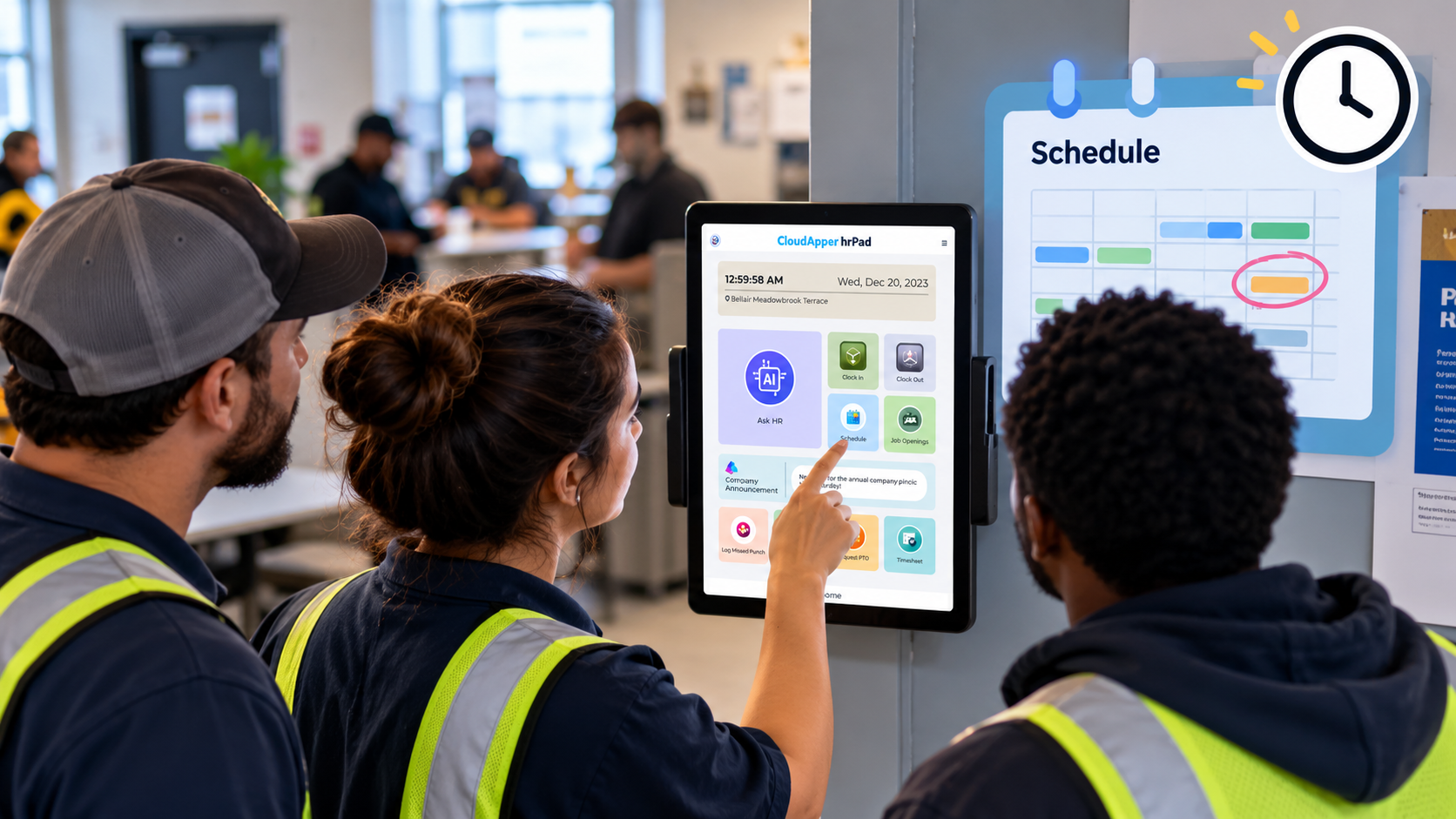
How Far in Advance Do You Have to Post Employee…
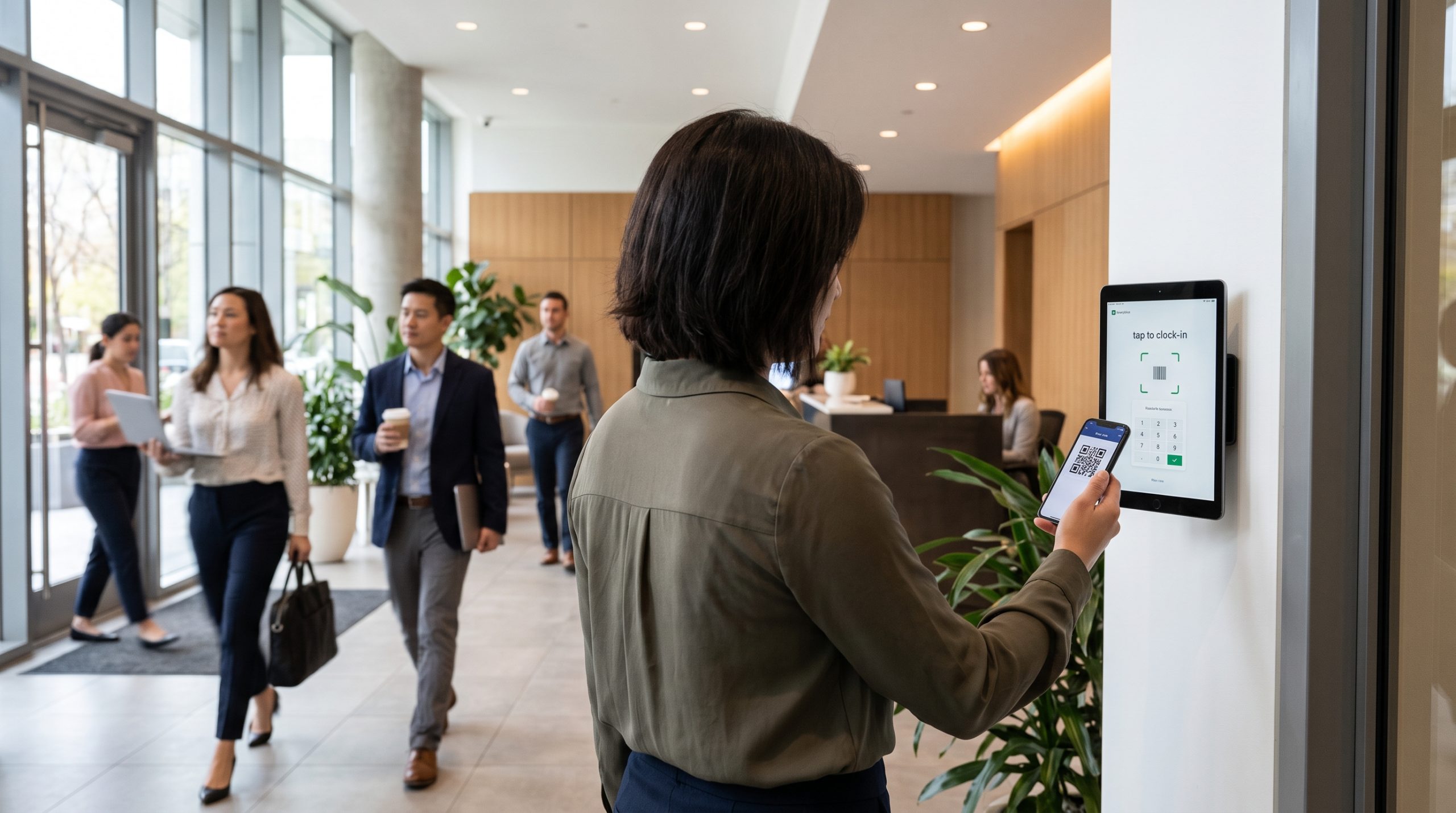
Return-to-Office Attendance Tracking: What Employers Get Wrong in 2027