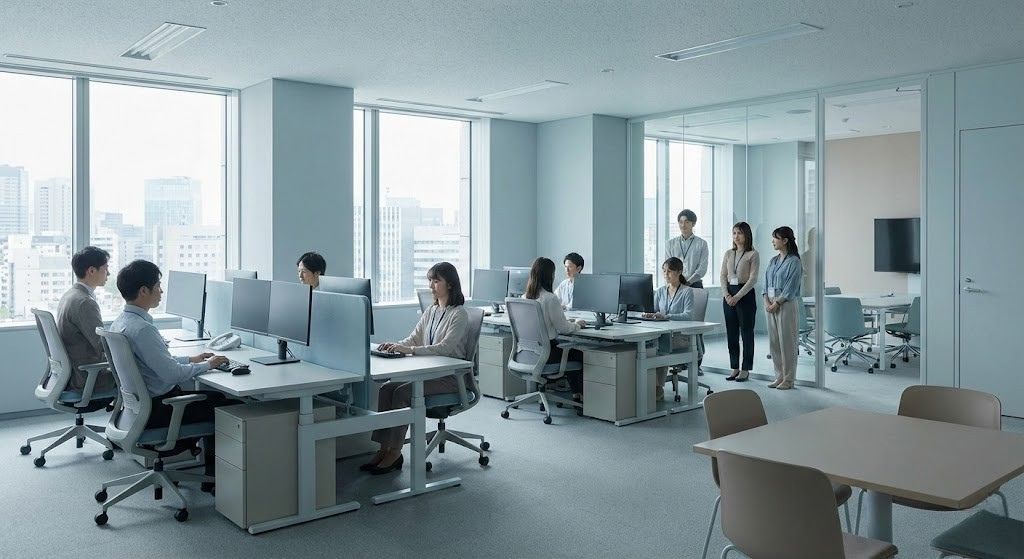
Municipal crews start at the yard, work across town and rarely have a city email. A shared self-service kiosk lets them clock in, check comp time, request leave and get HR answers. Punches and balances sync with the HR system you already use.

TL;DR
- Put a shared tablet kiosk at each yard so crews without a city email can use HR self-service.
- Let crews clock in with face match or QR code, with geofencing on job sites and offline punches at remote sites.
- Show comp time and PTO balances at the kiosk so crews can plan leave before they hit the FLSA cap.
- Roll out one yard at a time and keep payroll and HR in your existing HR system.
Table of Contents
- Why municipal crews miss out on self-service
- What self-service kiosks for public works should handle
- How CloudApper’s Employee Self-Service Kiosk brings it all together
- Conclusion
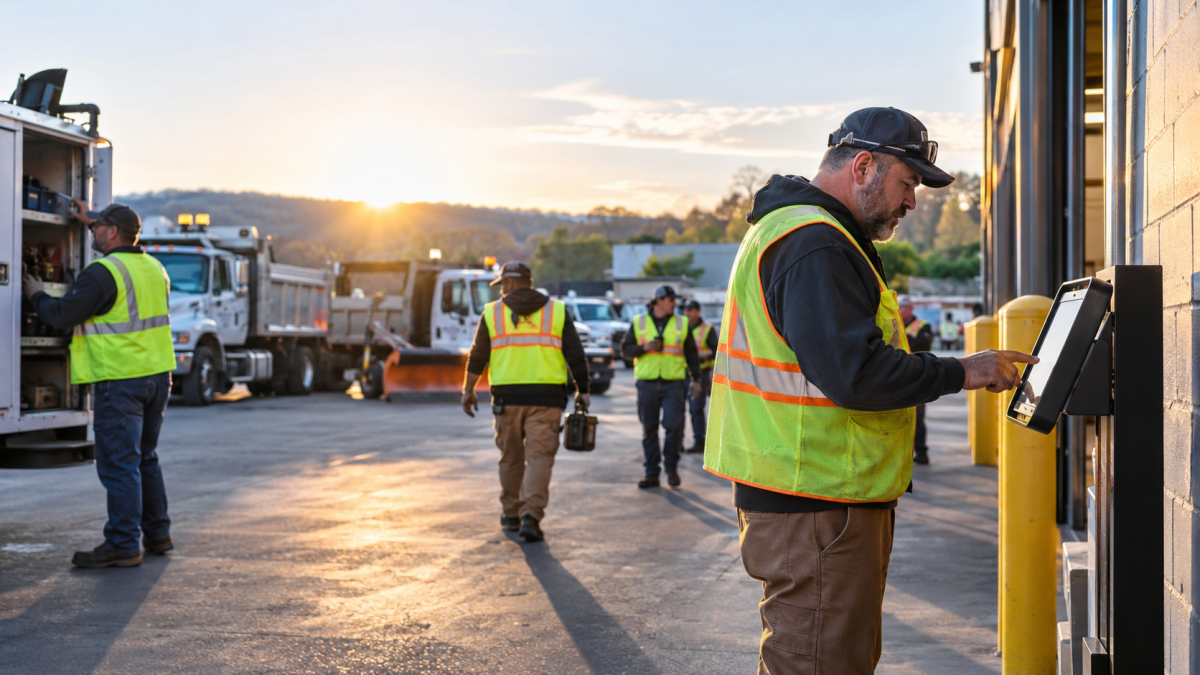
A street crew reports to the yard at 6 AM. Then they spend the day on job sites across town, often moving to a new site more than once. Most crew members have no city email or laptop, so a question about compensatory (comp) time or next week’s schedule becomes a phone call to a supervisor or a trip to HR. Self-service kiosks for public works solve this. CloudApper AI’s Employee Self-Service Kiosk brings HR self-service to the crew. The tablet can stay mounted at the yard, or the crew lead can carry it from site to site. Either way, crews can clock in, track their hours and job progress, check balances, request time off and ask HR questions wherever they work. Compatible with all major HR systems like UKG, Oracle, Dayforce, and Workday, the kiosk sends that data straight back to the HR system at your main office, so everything stays in sync.
Why municipal crews miss out on self-service
Local governments outside education employ about 7 million people, according to BLS data. Public works crews are among them. They work in streets, water, sanitation, parks and fleet maintenance. Their day starts at a yard and ends somewhere else. Three things make self-service hard for them:

- Many have no city email or device, so a portal login is one more password they rarely use.
- They work across several yards, plants and remote sites, and some sites have weak internet.
- Comp time, union rules and call-outs create more questions than a supervisor can answer.
What self-service kiosks for public works should handle
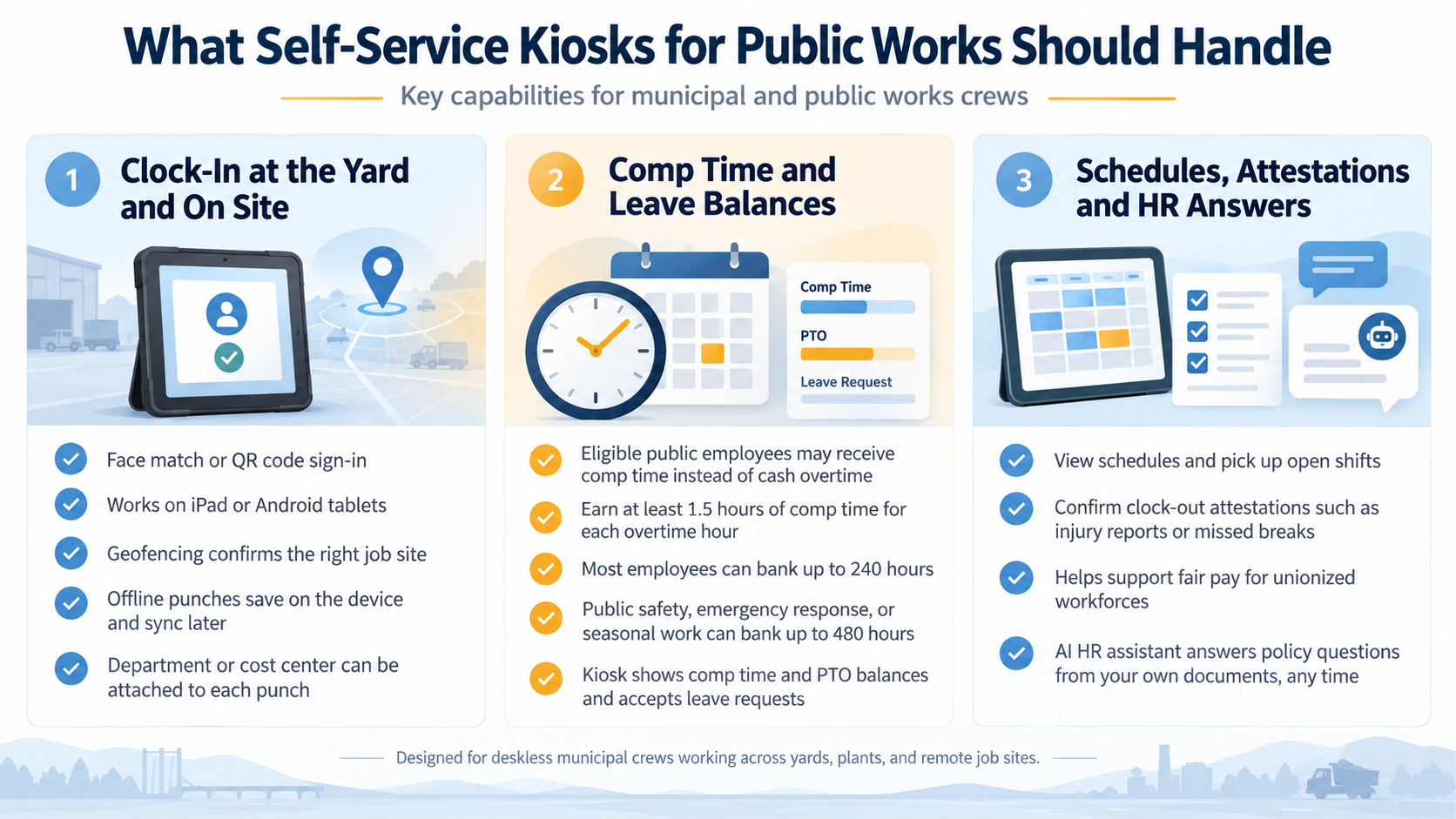
Clock-in at the yard and on site
Crews clock in with face match or a QR code. The tablet can be an iPad or an Android device. For crews who start at a job site, geofencing checks that they clocked in from the right place. Remote sites can use offline-capable time clocks. Punches save on the tablet and sync when the internet comes back. Each punch can also carry a department or cost center, so labor is charged to the right fund.
Schedules, attestations and HR answers
Employees can view schedules and pick up open shifts at the kiosk. At clock-out, they can confirm attestations, such as reporting an injury or a missed break. These records help you show fair pay for unionized workforces. An AI HR assistant in the time clock answers policy questions from your own documents, at any hour.
How CloudApper’s Employee Self-Service Kiosk brings it all together
CloudApper’s Employee Self-Service Kiosk puts all of these tools on one iPad, Android or Windows tablet, while your HR system stays at the main office as the system of record. The tablet can stay mounted at the yard or ride with the crew lead from site to site. Picture a water department crew that clocks in at the yard at 6 AM, moves to a water main repair with no signal, and finishes at a pump station across town. The kiosk saves their punches offline, records the right cost center at each stop, and syncs everything to payroll once the truck is back in range. Most agencies roll out self-service kiosks for public works one yard at a time, starting where early shifts and HR calls are highest. A tablet in the break area helps too, because a digital hub for deskless workers only works when crews have time to use it.
Conclusion
Public works crews start at the yard, work across town and rarely use a computer. That is why portal-based self-service often goes unused. Self-service kiosks for public works give crews one place to clock in, confirm their location, punch offline, check comp time, request leave, view schedules, sign attestations and get HR answers. A yard-by-yard rollout keeps costs low because it uses standard tablets. CloudApper AI’s employee self service kiosk keeps payroll and HR in the system you already use, and it is compatible with all major HR systems like UKG, Oracle, Dayforce, and Workday.
To plan a pilot at your first yard, contact us.
FAQ
Do municipal crews need a city email to use a self-service kiosk?
No. Crews sign in with face match, or a QR Code. They don’t need a city email, a personal phone or a portal password.
Can the kiosk track FLSA comp time for public employees?
Yes. The kiosk records overtime hours and shows comp time balances. Employees and payroll can see how close each person is to the 240-hour or 480-hour cap.
What happens if a remote site loses internet?
The kiosk keeps saving punches offline. It syncs them to your HR system when the connection returns.
Can we track crew labor by department or fund?
Yes. Employees pick a department or cost center when they clock in. Hours go to the right fund before payroll runs.
What hardware do we need?
Any iPad or Android tablet works. Most agencies mount one tablet at each yard entrance or break area.

What is CloudApper AI Platform?
CloudApper AI is an advanced platform that enables organizations to integrate AI into their existing enterprise systems effortlessly, without the need for technical expertise, costly development, or upgrading the underlying infrastructure. By transforming legacy systems into AI-capable solutions, CloudApper allows companies to harness the power of Generative AI quickly and efficiently. This approach has been successfully implemented with leading systems like UKG, Workday, Oracle, Paradox, Amazon AWS Bedrock and can be applied across various industries, helping businesses enhance productivity, automate processes, and gain deeper insights without the usual complexities. With CloudApper AI, you can start experiencing the transformative benefits of AI today. Learn More
- Useful Links:
- Agentic AI
- No-Code/Low-Code
- Custom Software
- HCM Personalization
- iPaaS
- FedRAMP

Brochure
CloudApper hrPad
Empower Frontline Employees with an AI-Powered Tablet/iPad Solution
Download Brochure
CloudApper AI Solutions for HR



- Works with








- and more.
Similar Posts

How to Notify Frontline Employees About Unpaid Leave Before They…
Why UKG Pro Employee Self Service Adoption Struggles and How…